Customer Ratings & Reviews
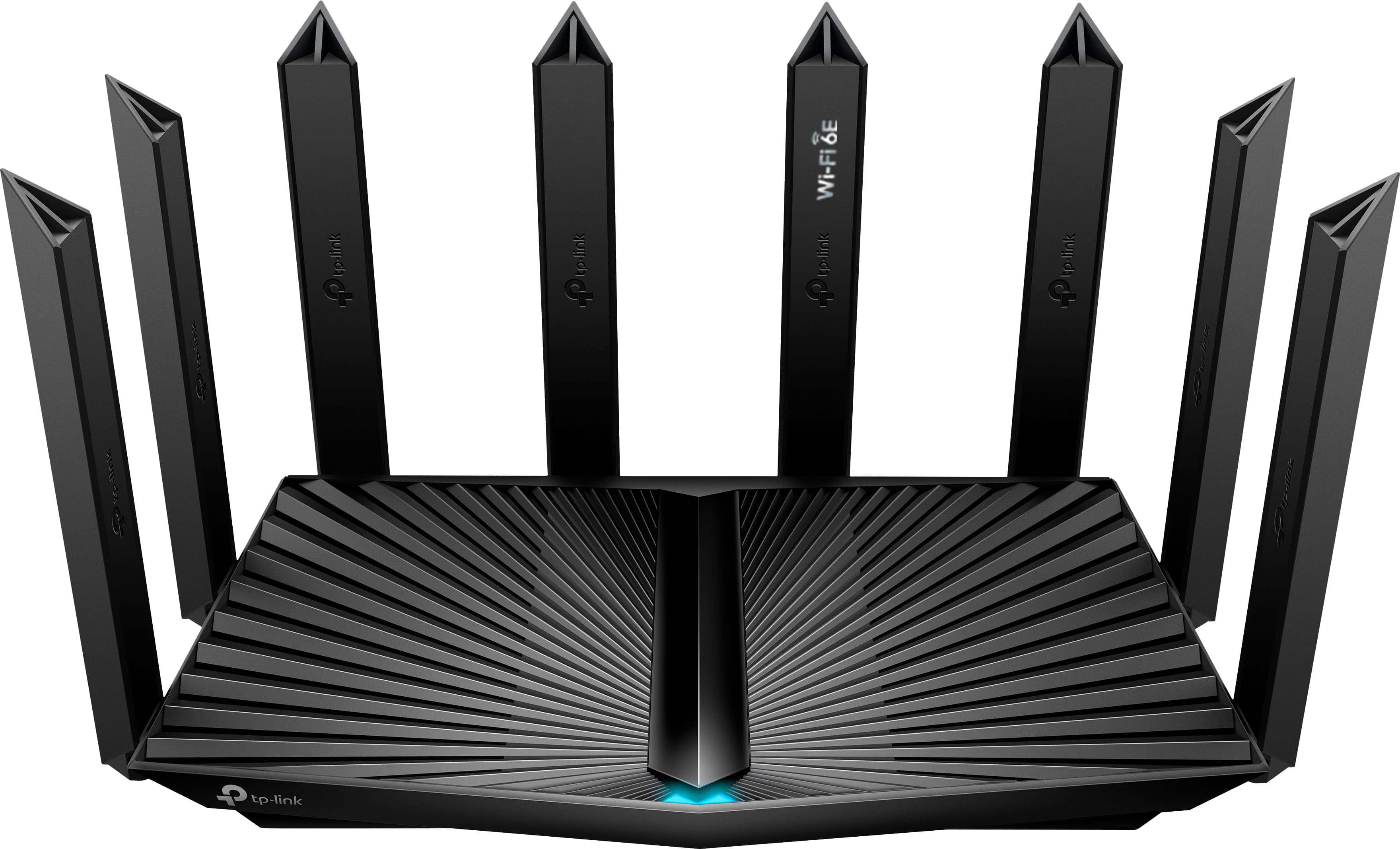
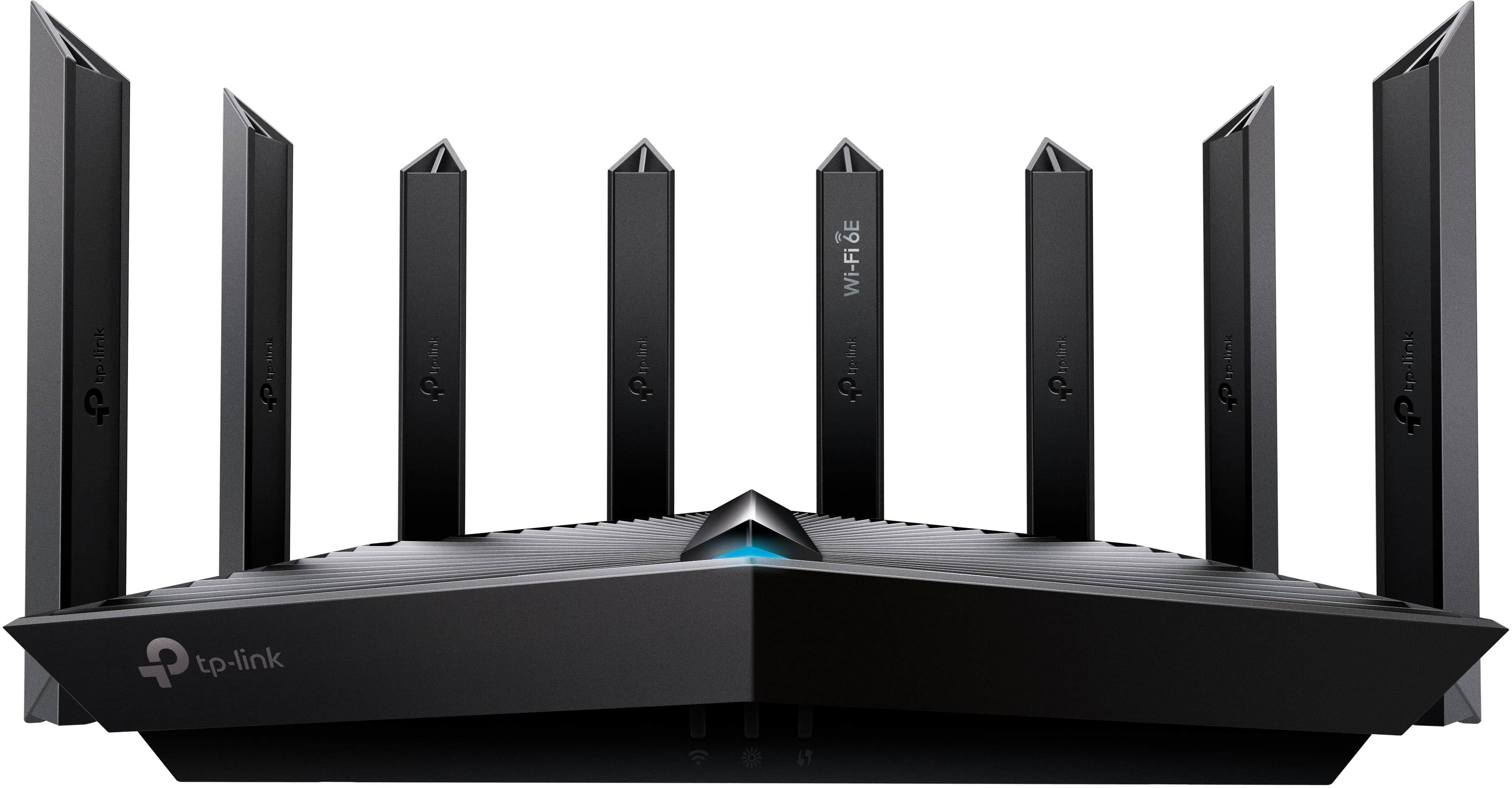

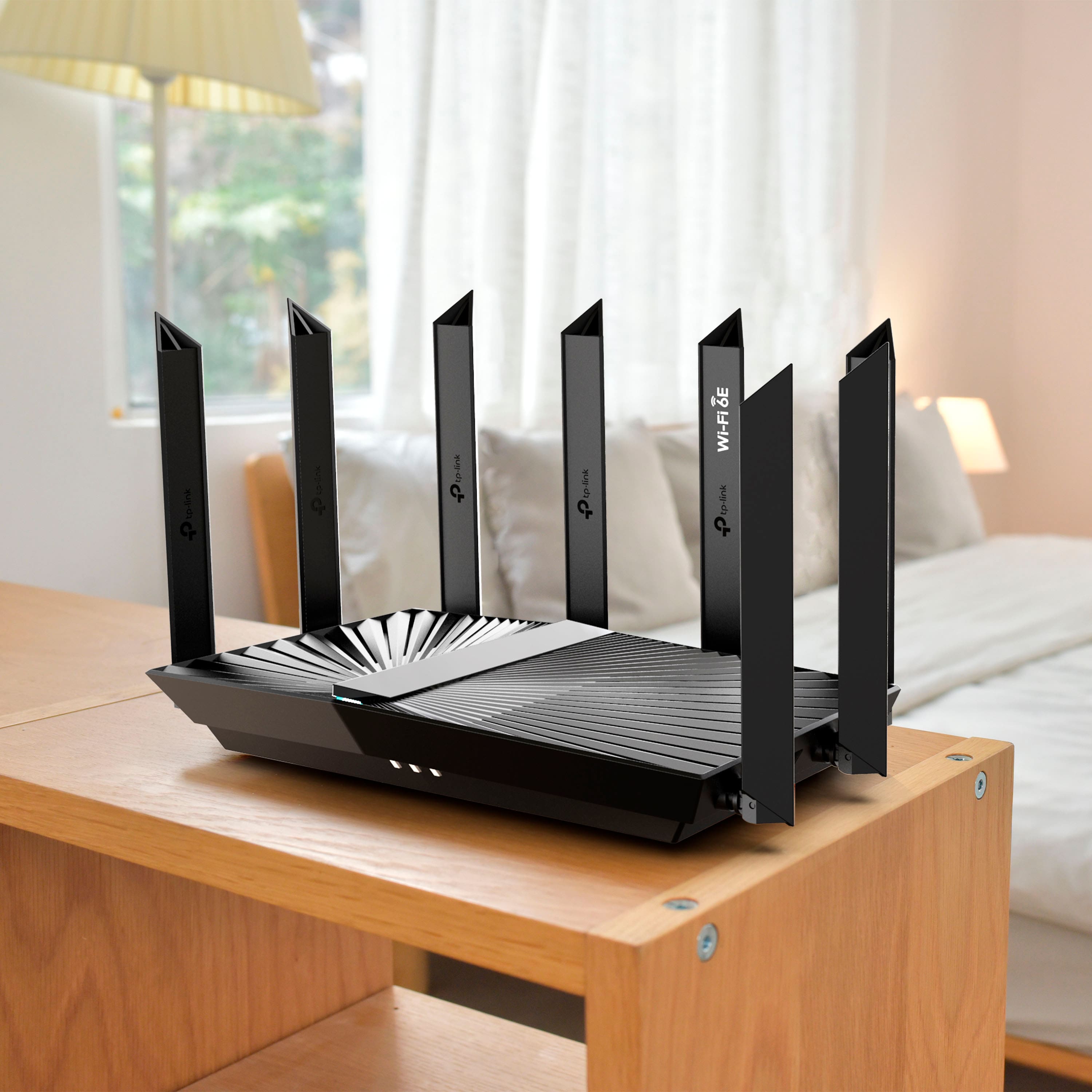
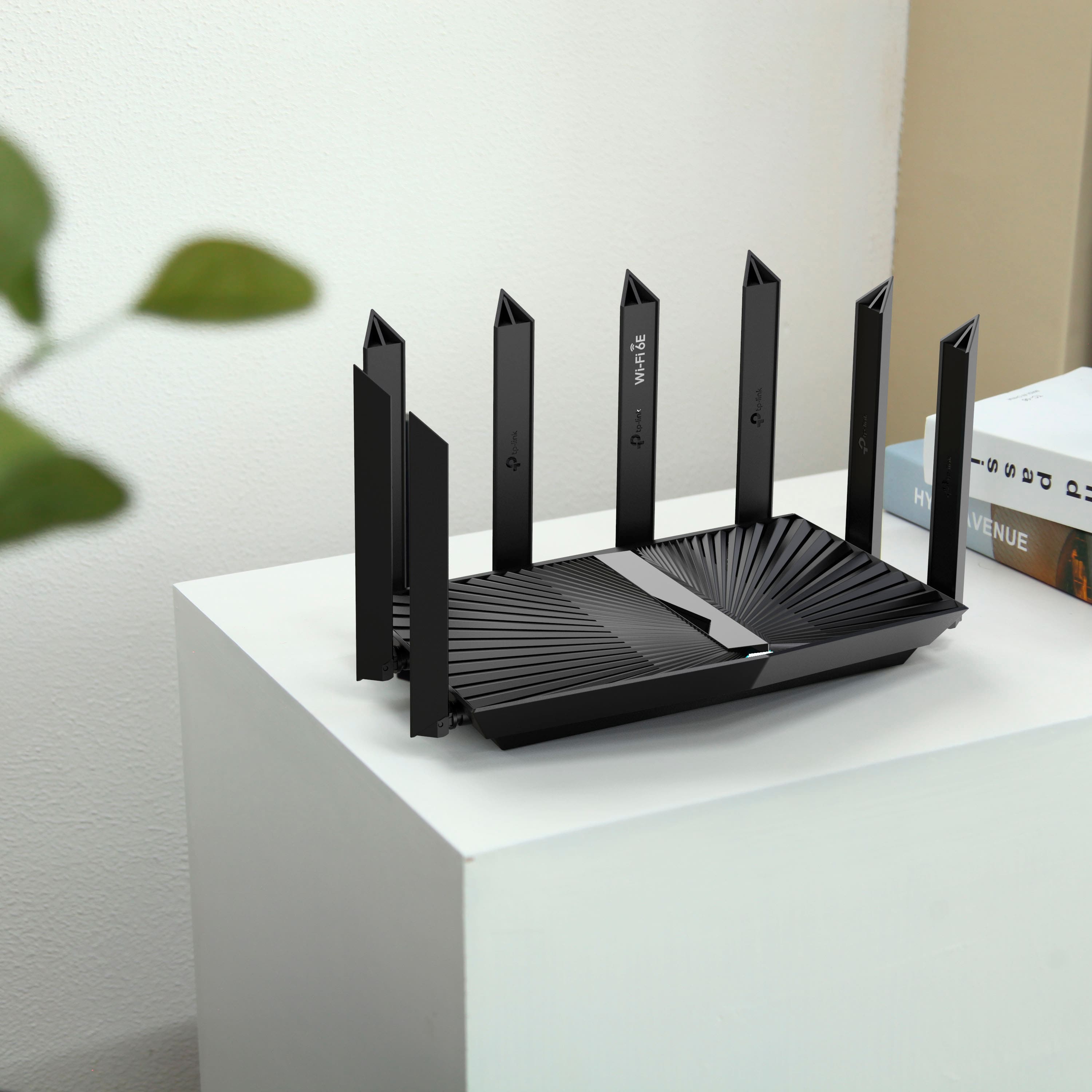
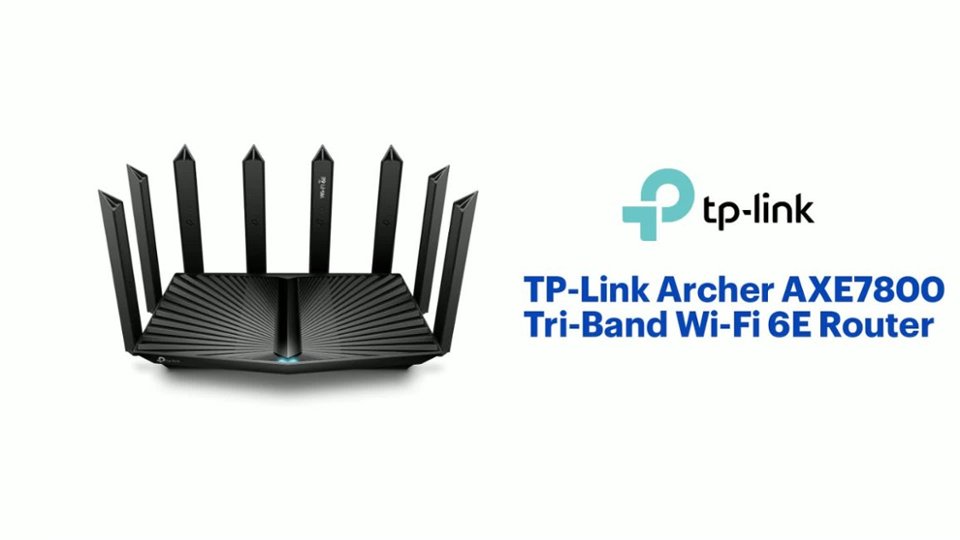
- Model:
- Archer AXE7800
- SKU:
- 6522470
Rating by feature
- Setup
Rating 4.7 out of 5 stars
- Range
Rating 4.7 out of 5 stars
- Signal Strength
Rating 4.7 out of 5 stars
Customers are saying
Customers frequently mention the Archer AXE7800 Tri-Band Wi-Fi 6E Router's speed, performance, and range as significant benefits, with many noting improved connectivity and strong signal strength. The ease of setup and use are also appreciated, making it a user-friendly option. While some find the size a bit bulky and note the limited availability of Wi-Fi 6E devices, the overall sentiment is positive.
This summary was generated by AI based on customer reviews.
Best Wifi money can buy
||Posted . Owned for 1 month when reviewed.This reviewer received promo considerations or sweepstakes entry for writing a review.Very satisfied, excellent connection no down time!
I would recommend this to a friendgood
||Posted . Owned for 1 week when reviewed.This reviewer received promo considerations or sweepstakes entry for writing a review.Rung bery good. Have good single. Inused ij office
I would recommend this to a friend- Cons mentioned:Wi-fi 6e
8 antennas for no range
||Posted . Owned for less than 1 week when reviewed.This reviewer received promo considerations or sweepstakes entry for writing a review.I purchased this router because the one i got from my ISP hardly reached my second floor. I saw the reviews that the coverage and range were good so i purchased. It is somehow worse than my original router. Do not buy if you want to increase the range of your wifi
No, I would not recommend this to a friendBrand response from TPLinkSupport
Posted .Hi,
Thank you for your review. To ensure the best possible signal, it is important to ensure placement is as optimal as possible. Reducing obstructions and placing the router in a central location will help ensure your signal reaches the needed areas.
For the best performance of your wireless router, it's recommended to check and update its firmware. This can be easily done by following the steps outlined in FAQ 2139 on our official website: https://www.tp-link.com/us/support/faq/2139/
If you would like assistance with any of these steps, please get in touch with our support team using any of the resources included with the product or from our official website, and we'll gladly have a Support Agent follow up with you directly.
Thank you,
TP-Link Support
Good Reception, very very short lived
||Posted . Owned for 1 week when reviewed.This reviewer received promo considerations or sweepstakes entry for writing a review.Connectivity was good for two days and than drastically declined. Device was hot to the touch and required multiple reboots, forced firmware updates which in the end rendered it unusable.
No, I would not recommend this to a friendBrand response from TPLinkSupport
Posted .Hi,
Thank you for your review. While it is normal for the router to run relatively warm while in use, it should not be excessively hot to the touch. Your TP-Link router comes with a manufacturer's warranty, and we would greatly appreciate the opportunity to help address your concerns. At your convenience, please contact our support team using any of the resources included with the product or from our official website, and we'll gladly have a Support Agent follow up with you directly.
Thank you,
TP-Link Support
Fast
||Posted . Owned for 3 weeks when reviewed.This reviewer received promo considerations or sweepstakes entry for writing a review.Good wifi. Faster than my old one. Highly recommend it
I would recommend this to a friendNot worth it spend more for better product
||Posted .This reviewer received promo considerations or sweepstakes entry for writing a review.Need subscription not secure this router. 'Just doesn't cut it spend some more money and get something reliable. That does not have a subscription service for security
No, I would not recommend this to a friendBrand response from TPLinkSupport
Posted .Hi PhilipD,
Thank you for your review. The TP-Link Archer AXE7800 Wi-Fi 6E Router is equipped with security mechanisms that meet or exceed the industry standard for home Wi-Fi networks. For example, SPI Firewall and WPA3 Encryption, among others. The subscription you referenced is for additional, optional security mechanisms offered by our HomeShield service, which provides an additional layer of security for web browsing, intrusion, and IoT protection - all while offering enhanced QoS, Parental Control, and Network Reporting capabilities. For more information about TP-Link HomeShield, please visit our official website: https://www.tp-link.com/us/homeshield/
Our support team is always available and happy to assist with any questions you may have about our products. Feel free to contact us through any of the resources provided with the product or on our official website, and a Support Agent will follow up with you directly.
Thank you,
TP-Link Systems Support
Use at your own risk!
||Posted . Owned for 1 week when reviewed.This reviewer received promo considerations or sweepstakes entry for writing a review.Was looking for a new router and I have been used ASUS routers, but seen this TP-LINK AEX7800 router and read the reviews and details. Ordered and 30 minutes later, canceled the order. I noticed that TP-LINK has not update the firmware on this (and most other) TP-LINK routers. A google search shows others with the same issue (no updates.) It seems security is on the low list of TP support.
No, I would not recommend this to a friendBrand response from TPLinkSupport
Posted .Hi,
Thank you for your review. The Archer AXE7800 is designed to provide your home network with fast, reliable Wi-Fi 6E connectivity. The router's firmware is actively developed and released as needed for performance and security optimizations, as well as feature additions.
We regret to hear you decided to cancel your order. You can find detailed firmware release notes on our official website.
If you're ever curious about a TP-Link product or its features, our support team is always happy to help. Please feel free to reach out using any of the resources included with the product, or from our official website, and we'll gladly have a Support Agent follow up with you directly.
Thank you,
TP-Link Support
Not that great
||Posted . Owned for 1 week when reviewed.This reviewer received promo considerations or sweepstakes entry for writing a review.This is a very obvious unit to have out in an open area. Signal was not as strong as I would have expected and would not hit all areas of my home. Returned it and bought a mesh system which is far better.
No, I would not recommend this to a friendBrand response from TPLinkSupport
Posted .Hi,
Thank you for your review. To ensure the best possible signal, it is important to make sure placement is as optimal as possible. Reducing obstructions and placing the router in a central location will help ensure your signal reaches the areas you need.
To ensure optimal performance of your wireless router please check, and if needed, update its firmware using the steps outlined in FAQ 2139 on our official website: https://www.tp-link.com/us/support/faq/2139/
If you would like assistance with any of these steps, please reach out to our free support team using any of the resources included with the product, or from our official website, and we'll gladly have a Support Agent follow up with you directly.
Thank you,
TP-Link Support
Horrible
||Posted . Owned for 1 month when reviewed.This reviewer received promo considerations or sweepstakes entry for writing a review.Horrible product. If I can give it a zero rating I would. The internet keeps dropping no matter what part of the house I'm in. I can be right next to it and it will drop. This is particularly frustrating when you zoom almost every day. I would have returned the product but the return period is over. I ended up getting the Netgear and its so much better. Bottom line as soon as you notice the product is bad, just return it. Don't try to troubleshoot it.
No, I would not recommend this to a friendBrand response from TPLinkSupport
Posted .Hello Aloha
We would actually recommend troubleshooting the product, specifically with TP-Link. This is because we can help you identify the source of the concern. If its the router and its an issue covered under the product's limited warranty we will be able to help walk you though the process of getting a replacement. If you still have the product and want to troubleshoot please contact [email protected]
Best Regards
TP-Link Systems Support.
Random Disconnects
||Posted . Owned for less than 1 week when reviewed.This reviewer received promo considerations or sweepstakes entry for writing a review.Great router when it wants to work. Had problems keeping laptops connected to it. It would randomly not allow them to connect.
No, I would not recommend this to a friendBrand response from TPLinkSupport
Posted .Hi,
Thank you for your review. To ensure the best possible signal, it is important to make sure placement is as optimal as possible. Reducing obstructions and placing the router in a central location will help ensure your signal reaches the areas you need.
To ensure optimal performance of your wireless router, please check, and if needed, update its firmware using the steps outlined in FAQ 2139 on our official website: https://www.tp-link.com/us/support/faq/2139/
If you would like assistance with any of these steps, please reach out to our support team using any of the resources included with the product, or from our official website, and we'll gladly have a Support Agent follow up with you directly.
Thank you,
TP-Link Support
Didn't work for me
||Posted . Owned for 3 weeks when reviewed.This reviewer received promo considerations or sweepstakes entry for writing a review.I found several issues with setting up this router and when I finally finished, I had no better coverage than the router that was issued with my cable internet subscription. I've returned the unit and went to a mesh system to provide coverage for my business.
No, I would not recommend this to a friendBrand response from TPLinkSupport
Posted .Hi,
Thank you for your review. We regret to hear you have returned the router.
Generally, to ensure the best possible signal, it is important to make sure placement is as optimal as possible. Reducing obstructions and placing the router in a central location will help ensure your signal reaches the areas you need.
To ensure optimal performance of your wireless router, we always recommend ensuring its firmware is fully up to date using the steps outlined in FAQ 2139 on our official website: https://www.tp-link.com/us/support/faq/2139/
If you have any questions about our products in the future, please reach out to our support team using any of the resources included with the product, or from our official website, and we'll gladly have a Support Agent follow up with you directly.
Thank you,
TP-Link Support
Not what expected of this router with high reviews
||Posted . Owned for less than 1 week when reviewed.This reviewer received promo considerations or sweepstakes entry for writing a review.Purchases router a few days ago connect all my devices and all devices have low speed had a Netgear before speed was double. Seen reviews with high speed on this router but after a few days with it the router has very low speed and doesn't reach to the other side of my house. Houses only 1500 ft².. save your money and buy a different router. Even devices right next to the router are very low speed.
No, I would not recommend this to a friendBrand response from TPLinkSupport
Posted .Hi,
Thank you for your review. Wireless signal and connection can be optimized in multiple ways to ensure you get the most out of your router. To ensure optimal performance of your wireless router please check, and if needed, update its firmware using the steps outlined in FAQ 2139 on our official website: https://www.tp-link.com/us/support/faq/2139/
If you would like assistance with any of these steps, please reach out to our free support team using any of the resources included with the product, or from our official website, and we'll gladly have a Support Agent follow up with you directly.
Thank you,
TP-Link Support
Constant issues with ATT modem
||Posted . Owned for 2 weeks when reviewed.This reviewer received promo considerations or sweepstakes entry for writing a review.Have ATT modem set in passthrough to use this as it was supposed to work just fine. Can run 5ghz and 6ghz great but 2.4ghz never works. Constant drops of signal and device loses internet consistently. Setup is exactly how it should be in passthrough mode, different SSID's for different bands of wifi/devices but constantly drops all bands or wont allow devices to connect. Hardwired into PC and still loses internet when online so not just a wifi thing. Have tried everything ATT and TP Link suggested in Tether App to get it to work but no success.
No, I would not recommend this to a friendBrand response from TPLinkSupport
Posted .Hello Austin,
It sounds like you have already worked with TP-Link Support, but if not, this is something that we would definitely want to troubleshoot. Please contact support at your earliest convenience so we can address this concern and also offer a next step or resolution. Support is available 24/7 and for free via phone, chat and email.
Archer
||Posted . Owned for 1 month when reviewed.This reviewer received promo considerations or sweepstakes entry for writing a review.This router was not strong enough from my needs. I had to return and purchase the eero
No, I would not recommend this to a friendBrand response from TPLinkSupport
Posted .Hi,
Thank you for your review. To ensure the best possible signal, it is important to make sure placement is as optimal as possible. Reducing obstructions and placing the router in a central location will help ensure your signal reaches the areas you need.
To ensure optimal performance of your wireless router, please check, and if needed, update its firmware using the steps outlined in FAQ 2139 on our official website: https://www.tp-link.com/us/support/faq/2139/
Depending on the size and layout of your home, we also suggest considering our Deco Mesh Wi-Fi product solutions.
If you would like assistance with any of these steps, please reach out to our free support team using any of the resources included with the product, or from our official website, and we'll gladly have a Support Agent follow up with you directly.
Thank you,
TP-Link Support
- Cons mentioned:Wi-fi 6e
Didn’t work for me.
||Posted . Owned for 1 month when reviewed.This reviewer received promo considerations or sweepstakes entry for writing a review.I installed and it made my wifi slower. But to be fair my area isn’t the best for wifi
No, I would not recommend this to a friendBrand response from TPLinkSupport
Posted .Hi,
Thank you for your review. To ensure the best possible signal, it is important to make sure placement is as optimal as possible. Reducing obstructions and placing the router in a central location will help ensure your signal reaches the areas you need.
To ensure optimal performance of your wireless router, please check, and if needed, update its firmware using the steps outlined in FAQ 2139 on our official website: https://www.tp-link.com/us/support/faq/2139/
If you would like assistance with any of these steps, please reach out to our free support team using any of the resources included with the product, or from our official website, and we'll gladly have a Support Agent follow up with you directly.
Thank you,
TP-Link Support
Bad Router
||Posted .This reviewer received promo considerations or sweepstakes entry for writing a review.For the 1st month, it worked outstanding. After the return window ended, wifi started to drop every device I had connected to it regularly. Even if you are in front of it, it would drop you. I wouldn't recommend this router.
No, I would not recommend this to a friendBrand response from TPLinkSupport
Posted .Hi AlvaroQ,
Thank you for your review. To achieve the best possible signal, proper placement is important. Reducing obstructions and positioning the router centrally will help ensure your signal reaches the necessary areas.
To ensure optimal performance of your wireless router, please check, and if needed, update its firmware using the steps outlined in FAQ 2139 on our official website: https://www.tp-link.com/us/support/faq/2139/
If you need help with any of these steps, contact our TP-Link support team through the resources included with the product or on our official website, and a Support Agent will follow up with you directly.
Thank you,
TP-Link Systems Support
Was was okay but not great
||Posted . Owned for 8 months when reviewed.This reviewer received promo considerations or sweepstakes entry for writing a review.Was an okay router, But my old router worked better decided to return this
No, I would not recommend this to a friendBrand response from TPLinkSupport
Posted .Hi,
Thank you for your review. To ensure the best possible signal, it is important to make sure placement is as optimal as possible. Reducing obstructions and placing the router in a central location will help ensure your signal reaches the areas you need.
To ensure optimal performance of your wireless router, please check, and if needed, update its firmware using the steps outlined in FAQ 2139 on our official website: https://www.tp-link.com/us/support/faq/2139/
If you would like assistance with any TP-Link products, please reach out to our free support team using any of the resources included with the product, or from our official website, and we'll gladly have a Support Agent follow up with you directly.
Thank you,
TP-Link Support
Not worth it and possibly getting banned.
||Posted . Owned for 3 months when reviewed.This reviewer received promo considerations or sweepstakes entry for writing a review.They put it on sale so I bought it cause I needed a new router. Shortly after I bought it they lowered the price again significantly and the government announced they will be possibly banning all tp link routers. The router is insanely slow for wifi speeds and doesn't achieve much for what it was described to do. Would highly not recommend this product.
No, I would not recommend this to a friendBrand response from TPLinkSupport
Posted .At TP-Link, security is not just a checkbox—it's a core pillar of our product strategy and corporate ethos. We fully acknowledge that vulnerabilities exist across the industry. However, contrary to claims of widespread vulnerabilities, comparative data places TP-Link on par with, or in some cases ahead of, other major industry players in terms of security outcomes. For example, public vulnerability data (sourced from recognized security repositories like CVE Details and VulDB) shows that TP-Link’s rate of vulnerabilities per product is significantly lower than those of other leading manufacturers. While vulnerability severity is important, we consistently address issues promptly. Those same sources show our average CVSS score—an industry-standard metric for vulnerability severity—is in line with other leading router and IoT manufacturers. To learn more, please visit: https://www.tp-link.com/us/landing/security-commitment/. As for your specific concern we do regret you are experiencing speed issues with your new router. There are several factors that can affect the speed of your network. It is possible to be a line or service issue. It can also be software related so pleas make sure to keep your router up to date. If you have concerns you can always reach out to support at [email protected]. -Best Regards, TP-Link Systems Inc. Technical Support Team
- Pros mentioned:Speed
2.4 GHz failure
||Posted . Owned for 3 months when reviewed.This reviewer received promo considerations or sweepstakes entry for writing a review.Slow speeds with home network failure at 2.4 GHz. Works perfectly at 5 GHz. Have spent hours trying to get this to work correctly and it seems like a huge waste of time.
No, I would not recommend this to a friendBrand response from TPLinkSupport
Posted .Hello T,
We would like to help with this. If you haven't already please reach out to support as soon as you are able to. Please go to our ofiicial website tp-link.com click on support and then contact technical support for options available. Support is free and available 24/7.
Failed after 4 hours
||Posted . Owned for 3 weeks when reviewed.This reviewer received promo considerations or sweepstakes entry for writing a review.Had this unit for about 4 hours before it started dropping signals both on mobile devices and my laptops. It might have been a faulty unit but it also took about an hour to get it up and running. I am fairly tech savvy and this one by far one of the worst routers to get setup. I ended up having to return it and swapped it out for a Linksys Mesh system instead. I wish it worked better since I have a lot of TP-Link Network equipment but I will never go with TP-Link when it comes to routers after my experience with this router.
No, I would not recommend this to a friendBrand response from TPLinkSupport
Posted .Hi,
Thank you for your review. To ensure the best possible signal, it is important to make sure placement is as optimal as possible. Reducing obstructions and placing the router in a central location will help ensure your signal reaches the areas you need.
To ensure optimal performance of your wireless router, please check, and if needed, update its firmware using the steps outlined in FAQ 2139 on our official website: https://www.tp-link.com/us/support/faq/2139/
We regret to hear you decided to return the router. Our support team is always happy to help address any questions or concerns you may have about our products. If you have any questions about your other TP-Link products in the future, please reach out to our support team using the support contact information on our official website, and we'll gladly have a Support Agent follow up with you directly.
Thank you,
TP-Link Support