Customer Ratings & Reviews
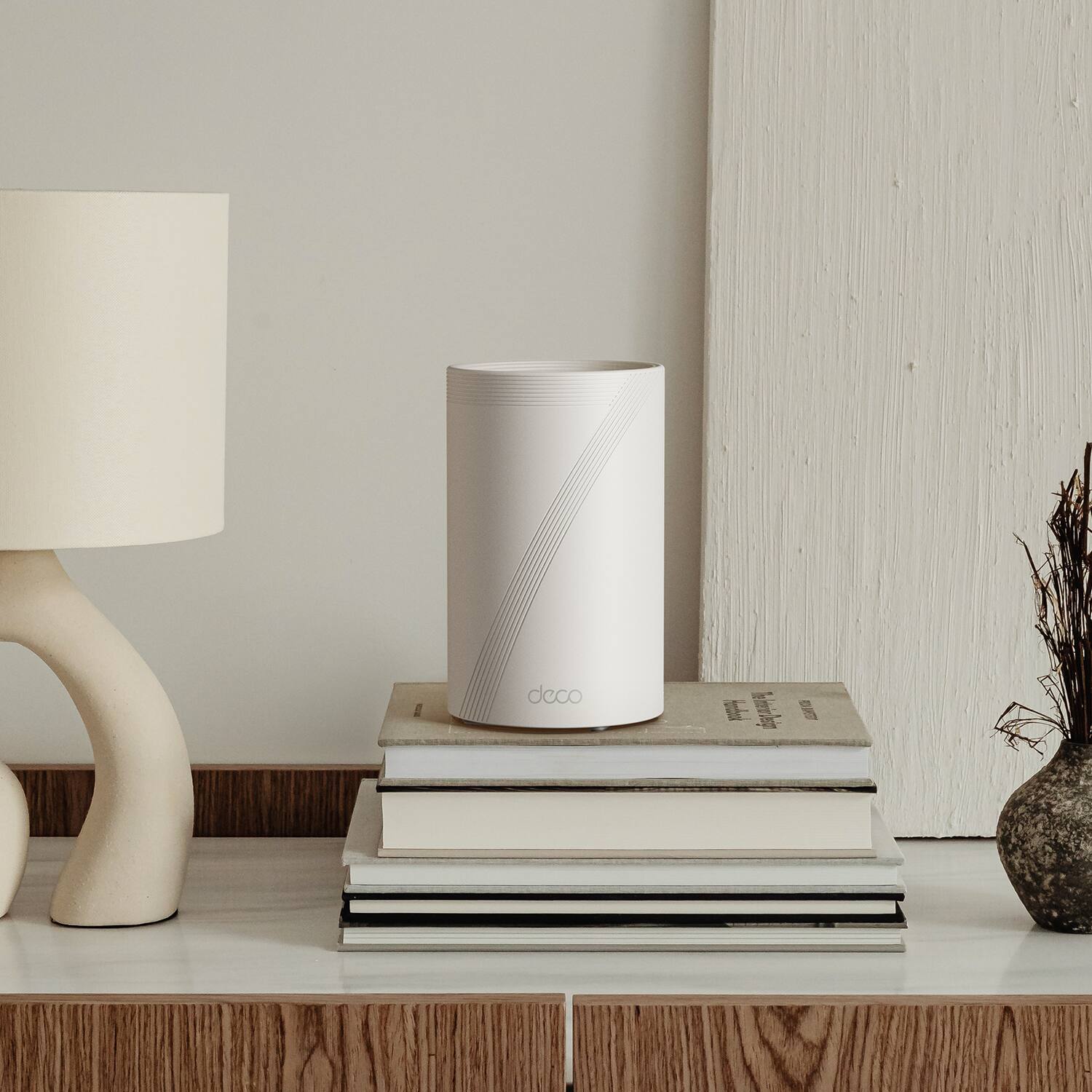
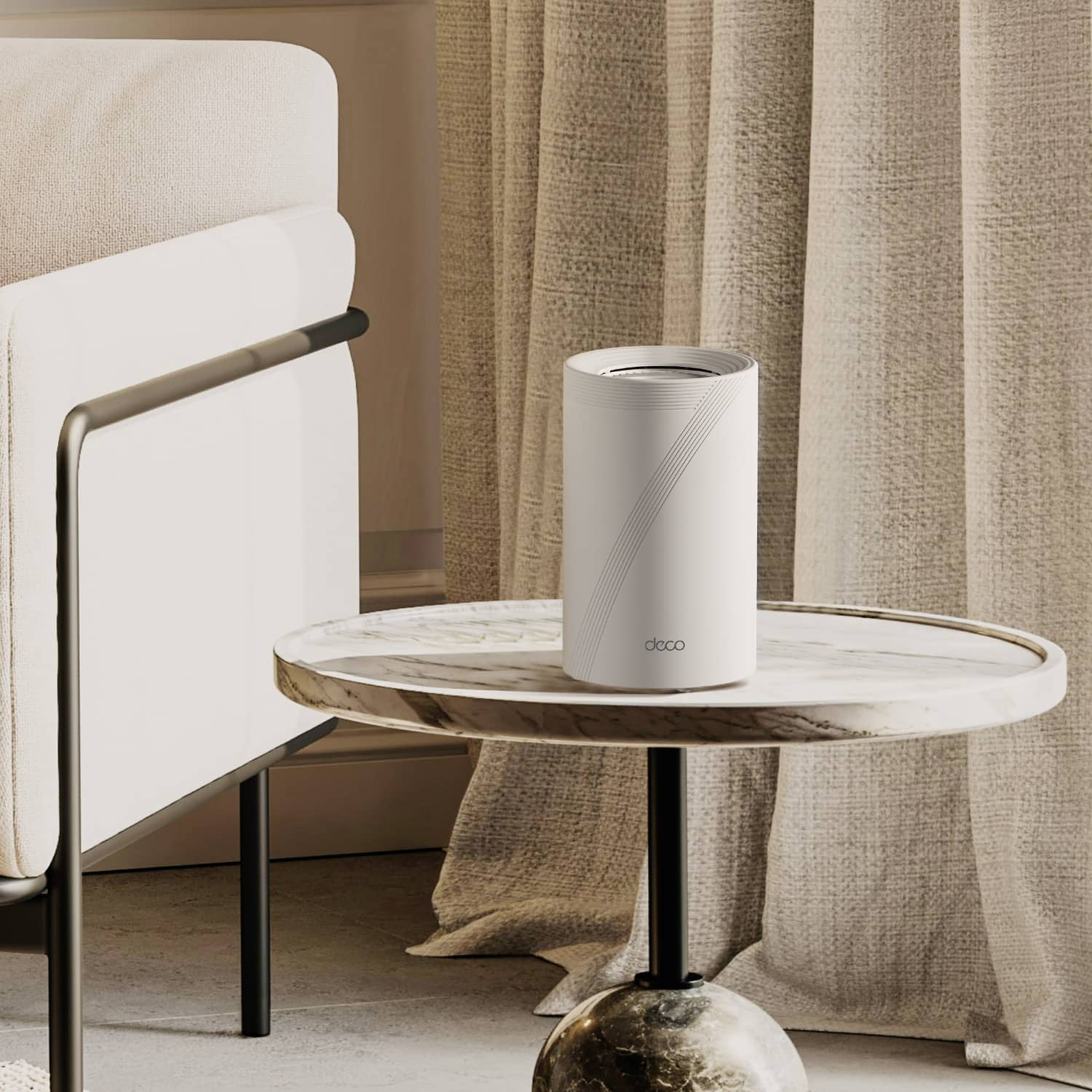

---
**HomeShield**
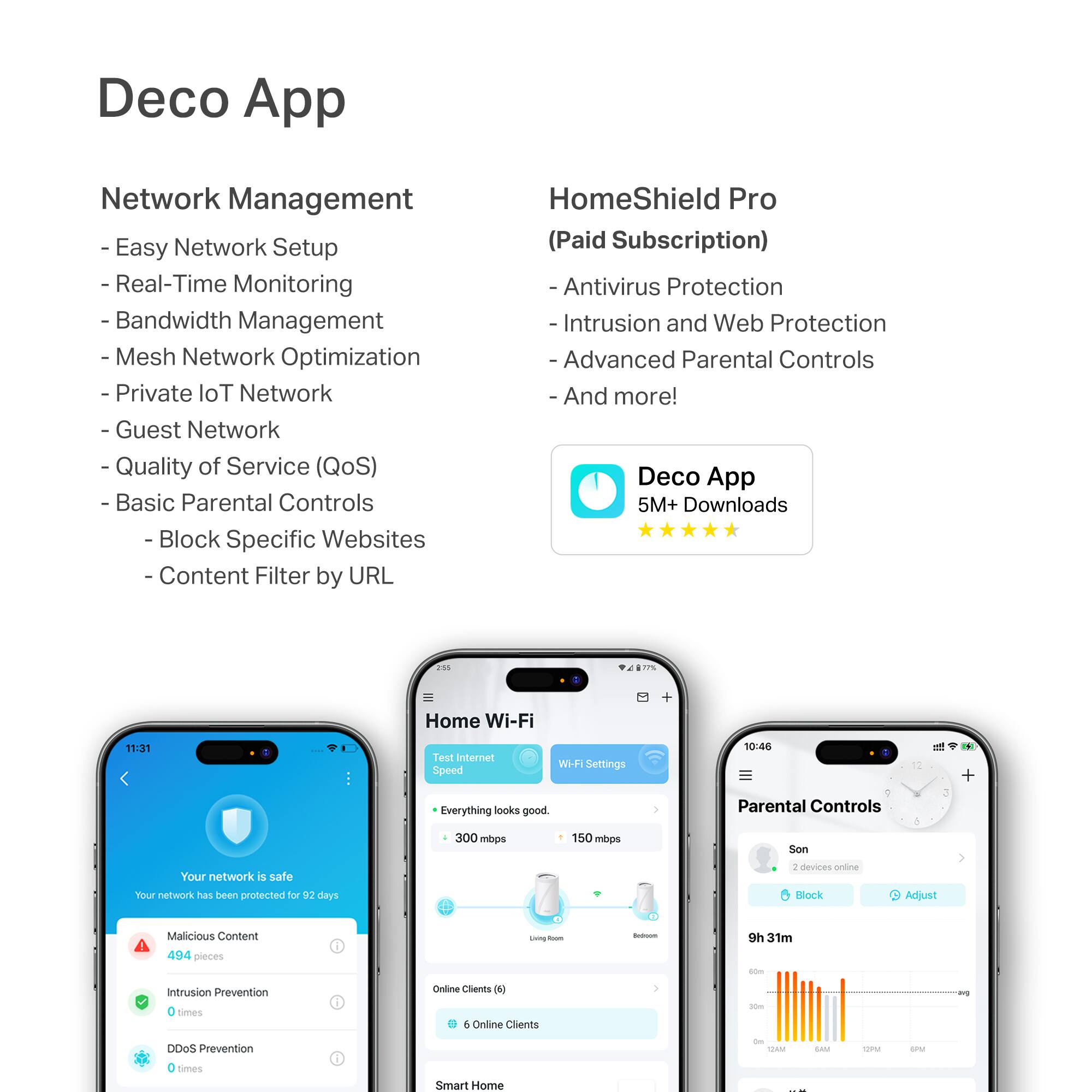
HomeShield is a built-in service, available in all HomeShield routers and Deco mesh products.
- Router Security Scan
- Wireless Security Scan
- IoT Device Identification
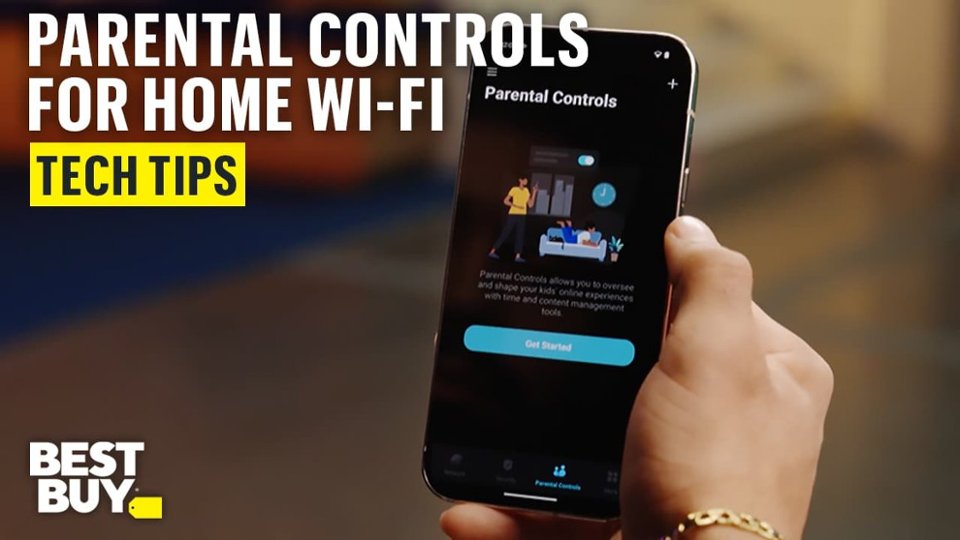
- Basic Parental Controls
- IoT Protection*
- Web Protection*
- Intrusion Prevention*
- Antivirus Protection*
*Included with HomeShield premium subscription service](https://pisces.bbystatic.com/image2/BestBuy_US/images/products/e694b39c-722e-42d5-85ac-b2246585c272.jpg)

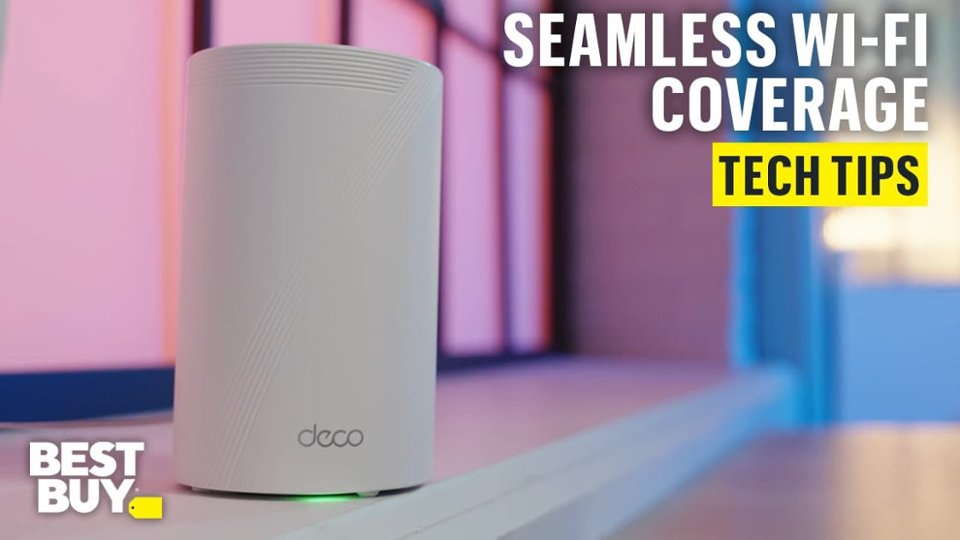
- Model:
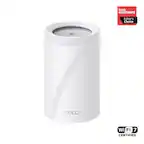
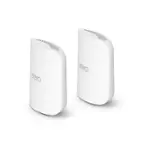
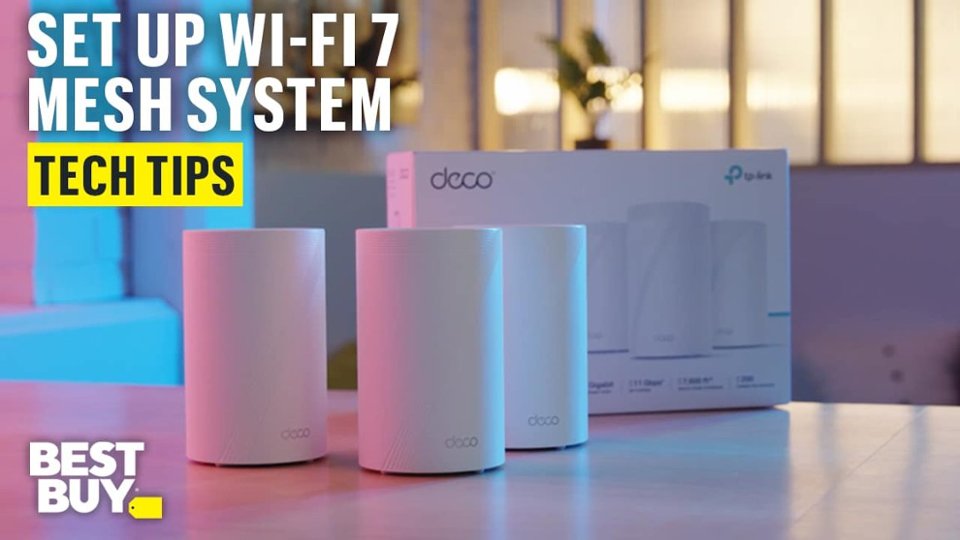
- Deco BE65 Pro(2-pack)
- SKU:
- 6582067
Rating by feature
- Setup
Rating 4.8 out of 5 stars
- Range
Rating 4.8 out of 5 stars
- Signal Strength
Rating 4.8 out of 5 stars
Customers are saying
Customers often highlight the Deco BE65 Pro's excellent speed and performance, alongside its easy setup and great coverage. Many appreciate its ease of use and reliable connectivity. While the design is considered sleek, a few customers noted that the units themselves are quite large.
This summary was generated by AI based on customer reviews.
- Pros mentioned:Ease of use, Speed

Super Easy Setup - Fast Speeds!
|Posted .This reviewer received promo considerations or sweepstakes entry for writing a review.Although Wi-Fi 7 devices are not yet readily available, TP-Link has positioned themselves as an early-adopter of Wi-Fi 7 devices for both home and office. So the logical question here is: Do I need Wi-Fi 7? The easy answer is - if you like speed - Yes you need Wi-Fi 7. I use an Apple iPhone for my personal device. I have an iPhone 14 Pro. However, it does not support Wi-Fi 7 or even W-Fi 6E for that matter. Most device including the iPhone 11 and newer only support Wi-Fi 6 - not 6E or 7. It is rumored that the iPhone 16 Pro will have Wi-Fi 7 capabilities - and you'll notice the difference. Moving from Wi-Fi 5 to 6 only provided incremental benefits. OK - enough on Wi-Fi. Know that version 7 is better and faster, yet currently not many devices is support it. So if you want to be future-proofed, get Wi-Fi 7 now. The biggest gains are for gamers at home - with a substantial boost for in-home networking speeds. I saw it personally on my device as well. So if faster speeds are what you're after - maybe its better security? In this upgrade TP-Link has enhanced their security software HomeShield to version 3.0, adding more features and 2 exclusive apps for comprehensive protection. Protect Comprehensively - HomeShield provides comprehensive advanced security features. Advertisement blocker blocks annoying ads and pop-ups and prevents data tracking. Intrusion protection protects your home network and applications against external attacks and eliminates vulnerabilities. For those with higher security requirements, HomeShield provides VPN Client. Protect All Devices - HomeShield protects all kinds of home network devices, including phones, computers, TVs, game consoles, and other IoT devices. Protection starts instantly once they connect to the gateway. Simply configure the gateway and achieve whole-home network security. Protect Everywhere - Unlike most network security services that only work at home, HomeShield maintains its safeguards away from home. With pre-installed apps, your kids' mobile devices remain secure and under parental control on the go. Parents are able to monitor apps on their kids' phones, further manage payment methods, and monitor their screen time for a safer and better online experience. Overall - I'm really liking this Wi-Fi mesh solution and have been totally impressed with the ease of setup and speed while using. I'm looking to supplement it with some TP-Link cameras now too!
I would recommend this to a friend - Pros mentioned:Coverage, Setup, Speed
Bad WiFi signal in the other room? Say no more
||Posted . Owned for 3 weeks when reviewed.This reviewer received promo considerations or sweepstakes entry for writing a review.Simple and to the point.. the setup took 15 minutes at most! Packaging is great, setup is easy, and I would highly recommend this product to anyone whom is trying to upgrade their WiFi in the home. We have a smaller home and this was a bit overkill but you can’t ever have too much coverage. Seamless, fast and efficient WiFi speeds and connection. We had bad connection in the front room, our security system and other devices in our home as our router was in the living room, this product helped bridge the gap and make it so fast and smooth. Highly recommend 10\10
I would recommend this to a friend - Pros mentioned:Ease of use, Performance, Speed
Great upgrade
||Posted . Owned for 1 month when reviewed.This reviewer received promo considerations or sweepstakes entry for writing a review.Was having speed problems with my old router. I was using a Netgear AX 8 router. Optimum checked all there equipment, ran new cable lines to house. Still slow speeds. The router quit working with my phone app for Netgear. I bought the Deco BE65 system. The installation was super easy. Total install time was about 30 minutes. I now have full speed internet on my phones and ipads. The Deco app is great. I have had this system for over a month and it has worked flawless. I can even connect my car to it from the garage and do updates. I would highly recommend this system if you want a Wifi 7 mesh system.
I would recommend this to a friend - Pros mentioned:Ease of use, Setup
TP Link BE65
||Posted . Owned for 2 weeks when reviewed.This reviewer received promo considerations or sweepstakes entry for writing a review.Great connectivity with very simple and easy portal to set up. This system was up and running with less than 10 minutes of setup. So far the signal is running really well
I would recommend this to a friend - Pros mentioned:Ease of use, Setup, Speed
Just what I needed!
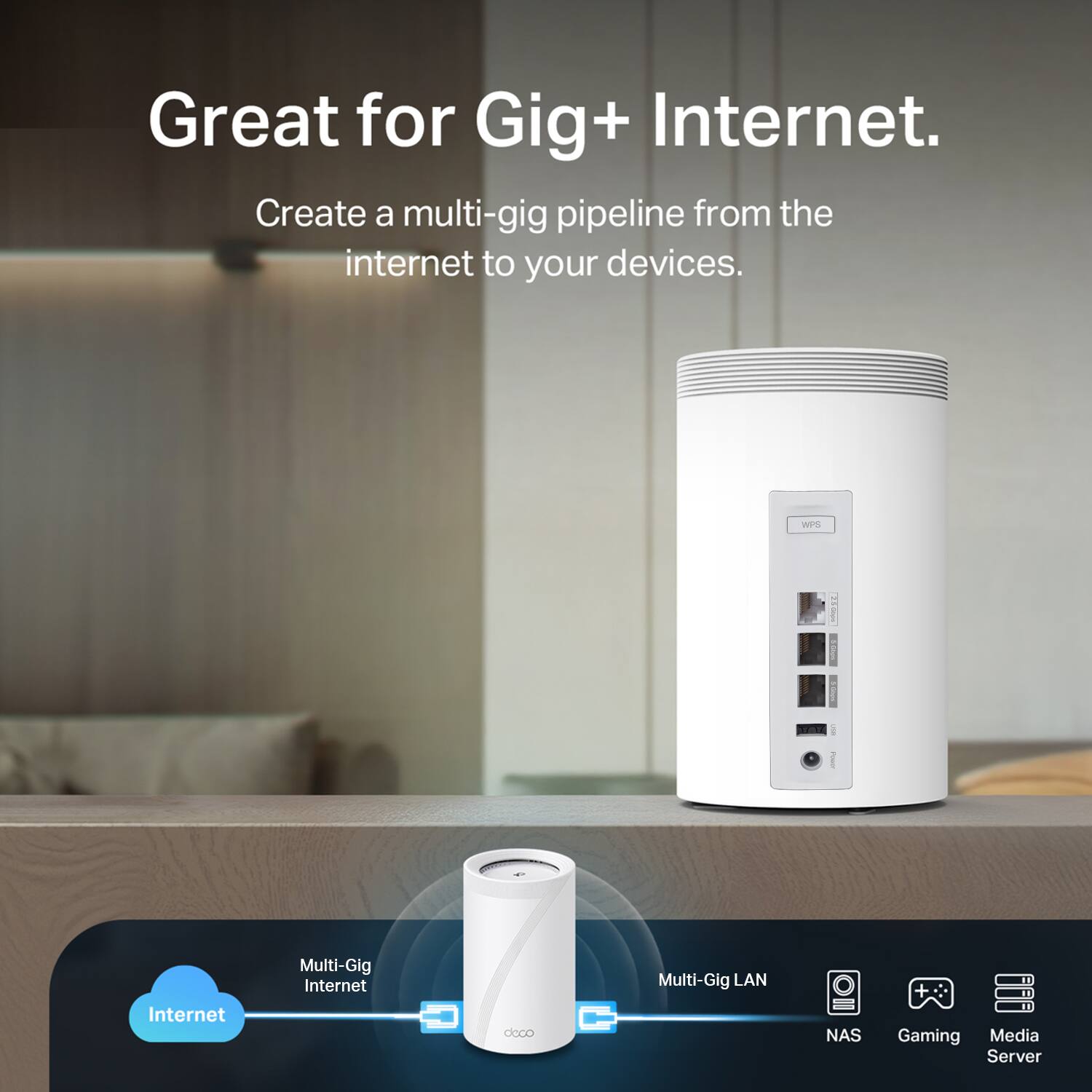
||Posted . Owned for 1 month when reviewed.This reviewer received promo considerations or sweepstakes entry for writing a review.Very easy to set up. Delivers excellent speed and love the 3 levels of LAN hookups it offers!
I would recommend this to a friend - Pros mentioned:Coverage, Setup, Speed
Solid wifi 7 upgrade
||Posted . Owned for 1 week when reviewed.This reviewer received promo considerations or sweepstakes entry for writing a review.We've been using it for about a week now and it seems fine. It's a bit faster than my nest and the coverage is good. Easy setup and I like the options in the app. Time will tell if it's going to be a long term system, but the 2 year warranty gives me some peace of mind.
I would recommend this to a friend - Pros mentioned:Ease of use, Setup
Gets your wifi stronger and more reliable.
||Posted . Owned for 3 months when reviewed.This reviewer received promo considerations or sweepstakes entry for writing a review.The wifi mesh system is extremely amazing. I have enjoyed having better wi-fi connectivity throughout my home. I do alot of work in my garage and the quality of connection is spot on even in my garage. Outside of the house around the yard I still great excellent wifi connection. The fact that you can place these in different parts of the home to maximize connectivity is equally amazing. Set up is quick in my opinion and it has dramatically helped prior connectivity issues. I would strongly recommend purchasing this system.
I would recommend this to a friend - Pros mentioned:Coverage, Ease of use, Setup
Awesome Mesh Network
||Posted .This reviewer received promo considerations or sweepstakes entry for writing a review.Super easy to setup and provides great coverage for my entire home. Speeds at excellent as well. All around great buy.
I would recommend this to a friend - Pros mentioned:Ease of use, Speed
Super fast and an upgrade from Nest Pro
||Posted .This reviewer received promo considerations or sweepstakes entry for writing a review.Fast, easy, and customizable. This is the perfect middle-of-the-road Wi-Fi router system in terms of usability, it has powerful options while remaining simple. I am coming from Nest Wi-Fi Pro, and the speed difference is wild: this is so much faster and the connection is crazy reliable. It's got support for IOT, Guest, and individual 2.4, 5, and 6 GHz networks. You can attach devices to specific nodes, and the connection is powerful.
I would recommend this to a friend - Pros mentioned:Coverage, Ease of use, Setup
Absolute Awesome!
||Posted . Owned for 3 weeks when reviewed.This reviewer received promo considerations or sweepstakes entry for writing a review.I couldn’t ask for a better product. From the ease of setting up to the ease of the app, to it being a very robust system this thing is amazing. For a 2000 sqft home, this system ricks at procidng wireless imternet coverage throughout the house and into the back yard as well. No issues at all.
I would recommend this to a friend - Pros mentioned:Coverage
Great Mesh System with a great App for management
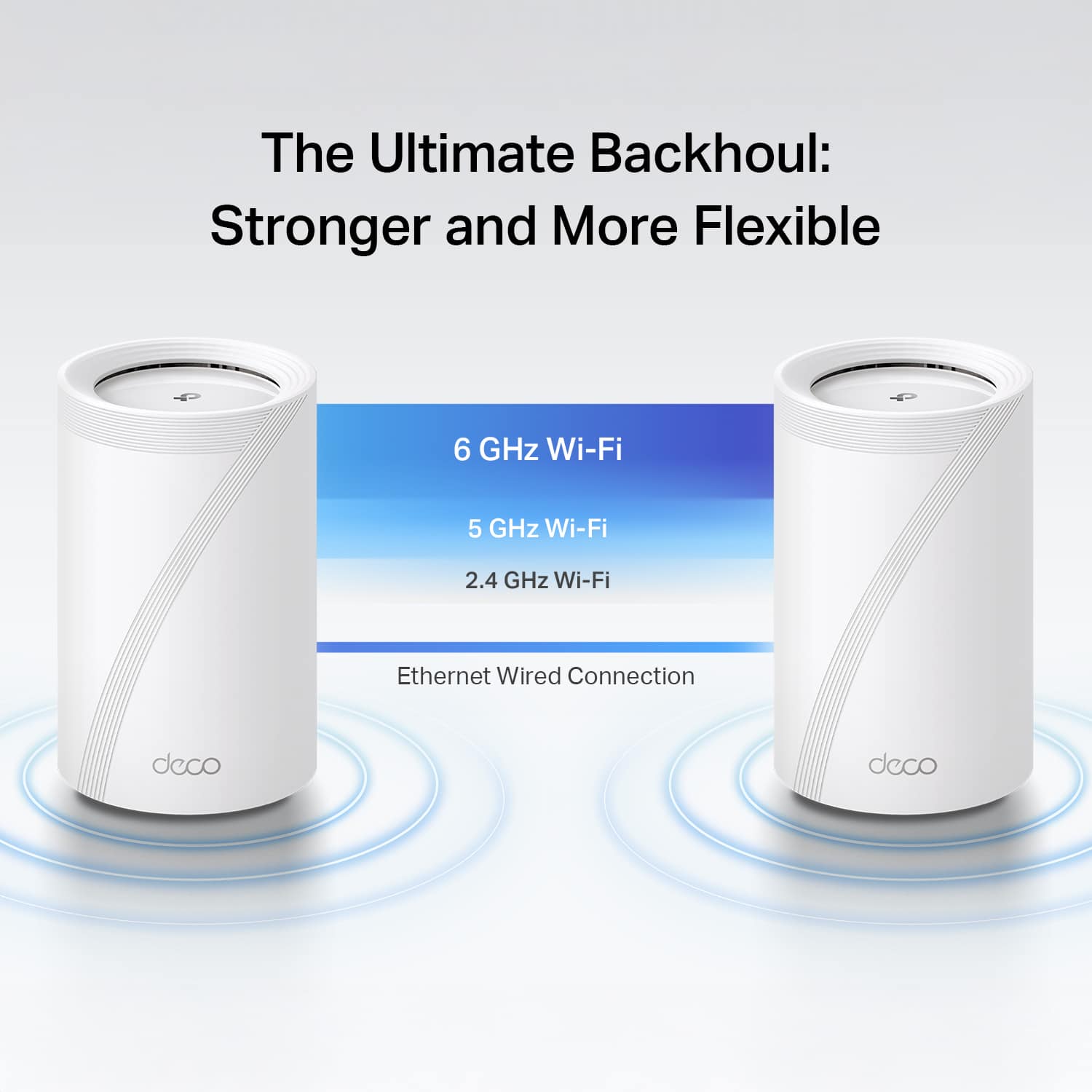
|Posted .This reviewer received promo considerations or sweepstakes entry for writing a review.I have used WiFi mesh systems before across a number of vendors and prior to getting this TP Link BE11000 “Deco,” I was using a mesh system with a 2.5G dedicated wired backhaul so I was very excited to give this one a shot at being my WiFi provider at home. TL;DR for my frequent readers, followed by the more detailed review and photos. Good: 2.5 & 5GB ports - internet or backhaul App interaction (both Apple & Android) Form factor Network Optimization tool Real-time speed stats per device Coverage Speeds Bad: Only 3 ports per unit No cumulative stats per device Meh: Wireless backhaul speeds (environmental challenges) No advanced Web Interface All devices have the same amount of ports (no router vs satellite only) While doing the setup, there’s no way to set Access Point mode, so you have to start with Router mode - but no big deal, I just let it get an IP from my router & use its own IP scheme temporarily while it ran through its updates. Once all the pieces were updated, I changed from Router to Access Point mode and it was as simple as clicking a button in the App and I was back using my normal IP address range. I bounced between the iPad and Android App for all of my usage and each has worked wonderfully. A smaller form factor is nice, especially when I need to keep it out in the open but not be an eyesore. I have a router that I really like - so I kept this TP Link Deco system in Access Point (AP) Mode (just as the mesh system that I was planning on replacing), which allowed me to test this alongside my existing WiFi and not disturb the house; I ran like this for about a day and it worked out well. I tried to use the Web Interface - where with other vendors it exposes more advanced techie menus and options, but I didn’t find that here. It’s not a big deal, but something I was expecting to be there that wasn’t. Side note, I also ran a Wireless Backhaul on Day 1 so I didn’t disturb the current house network (as there’s only a single jack where I keep the satellite). I definitely saw a speed decrease while being attached to the satellite that was using the wireless backhaul. Wireless backhaul is good if you have no other option and need extra range, but if you can - use the wired option. I attached a photo showing how wireless & wired backhaul are represented in the App. I used the Network Optimization tool to see if it would change channels as it was running alongside my other mesh system and it did, as I was expecting / hoping. On day 2, I renamed the system to my existing WiFi SSID, turned the old one off and we were running on the new TP Link system; I cut over to the wired backhaul via the 5GB/s ports on each unit as. There’s no configuration needed when going from wireless –> wired backhaul; just plug it in and go. I went from 0 connections, to around 30+ almost instantly while everyone lost connection to the old APs and reconnected up (see images). From the Washer & Dryer to the Nest Hub Max and WiFi lights, I didn’t run into any issues but then again, I don’t have much “old” wireless tech and everything I had made the cutover seamlessly. With my old system, the doorbell would attach to the furthest AP and all I could do was hope it moved over time to the closer one, but with this TP Link system, you can set a “preferred” Deco to have that device connect to, knowing that if it falls offline it’ll go to whichever one is left closest (see images). I did have to put a small 5-port switch near my Deco as my last device had 4 ports + the Internet port and here, there are 3 total (Internet + backhaul take up two). I like that there are real-time stats so if someone is slowing down the Internet for everyone, I can see which device it is (I’ve named each one so I know what everything is on the network). I’m a bit disappointed that I can’t see cumulative stats – I’d like to know if my Washer or Dryer is sending GBs of data per night while I’m sleeping but I’ll only know if I’m looking at that moment. Fast forward to day 4. No hiccups and no complaints. Outside of me saying - I need to disconnect us from the Internet for a few minutes (to move cables around), nobody has mentioned anything and that’s a huge win. Now when it comes to coverage - the Deco is great. I can easily cover the entire house with two units and that extends out another 100 feet past the lanai to my WiFi bird feeder that tells me the signal strength is “Strong.” I also get wire speed over wireless via two different speed test websites. As of right now, this is a 5-star WiFi system. I hope it stays this reliable and if it does, kudos to TP Link on a great mesh system.
I would recommend this to a friend - Pros mentioned:Ease of use, Performance, Setup
Review for DECO BE65 PRO (3-Pack)
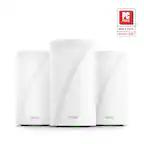
||Posted .This reviewer received promo considerations or sweepstakes entry for writing a review.I am very impressed with the DECO BE65 PRO system. The three units significantly improved my internet connection throughout the house, providing excellent speed, strong coverage, and a stable signal in every room. Setup was simple, and the performance has been outstanding. Highly recommended for anyone looking to boost their home WiFi.
I would recommend this to a friend - Pros mentioned:Coverage, Speed
From Netgear Nighthawk to TP Link Deco - WIN!
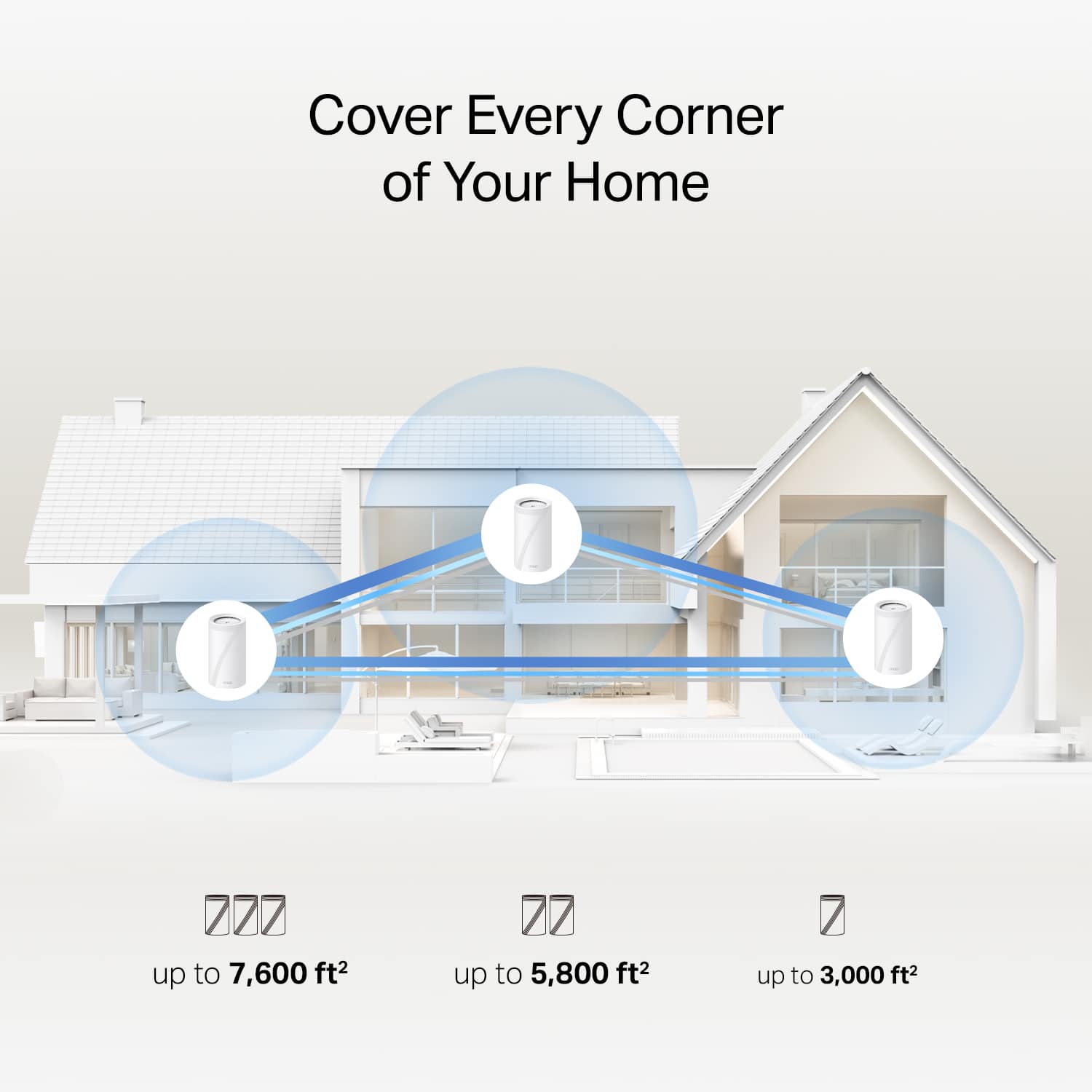
||Posted . Owned for 2 weeks when reviewed.This reviewer received promo considerations or sweepstakes entry for writing a review.After years running Netgear Nighthawk gear, I recently switched to the TP-Link Deco BE65 Pro in hopes of finally getting reliable, full-house coverage in my 3-story, ~4,800 sq ft home. I’m happy to say: mission accomplished. Seamless Setup The setup process was incredibly smooth. I downloaded the Deco app, followed a few guided steps, and within minutes the primary unit was online and broadcasting. Adding the additional nodes was just as painless — the app walked me through placement and linking, with almost zero fumbling or downtime. Coming from Nighthawk, where I often had to fuss with DHCP or manual bridging, this felt refreshingly hassle-free. App & UI Experience The Deco app’s UI is clean, intuitive, and responsive. It doesn’t feel bloated or cluttered — just the right balance of power and simplicity. I appreciated how easy it was to see which devices were connected, their link speeds, and which node they were using. Network settings, parental controls, guest network toggles all of it is logically organized and easy to access. One thing to note (also mentioned in reviews): the app is the primary interface. The web dashboard exists, but it's quite limited compared to the app. Coverage & Performance In my house, the Deco BE65 Pro system actually covers all three floors. No more dead zones in far rooms or upstairs corners. Speeds are consistently strong: even in parts of the house that used to be marginal, I now get solid throughput and low latency. The tri-band architecture, including the 6 GHz band, helps reduce congestion. Combined with TP-Link’s mesh intelligence (adaptive path selection, seamless roaming), devices automatically latch to the best node/band without me having to micromanage. The range claims (up to 7,600 ft² in TP-Link’s spec sheet) gave me confidence this would work for a large home. Great system, you won't regret upgrading!
I would recommend this to a friend - Pros mentioned:Performance, Setup
Mesh network
||Posted .This reviewer received promo considerations or sweepstakes entry for writing a review.Easy to setup and works great. Excellent connectivity and great range.
I would recommend this to a friend Undoubtedly One of the Best Mesh Systems
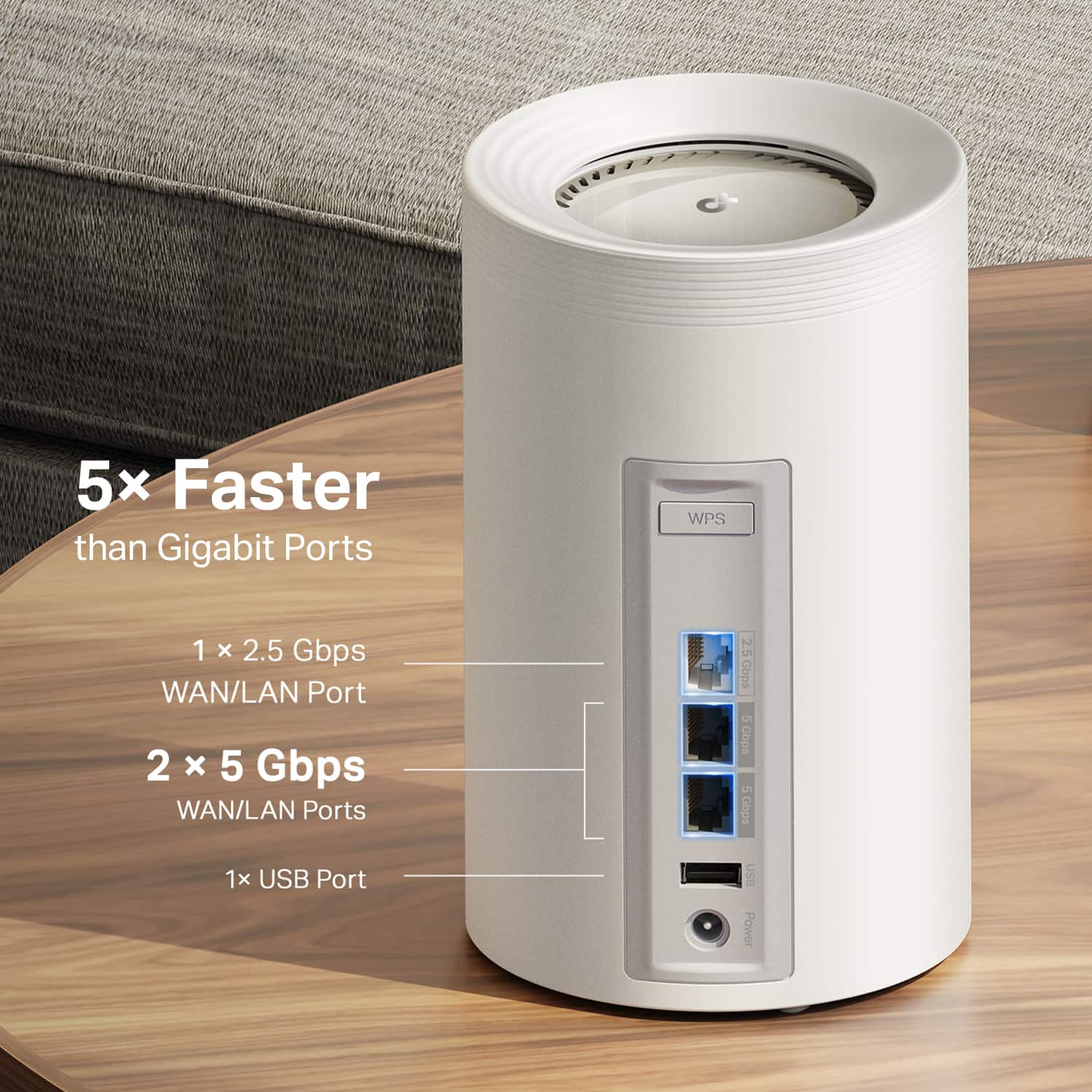
|Posted .This reviewer received promo considerations or sweepstakes entry for writing a review.I had set up a TP-Link Deco system for my parents a few years ago and was a fan at how easily it allowed for a wired backhaul connection which was important for their house. It's worked flawlessly ever since so when it was time to upgrade my own system (we've had our current tri-band mesh system for over 5 years so it was time), I had the Deco system at the top of my list. We have 500/500 Fiber Internet and frequently watch 4K HDR shows via streaming so we demand the best of the best from our routers. I knew I wanted a three unit mesh system that included the latest WiFi Standard 7 as well as all currently available transmissions (2.4, 5, & 6 ghz). This system had all of that and has been excellent. Overview Setup was overall a breeze, though I did have a hiccup with initially connecting my phone to the "main" Deco unit inside the Deco app. It kept saying it couldn't connect to the Deco's Wifi even though I had manually gone in and connected it and my phone was definitely connected. It just took some persistence and trying it over and over a few times. It was annoying, but a small inconvenience and it must've just been a glitch because eventually it did connect properly and after that setting up everything else including the two satellites was a breeze inside the app. (Keep in mind there are NO instructions for setting these up because you have to use the Deco app and the Deco app will step you through everything.) Once set up, these have worked great. I have all three frequencies setup with the same name/SSID and devices are correctly connecting to the best one for them. My iPhone 15 Pro Max generally connects to the 6ghz for the fastest speed which is awesome. My entire house and yard is now covered with super strong signals and fast Wifi. Our house is only 1400 sq ft so I have two routers in there - the third is in our garage which is next to our pool and helps cover the backyard pool area. We have just under 100 devices connected as we use a lot of smart devices that are always connected and everything connected fine and haven't had any issues. I couldn't be more pleased with how these are working. It's really taken our WiFi system to the next level. PROS - Fairly Affordable for the Quality/Specs (when compared to the other top brands of equal specs/ratings I would consider) - Excellent WiFi on all 3 bands - 2.4, 5, & 6 Ghz - Supports the latest WiFi 7 protocol - Brilliant App with easy to use User Interface that makes setting things up and monitoring everything simple - Tri-Band Connection between main router and satellites works great to ensure fast WiFi everywhere in our house/yard - Routers are small and look nice - Everything connects and stays connected and gets great speeds CONS - Bit of glitch in initial setup where the app couldn't recognize that my phone was connected to the Router - Main router will only have 2 available ethernet connections for hardlining (but easily & inexpensively fixed by connecting a switch). Satellites will have 3 available. If you're looking for one of the best systems you can get, that is fairly easy to set up with all the options you could want in a mesh router system, a great app with intuitive user interface, and excellent functionality, then I would definitely recommend this TP-Link Deco system!
I would recommend this to a friend- Pros mentioned:Coverage, Performance
Word like a charm
||Posted . Owned for 1 month when reviewed.This reviewer received promo considerations or sweepstakes entry for writing a review.Covers all the areas in my house and allows me to hardline into my pc. Whole system works as if it was one
I would recommend this to a friend Whole home WiFi coverage at it's finest
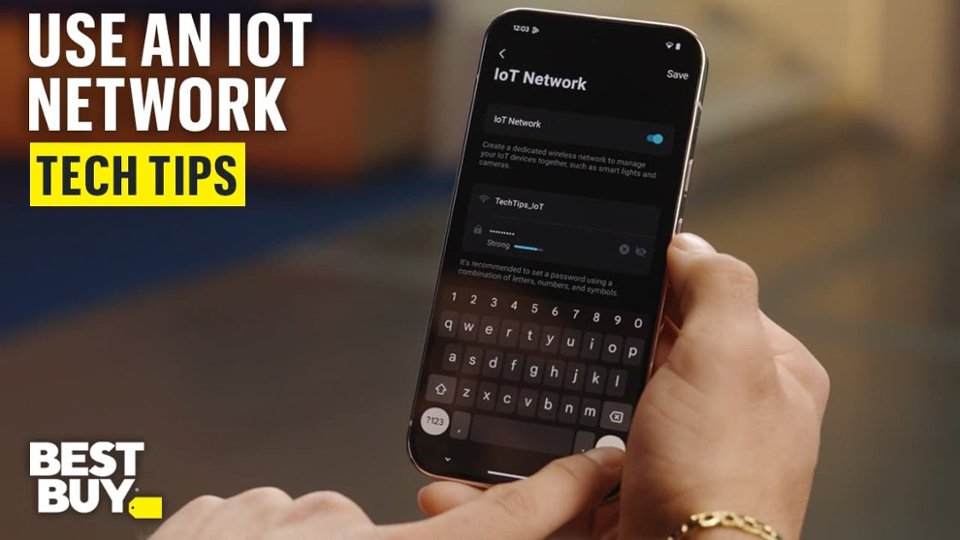
|Posted .This reviewer received promo considerations or sweepstakes entry for writing a review.This is my first ever setup of a mesh network. I've been wanting to get one for years now because of the benefits they bring versus a single router or hard to setup extenders. This system is awesome! The only documentation that came with the setup is a small Quick Installation Guide that is basically a QR code to download the app that will then walk you through setting up the system. The setup was fairly straight-forward, but I did find myself a little overwhelmed in a couple spots. There are some questions about your ISP that I wasn't sure about and never had to worry about with previous routers, but thankfully the defaults worked! After getting through the initial setup of the primary unit to my internet connection, it could not find the internet. I went into the app and rebooted the router and was very pleasantly surprised that it then was able to connect to the internet. It's possible it just needed a little more time to pickup the information it needed from the ISP. Once the main unit is setup, then it walks you through placing the other 2 satellite stations. I was pleasantly surprised when they automatically connected to the mesh by just plugging them in. I didn't need to do any additional setup. They appeared in the app with a nice diagram of the network. I had a fairly nice Linksys single router previously and it definitely struggled to cover my entire house and my house isn't huge. Having the mesh network removes all the dead / low signal spots I had previously which I'm loving! My streaming devices and TV's have great signal now in every room. The app that installs on the phone is very feature rich and lets you do all sorts of things with your new equipment! One thing that was SUPER nice is the network optimizer. It analyzes interference from outside WiFi networks or appliances and finds the best channels for all your networks. 2.4 Ghz, 5Ghz, 6Ghz and shows you what channel it was before optimizing and what channel it picked afterwards. Definitely keeps things running as smooth as possible when you have neighbors! There is a convenient Speed Test function that uses speedtest.com, how many devices are connected and to which satellite, how much data and speed is being transferred in real-time. You can setup a special IoT network for keeping all your internet of things devices on to keep them off your primary network which is REALLY nice. I've been looking for a way to better protect my network from those sometimes insecure devices and now I have it! It supports a Guest network and sets up a 6Ghz network during setup. You can also run a VPN Server through the software for remoting into your home network or a VPN client to protect you on remote networks. There are advanced settings that are over my head that one can play with as well like Fast Roaming, Beamforming, and NAT forwarding. Beyond my needs, but the advanced features are there if you do need these! You can setup notifications when either new or existing devices connect to your network which is nice. The alerts can be Push Notifications or Email alerts. The application also has Parental Controls for the kiddos. I don't have children myself so I do not have much need for this, but it's there if you need it! It also comes with a 1 month trial of HomeSheild premium that adds extra layers of protection from outside threats, statistic reports, VPN, antivirus, IoT Protection, Intrusion Prevention and Web Protection. You have Basic which is free, then yearly or monthly rates for either Security+ or Total packages and the rates are really reasonable. Just a few dollars a month for either plan. Definitely helpful in keeping your network safe from hackers! The system automatically keeps the hardware running the latest firmware updates which is really nice as every other router I've ever owned has made this a manual and somewhat cumbersome process. This is set it and forget it! The 3 units themselves seem well constructed and solid. Each having 3 network jacks and a USB port for USB sharing. Each one has a little status LED at the base which is pretty minimal, but if lights bother you the app lets you turn off the lights or schedule times when they are off. These mesh network setups are a bit on the pricey side compared to your normal router setups obviously, but if you want a network that is without signal problem areas around your house and has great features in an easy to use app on your phone, then it's definitely worth the extra cost! I am loving this setup so far and would definitely recommend it to a friend looking for a better wireless network setup!
I would recommend this to a friend- Pros mentioned:Ease of use, Speed
Good speeds, questionable mesh
||Posted .This reviewer received promo considerations or sweepstakes entry for writing a review.These are very attractive and easy to set up and use. The app works well and let me set them up how I wanted them. The speeds of this two pack are very good, the coverage is just OK. It doesn't do a very good job of moving devices from one node to the other, often leaving me with super slow speeds when I'm within feet of one node because I'm still connected to the more distant one. Even devices assigned to one of the nodes will frequently connect to the other one, requiring me to block the device in the app until it disconnects and then reenable it. It also has strange connection latency issues. It can take a minute or more for a device to actually have access to the internet after it connects to the network. Due to these issues and the need my kids have for reliable speeds for their college classes I had to go back to my old router. If they didn't have these specific issues they would be great.
No, I would not recommend this to a friendBrand response from TPLinkSupport
Posted .Hi jaethos,
Thank you for your review. Our Deco Mesh Wi-Fi systems are designed to deliver robust, seamless Mesh Wi-Fi throughout your home. In your case, we first recommend ensuring that your Deco app and firmware are fully up to date, and that your Deco units are optimally positioned within your home and in optimal proximity to each other.
Our support team is always available and happy to assist with any questions you may have about our products. Feel free to contact us through any of the resources provided with the product or on our official website, and a Support Agent will follow up with you directly.
Thank you,
TP-Link Systems Support
- Pros mentioned:Coverage, Setup
Fast, Reliable, and Covers the Whole House
||Posted . Owned for 11 months when reviewed.This reviewer received promo considerations or sweepstakes entry for writing a review.The TP-Link Deco BE65 Pro has been a big upgrade for my home network. Setup was simple with the app and only took a few minutes. The Wi-Fi 7 speeds are seriously fast, and I can stream, game, and work from anywhere in the house without drops. The coverage is solid all the way to the back yard, and the two 5-gig ports give me plenty of room for high-speed wired connections. It looks clean and modern too, so I do not mind having the units out in the open. Reliable, fast, and easy to use.
I would recommend this to a friend - Pros mentioned:Coverage, Setup, Speed
Awesome Network System
||Posted . Owned for 3 weeks when reviewed.This reviewer received promo considerations or sweepstakes entry for writing a review.The TP-Link-Deco Pro BE1100 was easy to setup. It easily covers all the area of my sprawled out house of 4700 sq ft. Adding items to the network is a snap. My internet speed increased making it easy to perform many task more quickly. I am greatly satisfied with this purchase.
I would recommend this to a friend