Customer Ratings & Reviews


---
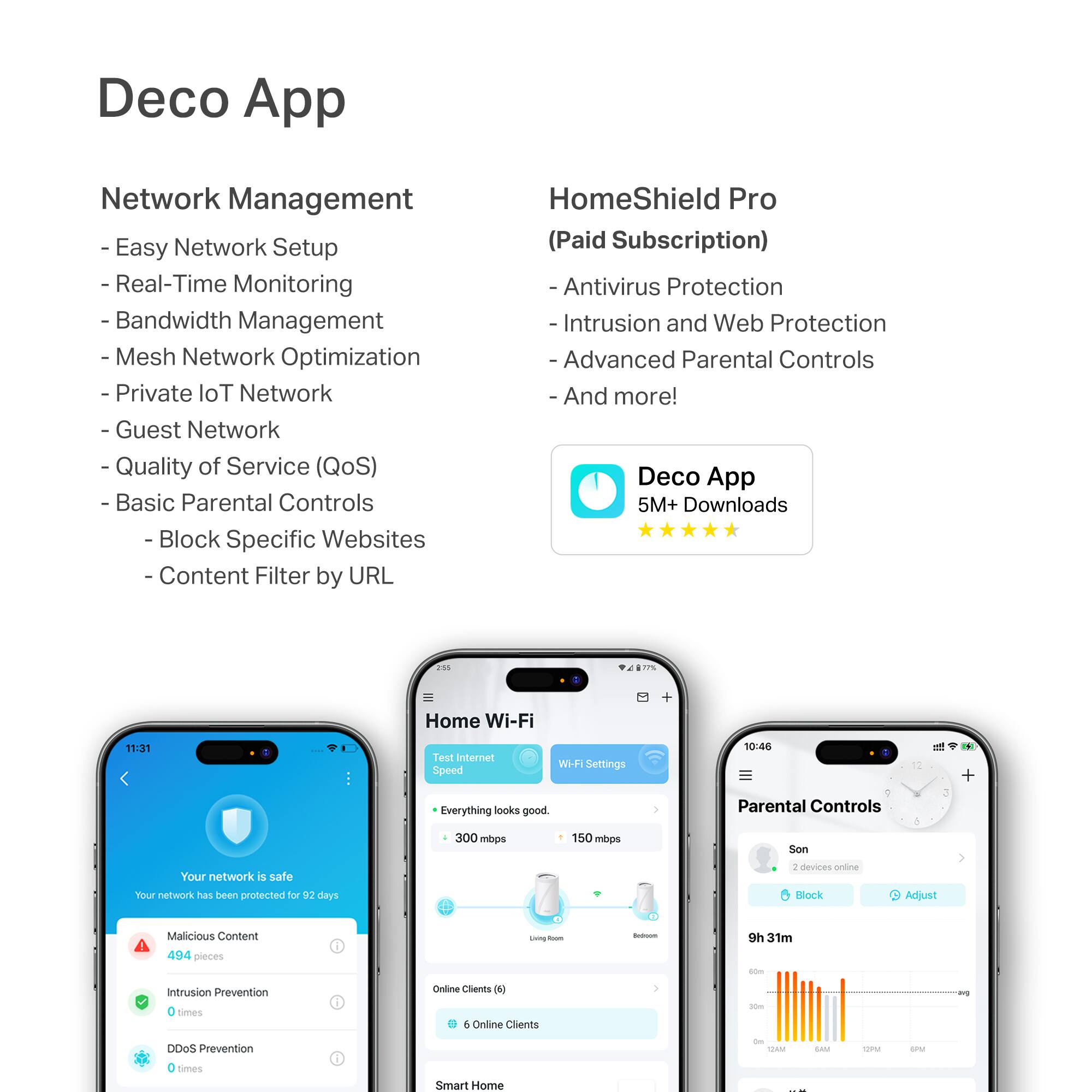
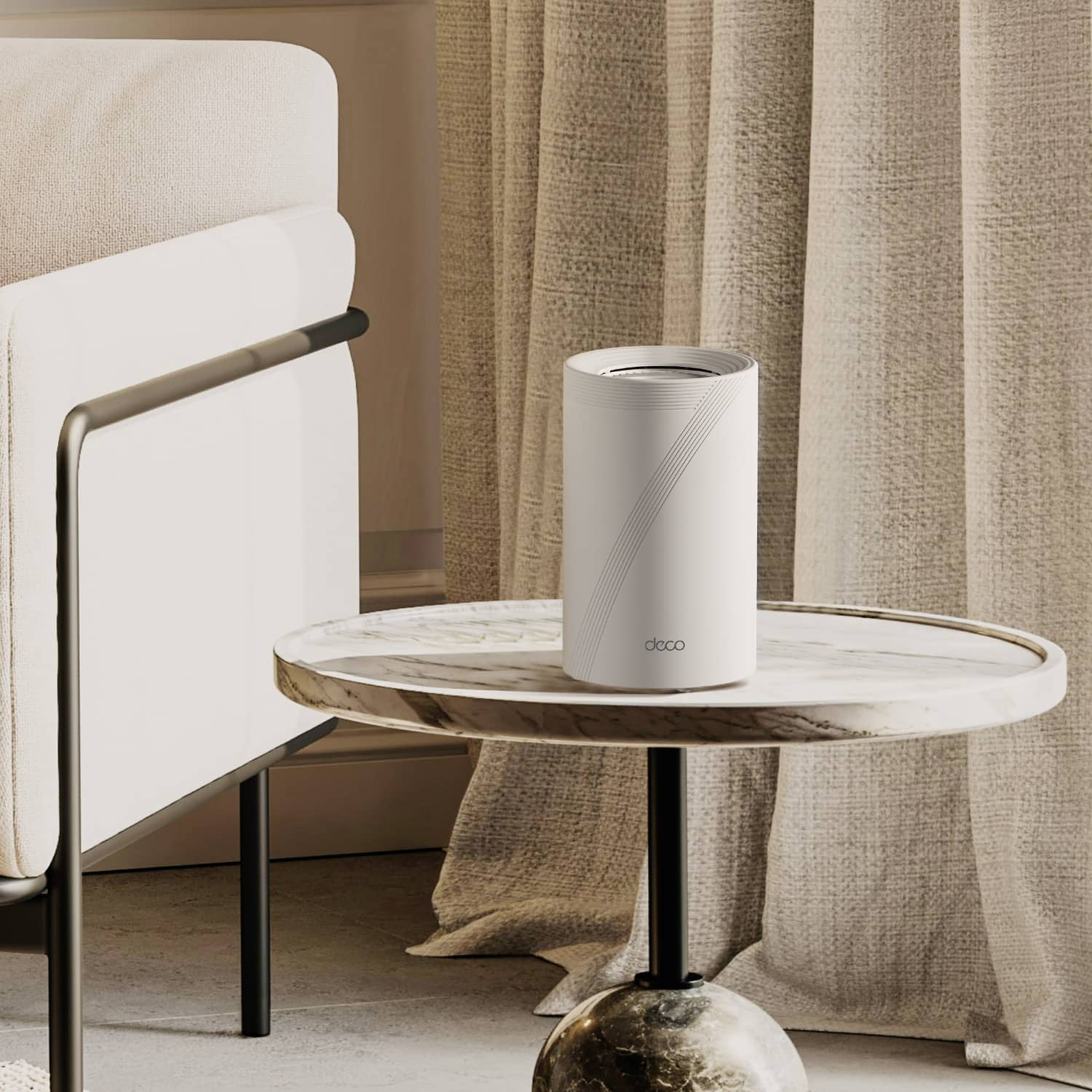
**HomeShield**
HomeShield is a built-in service, available in all HomeShield routers and Deco mesh products.
- Router Security Scan
- Wireless Security Scan
- IoT Device Identification
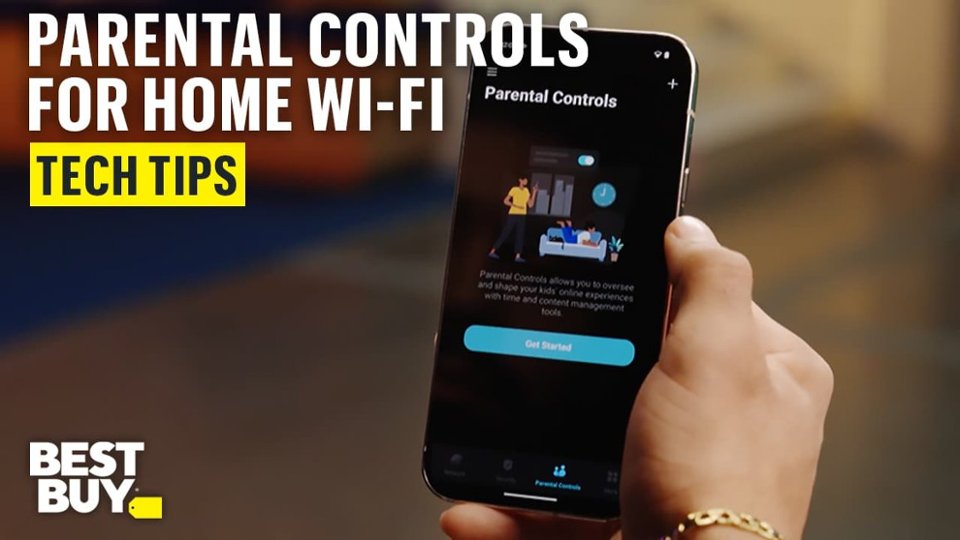
- Basic Parental Controls
- IoT Protection*
- Web Protection*
- Intrusion Prevention*
- Antivirus Protection*
*Included with HomeShield premium subscription service](https://pisces.bbystatic.com/image2/BestBuy_US/images/products/e694b39c-722e-42d5-85ac-b2246585c272.jpg)

- Model:
- Deco BE65 Pro(2-pack)
- SKU:
- 6582067
Rating by feature
- Setup
Rating 4.8 out of 5 stars
- Range
Rating 4.8 out of 5 stars
- Signal Strength
Rating 4.8 out of 5 stars
Customers are saying
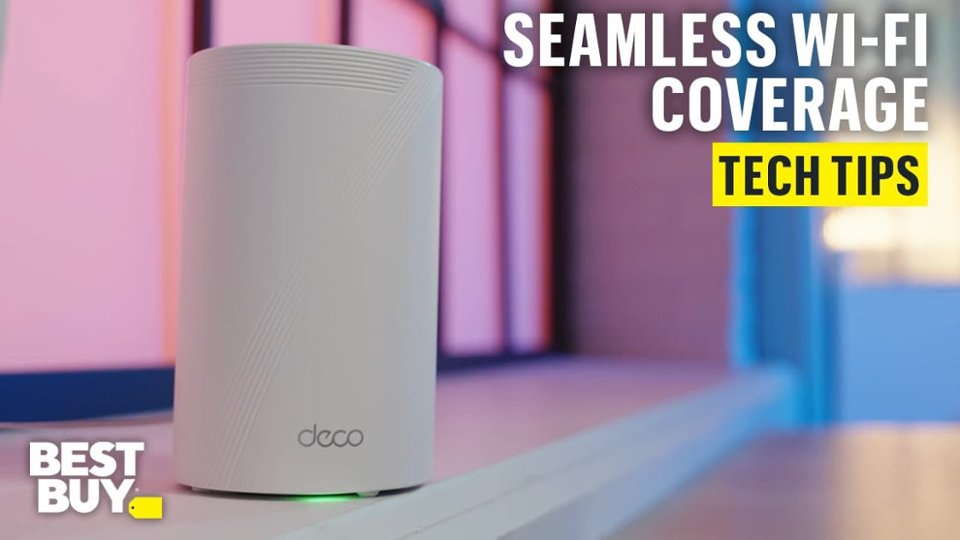
Customers often highlight the Deco BE65 Pro's excellent speed and performance, alongside its easy setup and great coverage. Many appreciate its ease of use and reliable connectivity. While the design is considered sleek, a few customers noted that the units themselves are quite large.
This summary was generated by AI based on customer reviews.
- Pros mentioned:Setup
FAST!!!!
||Posted . Owned for less than 1 week when reviewed.This reviewer received promo considerations or sweepstakes entry for writing a review.I replaced my WiFi 6 mesh with this system and and WOW what a difference!! The setup was very simple and straight forward with the app and within 10 mins I was finished with the setup. This has a lot of the great features that WiFi 7 offers and this will further proof your WiFi for years to come. The product looks good and easily fits in with any decor. A must have for great WiFi. Highly recommend.
I would recommend this to a friend - Pros mentioned:Performance
Outstanding Performance
||Posted . Owned for 1 month when reviewed.This reviewer received promo considerations or sweepstakes entry for writing a review.Outstanding performance. Strong signal in yhe whole house. Installation was was quick and easy. Highly recommended.
I would recommend this to a friend - Pros mentioned:Performance, Speed
Great product
||Posted . Owned for 1 month when reviewed.This reviewer received promo considerations or sweepstakes entry for writing a review.Fast, great features, and wide coverage. I set this up on two floors using wired backhaul on one node. The performance is good on either of the node
I would recommend this to a friend - Pros mentioned:Coverage, Speed
Great home mesh solution
||Posted . Owned for 3 weeks when reviewed.This reviewer received promo considerations or sweepstakes entry for writing a review.These work great, 3 story, 4,400sqft home on 1.2ac and get coverage everywhere, and 3-4x the speed of our old Unifi mesh setup.
I would recommend this to a friend - Pros mentioned:Setup, Speed
Replaced my Orbi mesh
||Posted . Owned for 2 weeks when reviewed.This reviewer received promo considerations or sweepstakes entry for writing a review.This was the easiest mesh system, I ever set up. App is very intuitive, with enough tools for most users. Great speed and a stable connection.
I would recommend this to a friend - Pros mentioned:PerformanceCons mentioned:Size
Good Choice
||Posted . Owned for 1 month when reviewed.This reviewer received promo considerations or sweepstakes entry for writing a review.Works great so far. Takes up less space than our old Spike Antenna version and connections have had no interference, except for my cat checking it out and knocking it on the floor. Only difficulty I've had is trying to hook up my HP printer, but the Printer is at fault there.
I would recommend this to a friend - Pros mentioned:Ease of use, Setup
Fantastic purchase
||Posted . Owned for 2 weeks when reviewed.This reviewer received promo considerations or sweepstakes entry for writing a review.Easiest Wi-Fi set up I have ever done. Just plugged it in, named my Wi-Fi network, and plugged in the other modules and everything has been seemless.
I would recommend this to a friend - Pros mentioned:Ease of use, Speed
Solid Wi-fi 7 system
||Posted . Owned for 1 week when reviewed.This reviewer received promo considerations or sweepstakes entry for writing a review.Recently had 5gig fiber installed at my home and was not impressed with the router that was provided by the carrier (Ziply). After researching online for many hours, I came across this TP Link BE65pro 3-unit setup at BB on sale. Mind you, its still a lot more than I was hoping to pay but it seemed reasonable for a tri-band Wifi 7 system. The install went reasonably smooth thanks to the straightforward app on my iPhone. Quickly added all my devices and now I have lightning quick internet throughout the house. The app is really polished and provided all the info I need to monitor my network. I can setup a guest network, turn on/off the 6Ghz network, etc. You can even see the max broadband speed coming into your house to check if you're getting what you're paying for. So far i've been very impressed with this system and will be recommending it to others.
I would recommend this to a friend Deco BE65 Pro - Great Stuff
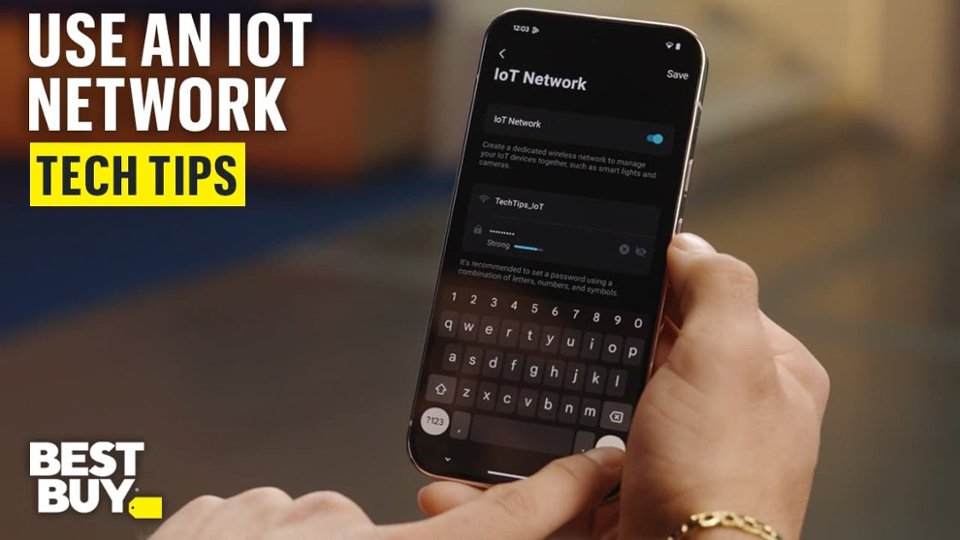
||Posted . Owned for 1 month when reviewed.This reviewer received promo considerations or sweepstakes entry for writing a review.This replaced an eero based setup from my ISP and it's done really well so far. I like the fact you can set devices to go to specific routers distance wise, plus you can hook up 3 devices on the Ethernet ports provided on each one. Also like the fact you can set a specific IoT network for your security cameras which I also went ahead and grabbed while upgrading to this new router set.
I would recommend this to a friend- Pros mentioned:Ease of use, Setup
Worth the price!
||Posted . Owned for 1 week when reviewed.This reviewer received promo considerations or sweepstakes entry for writing a review.So far so good! The setup was incredibly straightforward with minimal configuration needed. The network device and node visualization features within the app are a nice touch.
I would recommend this to a friend - Pros mentioned:Ease of use, Setup
TP- Freedom from low signal
||Posted .This reviewer received promo considerations or sweepstakes entry for writing a review.Supper easy to set up. i am covered in every section of my home and storm shelter. its been a great addition to our work and entertainment
I would recommend this to a friend - Pros mentioned:Speed
Fast and Consistent
||Posted .This reviewer received promo considerations or sweepstakes entry for writing a review.This Deco Wi-Fi is incredibly fast and boasts a robust network connection, which aligns perfectly with the results of my speed test. I highly recommend this Deco model.
I would recommend this to a friend 
Game Changing Wifi!
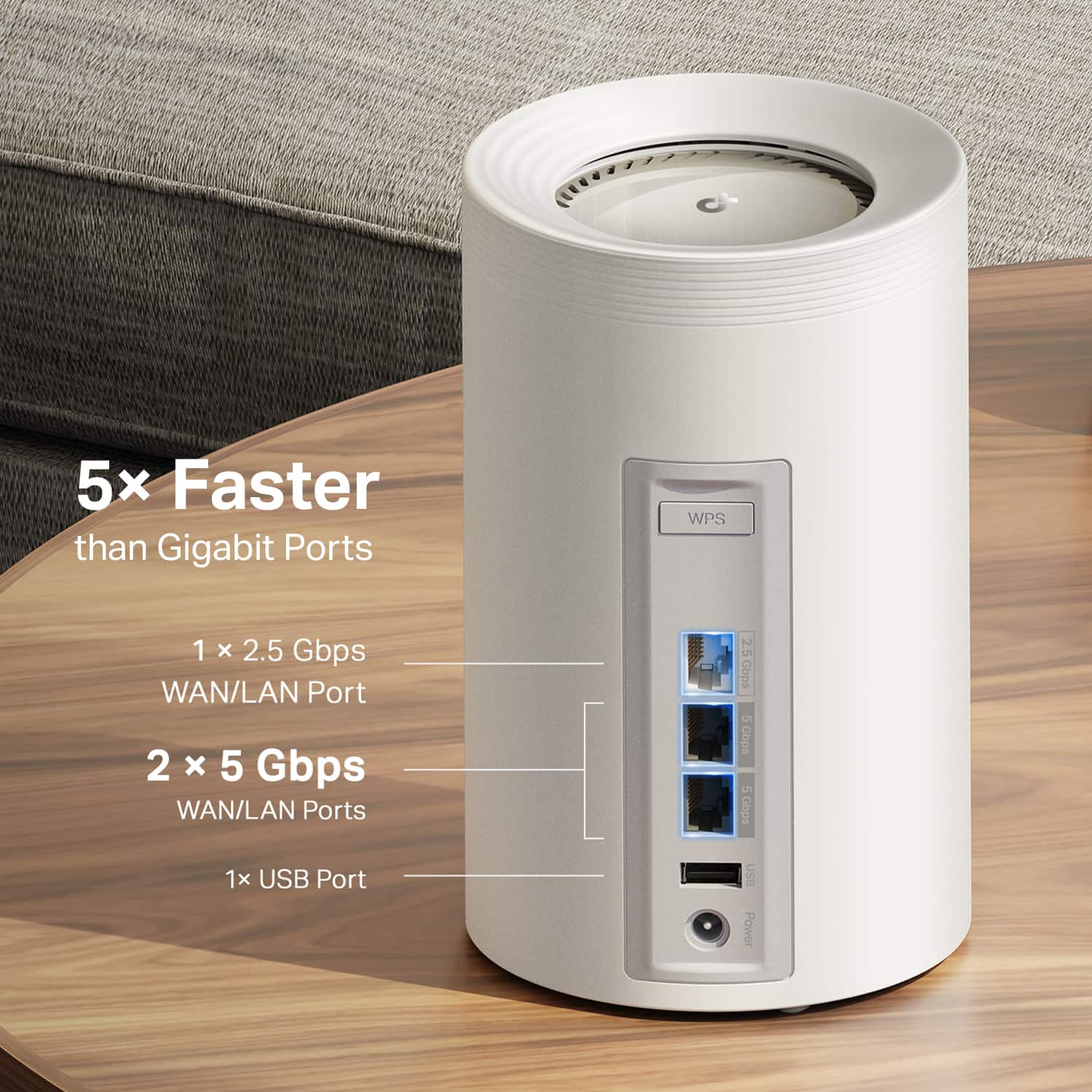
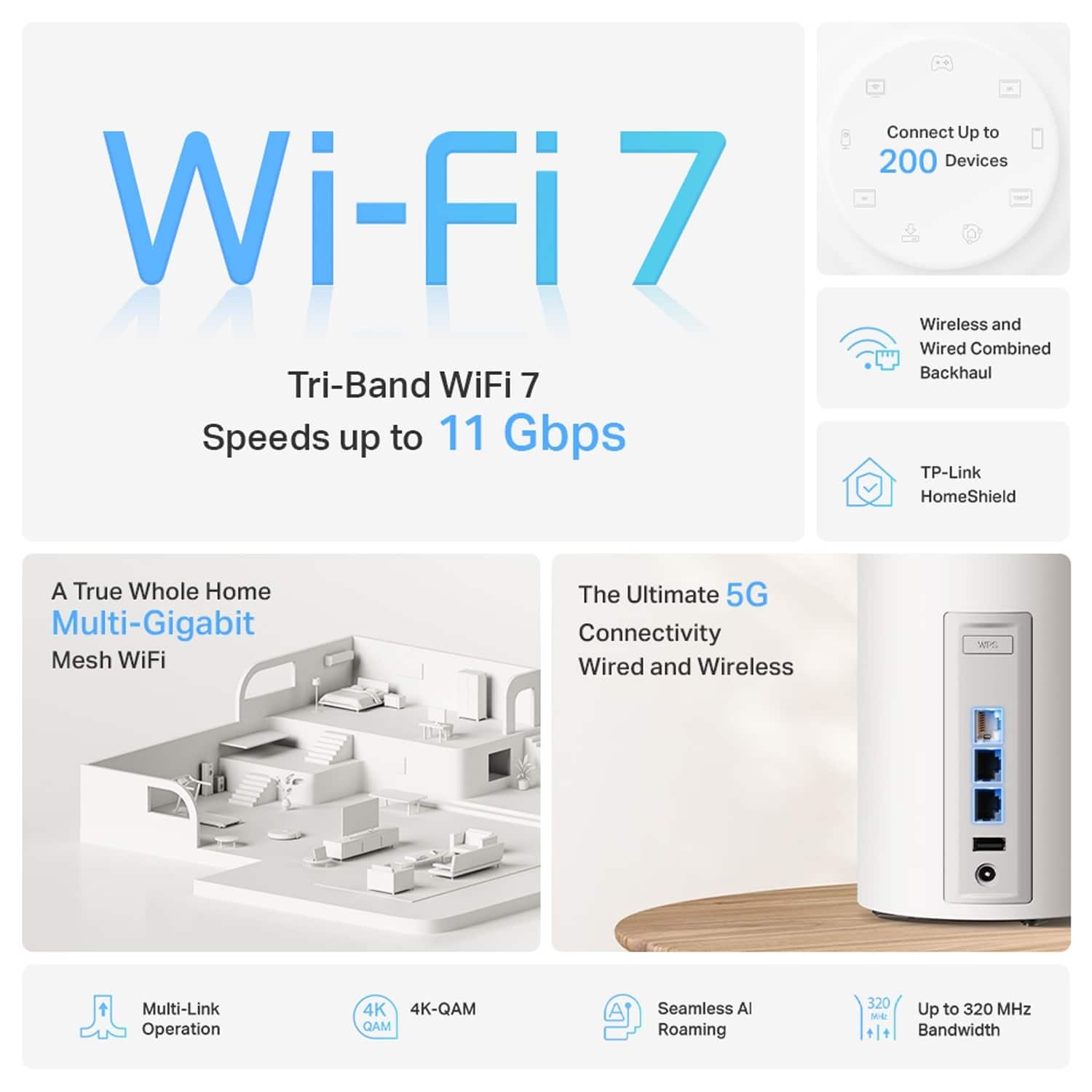
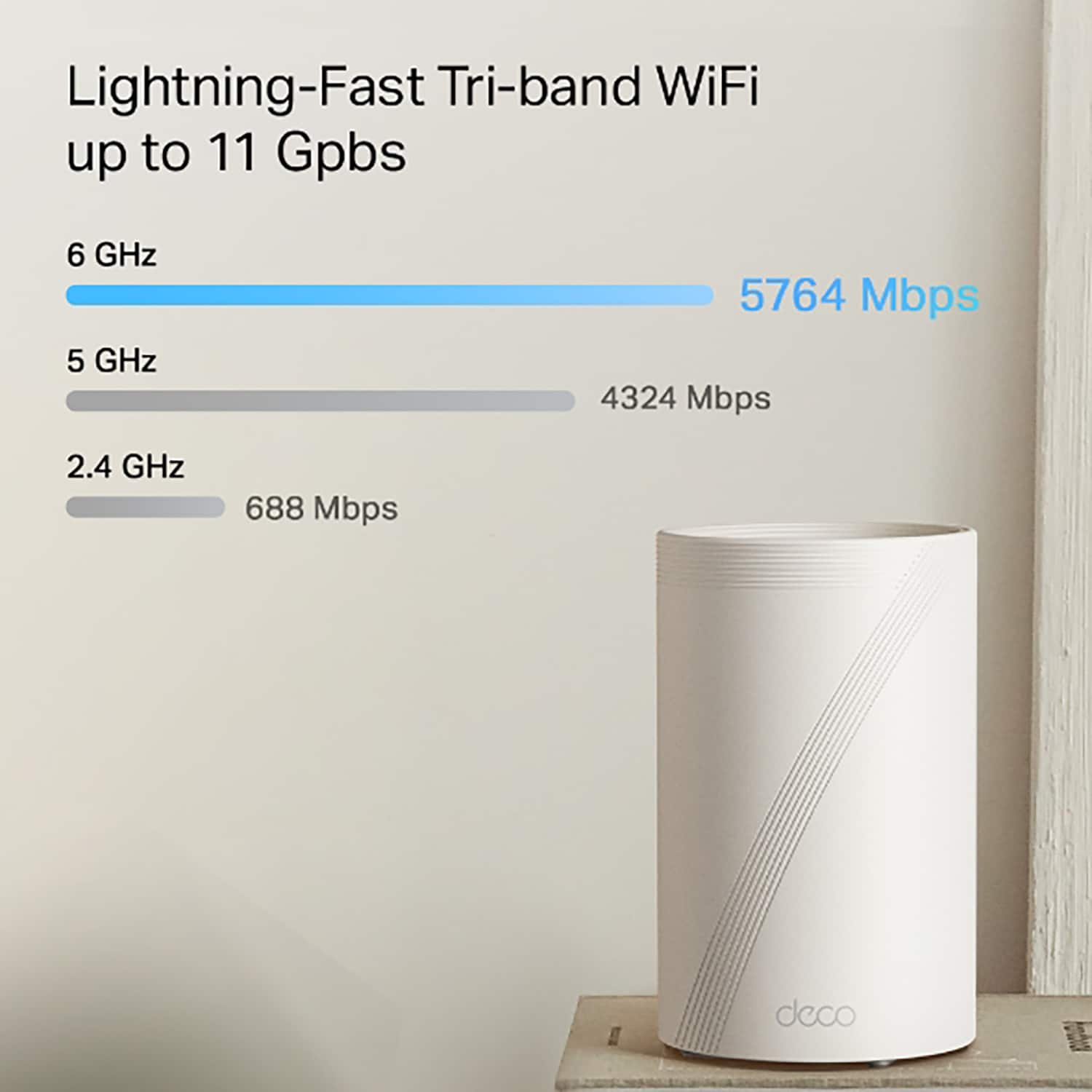
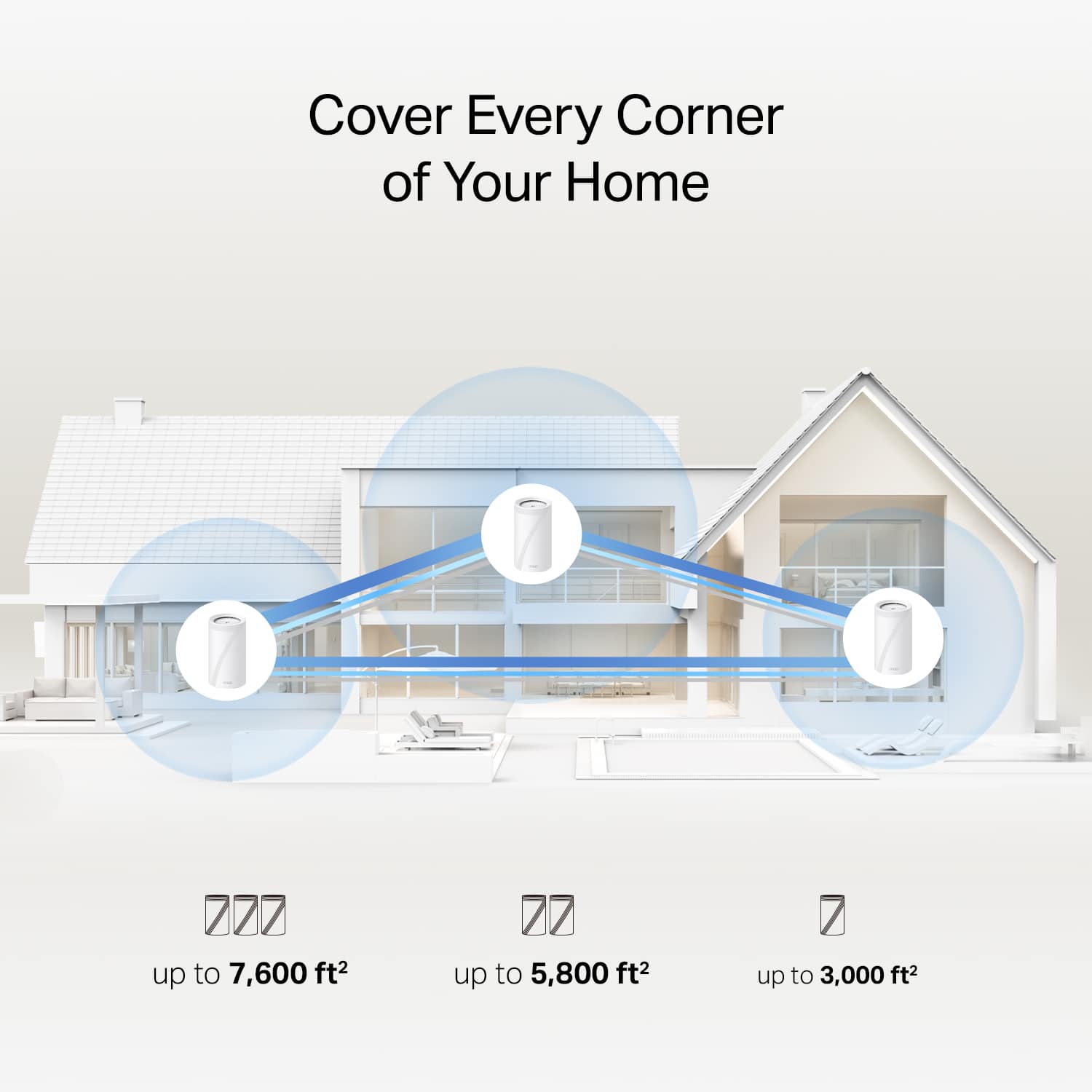
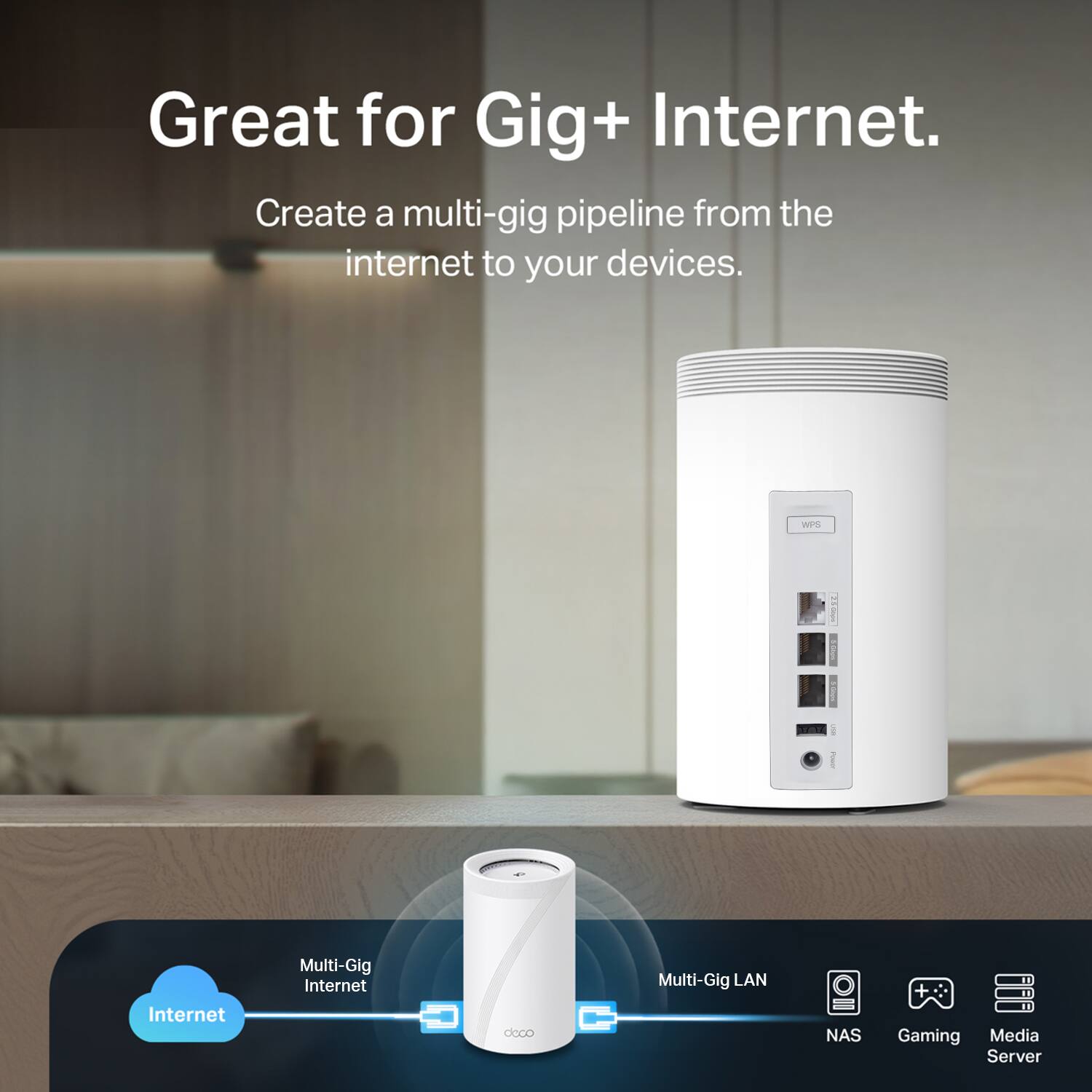
|Posted .This reviewer received promo considerations or sweepstakes entry for writing a review.I'm very excited with this 3 piece Deco BE11000 router/mesh setup from TP Link! Finally had to try out the WIFi 7 and it's solid! Every unit comes with it's own: 1x power supply/ 1x USB-A/ 1x 2.5Gbps ethernet/ 2x 5gbps ethernet connection The Quick Setup guide has a QR code that redirects you to the App download .... very easy to set this thing up! Just select from the app where each device is located and boom you have over 7000 sqft wifi covered signal(more then i need in my 2 stories/3000 sqft house). This WiFi 7 connection over this TP Link BE 65 Pro setup is mind boggling and gives me by far the best connection i ever had, in any room, to all my devices with no interruption! Literally no matter where i am in the house i'm getting the speed i'm paying for like i'm wired connected. I used to have problems with my TV's internet connection upstairs specially when more devices were using my previous wifi setup, well now the difference it's like day and night, not just that problem disappeared i have such a strong connection no matter how many devices i'm running. Plus the security this wifi7 mesh/setup offers i feel safer and more connected then ever!
I would recommend this to a friend- Pros mentioned:Speed
Great System
||Posted .This reviewer received promo considerations or sweepstakes entry for writing a review.This is my first mesh router so I have no basis of comparison except to say my WIFI reception is much better compared to my old router with a bunch of antennas. I ran an Ethernet cable from the upstairs mesh router to my PS4 and tripled the speed. My only complaint is the system doesn't support adding a network printer using the USB port. Apparently, Deco only allows the port to support a NAS storage device. Not sure why. My old router's USB allowed for a wired printer to be added to the network. Other than that, I've very pleased.
I would recommend this to a friend - Pros mentioned:Speed
Excellent system
||Posted .This reviewer received promo considerations or sweepstakes entry for writing a review.This system is amazing. I was very impressed with how easy it was to install the software, hook up the system, and get the system connected. I've got one Tower in my basement and the other two upstairs. It makes a perfect triangle and covers my whole home. I have yet to experience a drop signal or slow internet. I am very impressed and highly recommend
I would recommend this to a friend - Pros mentioned:Coverage, Performance
Wi-fi 7 for everybody in the house!
||Posted .This reviewer received promo considerations or sweepstakes entry for writing a review.I picked up the TP-Link Deco BE65 Pro and it completely transformed my home network—Wi-Fi 7 speeds are insanely fast, and coverage reaches every corner of my house without a single dead zone. Setup was super simple, and now I can stream, game, and run all my smart devices with zero lag. It’s hands-down the best mesh system I’ve ever used.
I would recommend this to a friend Setup was rough on Android!
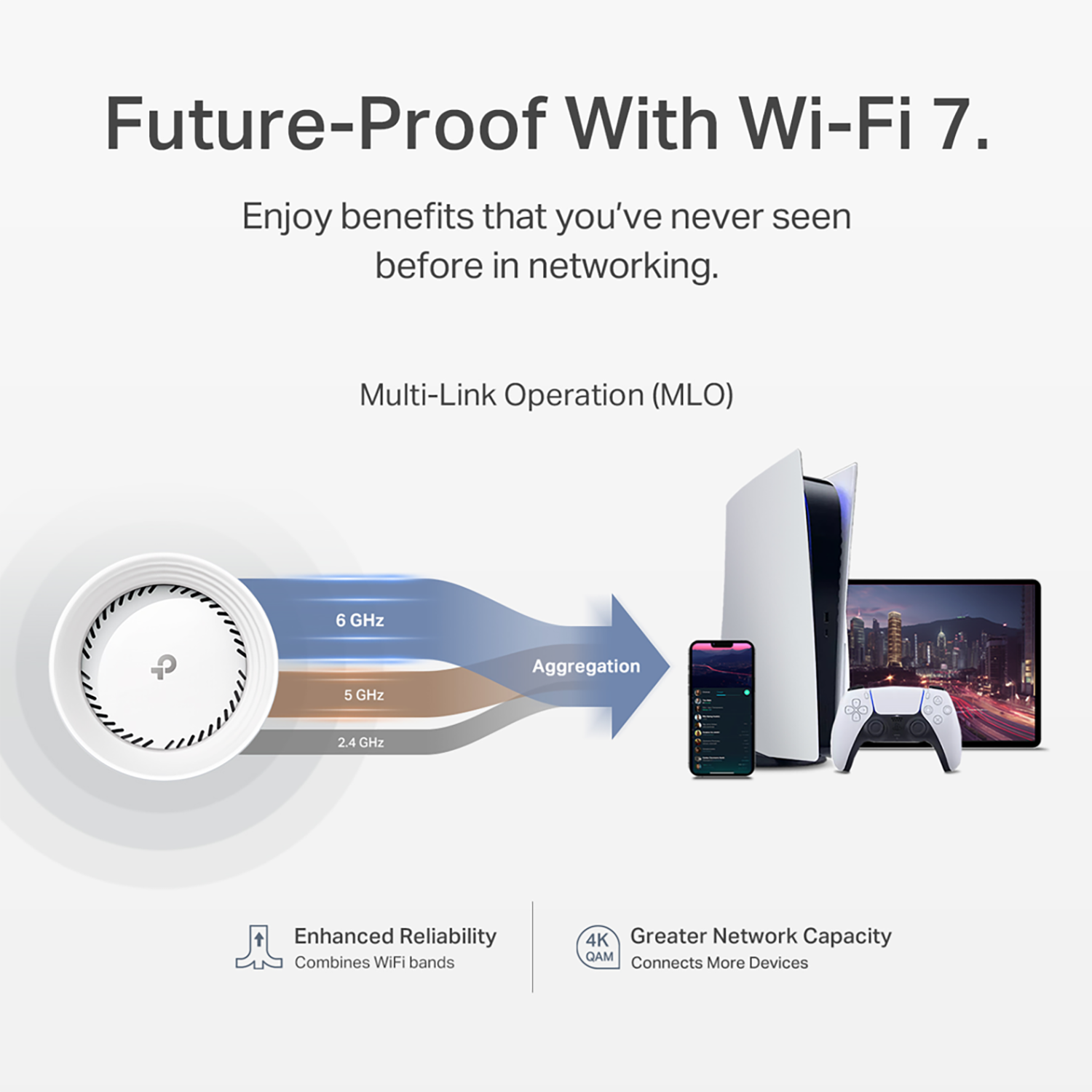
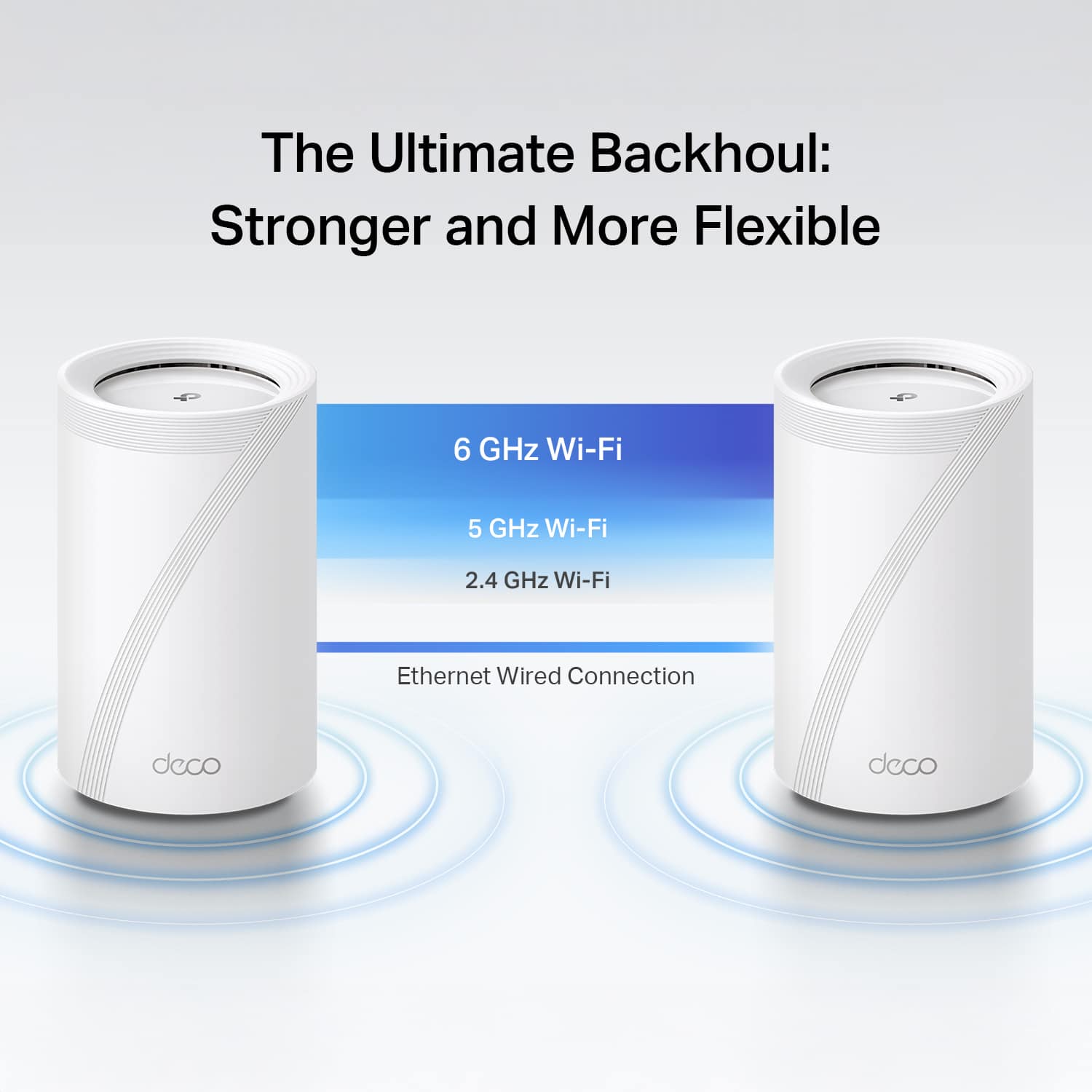
|Posted .This reviewer received promo considerations or sweepstakes entry for writing a review.TL:DR – I powered through some connectivity issues. I am using the wired backhaul method and my coverage is without a doubt 100% better, but the stability of the WiFi was not good with the settings out of the box! It kept randomly dropping gaming connections, and picking that same connection back up within a second. This is NOT a problem for most things like streaming TV shows, movies, music, browsing the web, and VPN connections for work (at least mine was fine), but for GAMING it was a problem! I highly recommend this for most people since it does indeed make life better for 90% of the use cases out there, but if you’re a gamer just know that you’ll have to make some network changes! Regular Review I’ll start with the setup process! I struggled with it! For some reason, I couldn’t connect the Deco units with my Samsung S24 Ultra for the initial setup! I tried multiple different reboots of each Deco unit, rebooted my phone, and the router, in different orders, but it just wouldn’t work! I ultimately ended up getting it setup with my wife’s iPhone 15 instead and doing a factory reset to get it working with my S24 Ultra after doing a firmware update on all the units. Kind of a weird start, but once it was set up the rest was pretty easy! I don’t know if this was a coincidence or if the firmware update addressed Android connectivity issues! Either way, the struggle was real! Thankfully, if you have a Kasa Smart, or any TP-Link product, your TP-Link account will work for the Deco app! I’m glad I didn’t have to create a new account to remember and manage! I opted to use the wired backhaul connection type for all three Deco units. Once I got past the initial setup and it was pretty much plug and play! Once it got online, it just added itself to the network as a node. Very basic and automated which was nice! As soon as that was done, I went to every corner of my house that normally struggled with WiFi and long story short, I had a grin from ear to ear. My 1.2 Gbps connection was was all over the house, with some areas getting as low as 600-700 Mbps. This was HUGE for me considering I would get under 10 Mbps in those areas! My gaming devices were showing great speeds as well for the speed test! The smiles ended pretty quickly after that, when I attempted to game! I kept getting packet bursts, lag, and things that affected my life as a gamer too much! It was almost a deal breaker for me. I did some research and noticed a bunch of things that were turned off like 6 Ghz and MLO. I enabled those options and made the SSID the same as the main network so things can hop between MLO and WiFi 7 at 6 Ghz. I also enabled Fast Switching. BeamForming was already enabled! Once I did that my gaming experience seemed to have been improved! Game streaming through GeForce Now using a Linux laptop, and multiplayer games, did feel great! Overall, I think the setup process could be better, and I think a better tutorial on what each thing does would be handy. Once the hurdle of hooking it up has passed, the rest of what it does is simply great!
I would recommend this to a friend- Pros mentioned:Ease of use, Performance
Great mesh router but software not free
||Posted .This reviewer received promo considerations or sweepstakes entry for writing a review.Product was relatively easy to instsll and works well. I am using a wired backhaul so i can't attest to how well wireless backhaul works. The only reason i sm giving 4 stars rather than 5 stars is you much purchase additional subscription based software for full protection.
I would recommend this to a friend - Pros mentioned:Setup
Game changer
||Posted . Owned for 1 month when reviewed.This reviewer received promo considerations or sweepstakes entry for writing a review.Easy setup wifi game changer house wifi signal strong in all corners of the house now.
I would recommend this to a friend - Pros mentioned:Coverage, Performance
New Routers
||Posted .This reviewer received promo considerations or sweepstakes entry for writing a review.Works great. Replaced two old Apple routers. Provides much better coverage.
I would recommend this to a friend