Customer Ratings & Reviews


---
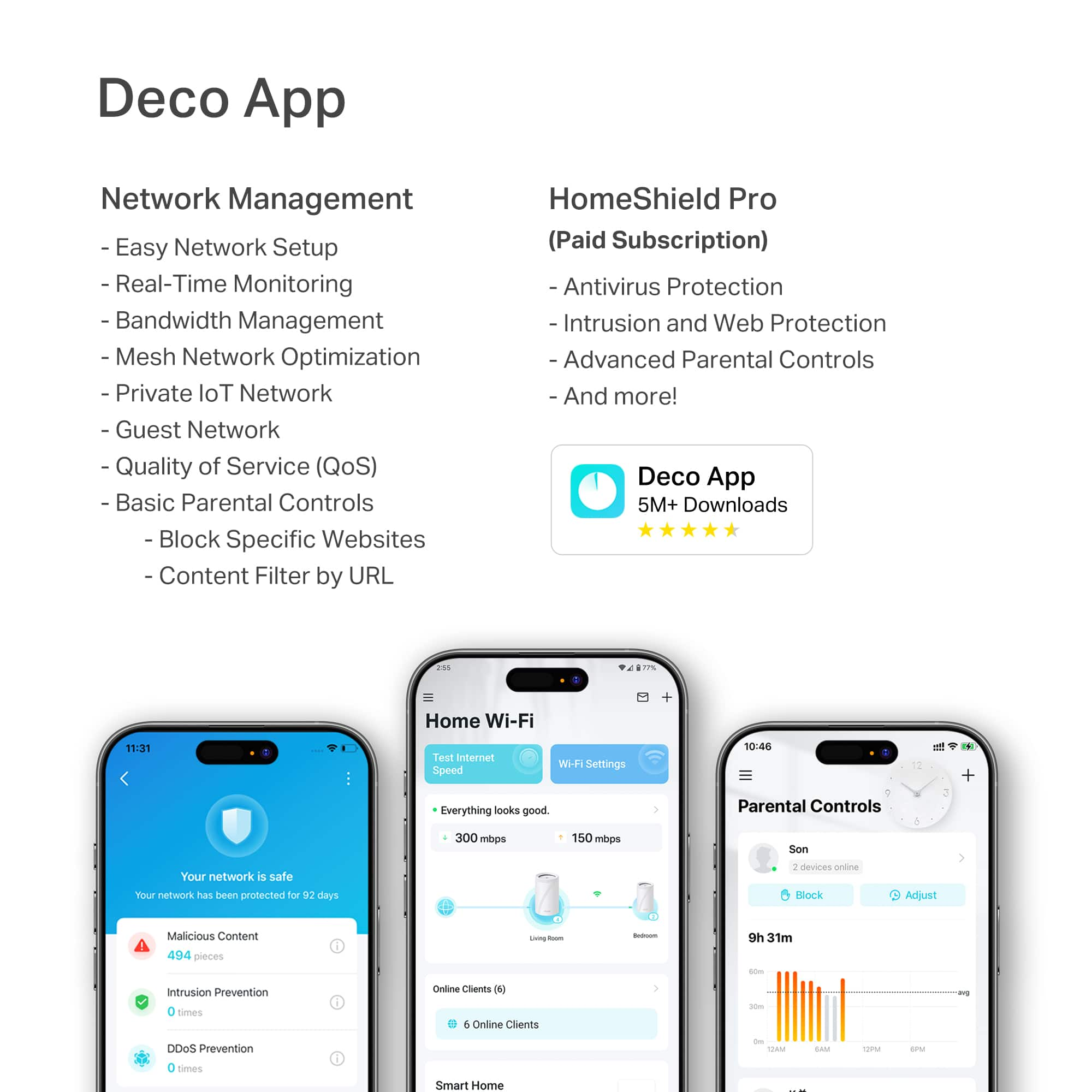
**HomeShield**
HomeShield is a built-in service, available in all HomeShield routers and Deco mesh products.
- Router Security Scan
- Wireless Security Scan
- IoT Device Identification
- Basic Parental Controls
- IoT Protection*
- Web Protection*
- Intrusion Prevention*
- Antivirus Protection*
*Included with HomeShield premium subscription service](https://pisces.bbystatic.com/image2/BestBuy_US/images/products/73c91144-7506-4315-aced-8c1035bdc301.jpg)
- Model:
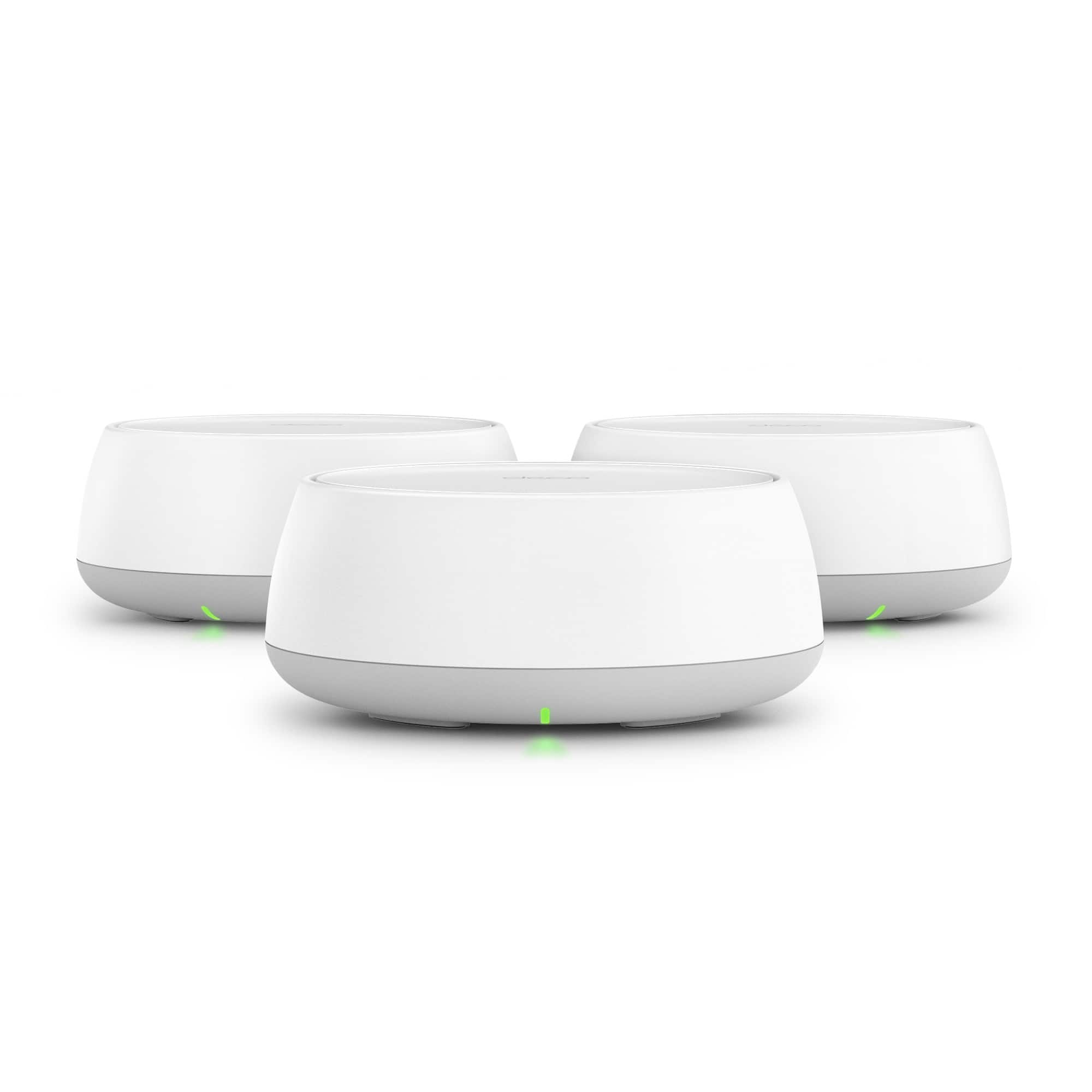
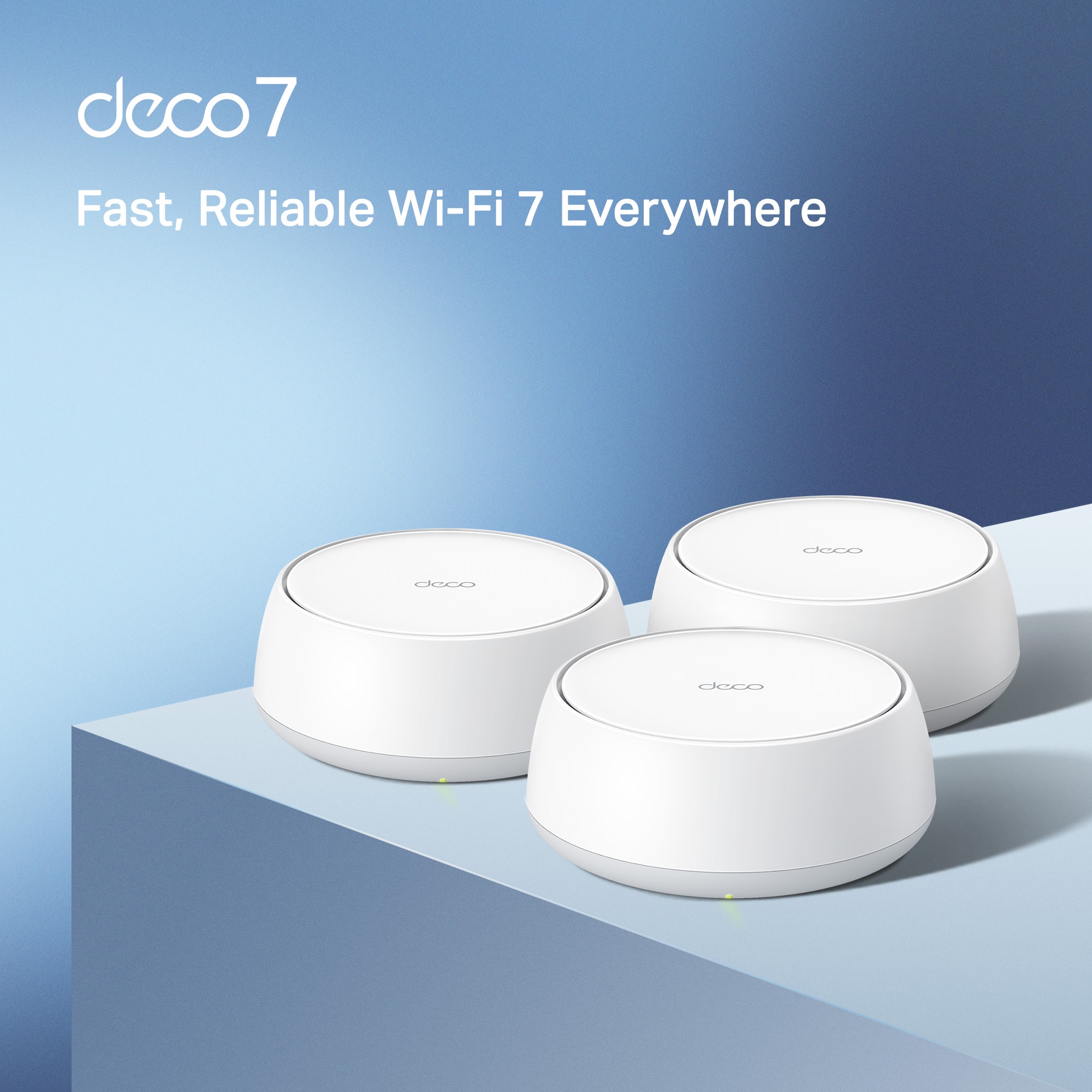
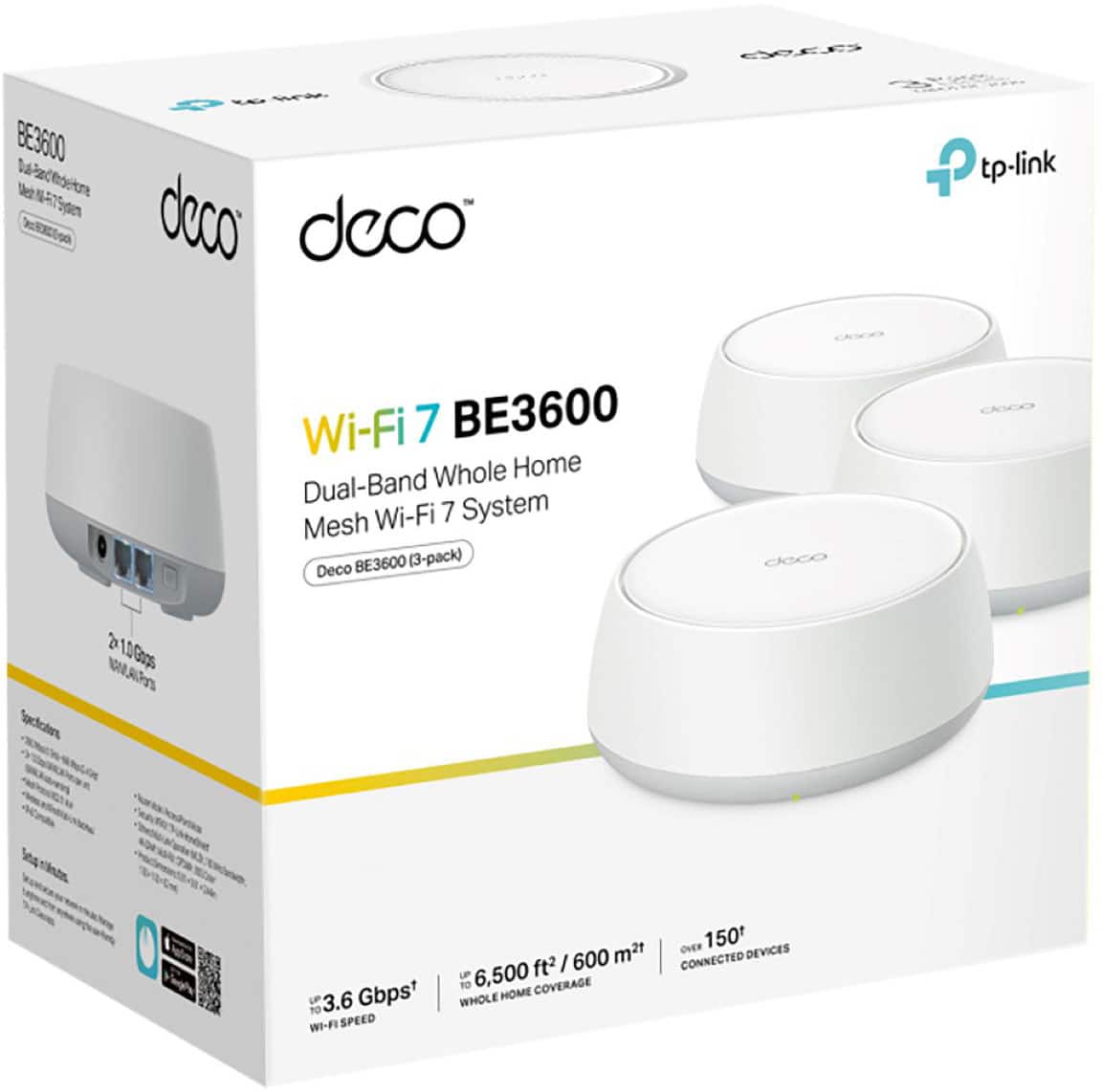
- Deco BE3600(3-Pack)
- SKU:
- 10736068
Rating by feature
- Setup
Rating 4.7 out of 5 stars
- Range
Rating 4.6 out of 5 stars
- Signal Strength
Rating 4.7 out of 5 stars
Great Choice
||Posted . Owned for 3 weeks when reviewed.This reviewer received promo considerations or sweepstakes entry for writing a review.Great product I highly recommend. Multiple locations maintains strong signal.
I would recommend this to a friendExcellent Router
||Posted . Owned for 2 weeks when reviewed.This reviewer received promo considerations or sweepstakes entry for writing a review.Excellent router. No dropped signals with this one.
I would recommend this to a friendHit the mark
||Posted . Owned for 1 month when reviewed.This reviewer received promo considerations or sweepstakes entry for writing a review.This wifi system delivered as described, and met our needs exactly. We did not need a “gaming” wifi system. Great product at a great price. No problems with it whatsoever.
I would recommend this to a friendWorks well
||Posted . Owned for 1 month when reviewed.This reviewer received promo considerations or sweepstakes entry for writing a review.Works ok, good monitoring system. Easy to connect. Not for a concrete house with multiple rooms.
I would recommend this to a friendWiFi nodes
||Posted .This reviewer received promo considerations or sweepstakes entry for writing a review.Gave the best super boost to my WiFi. Best Buy workers rocked at guiding me through set up. THANK YOU BEST BUY.
I would recommend this to a friendGreat WiFi system for 2 bedroom condo
||Posted . Owned for 1 week when reviewed.This reviewer received promo considerations or sweepstakes entry for writing a review.This system was easy to set up. Great coverage and speed. Very low profile look.
I would recommend this to a friendGreat system
||Posted . Owned for 6 months when reviewed.This reviewer received promo considerations or sweepstakes entry for writing a review.Really solved my spectrum router issues. By replacing my spectrum router with this mesh pod system, I’ve been able to connect more dependably. Set up was super easy.
I would recommend this to a friendGood product
||Posted . Owned for 1 month when reviewed.This reviewer received promo considerations or sweepstakes entry for writing a review.nice product only think parental control if you need extra we need to pay membership.
I would recommend this to a friendGreat system for the money
||Posted . Owned for 1 week when reviewed.This reviewer received promo considerations or sweepstakes entry for writing a review.It was an easy and quick set up out of the box. They link together easily from the app. Speeds are great, and have had no connection issues.
I would recommend this to a friendWifi 7 works great
||Posted . Owned for less than 1 week when reviewed.This reviewer received promo considerations or sweepstakes entry for writing a review.Great product, works like its suppose to. The onlybthing was it took it a while to connect to my wifi but other then that it works wonders
I would recommend this to a friendPerfect for big homes
||Posted . Owned for 2 weeks when reviewed.This reviewer received promo considerations or sweepstakes entry for writing a review.Really great product, definitely faster than my old to link m4 Wi-Fi 6 mesh network definitely worth the upgrade 10/10 recomend
I would recommend this to a friendNot bad
||Posted . Owned for 2 months when reviewed.This reviewer received promo considerations or sweepstakes entry for writing a review.The first week this device minda struggled for some reason but bow it works a lot better. I have my Pc, gaming system, a few laptops and more hooked up and rhey all work great. At random moments it drops signal but only briefly. This is not often.
I would recommend this to a friendWorks great!
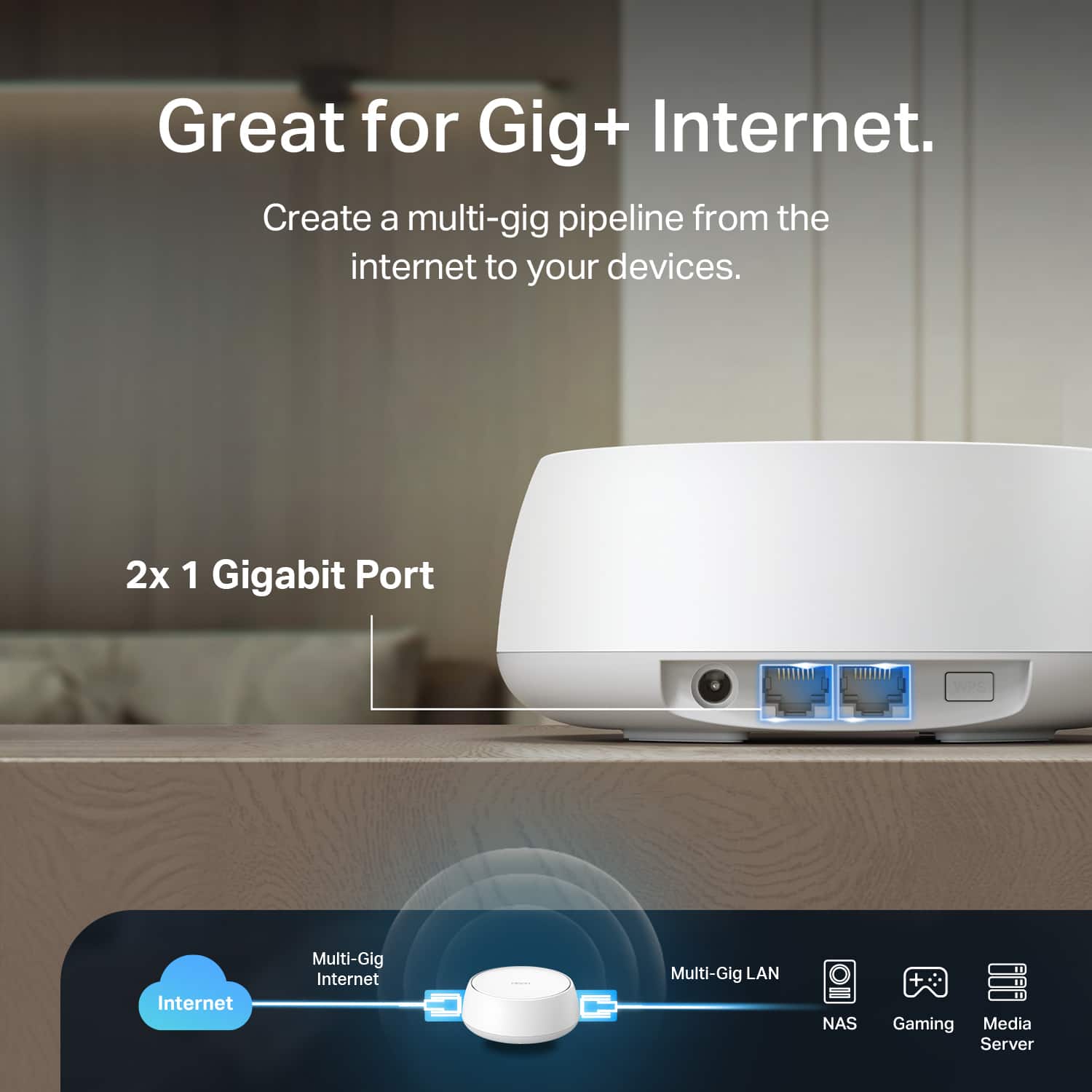
||Posted . Owned for 1 month when reviewed.This reviewer received promo considerations or sweepstakes entry for writing a review.It was easy to install and works great in our house (2,200 sq ft). I would have liked one more Ethernet input, but it’s not enough to lower it to 4 stars.
I would recommend this to a friendWorks gtear
||Posted . Owned for 1 month when reviewed.This reviewer received promo considerations or sweepstakes entry for writing a review.Does the job In no time at all they help bring great connections throughout my daughter’s townhouse. It’s made her life much easier
I would recommend this to a friendHoping to replace rented Spectrum equipment
||Posted .This reviewer received promo considerations or sweepstakes entry for writing a review.I bought this to replace Spectrum router and spectrum pods which I have to rent from Spectrum monthly and I wanted better Wi-Fi speeds. This system actually lowered my speeds. I had read that if you set it up in access point mode it would be better but lack of good instructions in the install app caused me to not be able to get it to work in this mode so I returned it.
No, I would not recommend this to a friendBrand response from TPLinkSupport
Posted .Hi DavidA,
Thank you for your review. Our Deco Mesh Wi-Fi systems are designed to provide robust, seamless Mesh Wi-Fi for your whole home. In your case, we first recommend ensuring your Deco app and firmware are both fully up to date and your Deco units are optimally positioned within your home and in proximity to each other.
Our support team is always available and happy to assist with any questions you may have about our products. Feel free to contact us through any of the resources provided with the product or on our official website, and a Support Agent will follow up with you directly.
Thank you,
TP-Link Systems Support
very pleases
||Posted . Owned for 1 week when reviewed.This reviewer received promo considerations or sweepstakes entry for writing a review.As soon as I connected to outlet my different machines started working wonderful.
I would recommend this to a friendthe best mesh
||Posted . Owned for 1 month when reviewed.This reviewer received promo considerations or sweepstakes entry for writing a review.I strongly agree, it’s the most bang for your buck.
I would recommend this to a friendGood WFH option for home mesh wifi
||Posted . Owned for 3 months when reviewed.This reviewer received promo considerations or sweepstakes entry for writing a review.Great mesh system to use for WFH. We have a 1900 square foot home, have two upstairs and one downstairs. No issues with gaming, video calls or daily use.
I would recommend this to a friendDecco 3600
||Posted . Owned for 1 month when reviewed.This reviewer received promo considerations or sweepstakes entry for writing a review.I am Satisfied with my purchase. It is easy-to-use
I would recommend this to a friendGreat
||Posted . Owned for 1 month when reviewed.This reviewer received promo considerations or sweepstakes entry for writing a review.It works great around the house and office, and it’s easy to install.
I would recommend this to a friend