Customer Ratings & Reviews


---
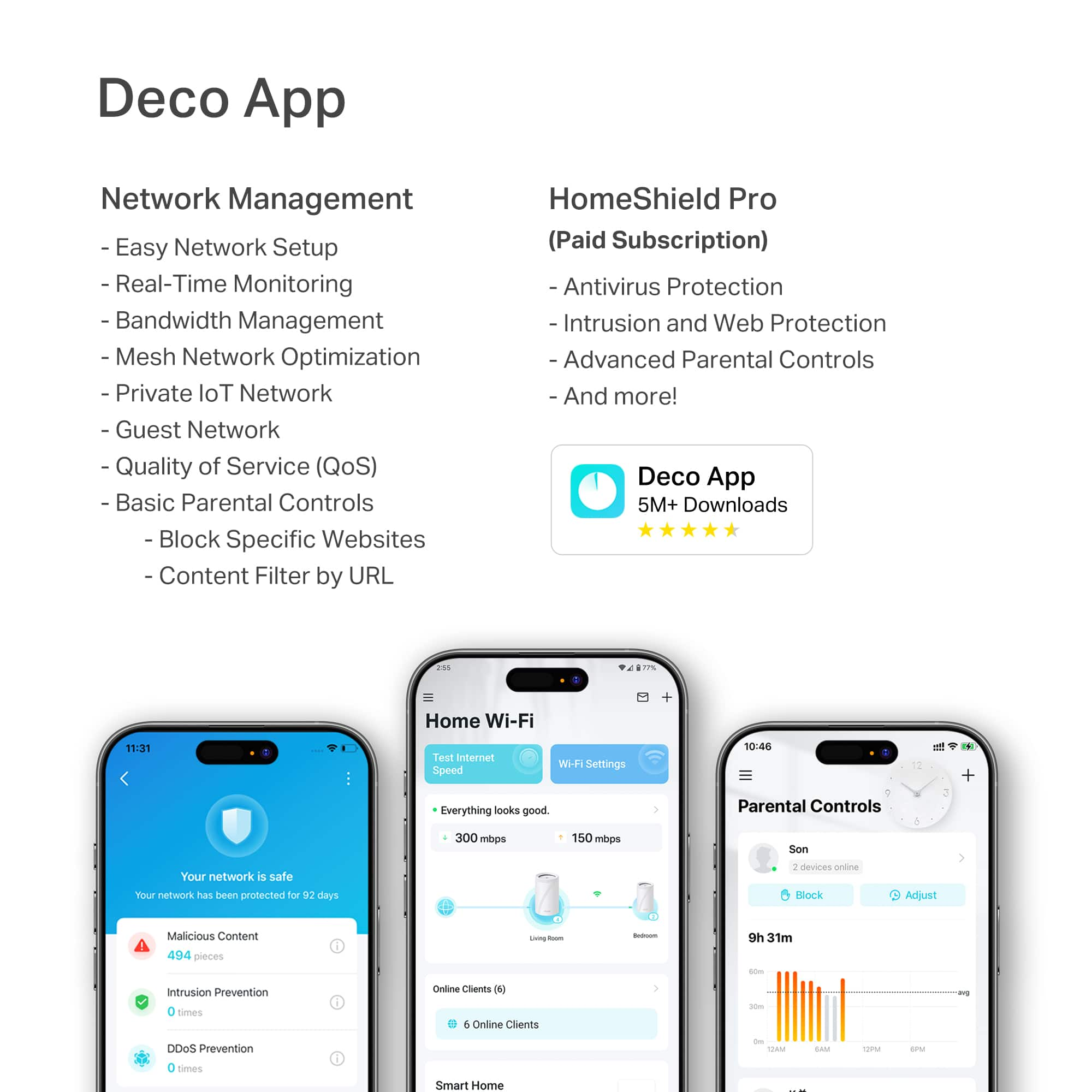
**HomeShield**
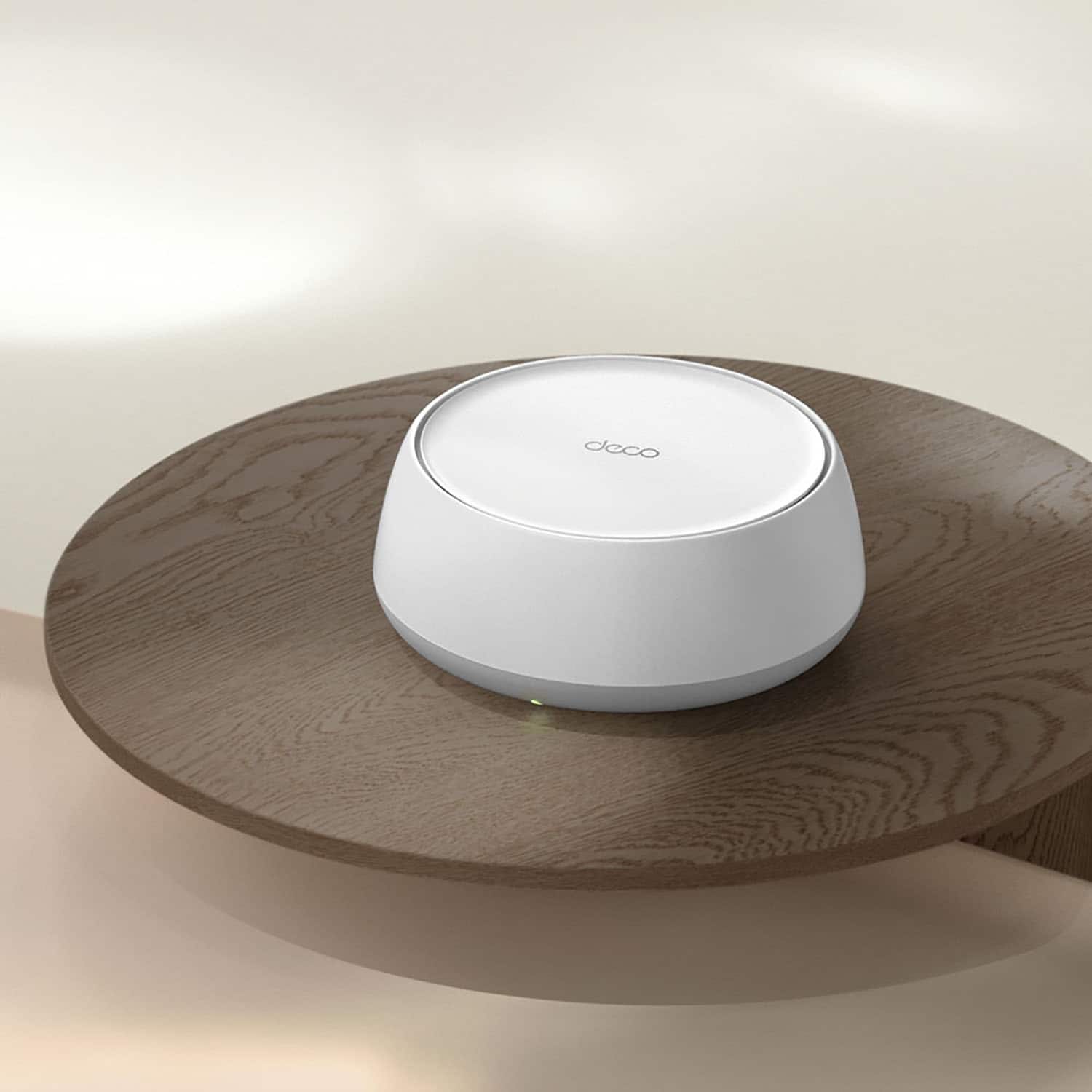
HomeShield is a built-in service, available in all HomeShield routers and Deco mesh products.
- Router Security Scan
- Wireless Security Scan
- IoT Device Identification
- Basic Parental Controls
- IoT Protection*
- Web Protection*
- Intrusion Prevention*
- Antivirus Protection*
*Included with HomeShield premium subscription service](https://pisces.bbystatic.com/image2/BestBuy_US/images/products/73c91144-7506-4315-aced-8c1035bdc301.jpg)

- Model:
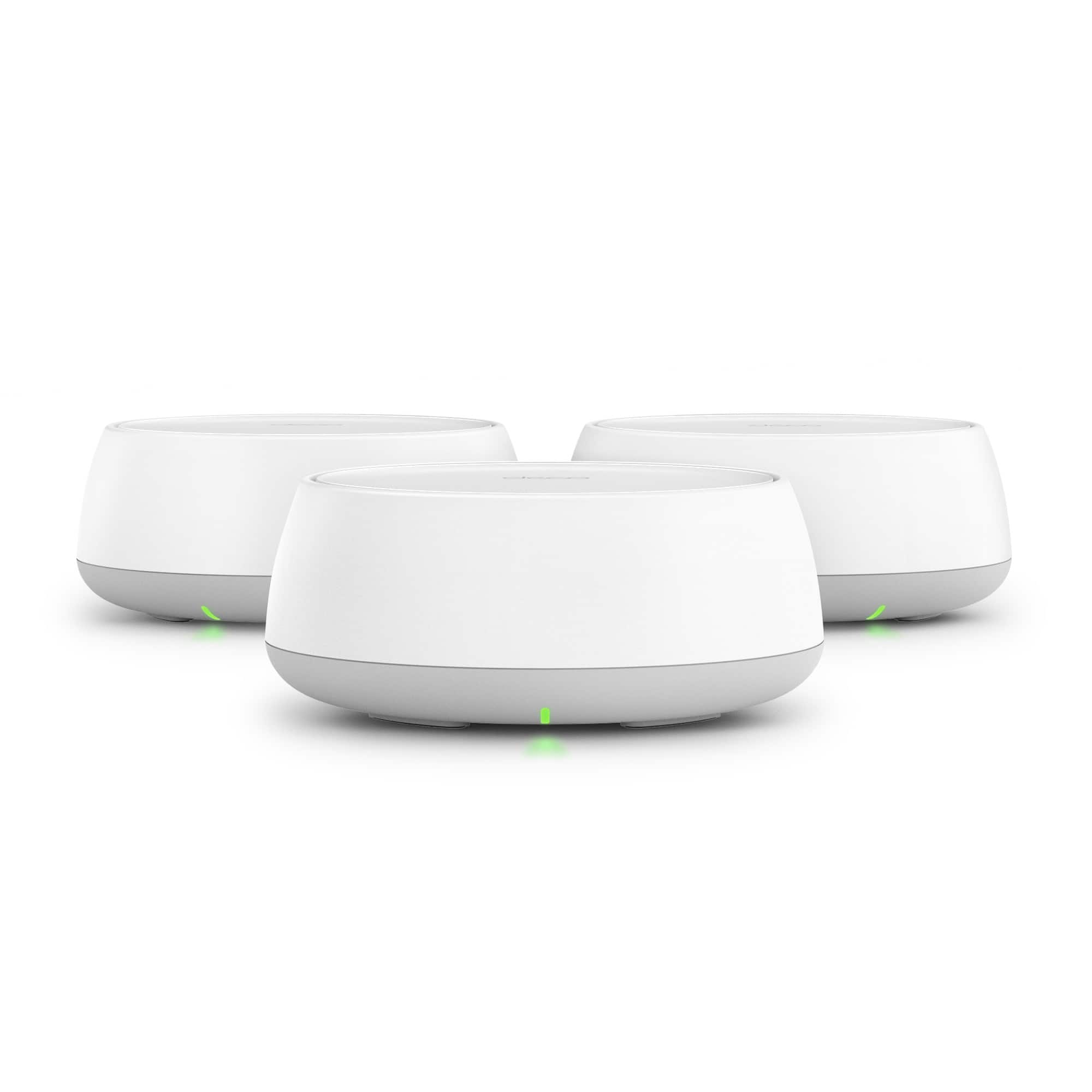
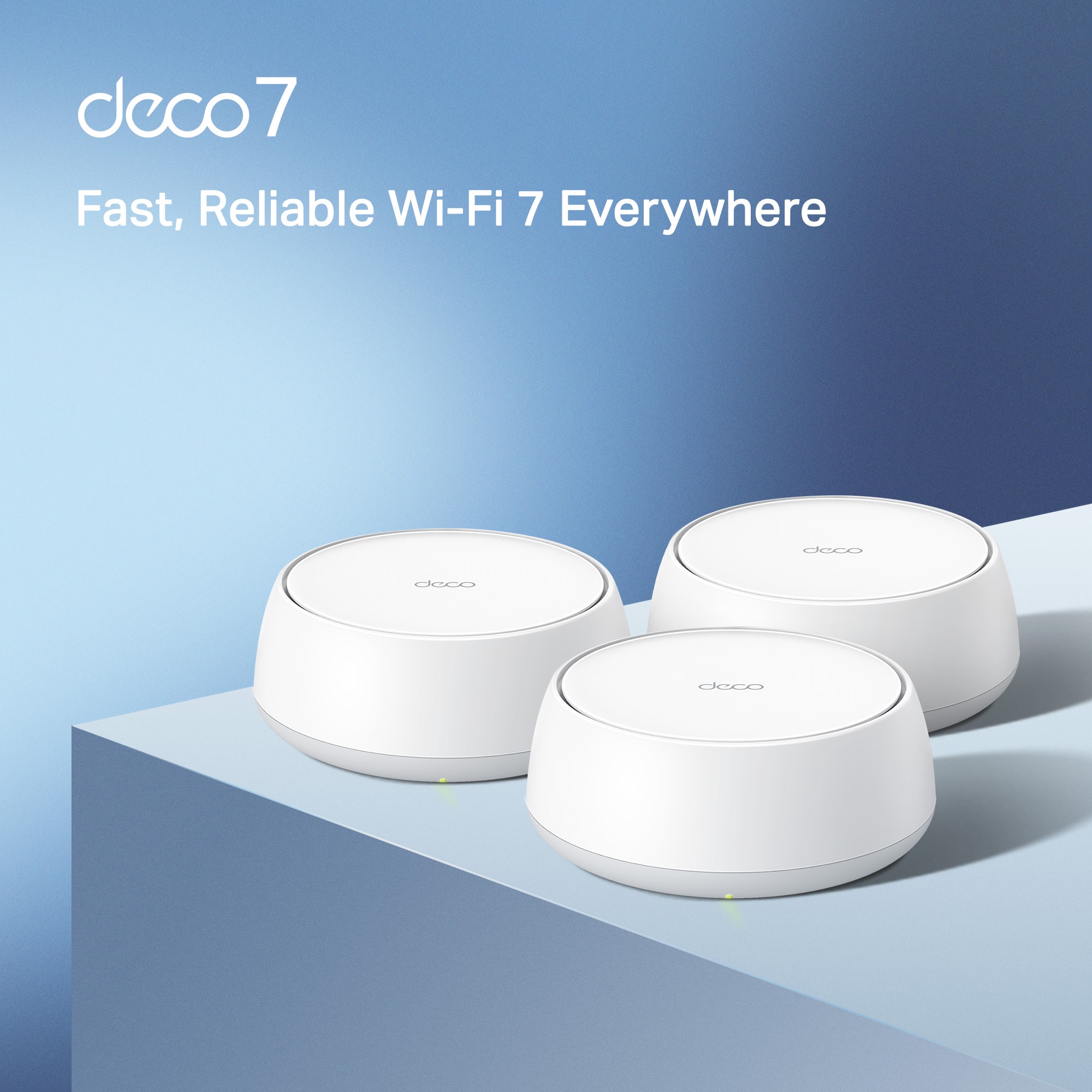
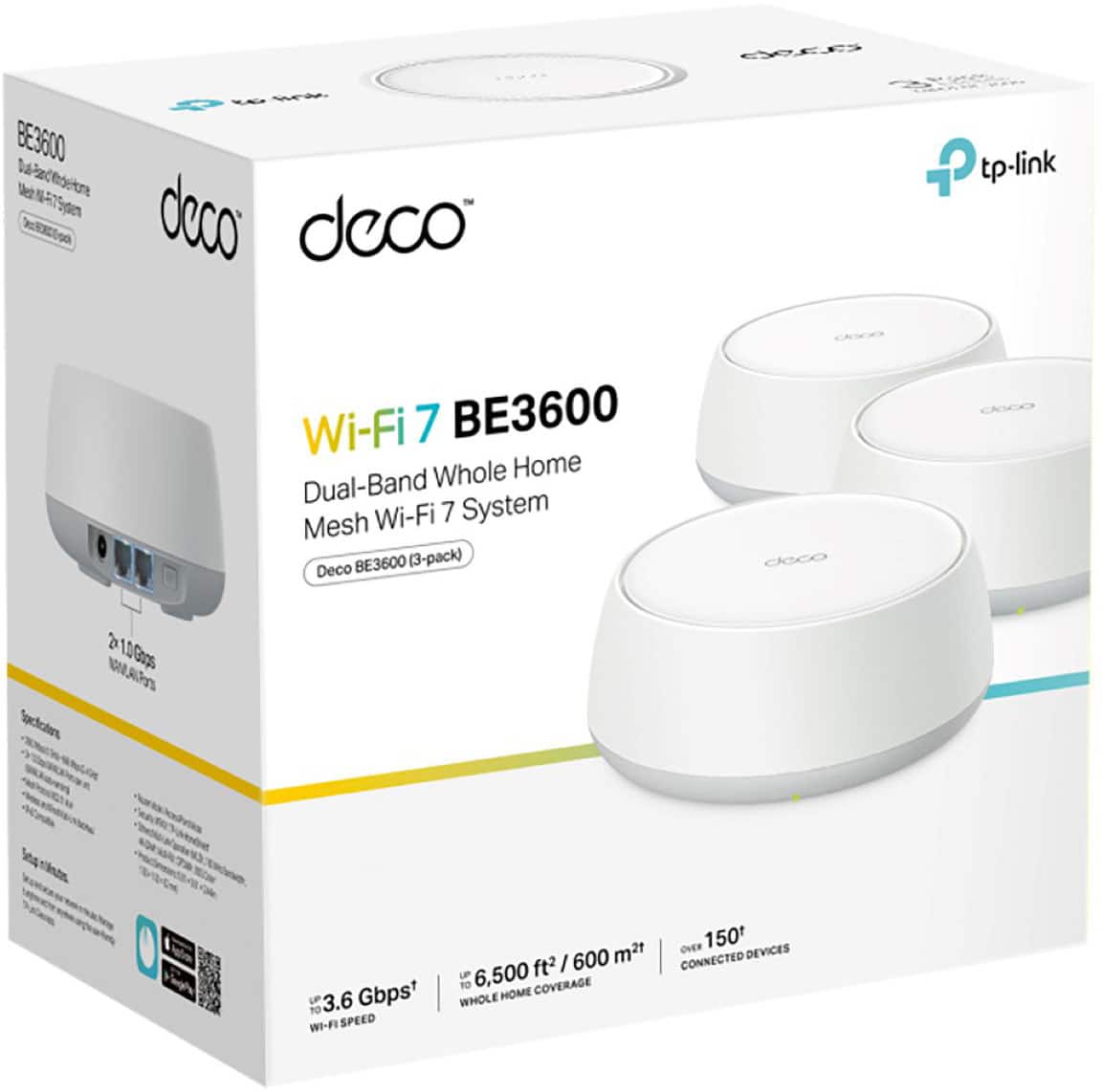
- Deco BE3600(3-Pack)
- SKU:
- 10736068
Rating by feature
- Setup
Rating 4.7 out of 5 stars
- Range
Rating 4.6 out of 5 stars
- Signal Strength
Rating 4.7 out of 5 stars
Helpful
||Posted . Owned for 2 weeks when reviewed.This reviewer received promo considerations or sweepstakes entry for writing a review.Andrew King is always helpful when we call or come in the store on 71st in Tulsa.
I would recommend this to a friendDecco Mesh Router
||Posted . Owned for 3 weeks when reviewed.This reviewer received promo considerations or sweepstakes entry for writing a review.Easy installation and work well. Have not found a downside.
I would recommend this to a friendBooster
||Posted . Owned for 1 month when reviewed.This reviewer received promo considerations or sweepstakes entry for writing a review.Worked very well for our set up and exactly what we needed.
I would recommend this to a friendVery good
||Posted . Owned for 1 month when reviewed.This reviewer received promo considerations or sweepstakes entry for writing a review.It was very good and made my internt faster and more reliable
I would recommend this to a friendGreat WiFi Networking foer your home!
||Posted . Owned for 3 weeks when reviewed.This reviewer received promo considerations or sweepstakes entry for writing a review.This Deco product has been great and boosted our home WiFi coverage. In addition, the customer support from TP Link was amazing. Would highly suggest this product!
I would recommend this to a friendWill work only if modem is centrally located.
||Posted . Owned for less than 1 week when reviewed.This reviewer received promo considerations or sweepstakes entry for writing a review.Should be plug in play. Purchased a mesh system because Internet coverage from my ISP and their router was poor in some of my house. Purchased mesh system, thinking I could have nodes that would talk to each other and provide signal at my intended location. (Like previous mesh systems I've had) Not so. Each satellite **only connects to the main modem**, which is at ISP modem location. I thought separate nodes would talk to each other and piggyback wifi, providing better coverage at intended location. What I have basically now is same problem as I started with. The farthest node does not talk to the node right below it on first floor, but rather to the main node (the farthest node), which is by ISP modem. No way to select how each satellite connects to each other. Defeats the whole purpose of mesh. Should've stuck with the other brand beginning with A. At least with that one, I knew that I would get decent coverage because of the piggyback option
No, I would not recommend this to a friendBrand response from TPLinkSupport
Posted .All Mesh systems operate in similar function as TP-Link Deco. The satellite units will attempt to create a direct link to the main unit. If the main unit is not available or the connection is too poor then a satellite will connect to another satellite. Satellites will also connect to each other if the link between the satellite and the main unit is broken. Additionally relay connections typically have poorer performance than direct links, even if that satellite unit is close to another satellite. If you have concerns you would like to specifically address with Support. Please reach out to us at [email protected].
Best Regards
TP-Link Systems Technical Support.
Kept disconnecting devices
||Posted . Owned for 2 weeks when reviewed.This reviewer received promo considerations or sweepstakes entry for writing a review.Didn't really work that well for me. It kept having to reconnect on some devices which I had never seen from previous mesh products i have used. Returned it and got a different brand and I am not seeing those issues now.
No, I would not recommend this to a friendBrand response from TPLinkSupport
Posted .Hi LongIslandLarry,
Thank you for your review. Our Deco Mesh Wi-Fi systems are designed to deliver robust, seamless Mesh Wi-Fi throughout your home. In your case, we first recommend ensuring that your Deco app and firmware are fully up to date, and that your Deco units are optimally positioned within your home and in optimal proximity to each other.
Our support team is always available and happy to assist with any questions you may have about our products. Feel free to contact us through any of the resources provided with the product or on our official website, and a Support Agent will follow up with you directly.
Thank you,
TP-Link Systems Support
No issues
||Posted . Owned for 1 week when reviewed.This reviewer received promo considerations or sweepstakes entry for writing a review.They work as stated. Overall happy with them. Thanks
I would recommend this to a friendGreat product
||Posted . Owned for 3 weeks when reviewed.This reviewer received promo considerations or sweepstakes entry for writing a review.Great product. Easy setup and works well on two floors
I would recommend this to a friendEasy to install. Gets the job done.
||Posted . Owned for 3 weeks when reviewed.This reviewer received promo considerations or sweepstakes entry for writing a review.Easy to install. Gets the job done. +±++++++++++++
I would recommend this to a friendWishing for Better
||Posted . Owned for 1 week when reviewed.This reviewer received promo considerations or sweepstakes entry for writing a review.We liked the technology and features but it doesn’t cover what we need it to so we are returning it.
No, I would not recommend this to a friendBrand response from TPLinkSupport
Posted .Hi BrWa,
Thank you for your review. Our Deco Mesh Wi-Fi systems are designed to deliver robust, seamless Mesh Wi-Fi throughout your home. In your case, we first recommend ensuring that your Deco app and firmware are fully up to date, and that your Deco units are optimally positioned within your home and in optimal proximity to each other.
Our support team is always available and happy to assist with any questions you may have about our products. Feel free to contact us through any of the resources provided with the product or on our official website, and a Support Agent will follow up with you directly.
Thank you,
TP-Link Systems Support
Flawless Connection
||Posted . Owned for 1 month when reviewed.This reviewer received promo considerations or sweepstakes entry for writing a review.Have to say I had doubts, but these work flawlessly
I would recommend this to a friendAmazing product
||Posted . Owned for 2 weeks when reviewed.This reviewer received promo considerations or sweepstakes entry for writing a review.Works better an expected, wish I had purchased it sooner
I would recommend this to a friendWi-Fi router
||Posted . Owned for 3 weeks when reviewed.This reviewer received promo considerations or sweepstakes entry for writing a review.Great product worked very well! Highly recommend this product.
I would recommend this to a friendWouldn’t recommend
||Posted . Owned for 1 month when reviewed.This reviewer received promo considerations or sweepstakes entry for writing a review.Contstant trying to figure out why the connections keep dropping and the connection is bad with 3 of them spaces out compared to the one traditional router setup. It is driving me up the walls. Maybe I have to set it up differently for each device? It’s not plug in ready for sure.
No, I would not recommend this to a friendBrand response from TPLinkSupport
Posted .Hi Danny,
Thank you for your review. Our Deco Mesh Wi-Fi systems are designed to provide robust, seamless Mesh Wi-Fi for your whole home. In your case, we first recommend ensuring your Deco app and firmware are both fully up to date, and your Deco units are optimally positioned within your home and in proximity to each other. Depending on the size, layout, and coverage needs of your home, you can temporarily try using two units instead of 3.
Our support team is always happy to help answer any questions about our products. Please feel free to reach out using any of the resources included with the product, or from our official website, and we'll gladly have a Support Agent follow up with you directly.
Thank you,
TP-Link Systems Support
Home Wi-Fi Replacement
||Posted . Owned for 2 weeks when reviewed.This reviewer received promo considerations or sweepstakes entry for writing a review.Easy to install as I used it to replace the existing Verizon infrastructure
I would recommend this to a friendhad to go with eero
||Posted . Owned for 3 weeks when reviewed.This reviewer received promo considerations or sweepstakes entry for writing a review.maybe it's just our house, but this system did not work nearly as well as the Eero we ended up buying
No, I would not recommend this to a friendBrand response from TPLinkSupport
Posted .Hi dbuysstuff,
Thank you for your review. Our Deco Mesh Wi-Fi systems are designed to provide robust, seamless Mesh Wi-Fi for your whole home. In your case, we first recommend ensuring your Deco app and firmware are both fully up to date and your Deco units are optimally positioned within your home and in proximity to each other.
Our support team is always happy to help answer any questions you may have about our products. Please feel free to reach out using any of the resources included with the product, or from our official website, and we'll gladly have a Support Agent follow up with you directly.
Thank you,
TP-Link Systems Support
BE AWARE!
||Posted . Owned for 3 months when reviewed.This reviewer received promo considerations or sweepstakes entry for writing a review.I thought this mesh bump up my speed instead it went down from 250+ mbps to 25 mbps so i had to put the old router back in. Now I cant return its just a waste of money. Be aware!
No, I would not recommend this to a friendBrand response from TPLinkSupport
Posted .Hi SheshadriS,
Thank you for your review. Our Deco Mesh Wi-Fi systems are designed to deliver robust, seamless Mesh Wi-Fi throughout your home. In your case, we first recommend ensuring that your Deco app and firmware are fully up to date, and that your Deco units are optimally positioned within your home and in optimal proximity to each other.
Our support team is always available and happy to assist with any questions you may have about our products. Feel free to contact us through any of the resources provided with the product or on our official website, and a Support Agent will follow up with you directly.
Thank you,
TP-Link Systems Support
Pure trash and junk
||Posted . Owned for 1 week when reviewed.This reviewer received promo considerations or sweepstakes entry for writing a review.Trash trash trash trash 1 GB/S connection speed. Fastest speed this thing can manage? 20 KB/s. Great for dial up; sucks for anything modern. Save your money, and to anyone who worked on this: you deserve to be unemployed and starving.
No, I would not recommend this to a friendBrand response from TPLinkSupport
Posted .Hi Noone,
Thank you for your review. Our Deco Mesh Wi-Fi systems are designed to deliver robust, seamless Mesh Wi-Fi throughout your home. In your case, we first recommend ensuring that your Deco app and firmware are fully up to date, and that your Deco units are optimally positioned within your home and in optimal proximity to each other.
Our support team is always available and happy to assist with any questions you may have about our products. Feel free to contact us through any of the resources provided with the product or on our official website, and a Support Agent will follow up with you directly.
Thank you,
TP-Link Systems Support
Complicated Instillation Process
||Posted . Owned for 3 weeks when reviewed.This reviewer received promo considerations or sweepstakes entry for writing a review.When I plugged them in, I attempted to access TP-Link's website to activate the security features and to register my products. I could not successfully do that . My first internet connection was in 1999 and it was dial up telephone internet. It shouldn't be that difficult to have secure, stand alone wi-fi in my house.
No, I would not recommend this to a friendBrand response from TPLinkSupport
Posted .Hello Tyler,
We would like to collect more information related to your concern. Registering the product is not a requirement for setting up a Deco system. All you need is your ISP service, a compatible modem for that service, and the Deco app. Once you create an account, the app can take you through the step-by-step process of installing and configuring the Deco system. Please call us at 866-225-8139 or email [email protected] at your convenience. Support is available 24-hours a day.
Best regards
TP-Link Systems Support.