Outlet EventEnds Jan. 19. Limited quantities. No rainchecks.Shop now

Main Content

Customer Ratings & Reviews
Customer reviews

Rating 4.6 out of 5 stars with 161 reviews

Rating Filter

Rating by feature

  • Value

    Rating 4.7 out of 5 stars

  • Quality

    Rating 4.7 out of 5 stars

  • Ease of Use

    Rating 4.5 out of 5 stars

Pros mentioned filter

Cons mentioned filter

91%would recommend to a friend

Customers are saying

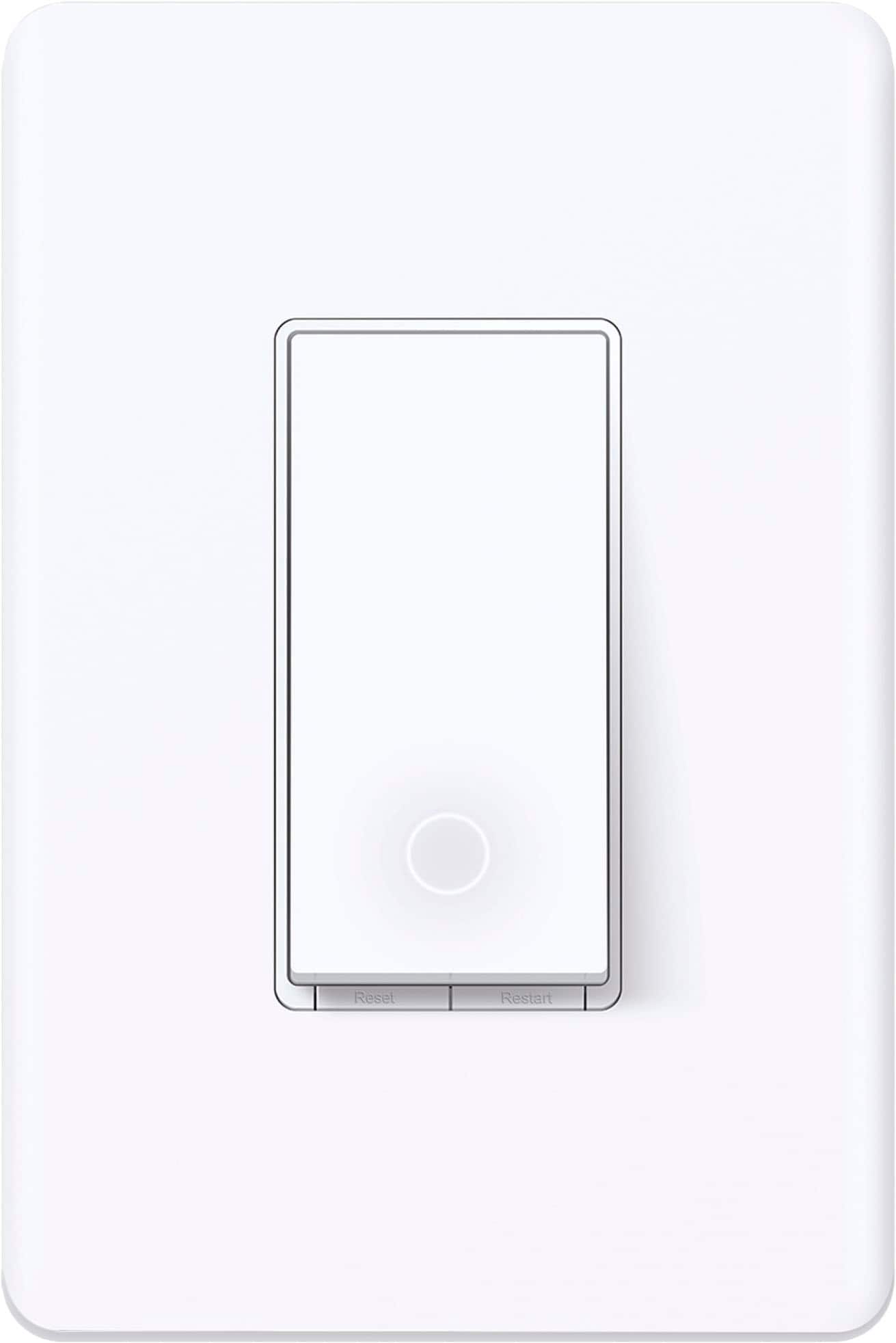
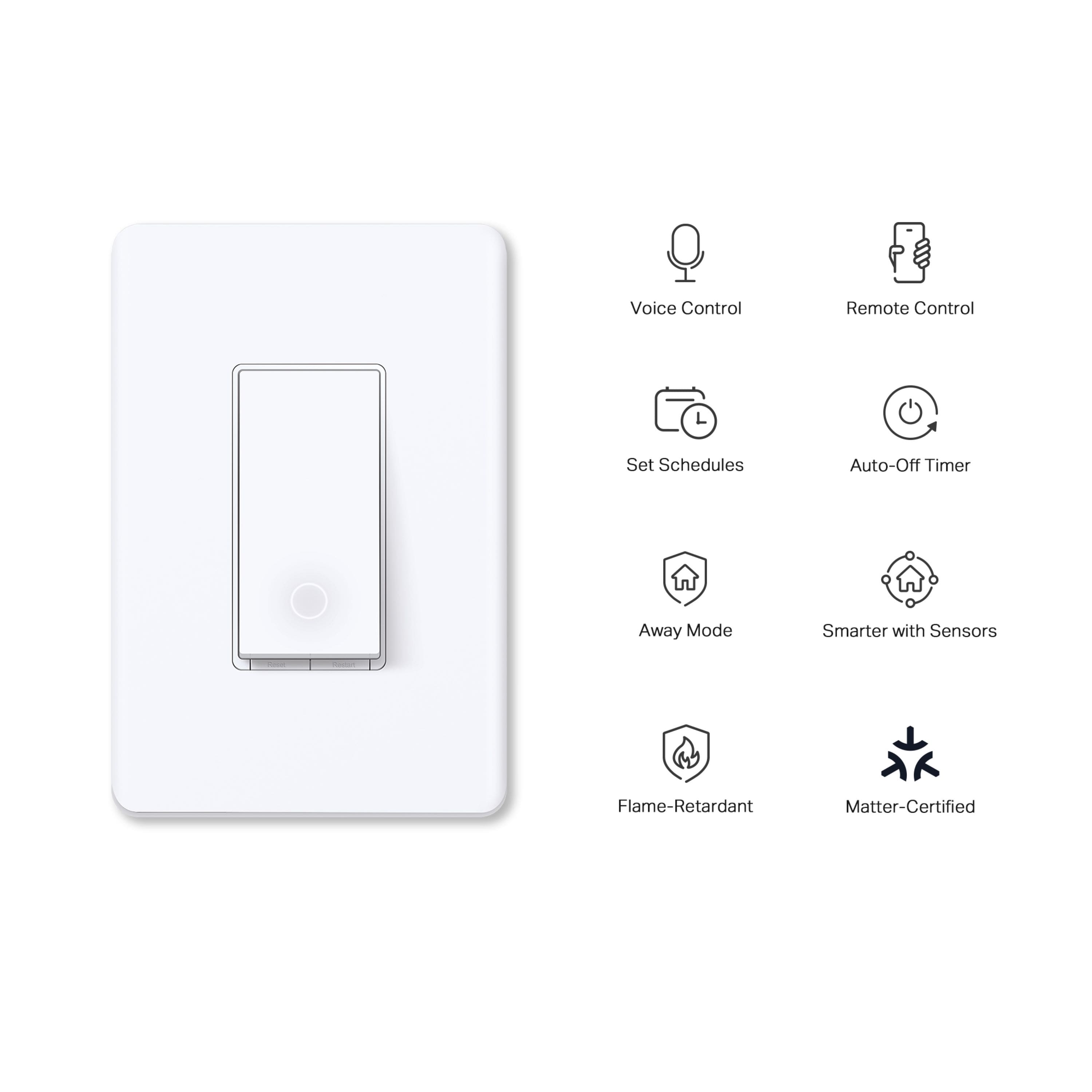
Customers often highlight the ease of use and simple installation of the Tapo Smart Wi-Fi Light Switch. They appreciate its compatibility with various smart home ecosystems like Apple HomeKit and Alexa. The reasonable price point and the functional app are also well-received features.

This summary was generated by AI based on customer reviews.

The vast majority of our reviews come from verified purchases. Reviews from customers may include My Best Buy members, employees, and Tech Insider Network members (as tagged). Select reviewers may receive discounted products, promotional considerations or entries into drawings for honest, helpful reviews.
Page 8 Showing 141-160 of 161 reviews
  • Rated 5 out of 5 stars

    Exactly as advertised

    |
    |
    Posted . Owned for 3 weeks when reviewed.
    This reviewer received promo considerations or sweepstakes entry for writing a review.

    Excellent product. Works just as advertised. Will buy again.

    I would recommend this to a friend
  • Rated 1 out of 5 stars

    Terrible quality control

    |
    |
    Posted .
    This reviewer received promo considerations or sweepstakes entry for writing a review.

    First one lasted a couple months before relay went out. Great… not too terrible but still sucks. Second one goes out after 2-3 weeks. Wow. I try a third one since they’re all warrantied. LESS THAN 1 week before relay burnt out and lights are now just stuck on.

    No, I would not recommend this to a friend
    • Brand response from TPLinkSupport
      Posted .

      Hello Jake,

      This is not typical behavior of our smart switches. I know you are working with Support, but please share the ticket you are working on with [email protected]. I want to directly investigate and make sure the engineers are doing their due diligence to address this concern.

      Best Regards

      TP-Link Systems Support tplink

  • Pros mentioned:
    Installation

    Rated 1 out of 5 stars

    Does NOT have Apple Homekit Support

    |
    |
    Posted .
    This reviewer received promo considerations or sweepstakes entry for writing a review.

    This device claims Siri support which it sort of has, but it only works with IOS using the TP-Link application and IOS Shortcuts. This is an awkward integration at best and does not have any integration with Apple Home. This is unfortunate because the device itself was easy to install, and easy to configure within TP-Link. The integration with Shortcuts is awkward and using the device with Siri from an apple watch is even worse. I hope they include Home integration at some point.

    No, I would not recommend this to a friend
    • Brand response from TPLinkSupport
      Posted .

      If you purchased the Tapo S505 or S505D then it does support Apple HomeKit but through its Matter setup. You can check out our website or Official YT channels for videos detailing how to setup Matter with HomeKit. You can also reach out to support via [email protected] and our support team can help walk you though the process. tplink

  • Rated 1 out of 5 stars

    Would not connect to the app

    |
    |
    Posted . Owned for 1 month when reviewed.
    This reviewer received promo considerations or sweepstakes entry for writing a review.

    Only good thing about the product was the price. Would not connect to the app at all. Reset everything and no luck. Would not recommend at all. The worst thing i bought in a long time

    No, I would not recommend this to a friend
    • Brand response from TPLinkSupport
      Posted .

      Hi,

      Thank you for your review. Our smart plugs, bulbs, and switches are designed for quick and easy setup using the Kasa app. If you're having difficulty connecting them to your network during setup, please ensure your smartphone is not connected to a VPN during setup, as this may interfere with the installation process.

      If you would like assistance with any of these steps, please reach out to our free support team using any of the resources included with the product, or from our official website, and we'll gladly have a Support Agent follow up with you directly.

      Thank you,
      TP-Link Support tplink

  • Rated 1 out of 5 stars

    Did not work

    |
    |
    Posted . Owned for 2 weeks when reviewed.
    This reviewer received promo considerations or sweepstakes entry for writing a review.

    I hooked it up using the app I heard the switch clicking on and off, but it did not turn my lights on or off plus does not have a dimmer function either returned.

    No, I would not recommend this to a friend
    • Brand response from TPLinkSupport
      Posted .

      Hi,

      Thank you for your review. In your case, we would first recommend ensuring the switch is properly and securely wired within your existing switch box, and that your home's wiring meets the minimum requirements for the device.

      Our support team is always happy to help answer any questions you may have about our products. Please feel free to reach out using any of the resources included with the product, or from our official website, and we'll gladly have a Support Agent follow up with you directly.

      Thank you,
      TP-Link Support tplink

  • Rated 1 out of 5 stars

    Worked until it didn’t. Tplink doesn’t care.

    |
    |
    Posted . Owned for 8 months when reviewed.
    This reviewer received promo considerations or sweepstakes entry for writing a review.

    Bought two switches 10 months ago and they worked great until the latest matter update and now they just show as non responding in apple home app. Tried everything and I’m a hardware engineer. Everything else on my home app works perfectly fine. Pinged Tp-link a week ago and haven’t heard a single response yet. Unless I hear back very soon from them I would suggest to “Run far far away from this company.”

    No, I would not recommend this to a friend
    • Brand response from TPLinkSupport
      Posted .

      Hi ClarkS,

      Thank you for your review. We regret to hear your support experience has been anything less than satisfactory, and would like to help address any remaining concerns you may have. At your convenience, please email [email protected], reference this review and the details regarding your concern, and we will follow up.

      Thank you,
      TP-Link Support tplink

  • Rated 1 out of 5 stars

    Doesn't turn on the lights.

    |
    |
    Posted . Owned for 3 weeks when reviewed.
    This reviewer received promo considerations or sweepstakes entry for writing a review.

    Despite having put in hundreds of receptacles and light switches this device would not turn on my lights. I was able to connect to it via the app in the documentation, but it will not turn on my lights.

    No, I would not recommend this to a friend
    • Brand response from TPLinkSupport
      Posted .

      Hi,

      Thank you for your review. In your case, we would first recommend ensuring the Line/Load and Neutral are properly connected to the light switch, as displayed in the diagram at the bottom of the page here: https://www.tp-link.com/us/home-networking/smart-switch/ts15/

      Our support team is always happy to help answer any questions you may have about our products. Please feel free to reach out using any of the resources included with the product, or from our official website, and we'll gladly have a Support Agent follow up with you directly.

      Thank you,
      TP-Link Support tplink

  • Rated 1 out of 5 stars

    Failed light switch

    |
    |
    Posted . Owned for 3 weeks when reviewed.
    This reviewer received promo considerations or sweepstakes entry for writing a review.

    Could not get the camera to sync with my Alexa or with my Kasa app. I was very disappointed!

    No, I would not recommend this to a friend
    • Brand response from TPLinkSupport
      Posted .

      Hi,

      Thank you for your review. Our Tapo smart devices are designed for quick and easy setup using the Tapo app, as well as intuitive integration with Alexa. If you're having difficulty connecting the device to your network during setup, please ensure your router's 2.4GHz Wi-Fi signal is sufficiently strong at the device's location.

      Please also make sure your smartphone is not connected to a VPN during setup, as this may interfere with the installation process.

      For helpful instructions on linking Alexa to Tapo, please see our FAQ here: https://www.tapo.com/us/faq/74/

      If you would like assistance with any of these steps, please get in touch with our support team using any of the resources included with the product or from our official website, and we'll gladly have a Support Agent follow up with you directly.

      Thank you,
      TP-Link Support tplink

  • Pros mentioned:
    Ease of use

    Rated 5 out of 5 stars

    Home Automation Light Switch

    Posted .
    This reviewer received promo considerations or sweepstakes entry for writing a review.

    Easy installation and setup of this wifi switch. I like the ability to change the control of this switch when I migrate to more Matter-based control processes.

    I would recommend this to a friend
  • Pros mentioned:
    Ease of use

    Rated 5 out of 5 stars

    Pay attention

    Posted .
    This reviewer received promo considerations or sweepstakes entry for writing a review.

    I see people saying it doesnt work without a hub or with different apps outside of Tapo. It does. Just learn how to actually do it, example just open amazon and add the skill itself then merge the two and you can now control everything with alexa. Switches work great and are cheaper. Orgiannly had wemo but we sre now converging.

    I would recommend this to a friend
  • Pros mentioned:
    Ease of use

    Rated 5 out of 5 stars

    Love these

    Posted .
    This reviewer received promo considerations or sweepstakes entry for writing a review.

    I have several of these in my home along with cameras, the light bulbs, outlets and the surge protector/ 3plug power strips. These are so easy to to install and set up on your phone and connect with your Google. Makes my life so easy if i go to bed and forget to turn off a light or fan. I just tell Google to turn ygem off.

    I would recommend this to a friend
  • Pros mentioned:
    Installation

    Rated 5 out of 5 stars

    Responsive and easy set up

    Posted .
    This reviewer received promo considerations or sweepstakes entry for writing a review.

    This switch is very responsive! When physically pressing the button, there is zero delay. My Google Home Max detected the new switch and set it up in just a few minutes. I didn't have to install the Tapo app. I did end up installing their app to use the scheduling, timer, delay, and away features. This is great smart switch. One of the best smart switches on the market so far.

    I would recommend this to a friend
  • Pros mentioned:
    Installation

    Rated 5 out of 5 stars

    Flawless working

    Posted .
    This reviewer received promo considerations or sweepstakes entry for writing a review.

    Installed it no hassle. Previously I tried kasa but that did not work. BestBuy version of this is work Flawless.

    I would recommend this to a friend
  • Pros mentioned:
    Ease of use

    Rated 5 out of 5 stars

    The best

    Posted .
    This reviewer received promo considerations or sweepstakes entry for writing a review.

    These are the best switches there are. I have them almost everywhere in my house. Easy to install works great and looks nicer than a fancy one from a home store. And is cheaper

    I would recommend this to a friend
  • Pros mentioned:
    Ease of use

    Rated 5 out of 5 stars

    Works great with Alexa

    Posted .
    This reviewer received promo considerations or sweepstakes entry for writing a review.

    Very easy to hook up. I use to control my hallway lights with Alexa. I also use the timer to trigger the lights to come on and off when we're not home.

    I would recommend this to a friend
  • Pros mentioned:
    Ease of use

    Rated 5 out of 5 stars

    Great switch. Fits all my needs and is cheap.

    Posted .
    This reviewer received promo considerations or sweepstakes entry for writing a review.

    So far so good. No complaints at all. I can control the switch with my Tapo app on the phone.

    I would recommend this to a friend
  • Rated 5 out of 5 stars

    Sunset setting is great!

    Posted .
    This reviewer received promo considerations or sweepstakes entry for writing a review.

    Works perfectly. Love the Sunset setting for having lights come on based on time of darkness. No more adjusting the start time all through the year.

    I would recommend this to a friend
  • Rated 3 out of 5 stars

    Works okay. I'd get the Kasa version.

    Posted .
    This reviewer received promo considerations or sweepstakes entry for writing a review.

    I've used this for a few months now. It works okay. The matter connection worksed initially and then it stopped connecting to my Google home devices. Also if you hit the button too quickly, it doesn't register. That doesn't happen with my old Kasa switches.

    No, I would not recommend this to a friend
    • Brand response from TPLinkSupport
      Posted .

      Hi,

      We always recommend ensuring your router's 2.4GHz Wi-Fi signal is adequately strong in the smart device's location. Within the Tapo app, there's a feature that allows you to measure Wi-Fi signal strength of your smart devices. When the app is connected, please check the signal strength in the Device Settings menu.

      If the signal is within the ideal range, and you're still experiencing these symptoms, please ensure your Tapo app is up to date, then update your smart device's firmware by selecting Me → Firmware Update within the Tapo app.

      If you'd like assistance with any of these steps, please reach out to our free support team using any of the resources included with the product, or from our official website, and we'll gladly have a Support Agent follow up with you directly.

      Thank you,
      TP-Link Support tplink

  • Rated 3 out of 5 stars

    Works only with Tapo app.

    Posted .
    This reviewer received promo considerations or sweepstakes entry for writing a review.

    doesn't seem to work outside of Tapo app for smart phones.

    No, I would not recommend this to a friend
    • Brand response from TPLinkSupport
      Posted .

      Hi,

      Thank you for your review. TP-Link Tapo products are designed for convenient and intuitive setup and management using the Tapo app on your smartphone (Android and iOS). The Tapo app is free and can be downloaded from the Google Play Store and Apple App Store.

      Our support team is always happy to help answer any questions you may have about our products. Please feel free to reach out using any of the resources included with the product, or from our official website, and we'll gladly have a Support Agent follow up with you directly.

      Thank you,
      TP-Link Support tplink

  • Rated 1 out of 5 stars

    Disappointed

    Posted .
    This reviewer received promo considerations or sweepstakes entry for writing a review.

    The WiFi they ask you to link to is unsecured and it won’t link to my exciting WiFi. It only supports 2.4 GHz network.

    No, I would not recommend this to a friend
    • Brand response from TPLinkSupport
      Posted .

      Hi,

      Thank you for your review. The setup network is not secured because it is effectively an ad-hoc network - a connection solely between your smartphone and the switch. The switch is not connected to the Internet at this stage.

      Once the switch is set up and connected to your network, it will use the encryption provided by your Wi-Fi network, as well as cloud encryption for your TP-Link ID, and also offers Multi-Factor Authentication as an optional, added security measure via the Tapo app, if desired.

      Our support team is always happy to help answer any questions you may have about our products. Please feel free to reach out using any of the resources included with the product, or from our official website, and we'll gladly have a Support Agent follow up with you directly.

      Thank you,
      TP-Link Support tplink

Sponsored