Customer Ratings & Reviews
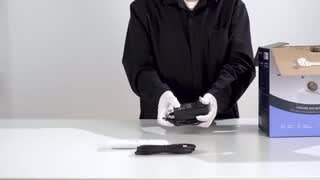
- Model:
- LS570B
- SKU:
- 6577243
Rating by feature
- Value
Rating 4.4 out of 5 stars
- Quality
Rating 4.3 out of 5 stars
- Ease of Use
Rating 4.5 out of 5 stars
Customers are saying
Customers regard the Leisure 570B projector highly for its picture quality and ease of use, with features like auto focus and Bluetooth connectivity adding to its appeal. The projector's compact size is also appreciated for its practicality. However, some customers have expressed concerns about the brightness, screen quality, app availability, keystone correction, and fan noise.
This summary was generated by AI based on customer reviews.
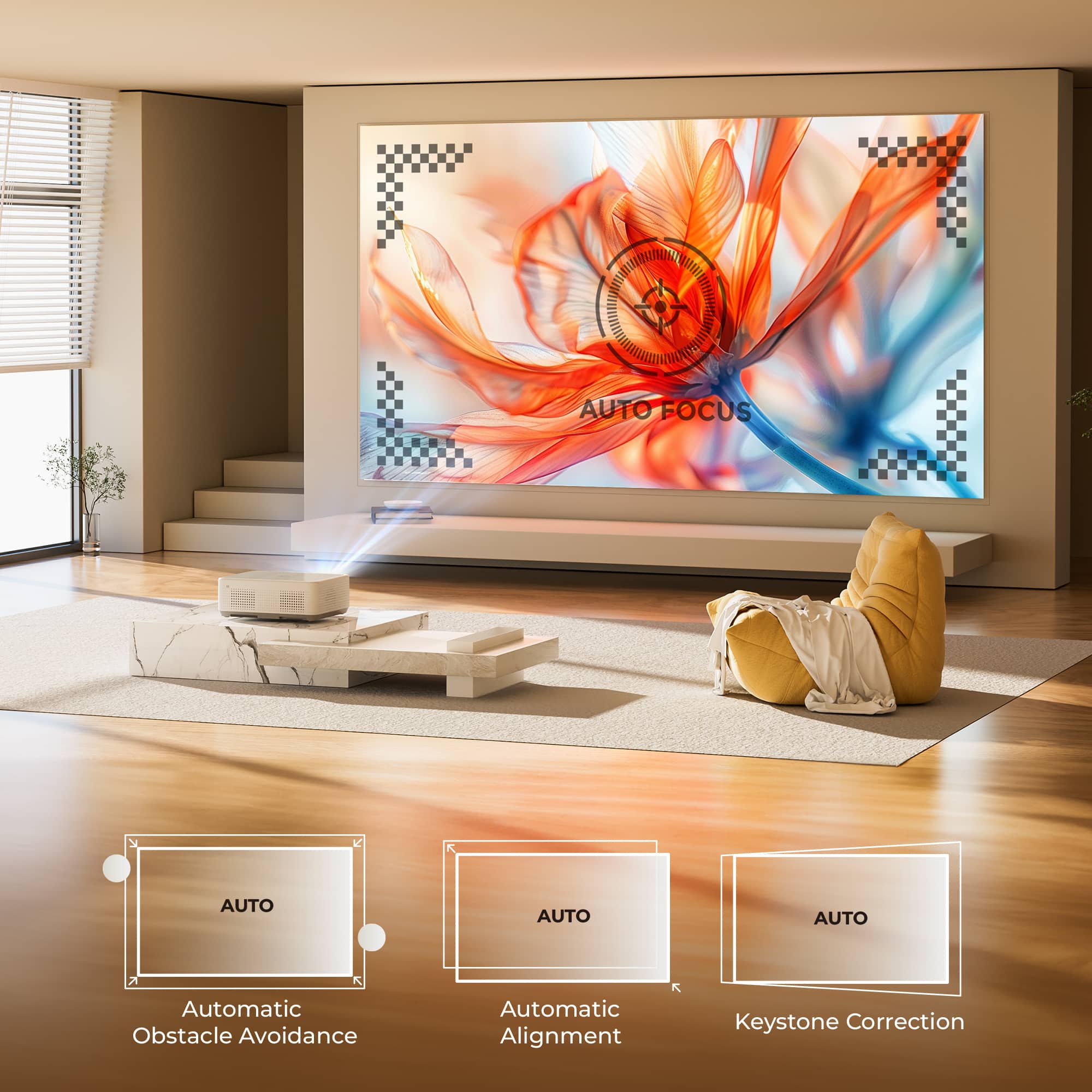
- Pros mentioned:Auto focus, Picture quality
Pretty decent for 2nd rooms
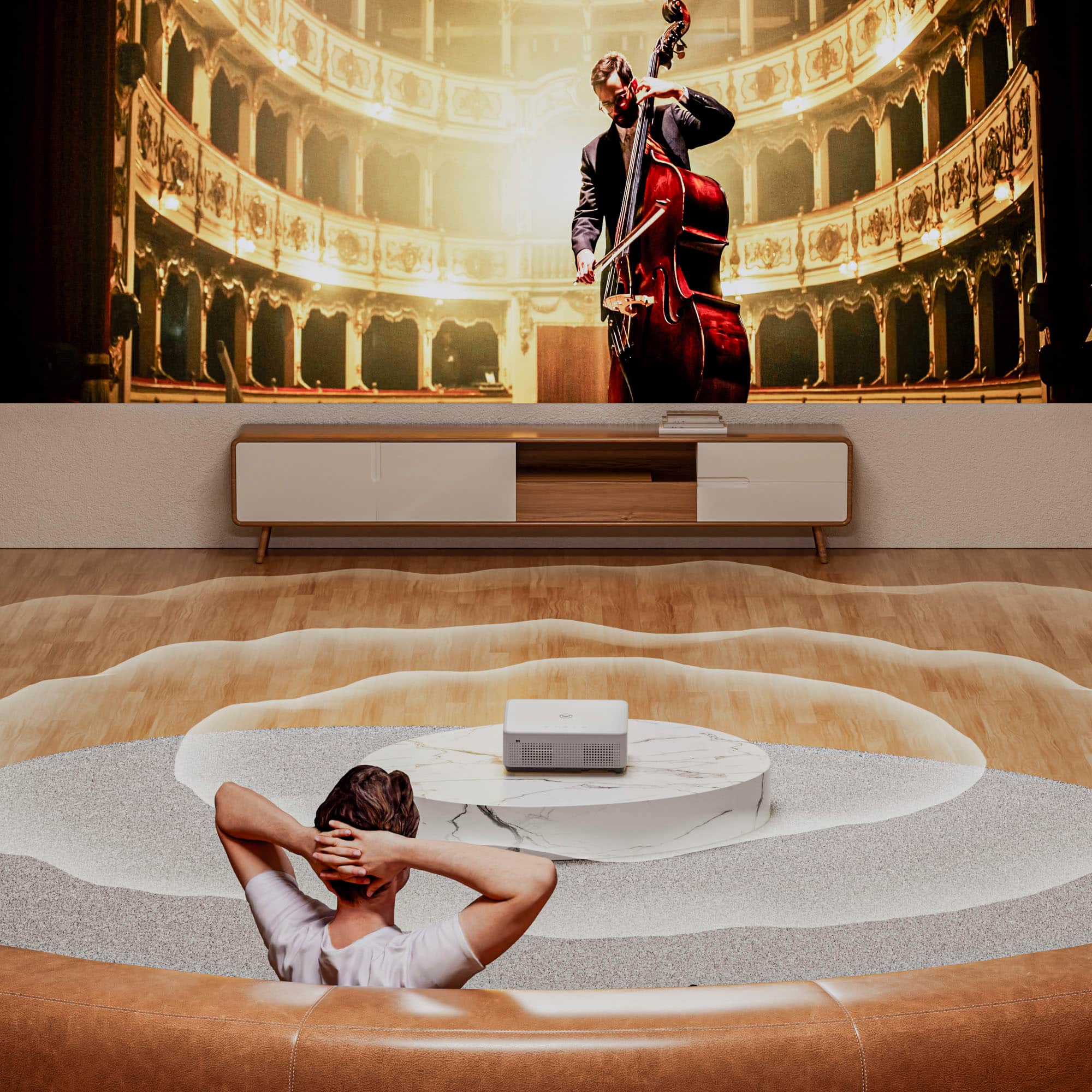
||Posted . Owned for 1 month when reviewed.This reviewer received promo considerations or sweepstakes entry for writing a review.I got this for my spare bedroom so that guest can watch movies and stuff or for me to play some games. My favorite thing about it is the auto focus feature so the image does not look blurry at all. The speakers are pretty good as well but if you are looking to watch more then YouTube or Netflix id recommend getting a streaming box because the other “apps” are just web pages. The projector gets pretty bright as well giving a clear picture even when the door is open.
I would recommend this to a friend - Pros mentioned:Ease of use, Picture quality
Great Quality
||Posted . Owned for less than 1 week when reviewed.This reviewer received promo considerations or sweepstakes entry for writing a review.Great quality, easy to use, easy set up, picture quality is great. Used a 120 inch screen instead of the one that comes with the projector however am happy that i have two just incase i want to bring this outside on a summer night
I would recommend this to a friend - Pros mentioned:Picture quality
Nice projector
||Posted .This reviewer received promo considerations or sweepstakes entry for writing a review.Used this projector on Halloween, and it transformed our garage door, watching The Nightmare Before Christmas, while the kids trick-or-treated. So much fun. Quality was decent. Happy we bought it.
I would recommend this to a friend - Pros mentioned:Ease of use, Picture quality
Quality pic and sound
||Posted . Owned for 1 month when reviewed.This reviewer received promo considerations or sweepstakes entry for writing a review.Clear picture and great sound. Easy to use. You can even adjust screen. It was even able to fit the one side of the wall in the bedroom. We love it! Just what we're looking for.
I would recommend this to a friendBrand response from Vankyo Team
Posted .Thank you for your support. We are super excited to provide something that betters your life. We promise to continue striving to exceed your expectations! Remember, your device comes with an warranty, and anytime you need help, just let us know. Email:[email protected]

- Pros mentioned:Picture quality
Great product
||Posted . Owned for 3 weeks when reviewed.This reviewer received promo considerations or sweepstakes entry for writing a review.Purchased this product a few weeks ago for summer nights outside. Auto focus is good along with a solid picture and comes with a screen too. Netflix and YouTube work well with great WiFi reception. I use it in the backyard with router on the opposite side of the house. Has a great price point for the quality. Sound quality is a little bit low. I recommend a Bluetooth speaker, i used a Beats Pill
I would recommend this to a friendBrand response from Vankyo Team
Posted .Thank you for your support. We are super excited to provide something that betters your life. We promise to continue striving to exceed your expectations! Remember, your device comes with an warranty, and anytime you need help, just let us know. Email:[email protected]
- Pros mentioned:Picture quality
Projector for Family fun
||Posted . Owned for 11 months when reviewed.This reviewer received promo considerations or sweepstakes entry for writing a review.Love the picture quality and great price! Does everything I was looking for and all in one piece of equipment.
I would recommend this to a friend - Pros mentioned:Auto focus
Great
||Posted . Owned for 2 weeks when reviewed.This reviewer received promo considerations or sweepstakes entry for writing a review.Excellent for price and purpose love the auto focus function
I would recommend this to a friend - Pros mentioned:Picture quality
Great product
||Posted .This reviewer received promo considerations or sweepstakes entry for writing a review.Great purchase as the projector works smartly and was really a quick delivery
I would recommend this to a friend - Pros mentioned:Picture quality
Great projector
||Posted .This reviewer received promo considerations or sweepstakes entry for writing a review.Great picture! We watched the football game outdoors and had a blast.
I would recommend this to a friend - Pros mentioned:Picture quality
TAKE MY MONEY!!!!
||Posted . Owned for 2 weeks when reviewed.This reviewer received promo considerations or sweepstakes entry for writing a review.I can't do this review JUSTICE without a VIDEO!!! This projector is the TRUTH! Use it indoors/outdoors and for any occasion. It even comes with a full size fabric screen! Think school presentations, repass, graduation parties, movie night!!! Man I wish yall could see and hear this projector!!!! BUY YOURS NOW!
I would recommend this to a friend Best for family
||Posted . Owned for 1 year when reviewed.This reviewer received promo considerations or sweepstakes entry for writing a review.Really good for family living room...i highly recommended this product
I would recommend this to a friend- Pros mentioned:Ease of use
Projector is great!
||Posted . Owned for 3 weeks when reviewed.This reviewer received promo considerations or sweepstakes entry for writing a review.It’s honestly so great I love it so much it’s better than a tv in my opinion when I move I won’t have to carry anything heavy for this
I would recommend this to a friendBrand response from Vankyo Team
Posted .Thank you for your support. We are super excited to provide something that betters your life. We promise to continue striving to exceed your expectations! Remember, your device comes with an warranty, and anytime you need help, just let us know. Email:[email protected]
- Pros mentioned:Picture quality

Awesome budget projector
|Posted .This reviewer received promo considerations or sweepstakes entry for writing a review.Very good contrast and image quality. Easy to use and has great features
I would recommend this to a friendBrand response from Vankyo Team
Posted .Thank you for your support. We are super excited to provide something that betters your life. We promise to continue striving to exceed your expectations! Remember, your device comes with an warranty, and anytime you need help, just let us know. Email:[email protected]
- Pros mentioned:Picture quality
Nice product
||Posted . Owned for 3 weeks when reviewed.This reviewer received promo considerations or sweepstakes entry for writing a review.Nice product good for its price, overall performed good
I would recommend this to a friend - Pros mentioned:Ease of useCons mentioned:Brightness, Fan noise, Screen

Finally, A Budget Projector that WORKS WELL!
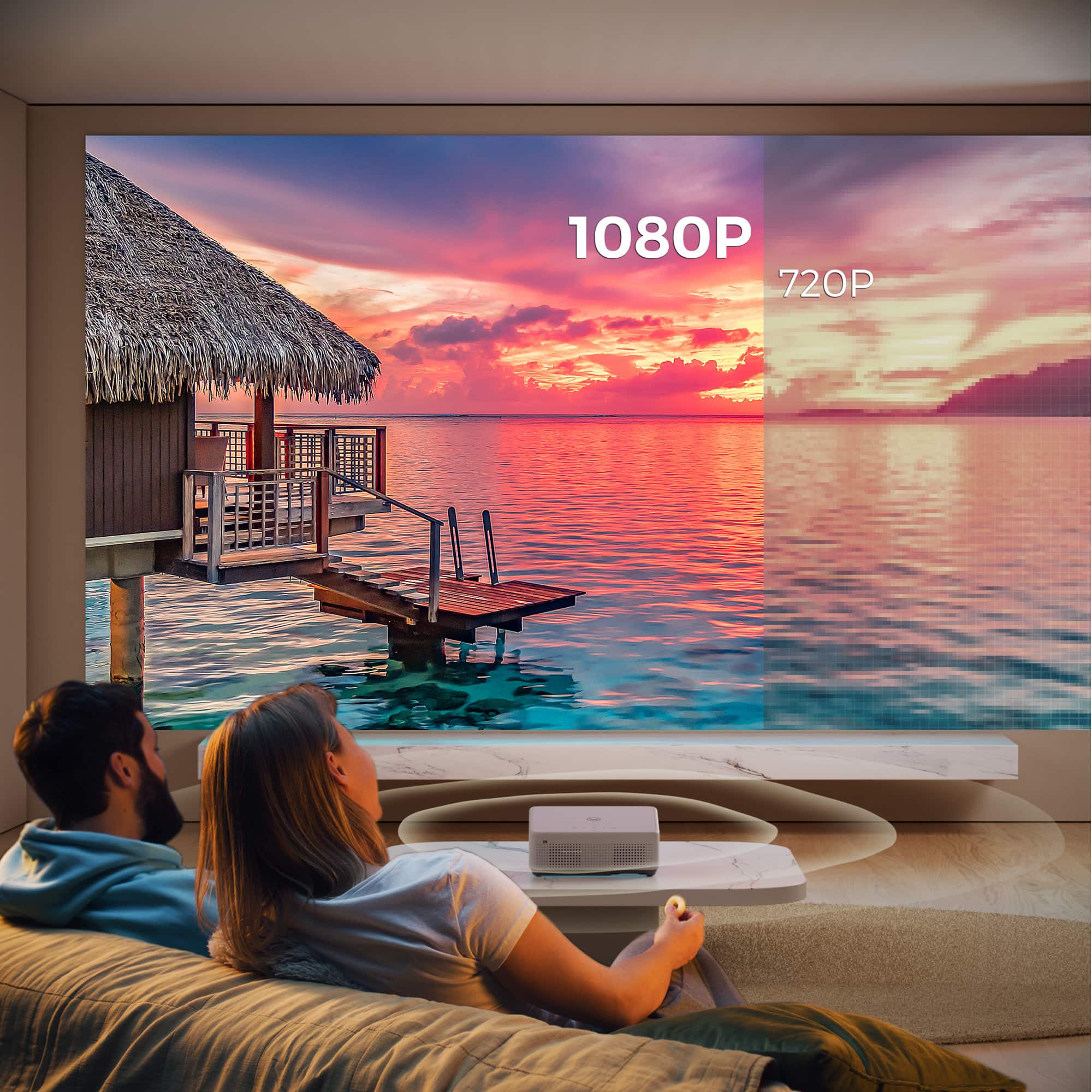
|Posted .This reviewer received promo considerations or sweepstakes entry for writing a review.SUMMARY: In many ways the Vankyo-Leisure 570b outperforms its budget class, the software works really well, and the connections make it easy to use. If you want a cost conscious portable projector, give this one a serious look. I would get it again for sure. PROs - Auto keystoning (frame alignment) and auto focusing that actually work! - All the right inputs, that actually work! Headphone jack, HDMI, USB-a(2) - tripod mounts for multiple positioning options (including ceiling) - Easy to set up including key app password integration with your phone (YouTube, Netflix, Disney+, Hulu) - Most of the major streaming services built in (YouTube, Netflix, Disney+, Hulu, no streaming stick required) - Easy AND effective (no jitter) to screen mirror from my Apple devices (iPhone, iPad, MacBook) - Easy to view movies off of USB drives. A MATTER OF TASTE - 200 lumens is only effective (bright enough) when dark with the provided screen. Better with a real screen. - 1000 to 1 contrast ratio is on the low side. - Portable but not small (and no included case) - Large remote (won’t lose it! But requires 2 AAA batteries, not included, and is big) - Constant fan noise bordering on loud (50 db), not an issue outside with external speakers attached, but inside was annoying (to me) - The application store is a disorganized hot mess. Fortunately the included Apps go a long way for me. - I liked the included speakers for inside use. Sure its not ‘immersive’ but they get the job done if your expectations are dialed down appropriately. - I found the operating system and overall selection speeds to be fine, some might find it sluggish compared to their phones that cost 4x as much. CONs - The included ‘screen’ is too transparent (thin) to be effective. - Power supply gets hot and is ‘cheap’ - Key Apps (Hulu, Disney+) are ‘hidden’ ELABORATION: My point of reference is having bought 3 other projectors in the last 6 years. Only one was I happy with (an Epson) and it cost $1200 but ultimately was too big to take on vacation so I looked at 2 small, budget projectors. They both failed for the same reason, not the technical projection specs (the lumens were good enough), or that they were 100% manual (I can focus and adjust the keystone), or the low 720p resolution, but the software did not deliver. They claimed you could attach usb drives to see your own movies, but turns out only a handful of small drives would work (trial and error) and the file sizes were way smaller than any movie I wanted to watch. I couldn’t use my iPhone to cast. The Bluetooth was also hit or miss. They didn’t connect to most streaming services, Etc. Etc. They just didn’t work as advertised. They might have been okay in the 2000’s, but not today. So you can imagine my surprise and delight when for the same low cost along comes the Vankyo - Leisure 570B, with auto focus, auto keystone, true 1080 p resolution, and WIFI, Bluetooth that works like we expect it to in the 2020’s, with easy connection to many major streaming services, and it all just works and is relatively easy to set up (with one or two strange caveats.) Given previous failures it’s hard for me to not gush about the Vankyo. THE REALLY GOOD: Sure the operating system is slow compared to your $1000 smart phone, but gets the job done easily. And it connects to almost everything, USB drives for your own movies, your other devices (like the iPhone), and anything with an HDMI output. Not to mention external bluetooth speakers. CAVEATS: With all the auto things, it lacks a lot of manual adjustments. And the included screen is really doing it an injustice, it’s too thin, the picture goes right through it. It’s like putting bicycle wheels on a motorcycle, it’s not doing to do the product right. Picture looks much better with a real screen. DISNEY+ WHEREFORE ART THOU? And while the Streaming Apps are almost trivial to set up with password connections to your phone, you have to initially hunt for Disney+ and Hulu. Netflix and YouTube are staring you in the face when you start it up, but not Disney+ or Hulu. And they are NOT in the bad App Store, but you on the main screen you have to move the pointer over to the four little squares grouped together. Surprise, another App Store. And scroll down, and there they are waiting for you to click install. Once installed they are on the same screen as NetFlix, but you have to scroll down. I only found them because I was searching for the screenshare app (also hidden there) to cast from my iPhone. SPEAKING OF MANUALS: The included one is not bad, but it’s not great. Be prepared to ‘experiment’ a bit. WHAT I WISH IT HAD: 1) It’s best used as a portable projector for watching movies, is a case too much to ask for? Keep the near worthless screen, give me a case! 2) The power cord concerns me, I have ruined others with thin cords before. 3) The bottom adjustment foot is cheap, give me something more substantial that I don’t have to worry about bending. WHO IS THIS FOR? I think options like ceiling mounts are missing the point of this projector and perhaps misleading the consumer. When you can get a bright, sharp insignia 65” 4k UHD tv for just a $100 (on sale) more, then why would you buy this for permanent inside use? Measured that way, the Vankyo would be a disappointment. But try to pack that 4k insignia and take it camping or on vacation, and it would be the disappointment. The audience is anyone that wants a portable solution for the occasional movie on the go, at that it excels. Or, if space is at a premium (college dorm room), then this with a pull down screen would be good. BOTTOM LINE. I have no problem recommending this budget projector as long as you have your expectations set to the cost. If you want a home theater grade projector, well, pay more. Which, actually, I might be tempted to see if Vankyo had a projector with a few more lumens and perhaps a better contrast ratio, for a few more bucks. The software and hardware is that good, I would invest more in the brand. RATING: So the rating, really want to give it a 5 because it does a lot really good, but those cons, that screen...pull it down to a 4 for me. I would still get it, just know you have to pay for a real screen too.
I would recommend this to a friend - Pros mentioned:Auto focus, Picture quality, SizeCons mentioned:Brightness
Feature packed and almost perfect
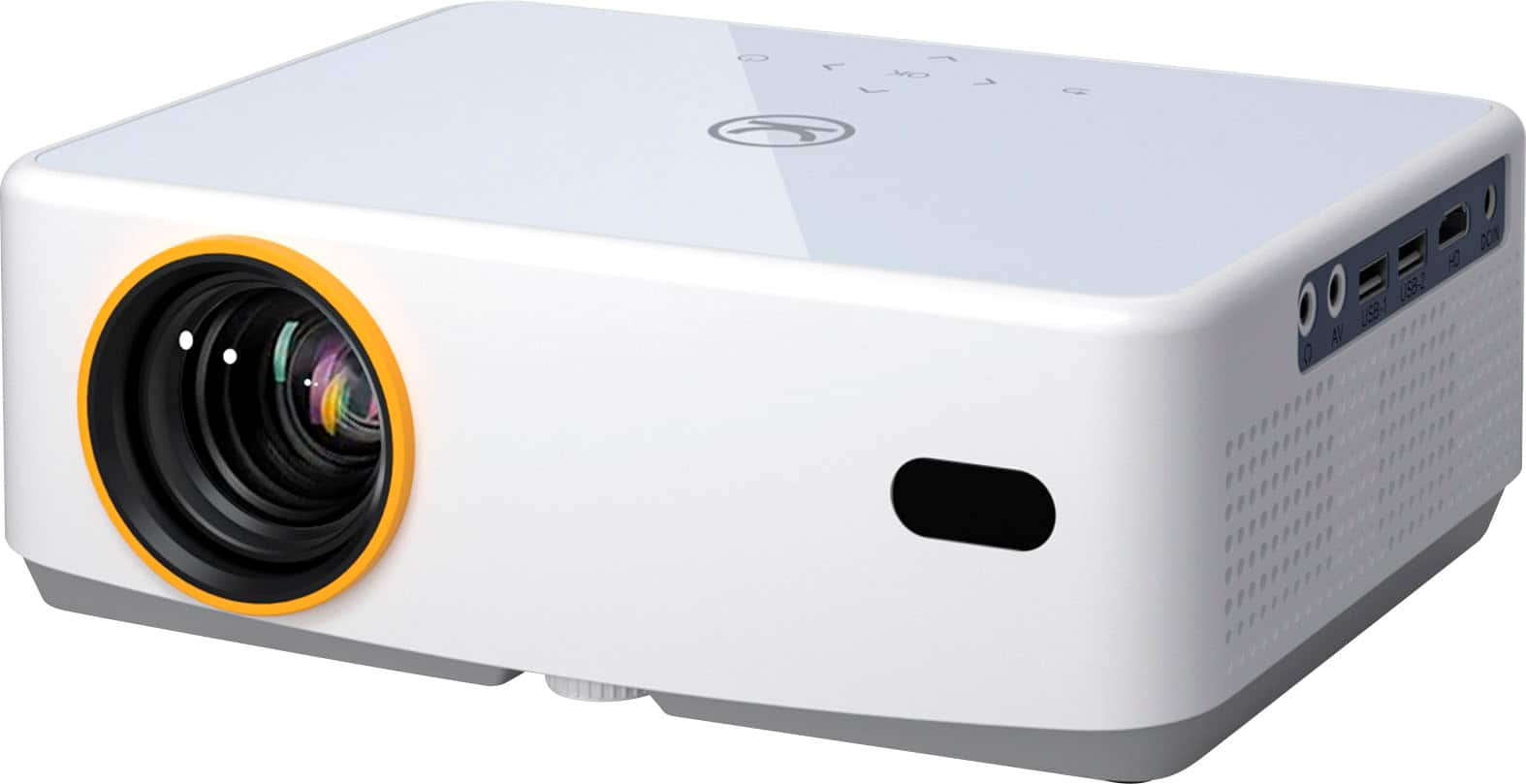
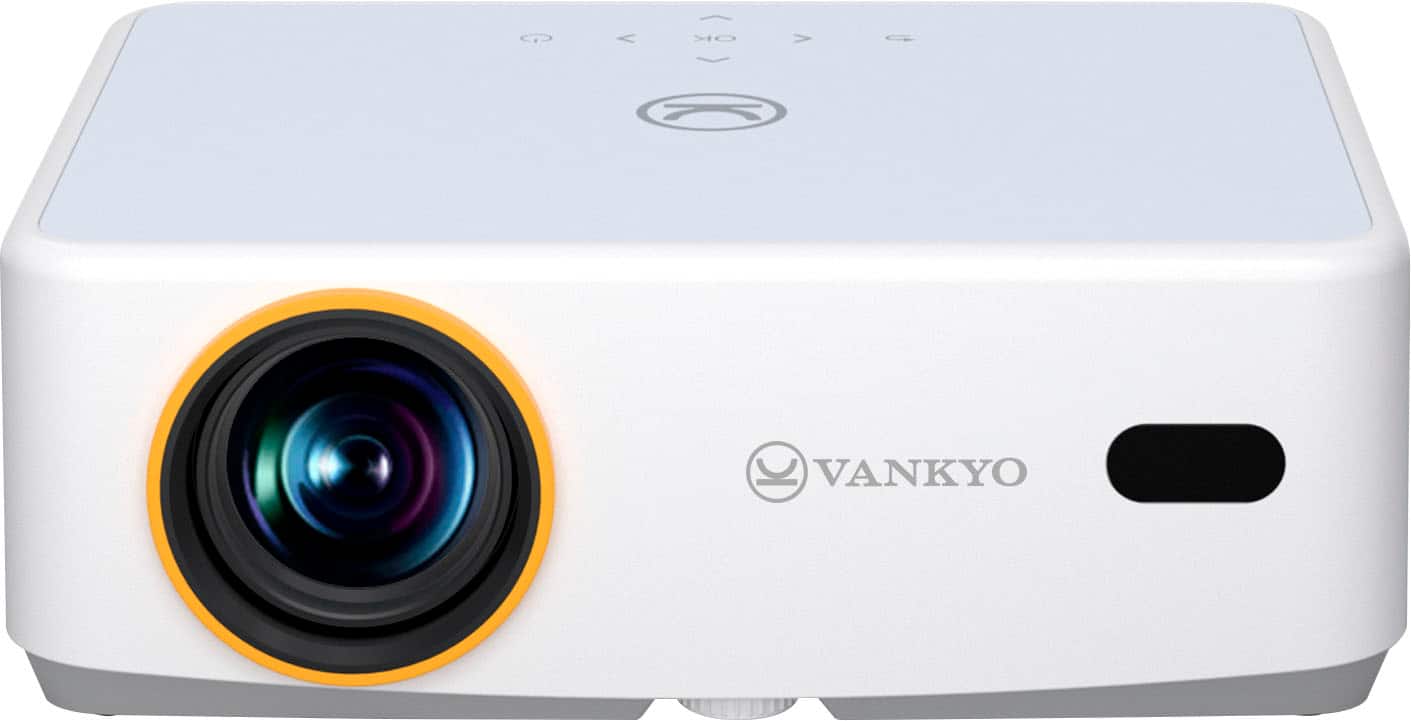
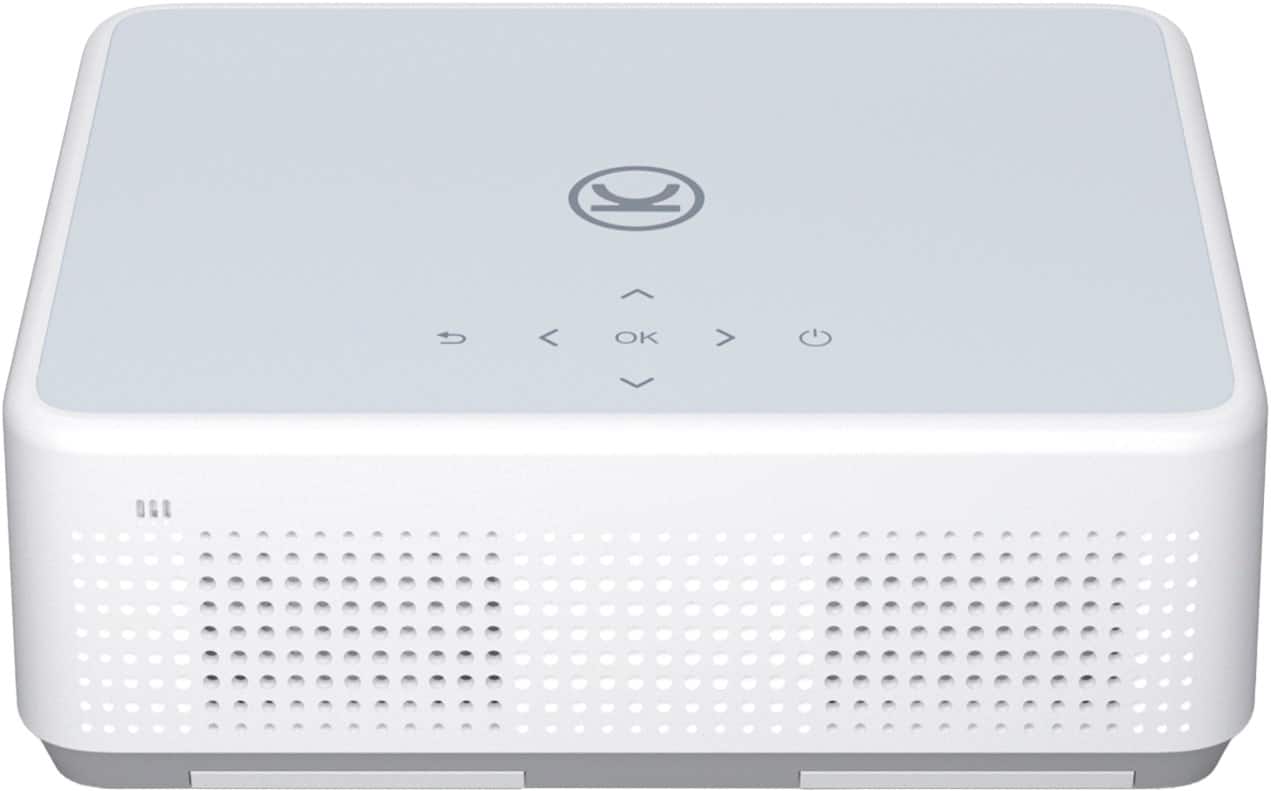
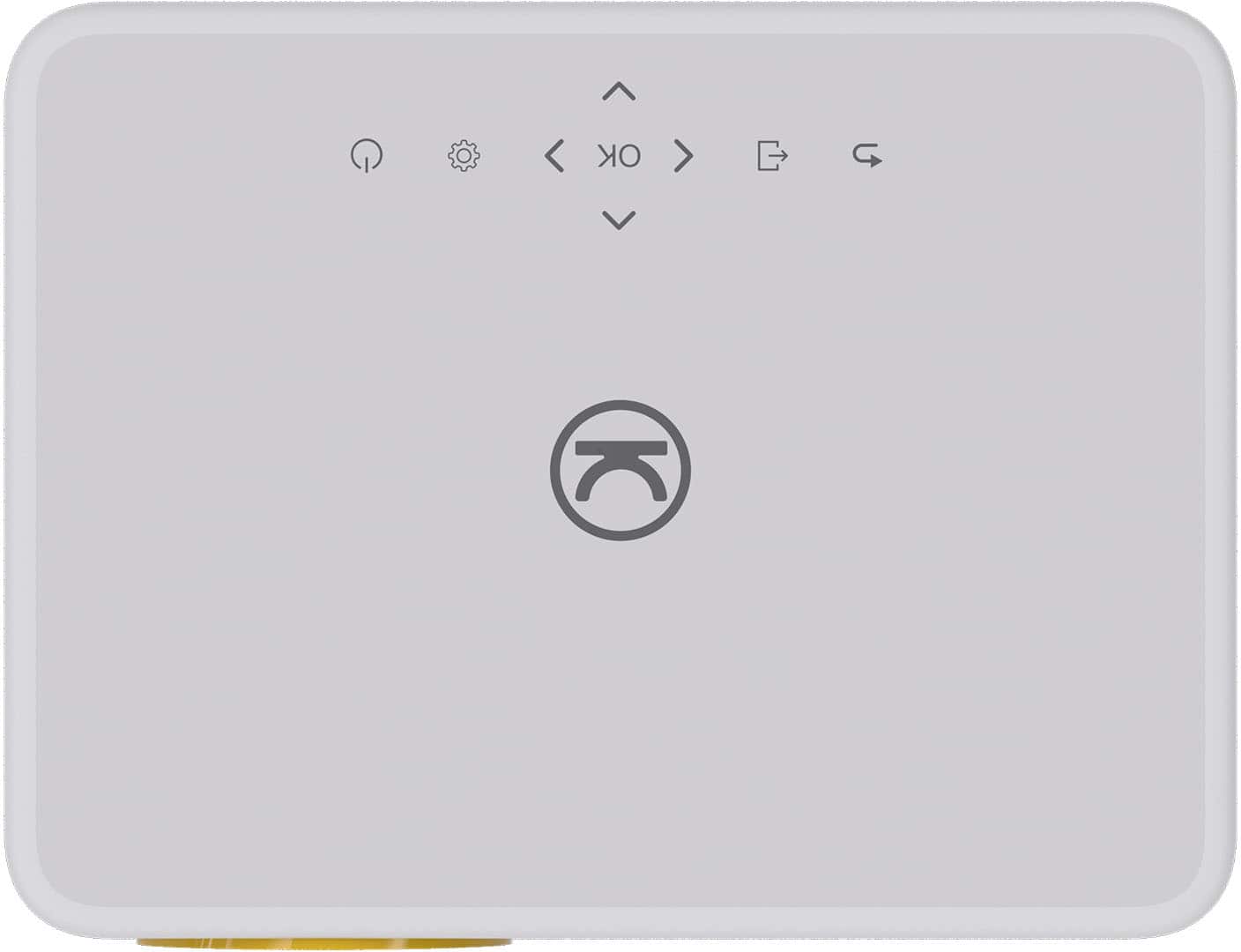
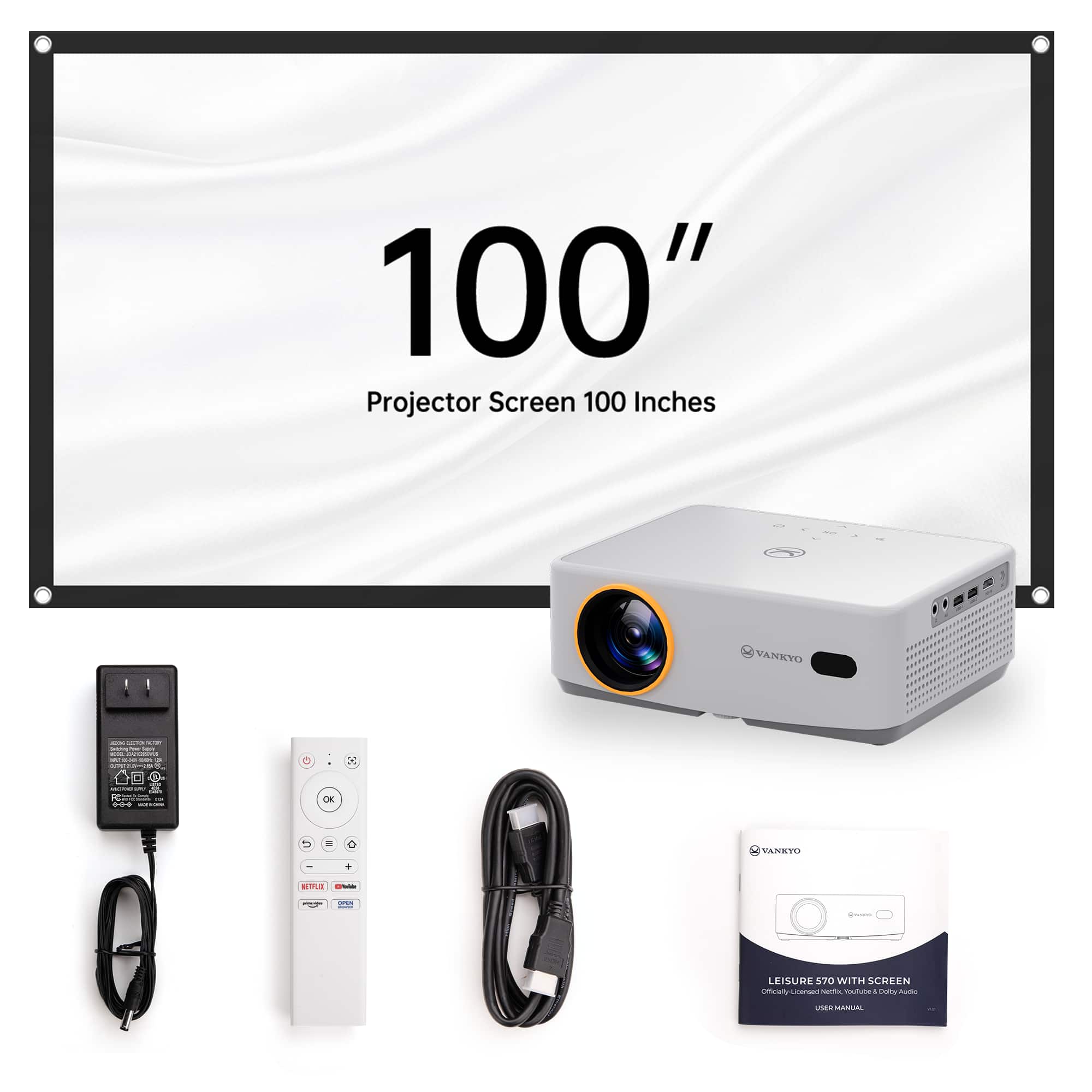
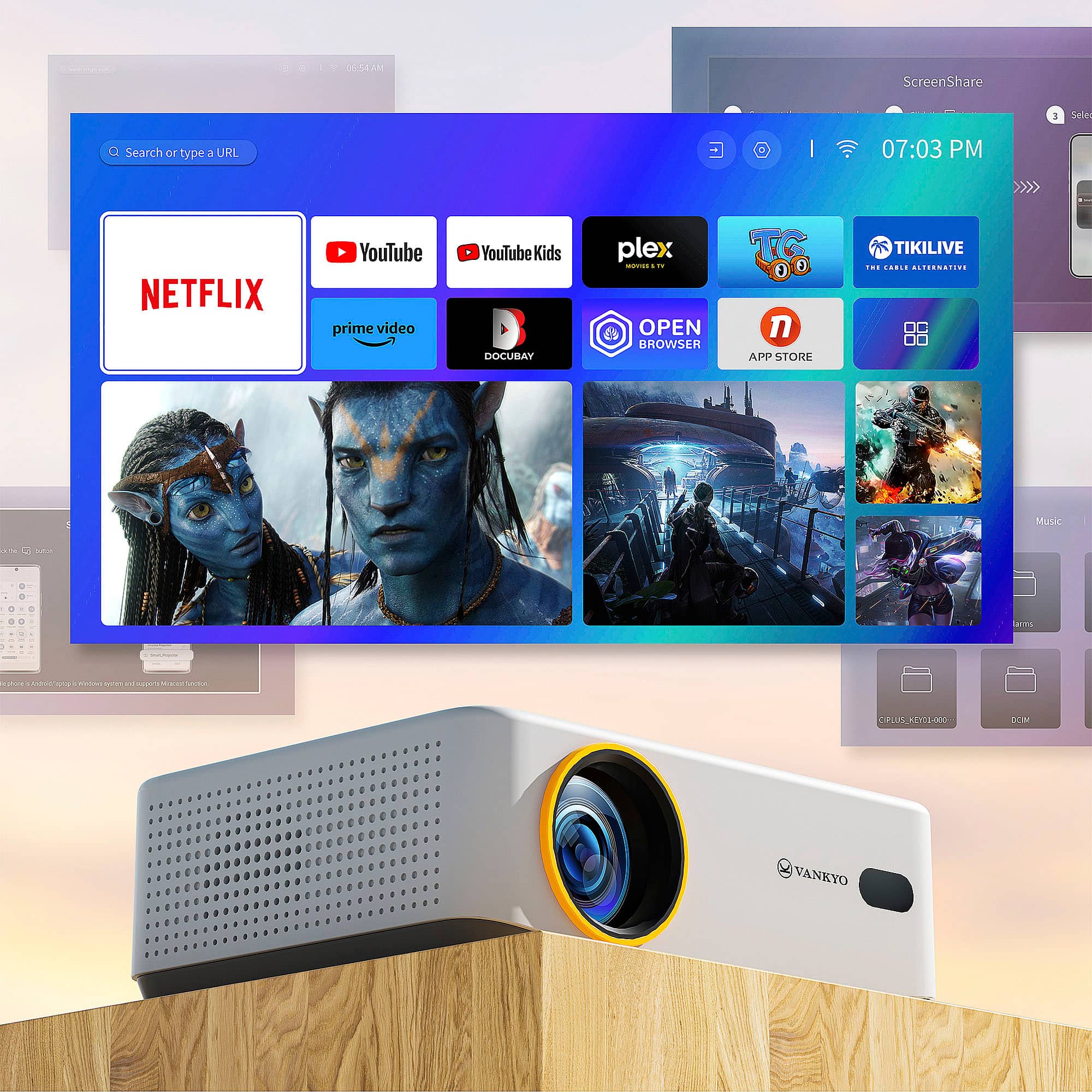
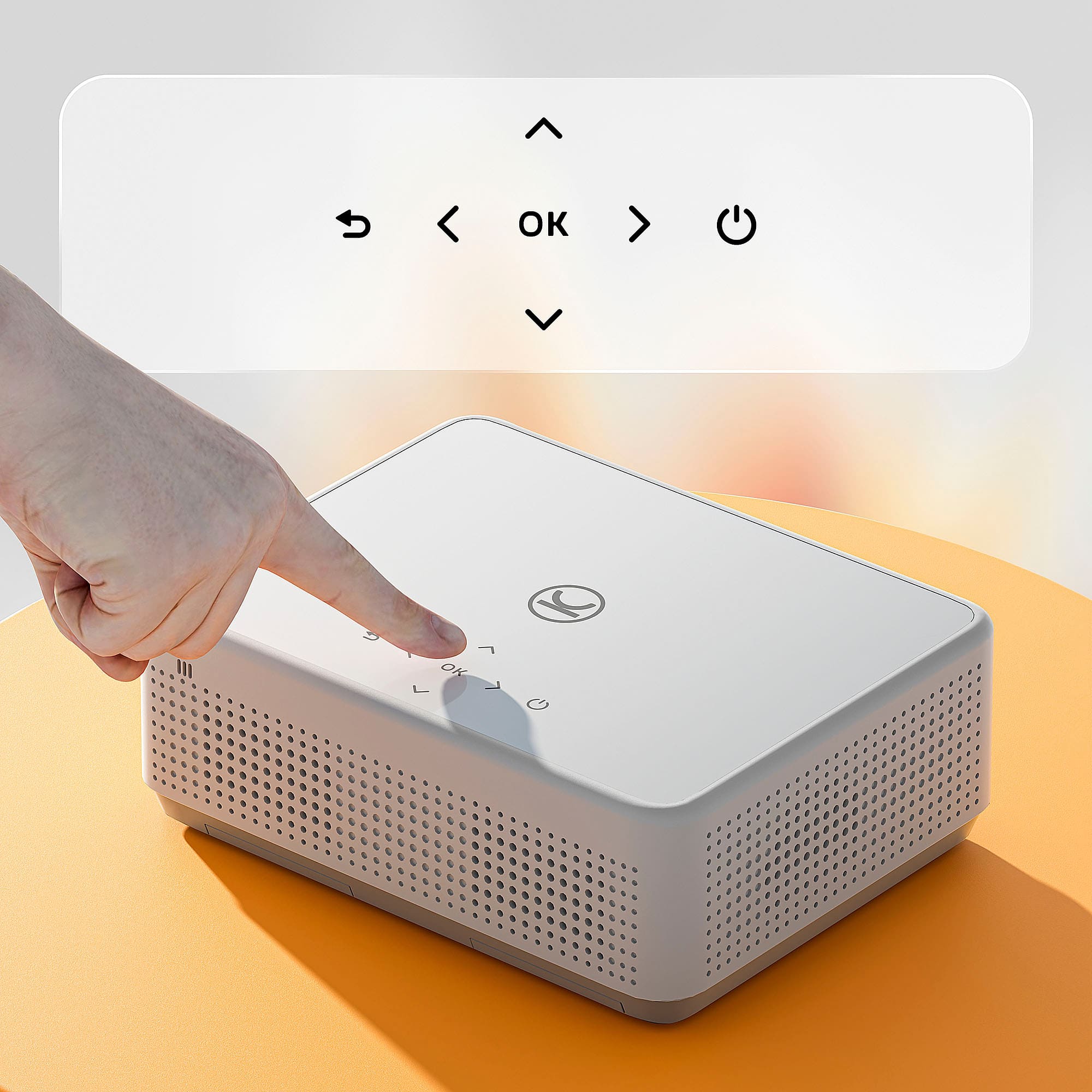
|Posted .This reviewer received promo considerations or sweepstakes entry for writing a review.The Vankyo 570 projector showed up in a pretty standard box, no issues with unboxing, damage or substandard packaging. You get the projector itself, the remote, a HDMI cable, a 100” screen and AC power supply. I was a little taken by surprise that remote batteries were not included, I thought everything came with batteries these days. In any case not a deal breaker, just note you will need 2 AAA batteries. The projector itself is pretty compact size, perfect for my intended use of outdoor movies. It comes with a lens cap, which fits fairly loose, but maybe that's on purpose so you don't mess up the alignment when taking it on and off if you have the projector permanently mounted? There is a threaded tilt ‘screw’ on the bottom front side of the projector to adjust up and down tilt as needed. It also has a tripod screw adapter on the bottom. The buttons on the top are the soft touch type, not my favorite type of button but they work and I usually use the remote anyway. On the back of the projector there are 2 removable filters, a little bit of a snug fit trying to pull the plastic frame out, but I assume they will loosen up a bit after a few cleanings. I have a small 60” screen pinned up on a wall and tested the projector with it first. This is one of the white vinyl type screens with black (non opaque) backing. Plug the projector in, point it at the screen, remove the lens cap, and turn it on. When it boots up you’ll see a couple test patterns as it auto focus and adjusts the keystone. If you aren’t quite on the screen, readjust and the projector detects the movement and it will re-focus itself (this auto setting can be turned off in the menu). I found this auto focus/keystone very effective and never had to adjust them manually. However, every time, no matter what screen I used and where, a message would pop up saying “auto correction failed”, even though it looks like it was successful as things are in focus and the keystone looks right. Hopefully this can be fixed in a firmware update. Having Netflix, Youtube, Plex and Prime Video apps built into the OS is awesome, no need for adding an additional streaming stick. There are some other free streaming apps installed, but I didn’t really find any content worth watching on them . The Vankyo 570 also has a USB port on the side. I was able to copy ripped .mkv content off my plex server, put on a USB stick, plug into the side of the projector and watch that way also. This is a good option for when I don't have wifi available to stream. The wifi worked well, with my router in the house, and steel siding on the house, I didn’t have any issues streaming outside on the patio. I did find the menu’s on the 570 a little bit laggy at times while navigating, but nothing to worry about. I was also quite surprised by the speaker/sound quality. It’s pretty good for a projector and very usable. The cooling fan is also very quiet compared to my previous projector. I sat right next to the projector while watching a movie inside and never really heard or noticed the fan. The Vanko 570 also has Bluetooth, which was a major selling point for me. I wanted to use a Bluetooth speaker for quick and easy outdoor movie setup. I can confirm this worked flawlessly for me. No problem pairing 2 different speakers I tried, and both had none to minimum latency. I didn’t notice any out of sync, lip sync effect on dialog or any other signs of latency. When I set up the projector for outside movies and powered it from my ‘solar generator’ power pack it showed about 100w draw in case you plan on powering yours the same. Video brightness, quality, resolution etc is awesome for this price range projector. It was watchable inside in the evening with lights still on. We were able to start movies outside during dusk and watch with no issues. I didn’t notice any tearing or stuttering or any other type of artifacts of any sort while watching movies. Again, very impressed for the price. The included screen is ‘usable’ in a pinch. It’s not great but will get an image on your wall. It’s like a thin stretchy opaque bed sheet. I have some pictures attached of my testing. You can see my white with black backed 60” vinyl screen and I have the Vankyo included 100” screen over the top of that. The wall is a dark blue. On a dark wall like this the included screen is not great, might be better on a white wall. The screen does come with some install hooks similar to a command strip, and with stretchy material it’s easier to get the wrinkles out, but the picture quality does suffer compared to what you can get with a better screen. Consider the screen a ‘free-bee’ they threw in that can be used, but a better screen will really let the projector shine and show what it’s capable of. All in all, I am loving this Vankyo 570 projector and it is a great inexpensive upgrade to what I was using. Solid 5 stars
I would recommend this to a friend - Pros mentioned:Auto focus, Ease of use, Picture qualityCons mentioned:Brightness, Keystone correction, Screen
The Little Projector That Could
|Posted .This reviewer received promo considerations or sweepstakes entry for writing a review.Auto Focus and Keystone This feature works quickly and well, but once it is set and you begin to adjust the location of the projector it gets confused on getting the setup correct. It just requires a power off and on to reset the keystone settings. There is an option in the settings for auto keystone when projector is moved, but again it doesn't like a major shift in movement. There is a manual option to adjust, but I found it only allows minimal change. My image was way out of balance and the limits on the manual were not enough to bring into balance. The auto keystone does it better and quicker than the manual setup. Focus can also be done manually, but I found it always focused properly even when the image was not proportioned correctly (again that was when moving after it was auto-focused). Screen Mirroring I used my GALAXY S24 ULTRA to mirror and the audio and video was little choppy. If you had to use this option its not the end of the world, but I wouldn't rely on it as the main viewing option. Netflix, YouTube, Amazon Prime, and Plex TV are all officially supported. Plex was a pleasant surprise when I started the projector for the first time as I can stream from my home server and also has options for a lot of free content. Of course with the HDMI port any smart device will instantly add more streaming options. USB input worked just fine. Content recorded in portrait (9x16) won't auto rotate. There are options to zoom in and out, but nothing to rotate the image. I couldn’t find an unmount/eject option for the USB, so I’d recommend powering off the projector before removing any USB attached storage. Mine was 32GB Flash drive, not sure what the max supported size is. Audio I have been pretty impressed with the audio. Its not hallow or high pitch/tinny. It has enough mid and high for speaking audio to sound pleasing and at high volume doesn't distort. Heavy action content with explosions, etc are where the speakers struggle, but sports, tv sitcoms, kid shows the audio is fine. C and S sounds at high volume my wife struggled with, so your experience may differ from mine. But adding an external speaker either via headphone jack or bluetooth would easily fix this. If using outside I would recommend this as the sound won’t be able to travel like it can inside. Image I tested this little projector that could in three different settings: A quick setup test on a white board in dark setting, using the included screen in both a low ambient daylight setting (sun on opposite side of the facing wall) and then dark setting with included screen. Verdict…don’t use the included screen! The screen captures too much of the return light and due to the nature of the fabric it reduces the clarity and brightness of the image. If you have light gray to white satin finish color on your wall (like in the pics), the image will look immensely better. Of course an actual screen is even better. In a pinch though its better than nothing. Plastic hooks and 3M removable strips are included for wall attachment, I don’t think this should be considered for permanent wall attachment. Because the screen is stretch fabric, to reduce sag, it needs to be stretched pretty good and I found this tension was too much for one of the strips to hold and ended pulling off the wall after about 8 hours of install. I am truly impressed though with the quality of the projector, including the software features, and streaming options to get up and running. Because it is a limited streaming set the projector user interface and experience is pretty quick to respond and accept the inputs. I watched two hours of sports (MotoGP), Gods of Egypt about 30 minutes, and some Demon Slayer S1E1 and all content looked good and even better when I removed the included screen. The project does get warm, but not as hot as the halogen bulb versions. The LED bulbs have come along way with clarity. The only downside (I wouldn’t say negative given the value) is the overall brightness (200 lumens) is only suitable for dark settings. Low ambient lighting is useable, but washout is still a concern. For daytime viewing in mid-ambient light setting you will want around 2000 lumens, however, cost and lumens are directly related. If you are wanting a projector that’s easy to pack and can take on an impromptu family vacation, the L570 is perfect. Best case uses will always require a dark setting, but you can get by with some low ambient lighting. Also pictured is a Vankyo projector stand that I picked up separately. I have a tripod for a camera/phone mount and it did work, but it was a little cheap and not sturdy enough to support the weight and the Vankyo branded stand was more secure and included a bubble level built-in.
I would recommend this to a friend - Pros mentioned:Auto focus, Ease of use, Picture qualityCons mentioned:Brightness
Nice projector, great price
|Posted .This reviewer received promo considerations or sweepstakes entry for writing a review.I’m not an expert when it comes to projectors, but I do have one that’s a few years old and I use it every once in a while. My old one is not “smart” So I’m just going to talk about my experience with the Vankyo Leisure 570B Smart Projector. I’m really impressed with this smart projector, taking it out of the box and installing it. It’s pretty straightforward, when you first turn on your projector, you’ll be prompted to pick a few options and adjust a few things. It’ll ask you whether the projector will be on the floor or on the ceiling or the same two things but behind the screen. what makes it smart? Well I was pleasantly surprised how well this thing auto focuses and adjusts itself. For the price this projector does a lot. It has good options and preinstalled apps you can use. You can easily connected to your homes Wi-Fi and it comes preinstalled with different apps like Netflix, Amazon Prime and Youtube. If you were to ask me how much this smart projector costs without me knowing the price, I would put it at about $500. The fact that it is half that means you get tremendous value here. The fact that the resolution is 1080p doesn’t bother me. This easily could’ve been 720p, And to me the image looks really good and crisp, the only thing I would say is lacking, Is that I couldn’t get the image brighter even though I changed the settings, the brightness always seemed to stay the same. But at the default brightness, it was still good enough.
I would recommend this to a friendBrand response from Vankyo Team
Posted .Thank you for your support. We are super excited to provide something that betters your life. We promise to continue striving to exceed your expectations! Remember, your device comes with an warranty, and anytime you need help, just let us know. Email:[email protected]
- Pros mentioned:Picture quality, Setup, Size
Great little projector with a lot of features
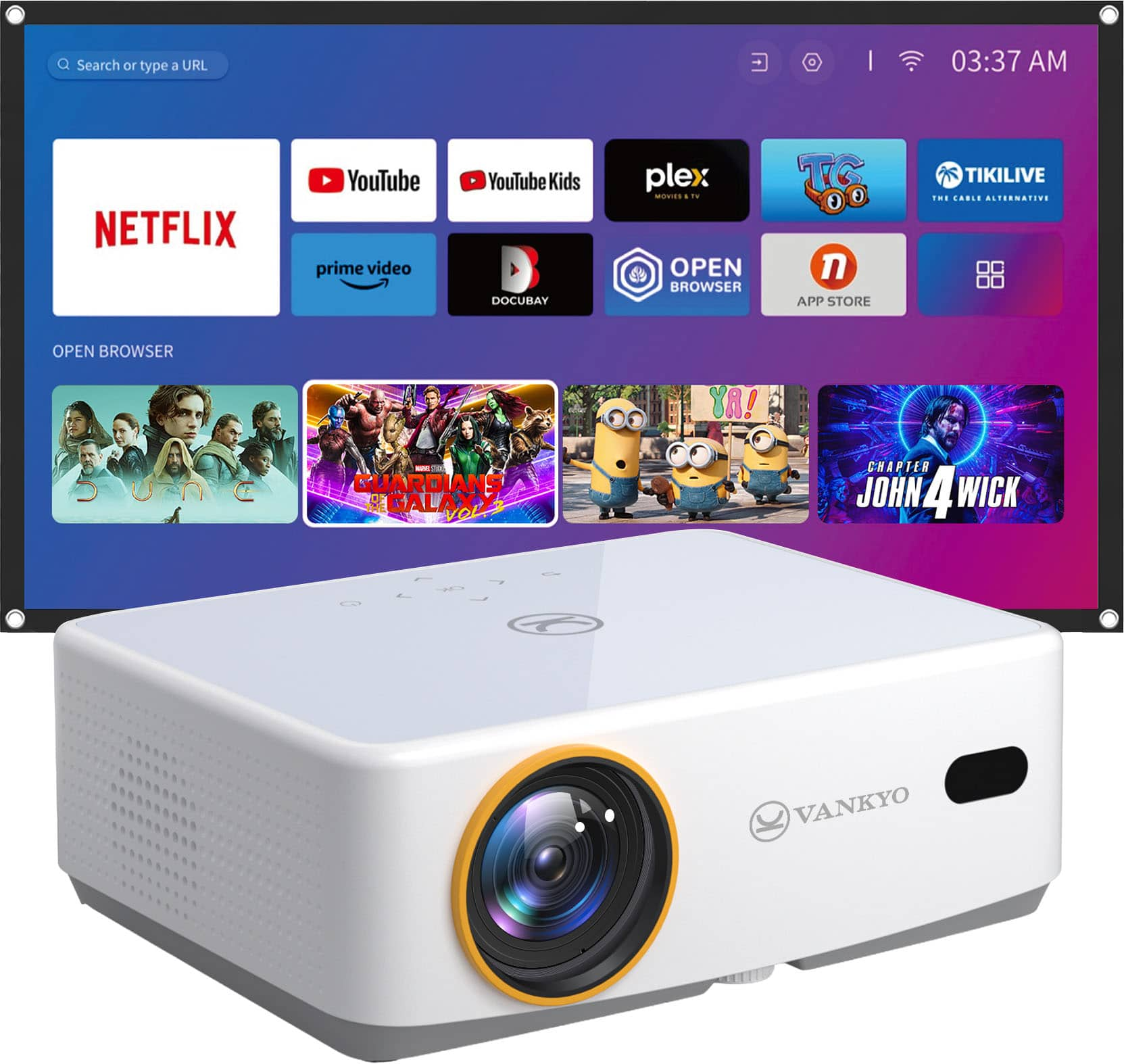
|Posted .This reviewer received promo considerations or sweepstakes entry for writing a review.The leisure 570B is a pretty good projector for the price. It's not the smallest projector but it's not a heavy hulking box. It has a variety of I/O; 1 HDMI, 2 USB 2.0, headphone port and an AV port along with the barrel jack for power. On top you have some basic controls. What is missing is a way to manually focus the projector in the device itself. Instead you either rely on the auto focus or hit the button on the controller and toggle up or down. While that feature is nice when mounted somewhere you can't easily reach, like a ceiling, it would be nice to have a manual control of some kind to fine tune. Setup is easy. You can add this to your network, and also log in directly to Netflix, Prime and other available apps. I don't use prime, so I tried logging into the Netflix and thankfully you don't have to type with a remote control, it gives QR code to scan with your phone. While it's nice to have built in, I likely won't use it because this has the ability to cast and it does it well, so no need to log in unless you're lending this out to someone or won't have your phone on you. Audio is pretty good. Dolby auto sounds pretty clear coming out of the built in speakers. However you may want to connect to external sources when using outdoors. Thankfully instead of using the audio port, you can just pair to the BT. I added my speaker easily to the projector and was able to have a fire and watch on my fence with the included 100" screen. It came with command stripes that you can stick on walls. Great for inside, not the best for outdoors. I just put a few screws in my fence and put the screen eye holes over them. No issues If you're not into casting and have a lot of media already, you can also plug in a flash drive and play audio, video, pictures. The interface is really clean and simple to navigate There are a lot of settings to tweak in regards to picture and here's where one complaint came in. When tweaking brightness, the bar doesn't max at 100 when you keep pressing up. It will wrap around back to 0. I was having trouble seeing the picture and couldn't figure out why it was so dim, until I brought it inside to point at a wall to better see and adjust Picture was quite clear and crisp and no complaints from my guests when we tested it out for the first time. For the price point, I expected lower quality and was pleasantly surprised. Overall this is a good compact projector whose only issues seem to be my personal preference, so if you're like me, something to keep in mind, if you're not, think of this as 5 stars
I would recommend this to a friend - Pros mentioned:Ease of use, Picture quality
Surprisingly Good
|Posted .This reviewer received promo considerations or sweepstakes entry for writing a review.The little Vankyo is surprisingly good for its modest specs and price. CONNECTIVITY Connections are basic, but thorough. These options include: 3.5mm headphone jack 3.5mm AV input 2 USB-A Inputs 1 HDMI Input Multiple positioning options (Front, Ceiling, etc including a ¼ x 20 insert for a tripod) SET-UP The Vankyo does a good job at helping the end user set up the machine. Frankly all one really needs to do is adjust the one foot to raise the image to the desired height and set focus, and the Vankyo does the rest. The 570 will automatically adjust keystone based on the measured angle of the projector. As with all projectors, the closer to level you can get it, the better it is for the machine and image. Trying the 570 at nearly its steepest angle, produced an image that was nearly completely square and keystone free. Admittedly, the minor inconsistency is most like user error and not having the projector perfectly parallel to the wall. Once the Vankyo receives an image, it will self-correct its keystone, only tasking the user with adjusting focus and zoom, if needed. It is simple and works surprisingly well. I have had many different projectors in my home theater over the years and none have been as easy to set-up and use as the little Vankyo. FEATURES I was quite surprised at how many different streaming options and services are available. Vankyo has their own little ecosystem of apps, including such heavy hitters as: Prime, Netflix, and Plex. Movies and TV streamed without issue using the native Vankyo apps. I was quite surprised at how well the apps performed on the 570. I have had no stuttering, glitching, nothing. The only real fault I can find is that the apps are entirely unorganized and hard to find. Vankyo’s marketing advertises apps like Disney+ and Max, but I couldn’t find them in the app store. I’m sure they are there, but the app store needs better organization. I must give a shout out to the Vankyo user interface and responsiveness. While I am not a fan of the app store organization, the user interface and menus are the exact opposite. The user interface is clean, simple, and easy to understand. No matter what I was asking of the 570, system responsiveness was very good. While it did appear to bog a couple of times, it was not bad, and it was not for long. It was in no way frustrating or concerning. Well done Vankyo. PICTURE QUALITY If you keep your expectations in line, the Vankyo should have no problems meeting its buyer’s needs. The 1080p picture is sharp with no discernable signs of ghosting or rainbowing. With only 200 lumens to work with, the 570 does an admirable job of squeezing the life out of every last one of its lumens. Yes, the picture can be a bit washed out and yes only a little stray ambient light can wreak havoc on the, but all in all, it is a very good picture for such modest specs. Like other reviewers have commented, the picture does improve markedly with a better background. It is great that Vankyo throws in a portable screen, but that screen is too transparent for good image quality. A flat white or off-white wall or board improves picture quality tremendously. AUDIO QUALITY I must throw this in. The Leisure 570 has two 5W speakers with Dolby Audio processing. Why do I even take the time to talk about them in the review? Because they are shockingly good. My current HT projector has built-in speakers (No, I don’t use them. I have a full Atmos set-up) but I tried them out after installing the projector for review. My HT projector costs anywhere from 5 – 10x more than the Vankyo and the Vankyo blows it away with its audio processing. I was shocked at how good the speakers sound for such small built-ins. While they are no match for a good set of headphones. FINAL THOUGHTS Maybe I had just set my expectations too low when I got the Leisure 570 in. I don’t think so. I am particular when it comes to audio and video. The Vankyo Leisure 570 exceeded my expectations for a device with specs this modest and at this price point. With only 200 lumens and a 1000:1 contrast ratio the picture can look dull and washed out, especially during movies with a lot of darker scenes image (this became very apparent while watching Ghostbusters: Frozen Empire). Fine details get lost in the dark backgrounds quickly. Speaking of things getting lost in the dark, the remote could use backlighting. The buttons are hard to see in a darkened room and many of the buttons all have the same shape and texture making it hard to differentiate one button from the next using just a tactile touch. While you are at it Vankyo, could you throw in some playback buttons too? However, for a portable projector that can stream video via Wi—Fi, has an HDMI port to plug in a Roku stick or game console, and USB inputs to mirror cell phones, the 570 checks a lot of boxes and is definitely greater than the sum of its parts. RECOMMENDED
I would recommend this to a friend