Customer Ratings & Reviews
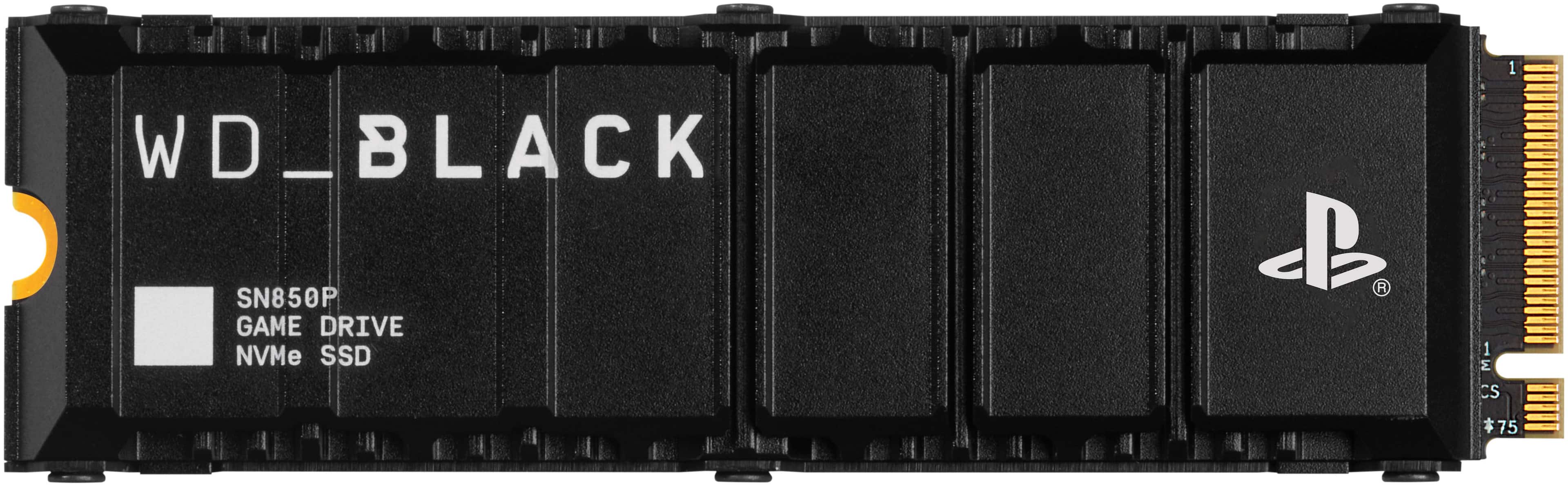
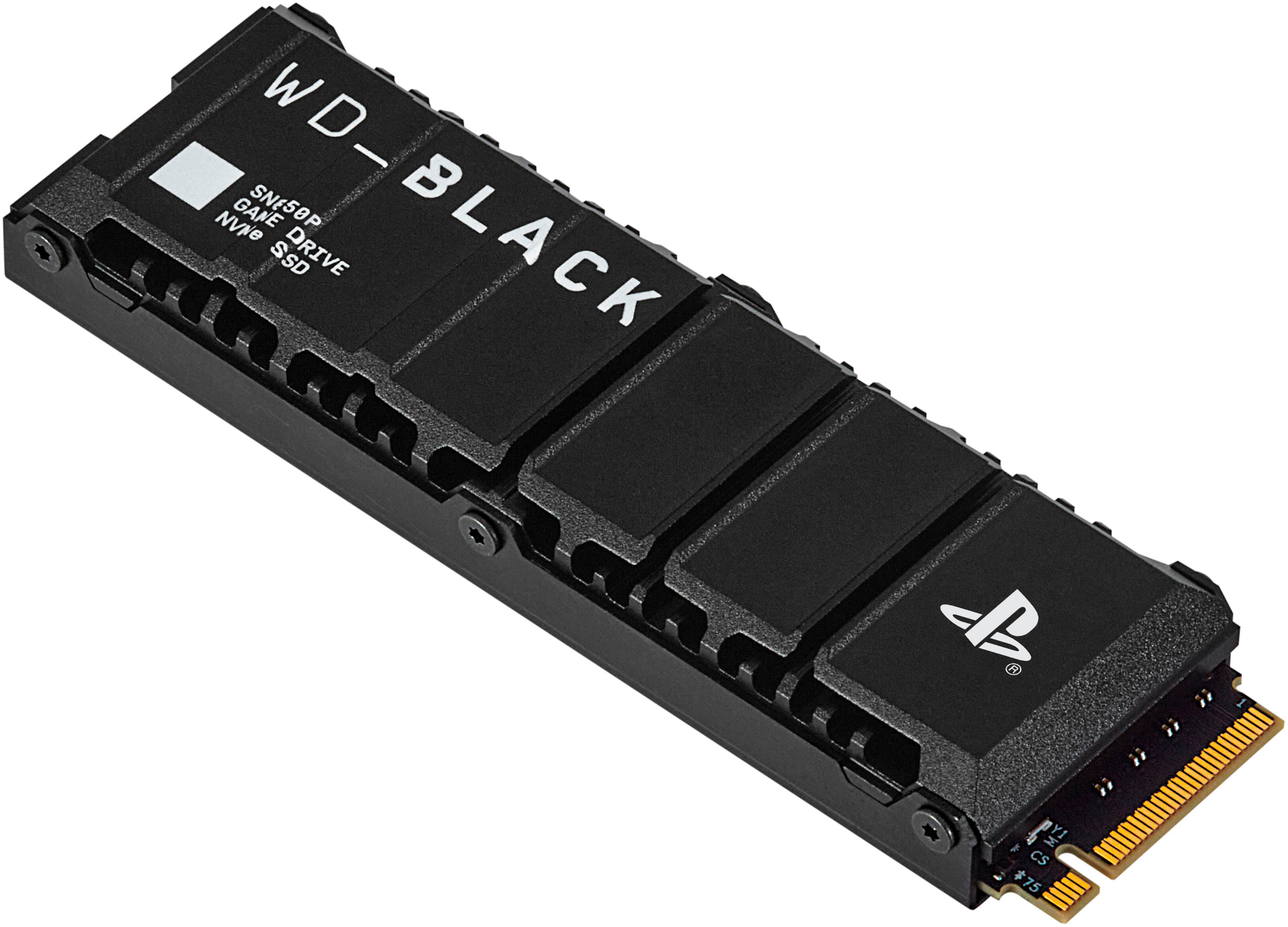



- Model:
- WDBBYV0020BNC-WRSN
- SKU:
- 11068565
Rating by feature
- Value
Rating 4.8 out of 5 stars
- Quality
Rating 4.9 out of 5 stars
- Ease of Use
Rating 4.9 out of 5 stars
Playstation SSD
||Posted . Owned for 3 weeks when reviewed.This reviewer received promo considerations or sweepstakes entry for writing a review.Mostly got it because I was tired of deleting my PlayStation games
I would recommend this to a friendEssential
||Posted . Owned for 1 month when reviewed.This reviewer received promo considerations or sweepstakes entry for writing a review.It is very necessary if you get the version digital of ps5
I would recommend this to a friendWrong one had to return
||Posted . Owned for 1 month when reviewed.This reviewer received promo considerations or sweepstakes entry for writing a review.I'm sure this product works great, it just didn't have the heat sink needed for the PS5
I would recommend this to a friendPS5 memory
||Posted . Owned for 1 month when reviewed.This reviewer received promo considerations or sweepstakes entry for writing a review.Awsome product, would definitely recommend,excellent.
I would recommend this to a friendDid not work.
||Posted . Owned for 1 month when reviewed.This reviewer received promo considerations or sweepstakes entry for writing a review.I’m only giving this a one star because the product did not work at all. After installing the product, it wouldn’t format at all. We then had to take it back in, to find out it’s a possibility that it might have been a manufacturing formatting issue.
No, I would not recommend this to a friendBrand response from Western Digital Team
Posted .Hi SydE, As of February 2025, Western Digital has separated into two independent companies and the support process for your Western Digital and Sandisk branded products may have changed. All Hard Drive products remain with Western Digital, and all SSD and Flash products are now supported by Sandisk. We apologize for any confusion or inconvenience. For support of your SSD or Flash product, please contact the SanDisk support team on Social Media handle @sandisk

Great product, bad store choice
||Posted . Owned for 3 weeks when reviewed.This reviewer received promo considerations or sweepstakes entry for writing a review.While the product is great, buying it online for pickup, completing the purchase then being told after purchase that the product isn't available at my pick up location didn't sit well with me so i won't be doing that again.
I would recommend this to a friendBrand response from Western Digital Team
Posted .Hi MarcF, As of February 2025, Western Digital has separated into two independent companies and the support process for your Western Digital and Sandisk branded products may have changed. All Hard Drive products remain with Western Digital, and all SSD and Flash products are now supported by Sandisk. We apologize for any confusion or inconvenience. For support of your SSD or Flash product, please contact the SanDisk support team on Social Media handle @sandisk
Ps5 internal storage
||Posted .This reviewer received promo considerations or sweepstakes entry for writing a review.It worked fine for about 3 weeks and then it freaked my PlayStation on and I can’t use it anymore
No, I would not recommend this to a friendBrand response from Western Digital Team
Posted .Hi User411402, As of February 2025, Western Digital has separated into two independent companies and the support process for your Western Digital and Sandisk branded products may have changed. All Hard Drive products remain with Western Digital, and all SSD and Flash products are now supported by Sandisk. We apologize for any confusion or inconvenience. For support of your SSD or Flash product, please contact the SanDisk support team on Social Media handle @sandisk
Yopppy
||Posted . Owned for 1 week when reviewed.This reviewer received promo considerations or sweepstakes entry for writing a review.Good, I like the product just takes a while to get shipped to your house
No, I would not recommend this to a friend
Blazing Fast PS5 Storage Expansion
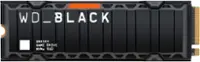
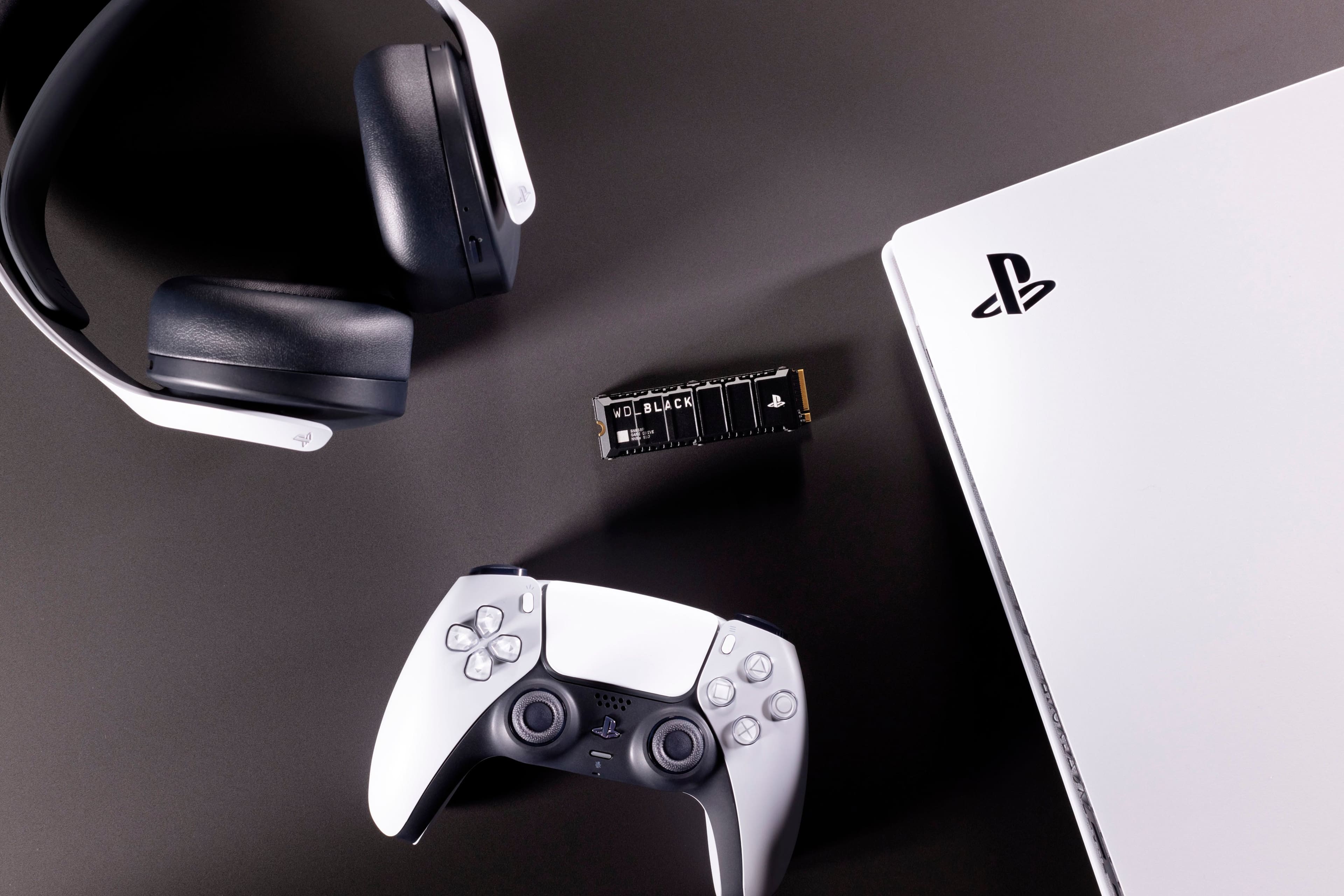
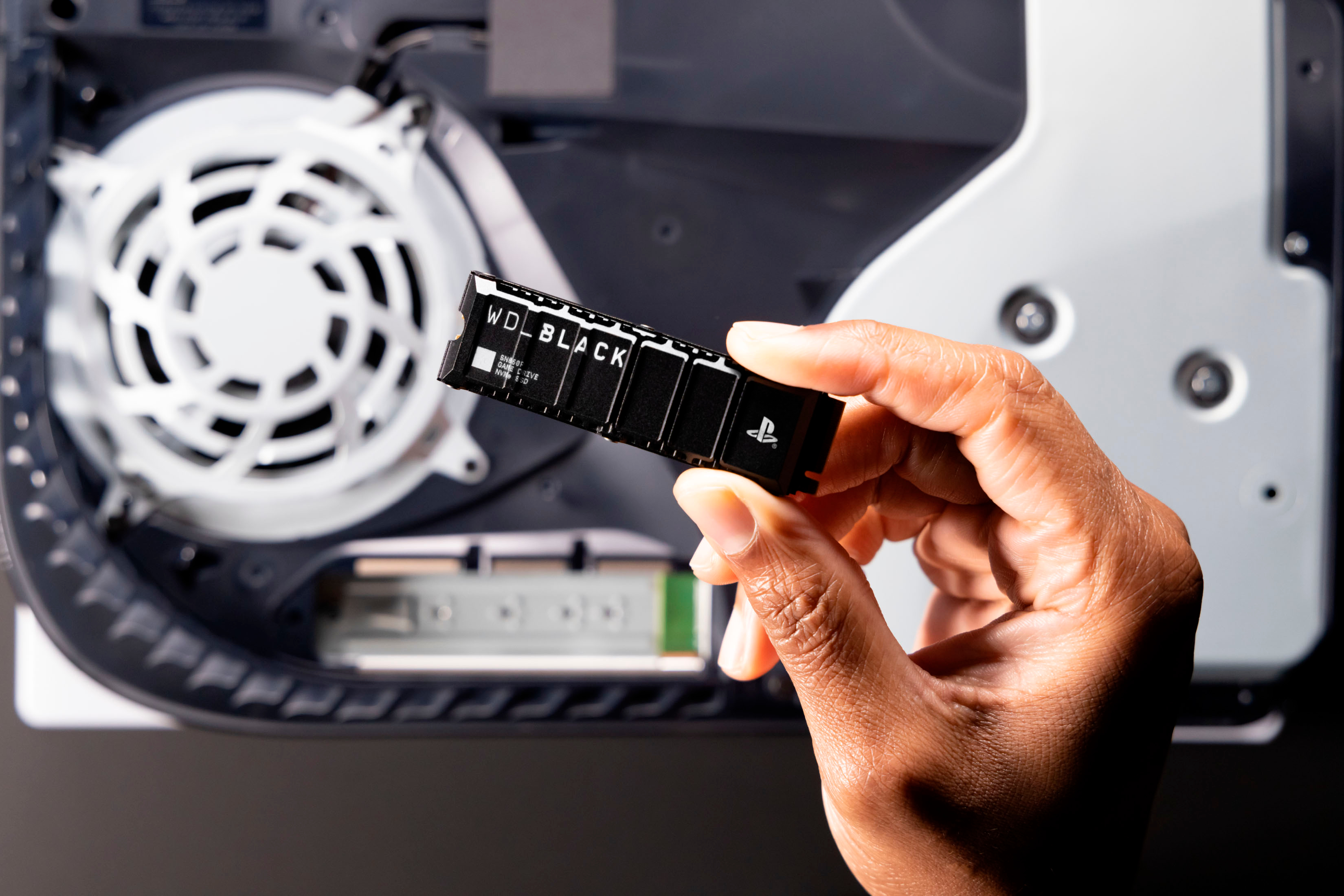
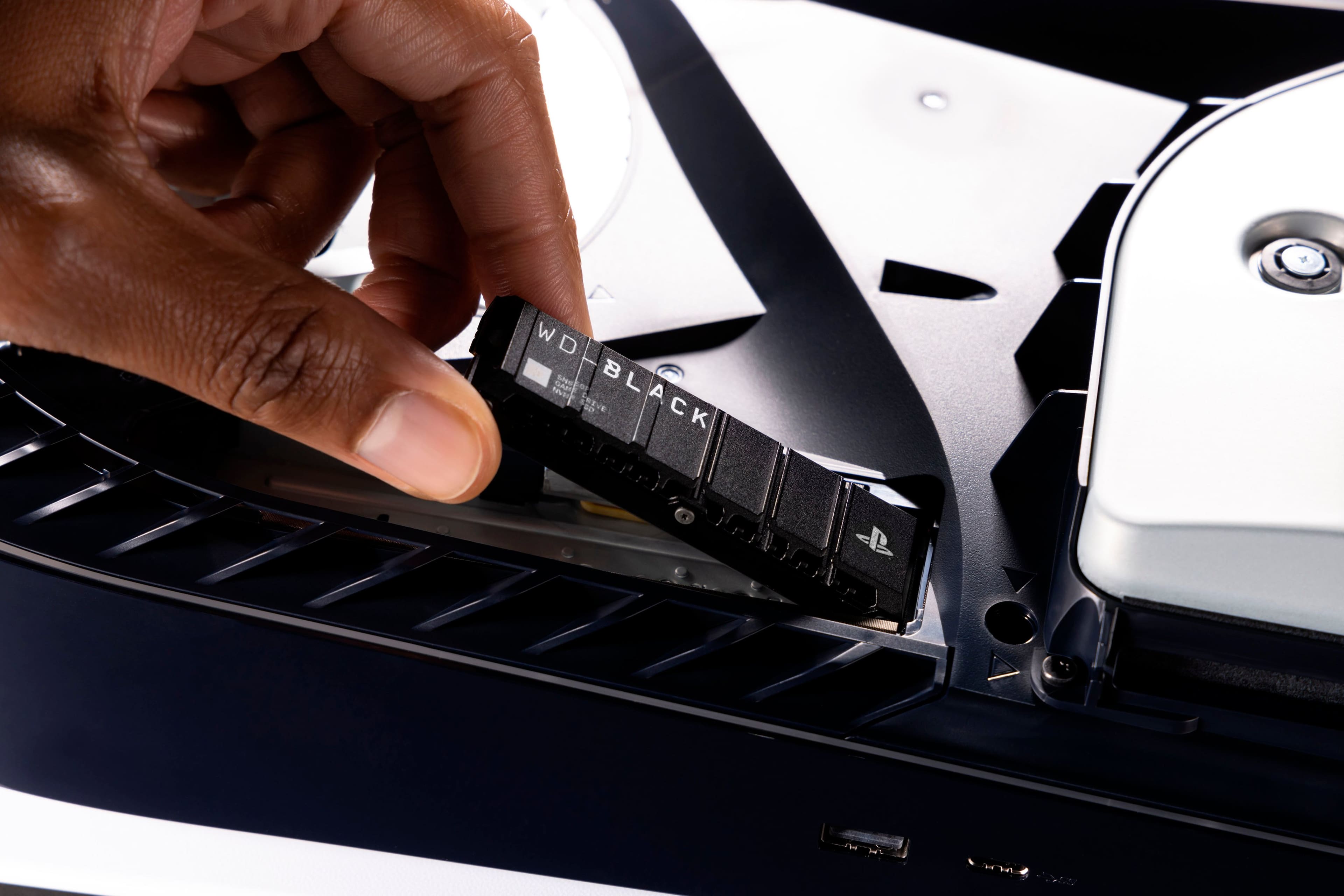
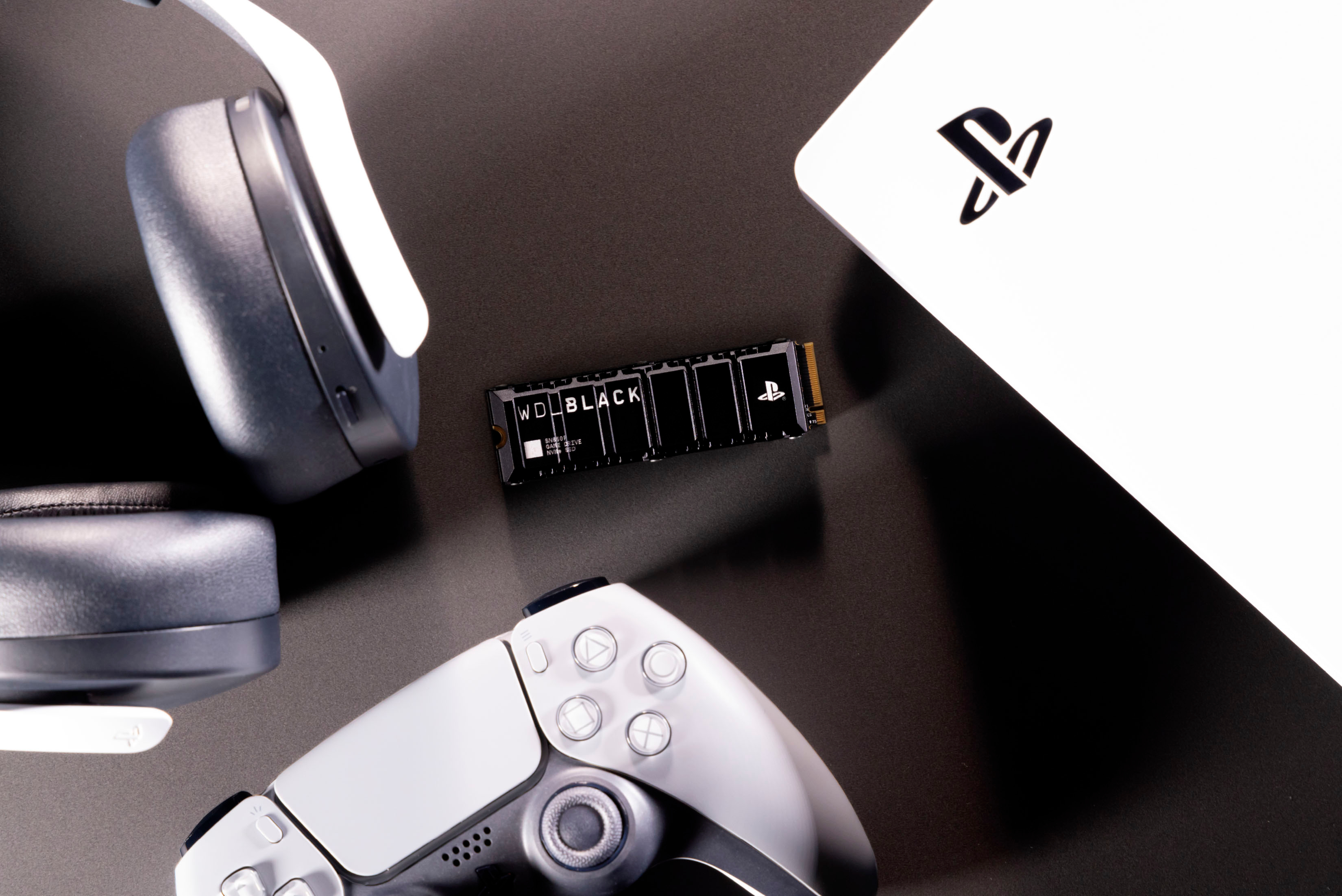
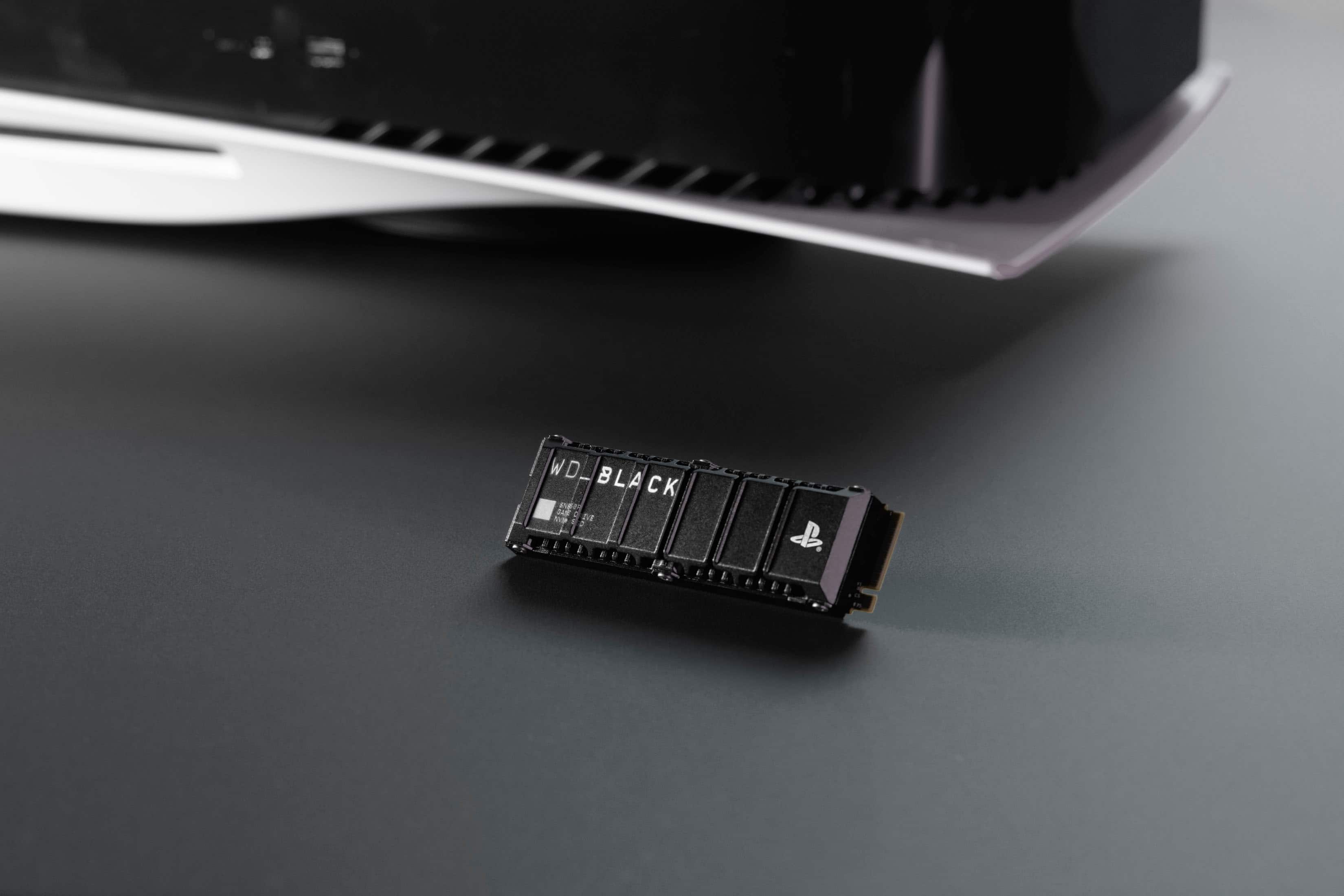
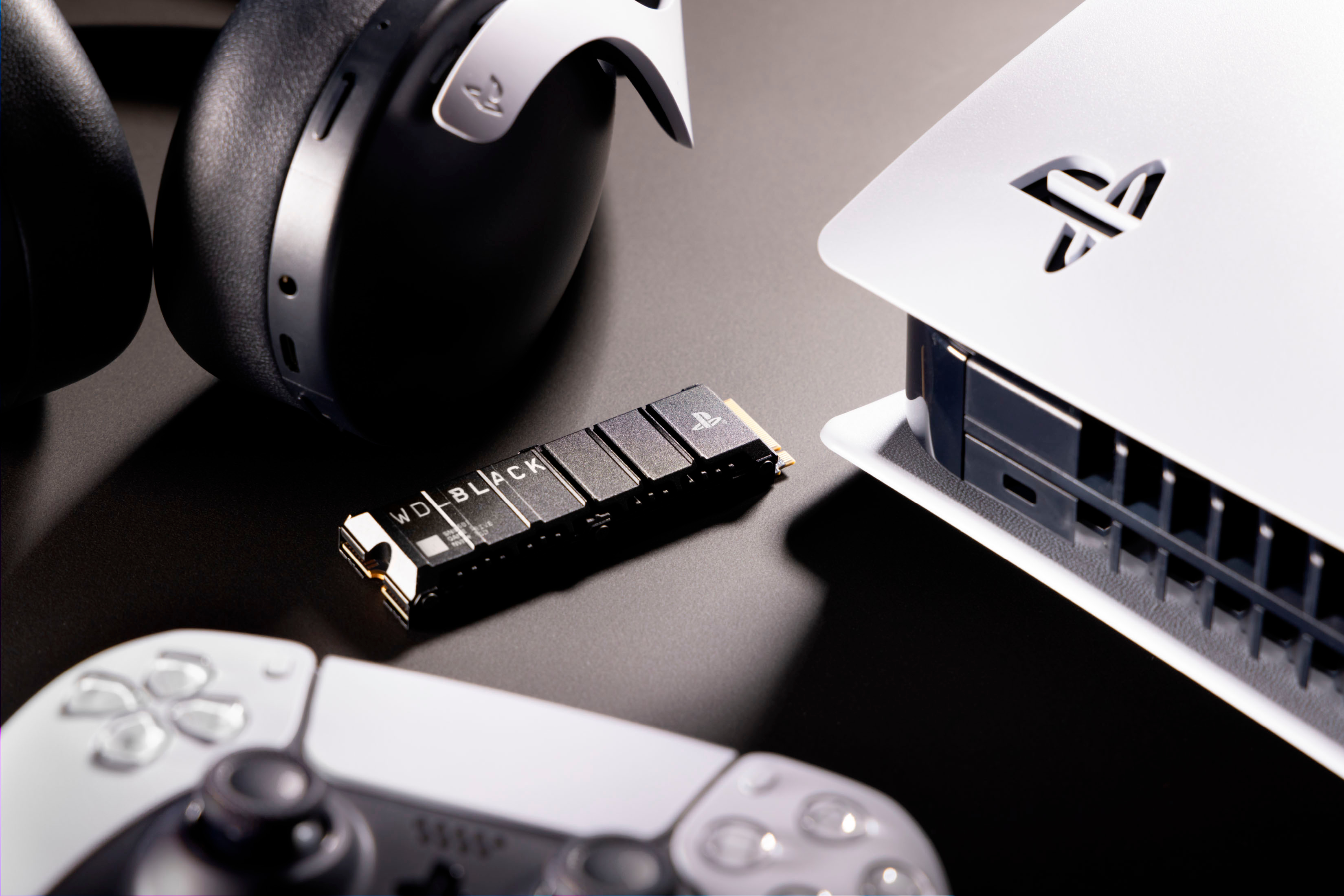
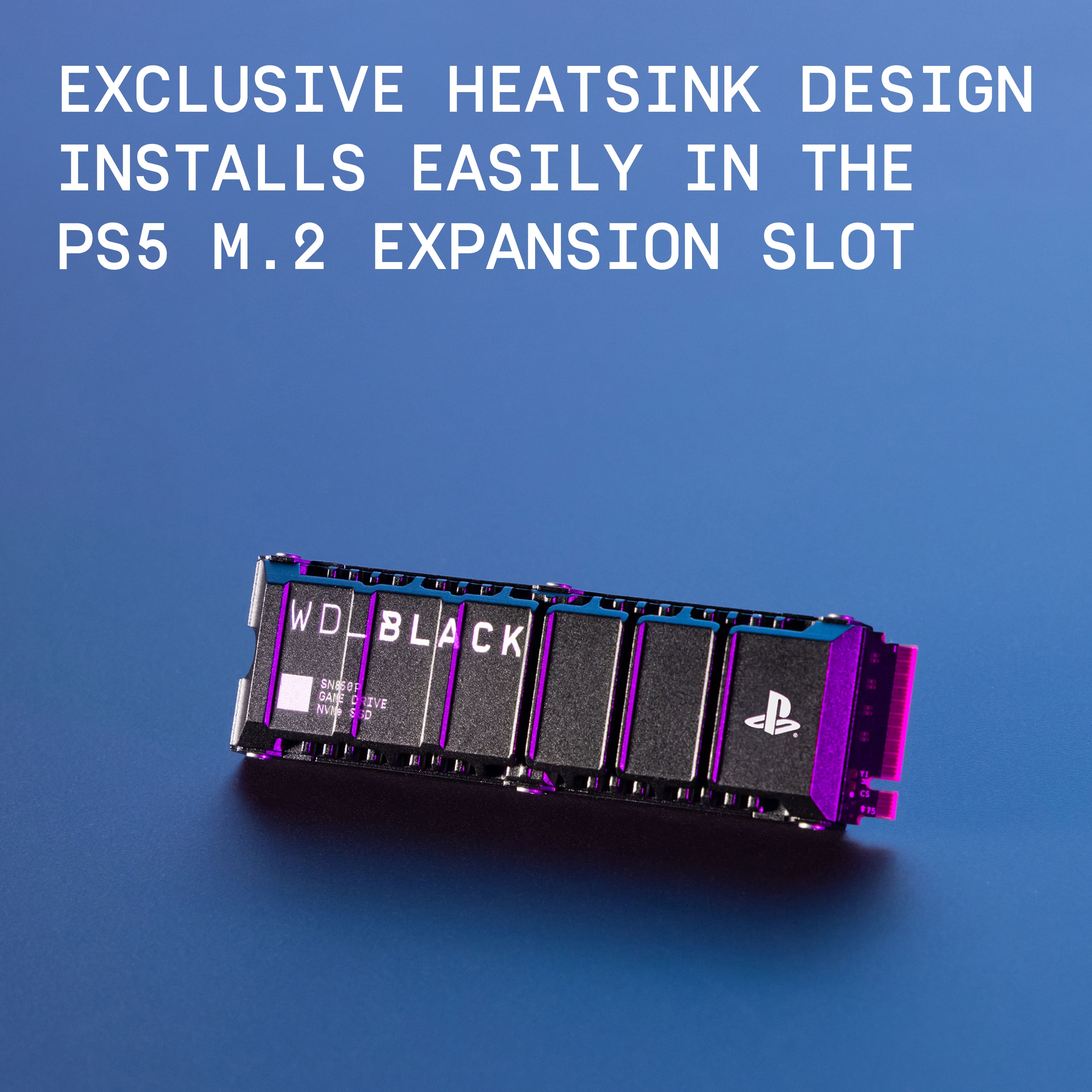
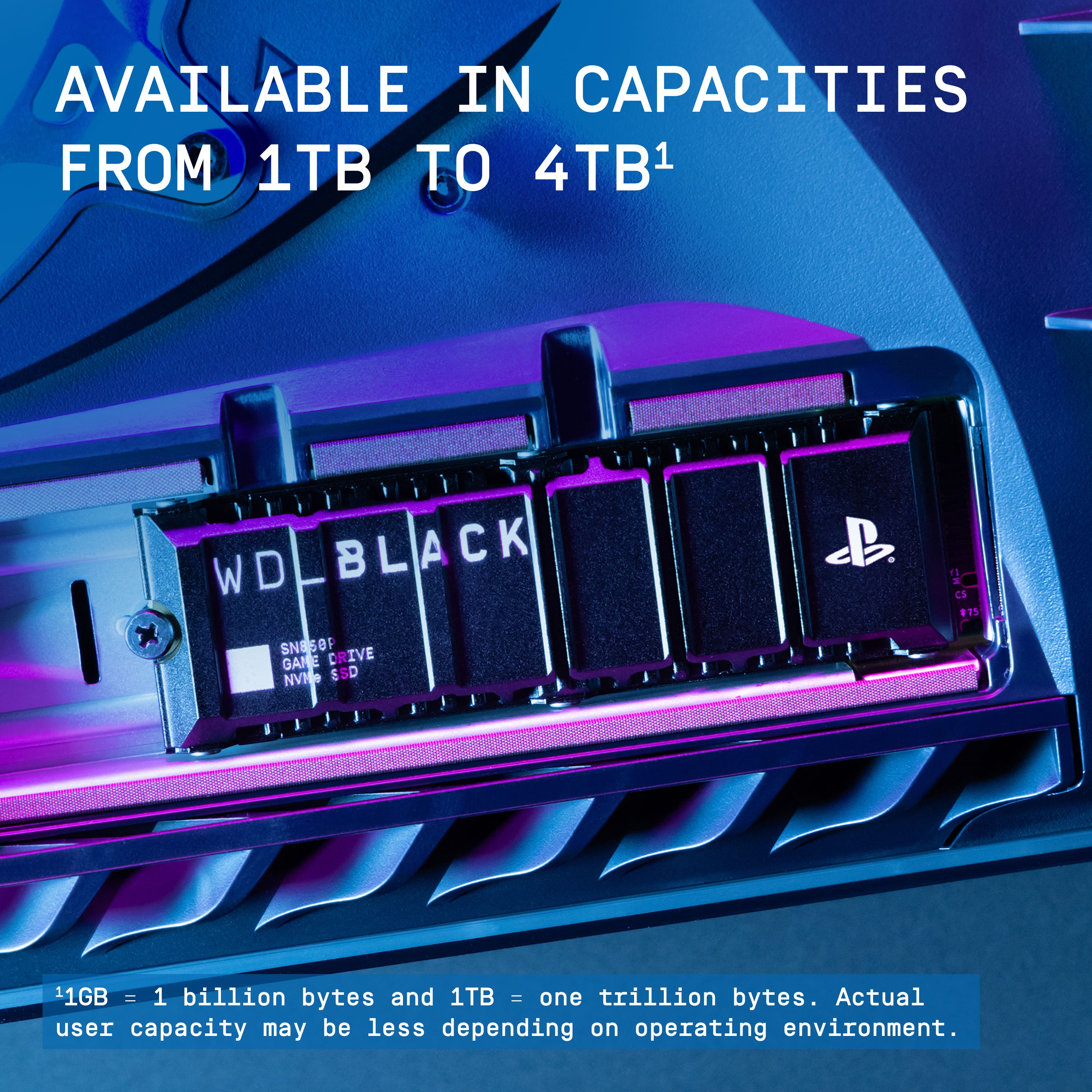
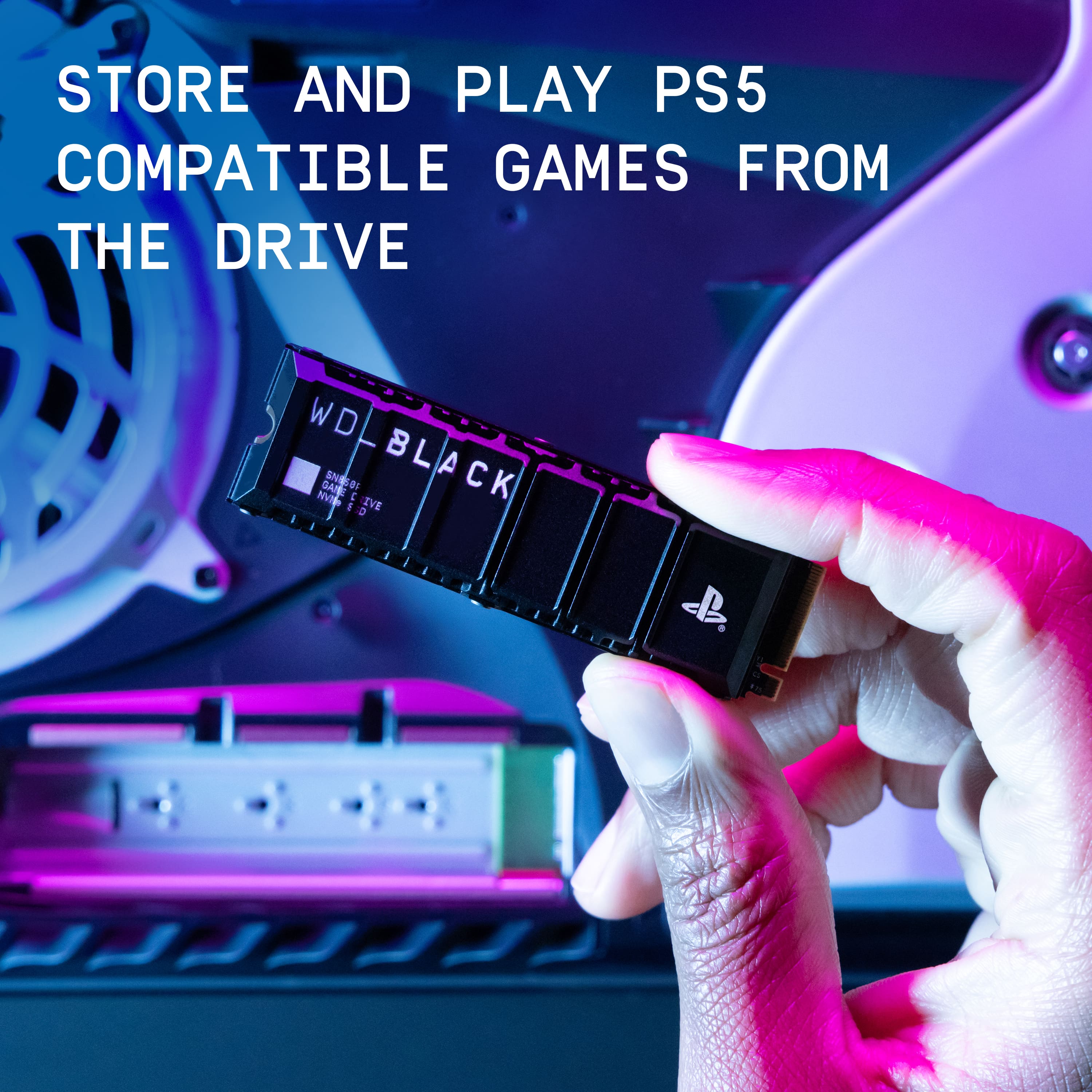
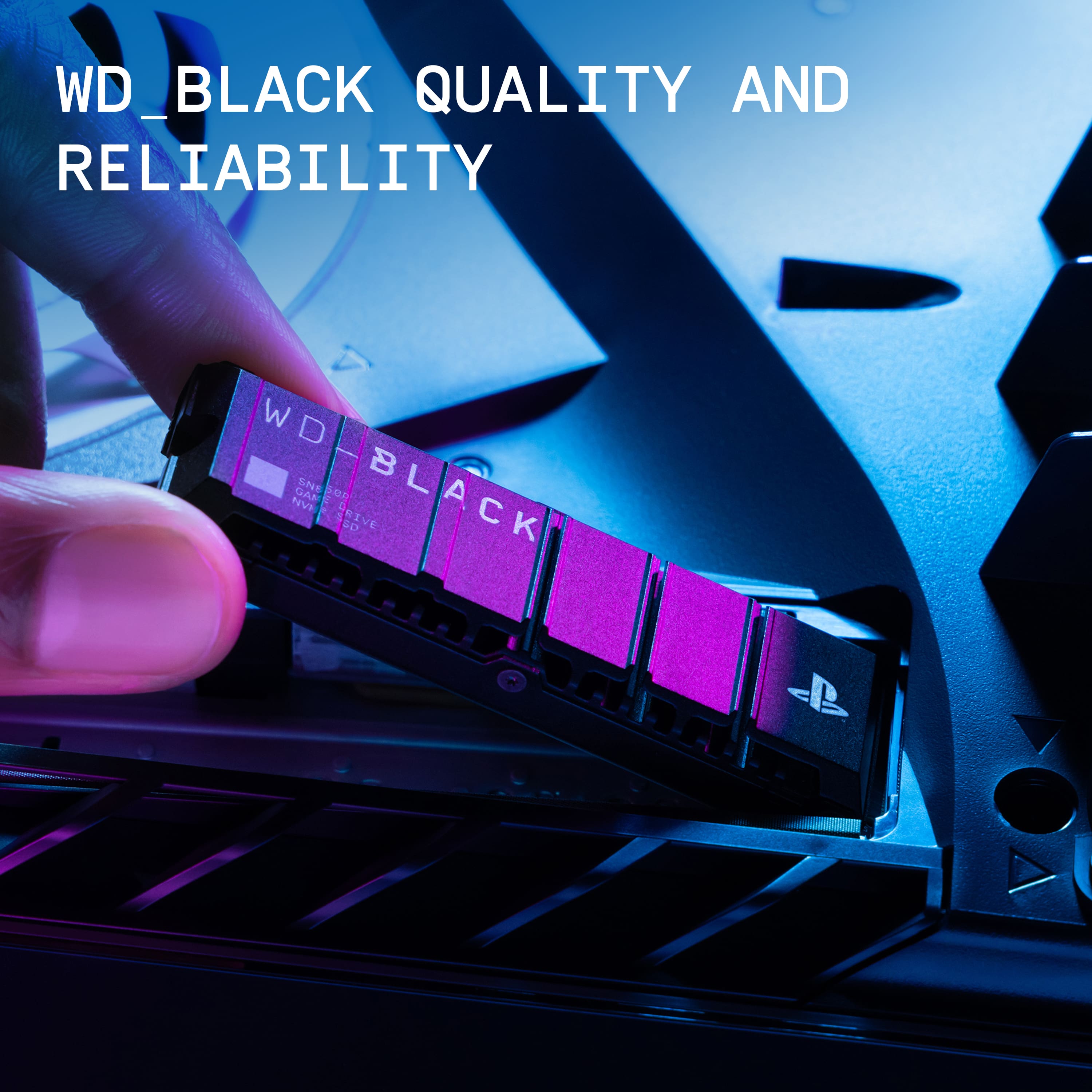
|Posted .This reviewer received promo considerations or sweepstakes entry for writing a review.I'm thankful that this generation of console has made it super simple to add extra storage. Even better that they support blazing fast nvme 4x4 storage, and that storage is really affordable these days. Sony recommends a heatsink for the nvme drives to keep temps in check, and this being designed for the PS5, is exactly the right size to fit in the nvme slot. Some others you might need to measure or cram into the slot, not here it fits perfectly. Installation is a breeze, lift up the corner of the white panel and slide it off, takes seconds. The nvme slot is covered by an aluminum panel itself held in by a screw. Once you remove that you're greeted by another screw and a standoff ring. Formatting the drive takes seconds at first boot of the PS5 once installed, it then measures the read speed to ensure the performance is up to standard. My example measured at 6514MB/s. On par with my 980Pro in my desktop pc, which is insanely fast IMO. I then went to work on transferring games from the internal storage to this newly installed drive. First to move was FF7 Remake with the PS5 update clocking in at 81GB. The entire move took under a minute to transfer the files. Next I wanted to try more, so I grabbed three games, 180GB total, and it took under two minutes to move those large files. I'd say the internal storage on the PS5 is already about as good as you can get these days, now going from 825GB -> 2825GB means I shouldn't really need to delete games. Sure eventually it'll max out but with this size and speed I get to keep more local content ready to go when the mood strikes. This should be a no brainer for anyone with PS+ and the sheer volume of free games available, download until your heart's content.
I would recommend this to a friendNot fast
||Posted . Owned for 1 month when reviewed.This reviewer received promo considerations or sweepstakes entry for writing a review.Gets very hot and battery does not last long at all
No, I would not recommend this to a friendMAGAUSA
||Posted . Owned for 2 weeks when reviewed.This reviewer received promo considerations or sweepstakes entry for writing a review.Want the 4T but best buy sold out so i had to settle
I would recommend this to a friendDisappointed
||Posted . Owned for 1 month when reviewed.This reviewer received promo considerations or sweepstakes entry for writing a review.Ps5 still wont recognize that the product js installed
No, I would not recommend this to a friendBrand response from Western Digital Team
Posted .Hi BrandonL, As of February 2025, Western Digital has separated into two independent companies and the support process for your Western Digital and Sandisk branded products may have changed. All Hard Drive products remain with Western Digital, and all SSD and Flash products are now supported by Sandisk. We apologize for any confusion or inconvenience. For support of your SSD or Flash product, please contact the SanDisk support team on Social Media handle @sandisk
Blazing!
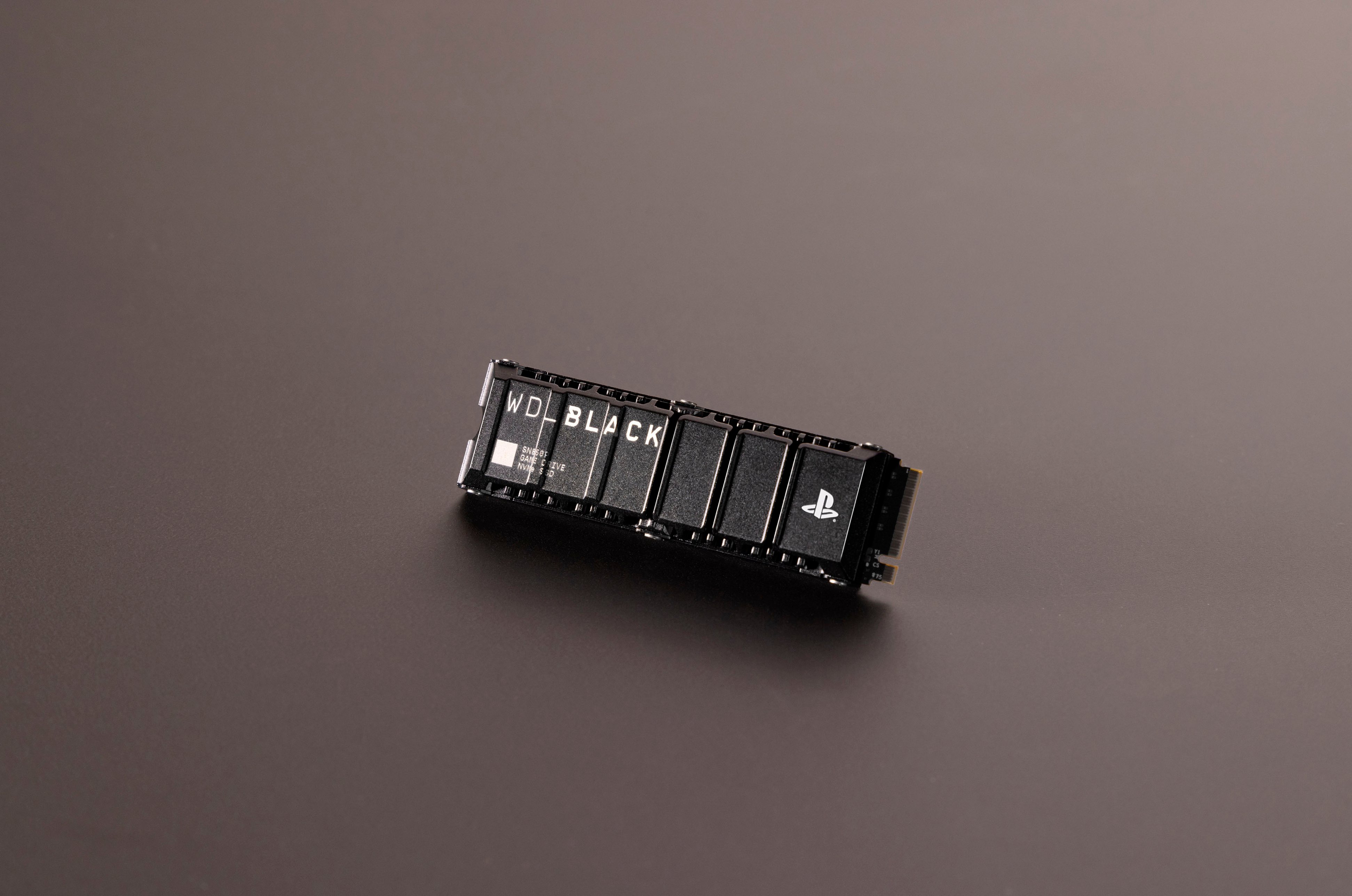
|Posted .This reviewer received promo considerations or sweepstakes entry for writing a review.A different-looking SSD than what I was familiar with. Yet, after testing I understand it. To keep and manage high performance you need some thickness sometimes. With blazing speeds and an easy install, this is a no-brainer for anyone with a PS5. I mean this thing is as simple as plug-in-play gets. With 2TB of storage that is enough space for a decent amount of games. What Gamers will love as much as anything is the fast speed of the SSD. SSD speeds now are at a point we darn near never thought we would see. This is a console that has just as fast speeds as desktops since it can use the same SSD. The other benefit is even with the heatsink you can take this out and put it into a desktop. You may get it into a laptop. Just remember you have a heatsink so you need to look for clearance. The only con I could think of is the price. When you can get a 2 TB SSD without the heatsink for a killer deal these days. With all that said, this is still a fast SSD. If you are a PS5 user, it may be the best on the market. Good fast speed what else could you want from a SSD?
I would recommend this to a friendLarge amount of FAST storage
|Posted .This reviewer received promo considerations or sweepstakes entry for writing a review.Lightning fast way to basically TRIPLE the internal storage. Found the PS5 upgrade instructions online. Easy to follow and install this chip. Real nice that it comes with the heatsink and doesn't require a separate purchase for that (like we had to for our other PS5 last year). No issues at all and works just as expected. Definitely like this internal storage with this vs a dangling external USB drive. My son is super happy to have wayyy more than enough space now for all of his game downloads. Highly recommend!
I would recommend this to a friendDid not work
||Posted . Owned for 1 week when reviewed.This reviewer received promo considerations or sweepstakes entry for writing a review.Plugged it in… used it for about a day and then it would not register. Total bust
No, I would not recommend this to a friendAwesome Speeds, Hefty Price
|Posted .This reviewer received promo considerations or sweepstakes entry for writing a review.This is a great SSD expansion drive. When I installed it, the PS5 stated that read speeds came out to 6,539 MB/s. It’s short of the 7,300 MB/s advertised, but that was to be expected. All the same, in use, I can’t notice a difference between the console storage and the expansion drive (more on that later). The drive is listed by the PS5 as providing 2.1 TB of new space, with 500+ MB tied up in system files, so the usable total listed was 2 TB. My first task after installation was to free up the console drive space so I moved 475+ GB onto the SSD. It took about 6 minutes. I use a 2 TB external HDD to store older PS4 downloaded titles and game files for older games I hardly touch, so my next task was to move some of that content over. 114+ GB took 21 minutes to move from the external USB drive to the SSD. After the housecleaning, I was finally able to start testing. My saved content from Jedi: Survivor loaded within seconds. I almost felt like the game loaded into my save file faster than when the console storage was used. I played for about a half an hour and decided to try something else that would test the new storage. I have a copy of the PS4 version of Shadow of the Colossus saved to my PS Plus account that I’ve been meaning to try out so I downloaded it to the SSD. It took 5 minutes. Unfortunately, I hadn’t played the game before on the console storage so I don’t have any means for comparison, but I will say that the game loaded and worked seamlessly. In all the time it took me to get through 15 of the 16 colossi, I didn’t see any hiccups or lag. If anyone is looking to upgrade their PS5 storage, this should be a serious consideration. It’s great that it came with a heatsink, but for the price, I think it should. One serious warning about installation (which has no bearing on the review of the SSD itself), getting the game off and opening the SSD expansion bay are not difficult at all. However, unscrewing the mounting screw and spacer was impossible. The screw was too tight for me to get out and I ended up striping the head. Ultimately, I had to buy a third party screw to secure the SSD in place, but at least the placement of the provided screw and spacer were out of the way. I’ve read that overtightened mounting screws provided by Sony are a common thing, so be aware ahead of time.
I would recommend this to a friendPS5 wouldn’t recognize SSD
||Posted .This reviewer received promo considerations or sweepstakes entry for writing a review.Ps5 wouldn’t recognize device. Returned immediately to the store
No, I would not recommend this to a friendBrand response from Western Digital Team
Posted .Hi GeoffL, As of February 2025, Western Digital has separated into two independent companies and the support process for your Western Digital and Sandisk branded products may have changed. All Hard Drive products remain with Western Digital, and all SSD and Flash products are now supported by Sandisk. We apologize for any confusion or inconvenience. For support of your SSD or Flash product, please contact the SanDisk support team on Social Media handle @sandisk
Install ALL THE GAMES!!
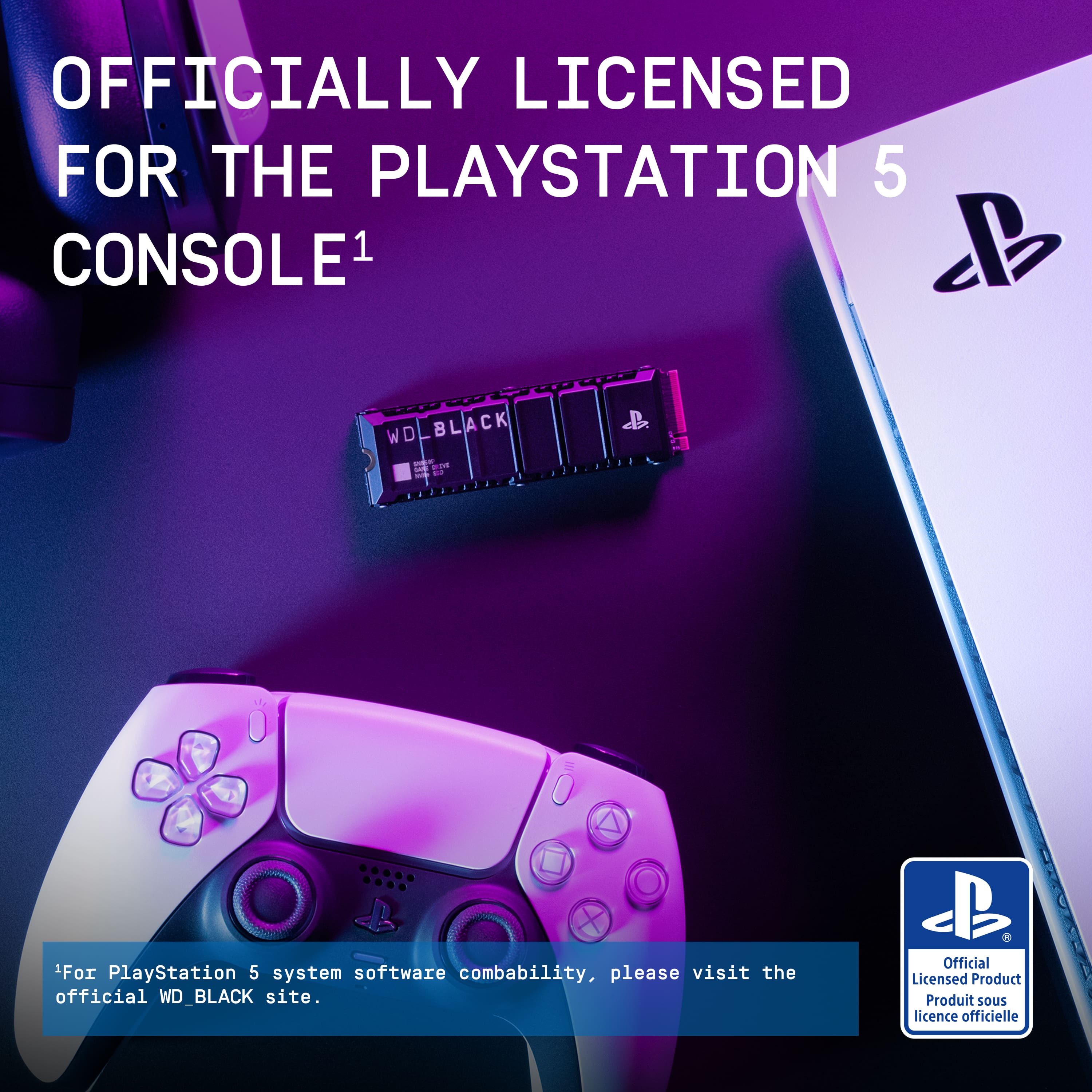
|Posted .This reviewer received promo considerations or sweepstakes entry for writing a review.The PS5 is a GREAT console. I've got all the major current gen consoles and while I was initially going to avoid the PS5 because I am not a fan of the design aesthetic, after a few months of streaming games from Playstation Plus on my PC I decided that I'd like the first party experience. So a PS5 was purchased and while I still do not like the design, I do love the user experience and having the ability to play games like SackBoy: A Big Adventure that I didn't have access to previously. The drawback to the convenience of having games installed locally and taking a sometimes inconsistent internet connection out of the equation is, of course, the amount of storage each game uses. While not terrible, Sony doesn't really have an out of box PS5 SKU that provides adequate storage for a robust offline collection. Thankfully, however, they did make adding additional storage very easy AND they took the good guy route and allowed for 3rd party NVMe drives. WD's WDBBYV0020BNC-WRSN is one such drive. Tuned specifically for the performance demands of the PS5 and with a more than adequate heatsink, it is a fantastic upgrade. Installation is extremely easy and once you've got the side panel buttoned back up and your console powered on setup is as simple as can be. It only took me about 20 minutes total to open up my PS5, add the drive, close it back up, power on, format, and begin transferring my games over. The only thing I did notice is that the speed WD advertises vs what the PS5 reports were a bit different. I did not notice any performance issues and WD does state "up to" 7300 mb/s read / 6600 mb/s write and not that those exact speeds would definitely be achieved. All in all, I am very happy with the drive and have recommended it to friends who have also picked one up and are happy with it.
I would recommend this to a friendA Disappointed Customer
||Posted . Owned for 1 week when reviewed.This reviewer received promo considerations or sweepstakes entry for writing a review.It’s almost two weeks now Ontrac hasn’t delivered the PS5 internal storage but BestBuy already charged me for this order. I contacted BestBuy support and was told the item will be reshipped. I’m still waiting for it as of today.
I would recommend this to a friendAwesome storage solution for the PS5!!
|Posted .This reviewer received promo considerations or sweepstakes entry for writing a review.For the past few years, I’ve been rearranging the games I store on my PS5 hard drive, trying to determine which ones I want to play at any given time. Since even the games I physically own (with a disc) require storage space, it’s been a challenge to delete and then redownload titles that I feel like playing later on. While the PS5 has a fair amount of storage with a 1TB SSD, I still managed to quickly fill this up in my quest to have my favorite games ready when I need them. Enter the WD Black 2TB SSD for the PS5. With a heat shield already built in, it's ready to go out of the box, and it is easy enough to install this device into your PS5 system. I found an article online that included step-by-step instructions (along with pictures), and I was pleased with how painless the process was. After rebooting my PS5, the process was pretty much automated, with the system formatting the new hard drive automatically. I was a bit worried that the installation might lead to some problems, yet it was extremely easy, and I feel that just about anyone can complete it with the proper instructions. After loading up the new drive with several games, I felt that load times were pretty much identical to the baseline (before the installation of the SSD). While nothing felt noticeably faster, I was happy that there were no performance losses. I personally have felt that the PS5 runs incredibly fast, and this new hard drive doesn't diminish that fact at all. Best of all, now I can keep a huge collection of games downloaded at all times, and don't have to worry about deleting them when a new one comes along! Bottom Line: If you are looking for a simple solution to expand the storage size of your PS5, look no further than this awesome piece of hardware!
I would recommend this to a friend