Customer Ratings & Reviews
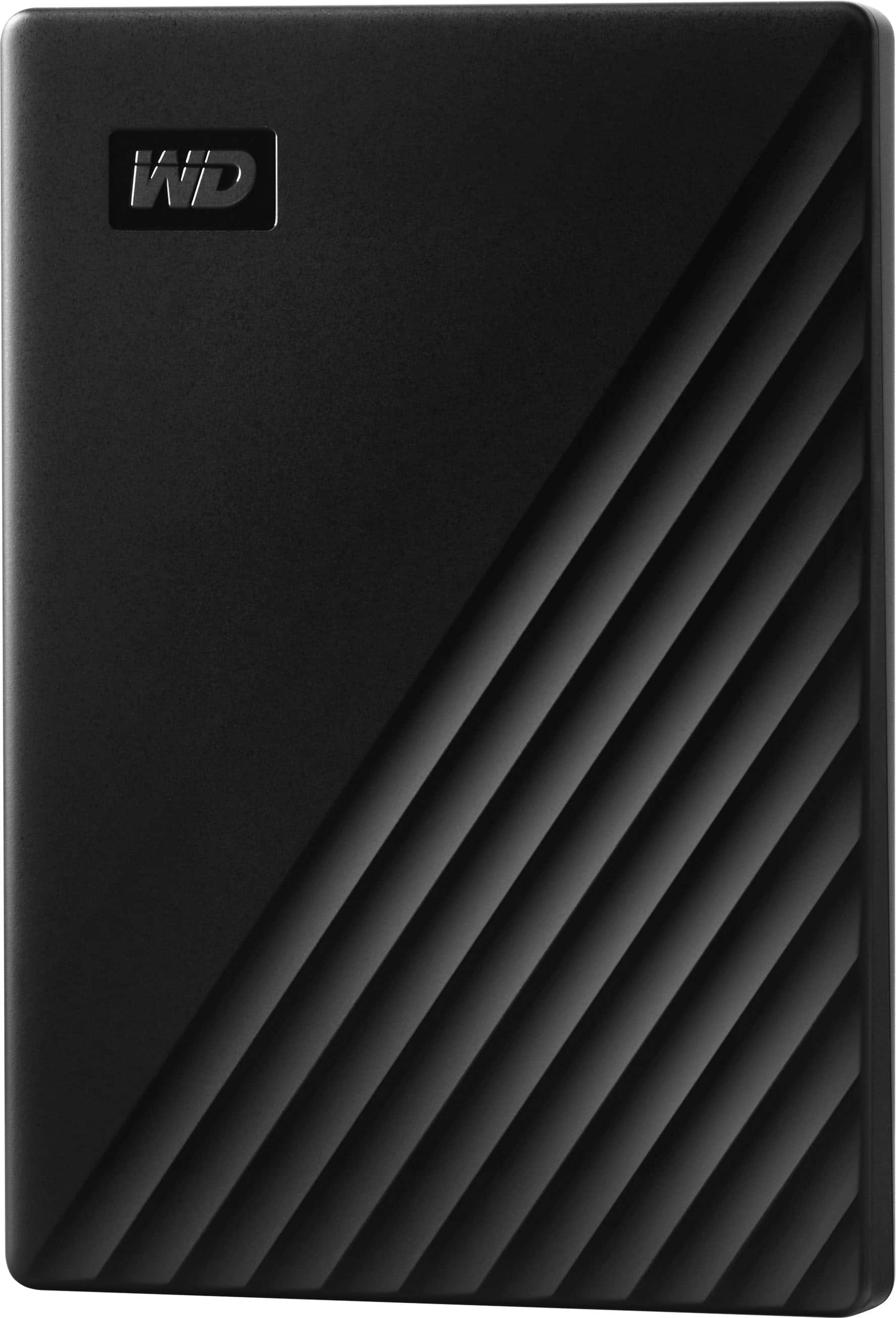




- Model:
- WDBYVG0010BBK-WESN
- SKU:
- 10757628
Rating by feature
- Value
Rating 4.6 out of 5 stars
- Quality
Rating 4.7 out of 5 stars
- Ease of Use
Rating 4.7 out of 5 stars
It's alright but not great
||Posted . Owned for 1 year when reviewed.This reviewer received promo considerations or sweepstakes entry for writing a review.It's alright I prefer the alternative choices to WD
No, I would not recommend this to a friendBrand response from Western Digital Team
Posted .Hello Matthew, we sincerely apologize for any inconvenience caused to you. Your experience matters to us, and if you are experiencing any issues we are committed to resolving it promptly. Please do not hesitate to contact our Customer Service team at (https://support-en.wd.com/app/askweb). The Customer Support team will contact you as soon as possible.

WD Passport
||Posted . Owned for 1 month when reviewed.This reviewer received promo considerations or sweepstakes entry for writing a review.This is exactly what I needed to transfer large files.
I would recommend this to a friendVery good.
||Posted . Owned for 11 months when reviewed.This reviewer received promo considerations or sweepstakes entry for writing a review.One year and no problem I recommended this item its very good.
I would recommend this to a friendSecurity software on computre blocked the access
||Posted . Owned for 2 weeks when reviewed.This reviewer received promo considerations or sweepstakes entry for writing a review.The drive seemed fine, but security software on my old computer blocked access, so I returned the drive.
I would recommend this to a friendSuperb drive
||Posted .This reviewer received promo considerations or sweepstakes entry for writing a review.Works as mentioned. Product and Best Buy services is good
I would recommend this to a friendIt doesn’t always work.
||Posted . Owned for 1 month when reviewed.This reviewer received promo considerations or sweepstakes entry for writing a review.It’s pretty much a shot in the dark whether this device works any given time that I connect it to my PC. Sometimes the WD Discovery client says that it is not plugged in when it actually is, but when I try to eject the hard drive, my computer gives me a message saying that the hard drive is being used by a program. Other times the hard drive fails to complete scheduled backups. Sometimes my computer gives me a “write processing error” message that won’t go away no matter how many times I click “OK” or the close button, even after I disconnect the hard drive. One more thing I should note for anyone buying an external hard drive for their PC for the first time: you might not need as much space for your backup device as there is on your computer’s hard drive. Even if you have a full backup of your PC, you’ll probably need the Windows installation disks for your computer to function after restoring from the backup. By default, this device only backs up the folder “C:/Users/[primary user’s name],” although the user can change which files and folders get backed up. I kept this default because I don’t share my computer with anyone else, so I have much more space on my backup device than needed for any given backup.
No, I would not recommend this to a friendGreat hard drive
||Posted . Owned for 1 year when reviewed.This reviewer received promo considerations or sweepstakes entry for writing a review.Gets the job done. Great value! Nothing to complain about.
I would recommend this to a friendReliable, high quality, fair price.
||Posted . Owned for 3 weeks when reviewed.This reviewer received promo considerations or sweepstakes entry for writing a review.The WD portable USB drive is easily encryptable at a fair price.
I would recommend this to a friendVery handy.
||Posted . Owned for 2 weeks when reviewed.This reviewer received promo considerations or sweepstakes entry for writing a review.Needed it for my ps4 as I was running out of space. Does the job!
I would recommend this to a friendHARD drive baby!
||Posted . Owned for 1 month when reviewed.This reviewer received promo considerations or sweepstakes entry for writing a review.Great product and had great customer service... very happy!
I would recommend this to a friendGets the job done.
||Posted . Owned for 1 month when reviewed.This reviewer received promo considerations or sweepstakes entry for writing a review.Got this for my boyfriend. Does what it’s supposed to do no complaints:)
I would recommend this to a friendget one
||Posted . Owned for 1 month when reviewed.This reviewer received promo considerations or sweepstakes entry for writing a review.just what we needed to back up our photos, mac compatible
I would recommend this to a friendWorks well and great value.
||Posted . Owned for 11 months when reviewed.This reviewer received promo considerations or sweepstakes entry for writing a review.Works great for backup of computer hard drive and photos.
I would recommend this to a friendHard Drive
||Posted . Owned for 1 week when reviewed.This reviewer received promo considerations or sweepstakes entry for writing a review.Just what I needed to download the files from my laptop.
I would recommend this to a friendGreat price!
||Posted . Owned for 1 year when reviewed.This reviewer received promo considerations or sweepstakes entry for writing a review.Good portable hard drive with good speed. Recommend anytime.
I would recommend this to a friendExternal Drive
||Posted . Owned for 2 months when reviewed.This reviewer received promo considerations or sweepstakes entry for writing a review.It was good to get my files backed up for future reference.
I would recommend this to a friendNot bad
||Posted .This reviewer received promo considerations or sweepstakes entry for writing a review.It works. Does what it's supposed to do. It see.s fast.
I would recommend this to a friendportable hard drive
||Posted . Owned for 2 months when reviewed.This reviewer received promo considerations or sweepstakes entry for writing a review.This device does not come with instructions so good luck
No, I would not recommend this to a friendhappy
||Posted . Owned for 3 weeks when reviewed.This reviewer received promo considerations or sweepstakes entry for writing a review.i gave this to my grandson as a gift, love him. ok stop makimg me mad
I would recommend this to a friendGreat for anyone who needs additional storage
||Posted . Owned for 3 weeks when reviewed.This reviewer received promo considerations or sweepstakes entry for writing a review.It is great. Best Buy always has what I need, in fact I need another one.
I would recommend this to a friend