Customer Ratings & Reviews







- Model:
- F7C059
- SKU:
- 5794511
Rating by feature
- Value
Rating 4.2 out of 5 stars
- Quality
Rating 4.4 out of 5 stars
- Ease of Use
Rating 4.2 out of 5 stars
Customers are saying
Customers recognize the Wi-Fi Smart Dimmer Switch (2-Pack) for its ease of use and simple installation process. The dimmer switch is also appreciated for its dimming capabilities and compatibility with Alexa. However, some customers have expressed concerns about its compatibility, price, and size.
This summary was generated by AI based on customer reviews.
- Cons mentioned:Compatibility
Better Control for Lighting Made Easy
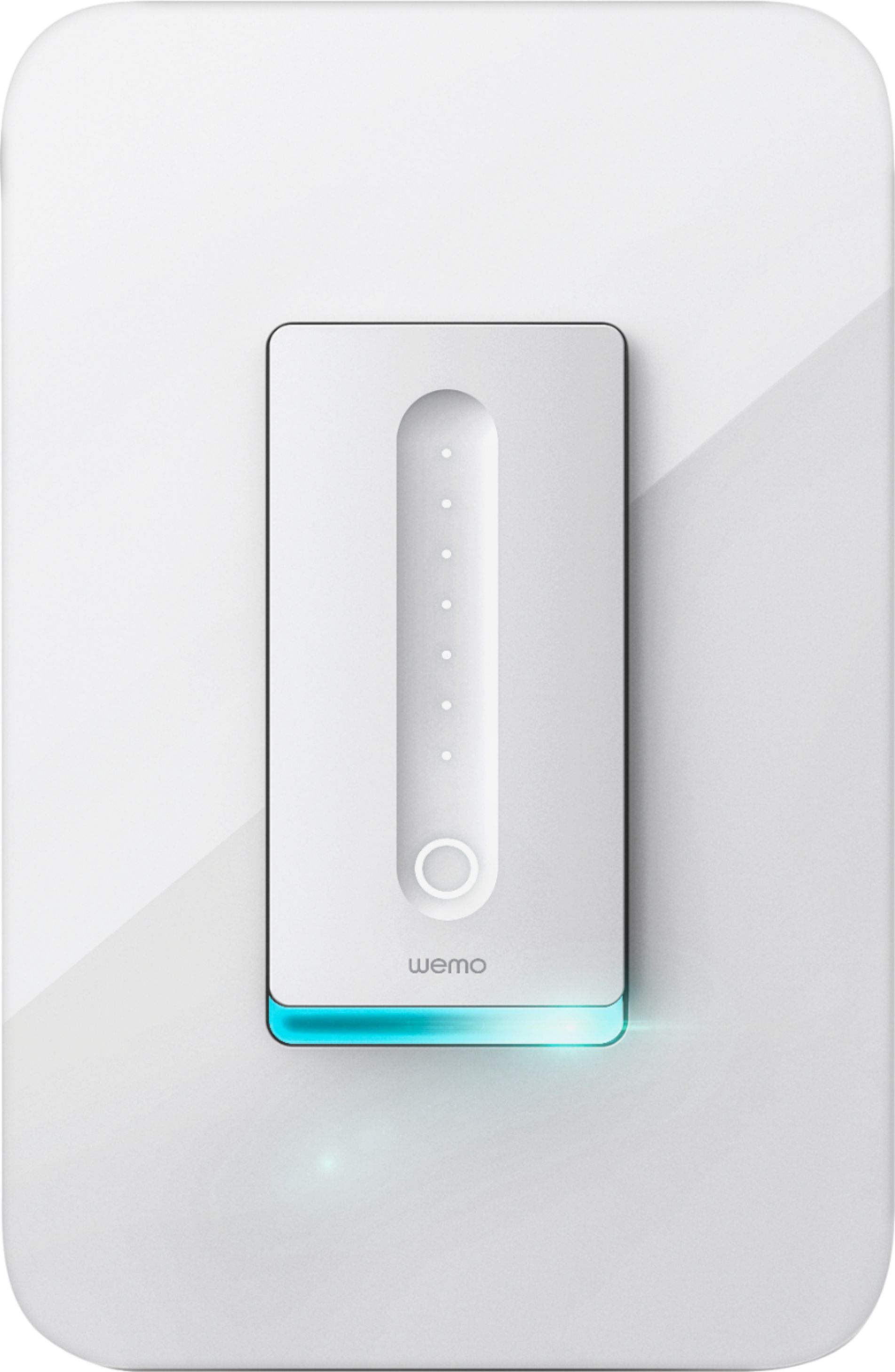
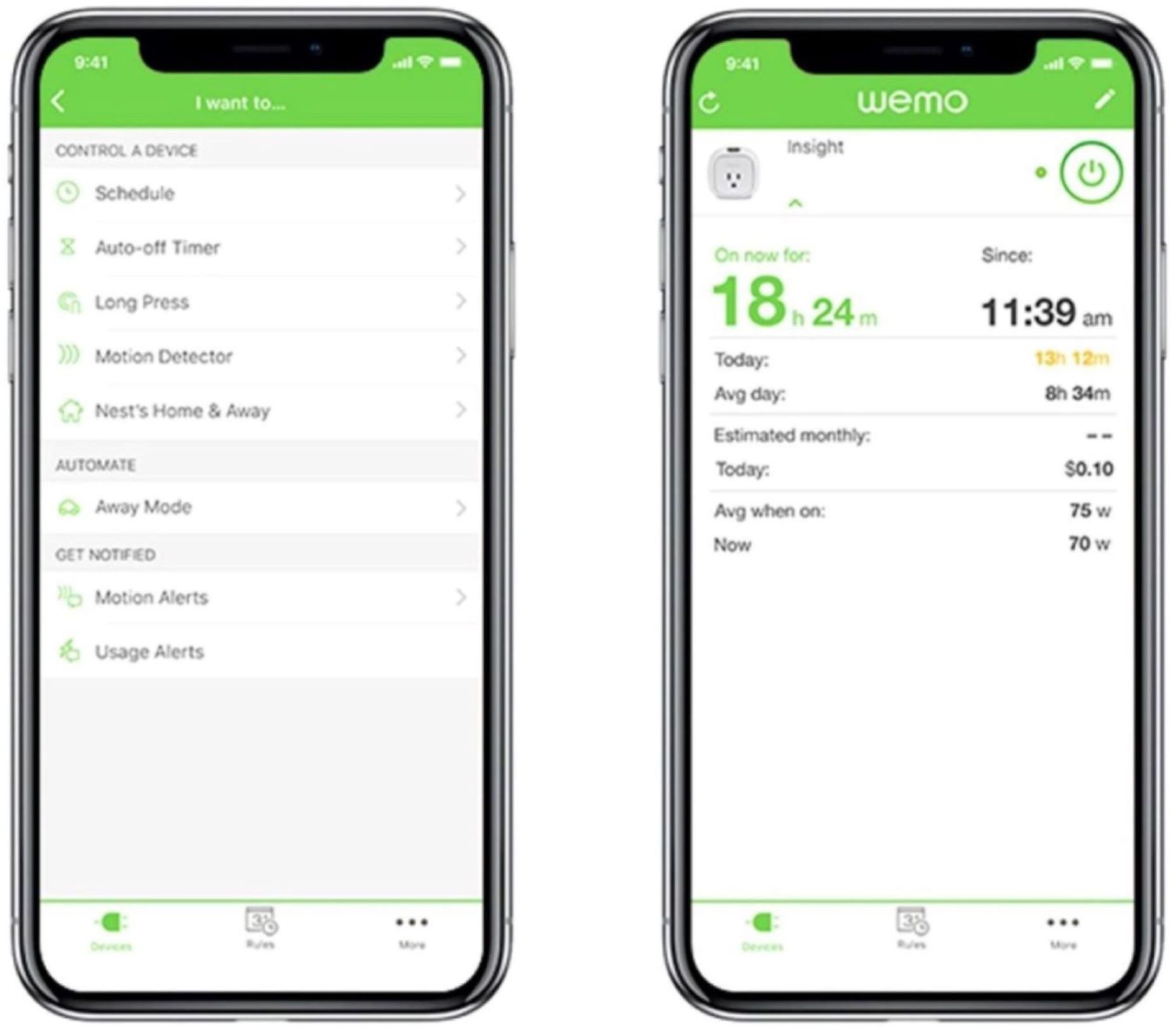
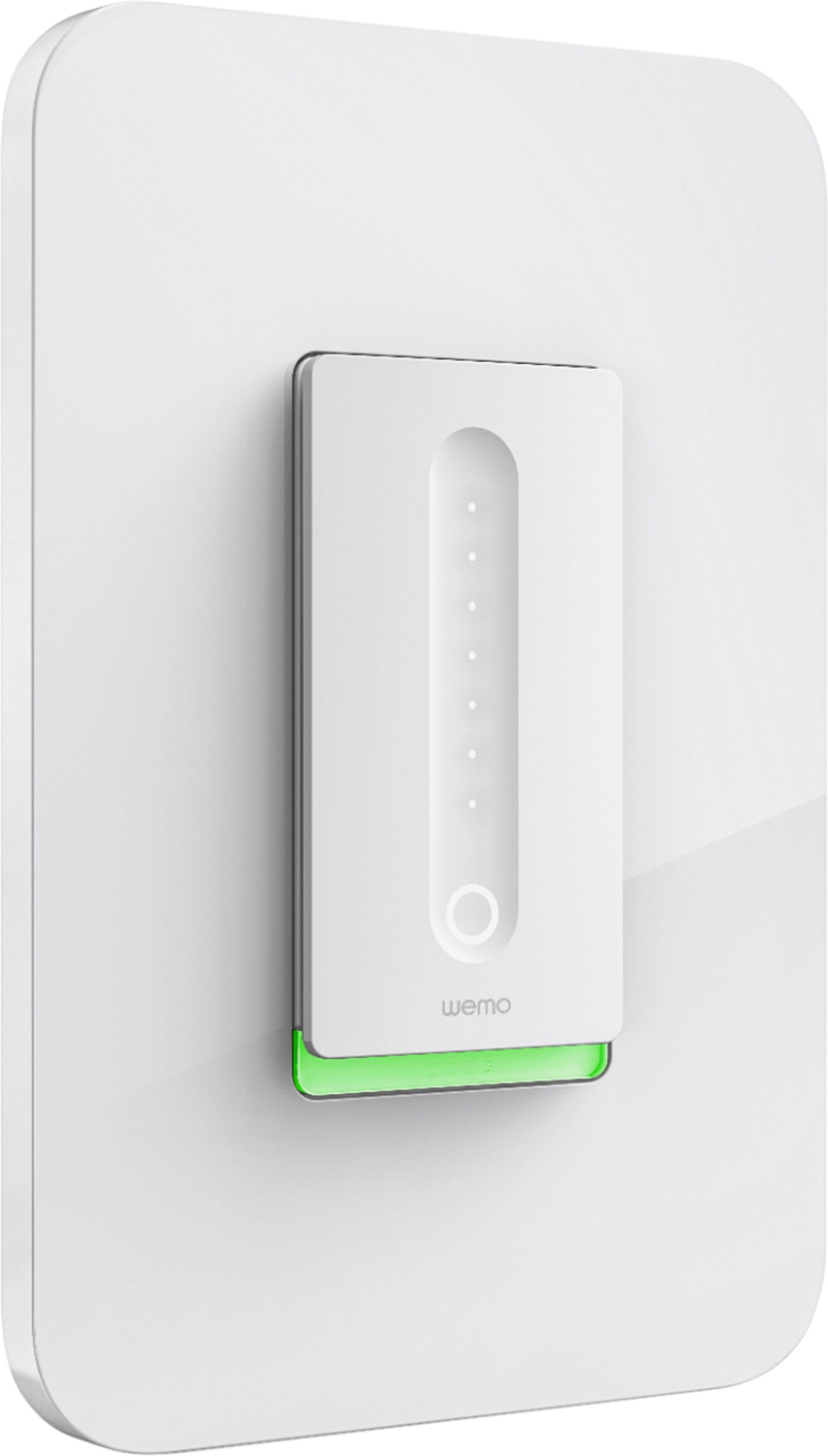
||Posted . Owned for 11 months when reviewed.This reviewer received promo considerations or sweepstakes entry for writing a review.I have multiple WeMo Light Switches, WeMo Dimmer Switches and WeMo Smart Plugs at the time of this writing and I think I have a pretty good perspective on these WeMo products. I'm glad that WeMo updated their mobile application to require their users to have an account to manage their products. Before, you just needed their products to connect to a Wi-Fi network. It is also convenient to have WeMo linked to Google Assistant. Before, updating the firmware to the WeMo switches and smart plugs was a hassle because it was not very intuitive. You attempt to update the firmware for the products, but there is no progress bar or any notification to identify how long the firmware update will take. And the firmware update would either fail midway or the app freezes. But, it seems the WeMo app has improved. Since a WeMo switch comes with only a one gang decorator/wallplate, I had to buy some 2 gang decorator/wallplate from Home Depot for two (2) WeMo switches that are together. You can name your WeMo products, create rules and schedules, and select which WeMo product(s) you would like to use and set a time when to them turn on and off. Specifically, my WeMo smart plugs tend to be occasionally unresponsive when using Google Assistant. It is inconsistent when it responds correctly, but I think it is because my WeMo Smart plugs are placed pretty far from the router. Be mindful on the distance to your router when it comes to the WeMo products. You may need to place them close to your router or add a Wi-Fi extender to your home. Sometimes, Google Assistant may turn on the incorrect WeMo light switch. To troubleshoot, I will either use the WeMo app instead or relink my WeMo account to Google Home. That way, it’ll refresh my WeMo products in Google Home. For WeMo Smart Plugs, I disconnect them from the outlet and reconnect them and wait a few moments until connection has been established. If there is a power outage or if I lose Internet connection, WeMo is pretty good at reconnecting in a few minutes. But if it does not reconnect, you will just have to hold a small button underneath the light switch with a small tool or maybe a pen to restart the WeMo light switch. If it does not reconnect, you would need to reassign or reactivate the light switch through the WeMo app. I did have one WeMo light switch that lost power randomly after 10 months of use. I thought it was bad wiring, but when I replaced it, I have not seen any issues. I will continue to monitor it, but so far so good. I would recommend buying WeMo and I will most likely buy another one in the near future.
I would recommend this to a friend - Pros mentioned:InstallationCons mentioned:Price
Nice product but DOES NOT work with Apple HomeKit
||Posted .This reviewer received promo considerations or sweepstakes entry for writing a review.I bought 2 of these dimmers and 2 light switches. Both installation and setup through the app was straightforward. However, Apple HomeKit support is not there for the dimmers. The light switches do work with Apple HomeKit. Dimmers cannot get a HomeKit Setup Code, app just reads "NOT AVAILABLE YET" (see picture). I've been on the phone with Belkin several times, they could not figure it out. My case has been escalated to development and after days, I've heard nothing. If you want Apple HomeKit support, you will be disappointed. I am planning on returning the dimmers because I'm concerned they'll come out with new hardware for the dimmers to really support Apple HomeKit and then I'll be stuck as these are too pricey to replace for just this feature. I'm recommending this device but only as long as you don't care for Apple HomeKit support.
I would recommend this to a friendBrand response from BelkinStaff
Posted .Hi, MAGS,
The Wemo Dimmers are HomeKit compatible but, if you wish to keep track with your case, feel free to reach out to us at [email protected] with your case number or phone number and the link to this review for our reference.
Regards,
Jan
Wemo Support
- Pros mentioned:Ease of use
Smart IoT Devices Extend Your Home

||Posted .This reviewer received promo considerations or sweepstakes entry for writing a review.If you were building a house, you might design it with smart devices in mind. In most cases though, we live in not so smart homes and have to adapt them to smart IoT devices. Such is the case with this product. It enabled me to install a smart dimmer that would work with my Amazon Echo to control not so smart lighting. Very Cool!
I would recommend this to a friend Works great with the WeMo app, but not SmartThings
||Posted .This reviewer received promo considerations or sweepstakes entry for writing a review.I purchased two of these new WeMo products, excited that WeMo finally produced an in-wall dimmer in addition to their in-wall on-off switch. The new dimming capability works well and can be controlled from my iPhone via the WeMo app. However, I was frustrated to learn that these dimmers aren't recognized by my SmartThings Hub. I'd hoped that SmartThings would serve as my integrator that would allow me to expand my "smart" purchases across more than one provider. But, so far--at least not until there's some sort of firmware upgrade for either these WeMo devices or for the Hub--no dice with ST and these WeMo dimmers. This is especially disappointing because the ST Hub recognized and can control all my other WeMo products.
I would recommend this to a friend- Pros mentioned:Ease of use
Switch works but HomeKit support is broken
||Posted . Owned for 1 week when reviewed.This reviewer received promo considerations or sweepstakes entry for writing a review.TL;DR version: If you are looking to integrate this dimmer switch into your Apple Home app, it doesn't work (as of June 11, 2020). Wemo tech support has acknowledged that their latest firmware broke the Homekit support and that their engineers are working on a solution. In the meantime, controlling it from the Wemo app works well with only a few flaws. Detailed review: I was looking for a smart dimmer to be able to remotely control LED recessed lights from my iPhone/HomePod/Apple watch. Since I already had two Wemo smart plugs that have been working flawlessly with Siri, I decided to stick with the Wemo branded dimmer. The physical switch was installed by my electrician since he was already installing the recessed lights. But he commented how easy it was to install provided proper wiring is available in the switch box. On my end, I was able to set it up in the Wemo app in just a couple mins but it never connected with the Apple Home app. Somehow the "connect" button was greyed out on the connections screen (see attached screenshot). Restarting the app and resetting the dimmer didn't help either so I called tech support. The rep had me try a few things but nothing worked. As a last resort, she asked me for the firmware number and then went on to state that the latest firmware had broken the Apple Homekit support in the dimmer. She said that their developers are aware of this issue and are working on a fix but didn't make any promises as to when that will be. This was disappointing because Homekit support was the main reason I purchased it. Anyway, I am planning to keep the switch for now and hoping that they release a firmware update soon. The physical switch works exactly like any other dimmer and lets you turn on/off and brighten or dim the lights. In my case, it is hooked up to LED recessed lights but I am sure you could control fluorescent and incandescent lights too (the app gives you the option to choose bulb type during initial setup). The Wemo app is where the switch comes alive! Beyond the basic on/off and dimming functions, there are options to precisely control the dimming level down to 1%, night mode to automatically dim the lights between certain hours (also a con; read below), timer function so the lights will slowly fade out (works beautifully) and the option to customize a long press so as to control more Wemo gadgets (works well). Not sure if all of these enhanced functions will work with the Apple Home app whenever that is released. Here are a few cons that I have observed so far: - I have the night mode set up to reduce brightness to 35% between 9pm - 6am. But it hasn't worked for me so far. 9pm comes around and the lights stay at whatever level they were before. - Another thing with the night mode is that if I turn on lights from the app between 9pm and 6am, instead of automatically coming on at 35%, they come on at whatever level they were before. - If I change the brightness level in the app, it immediately changes on the physical switch too which is great. But when I change the brightness level on the switch, it doesn't sync back with the app. As an example, if I reduce from 100% to 50% from the switch, the app will continue to show 100% even hours later. Moving the slider in the app immediately changes the level to whatever you choose. Overall the switch is good and does its basic jobs well. But with the lack of HomeKit support and the few glitches mentioned above, I can't give it more than 3 stars at this point.
I would recommend this to a friendBrand response from BelkinStaff
Posted .Hi, Sharma76.
We appreciate your time for a detailed review of our Wemo Dimmer but, we'd like to have our Escalation Engineers investigate your challenges with the Wemo Dimmer's night mode.
Please email us with more details at [email protected] with your case number or phone number and, the link to this review for our reference.
Regards,
Jan
Wemo Support
- Pros mentioned:Ease of use
Wow such an awesome switch
||Posted . Owned for 1 week when reviewed.This reviewer received promo considerations or sweepstakes entry for writing a review.It was easy to install and easy to use with the app that you download. It’s so easy even a caveman can do it. Lol but no seriously. If your looking to upgrade your light switches. Then this is your upgrade. Best investment I’ve made. Just kee an eye on them. They go on sale at a great price. I bought 5 on Black Friday for only 39.99 and let me tell you I am happy that I did. Now I can control my lights from anywhere with the app. I uploaded of a pic of part of the install.
I would recommend this to a friend - Pros mentioned:Installation
A perfect option if you have several lights
||Posted . Owned for 6 months when reviewed.This reviewer received promo considerations or sweepstakes entry for writing a review.So i wanted philips hue lights for a very long time. Howver my apartment has several lights built in the ceiling and i was not sure how to install the hue light bulbs. I did some math and purchasing this switch was an easier and cheaper option. The installing was super simple, no electrician was needed. While it’s not as fancy as the mentioned philips lights, the convenience of turning the lights on and off with my smartphone is still great.
I would recommend this to a friend - Pros mentioned:Installation
Great product to improve your house
||Posted .This reviewer received promo considerations or sweepstakes entry for writing a review.This is great product if you want to improve your house and bring some fun into your every day life. Smart house is so cool. With this switch you can 100% control light in your house. So far I installed 6 switches. It is very easy to install. I'm not an electrician - however instructions are very clear, so I did all installations myself. I recommend this product.
I would recommend this to a friend Best dimmer out there
||Posted .This reviewer received promo considerations or sweepstakes entry for writing a review.This really is a smart dimmer. Compare to other dimmers this is by far the best.
I would recommend this to a friend- Pros mentioned:Ease of use
Great fit and easy install 4
||Posted .This reviewer received promo considerations or sweepstakes entry for writing a review.Looks good and works great with alexa. Dimmer needs more ranges
I would recommend this to a friend - Pros mentioned:Ease of use
Amazing product
||Posted . Owned for 1 week when reviewed.This reviewer received promo considerations or sweepstakes entry for writing a review.What an amazing switch work perfect with alexa!!!!
I would recommend this to a friend If you use HomeKit, do NOT purchase this item!
||Posted . Owned for less than 1 week when reviewed.This reviewer received promo considerations or sweepstakes entry for writing a review.This item is NOT HomeKit workable. I spent + one hour on the phone with Wemo support and they advised that it doesn't work YET with Apple HomeKit, yet on the BOX, it says that it 'Works with HomeKit' Before I called, it even did my research and found that EVEN the Wemo app couldn't identify the HomeKit code. By the way, it DOES turn off and on, but it doesn't even dim the dining room light like it's supposed to. This is a FAIL all the way around. The ONLY Wemo product that I have purchased that DOES work with HomeKit is the mini switch. I have several of the regular switches, so I will see if they work, but I'm not expecting them to since this one didn't. Needless to say, I'm VERY disappointed in Belkin Wemo. Don't put out a product that is supposed to work with HomeKit until DOES! Too bad that they didn't show this from the app on the box. I would never have bought it!
No, I would not recommend this to a friendBrand response from BelkinStaff
Posted .Hi Chuck,
The Wemo Dimmer has been tested to work with the Apple Homekit app. You can refer to this link on how to connect your Wemo Dimmer to the Homekit app: https://www.belkin.com/us/support-article?articleNum=302810
As for the dimming, please note that you will need to use dimmable bulbs for this to work. We can have our Second Level Technicians get in touch with you for further assistance.
Just send us your contact details at [email protected] so that we can escalate your case. Don't forget to include the link to this post as a reference.
We hope to hear from you soon.
Regards,
Thaddeus
Wemo Support
very good
||Posted .This reviewer received promo considerations or sweepstakes entry for writing a review.yes I recommend thi product !! technology its so good
I would recommend this to a friend- Cons mentioned:Size

Easy Install / Link to Nest
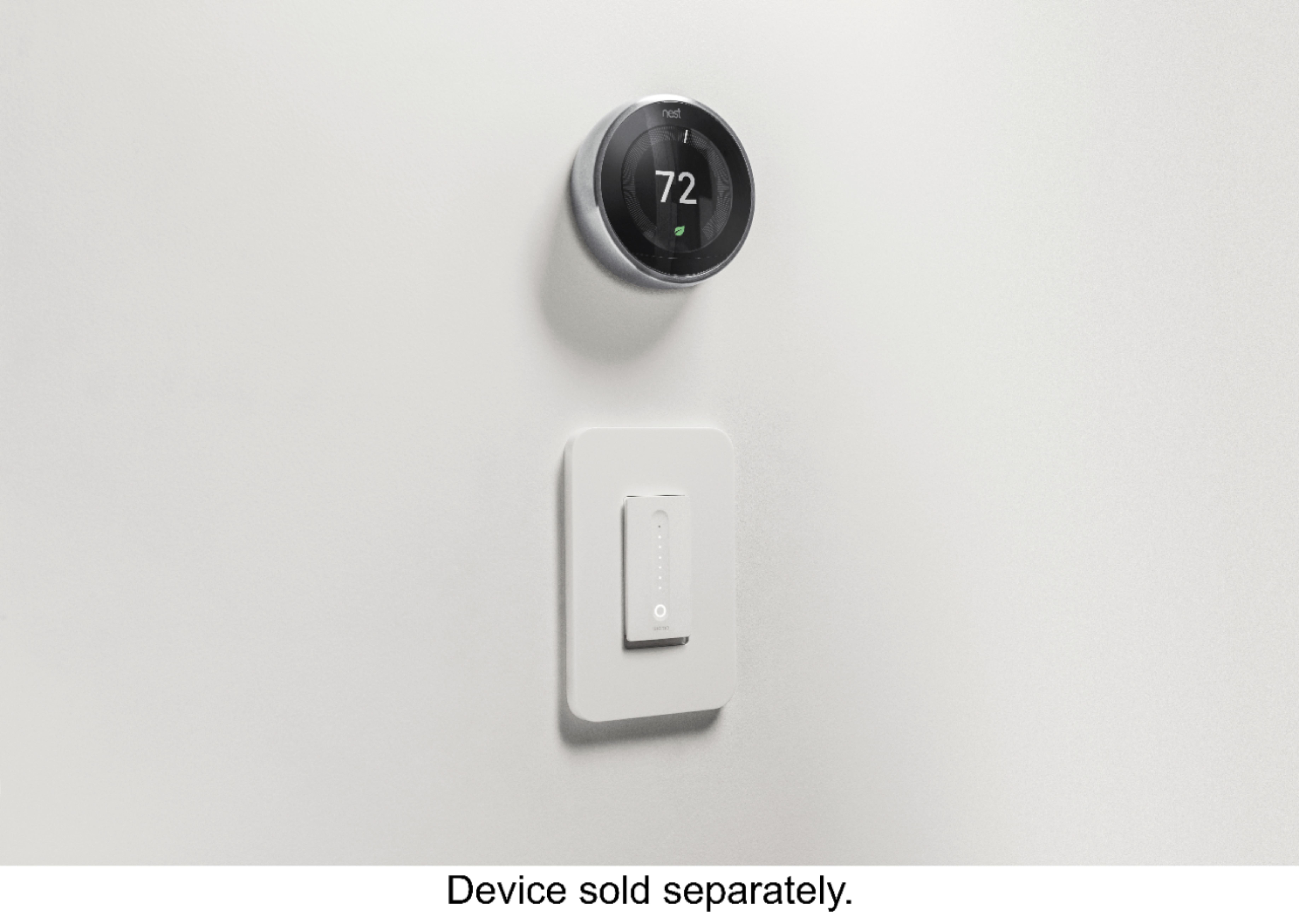
|Posted .This reviewer received promo considerations or sweepstakes entry for writing a review.If you've ever installed a light switch, this isn't any different. My installation was in a three switch box, so after switching off the breaker the hardest part was pulling out the other two switches to gain access to the neutral wire bundle I needed to connect to. Once that was complete, the other wires were connected and all switches put back in place, then off to switch on the breaker. One thing I noticed when reinstalling the switch plate/cover is this switch does stick out further from the cover compared to our other switches. Just an aesthetics thing. With power applied it took a couple of minutes for the switch to appear in the WeMo app and then I was able to access the Connect to Nest option in Settings to link the WeMo app to my Nest thermostat which I'm now able to control through the WeMo app as well, although apparently you can't access WeMo devices through the Nest app. The Nest app only shows when WeMo was last used (mine doesn't show anything so not sure it works) and allows you to remove the Nest/WeMo connection. Over the course of the next few days we used the app to control the light at various times of the day. One of the things I noticed was there can be a several second delay between the time you turn the light on/off or change the brightness and it actually happening. I've also had several times where the app/switch appeared to be locked up/frozen, but after a short delay allowed me to control the light. There were also a couple times the first day where the device (dimmer) wasn't available and the app asked me if I wanted to hide it, but that appears to have cleared up. Overall it was an easy install and setup if you've ever installed a light switch. The lag between command and action may annoy some and the switch itself sticks out further from the face of the switch plate compared to our other switches.
I would recommend this to a friend - Pros mentioned:Ease of use, Installation
Welcome to the Future.
|Posted .This reviewer received promo considerations or sweepstakes entry for writing a review.Alright folks we are officially living in the future. Although I never thought that a light switch would be the thing that made me feel that way. But this isn't just any light switch. It's the Belkin WeMo Dimmer Wi-Fi Light Switch, and it has surpassed all of my expectations. There is not much to the package. Just a small box with a very fancy looking light switch, some caps to twist your wiring together, and the instructions you need to get started. To be clear I had no experience with changing out a light switch before this. In the end the included instructions, and a helpful Youtube video were enough to get me going. The process was really quite easy. My only piece of advice here would be to make sure you turn off the correct fuse in your home's breaker box to avoid injury. If you are not comfortable with this just ask a friend who is familiar with it or call an electrician. Once the device was physically installed the rest of the setup was even easier. After downloading the WeMo app on my phone it walked me through the rest of the steps. Through the app you can obviously turn the lights on and off, and adjust the level of dimming. You can also create profiles to automatically turn the lights on or off at a certain time, to set a specific level of brightness for movie time, or any other scenario you can come up with. And you can control all of this wherever you have internet access. If you forgot to turn off the lights before you left the house? No problem. If you want to make it look like someone is home while you are actually on vacation? It's got you covered. Combine the Belkin WeMo Dimmer Wi-Fi Light Switch with Amazon Alexa or Google Assistant, and you can live out your dreams of being on the Starship Enterprise. And just like that we are in the future. It looks great, and works better than expected. I had only planned on getting this one switch, but after trying it out I am ready to outfit the entire house. Give it a try, and I am confident you will too. Highly Recommended. Thanks Belkin!
I would recommend this to a friend - Pros mentioned:Ease of use
Works great after frustrating Wi-Fi setup
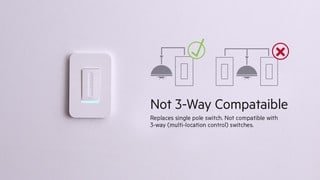
|Posted .This reviewer received promo considerations or sweepstakes entry for writing a review.Wall installation was easy and straightforward if you have basic electrical knowledge. It is important to know this dimmer can only be used on a single pole light switch (one switch controls one set of lights). Installation is as follows: 1. Turn off breaker to light switch. 2. Take off face plate and unscrew old switch. 3. Test for any other live wires within box using voltage detector to prevent electrocution. 4. Remove wires from old switch. 5. Attach green wire to bare copper wire (ground). 6. Attach white wire to white wire (neutral). 7. Attach the black wire with the lighting bolt icon to black wire for power source. 8. Attach the other black wire with light bulb to black wire to light source (load). 9. Carefully push all wires back in place, replace screws and turn breaker back on. Note: Wires in your home may be different colors or even wired incorrectly. If in doubt, hire a professional. After testing to make sure the light turns on manually, download the WEMO app. I had a glitch occur during initial setup and was very frustrated with the setup process. In order to prevent others from being equally frustrated, I would perform the following before connecting your phone to the dimmer, via a temporary Wi-Fi signal, and opening the app on your phone. 1. Forget all your WiFi networks on your phone. (Note: Dimmer uses 2.4 GHz Wi-Fi) 2. Turn off smart connect (feature which phone auto connects to cellular data when no internet is detected). 3. Unplug/turn off any router extenders. (setup app does not show “_ext” and I think I selected the router extender which may have caused the glitch) 4. Disable cellular connection. 5. Disable Bluetooth. The glitch during setup caused no devices to show up within the app. I followed the directions within the WEMO app to “Reset Your Dimmer’s Wi-Fi” and “Factory Restore Your Dimmer,” and neither reset fixed the problem. After speaking with a service representative, it occurred to me that you must also clear the WEMO app’s “Cache” and “Data” in the apps setting. Even though I should have known this, I think the company should include that in the reset directions. After a successful app install, I found the app easy to use and very responsive to commands on Wi-Fi. I did notice a couple second delay when I used the cellular connection, but that was to be expected. The app has many features to customize the lights, such as an adjustable timer to fade out to sleep, a night mode, a programmable “Rule” control, and a manual dimmer and off button. You can even do more customizations by connecting to IFTTT and Nest. I would not recommend this product since the WEMO uses Wi-Fi instead of Bluetooth for setup and so many steps need to be completed to be successful. Another option WEMO could have used was the WPS on the router to establish the connection. I did select to save the Wi-Fi settings, so maybe I would not have to go through this again for additional devices.
No, I would not recommend this to a friend - Pros mentioned:Ease of use
Lights On, Lights Off, or Dim

|Posted .This reviewer received promo considerations or sweepstakes entry for writing a review.Belkin’s latest design of it's Wemo Wi-Fi Dimmer switch, is a great idea for those home automation enthusiasts. Upon receiving the unit I realized that your switch that you are replacing, needs to have a neutral wire passing through it. I have rewired almost our entire house and the method I use to wire switches actually eliminates the use of a neutral to each switch unless it is a three way. Fortunately I had easy access to the switch I was replacing with the Wemo Dimmer. Other then the extra requirement, the install was a breeze, and Belkin’s Wemo application works well with its remote switching, timer or options and some other extra stuff. Where I run into problems is when I connected it up to Google Home. It does not turn on and off every time I try to do it via a voice command. It may not be Belkin’s problem and could be Google's. If you are looking to solely try to switch it off and on with voice command via Google Home, you might want to see how it stacks up using Google's competition, Alexa, Amazon's version of Home.
I would recommend this to a friend - Pros mentioned:Ease of use
Works good after issues with set up
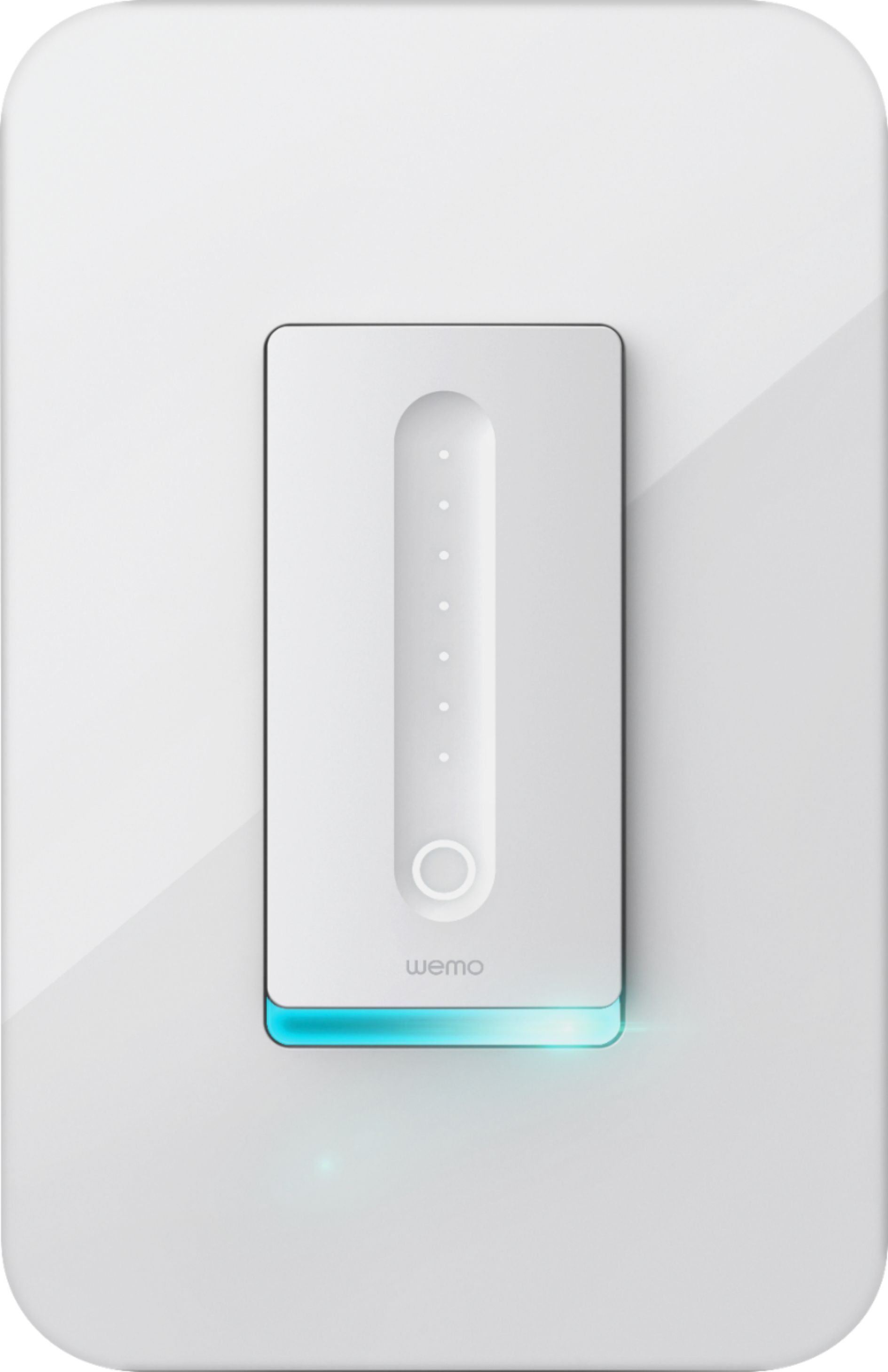
|Posted .This reviewer received promo considerations or sweepstakes entry for writing a review.The installation was fairly simple if you have any knowledge of wiring a light switch with four wires, load, line, ground and neutral. I am using it with dimmable LED lights in a chandelier. Once the switch was wired I had some issues with the pairing of the switch using the Wemo application as it wasn't recognizing it at first. After about 20 minutes troubleshooting, resetting everything and reconnecting the switch via wifi, I was up and running. I was able to pair the application and the switch through my Alexa and can now control the light with my voice; it even allows you to dim the light with your voice. The switch is aesthetically pleasing however it does stick out a little bit but not any more than any standard light switch. It acts like a touch panel and you dim the light with the swipe of your finger. There are a few reset and reboot buttons under the switch which came in handy when troubleshooting. I would recommend this to anyone in the market for a wifi and voice controlled dimmer switch for lights.
I would recommend this to a friend - Pros mentioned:Ease of use
Well built and pretty
|Posted .This reviewer received promo considerations or sweepstakes entry for writing a review.The switch is well built, well labeled, look very nice too. During initial setup, It prompts you to calibrate itself to meet bulb type is a nice touch. Very easy to setup, first you connect to its wifi server then it will connect itself to your wifi router and you can set rules for your switch. The switch will not work if you don't have neutral line, it needs white (neutral), black (line), red (load) and green (ground) wires. The depth is 1.5 inch. See picture. There are some areas need improvement, the instruction did not say you need to remove the face plate and removing the face place after you install into the wall is very difficult. The android app is also a bit slow.
I would recommend this to a friend - Pros mentioned:Design, InstallationCons mentioned:Compatibility
Good product, needs refinement for home automation
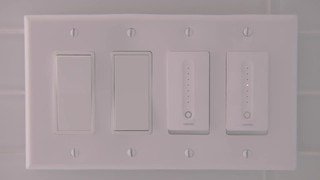
||Posted .This reviewer received promo considerations or sweepstakes entry for writing a review.The product is well designed and looks great. Was easy to install and set up as well. Where it was troublesome was when we tried to hook it up with Google Home - that piece was not intuitive and needed some work - better instructions would be a great start. The other part I didn't like was this doesn't work when you have two switches on the same panel - I replaced two regular dimmers with 2 Wemo dimmers side-by-side, and had to purchase a separate face plate because the Wemo plates are too broad. And Wemo doesn't manufacture dual plates!
I would recommend this to a friend