8tb SSD Internal Drive
-
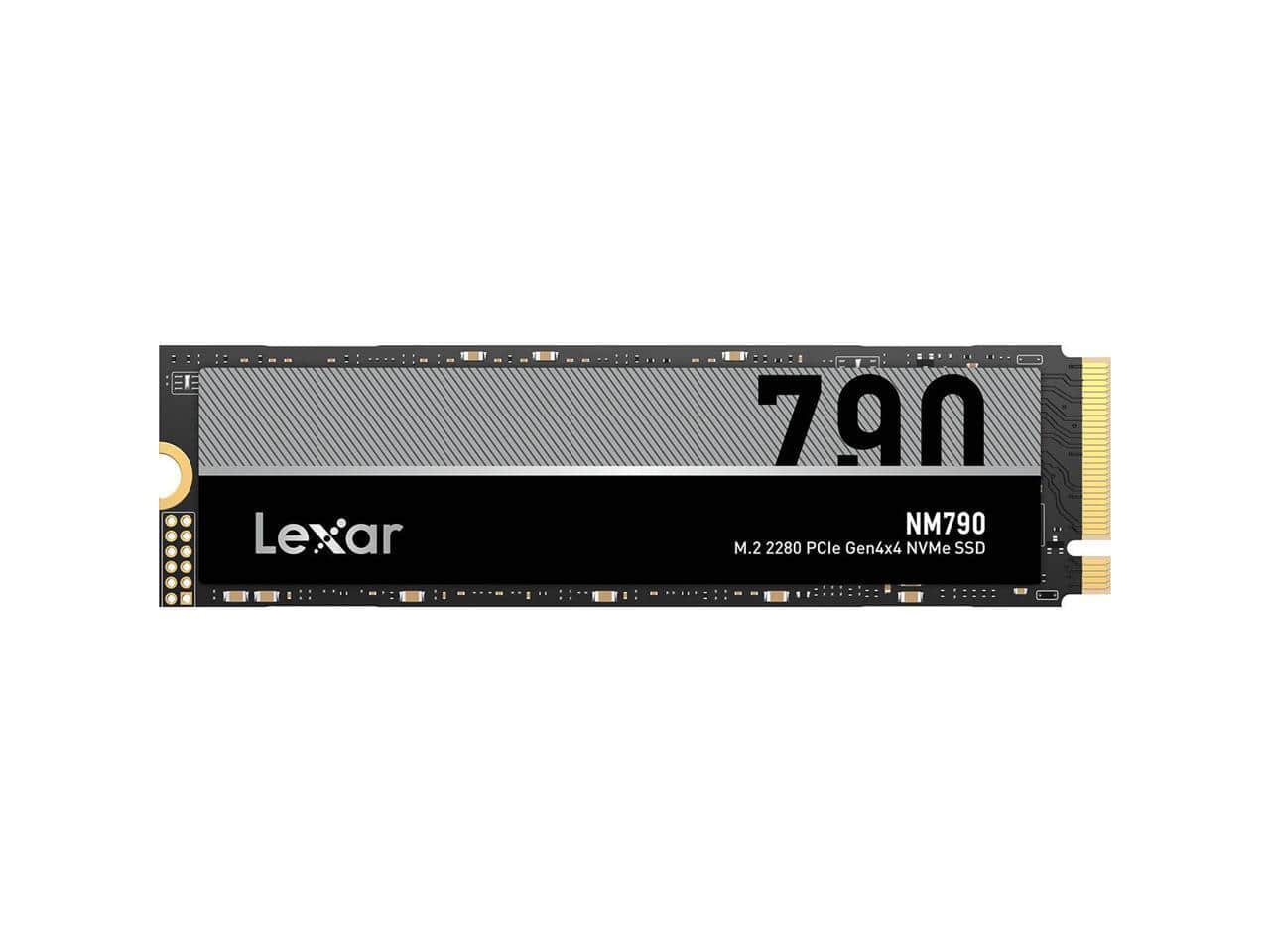
Lexar - NM790 8TB PCIe Gen 4x4 NVMe M.2 Internal SSD LNM790X008T-RNNNU
SKU: J36XPK4ZJYOverall I would say it’s a great way to give your system a quick upgrade on space.
See all Internal SSDsProduct Description
An internal M.2 NVMe SSD offering 8TB of high-speed PCIe Gen 4x4 storage for advanced computing needs.Your price for this item is $1,399.99 -
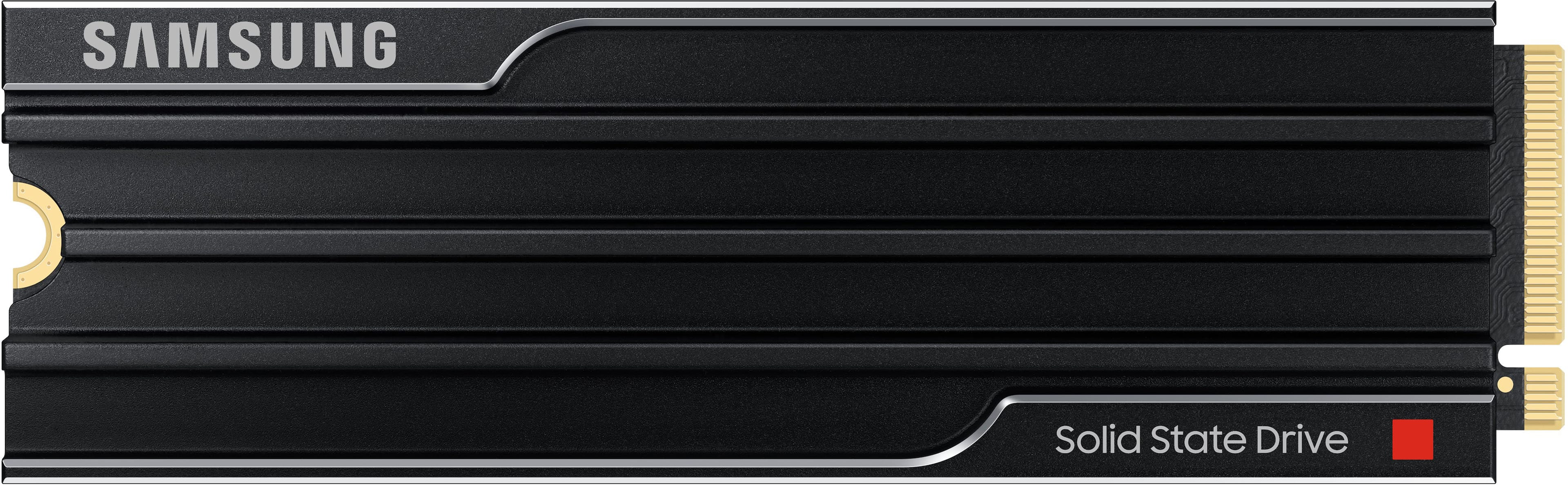
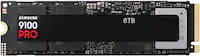
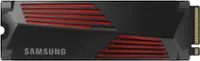
Samsung - – 9100 PRO 2TB with Heatsink Internal SSD PCIe Gen 5x4 NVMe, Speeds Up to 14700 MB/s
SKU: J3ZYG2455FAmazing SSD , great deal!!...One the best ssd I ever had !! Runs great and works perfectly with my ps5 !...And the price is just great!!...Love ❤️
See all Internal SSDsProduct Description
A high-speed black internal SSD with heatsink, PCIe Gen 5x4 interface, and advanced data encryption.Your price for this item is $599.95Save $110The previous price was $709.99 -
Samsung - – 9100 PRO 4TB with Heatsink Internal SSD PCIe Gen 5x4 NVMe, Speeds Up to 14800 MB/s
SKU: J3ZYG24558Best ps5 upgrade...Samsung creates the best products, so I expect nothing less with this heatsink Memory card....This is the best item and it works perfect. Highly recommend to everyone!
See all Internal SSDsProduct Description
A high-speed black internal SSD with heatsink, PCIe Gen 5x4 interface, and advanced data encryption.Your price for this item is $1,399.99 -
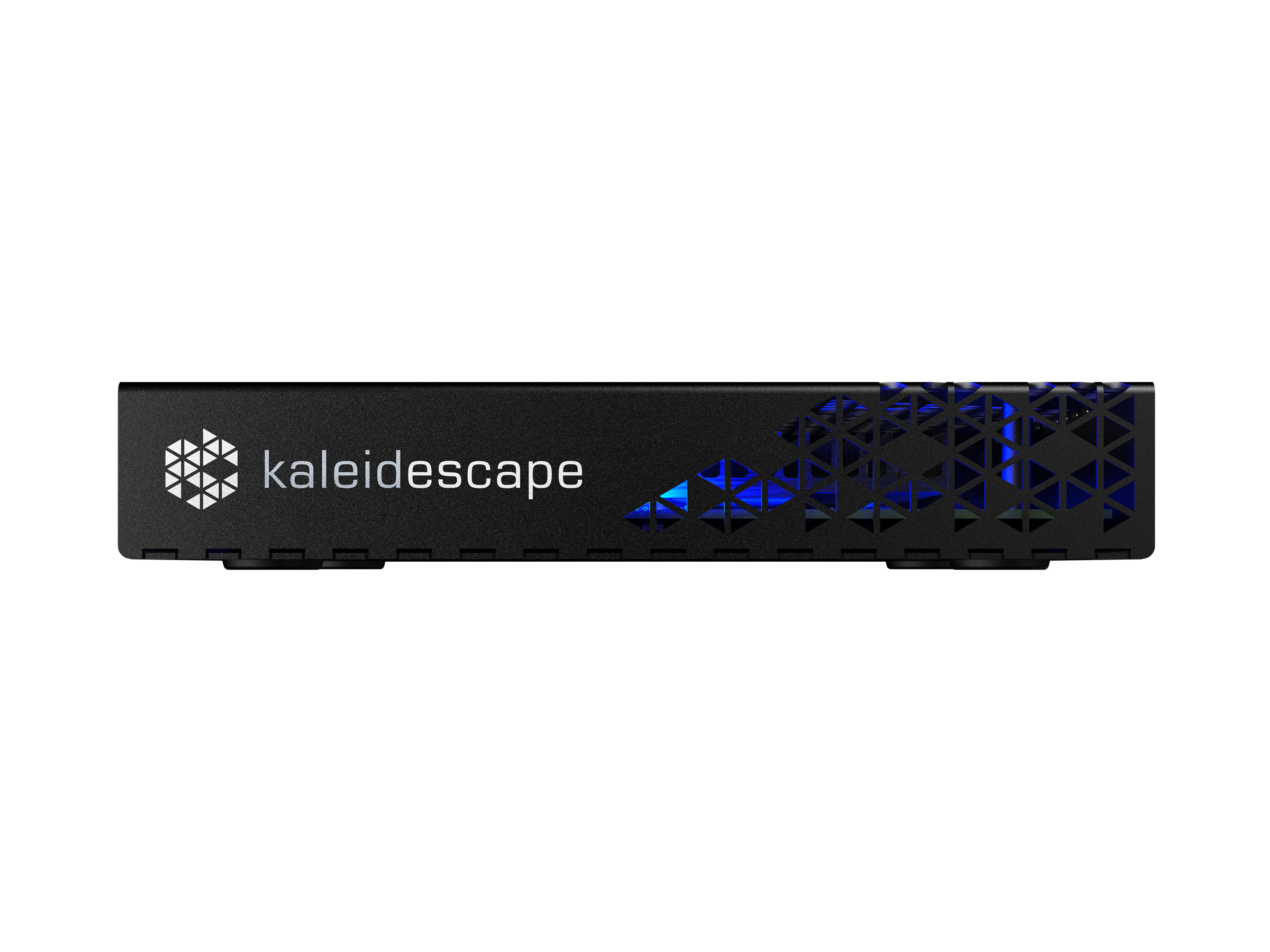
Kaleidescape - Mini Terra Prime 8TB SSD - Black
SKU: J3GWXHQHJWSee all Streaming DevicesProduct Description
A silent black solid-state server offering fast 4K UHD playback and ample storage for movies and TV.Your price for this item is $9,995.00
Best Sellers

Related Pages



FAQ
An 8TB SSD internal drive offers significantly faster read and write speeds, lower power consumption, quieter operation, and enhanced durability compared to traditional hard disk drives (HDDs). This makes SSDs ideal for tasks such as gaming, video editing, and handling large files.
Most modern desktops and laptops support 8TB SSD internal drives, especially those with standard SATA or NVMe M.2 slots. It's important to check your device's specifications and available drive bays or slots before installation.
8TB SSDs are ideal for high-performance tasks such as 4K video editing, large-scale data analysis, gaming libraries, virtual machine hosting, and storing extensive media collections due to their speed and large capacity.
To install an 8TB SSD, power off your computer, open the case, and locate an available SATA or M.2 slot. Secure the SSD in place, connect the necessary cables, and close the case. After powering on, format the drive in your operating system to begin using it.
Yes, you can use an 8TB SSD as your primary boot drive. This will allow your operating system and applications to load much faster compared to using a traditional hard drive.