Largest Solid State Drives
-
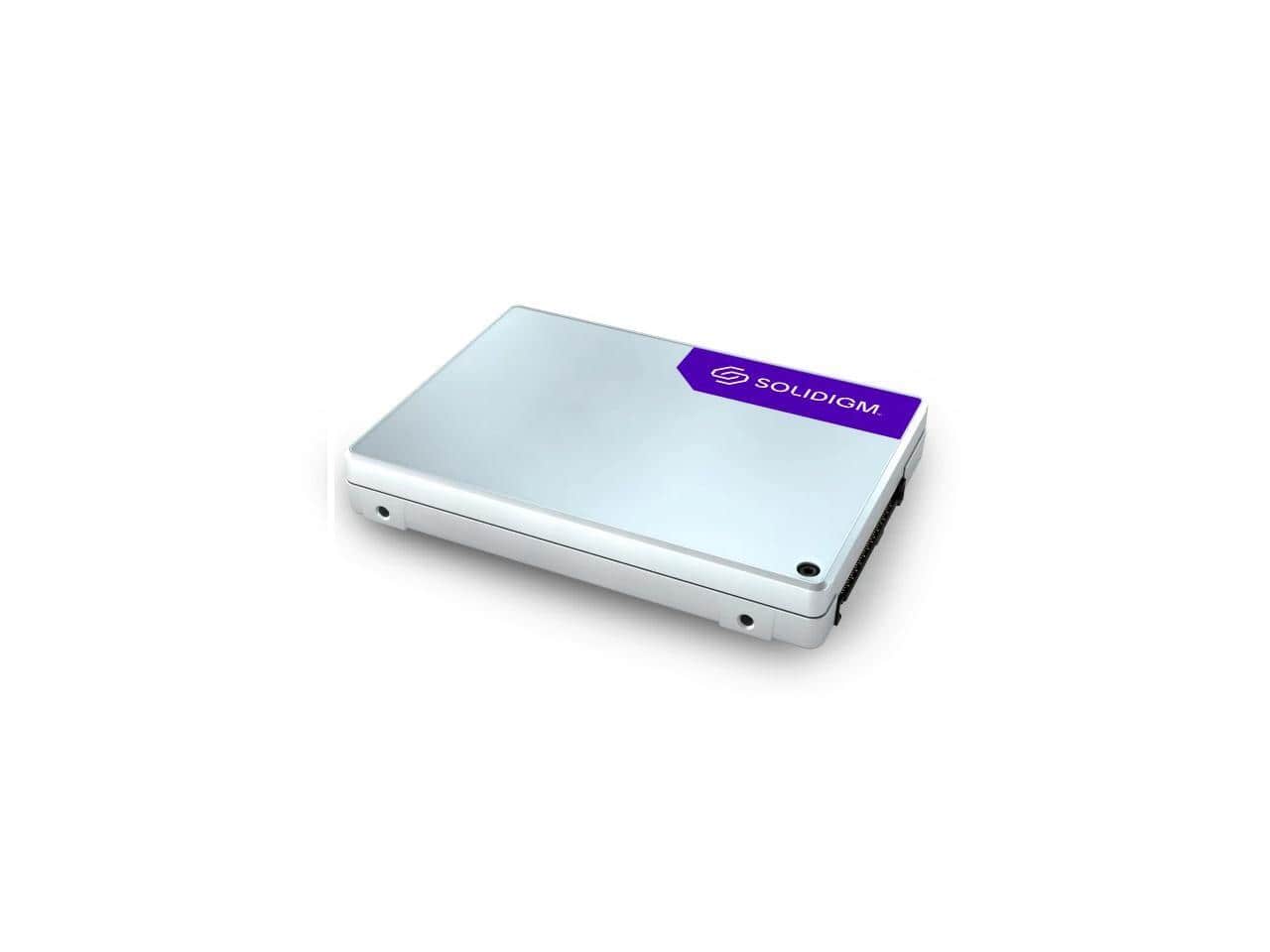
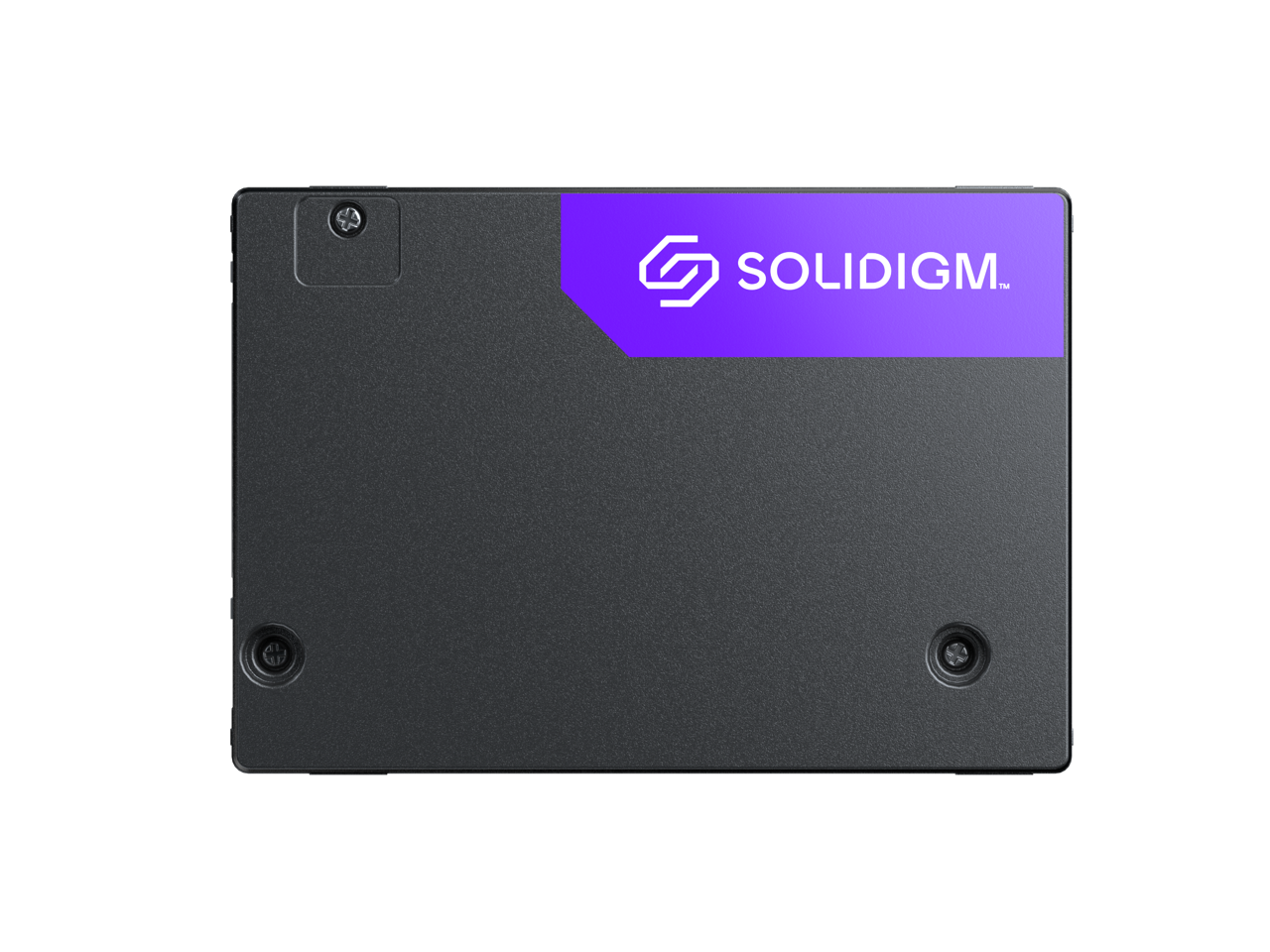
Solidigm - Solidigm™ D5-P5336 30.72TB 2.5in PCIe 4.0 x4 QLC SSD (SBFPF2BV307T001)
SKU: J39H5STGFLSee all Internal SSDsProduct Description
A high-capacity 30.72TB internal SSD with PCIe 4.0 x4 interface and QLC 3D NAND technology.Your price for this item is $17,260.43 -
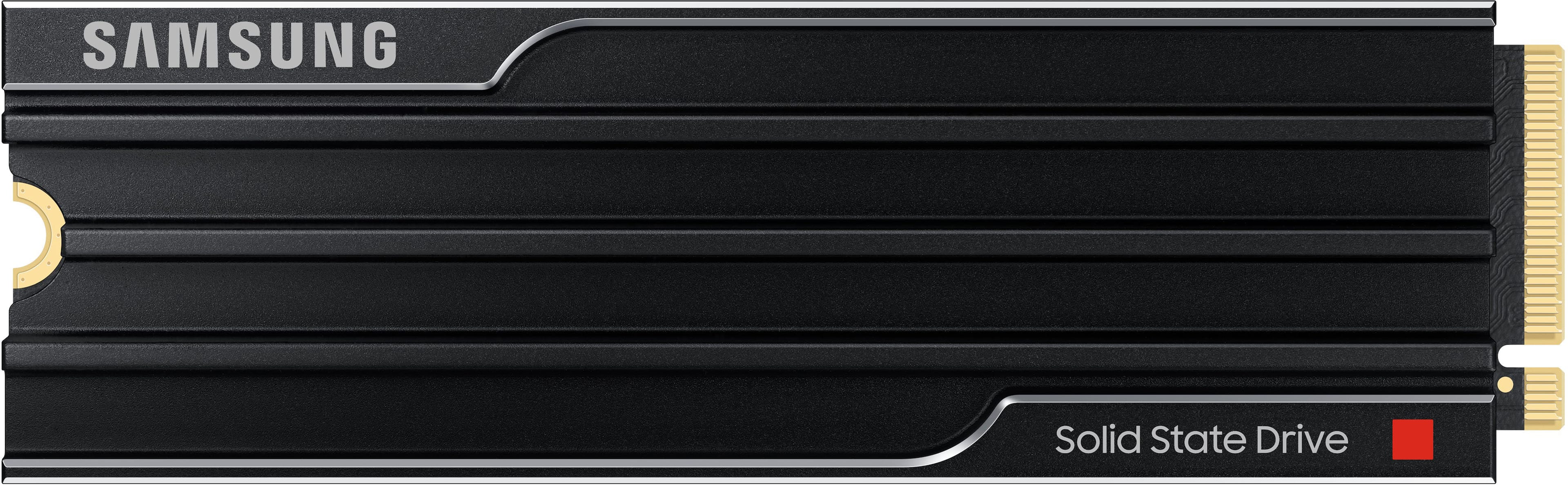
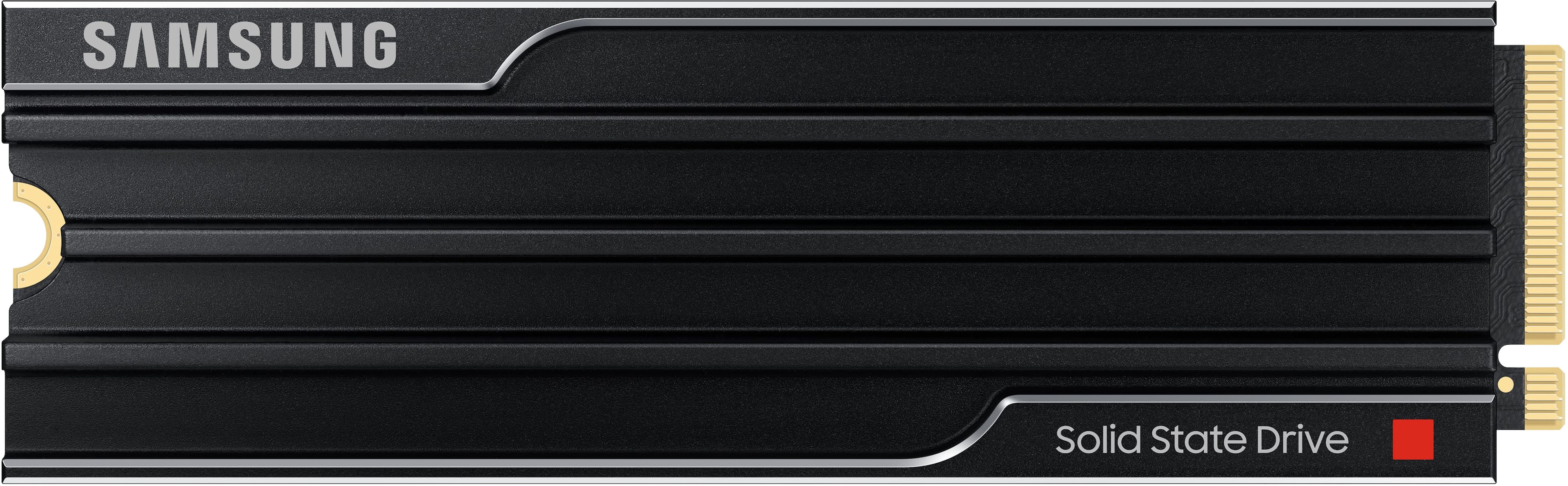
Samsung - – 9100 PRO 4TB with Heatsink Internal SSD PCIe Gen 5x4 NVMe, Speeds Up to 14800 MB/s
SKU: J3ZYG24558stusters or lags and it's extremely reliable because of that. absolutely no latency at all and it works great...This product is one of the best products I've ever used by far the best compatibility ever...
See all Internal SSDsProduct Description
A high-speed black internal SSD with heatsink, PCIe Gen 5x4 interface, and advanced data encryption.Your price for this item is $1,399.99 -
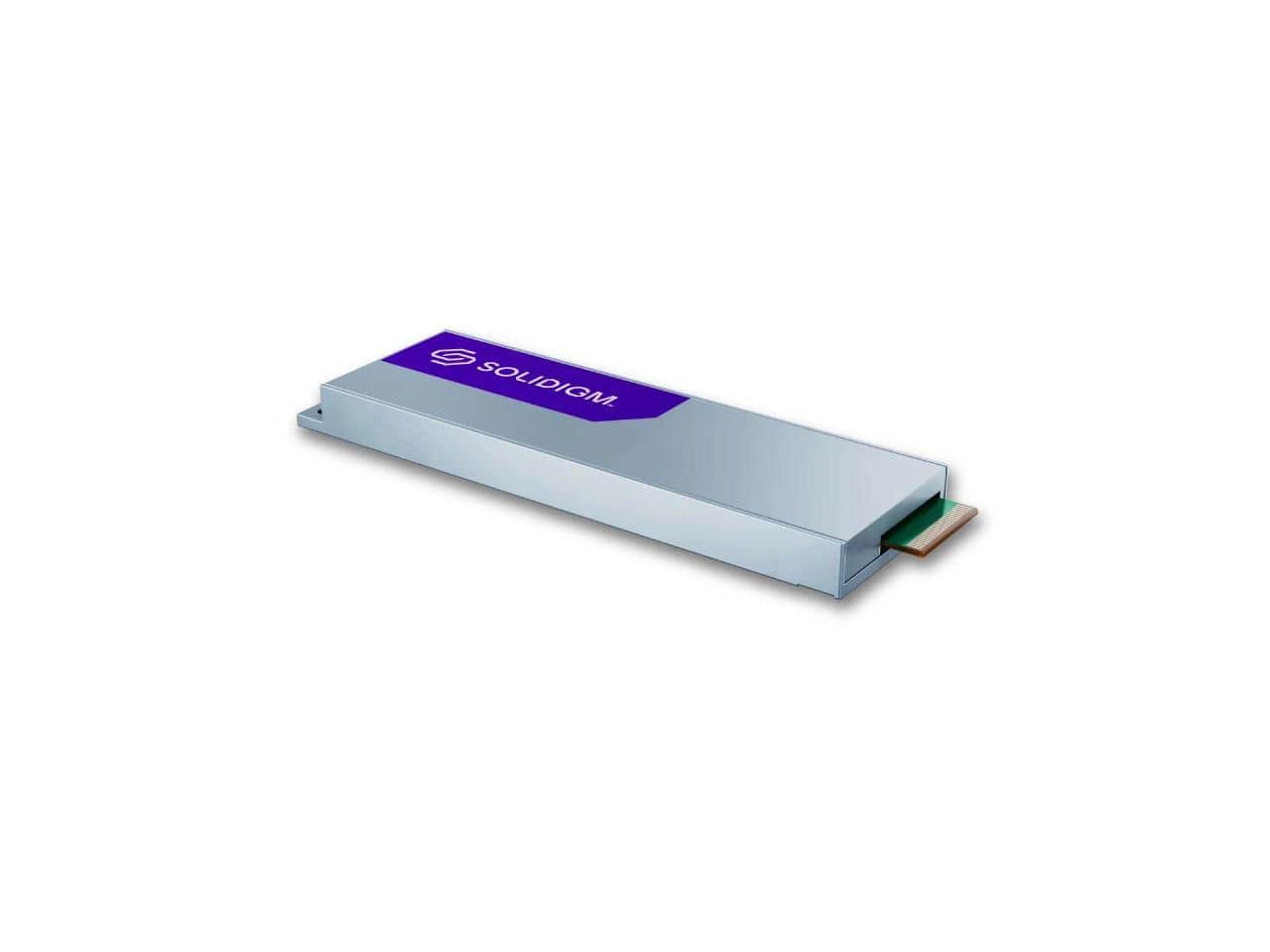
Solidigm - D7-P5520 3.84TB EDSFF PCIe 4.0 x4 TLC SSD (SSDPFUKX038T11Z)
SKU: J39H5STPH3See all Internal SSDsProduct Description
A high-performance internal SSD with 3.84TB capacity, PCIe 4.0 x4 interface, and TLC 3D NAND technology.Your price for this item is $3,705.49 -
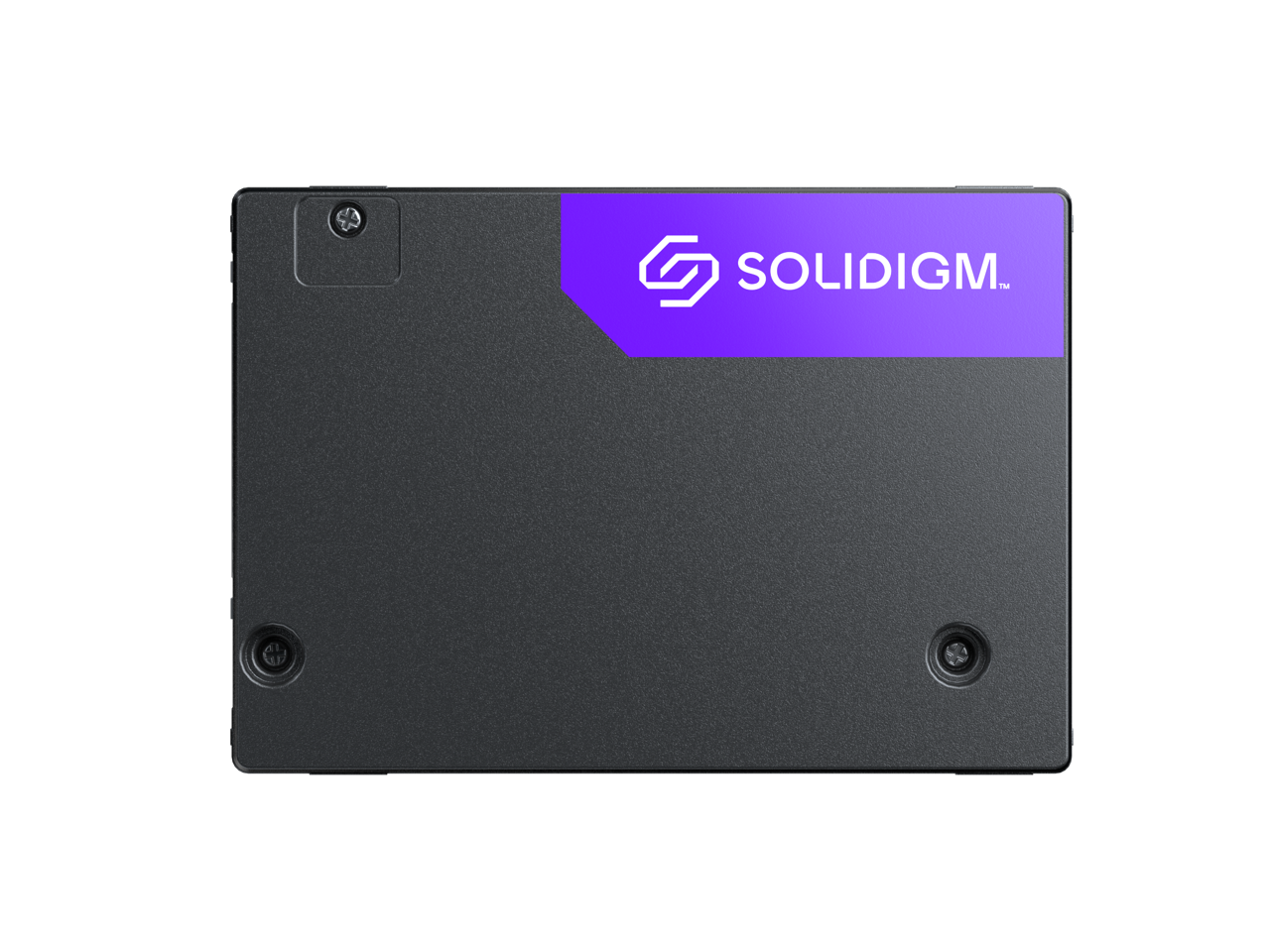
Solidigm - D7-PS1010 7.68TB U.2 PCIe 5.0 TLC SSD (Hynix V7, Data Center/Server)
SKU: J39H5STS4PSee all Internal SSDsProduct Description
A high-performance internal SSD with 7.68TB capacity, PCIe 5.0 interface, and TLC NAND for data centers.Your price for this item is $4,284.35Save $214The previous price was $4,498.57 -
Solidigm - D7-P5520 SSD 7.68TB U.2 PCIe 4.0 x4 TLC Internal Server Drive
SKU: J39H5STPXQSee all Internal SSDsProduct Description
A high-capacity 7.68TB internal SSD with PCIe 4.0 x4 interface, ideal for data center servers.Your price for this item is $4,157.39 -
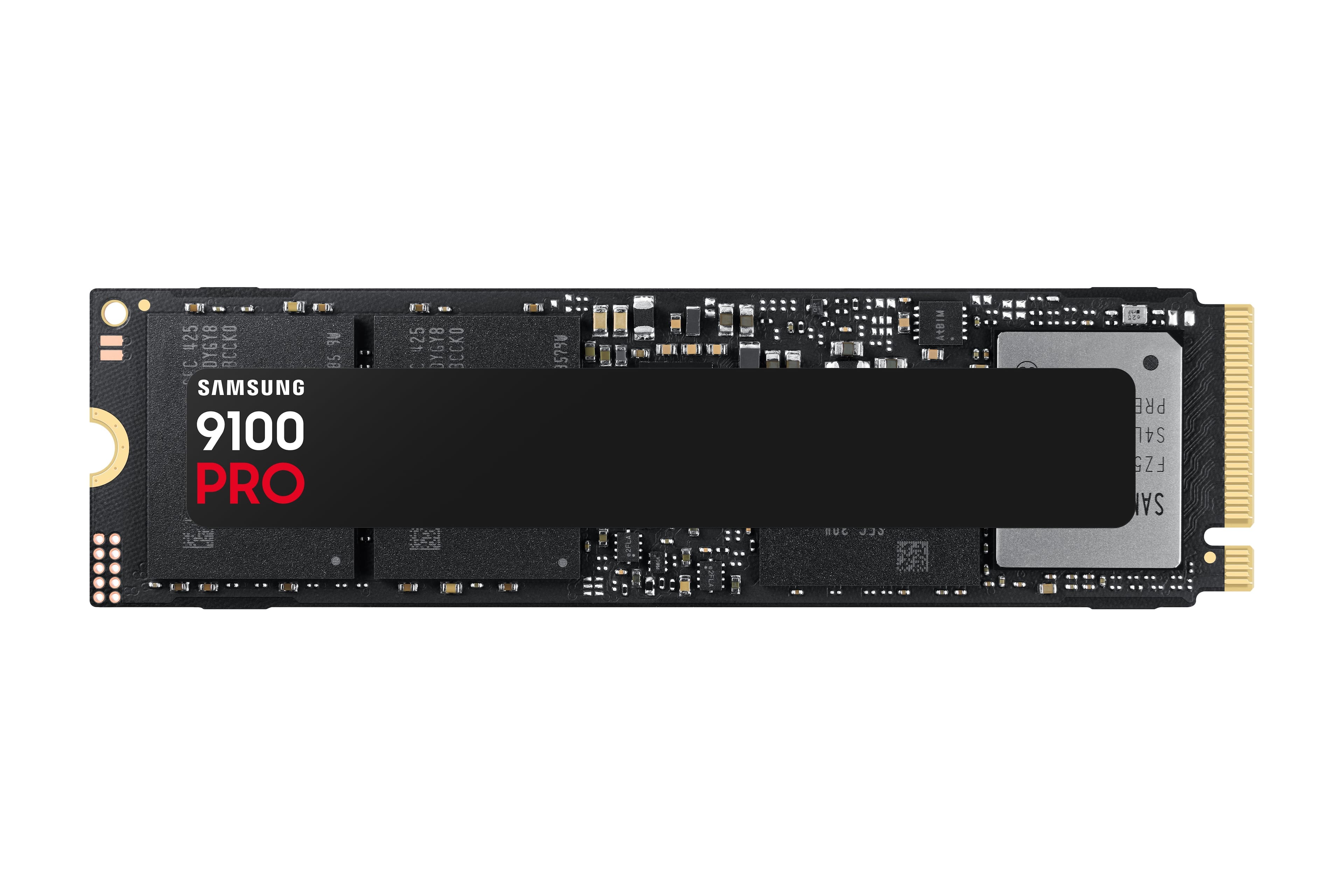
Samsung - – 9100 PRO 4TB Internal SSD PCIe Gen 5x4 NVMe, Speeds Up to 14800 MB/s
SKU: J3ZYG245ZKLove using this hard drive! It's an amazing bang for the buck and the latency is great....Love the compatibility. Excellent thermals. Reliability is amazing!...8 TB SSD what's more to love...[This review...
See all Internal SSDsProduct Description
A lightning-fast black internal SSD with PCIe Gen 5x4 NVMe, 4TB capacity, and advanced data encryption.Your price for this item is $1,279.00Save $80The previous price was $1,359.99 -
Intel - D7-P5520 3.84 TB Solid State Drive - 2.5" Internal - U.2 [PCI Express NVMe 4.0 x4]
SKU: J39H5STPXJSee all Internal SSDsProduct Description
A high-performance internal SSD with 3.84TB capacity, U.2 PCIe 4.0 x4 interface, and TLC 3D NAND.Your price for this item is $1,735.83 -
Solidigm - D7-PS1010 15.36TB U.2 PCIe 5.0 TLC SSD (Hynix V7, Data Center/Server)
SKU: J39H5STS4TSee all Internal SSDsProduct Description
A high-capacity 15.36TB internal SSD with PCIe 5.0 interface and TLC NAND for data centers.Your price for this item is $11,581.60 -
Samsung - SSD 9100 PRO with Heatsink 8TB Internal SSD, PCIe 5.0x4 M.2
SKU: J3ZYG2454VWorks great love the compact design all of them are fixed...best i have ever bought
See all Samsung Internal SSDsProduct Description
An ultra-fast PCIe 5.0 M.2 internal SSD with heatsink, offering 8TB storage for demanding tasks.Your price for this item is $3,383.73
![Intel - D7-P5520 3.84 TB Solid State Drive - 2.5" Internal - U.2 [PCI Express NVMe 4.0 x4]](https://pisces.bbystatic.com/image2/BestBuy_US/images/products/f0437645-d5f2-4f05-94dc-0450c70b9e12.jpg)
Best Sellers

Related Pages



FAQ
Solid state drives (SSDs) offer faster data access speeds, improved reliability, lower power consumption, and quieter operation compared to traditional hard drives. These advantages make them ideal for tasks such as gaming, video editing, and running demanding applications.
Yes, many large SSDs can be used as external storage by placing them in compatible enclosures or purchasing pre-built external SSDs. This provides a portable and high-speed solution for backing up files, transferring data, or expanding your storage capacity.
When selecting a large SSD, consider factors such as the drive's form factor (e.g., 2.5-inch, M.2, or PCIe), interface compatibility (SATA or NVMe), read/write speeds, and endurance ratings. Make sure your device supports the SSD type you choose.
Absolutely. Large SSDs provide ample space for storing multiple large games and applications, and their fast data access speeds can significantly reduce load times and improve overall system responsiveness.
You can transfer data using cloning software that copies your existing drive's contents to the new SSD. Many SSD manufacturers offer free migration tools, or you can use third-party programs. Ensure that your system is backed up before starting the process.