All-in-One Printers For Office Use
All-in-one printers for office use are designed to streamline your workflow and keep your workspace organized. Whether you’re setting up a new office or upgrading your current equipment, these versatile devices help manage daily tasks with ease. Explore a variety of options to find the right fit for your team’s needs, from printing and scanning to copying and faxing. With an all-in-one printer for the office, it’s simple to boost productivity and maintain efficiency in any professional environment.
Read More-
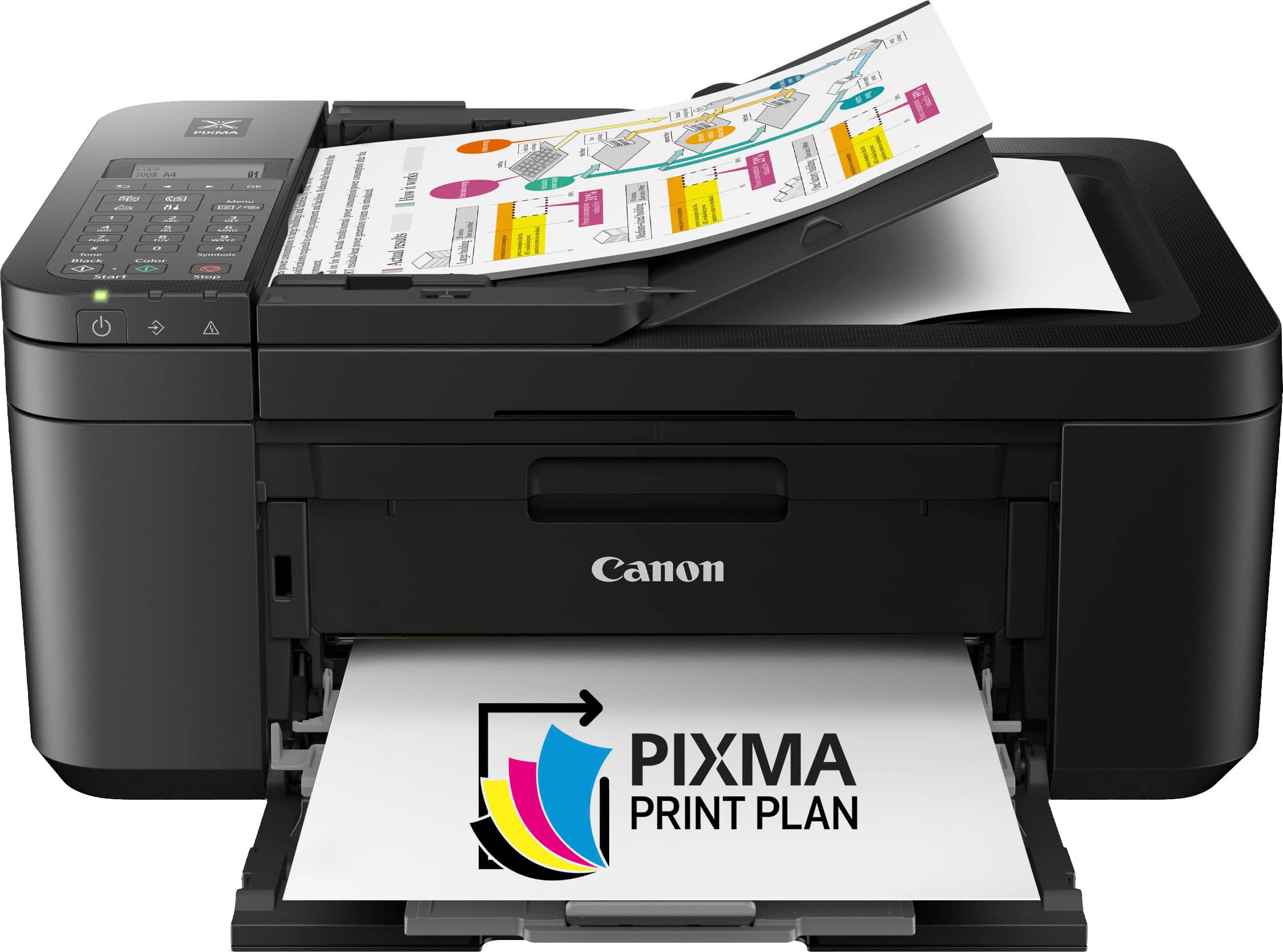
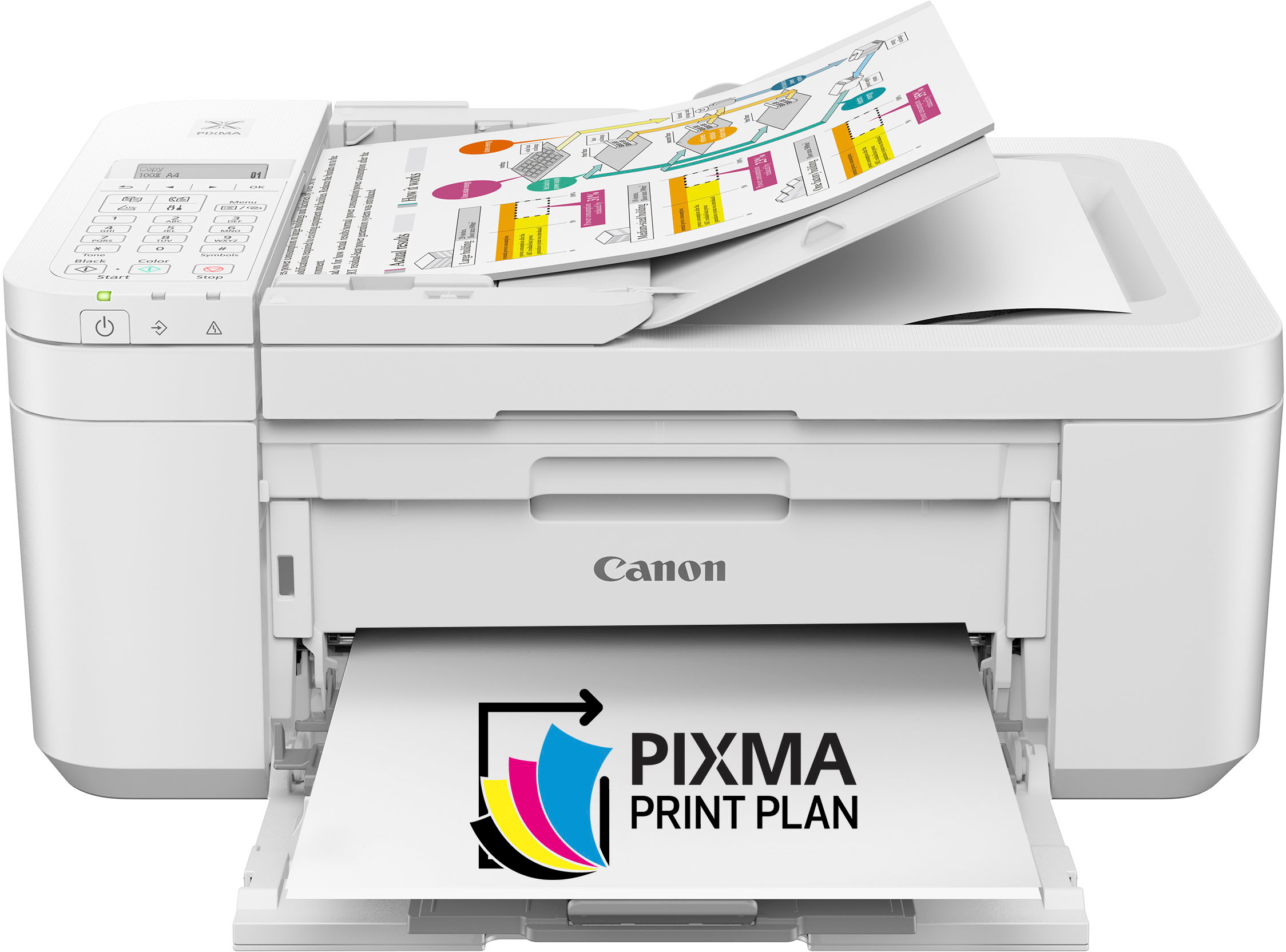
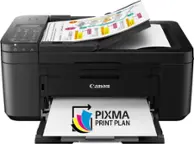
Canon - PIXMA TR4720 Wireless All-In-One Inkjet Printer - Black
SKU: J7C86S6Z7FGreat Printer. Best I have ever had. Love it. Thanks...Great print...Great printer I love it! So far the best printer for a small office.
See all Inkjet PrintersProduct Description
A wireless black all-in-one inkjet printer with auto document feeder, duplex printing, scanning, and fax capabilities.$69.00 Your price for this item is $69.00Save $38Was $107.00The previous price was $107.00 -
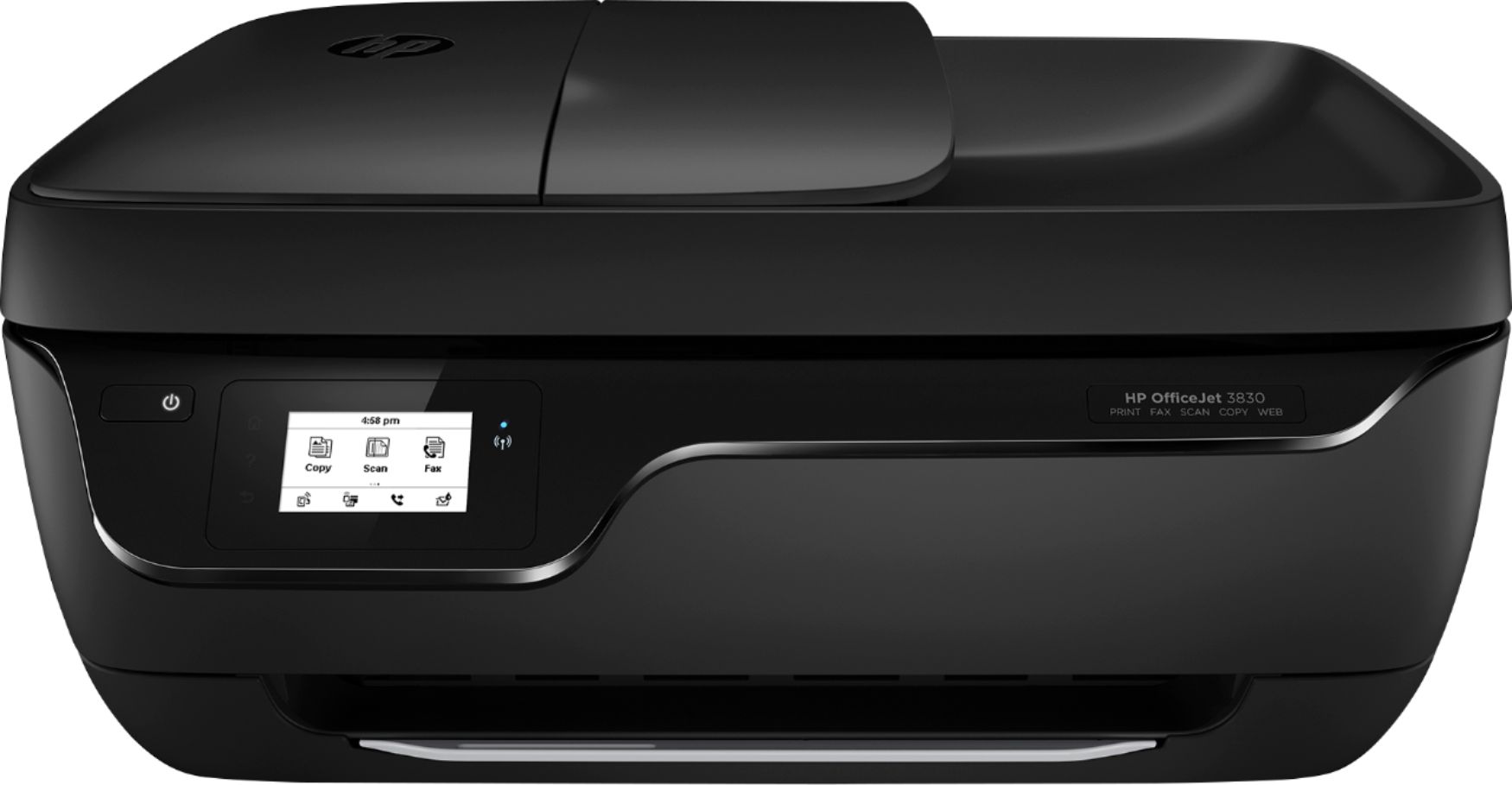
HP - OfficeJet 3830 Wireless All-In-One Instant Ink Ready Inkjet Printer - Black
SKU: J3ZT65FJ8PI love the all in one feature and love the copier. Mostly, it is a really great wireless printer....This product is best for me to have for fax and copy and scan...Great so far like it than I had old...
See all Inkjet PrintersProduct Description
A wireless black all-in-one printer offering print, copy, scan, fax, and mobile device compatibility.$399.99 Your price for this item is $399.99 -
Canon - PIXMA MG3620 Wireless All-In-One Inkjet Printer - White
SKU: J7C86SLYVRThis is a great little printer for the casual user and the price is right....Great printer, but uses ink quickly....Great quality printer for the price. I highly recommend it!
See all Inkjet PrintersProduct Description
A versatile white wireless inkjet printer that prints, copies, scans, and supports mobile and voice assistant connectivity.$199.99 Your price for this item is $199.99 -
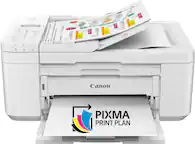
Canon - PIXMA TR4720 Wireless All-In-One Inkjet Printer - White
SKU: J7C86S6ZJ3Best color printer with all the features I need!...I love the convenience of the feeder option so multiple documents can be scanned at once....I love this printer. It was easy to set up and it works beautifully....
See all Inkjet PrintersProduct Description
A versatile white wireless all-in-one inkjet printer featuring auto document feeder, duplex printing, and fax capabilities.$69.99 Your price for this item is $69.99Save $62Was $132.11The previous price was $132.11 -
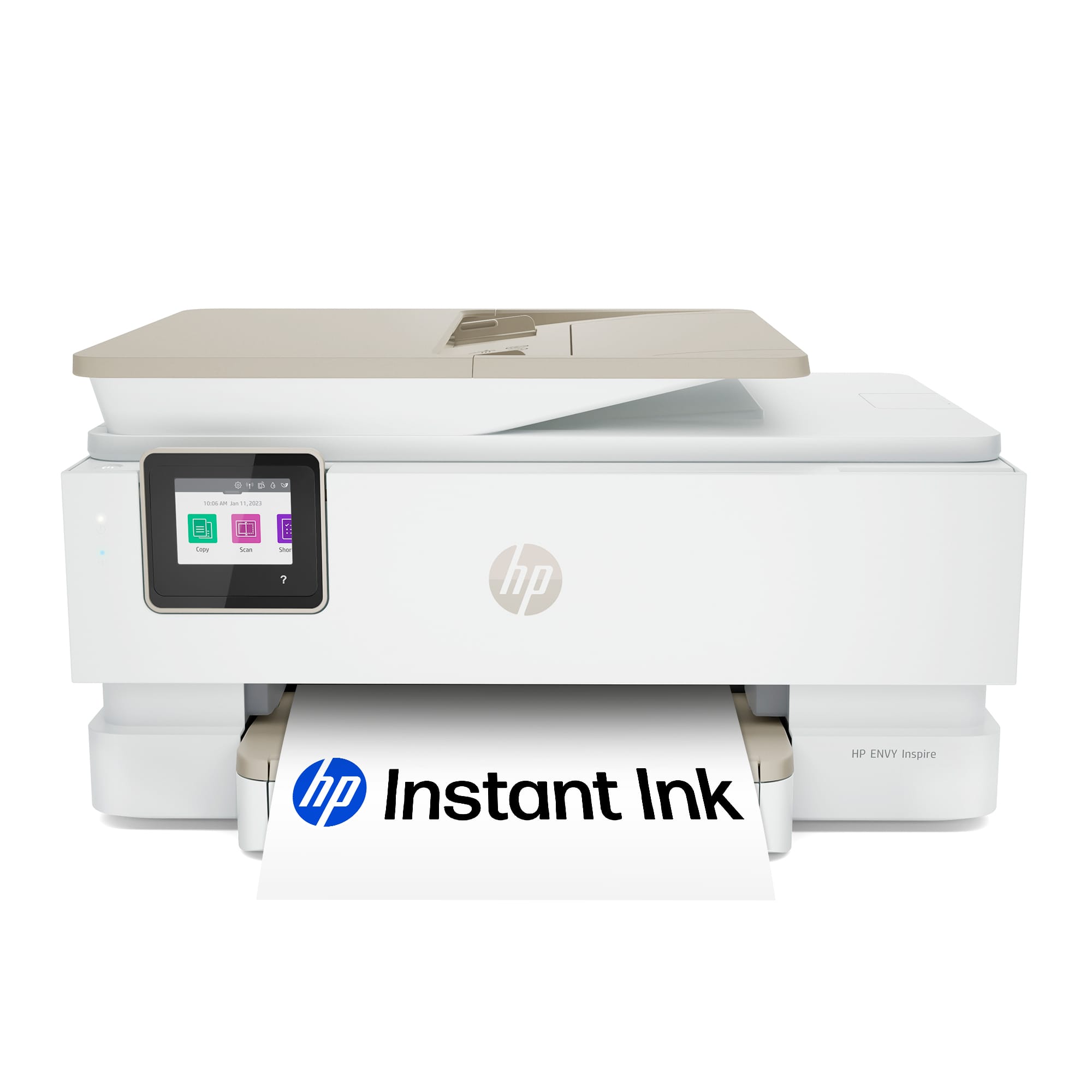
HP - Envy Inspire 7955e Wireless AI-Enabled AiO Inkjet Photo Printer w/ 3 Months of Instant Ink (+1 Bonus Mo. of Ink w/ Code) - White & Sandstone
SKU: JJGJRS38VRLove it!!...I absolutely love this HP printer!!...Very user friendly and great quality printing!!...HP has a great subscription program you can purchase for ink!...I love this feature and have received...
See all Photo PrintersProduct Description
An AI-enabled wireless all-in-one inkjet printer in white and sandstone for high-quality photos and documents.$299.00 Your price for this item is $299.00Save $30Was $329.99The previous price was $329.99 -
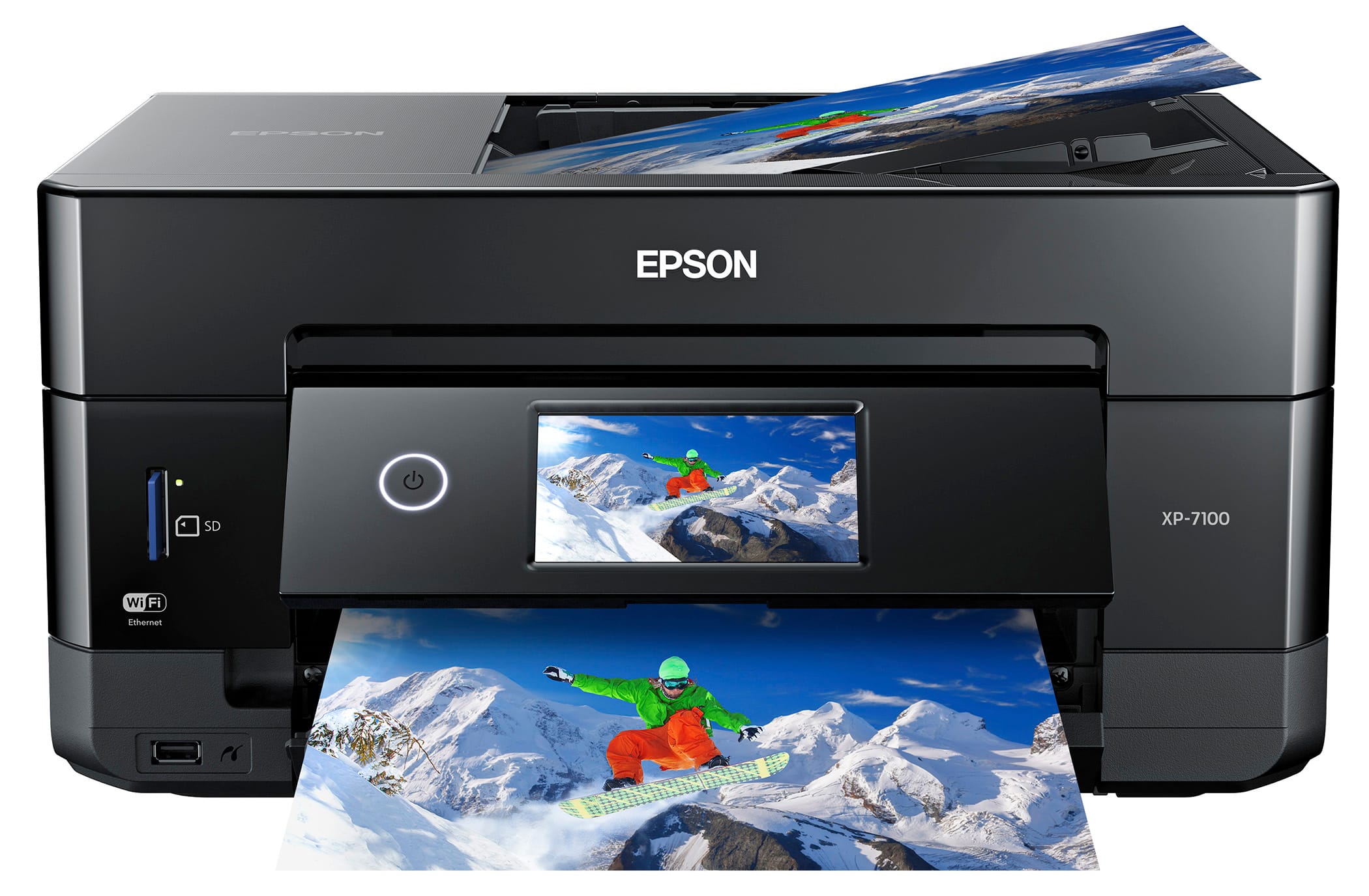
Epson - Expression Premium XP-7100 Wireless All-In-One Inkjet Printer - Black
SKU: J7JTY39Y4VBest investment made. Love it! Prints fast. Got it at a great price....Great printer...Tis is the best printer I have purchsed in a long while. I love it
See all Inkjet PrintersProduct Description
A compact black wireless all-in-one inkjet printer with auto document feeder, touch screen, and photo printing.$149.99 Your price for this item is $149.99Save $100Was $249.99The previous price was $249.99 -
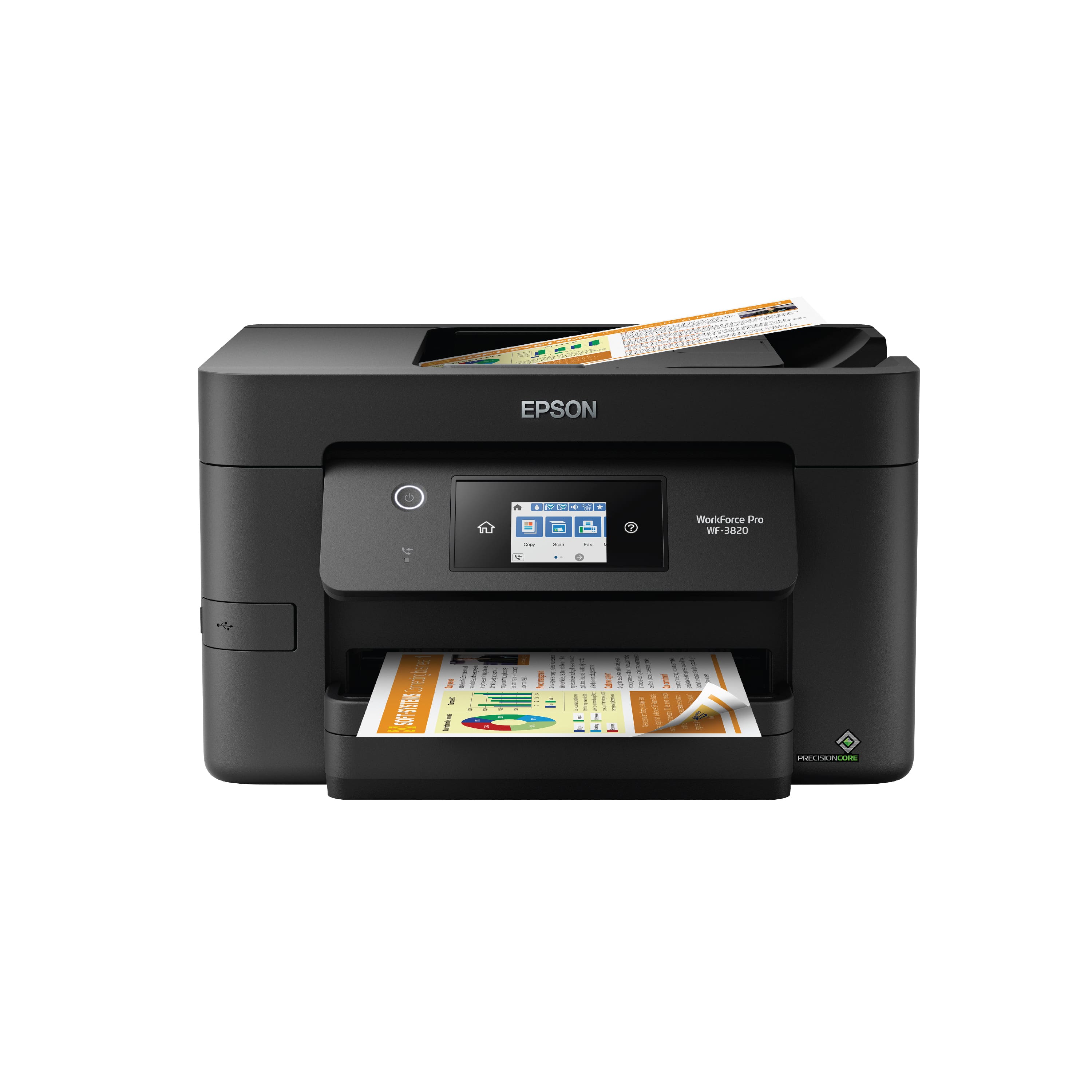
Epson - WorkForce Pro WF-3820 Wireless All-in-One Inkjet Printer - Black
SKU: J7JTY36C75Great product...Love Epson for their ink price. Customer service is always great with best bub....Best Buy best purchase...Easy instructions Love it
See all Inkjet PrintersProduct Description
A wireless black all-in-one printer offering fast, professional-quality prints with auto duplexing and touchscreen controls.$99.99 Your price for this item is $99.99Save $100Was $199.99The previous price was $199.99 -
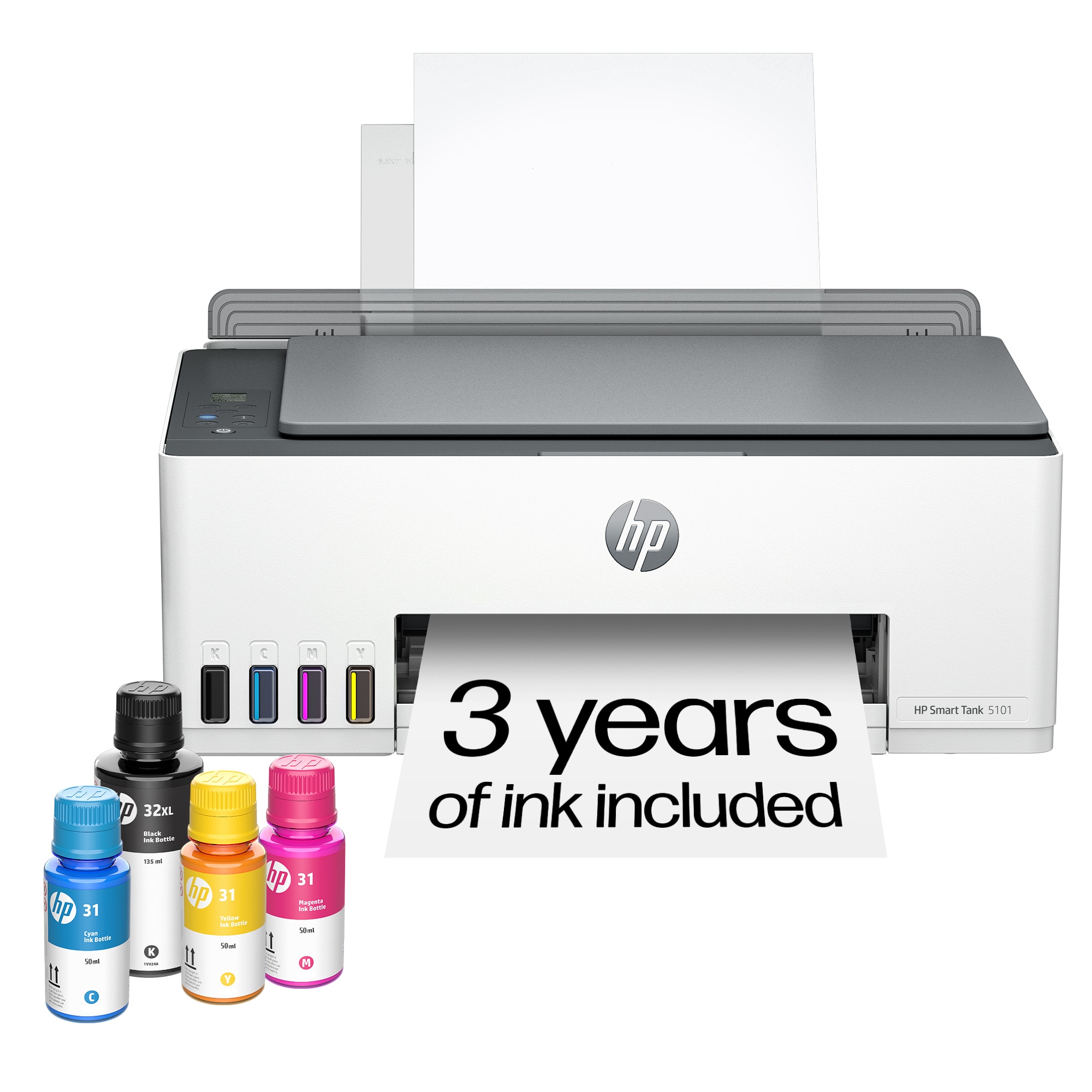
HP - Smart Tank 5101 Wireless AI-Enabled All-in-One Cartridge-Free Supertank Inkjet Printer with 3 Years of Ink Included¹ - White
SKU: JJG2CS6HRYSee all Supertank PrintersProduct Description
A wireless, all-in-one white inkjet printer with refillable supertank and up to two years of ink.$169.89 Your price for this item is $169.89Save $90Was $259.89The previous price was $259.89 -
HP - Smart Tank 6001 Wireless AI-Enabled All-in-One Cartridge-Free Supertank Inkjet Printer with 3 Years of Ink Included¹ - Basalt
SKU: JJG2RTJ4RYGreat Printer...The ease of printing from my phone is the best feature....No more cartridges and the best part each color is its own container, no more tri-color cartridges with...Best printer tried and...
See all Supertank PrintersProduct Description
A wireless, AI-enabled all-in-one inkjet printer in basalt with refillable supertank and up to 2 years of ink.$369.89 Your price for this item is $369.89Save $43Was $413.47The previous price was $413.47 -
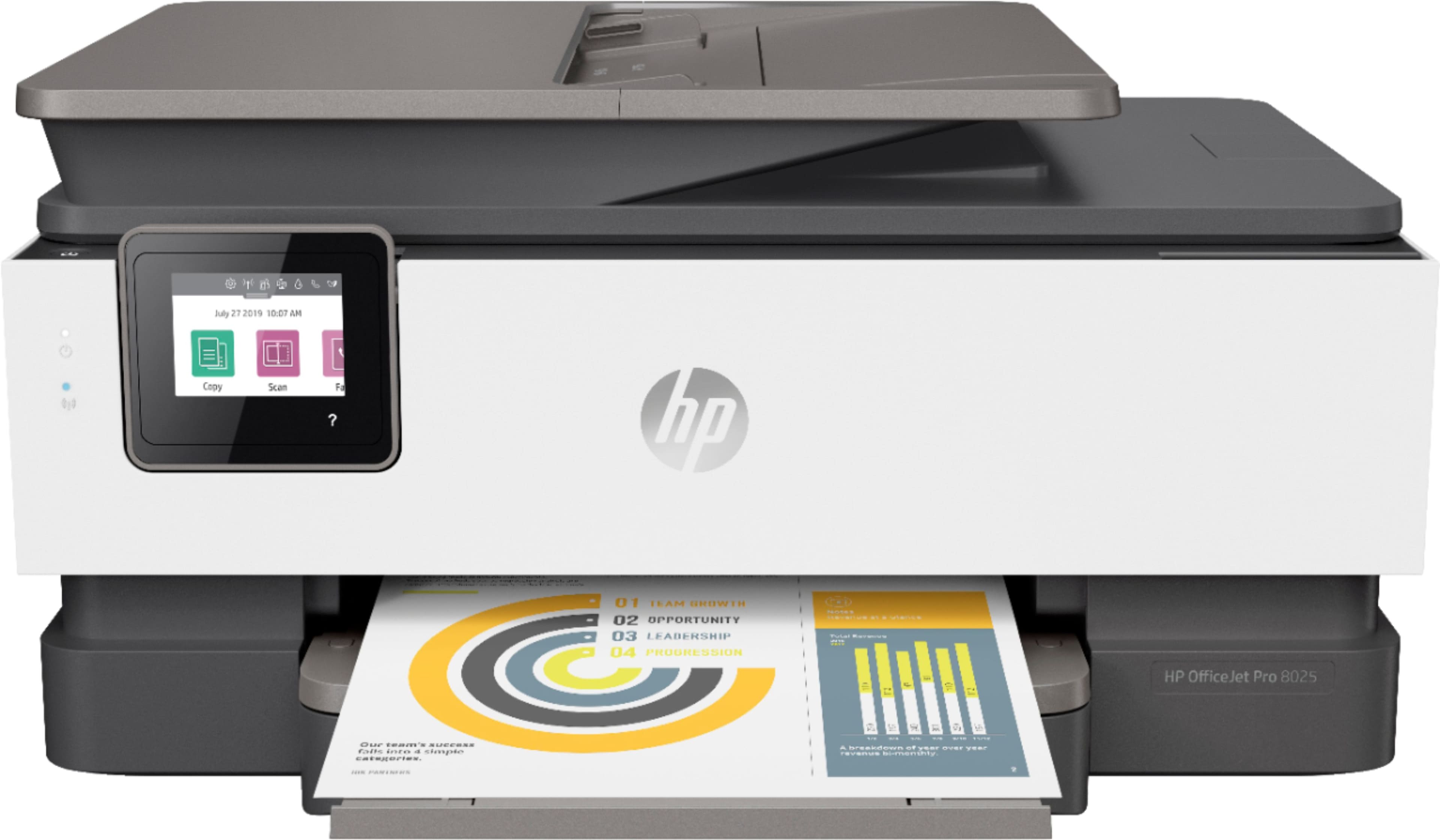
HP - OfficeJet Pro 9125e Wireless AI-Enabled AiO Inkjet Printer w/ 3 Months of Instant Ink - White
SKU: JJGXXFS3TGGreat purchase...Very Fast delivery, great product I love Best Buy. I’m very impressed...best payment, and fast i love you so much best buy
See all Inkjet PrintersProduct Description
An AI-enabled white all-in-one inkjet printer with wireless connectivity, duplex scanning, and intuitive workflow features.$309.89 Your price for this item is $309.89
- 1
- 2
- ...
- 17
All-in-one printers for office use bring printing, scanning, copying and, in some cases, faxing into one central workspace. That combination can make a noticeable difference in a busy office, where a signed form may need to be scanned, a proposal printed in multiple copies and an invoice copied for records before the next meeting begins. These machines can serve large departments, small businesses, classrooms, reception areas and work-from-home setups alike. When choosing an office printer, start with the kind of documents you handle most often. Laser printers are generally well suited to text-heavy workloads, including contracts, reports, shipping labels and invoices, because they produce crisp, smudge-resistant pages quickly and are often designed for frequent use. High-capacity inkjet models can be a strong fit for offices that print colorful presentations, charts, photographs, marketing materials or documents on different types of paper. Color printing can bring a sales deck or classroom handout to life, while black-and-white printing may be the more economical choice for everyday correspondence. Print speed, measured in pages per minute, is another important consideration. A printer with a faster output rate can keep a line of employees from forming around the shared workspace, but speed should be considered alongside first-page-out time, print quality and the volume the machine is built to handle. Look for a recommended monthly page volume or duty cycle that comfortably exceeds your normal needs, especially if the printer will support several people. A unit that is pushed to its limit every day may require more frequent maintenance than one with capacity to spare.
Paper handling is equally important when a printer becomes part of the office routine. A larger input tray means fewer interruptions for refilling paper, while an additional tray can keep letter-size sheets, envelopes or specialty media ready for different jobs. Automatic duplex printing helps reduce paper use by printing on both sides without requiring someone to manually turn each page. For scanning, an automatic document feeder, or ADF, can process a stack of pages more efficiently than placing each sheet on the scanner glass. If your work includes double-sided contracts, invoices or application packets, automatic duplex scanning can capture both sides in one pass and save considerable time. Check the ADF capacity, scan speed and whether it supports single-pass two-sided scanning. An all-in-one printer with a flatbed scanner remains useful for books, photographs, receipts and delicate originals, so a combination of flatbed and feeder scanning can offer the most flexibility. Copy functions are convenient for duplicating forms or handouts at a moment’s notice, and a fax feature may still be valuable for medical offices, legal practices, real estate businesses or organizations that exchange signed documents through established fax workflows. Touchscreen controls, clear status indicators and simple menus can make everyday tasks easier for everyone from an experienced office manager to a team member setting up a printer for the first time. Consider the available supplies before purchasing, too. Standard cartridges may have a lower initial cost, while high-yield toner or refillable, high-capacity ink systems can reduce the cost per page over time. Estimating your monthly black-and-white and color page counts can help reveal which option offers better long-term value.
Connectivity determines how naturally an all-in-one printer fits into an office network. Wi-Fi can make placement more flexible, particularly in a shared room where running a cable is inconvenient, while dual-band wireless support may help maintain a steadier connection on a crowded network. Ethernet is often preferred for a permanent office installation because a wired connection can provide consistent performance for multiple users. USB connections are useful for direct printing or setup, and mobile printing support allows employees to send files from compatible phones and tablets without first moving them to a desktop computer. Before buying, confirm compatibility with the operating systems and cloud services your team uses. Security features deserve attention as well, especially when a shared printer handles payroll documents, customer records or confidential business plans. Password-protected settings, user authentication, encrypted network communication and secure print release can help keep sensitive pages from sitting unattended in an output tray. Size and noise also matter: measure the intended surface, leave room for trays and scanner-lid movement, and consider whether the printer will sit near a desk, waiting area or quiet meeting room. A thoughtful setup can turn the machine into a dependable part of the office rather than a source of daily friction. During the warmer months and into the cooler months, many businesses also refresh workspaces, prepare for busier project cycles or equip a new employee’s desk, making an all-in-one printer a practical addition or a useful gift for a freelancer, student, small-business owner or remote worker. For a more home-centered setup, explore Printers For Home Office. Whether it is used for a few shipping labels each day or stacks of reports each afternoon, the right model should match your workload, document types, space and budget while leaving enough capacity for the unexpected rush.
Best Sellers
Related Pages
FAQ
When choosing an all-in-one printer for your office, consider features such as print speed, wireless connectivity, automatic document feeder (ADF), duplex printing, scanning resolution, and compatibility with various devices. These features help improve productivity and streamline workflow in a busy office environment.
Many all-in-one printers designed for office use are built to handle high-volume printing. Look for models with high monthly duty cycles and large input/output paper trays to ensure they can keep up with your office's demands.
Yes, many modern all-in-one printers offer mobile and cloud printing capabilities. This allows you to print documents directly from smartphones, tablets, or supported cloud storage services using apps or built-in features like Apple AirPrint, Mopria Print Service, or manufacturer-specific solutions.
All-in-one printers can scan or copy a wide range of documents including text pages, photos, ID cards, receipts, and more. Some models also offer advanced scanning options such as multi-page scanning via the automatic document feeder (ADF) and the ability to save scans in various file formats.
To maintain your all-in-one printer, regularly clean the scanner glass and accessible paper path areas, clean printheads only when recommended for inkjet models, replace ink or toner cartridges as needed, update firmware/software, and periodically check for paper jams. Following the manufacturer's maintenance guidelines will help ensure optimal performance and longevity.