Anti-Glare Touchscreen Drawing Monitor
-
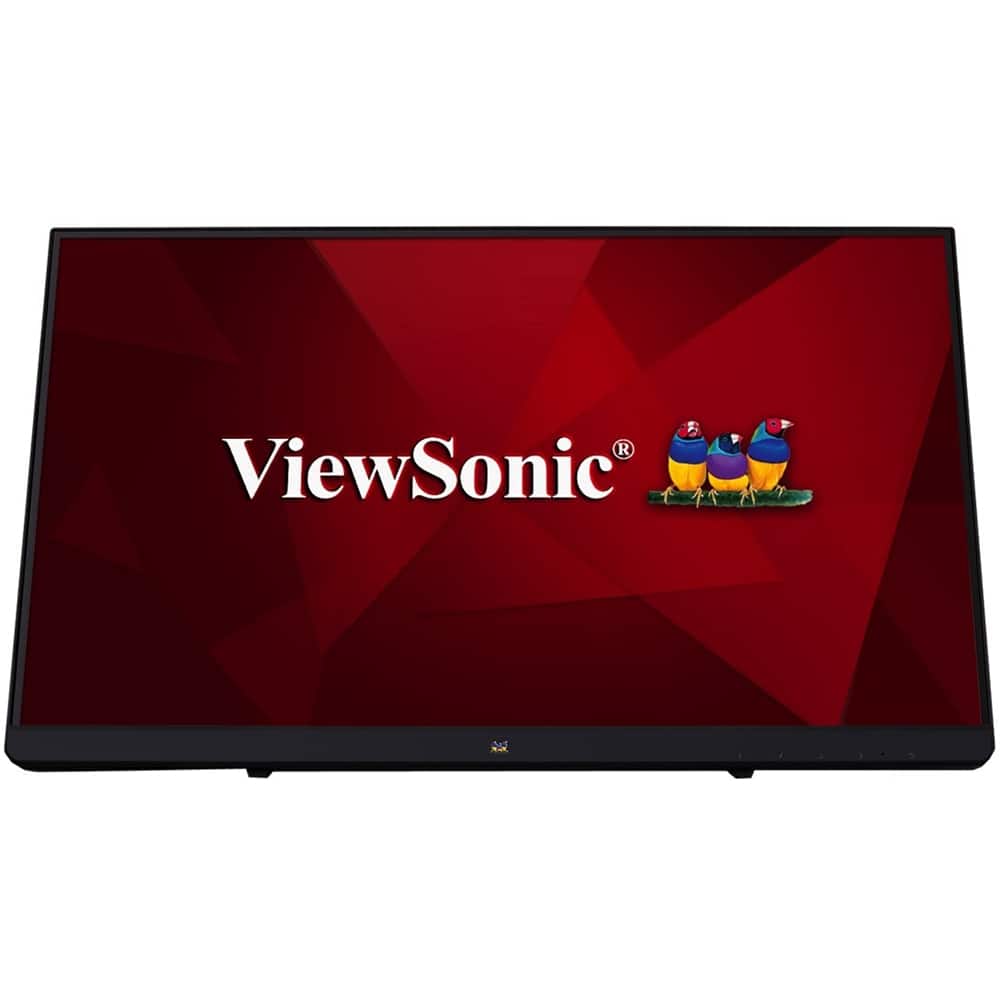
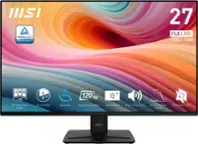
ViewSonic - TD2230 22" IPS LED FHD Touch Screen Monitor (HDMI and DisplayPort) - Black
SKU: J37H8YJ54WSee all All MonitorsProduct Description
An ultra-responsive black IPS LED touch screen monitor with Full HD resolution, antiglare display, and integrated speakers.Your price for this item is $309.90 -
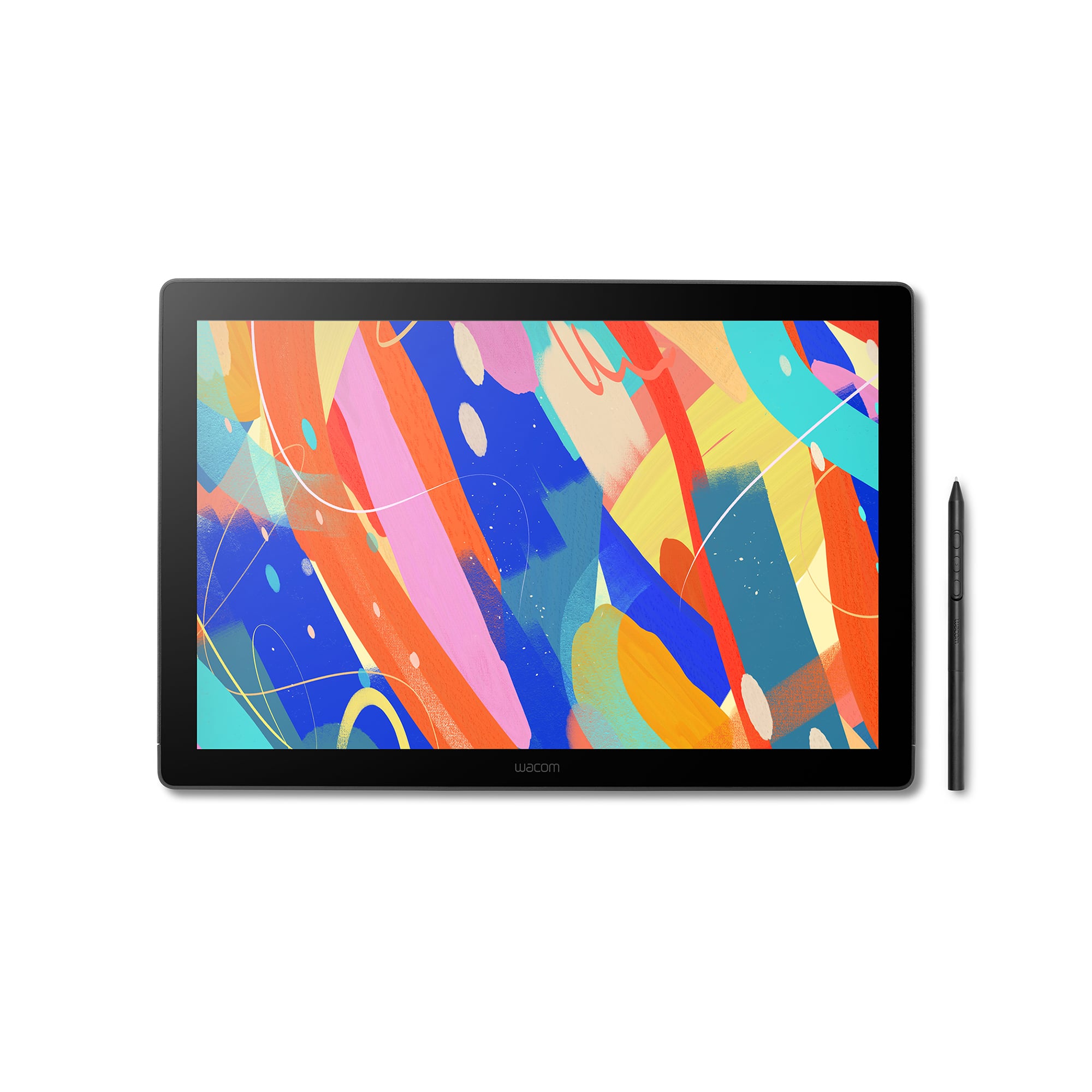
Wacom - MovinkPad 11, Android Mobile Drawing Tablet, 11.45" with Battery-Free Slim Pro Pen 3, 8GB RAM/128 GB Storage - Silver
SKU: JXFPXQRV78Best Art Tablet I’ve Ever Bought...I’m in love - The size and weight are perfect! It feels like you’re writing on paper....I love the Wacom-Moveink Pad 11/ It was a perfect gift for my niece who loves...
See all Drawing TabletsProduct Description
A lightweight silver Android tablet with 8GB RAM, 128GB storage, and a battery-free pen for effortless drawing.Your price for this item is $499.95 -
Wacom - Cintiq 16 Drawing Tablet - Black
SKU: JXFPXQRV68I have used previous Cintiq displays and this one is easily the best one that I have experienced....Best tool for School
See all Drawing TabletsProduct Description
A black drawing tablet featuring a 2.5K display, Pro Pen 3, and vibrant, professional-grade color accuracy.Your price for this item is $649.95Save $50The previous price was $699.95 -
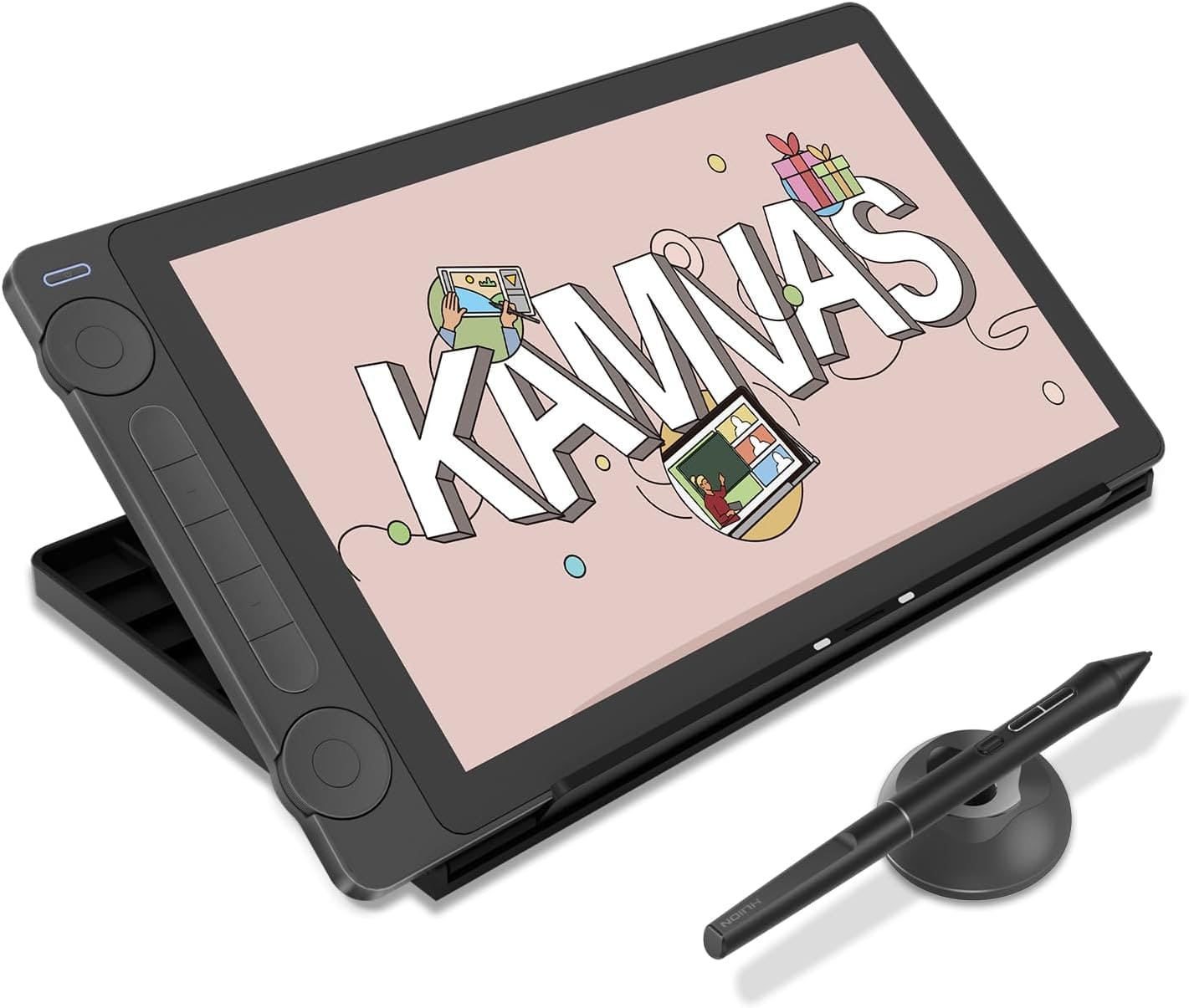
Huion - Kamvas 13 (Gen 3) Pen Display with Stand - Cosmo Black
SKU: CZP9C6T66JSee all Drawing TabletsProduct Description
A professional-grade Cosmo Black pen display with PenTech 4.0, 16,384 pressure levels, and color-accurate LCD.Your price for this item is $242.00 -
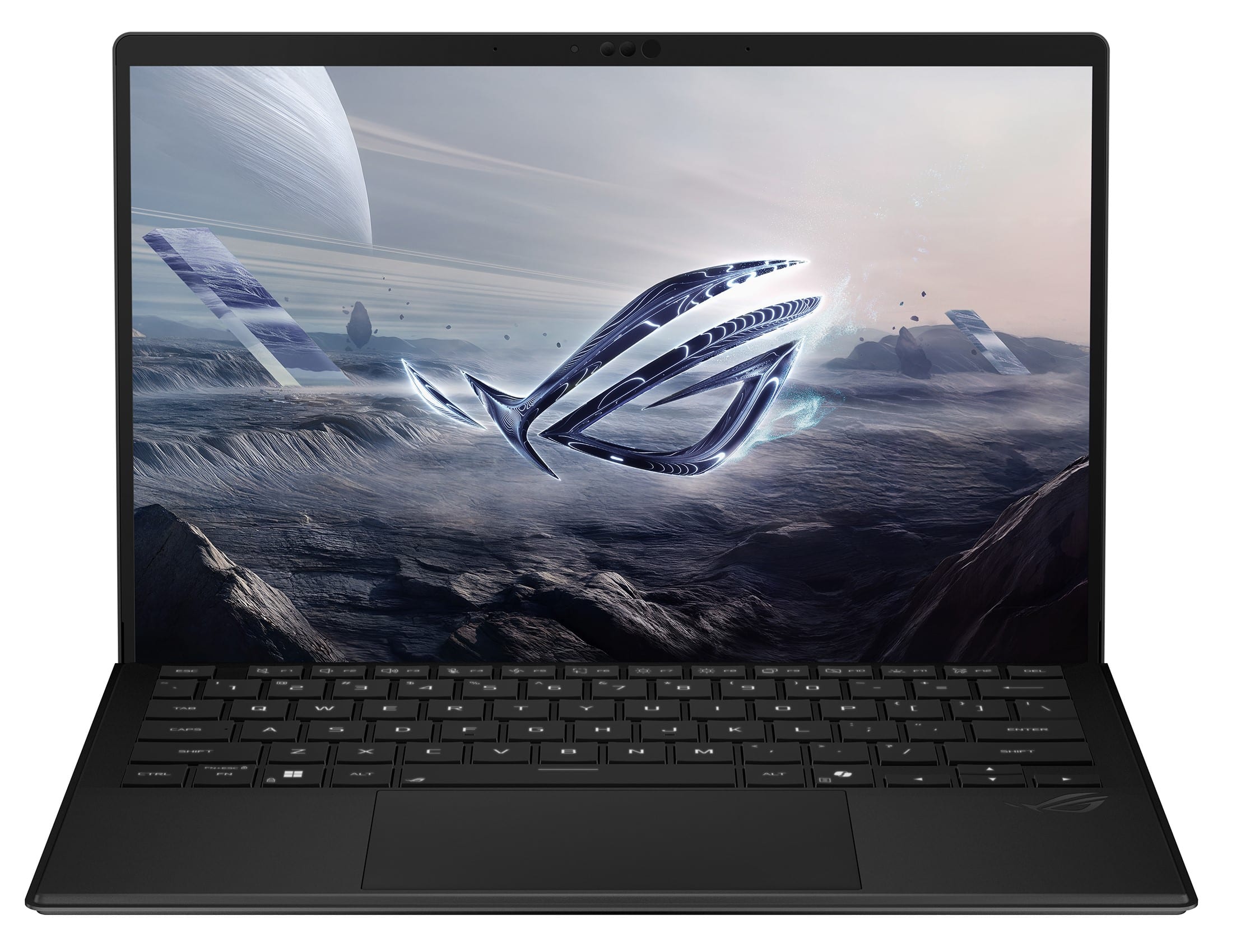
ASUS - ROG Flow Z13 13.4" 2.5K 180Hz Touch-Screen Gaming Laptop - Copilot+ PC - AMD Ryzen AI Max+ 395 - 128GB RAM - 1TB SSD - Off Black
SKU: JJGGLHC84RGreat Machine!...I love this little machine. Very Powerful, Great Battery Life, Tons of Ram....Great...Great device great chip and great memory great for ai
See all Windows LaptopsProduct Description
An ultra-portable off black 2-in-1 gaming laptop with 128GB RAM, 1TB SSD, and 2.5K touchscreen.Your price for this item is $3,299.99 -
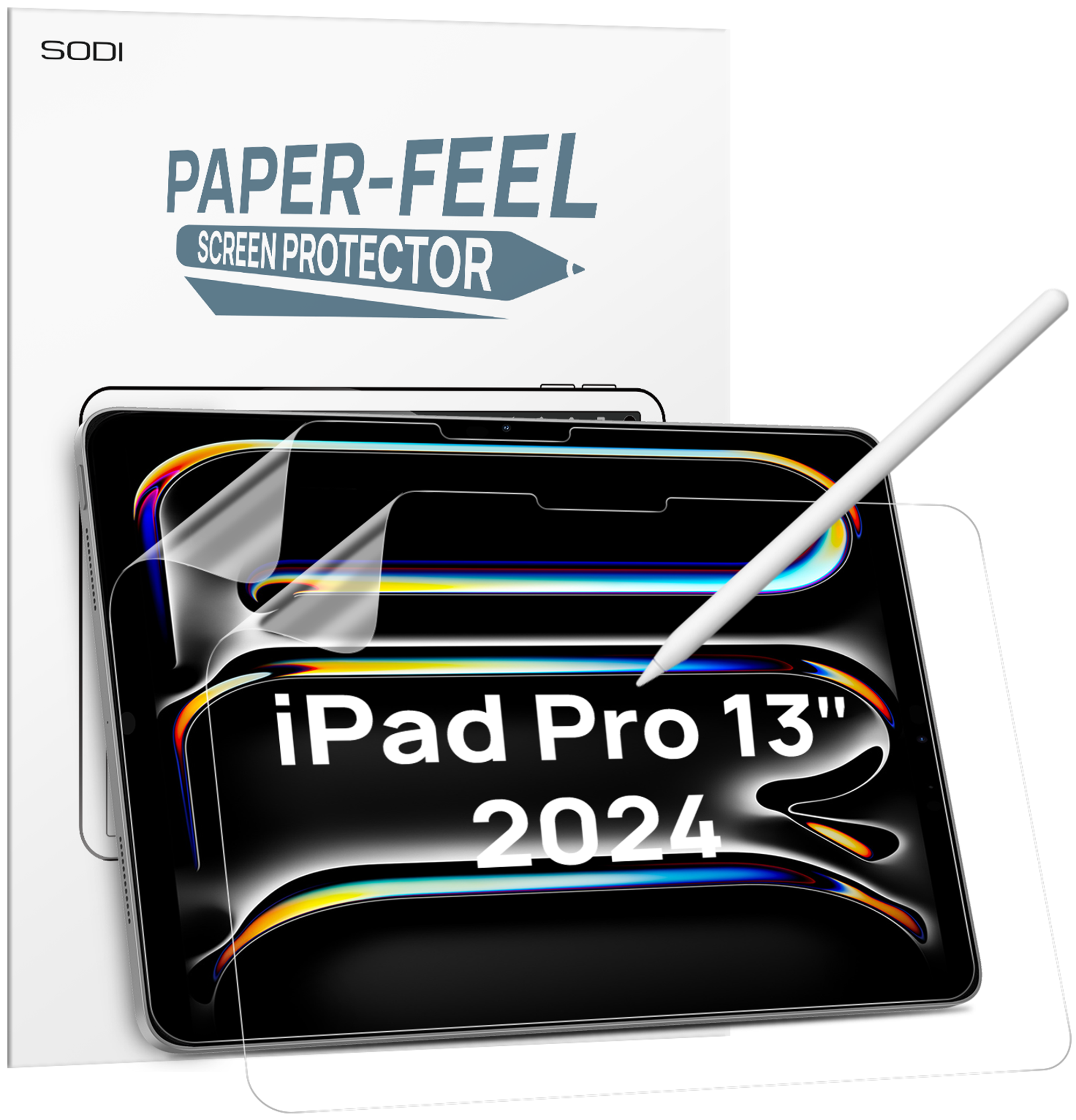
Sodi - Paper Feel Screen Protector for iPad Pro 13 Inch M4 2024, Draw Like on Paper, Scratch Resistant & Sensitive, Anti-Glare - Clear
SKU: CZTFR8CRG7See all Tablet Screen ProtectorsProduct Description
A clear, anti-glare screen protector that mimics paper texture for scratch-resistant, sensitive Apple Pencil use.Your price for this item is $10.99 -
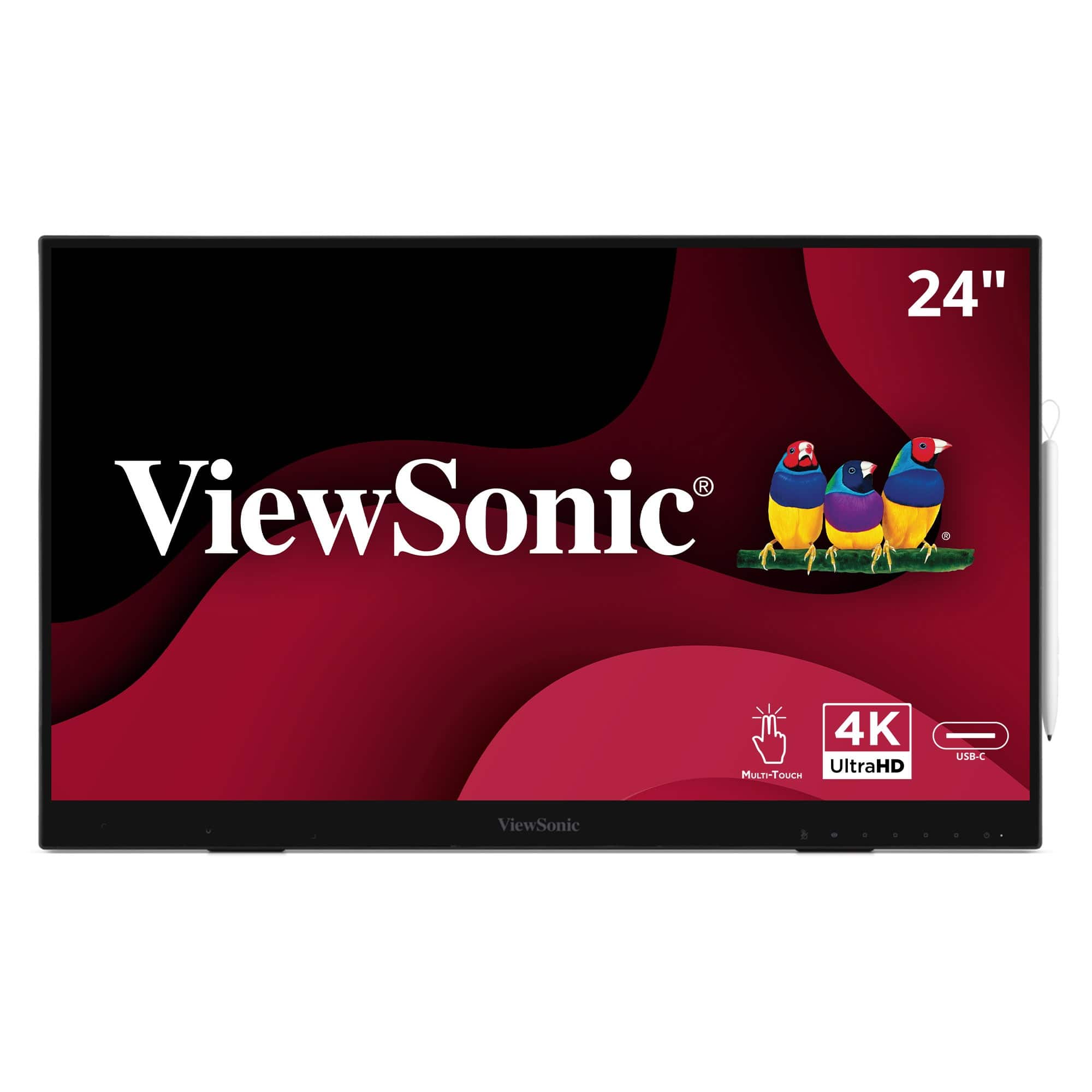
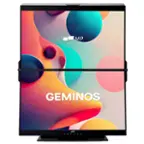
ViewSonic - ID2456-4K 24" 4K UHD Touch Display Tablet with PCAP 10 Point Touch, Active Stylus, Built-in Kickstand - Black
SKU: J37H8G77X9See all All MonitorsProduct Description
A sleek black 24" 4K UHD touch display with active stylus, built-in kickstand, and USB-C connectivity.Your price for this item is $911.21

Best Sellers






Related Pages

FAQ
An anti-glare touchscreen drawing monitor is a display designed for digital artists and creators. It features a special coating that reduces reflections and glare from ambient light, making it easier to see your work clearly while drawing or editing directly on the screen.
Yes, most anti-glare touchscreen drawing monitors are compatible with both Windows and Mac operating systems. However, it's always a good idea to check the specific system requirements and driver availability for your preferred platform.
Yes, these monitors are designed to work seamlessly with stylus pens, offering pressure sensitivity and tilt recognition for a natural drawing experience. Many models come bundled with a compatible stylus, or you can use third-party options depending on the monitor.
Anti-glare touchscreen drawing monitors are compatible with a wide range of creative software, including popular programs like Adobe Photoshop, Illustrator, Corel Painter, Clip Studio Paint, and more. They function as input devices, so any software that supports pen input will work.
To clean the anti-glare surface, gently wipe it with a soft, dry microfiber cloth. Avoid using harsh chemicals or abrasive materials, as these can damage the coating. For stubborn smudges, use a slightly damp cloth with water or a screen-safe cleaning solution.