Back To School Monitors For Dual Setups
-
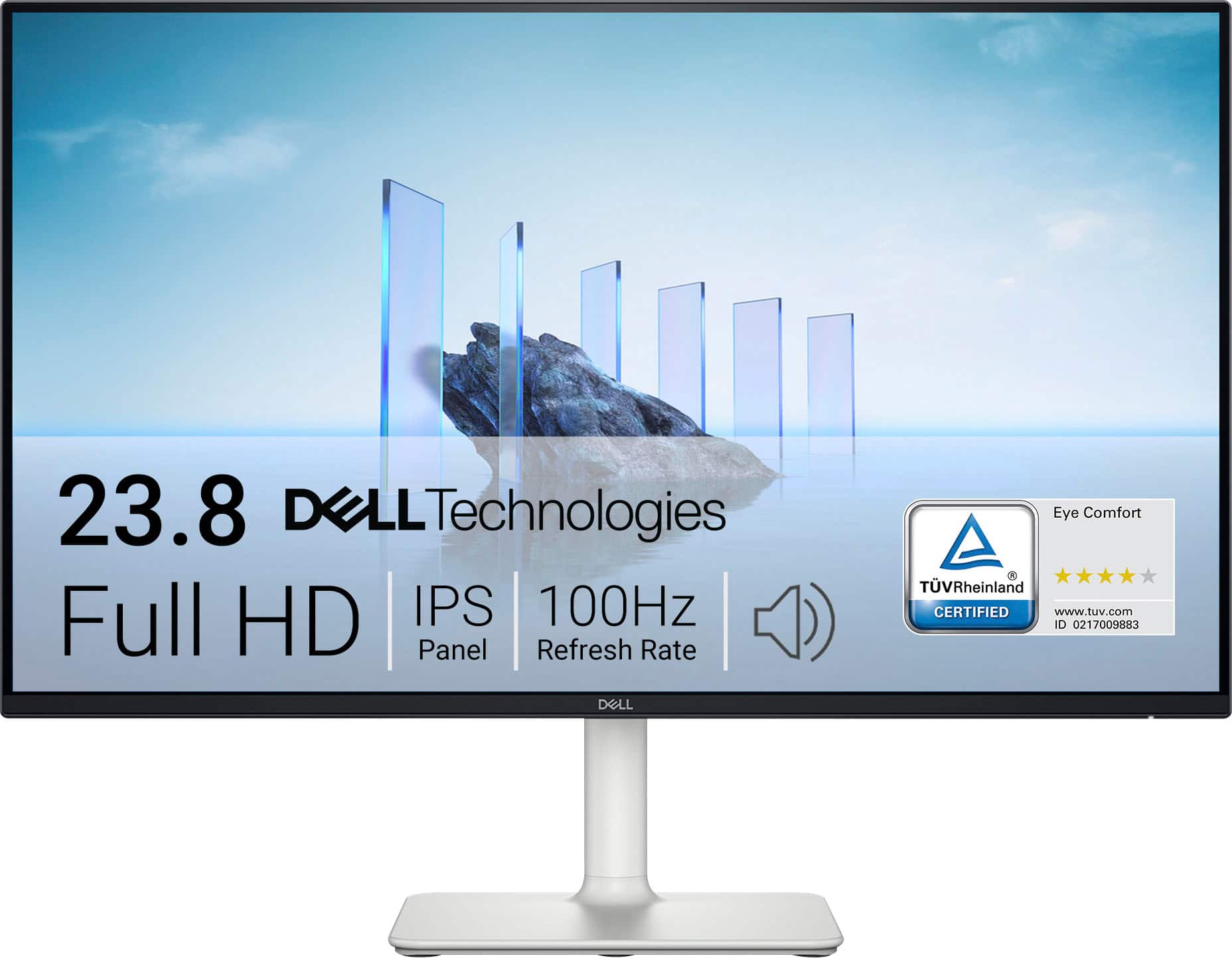
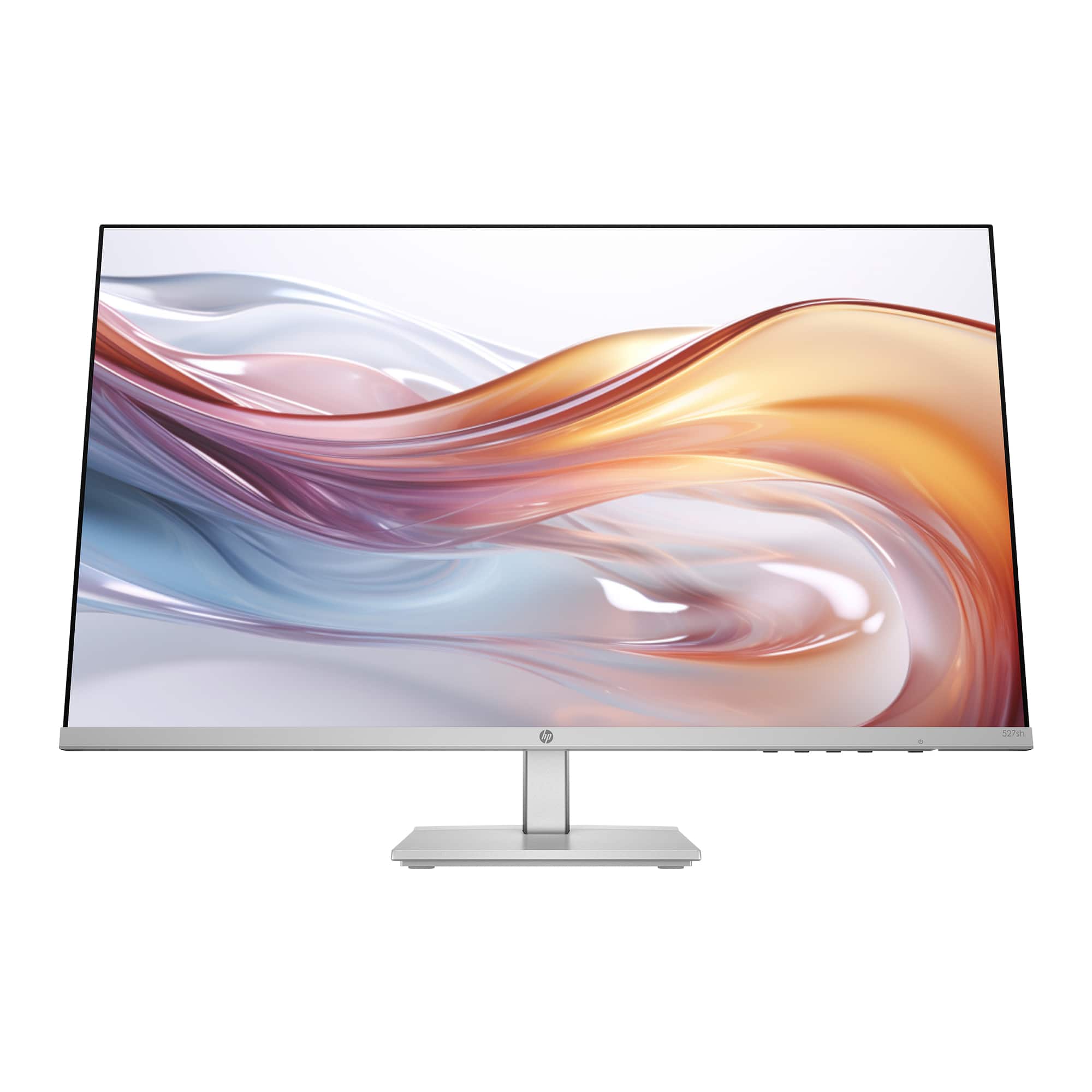
Dell - S2425H 24" IPS LED FHD 100Hz 8ms Monitor (HDMI) - Ash White
SKU: J3K4L62KC5By far 100% the best side monitor and maybe even great for console gaming display I’ve ever used....I love the computer screen that I purchased from Best Buy!...Love the speaker feature with clarity on...
See all All MonitorsProduct Description
An ash white IPS LED monitor with FHD resolution, 100Hz refresh rate, and integrated speakers for immersive viewing.Your price for this item is $289.99 -
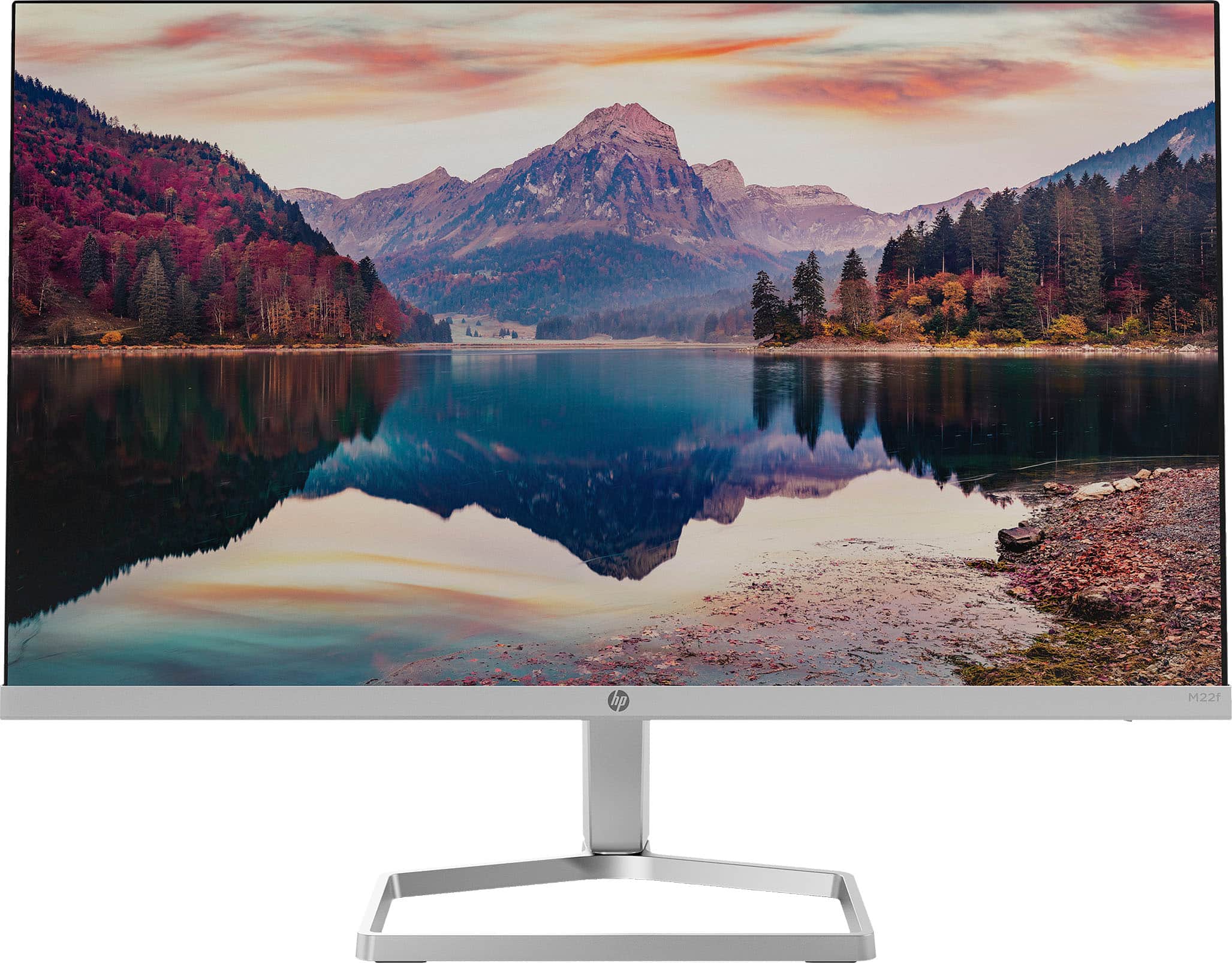
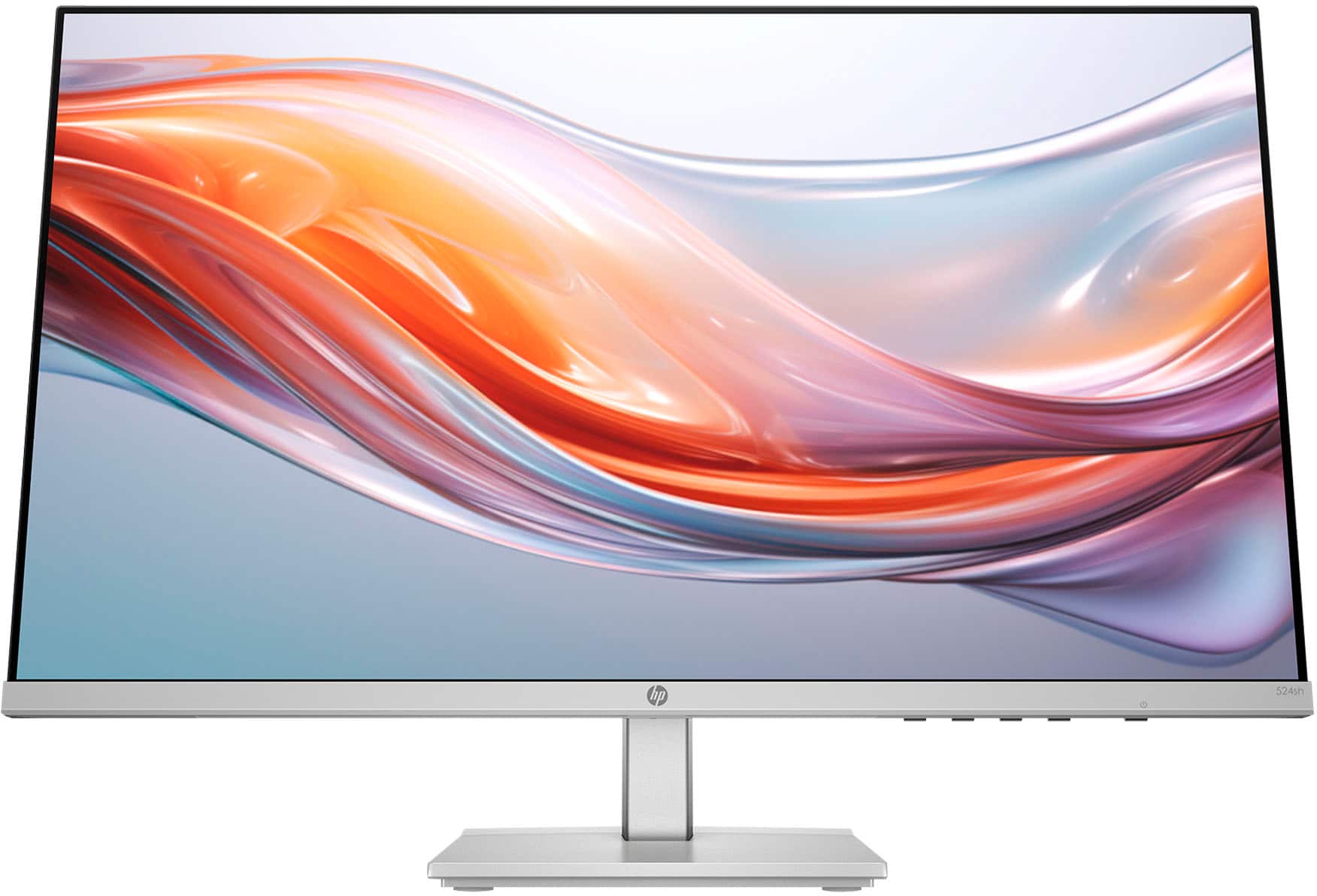
HP - 21.5" IPS LED Full HD FreeSync Monitor (HDMI, VGA) - Silver & Black
SKU: JJ8VY94PCRGreat customer...Great product. Great customer service. Great, technical service. I love Best Buy....Great! Love it! Awesome monitor and service at Tyler Best Buy
See all All MonitorsProduct Description
A sleek silver and black IPS LED monitor with Full HD resolution, FreeSync, and ultra-wide viewing angles.Your price for this item is $99.99Save $50The previous price was $149.99 -
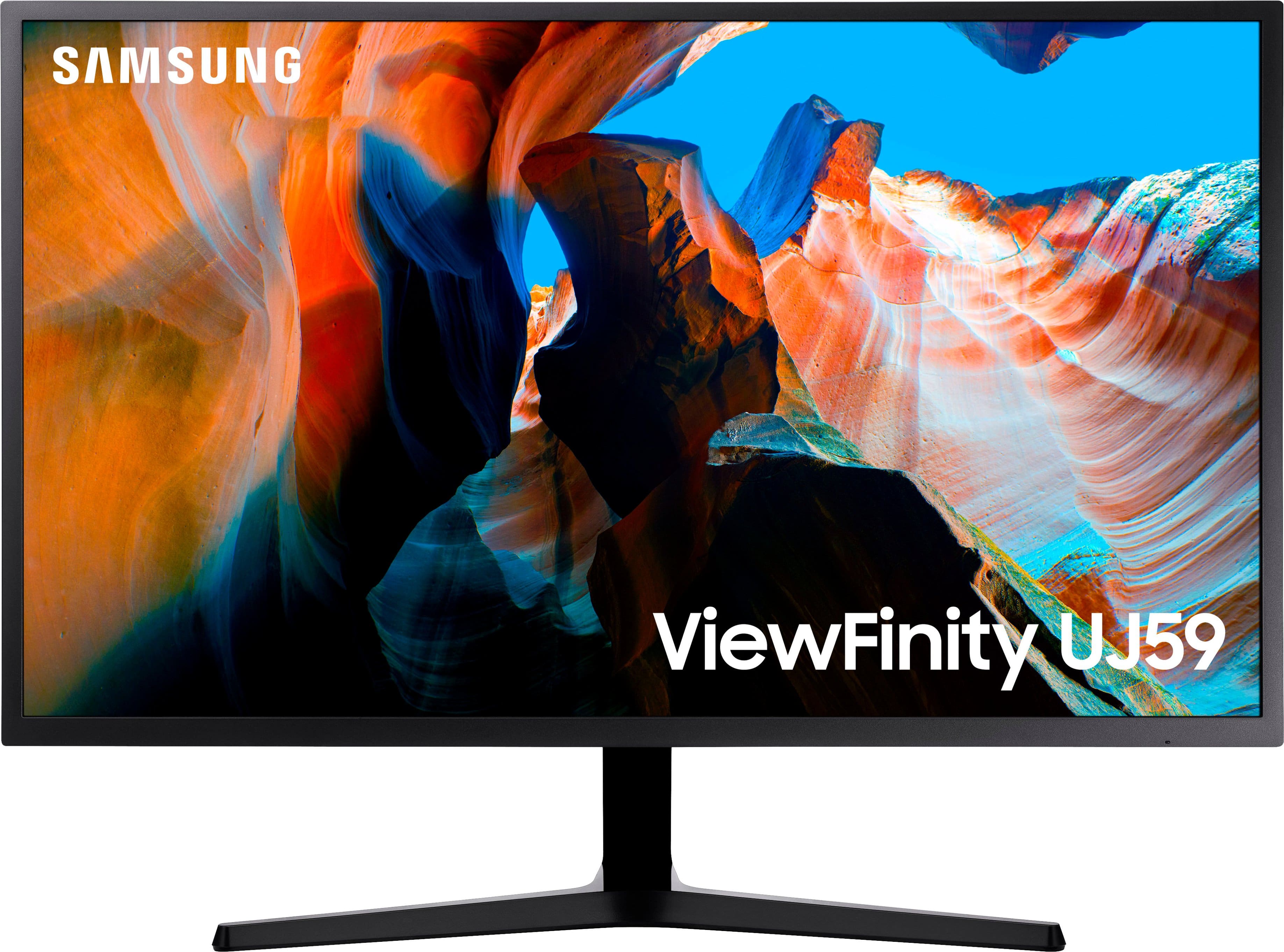
Samsung - 32" ViewFinity UJ59 4K UHD LED VA Monitor with AMD FreeSync, 4ms, 60Hz, HDMI/DisplayPort - Dark Gray/Blue
SKU: J3ZYGC34HLGreat experience at Best Buy! The staff was helpful, knowledgeable, and patient....Great! Monitor except.....I love this monitor because you get an amazing 4k monitor for a really good price, but I absolutely...
See all All MonitorsProduct Description
A dark gray and blue UHD monitor with 4K resolution, AMD FreeSync, and vivid color accuracy.Your price for this item is $289.00Save $50The previous price was $339.99 -
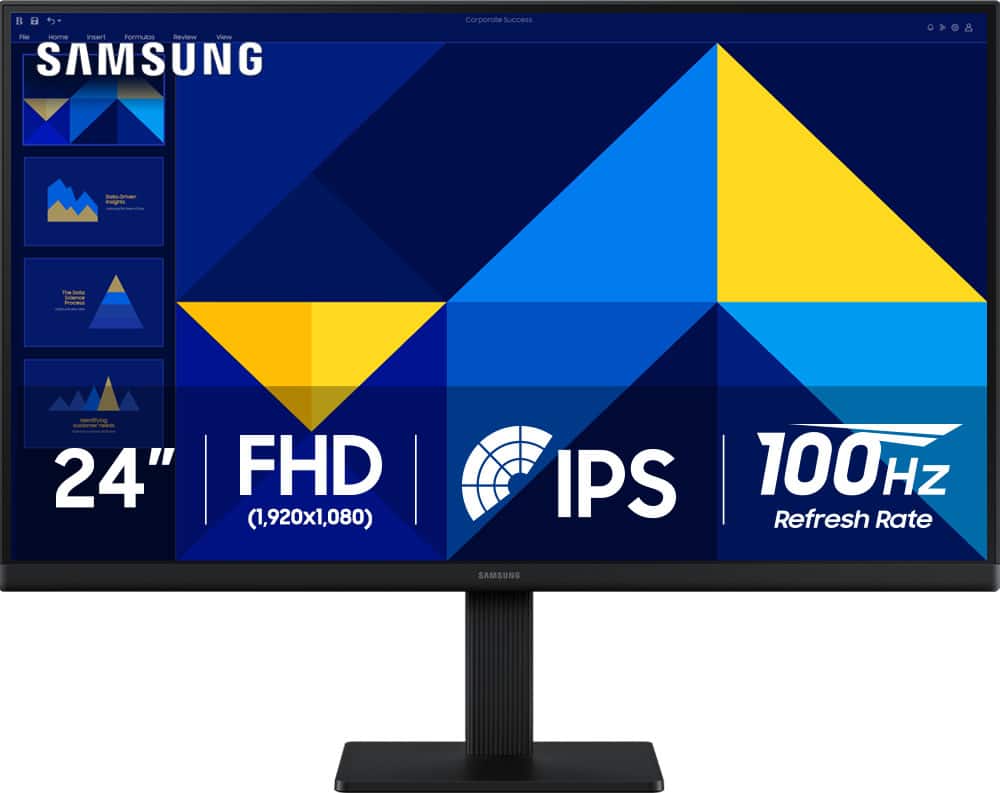
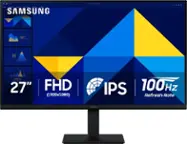
Samsung - 24" S3 (S30GD) IPS LED FHD 100Hz Monitor (HDMI, D-sub) - Black
SKU: J3ZYG24Z7VLove my new Monitor. Thanks to Best But for a great deal/...Great product for the money...Love it. Great picture. Easy to hook up, excellent
See all All MonitorsProduct Description
A black IPS LED monitor with 100Hz refresh rate, FHD resolution, and multiple connectivity options.Your price for this item is $89.99Save $30The previous price was $119.99 -
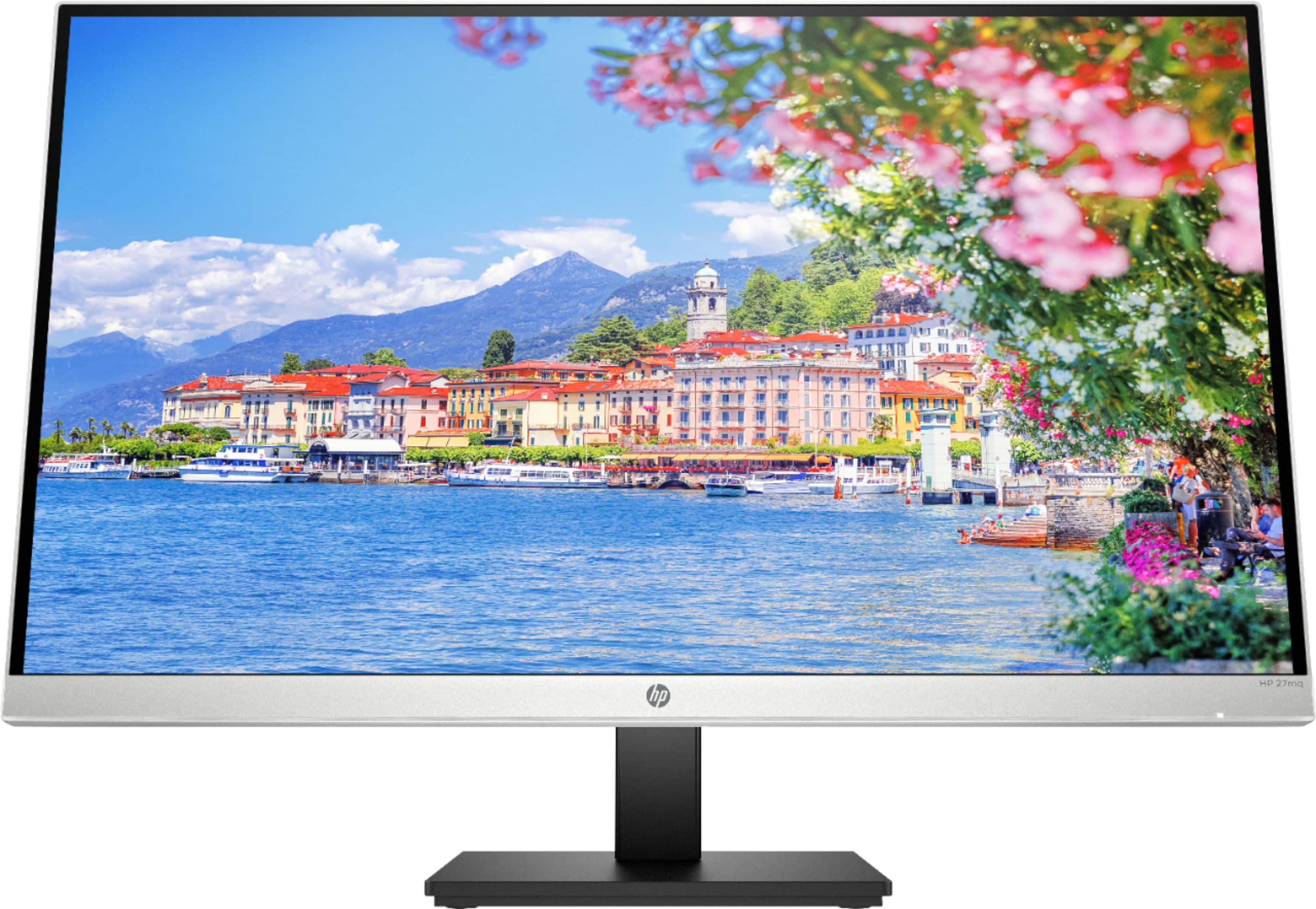
HP - 27" IPS LED FHD 100Hz Monitor with Adjustable Height (HDMI, VGA) - Silver & Black
SKU: JJGLF5GC29Love the graphics. Great display for work. Got two of these....Love it.. just the size I need and the resolution is great!!
See all All MonitorsProduct Description
A sleek silver and black IPS LED monitor with FHD resolution, 100Hz refresh rate, and adjustable height.Your price for this item is $149.99Save $80The previous price was $229.99 -
HP - 23.8" IPS LED FHD 100Hz Monitor with Adjustable Height (HDMI, VGA) - Silver & Black
SKU: JJGLF58FCRBest monitor...It is so great I use it to work from home I love this...This monitor is very best quality and also works great for multiple devices and I recommend you check...on best buy thanks
See all All MonitorsProduct Description
A sleek silver and black IPS LED monitor featuring FHD resolution, 100Hz refresh rate, and adjustable height.Your price for this item is $172.79Save $17The previous price was $189.99 -
HP - 27" IPS LED QHD Monitor with Adjustable Height (HDMI, VGA) - Silver & Black
SKU: JJ8V36C2Z9Great monitor and price!...LOVE it! Great Best Buy purchase as always! Great quality item!...The best quality I have ever had. definition is great
See all All MonitorsProduct Description
A sleek silver and black QHD monitor featuring IPS panel, ultra-wide viewing angles, and adjustable height.Your price for this item is $332.99Save $37The previous price was $369.99 -
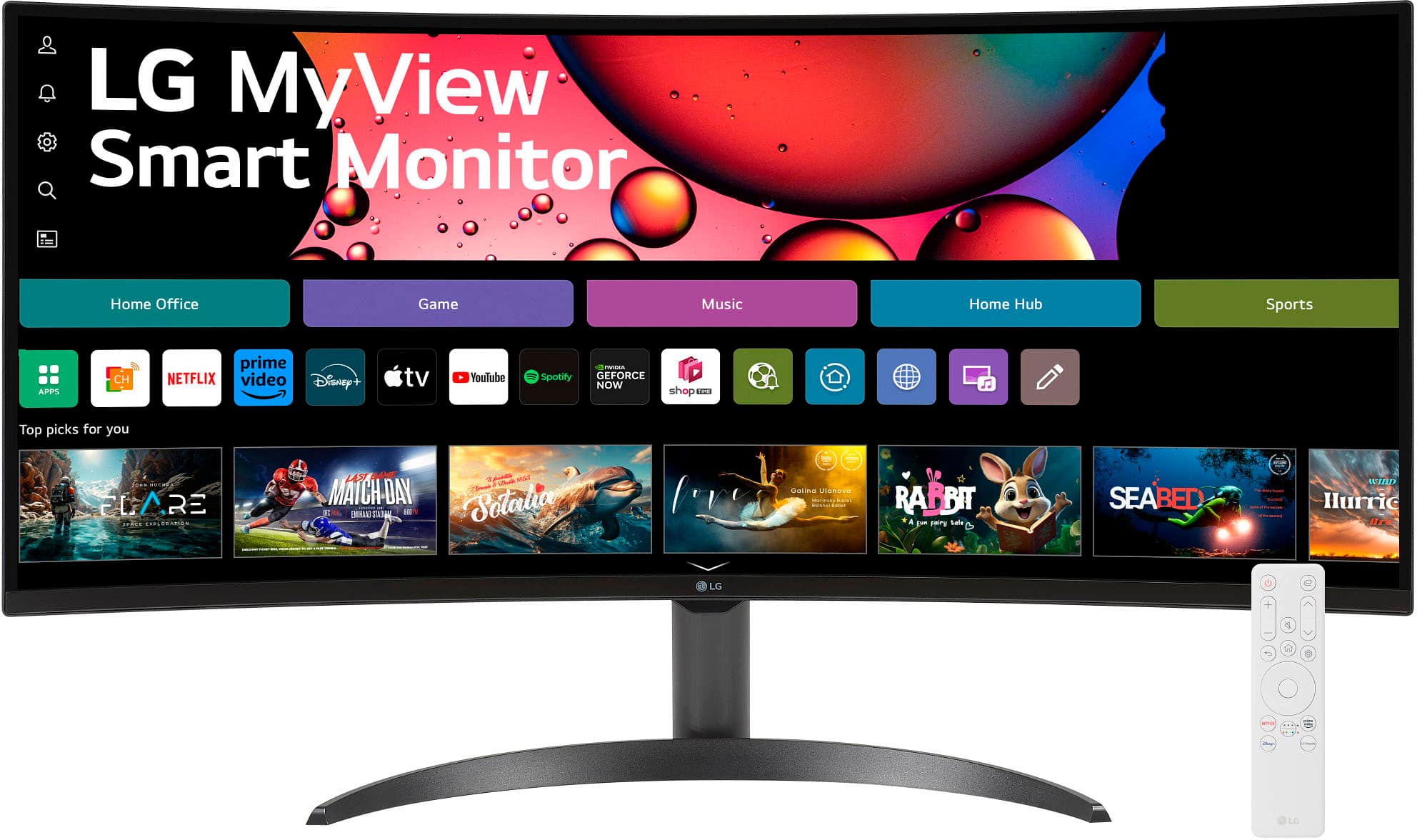
LG - 34" WQHD 100Hz 5ms Smart Monitor with HDR10 (HDMI, USB-A) - Black
SKU: JJ8VPZHZVYgreat display...love the color ... easy set up ..wish best buy had it kn white ......One of the best screen i have used so far. Love it.
See all All MonitorsProduct Description
An ultra-wide curved black smart monitor with WQHD resolution, HDR10, 100Hz refresh rate, and streaming apps.Your price for this item is $319.99Save $30The previous price was $349.99 -
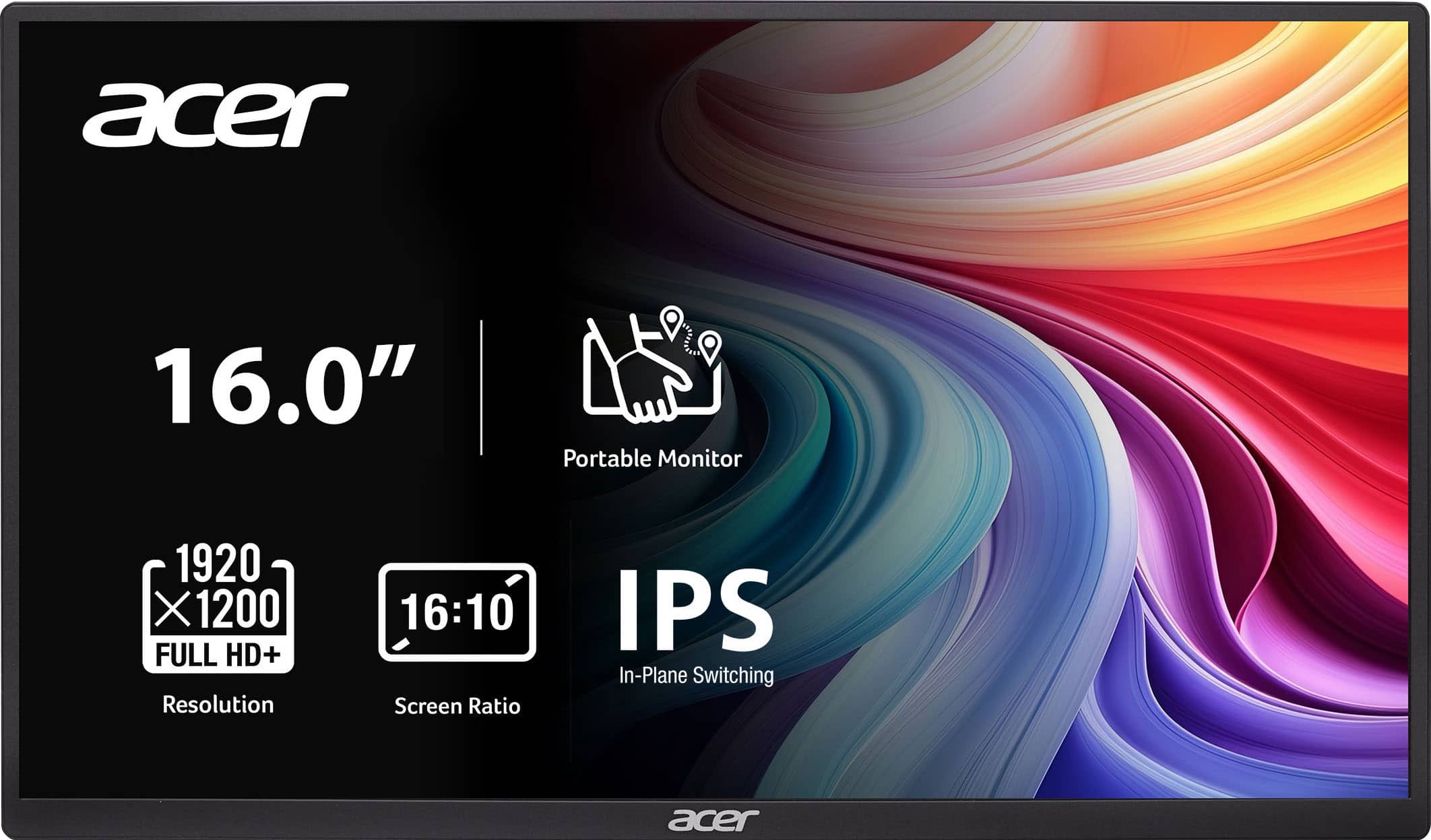
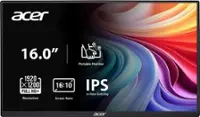
Acer - PM161W 16.0" WUXGA 60Hz FreeSync Compatible IPS Portable Monitor (2 x USB 3.1 Type-C, Mini HDMI, Audio Out) - Black
SKU: JJ8V8HXR3VGood quality, great picture, very easy and fast connection....The best part is the price and the quality!...Great product...A great product. I love it. Easy to travel with. It’s seamless.
See all All MonitorsProduct Description
A portable black IPS monitor with WUXGA resolution, FreeSync support, and versatile USB-C and HDMI connectivity.Your price for this item is $99.99Save $10The previous price was $109.99 -
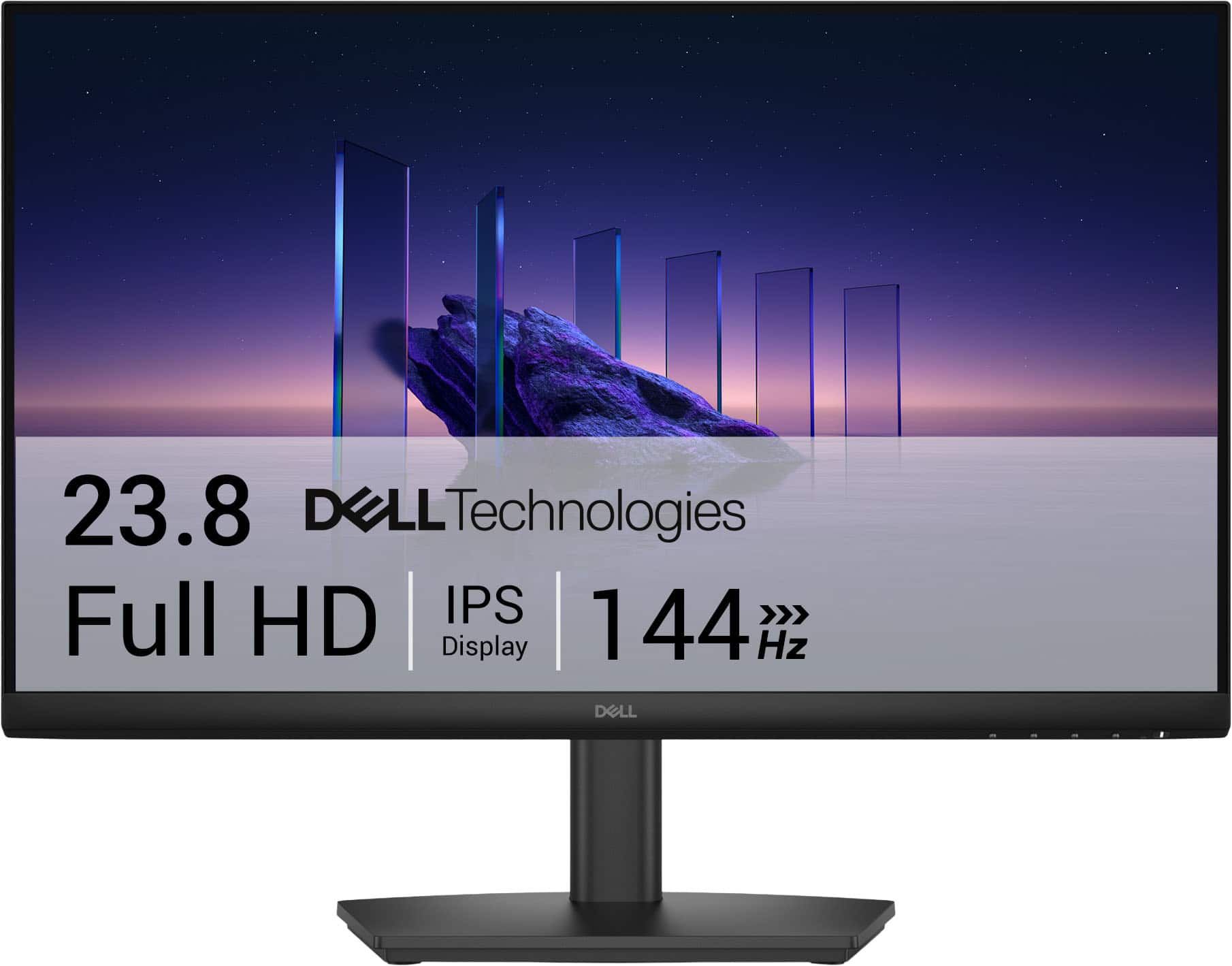
Dell - SE2426HS 24" IPS LCD FHD 144Hz FreeSync Height Adjustable Monitor (HDMI, USB) - Black
SKU: J3K4L6WZWZBest Graphic best price...The graphics is very great and perfect. With a great price. Best buy the best....Best Lcd...I am in love with this LCD and totally saturated with my purchase
See all All MonitorsProduct Description
A black IPS LCD monitor with 144Hz refresh rate, 1ms response time, and AMD FreeSync support.Your price for this item is $119.99
Best Sellers






Related Pages


FAQ
When choosing monitors for a dual setup, consider features like thin bezels for seamless side-by-side viewing, adjustable stands for ergonomic comfort, multiple connectivity options (HDMI, DisplayPort), and eye-care technologies such as blue light filters that may help reduce eye fatigue during long study sessions.
Many laptops and desktops can support dual monitors through available ports like HDMI, DisplayPort, USB-C, or VGA, but compatibility varies by device and graphics hardware. You may need adapters or a compatible dock depending on your device’s outputs. After connecting both monitors, adjust display settings in your operating system to extend or duplicate your screen.
Yes, IPS panels are popular for dual setups because they offer wide viewing angles and accurate color reproduction, which is ideal for reading documents and multitasking. VA panels provide good contrast ratios, while TN panels offer faster response times but narrower viewing angles.
Yes, you can mix different brands or models in a dual monitor setup. For the best visual experience, try to match resolution and screen height as closely as possible to ensure smooth movement between screens and consistent image quality.
A dual monitor setup can boost productivity by allowing students to view multiple applications simultaneously—such as research on one screen and note-taking on the other. It also makes multitasking easier during virtual classes or group projects.