Gaming Monitors For Dual-Screen Setups
-
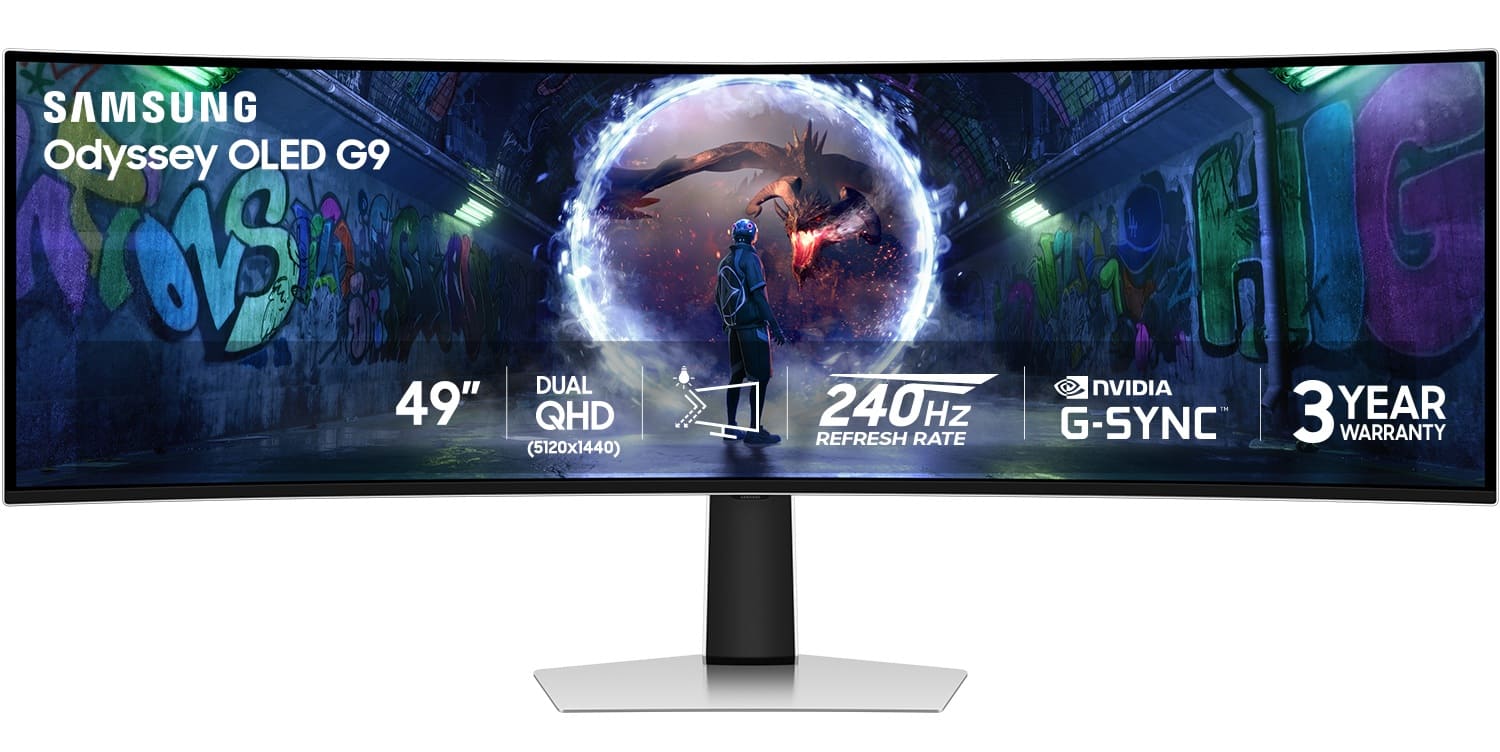
Samsung - 49" Odyssey OLED G9 (G93SD) Dual-QHD 240Hz 0.03ms G-Sync Compatible Curved Glare Free Gaming Monitor - Silver
SKU: J3ZYG2Z8Y3Love this monitor, thanks to best buy did my card application and bought this beauty, big love to best...Love this curved monitor. Has a great picture and is like 3 monitors in one....Best Monitor out...
See all Gaming MonitorsProduct Description
A silver curved OLED gaming monitor with Dual-QHD resolution, 240Hz refresh rate, and G-Sync compatibility.Your price for this item is $999.99Save $700The previous price was $1,699.99 -
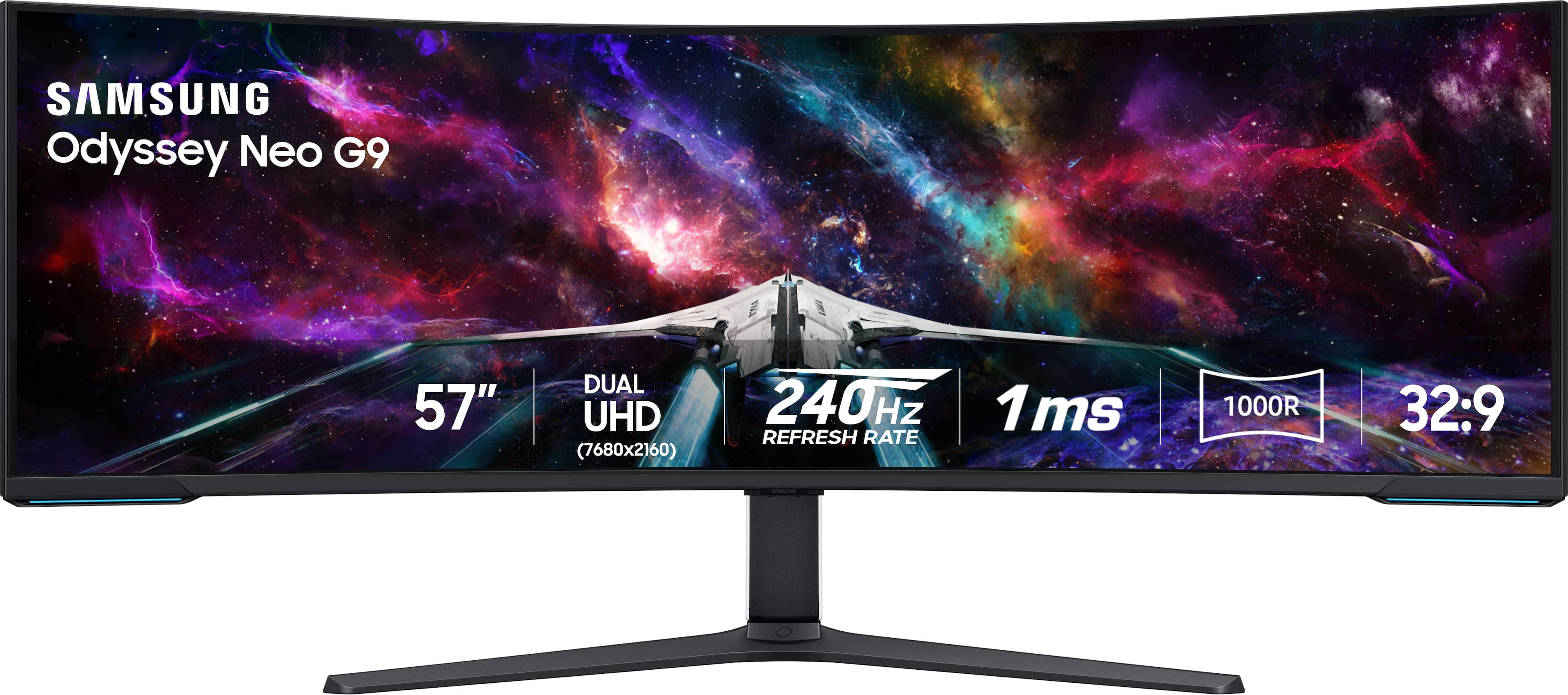
Samsung - 57" Odyssey Neo G9 Dual 4K UHD Quantum Mini-LED 240Hz 1ms HDR 1000 Curved Gaming Monitor (HDMI 2.1, DP 2.1, USB 3.0) - Black
SKU: J3ZYG29PK6Great product...Great product prolly best monitor on the market and great price...Best monitor I've ever had! My last one was the original G9, and this one was a huge upgrade....Love it!
See all Gaming MonitorsProduct Description
A curved black gaming monitor featuring Dual 4K UHD, 240Hz refresh rate, HDR 1000, and Quantum Mini-LED.Your price for this item is $2,099.99 -
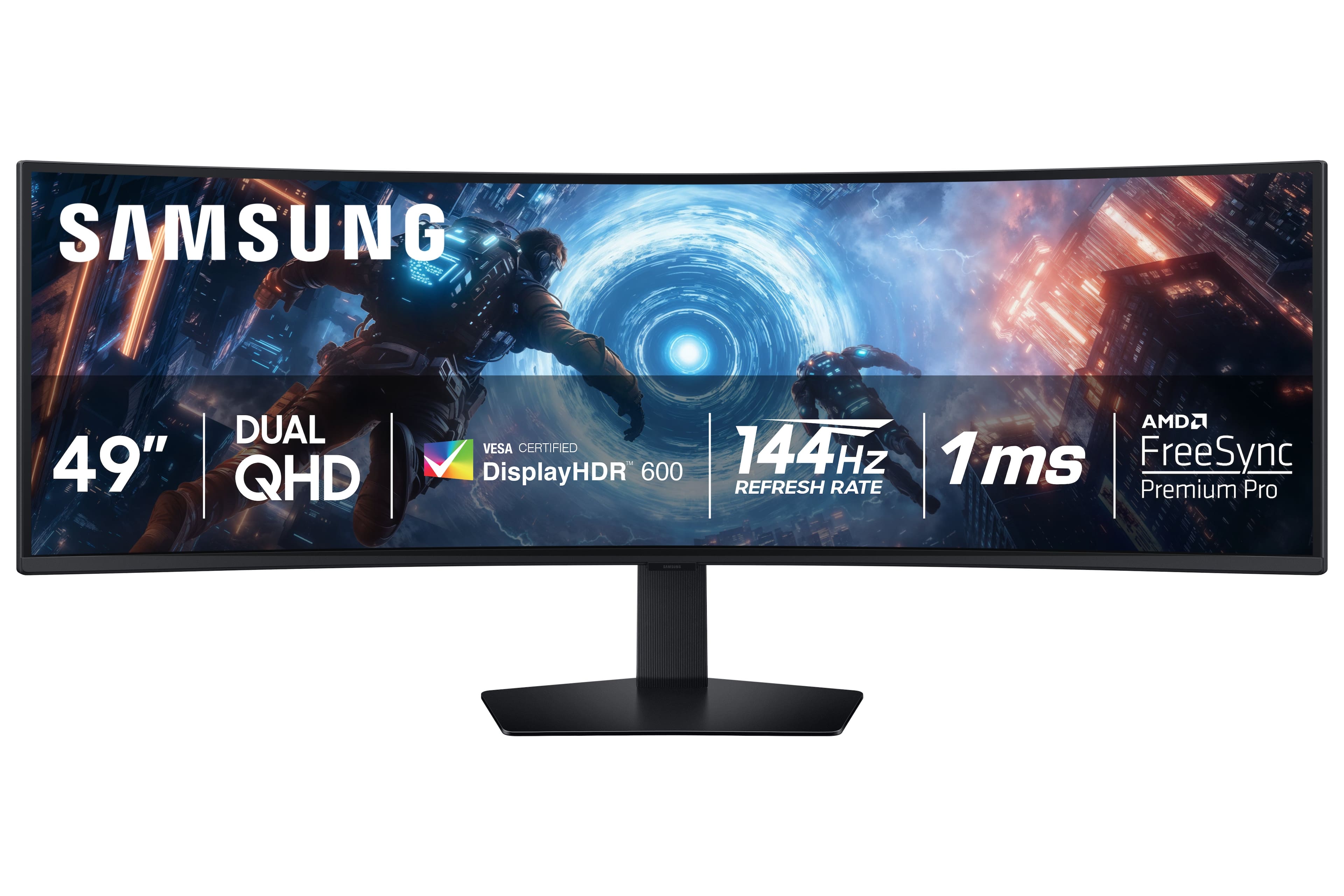
Samsung - 49" Odyssey G9 G91F 1000R Curved Dual QHD 144Hz 1ms AMD FreeSync Premium Pro Gaming Monitor with HDR600 (HDMI x2,DP,USB) - Black
SKU: J3ZYG2FT7RGreat Product amazing price...Great monitor with great quality. Best part,,,,the price! Couldn't get any better....Great screen, not the best with the quality of dark images but still great for a non...
See all Gaming MonitorsProduct Description
A black curved LED gaming monitor featuring Dual QHD, 144Hz refresh rate, HDR600, and AMD FreeSync Premium Pro.Your price for this item is $699.99Save $300The previous price was $999.99 -
Titan-army - P2712V 27" Dual Mode Gaming Monitor, 4K 160Hz/FHD 320Hz, Fast IPS, 95% DCI-P3, HDR400, Adaptive Sync, VESA, Adjustable - Black
SKU: CZT66RLVW8Perfect for a gamer, color definition is great including the size of the screen
See all Gaming MonitorsProduct Description
A versatile black gaming monitor with 4K 160Hz or FHD 320Hz Fast IPS, HDR400, and Adaptive Sync.Your price for this item is $299.99Save $100The previous price was $399.99 -
Titan-army - P2712V 27" Dual Mode Gaming Monitor & Single Monitor Arm-4K 160Hz/FHD 320Hz, Fast IPS, 95% DCI-P3, HDR400, Adaptive Sync - Black
SKU: CZWL85WKQ8See all Gaming MonitorsProduct Description
A versatile black gaming monitor with 4K 160Hz or FHD 320Hz, Fast IPS, HDR400, and Adaptive Sync.Your price for this item is $299.99 -
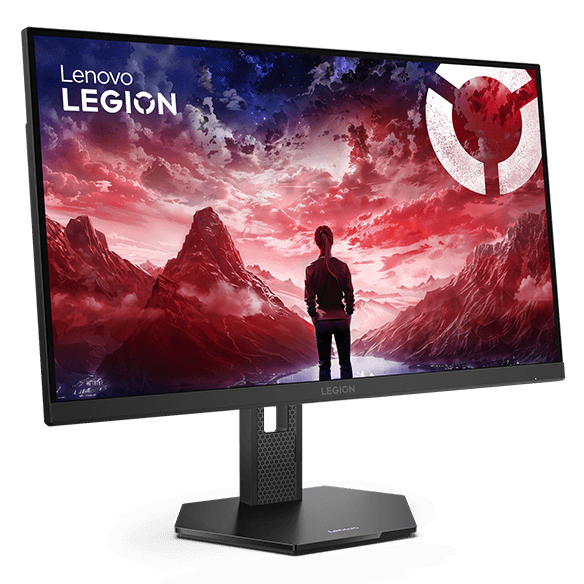
Lenovo - Legion 27U-10 27-inch 4K-160Hz and FHD-320Hz Dual Resolution Gaming Monitor, For Gaming - Raven Black
SKU: JJGSHPQCJ5See all Gaming MonitorsProduct Description
A black gaming monitor with dual 4K 160Hz/FHD 320Hz modes, G-SYNC compatibility, and adjustable height stand.Your price for this item is $359.99Save $40The previous price was $399.99 -
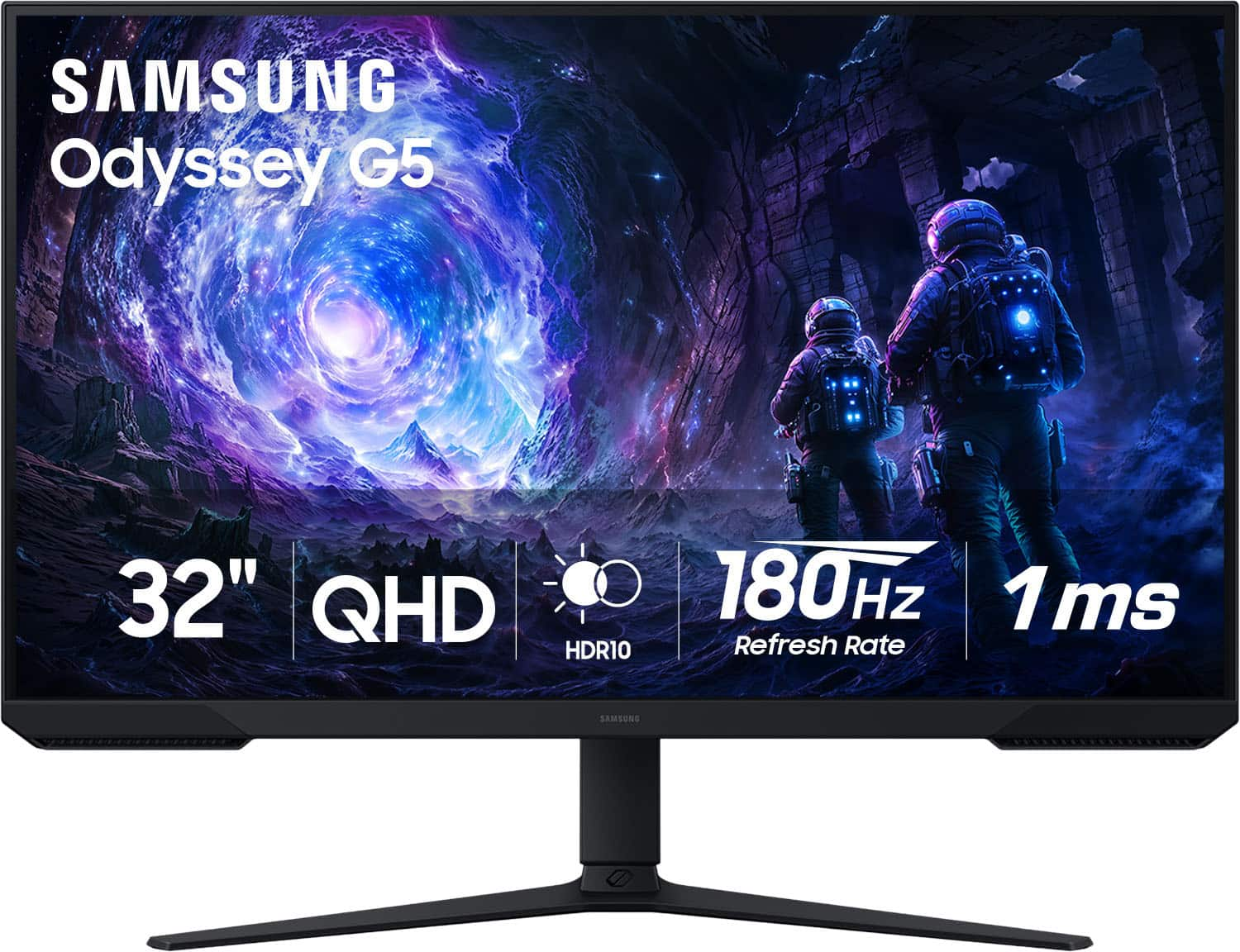
Samsung - 32" Odyssey G51F QHD 180Hz 1ms AMD FreeSync Gaming Monitor with HDR10 (DisplayPort, HDMI) - Black
SKU: JJGRF33JCXIt’s a great monitor I love it....It’s a great monitor I love it. It goes well for gaming and is an advertised....Best Buy service was great...I love this monitor best purchase I’ve made works great with...
See all Gaming MonitorsProduct Description
A black QHD gaming monitor with 180Hz refresh rate, 1ms response, HDR10, and AMD FreeSync support.Your price for this item is $299.00Save $30The previous price was $329.99 -
Alienware - AW3425DW 34" QD-OLED WQHD 240Hz 0.03ms FreeSync Premium Pro Curved Gaming Monitor with HDR (HDMI, DisplayPort, USB) - Interstellar Indigo
SKU: J3K4L63R43Best ultrawide monitor love the color and the hdr looks amazing...best monitor wver...I absolutely love this! you won’t regret it but this you will be heaven!!...love this sooo much it’s the best monitor...
See all Gaming MonitorsProduct Description
A curved QD-OLED gaming monitor in Interstellar Indigo with WQHD resolution, 240Hz refresh rate, and HDR.Your price for this item is $699.99Save $100The previous price was $799.99 -
Mobile Pixels - 45" 1500R 165Hz DQHD OLED Curved Gaming Monitor - Black
SKU: J3GWGYWHHXSee all Curved Gaming MonitorsProduct Description
A black OLED curved gaming monitor with 165Hz refresh rate, DQHD resolution, HDR400, and built-in speakers.Your price for this item is $938.26 -
Westinghouse - 24" Gaming Monitor - Black
SKU: J3LL89C9TVSee all Gaming MonitorsProduct Description
A black IPS gaming monitor with 180Hz refresh rate, 1ms response time, AMD FreeSync, and built-in speakers.Your price for this item is $149.99




Best Sellers
Related Pages







FAQ
No. You can pair monitors from different brands or use different models, provided your computer supports both displays. Matching models can offer more consistent colors, controls, and styling, but each monitor can have its own display settings.
Connect each monitor to a compatible video output on your graphics card, typically using DisplayPort or HDMI. USB-C can also work when the port supports video output. Check your graphics card’s specifications for supported display combinations, then enable both monitors in your operating system’s display settings.
In Windows, open Settings, select System, then Display. Select the monitor you want to use, expand Multiple displays, and choose Make this my main display. Some games also have a display-selection option that lets you choose which monitor shows the game.
Yes. Set your displays to Extend mode, then place your game on one monitor and apps such as chat, a web browser, or streaming software on the other. Borderless windowed mode often makes switching between displays more convenient, while some full-screen games may minimize when you select another app.
Most gaming consoles do not support a PC-style extended desktop across two monitors. An HDMI splitter typically duplicates the same console image rather than creating independent displays. You can instead connect the second monitor to a separate device, such as a computer, to show other content.