Best 8 Port Network Switch
Find the best 8-port network switch for expanding wired connections in your home or office. Compare Ethernet switches by port speed and management options, and check for Power over Ethernet (PoE) support if you need to power compatible devices through network cables.
What to look for in an 8-port network switch
Choosing the best 8-port network switch for your setup means balancing connection speeds, management features, power needs and available space.
1. Network Speed
2. Management Features
3. Power Over Ethernet
4. Placement and Port Capacity
-
1

D-Link - 8-Port 2.5Gb Unmanaged Multi-Gig Network Switch, 8 x 2.5G Ports Fanless Plug & Play (DMS-108) - Black
About this product
A black, fanless network switch with eight 2.5Gb ports, supporting plug-and-play and advanced QoS features.
(2)$111.75Your price for this item is $111.75SAVE $0.02 -
2

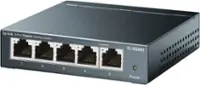
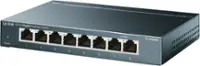
TP-Link - 8-Port 10/100/1000 Mbps Gigabit Ethernet Metal Switch - Gray
About this product
A gray metal switch offering eight auto-sensing Gigabit Ethernet ports for seamless, high-speed network integration.
What customers like
(77)$45.00 Your price for this item is $45.00 -
3
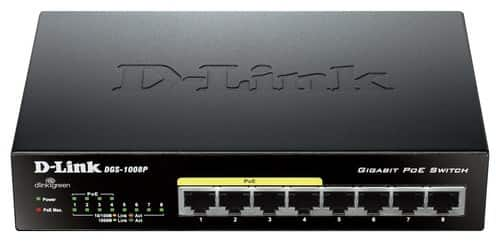
D-Link - PoE 8-Port 10/100/1000Base-T Gigabit Ethernet Switch - Black
About this product
A black Ethernet switch with 8 ports, including 4 PoE ports and energy-saving technology.
(15)$73.35 Your price for this item is $73.35 -
4
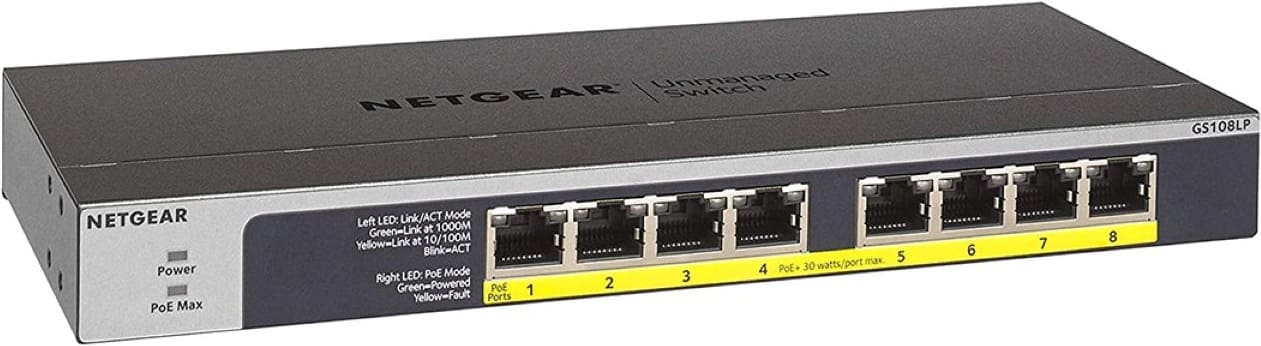
NETGEAR - 8-Port PoE Gigabit Ethernet Unmanaged Network Switch (GS108LP), 8 x PoE+ Ports @ 60W Upgradeable - Gray
About this product
An 8-port gray unmanaged Gigabit Ethernet switch with PoE+ support, 60W power budget, and fanless operation.
What customers like
(228)$109.99 Your price for this item is $109.99 -
5

TP-Link - 8-Port 10/100/1000 Mbps Gigabit Smart Ethernet Metal Switch - Gray
About this product
A gray metal Ethernet switch with eight gigabit ports, auto speed sensing, and advanced network management features.
(47)$59.99Your price for this item is $59.99SAVE $2.87 -
6

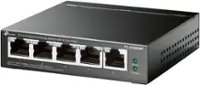
TP-Link - 8-Port Gigabit Ethernet Switch with 4 Port PoE - Black/Gray
About this product
A black and gray Ethernet switch featuring eight gigabit ports, including four with Power over Ethernet support.
(14)$89.00Your price for this item is $89.00SAVE $10.00 -
7

Cudy - GS108 8 Port Gigabit Unmanaged Network Switch, Ethernet Splitter Plug & Play, Metal, Traffic Optimization - Black
About this product
A black metal unmanaged network switch with eight Gigabit ports, plug-and-play setup, and traffic optimization.
(0)$19.99 Your price for this item is $19.99 -
8
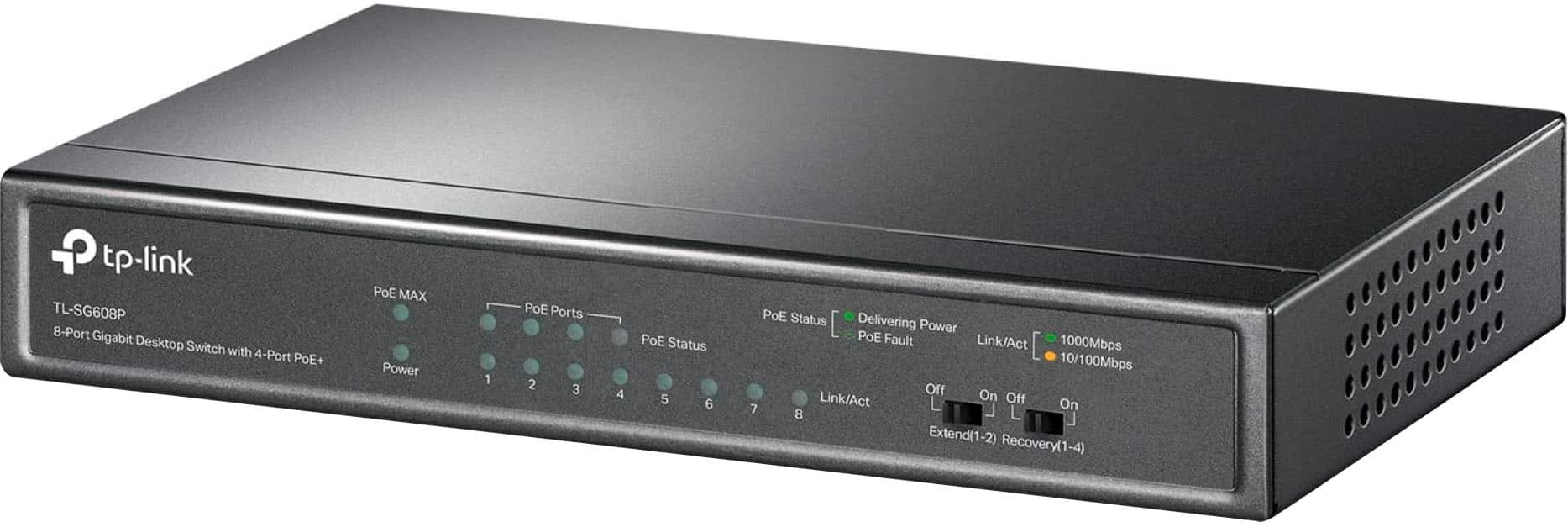
TP-Link - 8-Port Gigabit (10/100/1000Mbps) Desktop Unmanaged PoE Switch - Black
About this product
A black metal desktop switch with 8 gigabit ports, including 4 PoE+ for easy device connectivity.
What customers like
(39)$79.99 Your price for this item is $79.99 -
9
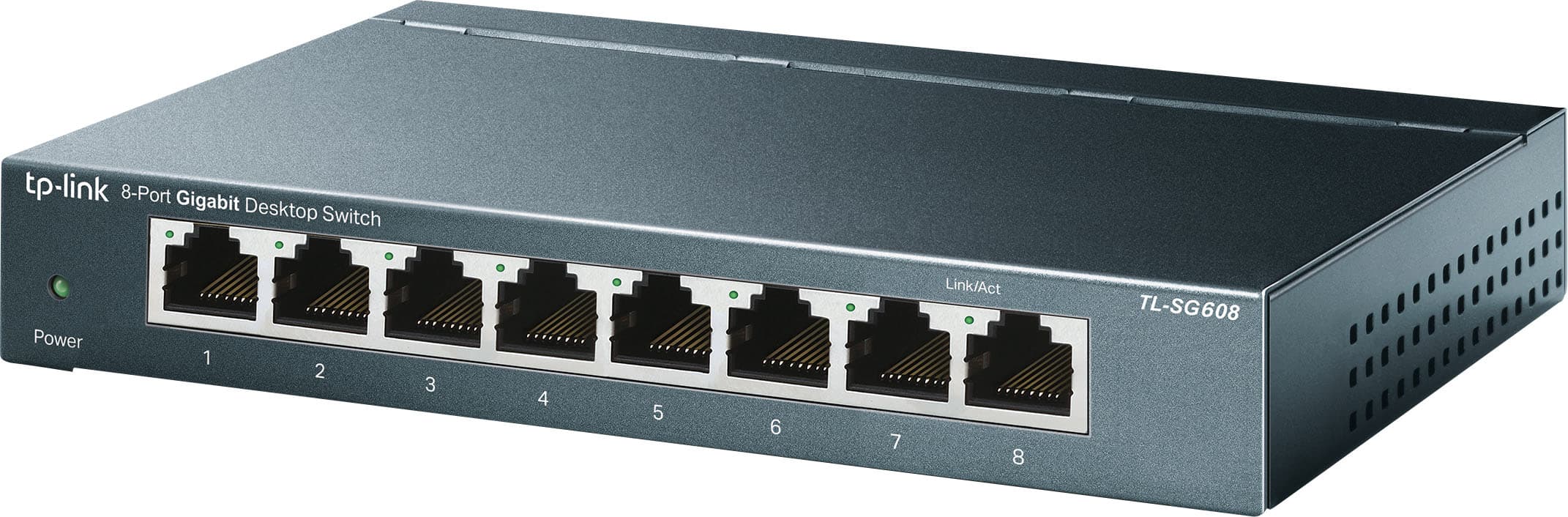
TP-Link - 8-Port 10/100/1000 Mbps Unmanaged Switch - Black
About this product
A black desktop switch offering 8 gigabit Ethernet ports for fast, reliable wired network connections.
What customers like
(356)$27.99Your price for this item is $27.99SAVE $7.00 -
10
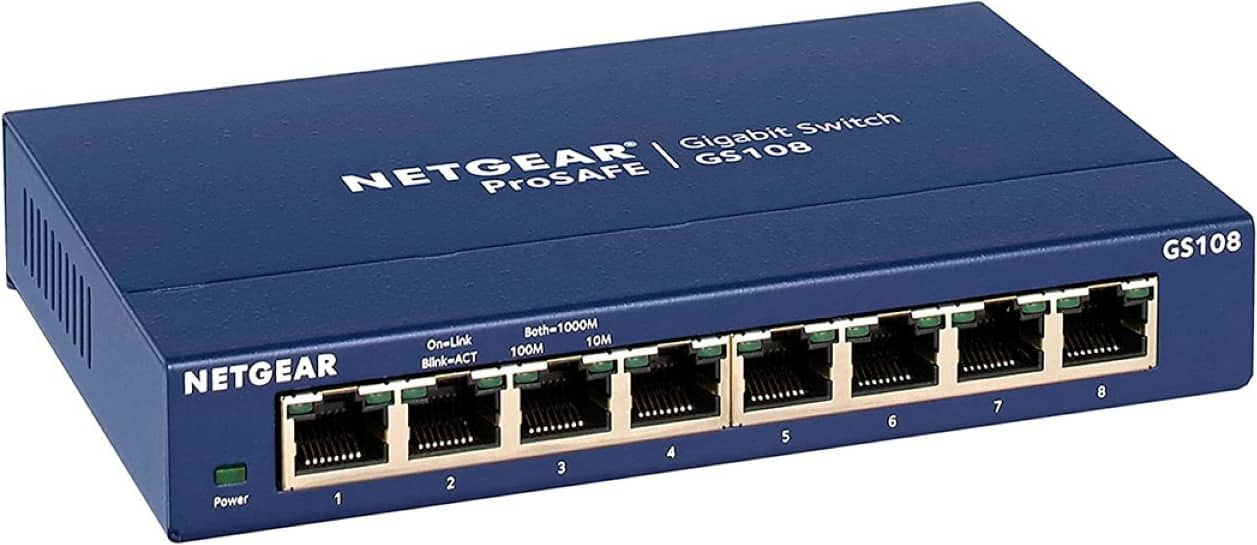
NETGEAR - 8-Port Gigabit Ethernet Unmanaged Network Switch (GS108), Desktop or Wall Mount - Blue
About this product
An 8-port Gigabit Ethernet network switch with blue metal housing, plug-and-play setup, QoS, and energy-efficient operation.
What customers like
(2,034)$49.99 Your price for this item is $49.99
Best 8 Port Network Switch
FAQs
An unmanaged switch typically works without configuration, making it a straightforward option for basic wired connections. A managed switch offers configurable settings, such as VLANs, traffic prioritization and network monitoring. Smart switches generally provide a smaller set of management features, though terminology varies by manufacturer.
No. A network switch connects wired devices within a local network, while a router directs traffic between networks, such as your home network and the internet. In a typical home setup, the switch connects to a LAN port on the router.
Power over Ethernet, or PoE, allows a switch to deliver electrical power and network data through the same Ethernet cable to compatible devices, such as wireless access points, IP cameras and VoIP phones. When comparing switches, check the supported PoE standards, which ports provide power and the total power budget.
These terms describe supported Ethernet connection rates. Gigabit Ethernet supports a nominal rate of 1 gigabit per second, while multi-gigabit ports may support rates such as 2.5 or 5 gigabits per second. The connection rate depends on the capabilities of both connected ports and the cabling, and it does not change your internet service plan.
Not necessarily. Many Ethernet switches let a standard port serve as the connection to a router or another switch. Some switches include designated uplink ports with different connection types or supported speeds, so check the port specifications when planning your connections.