Best Budget Gaming Headset
Find the best budget gaming headset for your setup by comparing affordable options based on platform compatibility, fit, and microphone features. Check that the connection type works with your PC or console, and prioritize the features you’ll use most to stay within your budget.
What to look for in a budget gaming headset
Finding the best budget gaming headset means balancing sound, comfort, and compatibility with the features you need most.
1. Platform Compatibility
2. Sound Quality
3. Comfort And Fit
4. Microphone And Connection
-
1

Tronsmart - G10 Multiplatform Wired Over-the-Ear Gaming Headset for PC, PS5, PS4, Xbox Series X|S, Xbox One, Nintendo Switch, Mobile - PS4/PS5/White/Blue
About this product
A wired over-the-ear gaming headset in white and blue with 40mm drivers and universal compatibility.
What customers like
(31)$16.99Your price for this item is $16.99SAVE $13.00 -
2

ENHANCE - Gaming Headset with Rotating Microphone - Soft Adjustable Headband - Green
About this product
A green wired gaming headset featuring soft adjustable headband, rotating microphone, and noise-isolating ear cushions.
(0)$19.99 Your price for this item is $19.99 -
3

HyperX - Cloud Stinger 2 Core Wired Gaming Headset for PC - Black
About this product
A black wired over-the-ear gaming headset featuring 40mm drivers, swivel-to-mute mic, and soft ear cushions.
(18)$39.99 Your price for this item is $39.99 -
4

JLab - Nightfall Wired Gaming Over The Ear Headset - Black
About this product
A black wired over-ear gaming headset featuring 50mm drivers, noise-canceling flip-to-mute mic, and Cloud Foam earcups.
(0)$42.99 Your price for this item is $42.99 -
5

FIFINE - Gaming USB Headset with 7.1 Surround Sound for PS5/Xbox/Switch, AmpliGame H9 - Black
About this product
A black wired over-the-ear headset offering 7.1 surround sound, dual connectivity, and a detachable microphone.
(19)$37.99 Your price for this item is $37.99 -
6

ENHANCE - GX-H2 Computer Gaming Headset with Noise Isolating Ear Pads Adjustable Mic and Built-in Volume Controls - Blue
About this product
A blue wired gaming headset featuring plush ear padding, adjustable mic, and durable nylon braided cable.
(3)$24.99 Your price for this item is $24.99 -
7

ENHANCE - Gaming Headset with Rotating Microphone - Soft Adjustable Headband - Red
About this product
A red over-the-ear gaming headset featuring stereo sound, soft adjustable headband, and a rotating microphone.
(0)$19.99 Your price for this item is $19.99 -
8

4Gamers - Panther Headset with Stand - Wave Forest - Green
About this product
A matte forest green gaming headset with breathable mesh ear cushions, flexible mic, stand, and wired 3.5mm connection.
(1)$39.99 Your price for this item is $39.99 -
9

Turtle Beach - Airlite Fit Wired Over-Ear Gaming Headset for Nintendo Switch, Nintendo Switch Lite & Nintendo Switch - OLED Model - White & Black
About this product
A wired over-ear headset in white and black with 40mm speakers, jersey knit cushions, and noise-canceling mic.
What customers like
(34)$27.99 Your price for this item is $27.99 -
10
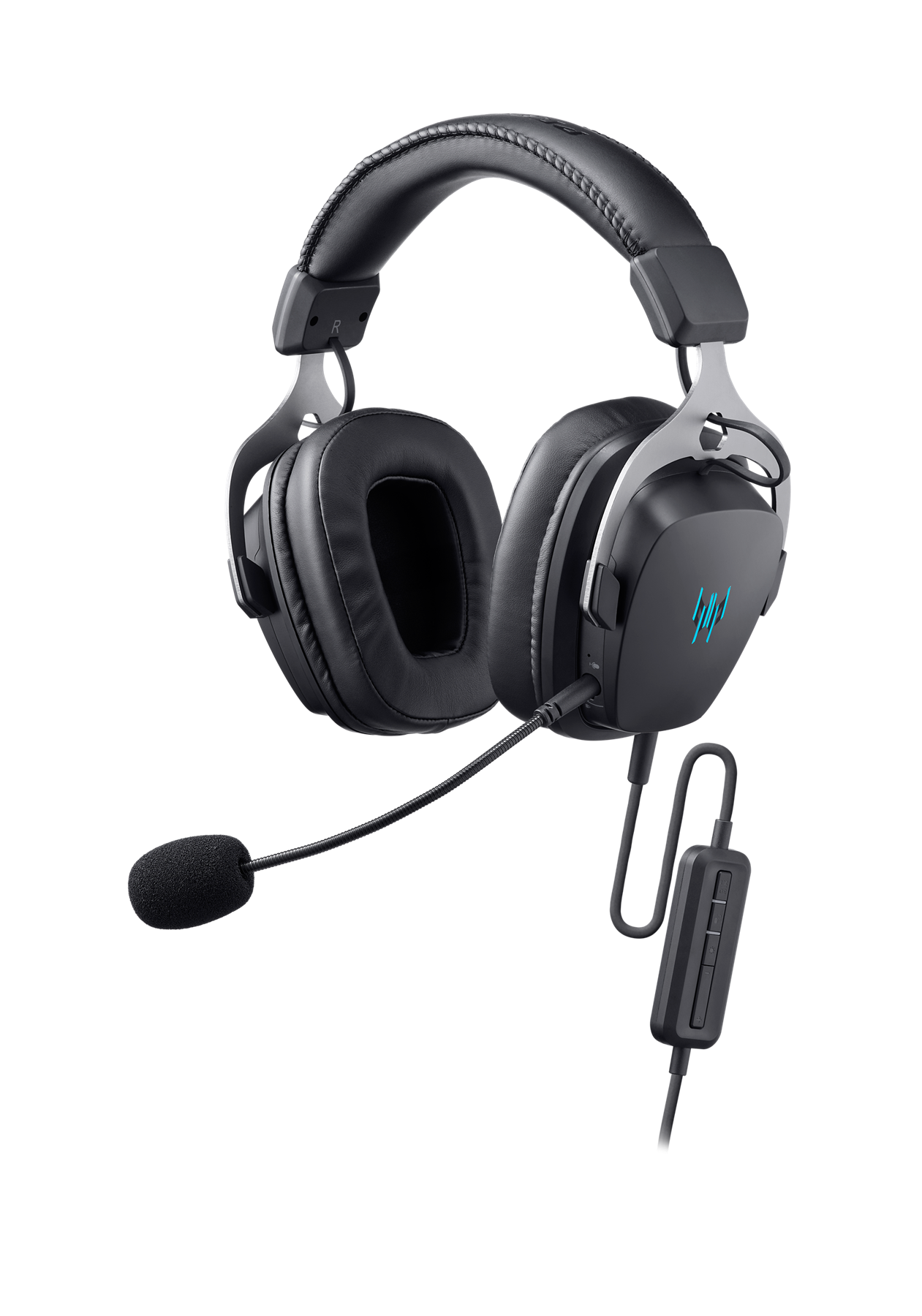
Acer - Predator Galea 370 Wired Gaming Headset, 50mm Drivers, Virtual 7.1 Surround Sound, ENC Mic, USB - PHR350 - Black
About this product
A black wired gaming headset featuring 50mm drivers, virtual 7.1 surround sound, and ENC microphone.
(0)$69.99Your price for this item is $69.99SAVE $10.00
Best Budget Gaming Headset
FAQs
Common connection options include a 3.5 mm audio plug, USB, Bluetooth, and wireless connections that use a USB receiver. Check which connections your gaming device supports, since a headset may support some platforms but not others.
Some gaming headsets support multiple platforms, but compatibility depends on the headset’s connection and the devices you use. Check compatibility for both headphone audio and microphone input, as USB and wireless support can vary by platform.
Microphone options can include fixed, adjustable, retractable, or detachable boom designs. Some headsets also have a flip-to-mute microphone or a dedicated mute button, so check the feature list for the controls you prefer.
Stereo audio uses left and right channels, while virtual surround sound uses audio processing to simulate additional sound directions through headphones. Virtual surround support may depend on your gaming platform, software, or an additional license.
Look for controls such as headphone volume, microphone mute, and game-to-chat audio balance. Controls may be located on an ear cup, an inline cable module, or in compatible software, and some functions may work only on supported platforms.