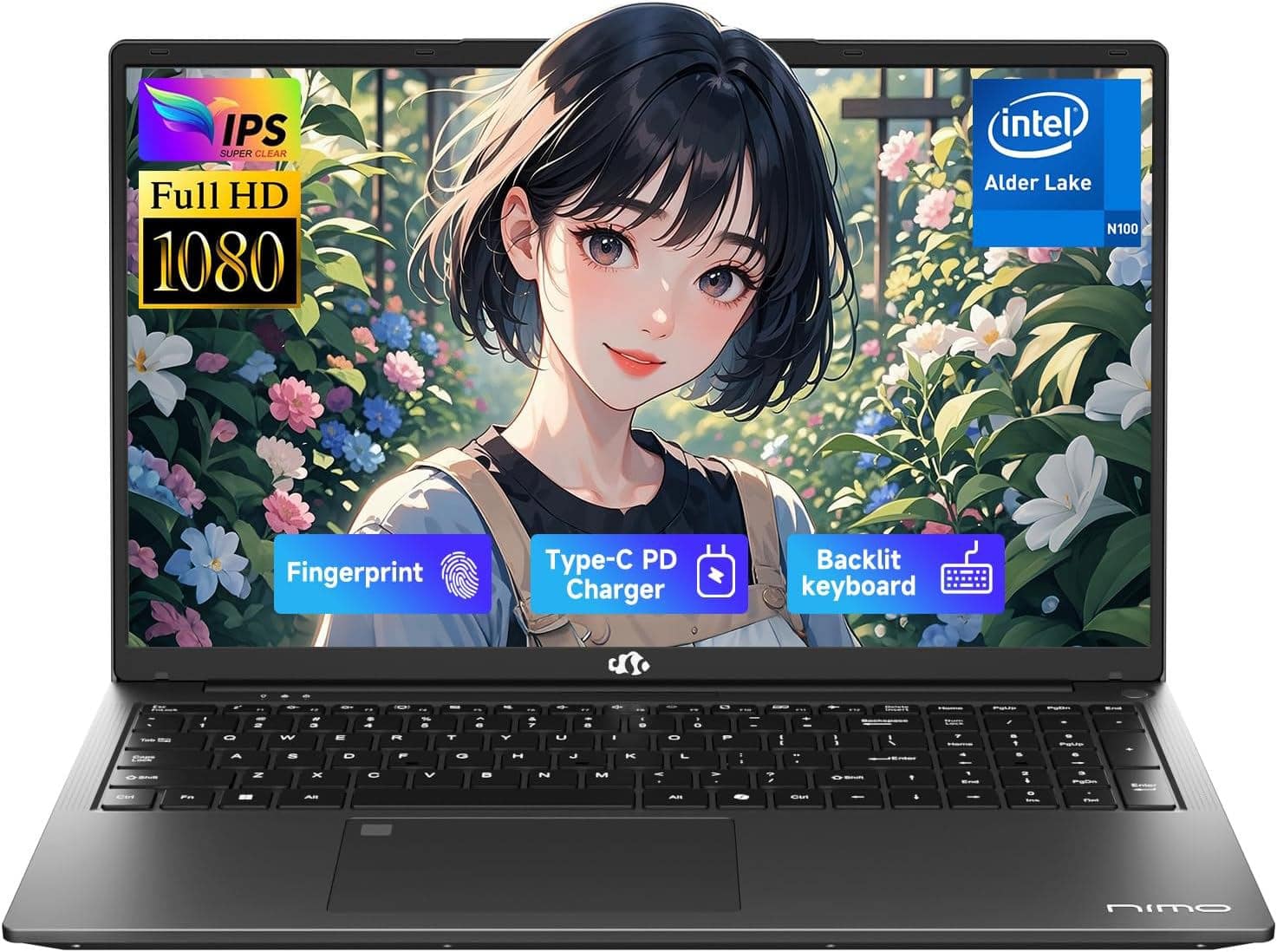
Budget Laptops For Students
Explore budget laptops for students with coursework in mind, from writing papers and researching assignments to joining online classes. Compare affordable options by performance, battery life, screen size, and portability, and check your school’s software requirements to choose a laptop that fits your classes and your budget.



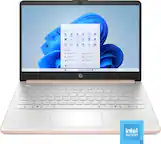
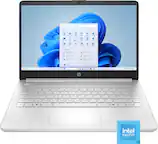
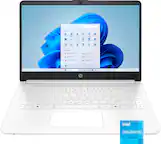

Budget Laptops For Students
FAQs
Start with your school’s technology requirements and the applications used in your classes. Windows, macOS, and ChromeOS support different software options, so check compatibility with required programs, testing platforms, and school websites before choosing a laptop.
A traditional laptop has a standard keyboard-and-screen design, while a 2-in-1 can switch between laptop and tablet modes using a folding hinge or detachable keyboard. If you plan to take handwritten digital notes, check whether the model supports a compatible stylus and whether it is included.
Consider the accessories you plan to connect, such as a mouse, headphones, external monitor, or USB drive. Check for the appropriate USB, display, and audio connections, along with Wi-Fi and Bluetooth support. USB-C capabilities vary, so confirm whether a port supports charging, video output, or data transfer.
Local storage keeps files on the laptop, where they can be accessed without an internet connection. Cloud storage keeps files online and can make them accessible across compatible devices. Some cloud services offer offline access, but files may need to be marked or downloaded for offline use beforehand.
Check whether the laptop includes a webcam, microphone, and speakers, then review your course requirements. Depending on your setup, you may want a headset, external webcam, or mouse. Confirm that any accessories are compatible with the laptop’s operating system and available connections.