Best Computer For Microsoft Office
Find the best computer for Microsoft Office by matching performance to your daily workload, from writing documents in Word to managing spreadsheets in Excel. Compare computers by processor, memory, storage, and screen size, especially if you work with large files or several apps at once. Review each computer’s software details to confirm whether an Office license is included or requires a separate purchase.
What to look for in a computer for Microsoft Office
The best computer for Microsoft Office should match your everyday workload, support the apps you need, and fit where you work.
1. Performance and Memory
2. Software Compatibility
3. Storage and Connectivity
4. Display and Portability
-
1
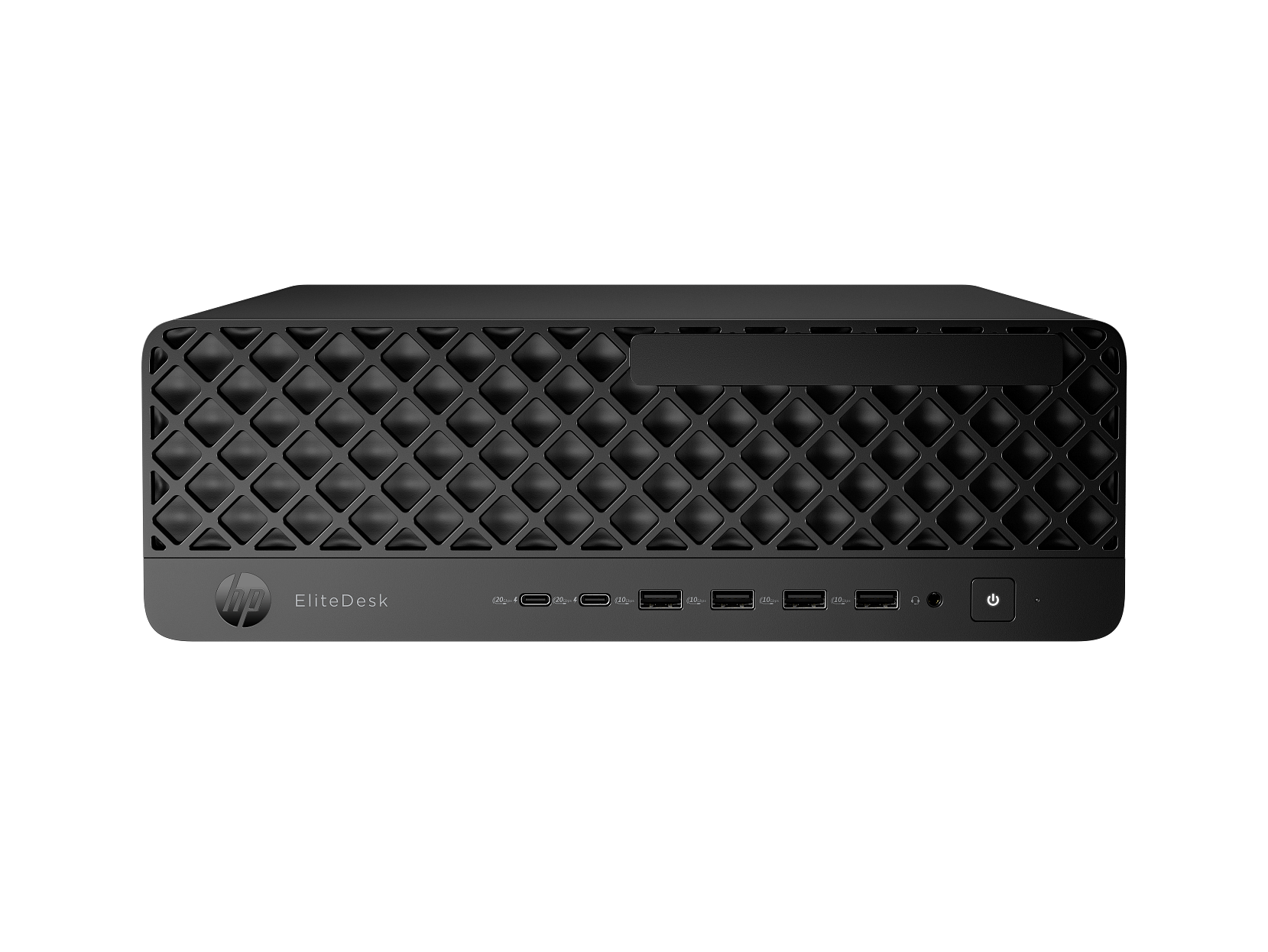
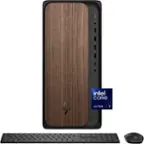
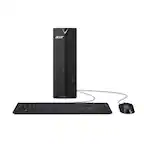
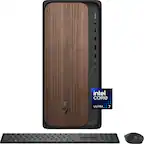
HP - EliteDesk Desktop Intel Core Ultra 5, 8 GB;256 GB SSD Windows 11 Pro
About this product
A desktop computer featuring Intel Core Ultra 5, 8GB RAM, 256GB SSD, and Windows 11 Pro.
(0)$999.00Your price for this item is $999.00SAVE $943.00 -
2
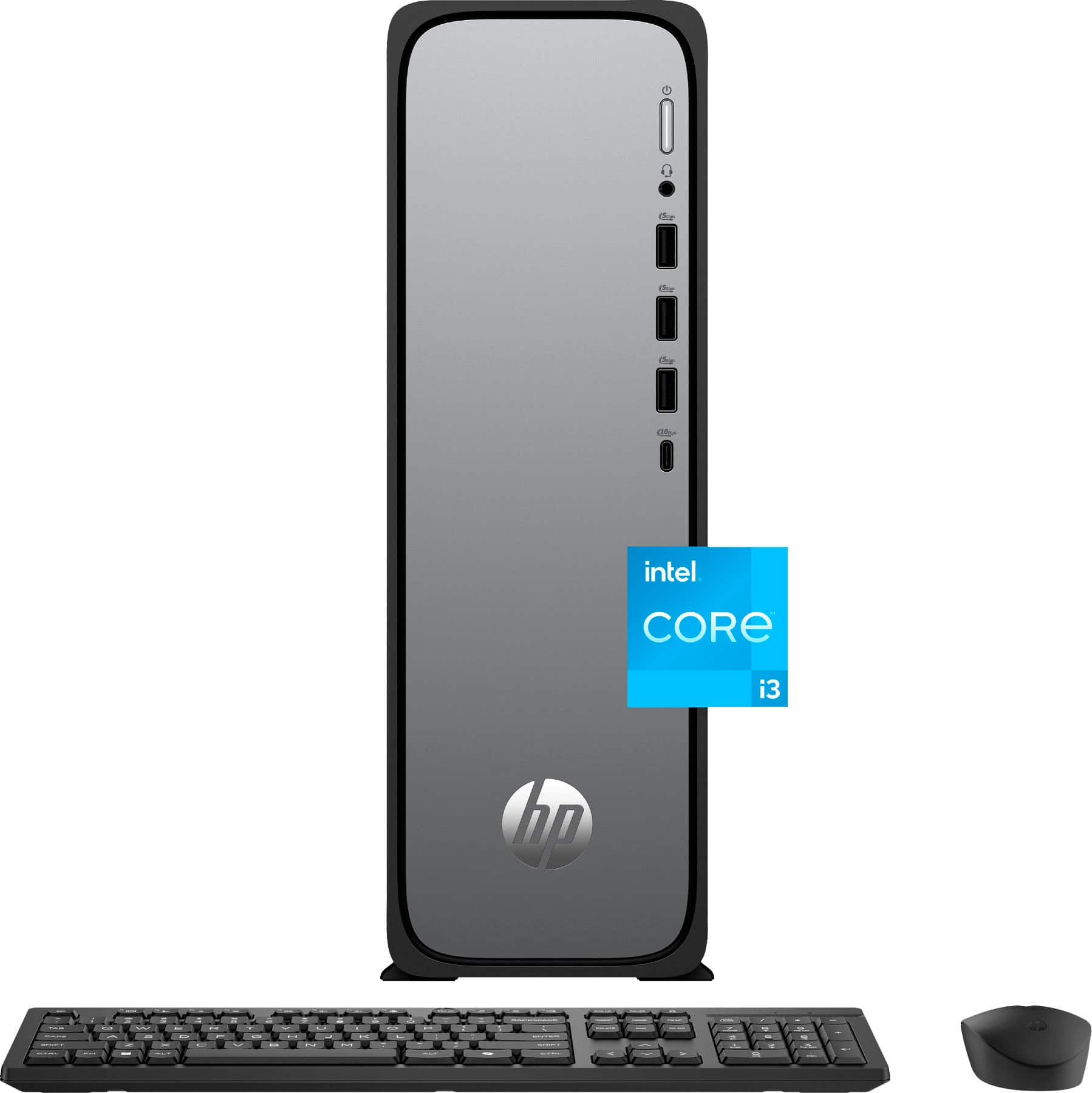
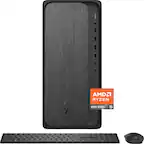
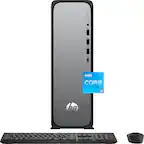
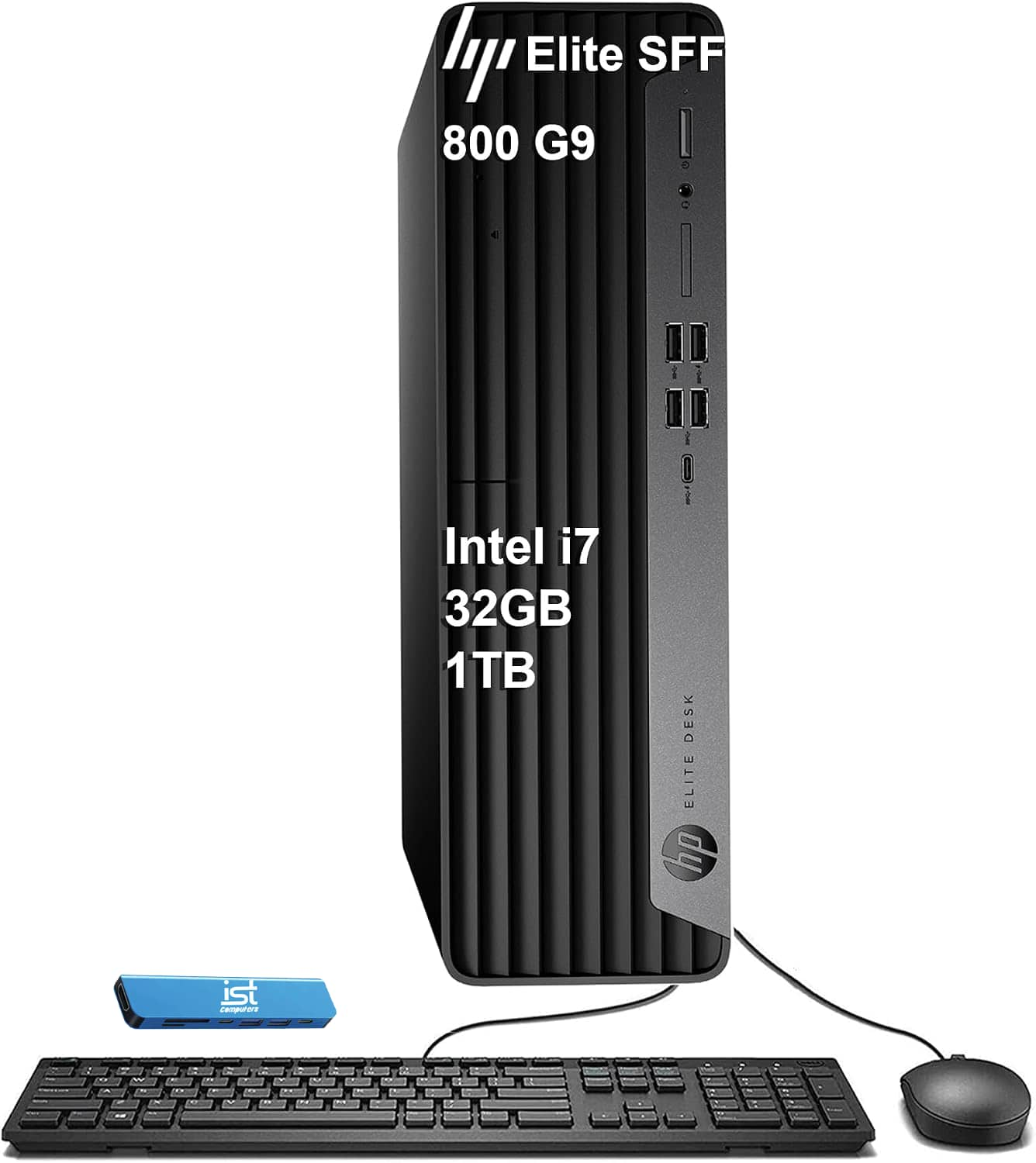
HP - OmniDesk Slim Desktop - Intel Core i3-13100 2023 - 8GB DDR5 Memory - 256GB SSD - Meteor Silver
About this product
A slim Meteor Silver desktop featuring Intel Core i3, 8GB DDR5 memory, 256GB SSD, and WiFi 6.
What customers like
(338)$549.99Your price for this item is $549.99SAVE $220.00 -
3

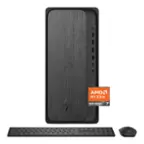
HP - OmniDesk Desktop PC M02-0250 AMD Ryzen 7 8700G 32GB RAM 1TB SSD Win 11 Home - Gray Wood
About this product
A sleek gray wood desktop featuring AMD Ryzen 7, 32GB RAM, 1TB SSD, and NVIDIA RTX 3050 graphics.
(1)$1,399.99Your price for this item is $1,399.99SAVE $100.00 -
4
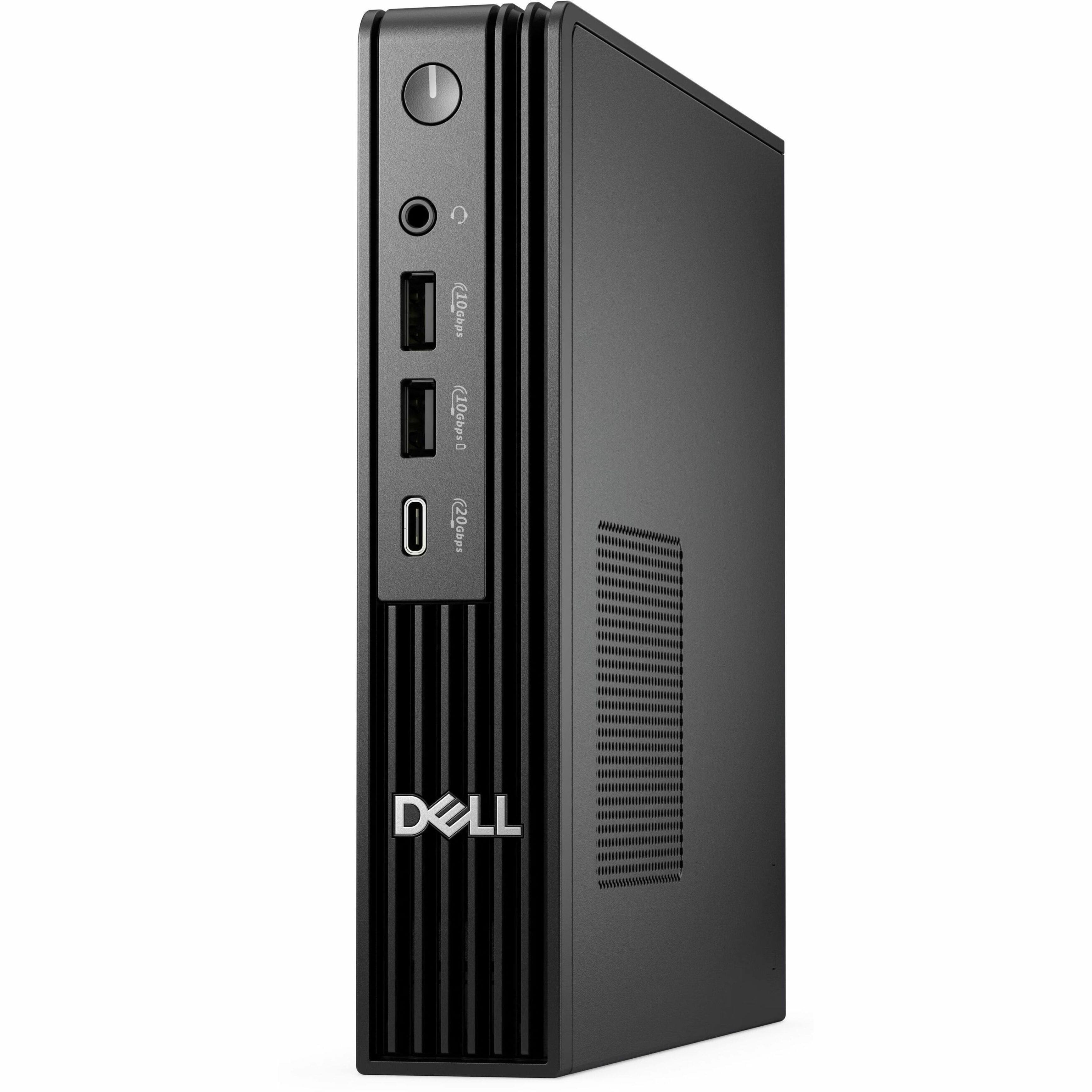
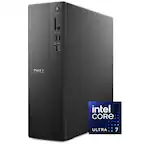
Dell - Pro Desktop - Intel Core Ultra 5 - 16GB Memory - 512GB SSD - Black
About this product
A compact black desktop featuring Intel Core Ultra 5, 16GB memory, 512GB SSD, and Windows 11 Pro.
(0)$999.00Your price for this item is $999.00SAVE $200.00 -
5
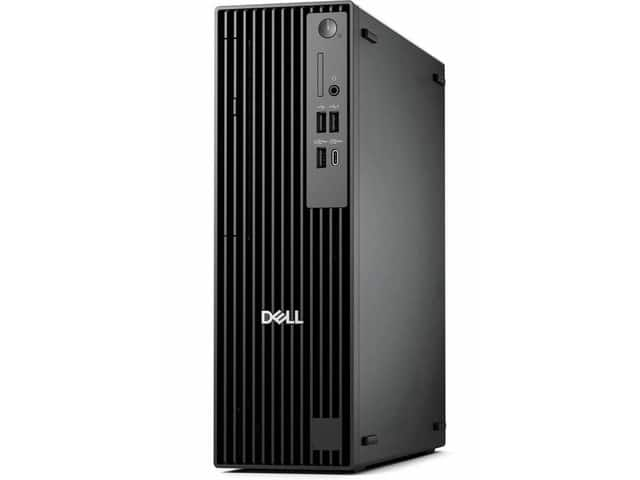
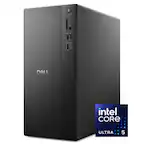
Dell - Upgraded - Pro Slim Plus QBS1250 Desktop - Intel Core Ultra 7 265 - 32GB RAM - 512GB SSD - Windows 11 Pro - Black
About this product
A black desktop computer with Intel Core Ultra 7 processing, 32GB RAM, and a 512GB SSD.
(0)$1,599.99 Your price for this item is $1,599.99 -
6
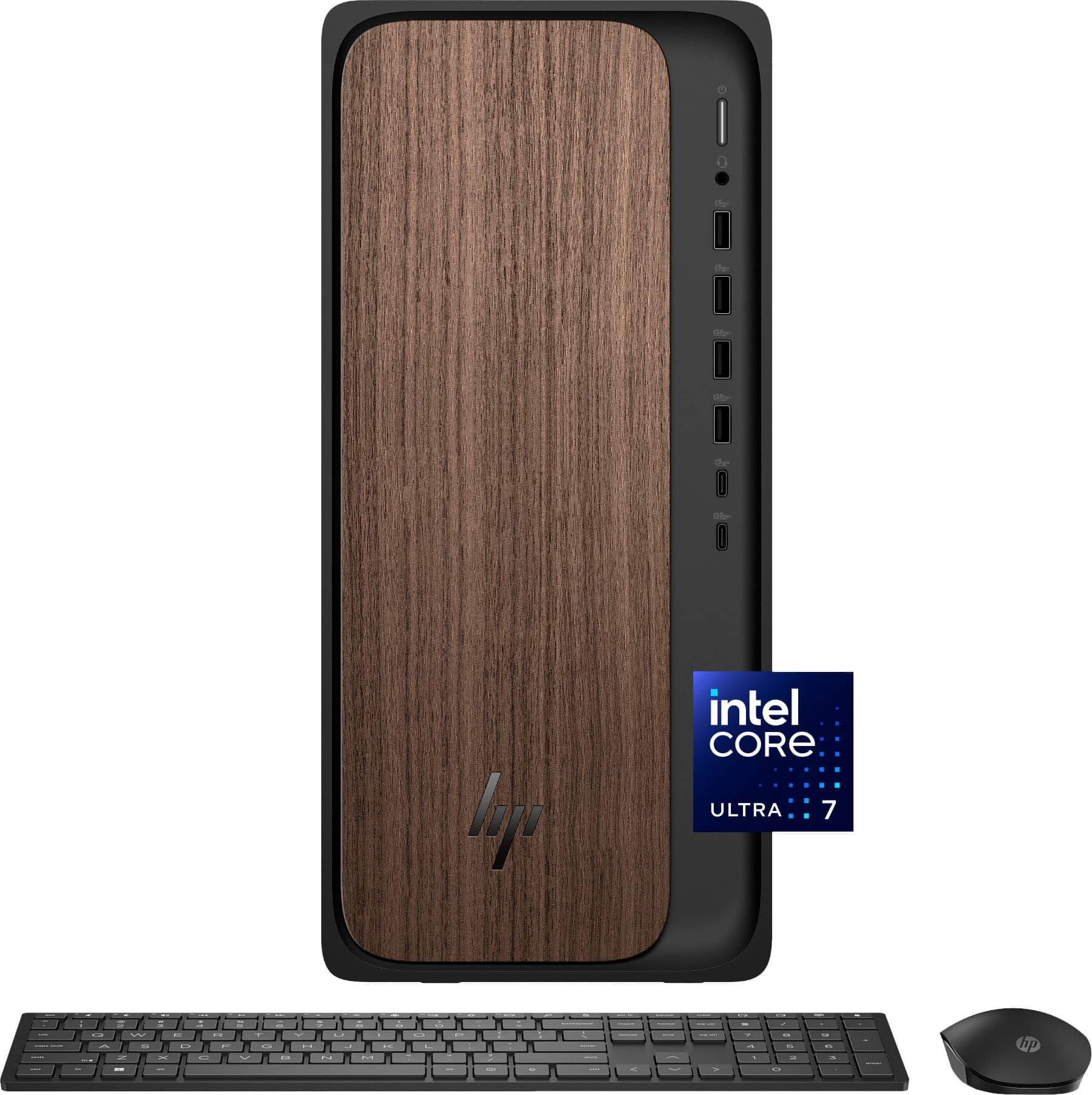
HP - OmniDesk Desktop - Intel Core Ultra 7 265 2025 - 32GB DDR5 Memory - NVIDIA GeForce RTX 4060 - 1TB SSD - Dark Wood
About this product
A dark wood desktop featuring Intel Core Ultra 7, 32GB DDR5 RAM, RTX 4060, and 1TB SSD.
What customers like
(149)$2,349.00 Your price for this item is $2,349.00 -
7
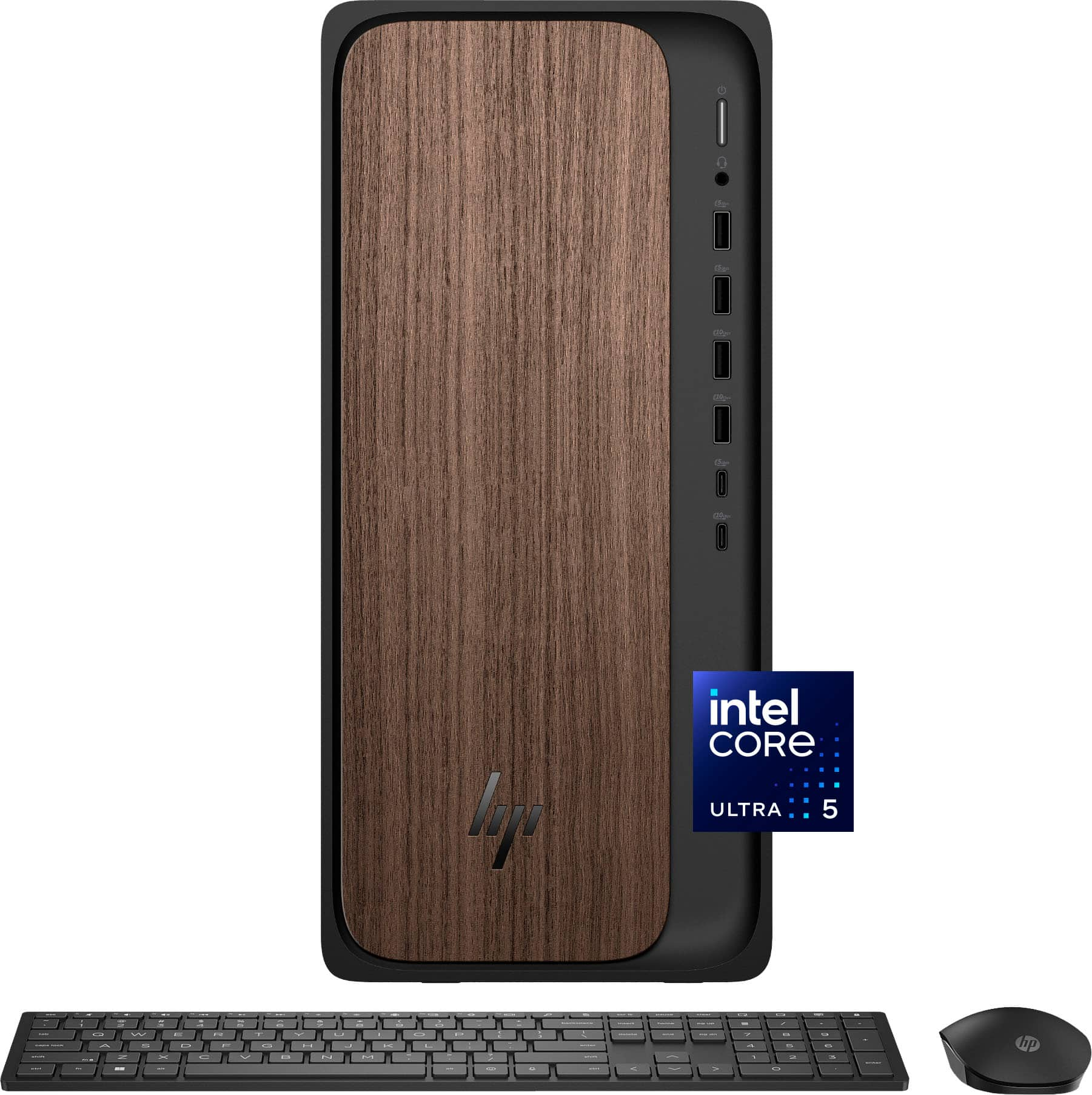
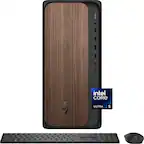
HP - OmniDesk Desktop - Intel Core Ultra 5 225 2025 - 16GB DDR5 Memory - 1TB SSD - Dark Wood
About this product
A sophisticated dark wood desktop featuring Intel Core Ultra 5, 16GB DDR5 memory, and 1TB SSD storage.
What customers like
(555)$1,049.00Your price for this item is $1,049.00SAVE $50.00 -
8
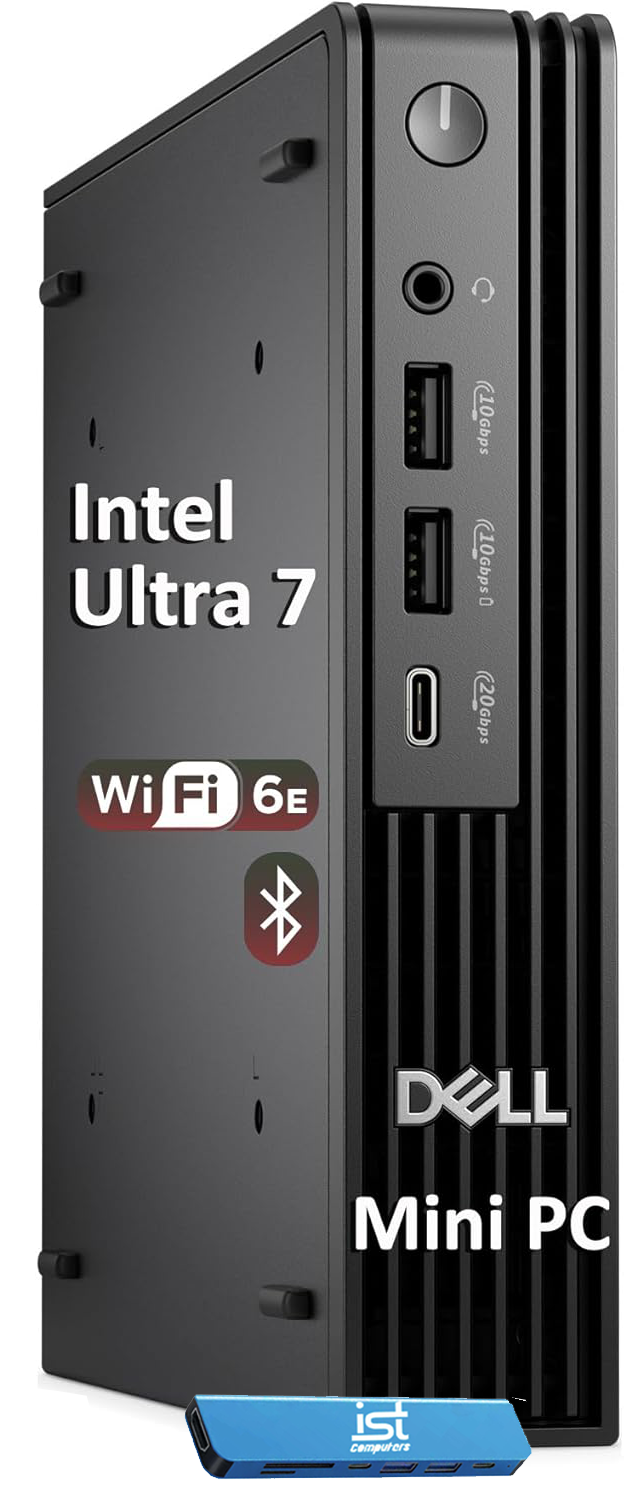
Dell - Upgraded - Pro Desktop - Intel Core Ultra 7 - 16GB Memory - 1TB SSD - Black
About this product
A compact black desktop with Intel Core Ultra 7, 16GB RAM, 1TB SSD, and Windows 11 Pro.
(0)$1,369.00 Your price for this item is $1,369.00 -
9
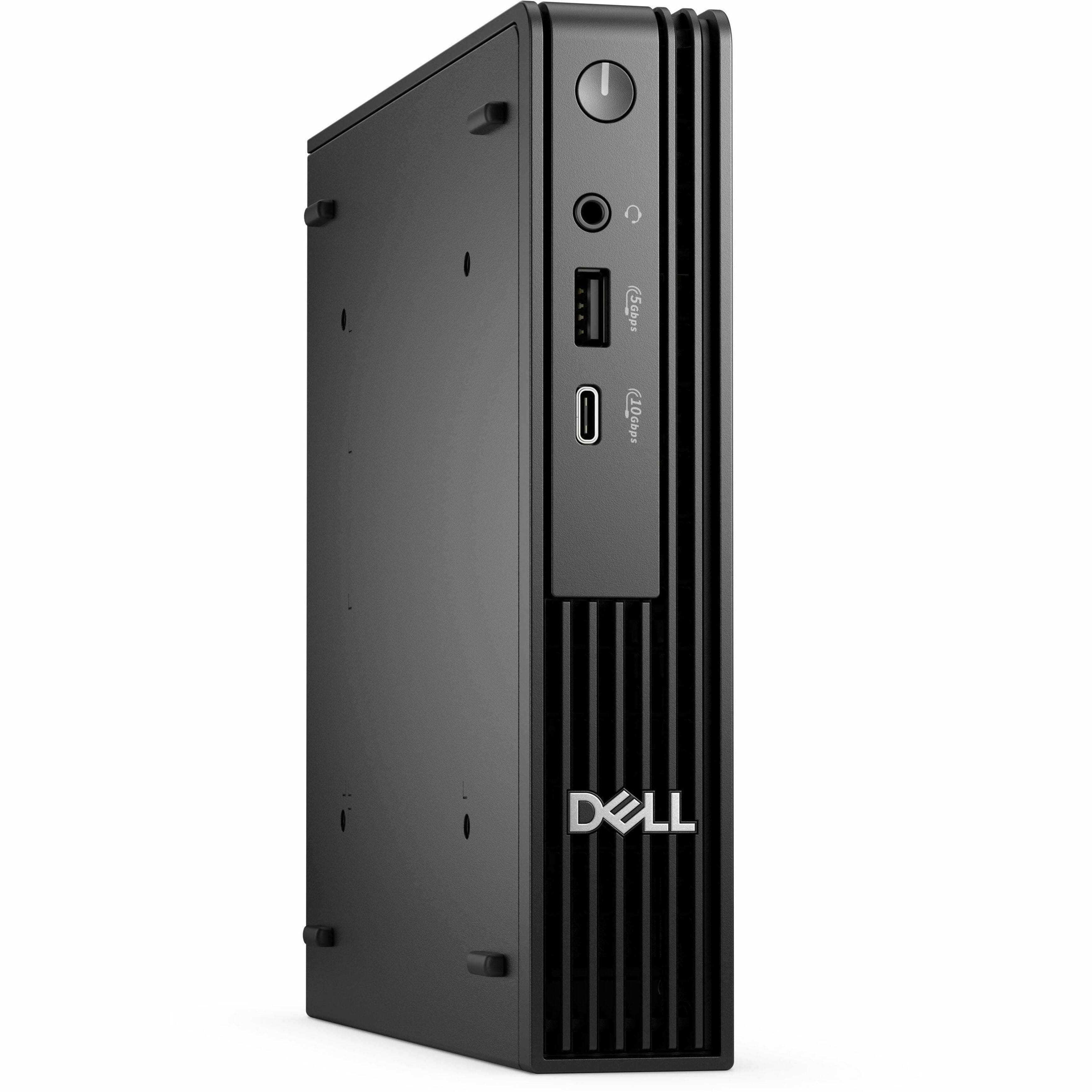
Dell - Pro Micro Desktop - Intel Core i5 - 8GB Memory - 256GB SSD - Black
About this product
A compact black desktop featuring an Intel Core i5, 8GB memory, 256GB SSD, and Windows 11 Pro.
(0)$1,238.99 Your price for this item is $1,238.99 -
10
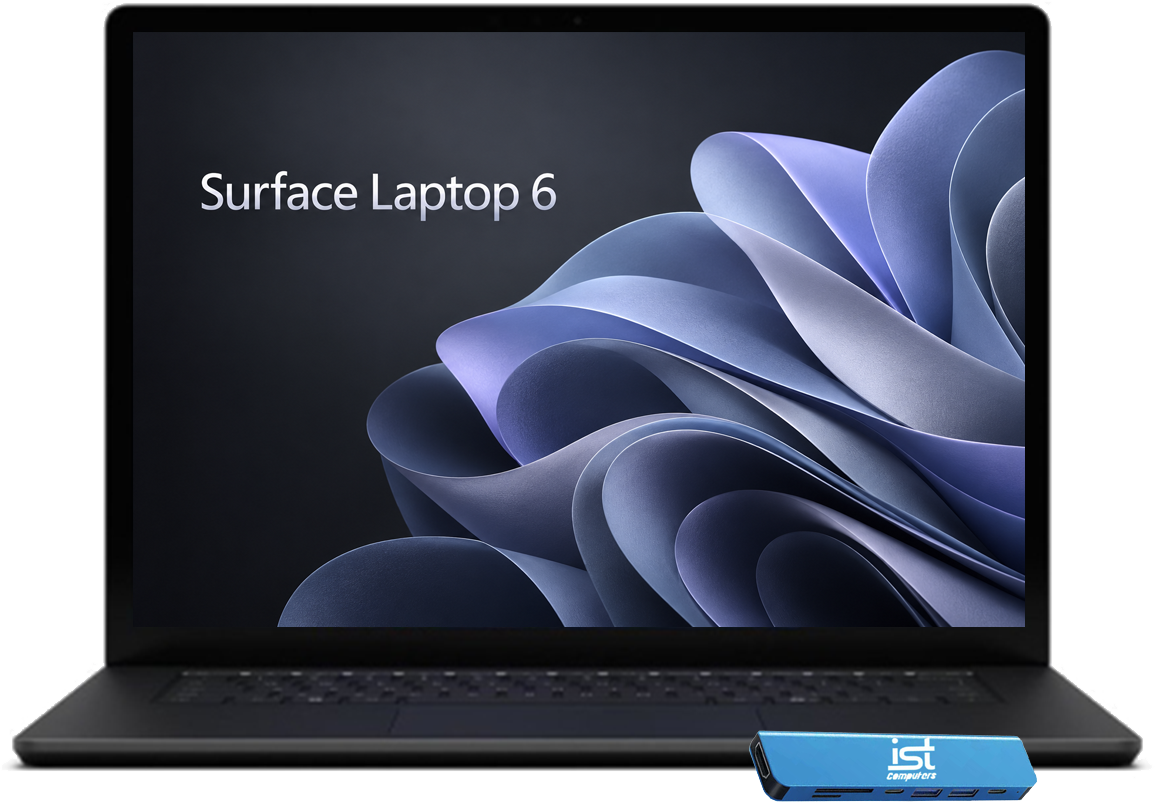
Microsoft - Upgraded - Surface Laptop 6 Notebook - 13.5" Touchscreen - 2K+ AI PC - Intel Core Ultra5 135H - 16GB RAM - 1TB SSD - Win 11Pro - Black
About this product
A sleek black AI-powered notebook with a 13.5" 2K+ touchscreen, Intel Ultra 5, 16GB RAM, and 1TB SSD.
(0)$1,349.99Your price for this item is $1,349.99SAVE $50.00
Best Computer For Microsoft Office
FAQs
Microsoft Office desktop apps are available for both Windows and macOS. Common apps such as Word, Excel, and PowerPoint are available on both platforms, though some features and add-ins differ. Before choosing a computer for Microsoft Office, check the operating system requirements for the Office version you plan to use.
Microsoft Office is not automatically included with every computer. Some computers may have Office apps preinstalled or include a trial, but installation does not necessarily mean an activated license is included. Review the listed software details to determine whether you need an existing license or a Microsoft 365 subscription.
A laptop combines the computer, display, keyboard, and pointing device in a portable design. A desktop typically stays at a workstation and uses separate peripherals, although an all-in-one integrates the display. Microsoft Office availability depends on the operating system and software requirements rather than whether the computer is a laptop or desktop.
Microsoft offers web versions of Word, Excel, and PowerPoint that you can access through a supported browser with a Microsoft account. Web apps differ from desktop apps in their features and internet connectivity requirements. If your workflow involves macros, specialized add-ins, or offline editing, review the desktop app requirements before selecting a computer.
Consider the accessories you plan to connect, such as a keyboard, mouse, printer, or external monitor. USB-A and USB-C ports support compatible peripherals, while HDMI, DisplayPort, or video-capable USB-C connections can connect a monitor. Wi-Fi and Ethernet provide network access for cloud documents and collaboration. Check each computer’s connection specifications because port capabilities vary.