Deals for every list.Start early, save early.Shop now

Main Content
Skip to contentGo to Product Search

Deals for every list.Start early, save early.Shop now

Main Content

Best Computer For Writers

Finding the best computer for writers starts with how and where you work. Compare laptops and desktops with keyboard comfort, screen readability, and performance for word processing, research, and multitasking in mind. For writing on the go, weigh portability and battery life; for a dedicated workspace, check connections for an external monitor or keyboard.

What to look for in a computer for writers

Finding the best computer for writing means balancing typing comfort, screen readability, performance, and portability to fit your routine.

1. Keyboard Comfort

Look for a responsive keyboard with well-spaced keys and a layout that feels comfortable during long writing sessions. A backlit keyboard can help in dim settings, while support for an external keyboard gives you more flexibility at a desk.

2. Display Readability

Consider a screen size and resolution that make text easy to read and leave room for research alongside your draft. An anti-glare display can help reduce distracting reflections, while adjustable brightness lets you adapt to different workspaces.

3. Performance and Compatibility

Choose a computer that supports your preferred writing software and has enough memory to keep documents, browser tabs, and reference tools running smoothly. An SSD can help apps open quickly, and sufficient storage gives you room for manuscripts, research files, and backups.

4. Portability and Battery Life

If you write on the go, consider a lightweight laptop with battery life suited to your time away from an outlet. Check its ports and wireless connectivity to make sure you can connect essential accessories, external displays, and backup drives.

  1. 1

    About this product

    A powerful black desktop featuring Intel Core i7-14700, 32GB RAM, RTX 3050, and Wi-Fi 6E.

    A powerful black desktop featuring Intel Core i7-14700, 32GB RAM, RTX 3050, and Wi-Fi 6E.

    (0)
    $3,140.30
    SAVE $157.02
    Your price for this item is $3,140.30
  2. 2

    About this product

    A small form black desktop featuring AMD Ryzen 5 PRO, 16GB RAM, 512GB SSD, and Windows 11 Pro.

    A small form black desktop featuring AMD Ryzen 5 PRO, 16GB RAM, 512GB SSD, and Windows 11 Pro.

    (0)
    $999.00
    SAVE $56.82
    Your price for this item is $999.00
  3. 3

    About this product

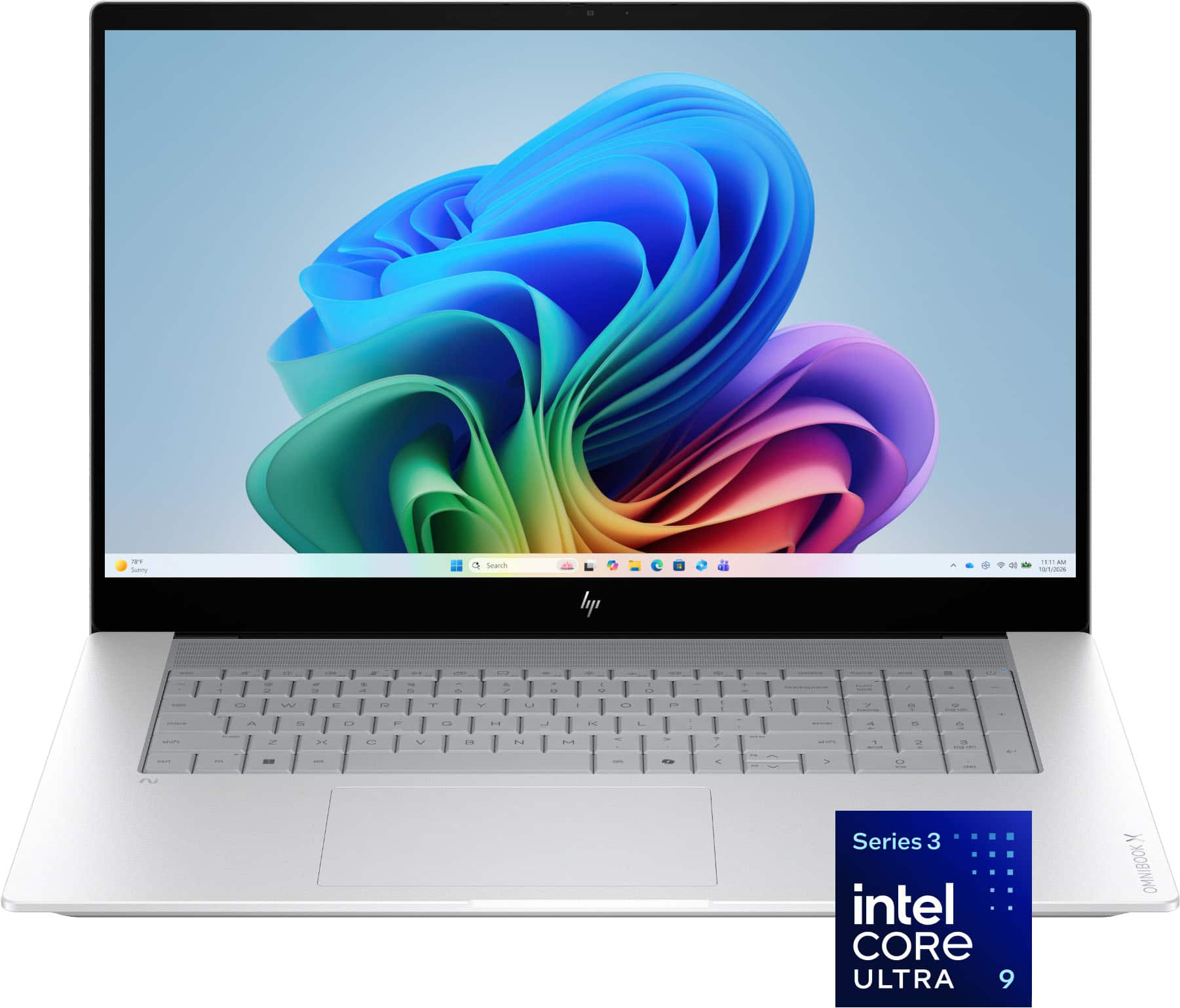
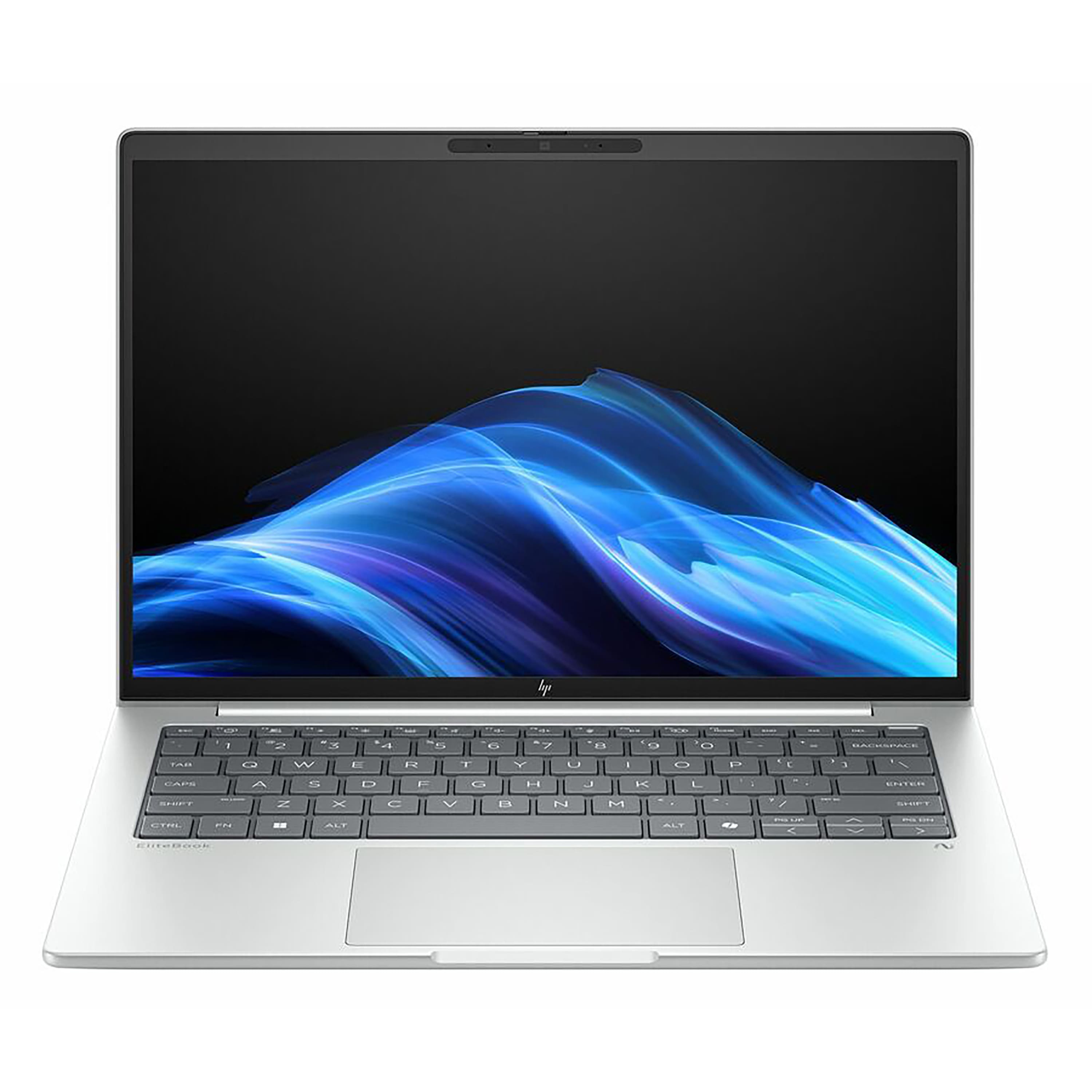
    A premium silver touchscreen laptop featuring Intel Core Ultra 9, 32GB memory, 1TB SSD, and AI-powered performance.

    A premium silver touchscreen laptop featuring Intel Core Ultra 9, 32GB memory, 1TB SSD, and AI-powered performance.

    (15)
    $2,299.99 Your price for this item is $2,299.99
  4. 4

    About this product

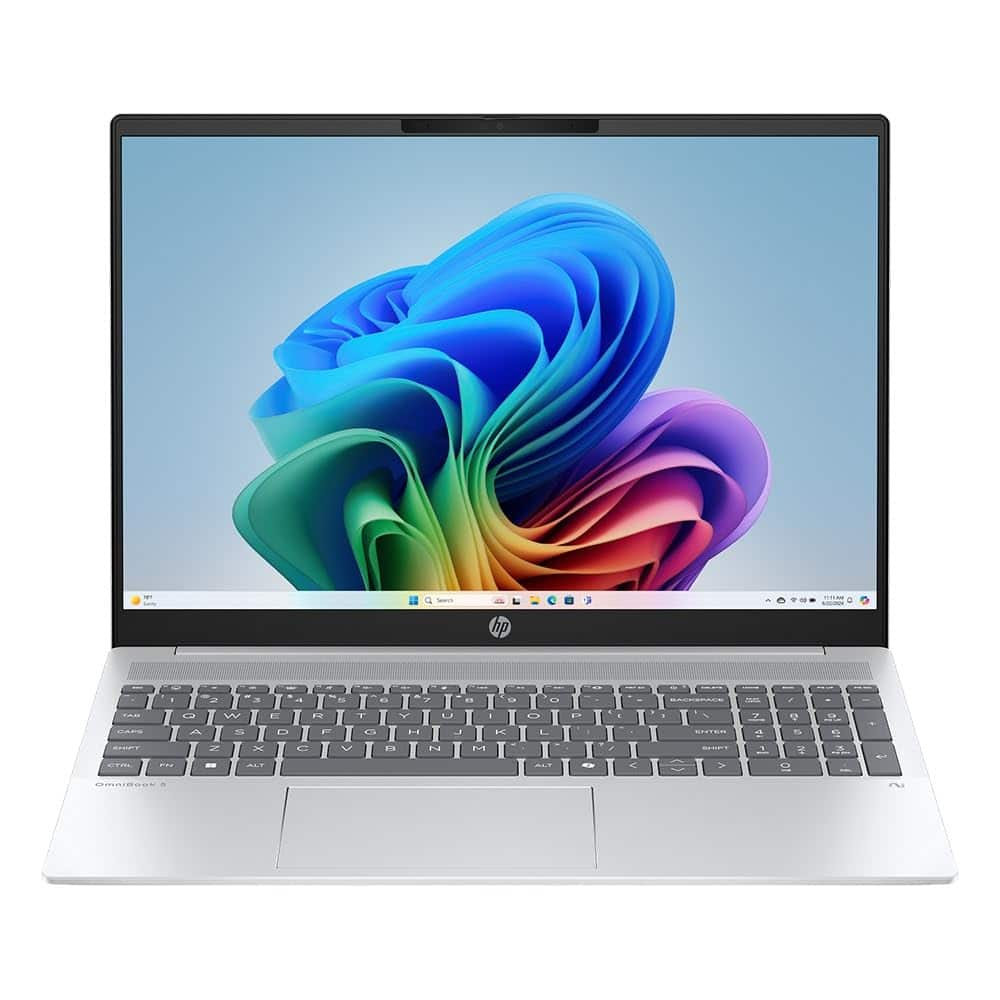
    A silver touchscreen laptop with Ryzen AI 7, 16GB RAM, 1TB SSD, and a backlit keyboard.

    A silver touchscreen laptop with Ryzen AI 7, 16GB RAM, 1TB SSD, and a backlit keyboard.

    (0)
    $897.01
    SAVE $12.99
    Your price for this item is $897.01
  5. 5

    About this product

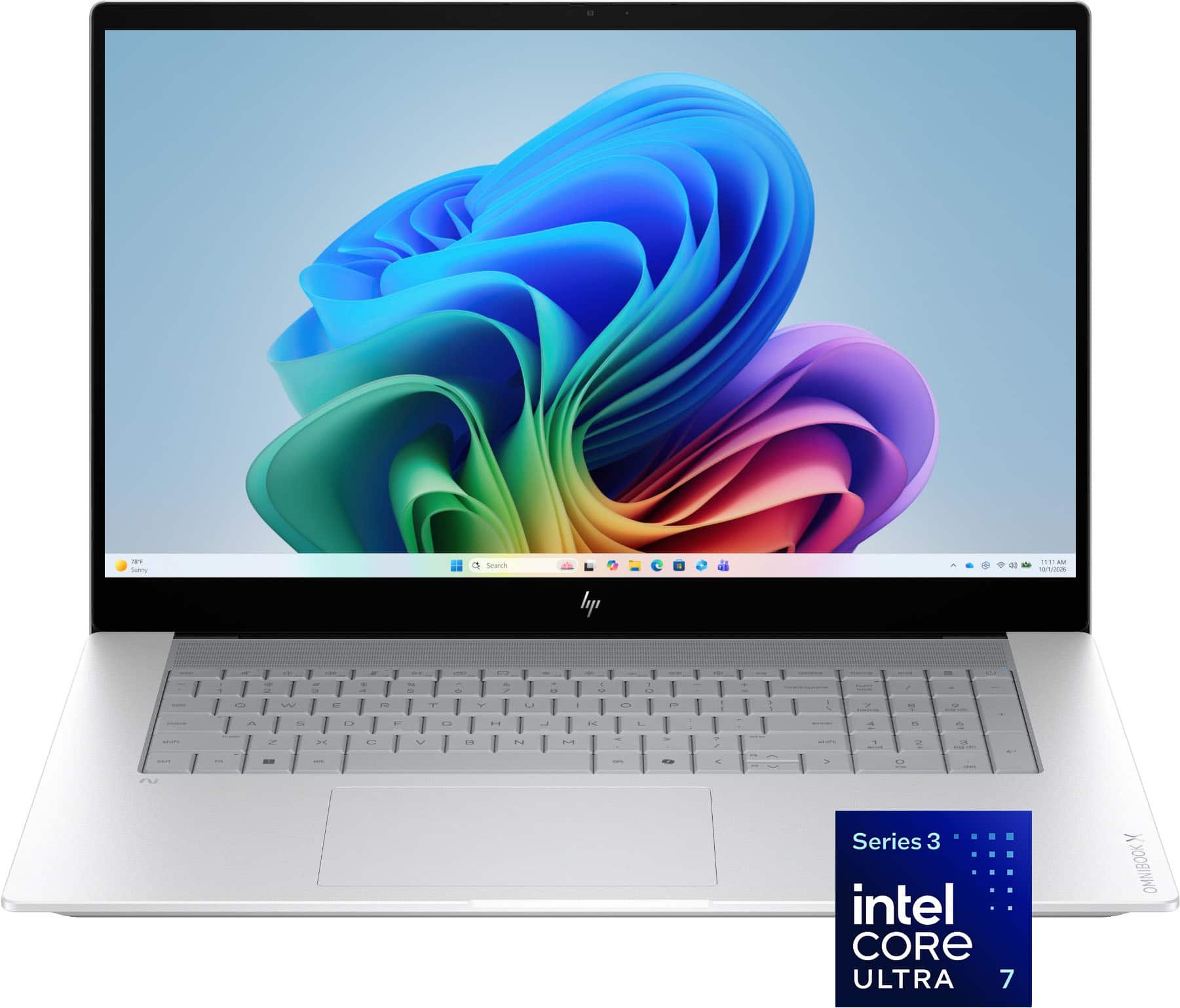
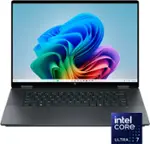
    A silver touchscreen laptop featuring Intel Core Ultra 7, 16GB memory, 1TB SSD, and AI-powered performance.

    A silver touchscreen laptop featuring Intel Core Ultra 7, 16GB memory, 1TB SSD, and AI-powered performance.

    (9)
    $1,899.99 Your price for this item is $1,899.99
  6. 6

    About this product

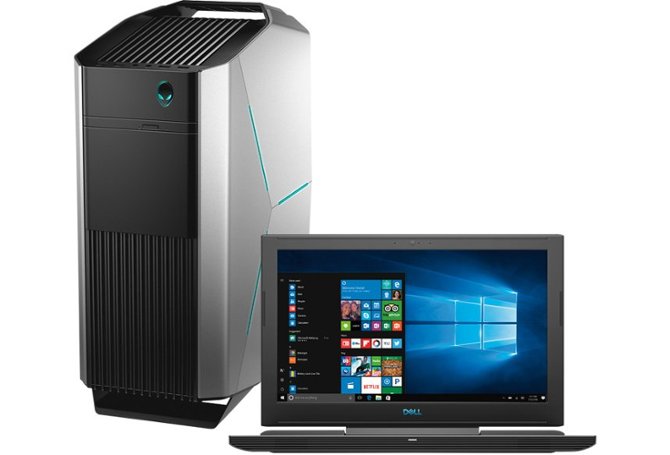
    A slim black desktop featuring Intel Ultra 7, 32GB RAM, 512GB SSD, and Windows 11 Pro.

    A slim black desktop featuring Intel Ultra 7, 32GB RAM, 512GB SSD, and Windows 11 Pro.

    (0)
    $1,559.99
    SAVE $40.00
    Your price for this item is $1,559.99
  7. 7

    About this product

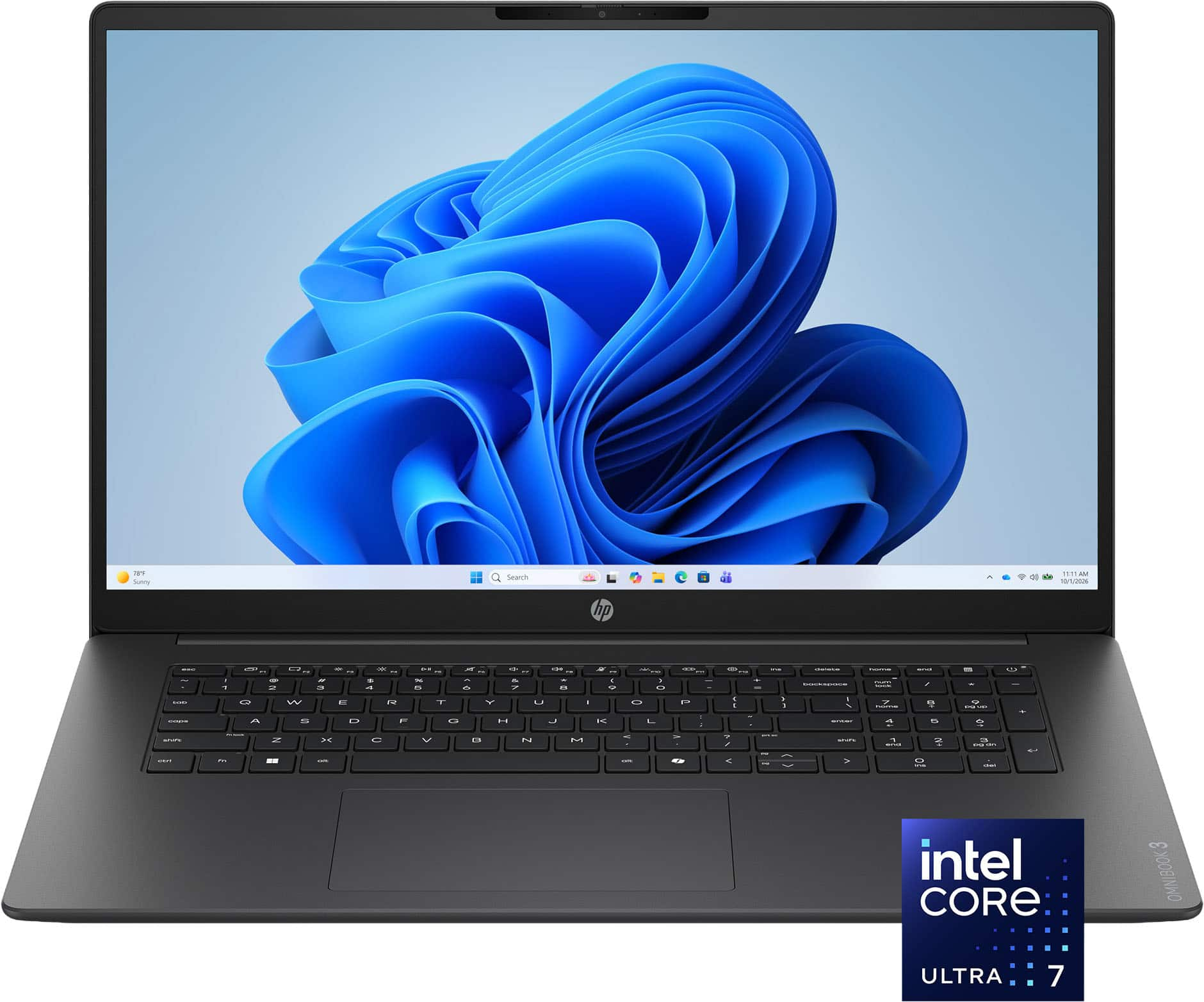
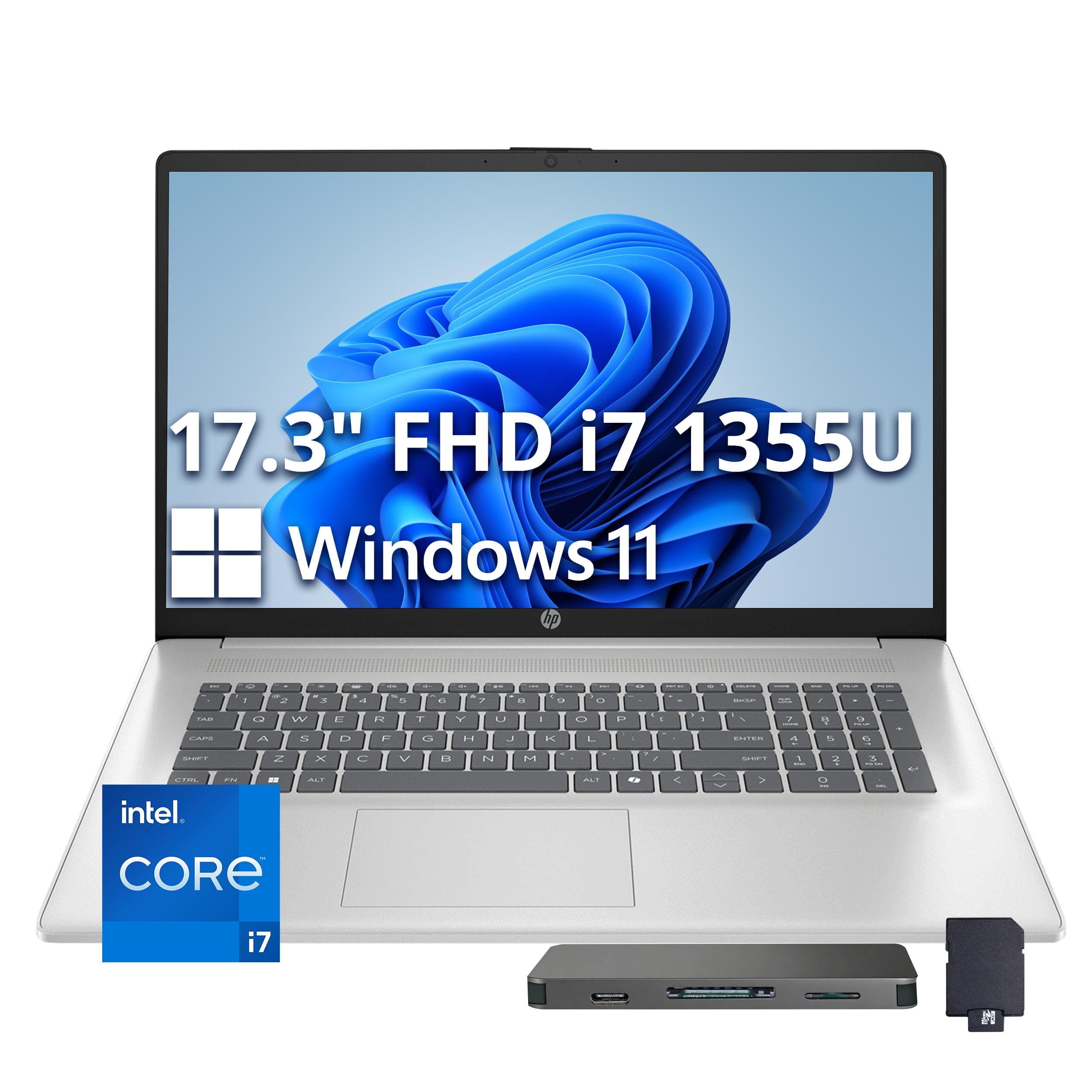
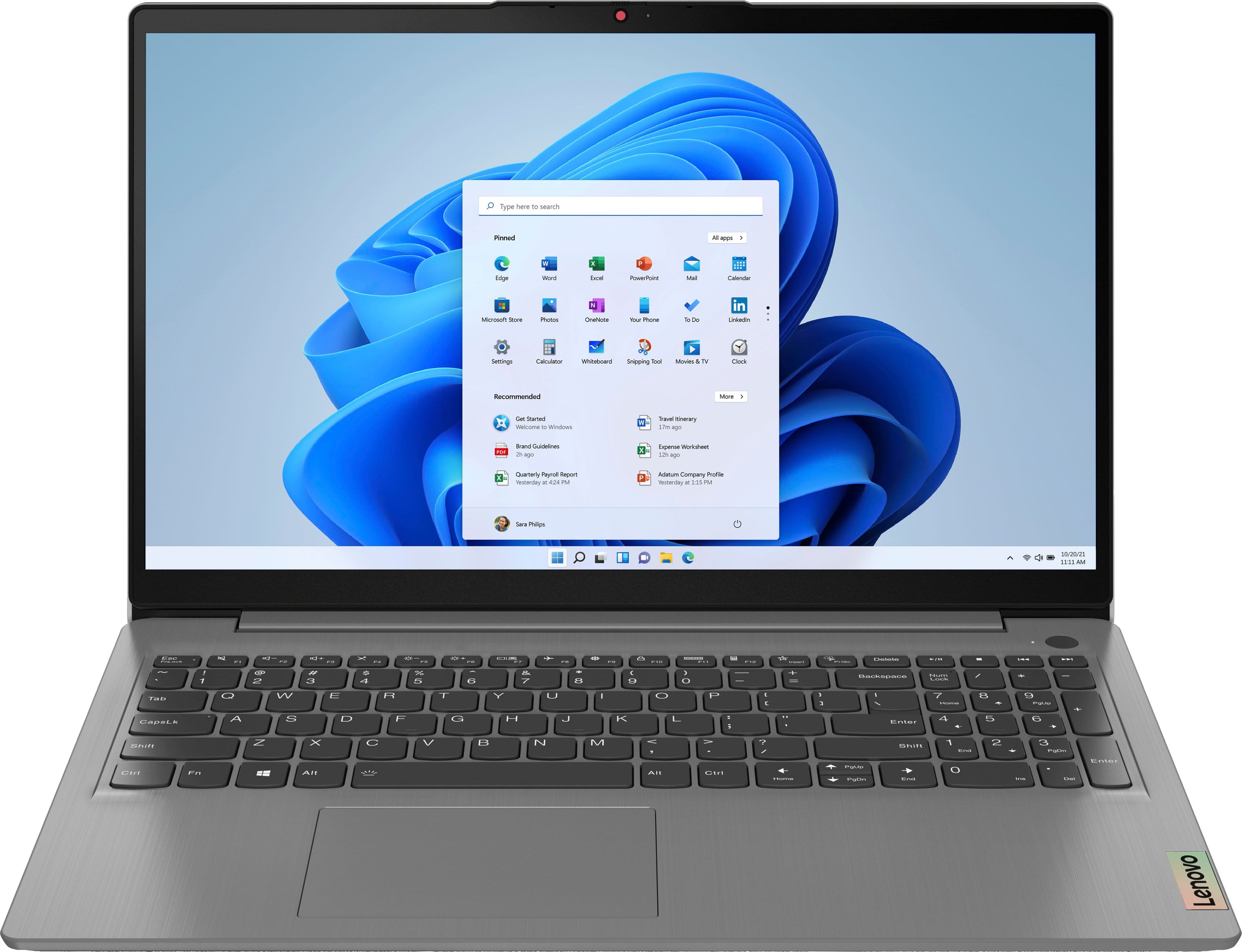
    A sleek silver laptop featuring Intel Core Ultra 7, 16GB memory, 1TB SSD, and a Full HD touchscreen.

    A sleek silver laptop featuring Intel Core Ultra 7, 16GB memory, 1TB SSD, and a Full HD touchscreen.

    What customers like

    • Fast performance
    • Sleek and stylish design
    • Large and clear display
    • Easy setup and use
    • Lightweight and portable
    (58)
    $984.00
    SAVE $315.99
    Your price for this item is $984.00
  8. 8

    About this product

    A powerful silver laptop featuring an Intel Core i7, 16GB memory, 1TB SSD, and Full HD display.

    A powerful silver laptop featuring an Intel Core i7, 16GB memory, 1TB SSD, and Full HD display.

    (0)
    $1,089.00
    SAVE $470.00
    Your price for this item is $1,089.00
  9. 9

    About this product

    A powerful black desktop featuring AMD Ryzen 7, Radeon 780M graphics, 32GB RAM, and 2TB SSD storage.

    A powerful black desktop featuring AMD Ryzen 7, Radeon 780M graphics, 32GB RAM, and 2TB SSD storage.

    (0)
    $1,459.00
    SAVE $40.00
    Your price for this item is $1,459.00
  10. 10

    About this product

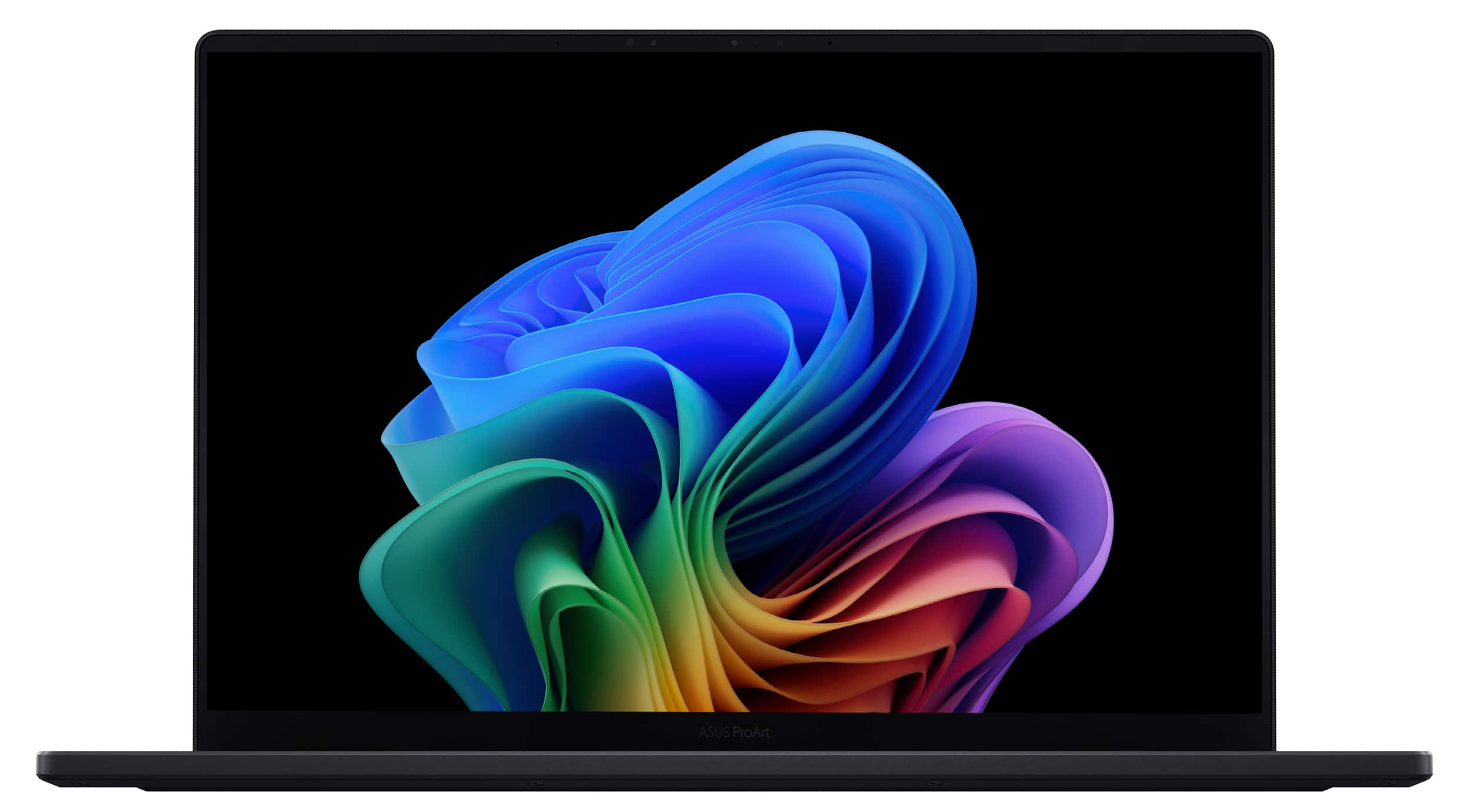
    A silver touchscreen laptop featuring Intel Core Ultra 7, 32GB memory, 1TB SSD, and AI-powered productivity.

    A silver touchscreen laptop featuring Intel Core Ultra 7, 32GB memory, 1TB SSD, and AI-powered productivity.

    (0)
    $1,989.99
    SAVE $110.00
    Your price for this item is $1,989.99

Best Computer For Writers

The best computer for writers is one that makes long stretches of drafting, revising, and reading feel comfortable while keeping everyday work responsive. For novelists, students, journalists, copywriters, and anyone building a regular writing practice, that usually means a comfortable keyboard, a clear display, dependable performance, and a setup that fits the places where writing happens. A laptop keeps a manuscript close at hand between a desk, a library table, and an interview, while a desktop suits a dedicated workspace with room for a larger screen and a separate keyboard. Keyboard feel matters because small annoyances become noticeable over several thousand words. Well-spaced keys, consistent feedback, and a layout with easy-to-reach punctuation can make typing more fluid; a crowded arrow-key cluster or an awkwardly placed delete key can interrupt familiar editing habits. Backlit keys help make letters and symbols easier to see in dimmer rooms, although keyboard illumination is separate from screen quality. On the display, sharp text and comfortable scaling matter more for ordinary writing than advanced gaming features. A taller screen can show more of a draft at once, and a larger display can leave room for notes beside the document rather than behind it. Compact screens are easier to carry, but they give side-by-side windows less space. Matte finishes can reduce distracting reflections, while glossy displays may require more attention to desk placement and nearby lighting. Screen brightness, adjustable text size, and viewing angles all affect how easily a writer can read footnotes, compare edits, or review a full page. For someone who writes at a kitchen table before moving to a home office, a lightweight computer with a sturdy hinge can be more useful than a larger machine with capabilities that rarely get used. For someone who stays at one desk, a roomy display and a familiar keyboard may have a greater effect on daily comfort than the computer’s weight.

Writing software generally demands less processing power than video editing or complex design work, but a writer’s full workload often extends well beyond a single document. A draft might sit alongside a browser full of source material, a reference manager, a video call, and an audio recording awaiting transcription. An efficient modern processor and sufficient memory help those tasks coexist without frequent pauses when switching windows. For many writers, 16GB of memory provides useful room for multitasking, although lighter workloads can run with less and specialized applications may need more. A solid-state drive helps applications open promptly and makes searching and accessing locally stored files more responsive. Text documents take up relatively little storage; interview recordings, scanned archives, photographs, and downloaded research can occupy considerably more. Software compatibility deserves equal attention, especially when work involves a particular manuscript application, citation tool, accessibility feature, or employer-required platform. Browser-based tools can simplify work across devices, while installed applications may offer stronger offline features or more extensive document controls. Cloud synchronization can keep drafts accessible in multiple locations, but a separate backup adds protection against accidental deletion, device damage, or a lost bag. For mobile writers, battery life is most useful when considered alongside the actual workload: screen brightness, wireless connections, background tasks, and video meetings all influence time between charges. A manageable charger and convenient charging connections also matter when a computer travels frequently. Quiet operation can make a difference in shared study spaces or when recording spoken notes. Fanless designs avoid fan noise, while computers with cooling fans may become more noticeable under heavier workloads. Built-in microphones and webcams support remote interviews and writing groups, though external audio equipment can be useful for more demanding recording needs. Reliable wireless connectivity and suitable ports help keep those sessions practical, whether the setup includes headphones, an external display, or removable storage. These details support the work surrounding a finished draft as much as the act of typing itself.

A writing computer also needs to fit the workspace and hold up to repeated everyday handling. Aluminum housings can feel rigid and substantial, while well-designed plastic enclosures can offer a lighter alternative; construction quality, hinge stability, and protection during travel matter more than appearance alone. A padded sleeve or compartment helps protect a laptop from scratches and minor bumps, but it does not make the device resistant to every impact or spill. Basic care includes keeping drinks away from the keyboard, leaving cooling vents unobstructed, and cleaning surfaces according to the manufacturer’s directions. A soft, lint-free cloth is generally appropriate for routine wiping, with cleaning products used only as directed for the particular screen or finish. At a permanent desk, a desktop computer or a laptop connected to an external monitor can create a more spacious writing environment. Raising the display and using a separate keyboard and mouse can help position the screen and hands more comfortably than a laptop alone, especially during extended editing sessions. The right connections make it easier to expand that workspace without juggling adapters. Writers working with archives, interviews, or extensive source notes may benefit from enough screen space to keep evidence visible alongside their own text. For those overlapping needs, Best Computer For Research And Writing offers a related selection for work that combines gathering information with developing a draft. Accessibility features such as dictation, screen magnification, adjustable contrast, and compatibility with alternative input devices can also shape which computer feels practical. When a computer is a gift for a graduate, an aspiring author, or a family member recording personal stories, familiarity with the recipient’s software and preferred keyboard layout is especially valuable. A dependable writing setup supports everything from a first outline to the final round of revisions, with comfort, compatibility, and everyday usability at the center.

FAQs