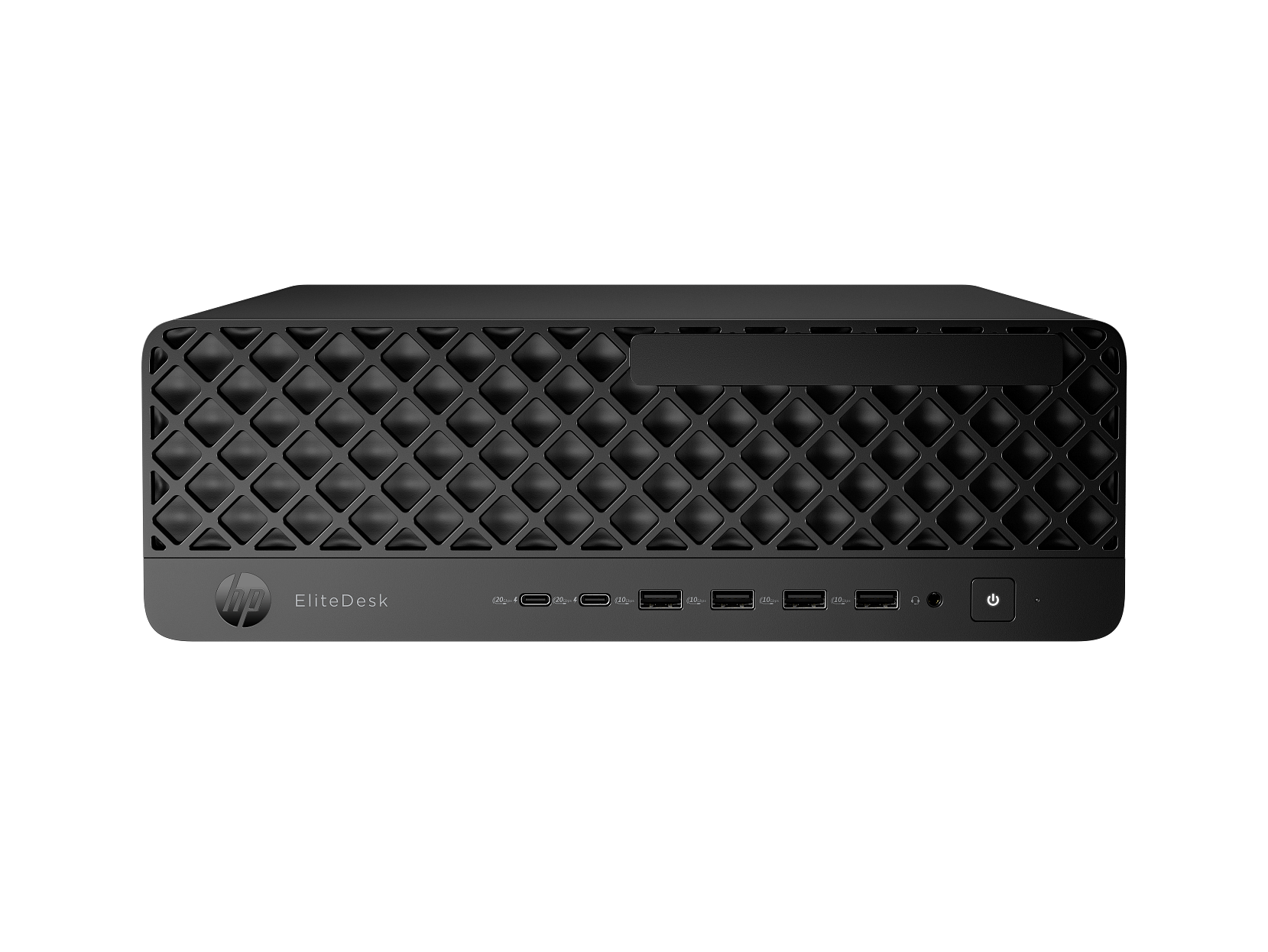
Best Computer For Research And Writing
Choosing the best computer for research and writing means finding an option that fits how you read sources, organize notes, and draft documents. Compare computers by screen size, keyboard comfort, memory for keeping browser tabs and documents open, and compatibility with your preferred software. If you work on the go, consider portability and battery life, too.
What to look for in a computer for research and writing
Finding the best computer for research and writing means balancing multitasking performance, typing comfort, portability, and compatibility with your everyday tools.
1. Performance and Storage
2. Keyboard and Display
3. Portability and Battery Life
4. Software and Connectivity
-
1

HP - Upgraded - OmniBook 3 Laptop 17.3 FHD Display (Ultra 7-255U, 32GB, 1TB SSD, Intel Graphics, Win 11 Pro) w/HP Wireless Mouse - Mica Silver
About this product
A silver laptop with Ultra 7 processing, 32GB DDR5 memory, 1TB SSD, and Windows 11 Pro.
(0)$1,599.00 Your price for this item is $1,599.00 -
2
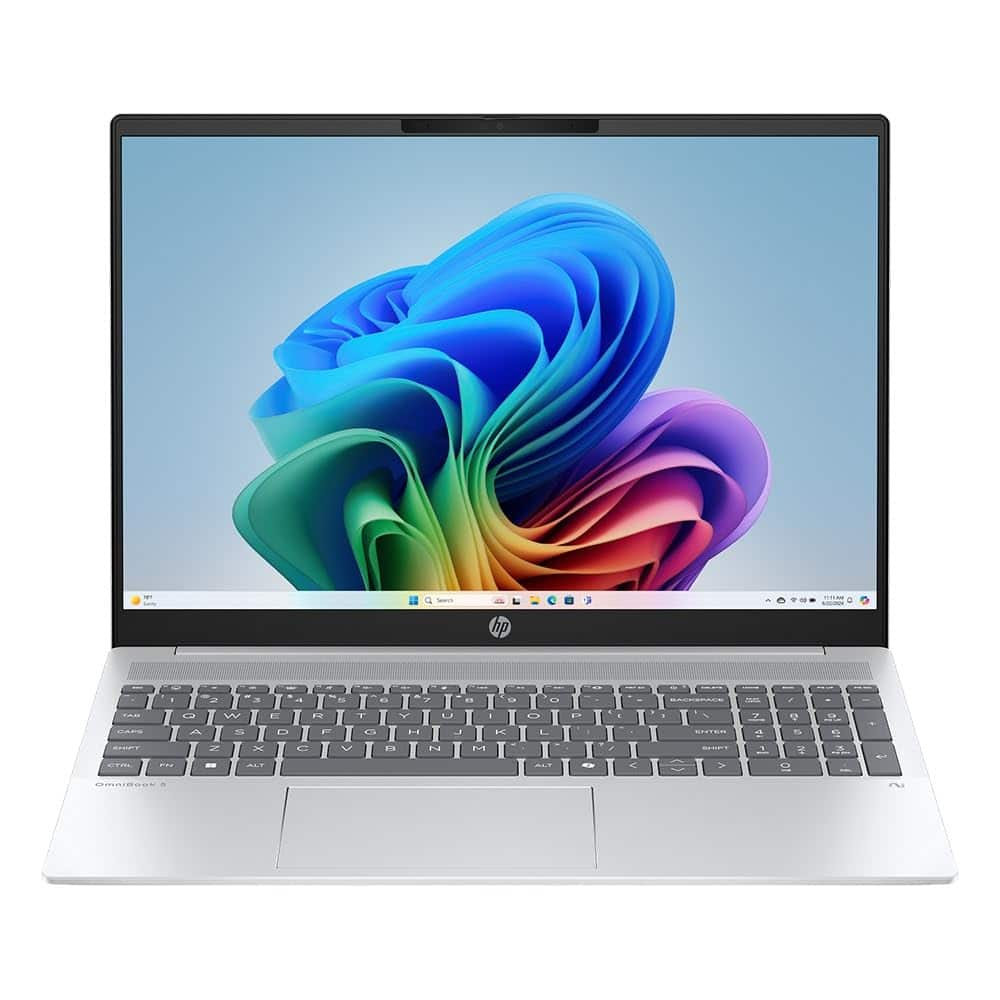
HP - OMNIBOOK 5 LaptopNGAI 16-AG1175CL B9DX9UA 16" WUXGA Touchscreen AMD RYZEN AI 7 350 16GB RAM 1TB SSD WIN11 Home Silver
About this product
A silver touchscreen laptop with Ryzen AI 7, 16GB RAM, 1TB SSD, and a backlit keyboard.
(0)$879.99Your price for this item is $879.99SAVE $30.01 -
3

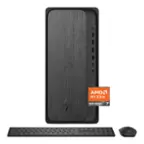
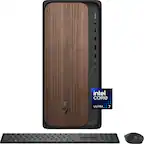
HP - OmniDesk Desktop PC M02-0250 AMD Ryzen 7 8700G 32GB RAM 1TB SSD Win 11 Home - Gray Wood
About this product
A sleek gray wood desktop featuring AMD Ryzen 7, 32GB RAM, 1TB SSD, and NVIDIA RTX 3050 graphics.
(1)$1,399.99Your price for this item is $1,399.99SAVE $100.00 -
4

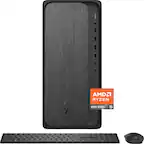
HP - OmniDesk Desktop - AMD Ryzen 7 8700G 2024 - 16GB DDR5 Memory - NVIDIA GeForce RTX 3050 - 1TB SSD - Gray Wood
About this product
A sleek gray wood desktop featuring AMD Ryzen 7, 16GB DDR5 RAM, RTX 3050, and 1TB SSD.
What customers like
(101)$1,369.00Your price for this item is $1,369.00SAVE $480.99 -
5
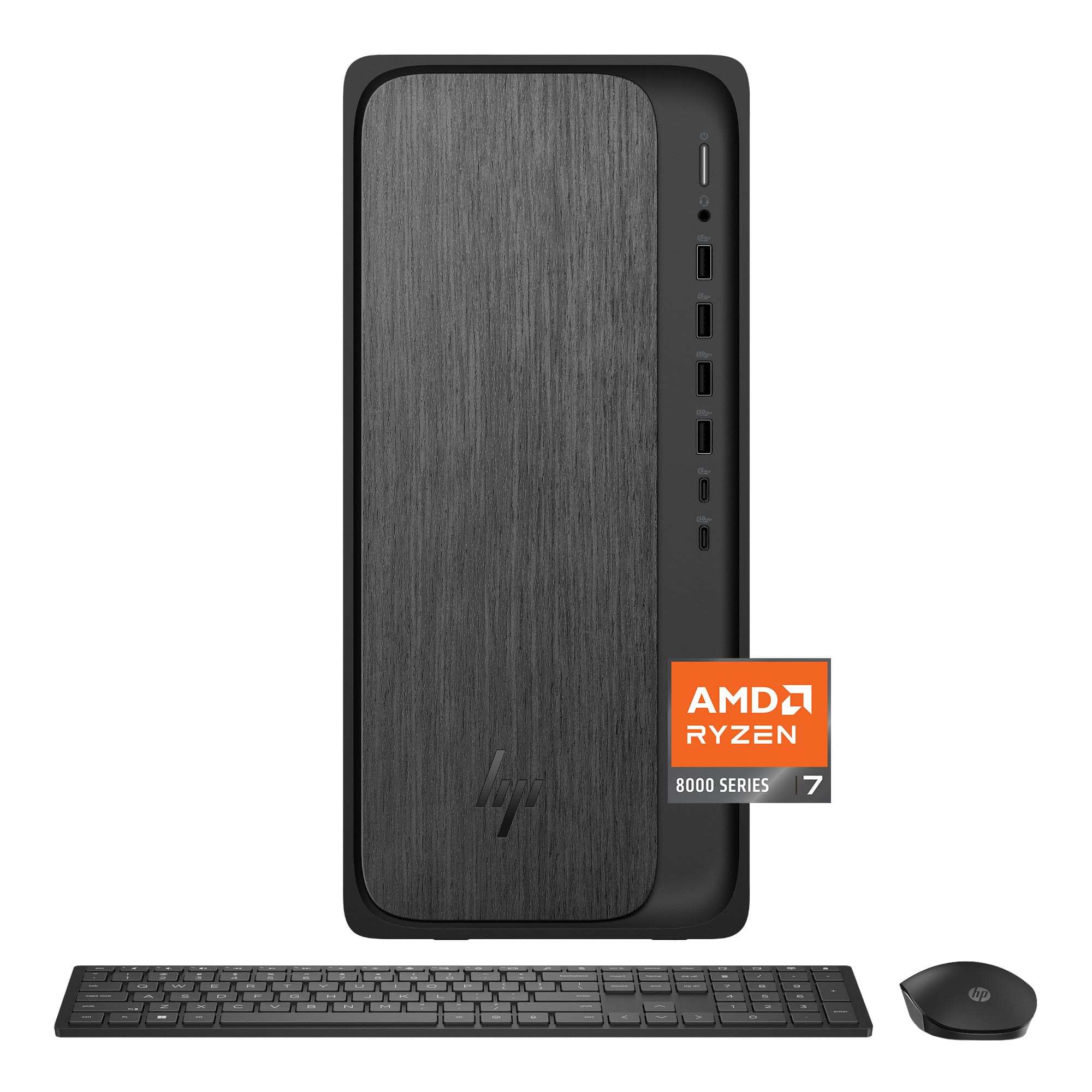
HP - OmniDesk Desktop - AMD Ryzen 7 8700G 2024 - 32GB Memory - 2TB SSD - Gray Wood
About this product
A sleek gray wood desktop featuring AMD Ryzen 7, 32GB RAM, 2TB SSD, and Windows 11 Home.
What customers like
(26)$1,398.00Your price for this item is $1,398.00SAVE $101.00 -
6
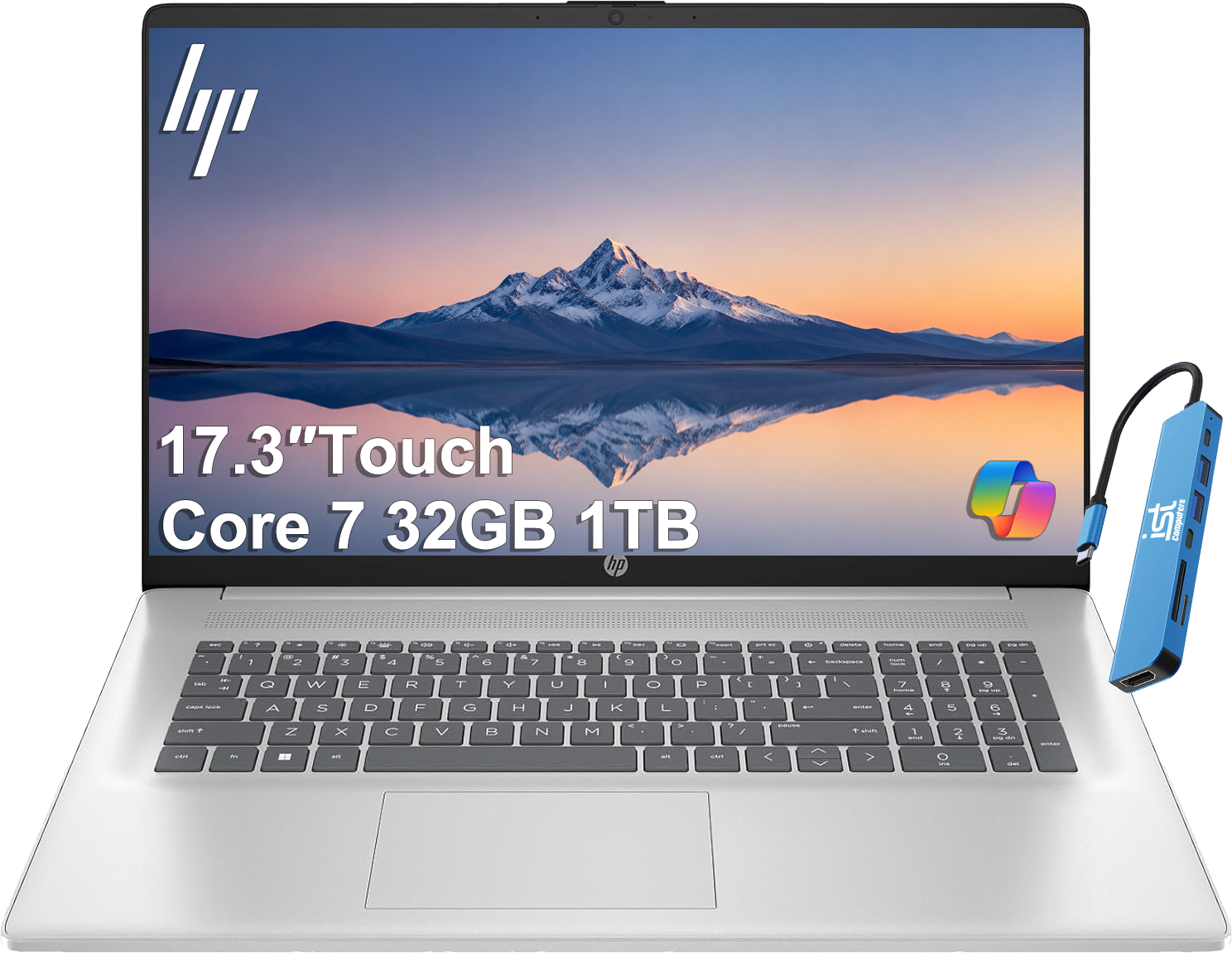
HP - Upgraded - Essential 17 17.3" HD+ Touchscreen Laptop - Intel Core 7 - 32GB RAM - 1TB SSD - For Business, Home, Students - Natural Silver
About this product
A sleek silver laptop featuring a 17.3" HD+ touchscreen, Intel Core 7, 32GB RAM, and 1TB SSD.
(3)$1,099.99 Your price for this item is $1,099.99 -
7
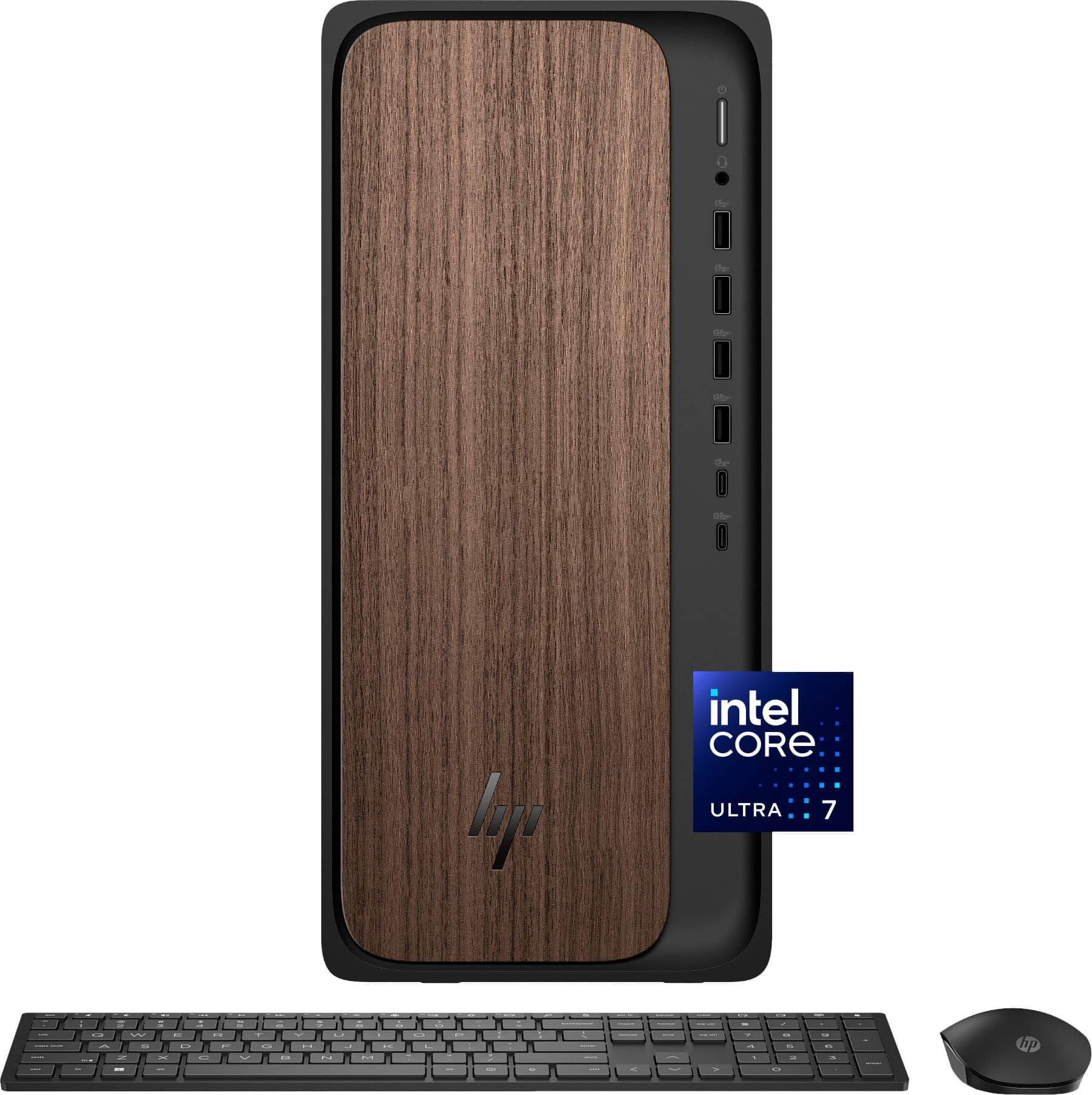
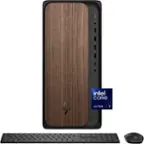
HP - OmniDesk Desktop - Intel Core Ultra 7 265 2025 - 32GB DDR5 Memory - NVIDIA GeForce RTX 4060 - 1TB SSD - Dark Wood
About this product
A dark wood desktop featuring Intel Core Ultra 7, 32GB DDR5 RAM, RTX 4060, and 1TB SSD.
What customers like
(149)$2,349.00 Your price for this item is $2,349.00 -
8
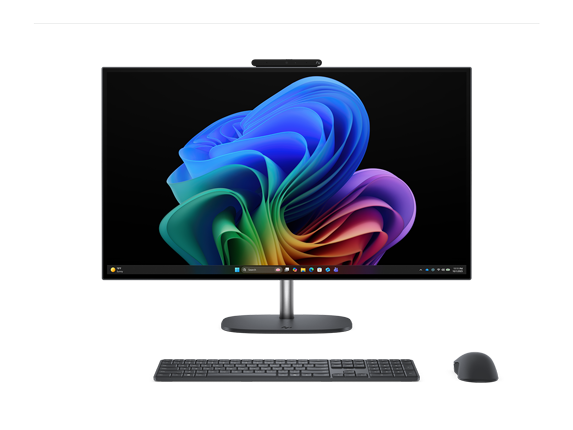
HP - OmniStudio X All-in-One Computer 27" QHD Intel Core Ultra 7, 32 GB;1 TB SSD - Eclipse Gray
About this product
A gray all-in-one desktop with Intel Core Ultra 7, 32GB RAM, 1TB SSD, and QHD display.
(0)$2,349.99Your price for this item is $2,349.99SAVE $750.00 -
9
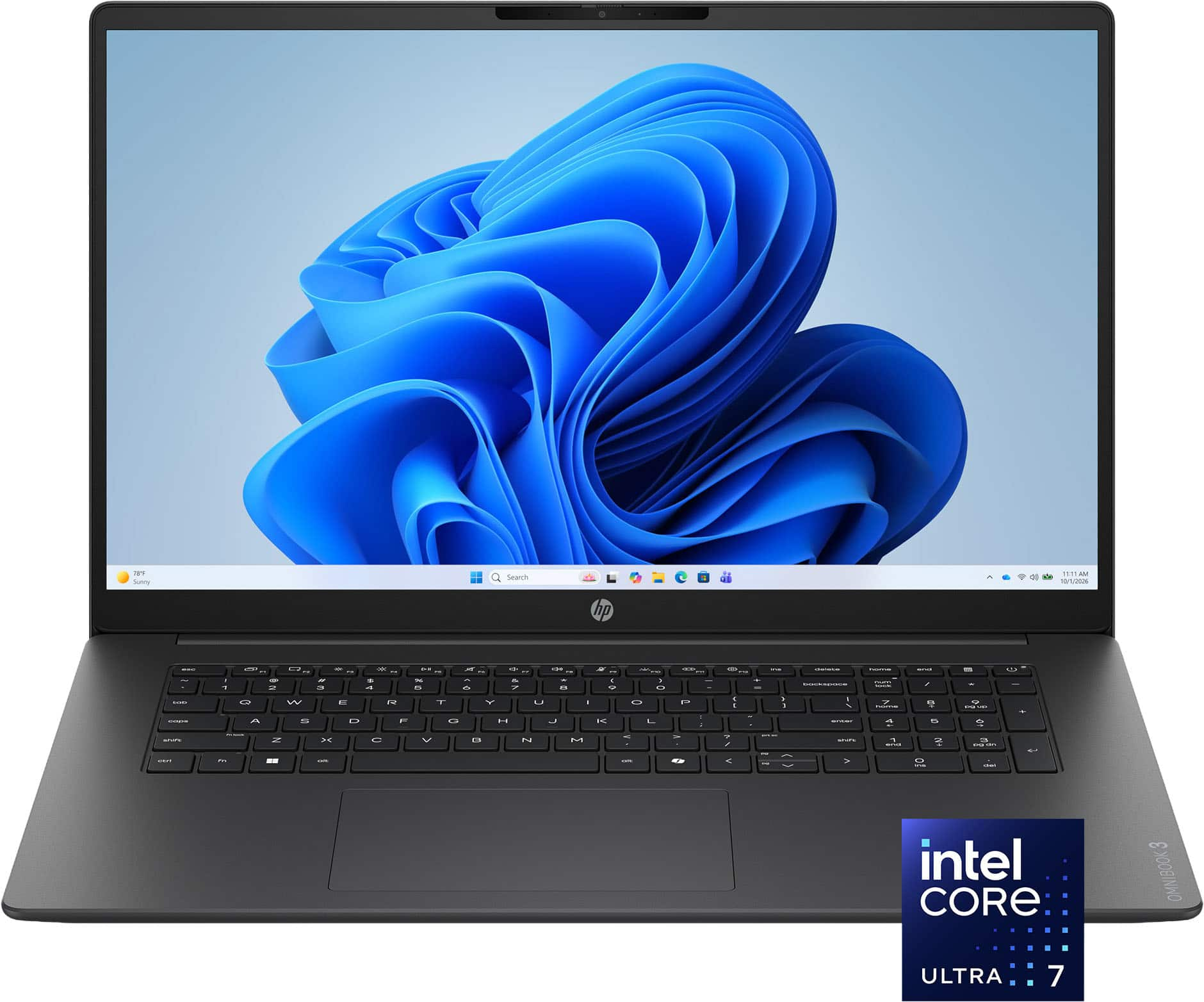
HP - OmniBook 3 17.3" Full HD Laptop - Intel Core Ultra 7 (2025) - 16GB Memory - 1TB SSD - Mica Silver
About this product
A sleek silver laptop featuring Intel Core Ultra 7, 16GB memory, 1TB SSD, and a Full HD touchscreen.
What customers like
(58)$989.00Your price for this item is $989.00SAVE $310.99 -
10
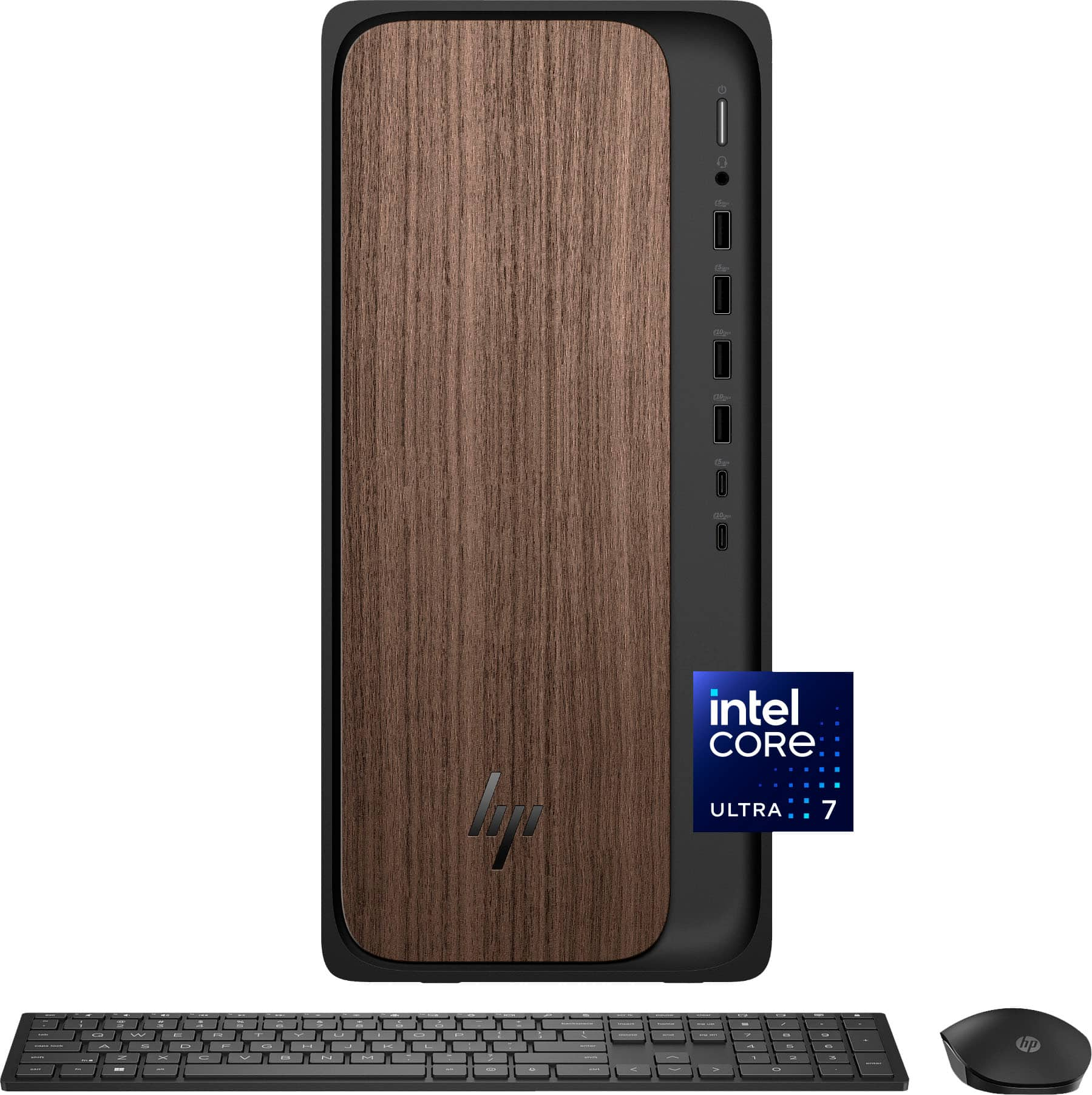
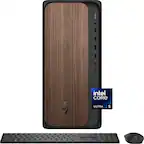
HP - OmniDesk Desktop - Intel Core Ultra 7 265 2025 - 16GB DDR5 Memory - 1TB SSD - Dark Wood
About this product
A sophisticated dark wood desktop featuring Intel Core Ultra 7, 16GB DDR5 memory, and 1TB SSD storage.
What customers like
(946)$949.99Your price for this item is $949.99SAVE $470.00
Best Computer For Research And Writing
FAQs
Look for a comfortable keyboard, a clear display, solid-state storage, and memory suited to your usual mix of browser tabs, documents, and reference tools. Check the system requirements for your preferred writing and research software before choosing a computer.
Laptops combine a keyboard, display, and rechargeable battery for working in different locations. Desktops typically use a separate monitor, keyboard, and mouse, giving you more flexibility to customize a dedicated workspace. Upgrade options vary by computer.
Windows, macOS, and ChromeOS support many browser-based writing and research tools, but desktop application availability varies. Confirm compatibility with your word processor, citation manager, PDF editor, and any software required by your school or workplace. Check offline access requirements as well.
Computers can store documents locally, while cloud services offer file syncing across compatible devices. External drives provide another option for keeping project copies and archives. Consider whether your research includes mostly text documents or also includes scanned sources, audio recordings, and video files.
Check for connections that match your accessories, such as USB ports for external drives and keyboards, and HDMI or compatible USB-C connections for monitors. Wi-Fi provides wireless internet access, while Bluetooth connects compatible peripherals. USB-C capabilities vary, so review support for charging, video, and data.