Best Dj Flash Drive
Find a DJ flash drive for storing your music library and taking it to your next set. Compare USB flash drives by storage capacity, transfer speed, and compatibility with your DJ equipment, and check your player’s supported file systems and capacity limits before choosing.
What to look for in a DJ flash drive
Choosing the best DJ flash drive for your setup means balancing equipment compatibility, music library size, transfer performance, and portability.
1. Equipment Compatibility
2. Storage Capacity
3. Transfer Performance
4. Durability and Portability
-
1

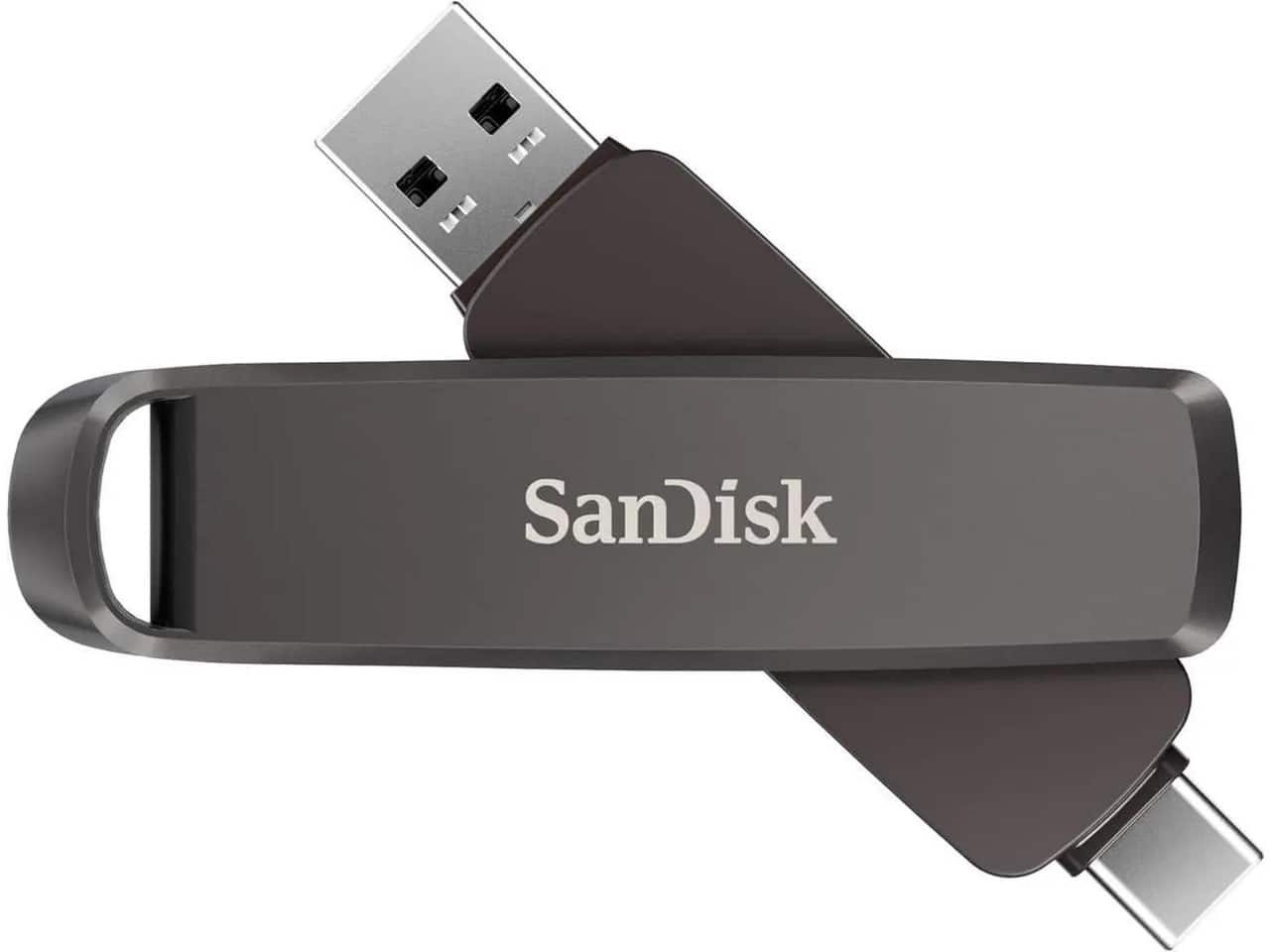
Pioneer DJ - SanDisk DJ Flash Drive, 1TB High Speed Dual DJ Flash Drive - Black
About this product
A high-speed black flash drive with 1TB capacity, USB-C and USB-A connectors, ideal for DJs.
(4)$239.00 Your price for this item is $239.00 -
2
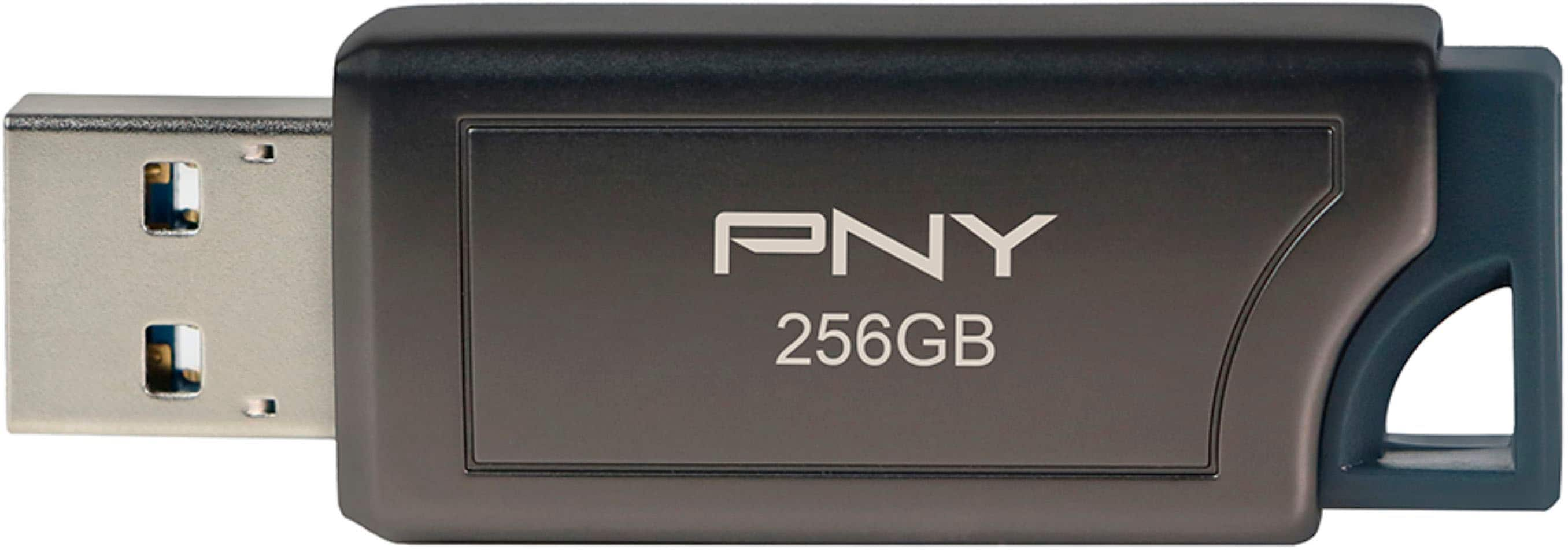
PNY - PRO Elite V2 256GB USB 3.2 Gen 2 Flash Drive - Black
About this product
A high-speed black USB 3.2 Gen 2 flash drive with 256GB storage and retractable connector.
What customers like
(100)$59.99 Your price for this item is $59.99 -
3
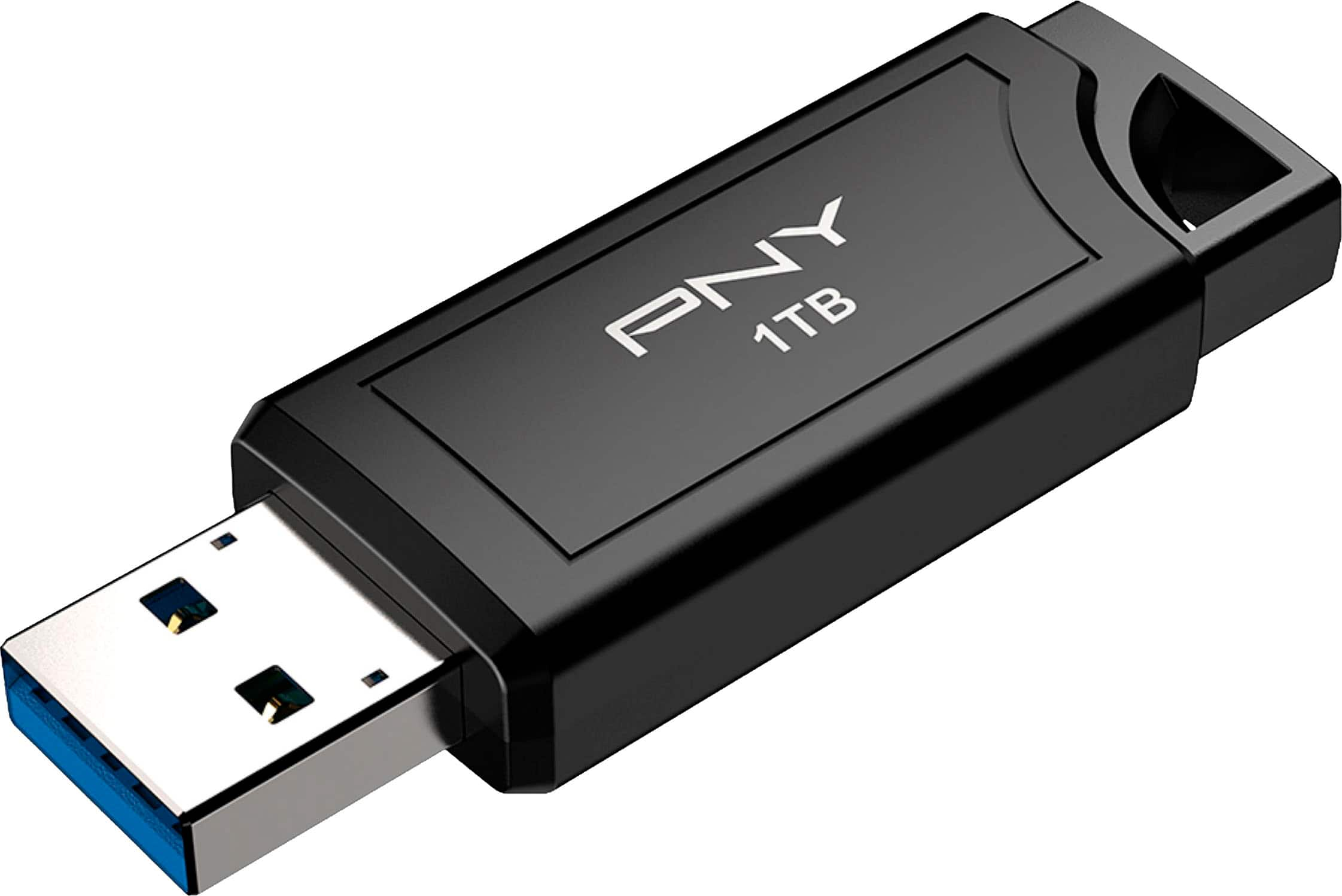
PNY - PRO Elite V3 1TB USB 3.2 Gen 2 Flash Drive - Black
About this product
A high-speed black USB 3.2 Gen 2 flash drive offering 1TB storage and retractable connector.
What customers like
(70)$239.99Your price for this item is $239.99SAVE $10.00 -
4
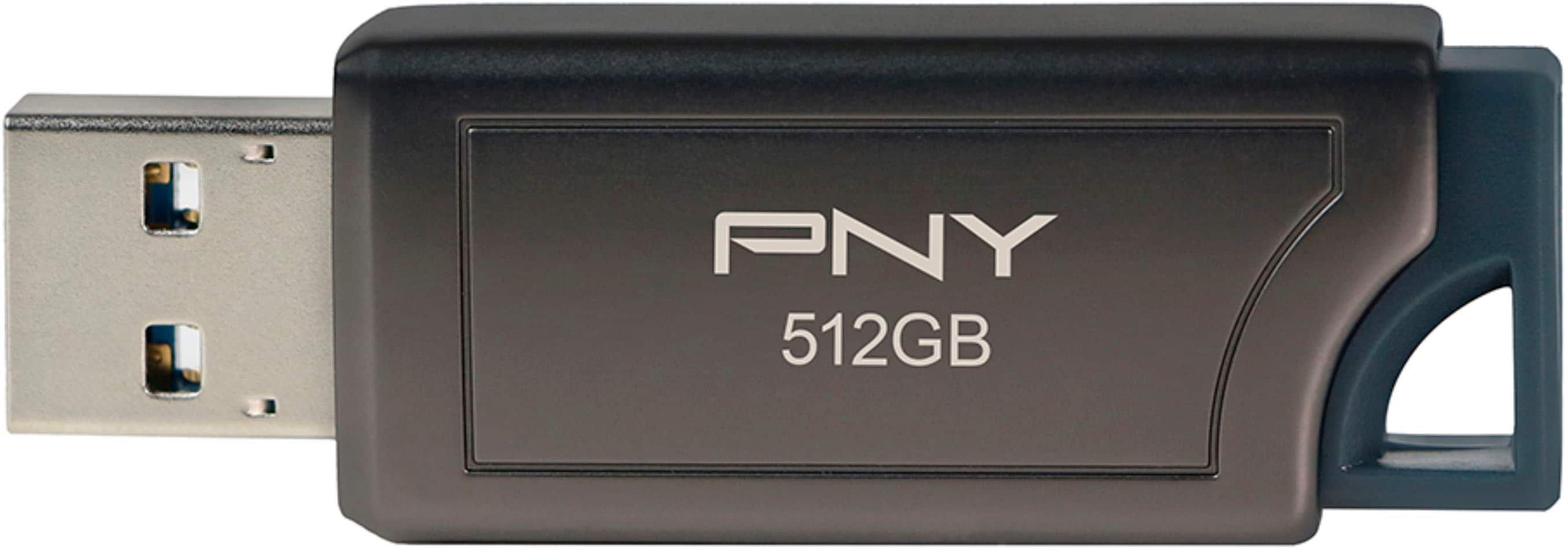
PNY - PRO Elite V2 512GB USB 3.2 Gen 2 Flash Drive - Black
About this product
A high-speed black USB 3.2 Gen 2 flash drive with 512GB capacity and retractable connector.
What customers like
(102)$74.99Your price for this item is $74.99SAVE $25.00 -
5
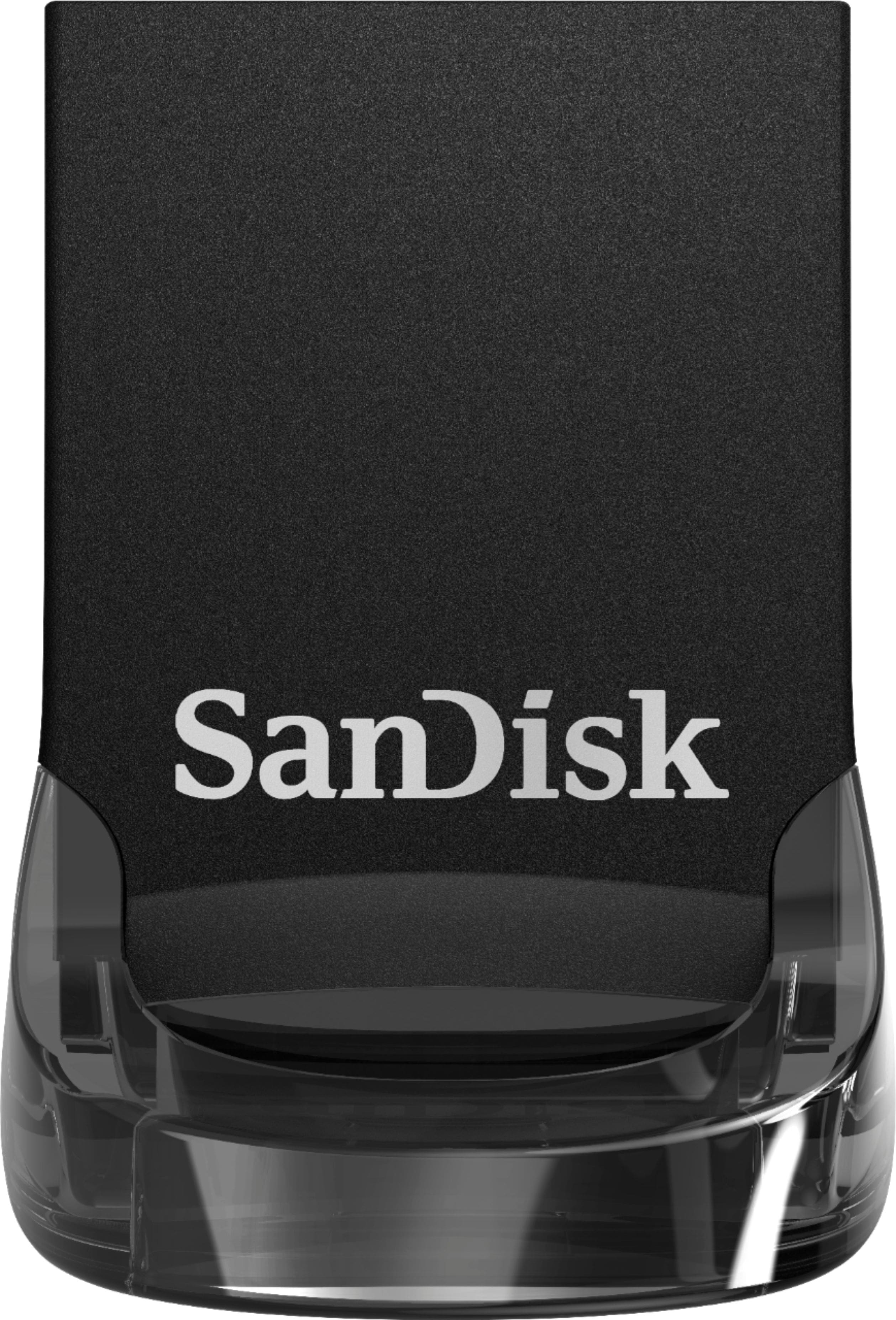
SANDISK - Ultra Fit 64GB USB 3.1 Flash Drive - Black
About this product
A compact black USB 3.1 flash drive offering 64GB storage and read speeds up to 130MB/sec.
What customers like
(1,932)$22.99Your price for this item is $22.99SAVE $5.00 -
6
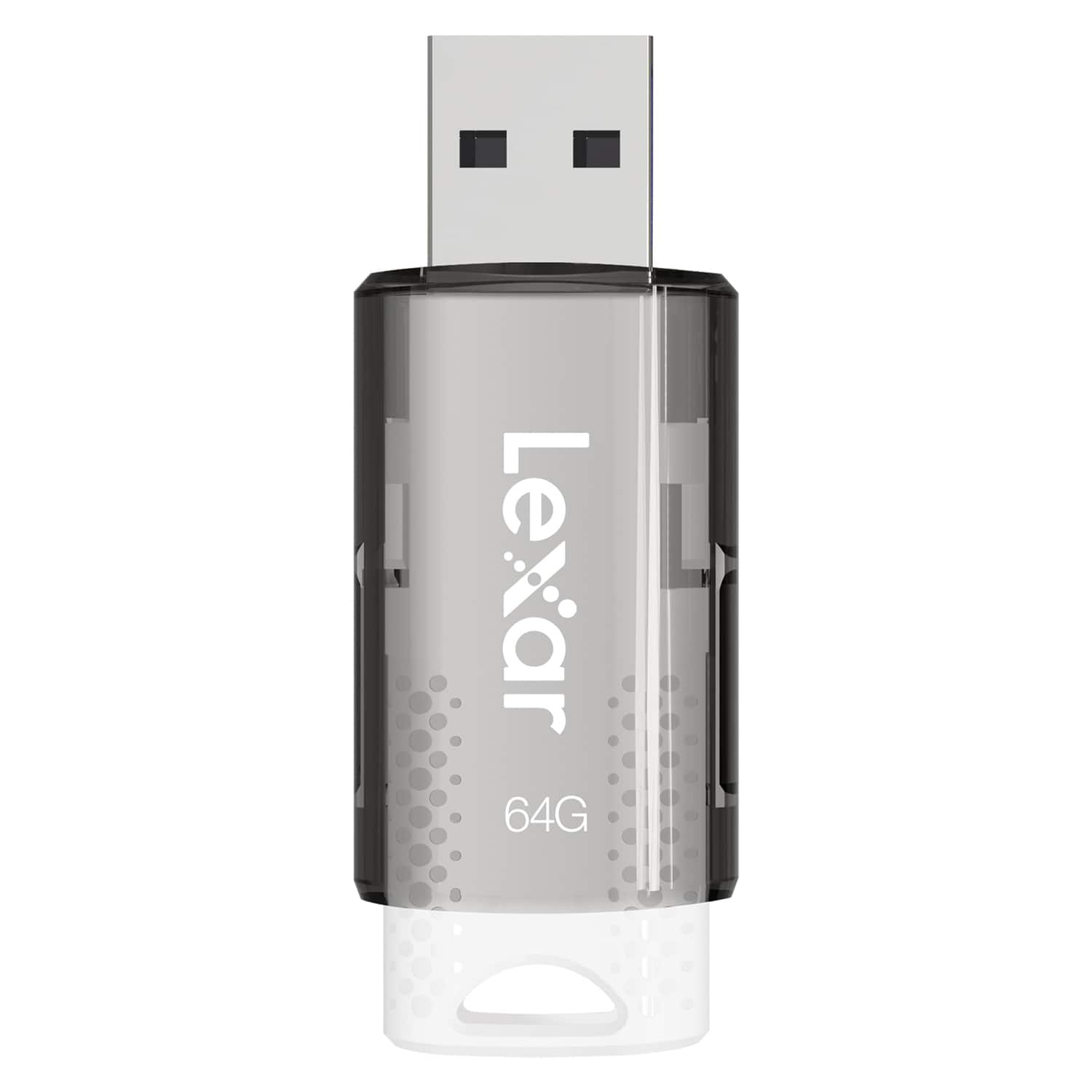
Lexar - JumpDrive S60 USB 2.0 Flash Drive 64 GB - White
About this product
A white USB 2.0 flash drive with 64GB capacity and a protective sliding cover for secure file storage.
(0)$21.41 Your price for this item is $21.41
Best Dj Flash Drive
FAQs
Check your DJ equipment’s requirements for USB connectors, file systems, and music library exports. Choose a flash drive that matches your player’s specifications and works with your preferred DJ software workflow.
The correct file system depends on your DJ player. FAT32 is commonly supported, while some players also accept exFAT or other formats. Consult your equipment’s manual before formatting, since a file system recognized by your computer may not be supported by your DJ player.
Use your DJ software’s export feature when your player supports that workflow. An export can include playlists, cue points, beat grids, and other library information. Copying audio files directly may allow basic browsing on compatible players, but it may not include those DJ-specific details.
Supported audio formats vary by DJ player. MP3, WAV, and AIFF are common options, while support for AAC, FLAC, and other formats depends on the equipment. Check your player’s documentation for accepted formats, bit depths, and sample rates.
Create clearly named playlists or folders based on genre, event, mood, or set segment. Keep artist names and track titles consistent, and use your DJ software to maintain metadata such as BPM and musical key. If your player uses an exported library, manage that organization in the software before exporting.