Best Soft Touch Wireless Keyboard
-
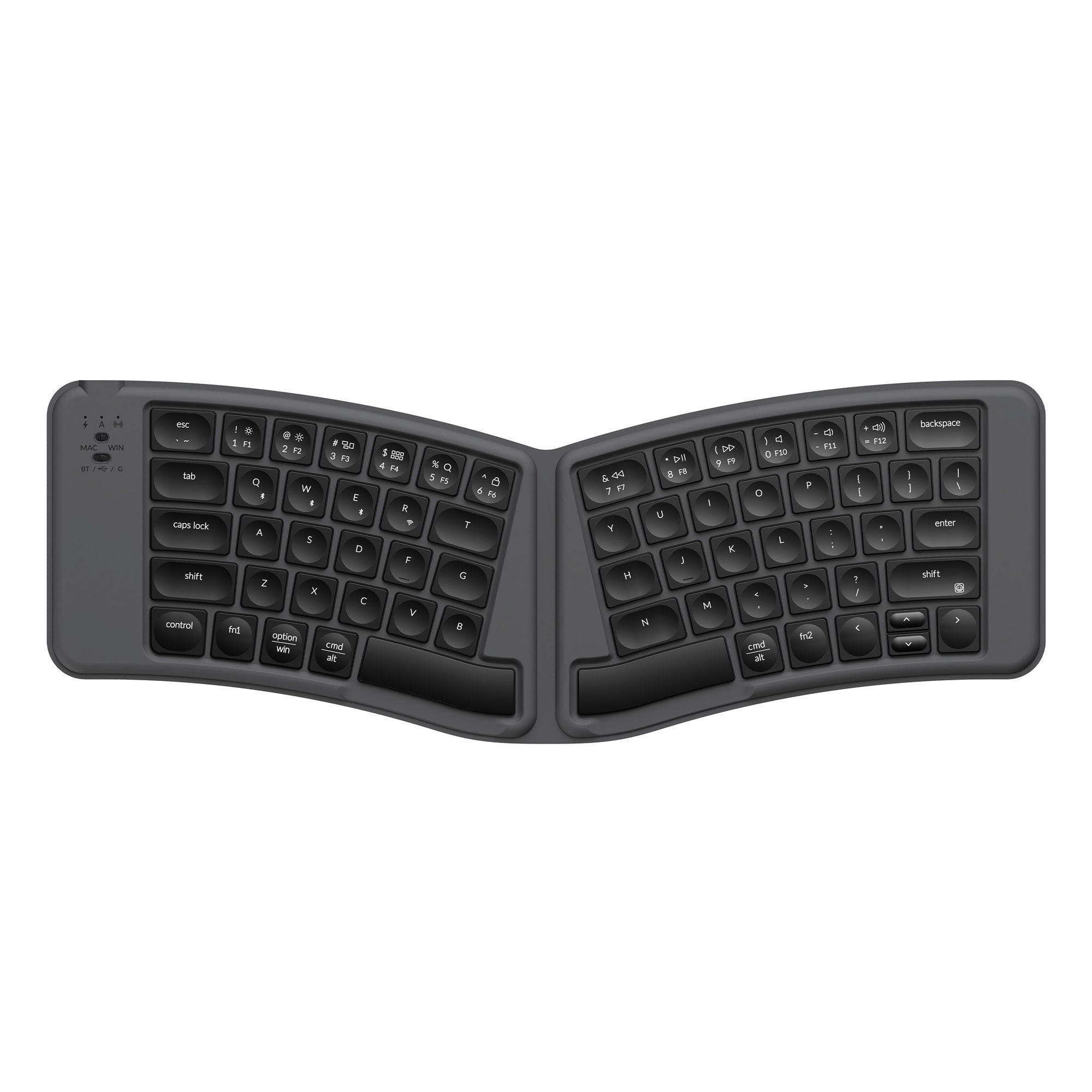
Keychron - B11 Pro 65% Alice Ultra-Slim Wireless Foldable Keyboard with ZMK and Built-in AI Launcher - Space Gray
SKU: CGJVZ4LWX8See all Wired & USB KeyboardsProduct Description
A space gray foldable wireless keyboard with scissor keys, ABS keycaps, ZMK customization, and AI Launcher.Your price for this item is $64.99 -
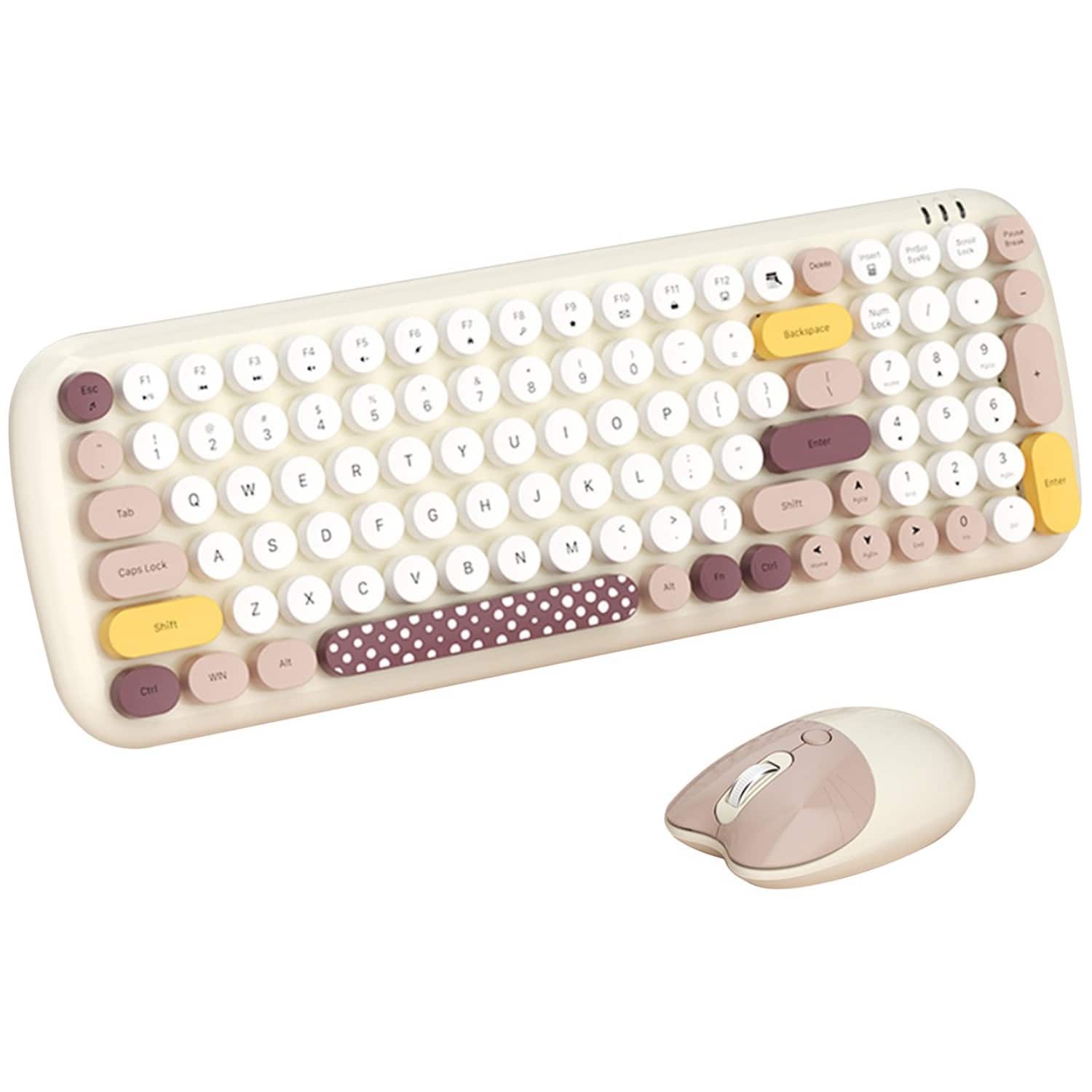
SaharaCase - Wireless Keyboard & Mouse Combo | Colorful 100 Keys Full Keyboard | Soft Click | USB & Type-C Adapter - Beige
SKU: J3GWRV3P7XI love this keyboard it fits comfortably and i love the feel of the keyboard.
See all Gaming Keyboard & Mouse CombosProduct Description
A beige wireless keyboard and mouse combo featuring soft-click keys, ergonomic ABS keycaps, and USB/Type-C adapters.Your price for this item is $45.60 -
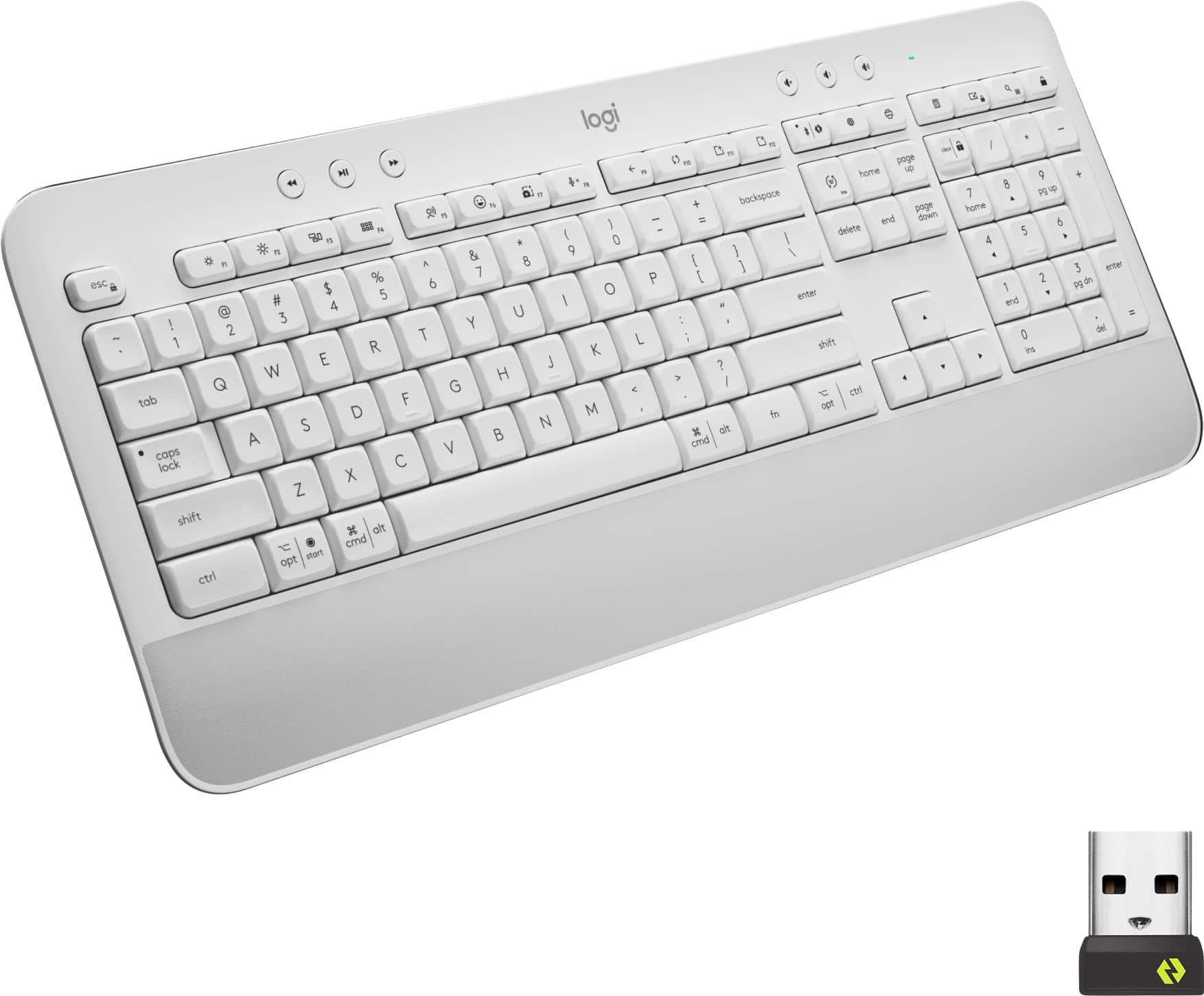
Logitech - Signature K650 Full-Size Wireless Keyboard for PC/Window/Mac with Wrist Rest - Off-White
SKU: J7H7ZY8988See all Wireless & Bluetooth KeyboardsProduct Description
An off-white wireless keyboard with soft-touch palm rest, deep-cushioned keys, and 24 customizable shortcuts.Your price for this item is $49.99Save $10The previous price was $59.99 -
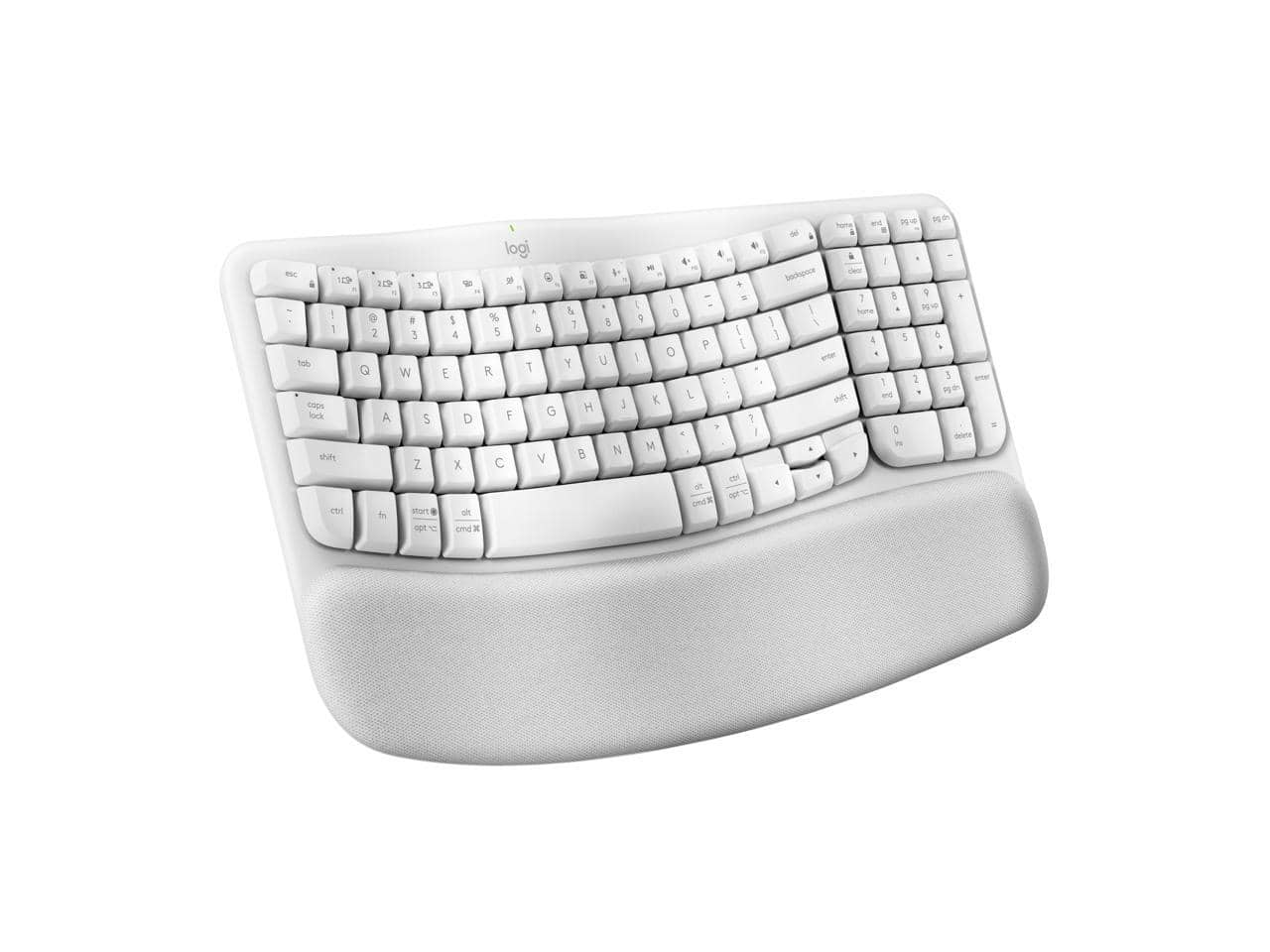
Logitech - Wave Keys Wireless Ergonomic Keyboard with Palm Rest, Bluetooth, Logi Bolt, Multi-OS - Off White
SKU: J7H7ZYG8XFSee all Wireless & Bluetooth KeyboardsProduct Description
An off-white wireless ergonomic keyboard with cushioned palm rest, Bluetooth connectivity, and multi-OS compatibility.Your price for this item is $89.00Save $0The previous price was $89.99 -
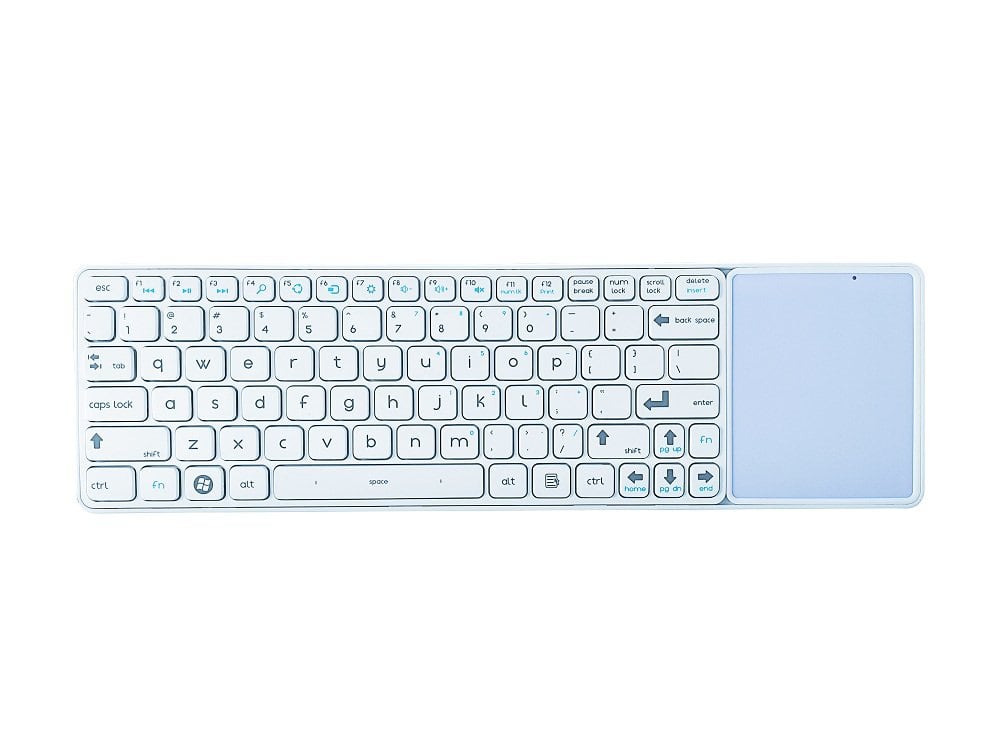
Bornd - CK118G RF2.4GHZ Wireless Touchpad Keyboard - White
SKU: J3ZPK82255See all Wireless & Bluetooth KeyboardsProduct Description
A slim white wireless touchpad keyboard featuring quiet scissor keys, shortcut functions, and power-saving sleep mode.Your price for this item is $34.99 -
Kensington - KB150 EQ Wireless Keyboard - Wireless Connectivity - RF - 2.40 GHz - USB Type A Interface - 104 Key(s) - Macaron
SKU: J7RJZZTLVHSee all Wireless & Bluetooth KeyboardsProduct Description
A colorful, full-size wireless keyboard made with 55% recycled plastic, featuring spill protection and AES encryption.Your price for this item is $19.99 -
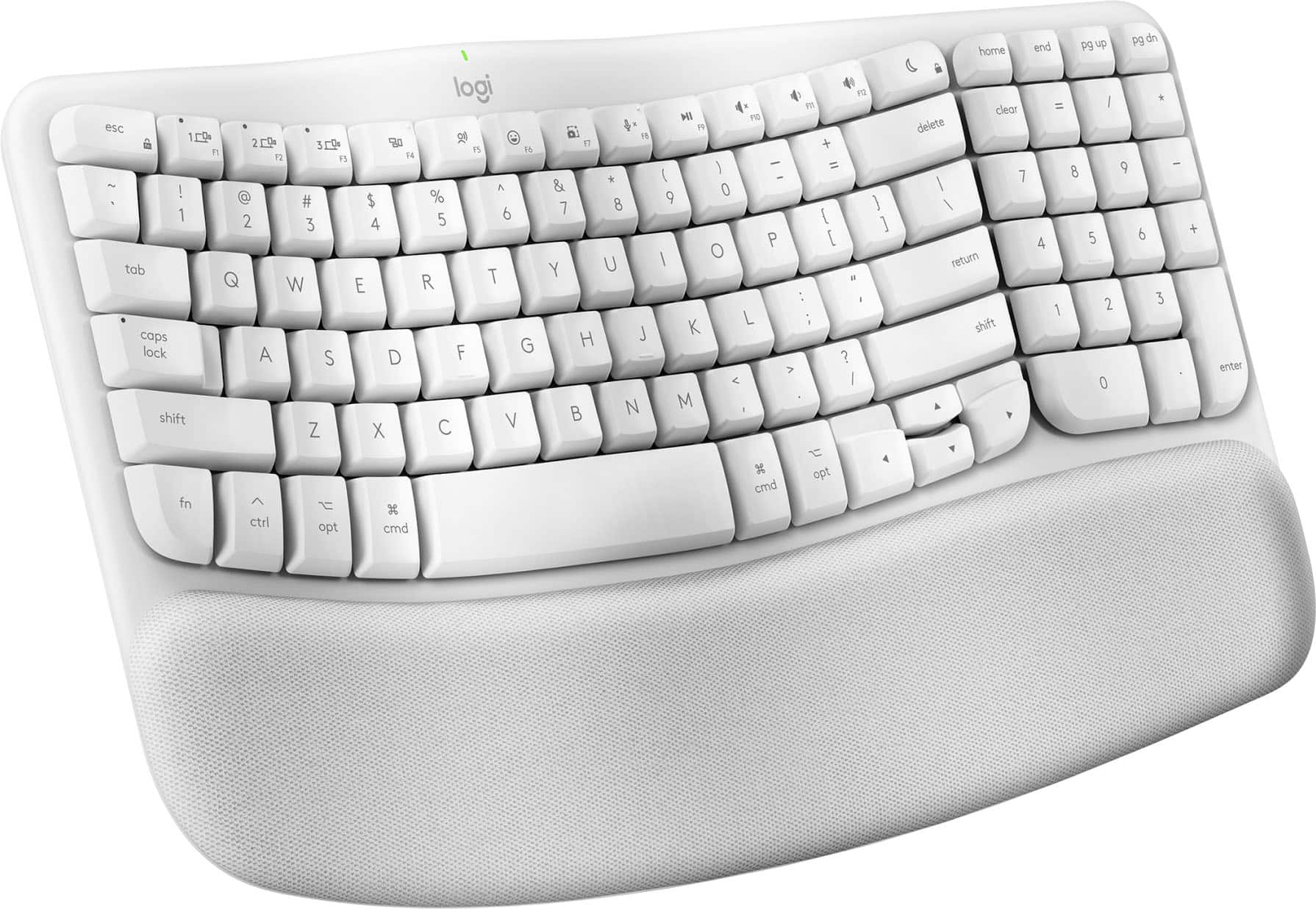
Logitech - Wave Keys for Mac Ergonomic Wireless Membrane Keyboard with Integrated Palm-rest - Off-white
SKU: J7H7ZYG833See all Wireless & Bluetooth KeyboardsProduct Description
An off-white ergonomic wireless keyboard with a wavy keyframe and cushioned memory foam palm rest.Your price for this item is $79.13 -
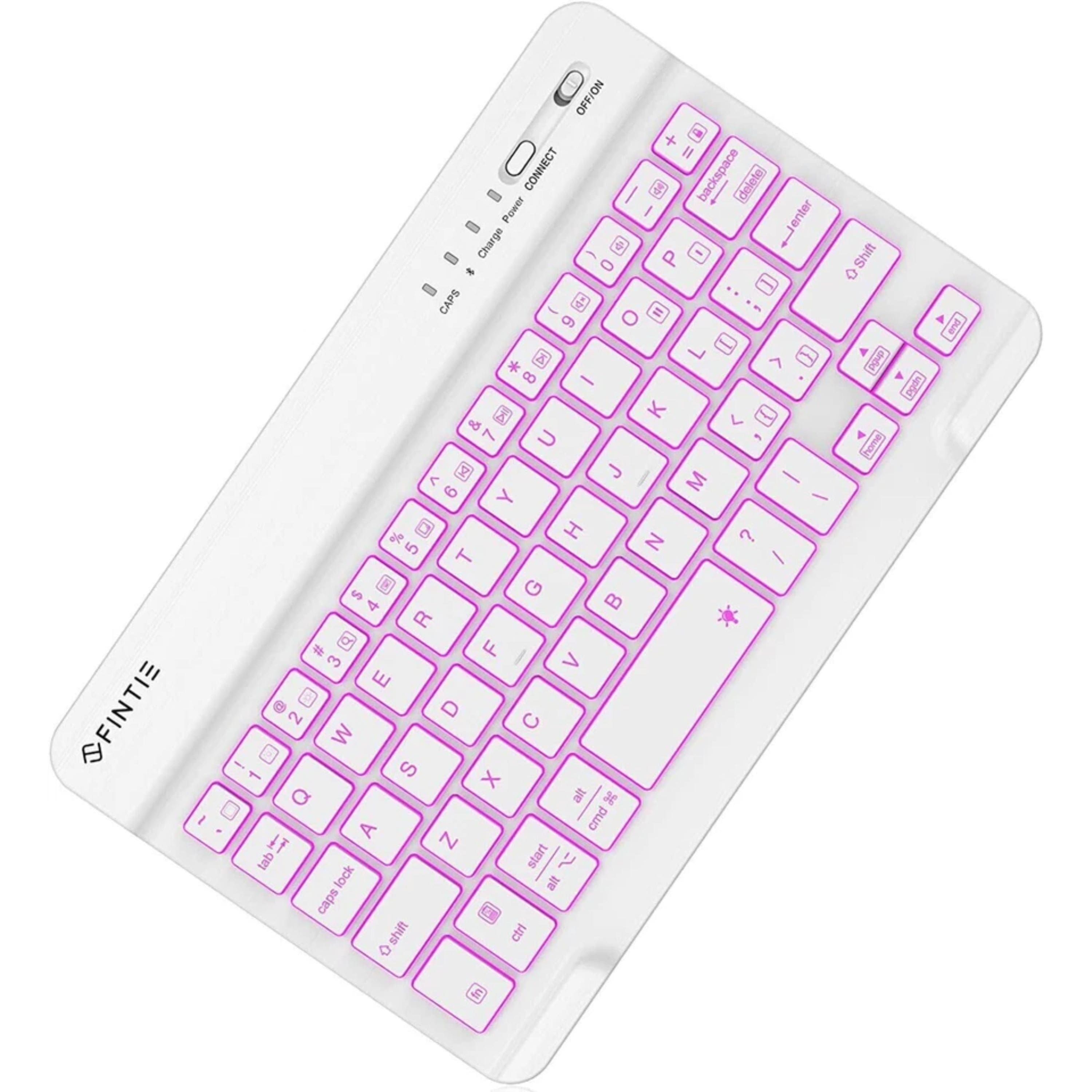
Kitcheniva - Slim Wireless Bluetooth Keyboard 7-Inch Rechargeable 7-Color Backlit - White
SKU: JF3Y5GR986See all Wireless & Bluetooth KeyboardsProduct Description
A slim white wireless Bluetooth keyboard with 7-color backlit keys and a quiet, rechargeable design.Your price for this item is $39.99 -
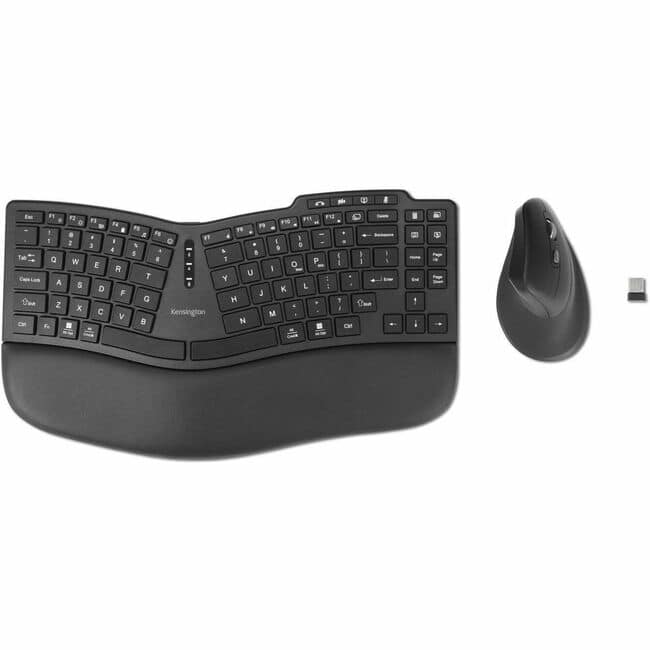
Kensington - Pro Fit Ergo KM675 EQ Wireless Desktop Set - USB Type A Wireless Bluetooth/RF 2.40 GHz Keyboard - Black - USB - Macaron
SKU: J7RJZZTG4FSee all Wireless & Bluetooth KeyboardsProduct Description
An ergonomic black wireless keyboard and mouse set designed for comfortable, efficient desktop use.Your price for this item is $77.99Save $2The previous price was $79.99 -
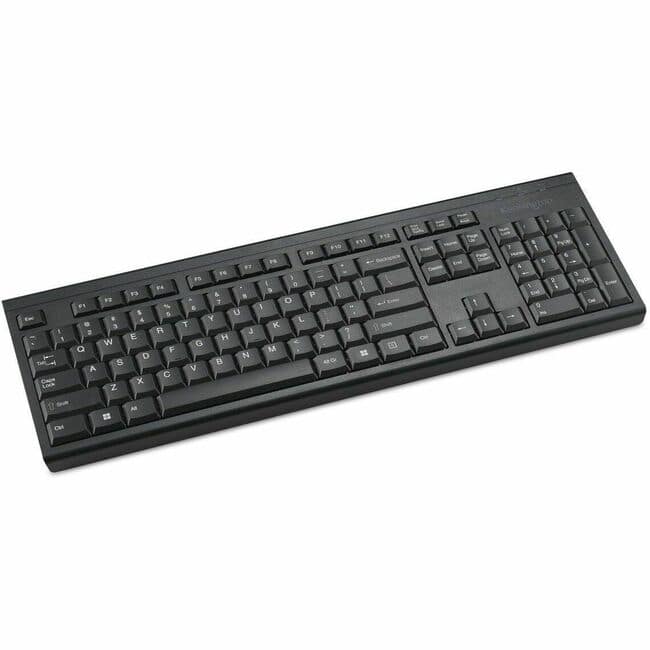
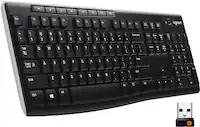
Kensington - K72344US Full-size Wireless SlimType Keyboard - Black
SKU: J7RJZZQG9FSee all Wireless & Bluetooth KeyboardsProduct Description
A sleek black wireless keyboard featuring quiet low-profile keys, multimedia shortcuts, and secure 128-bit AES encryption.Your price for this item is $49.15

Best Sellers
Related Pages




FAQ
When choosing a soft touch wireless keyboard, consider features such as ergonomic design, quiet or silent key switches, long battery life, reliable wireless connectivity (Bluetooth or USB receiver), and compatibility with your devices (Windows, Mac, Android, or iOS). Additional features like backlighting, multimedia keys, and rechargeable batteries can also enhance your typing experience.
Many soft touch wireless keyboards offer multi-device pairing, allowing you to easily switch between a computer, tablet, or smartphone. Always check the product specifications to ensure compatibility with your preferred operating systems and devices.
Most soft touch wireless keyboards connect via Bluetooth or a USB wireless receiver. For Bluetooth models, simply turn on the keyboard, enable Bluetooth on your device, and select the keyboard from the available devices list. For USB receiver models, plug the receiver into your device’s USB port and follow any setup instructions provided.
Soft touch wireless keyboards provide a comfortable and quiet typing experience, making them ideal for shared workspaces or late-night use. The wireless design reduces cable clutter, offers greater flexibility in workspace setup, and allows for easy portability.
Soft touch wireless keyboards require minimal maintenance. To keep your keyboard in top condition, regularly clean the keys with a soft, dry cloth and avoid exposure to liquids or extreme temperatures. Check the battery status periodically and recharge or replace batteries as needed.