Cheap Logitech Webcam For TV
-
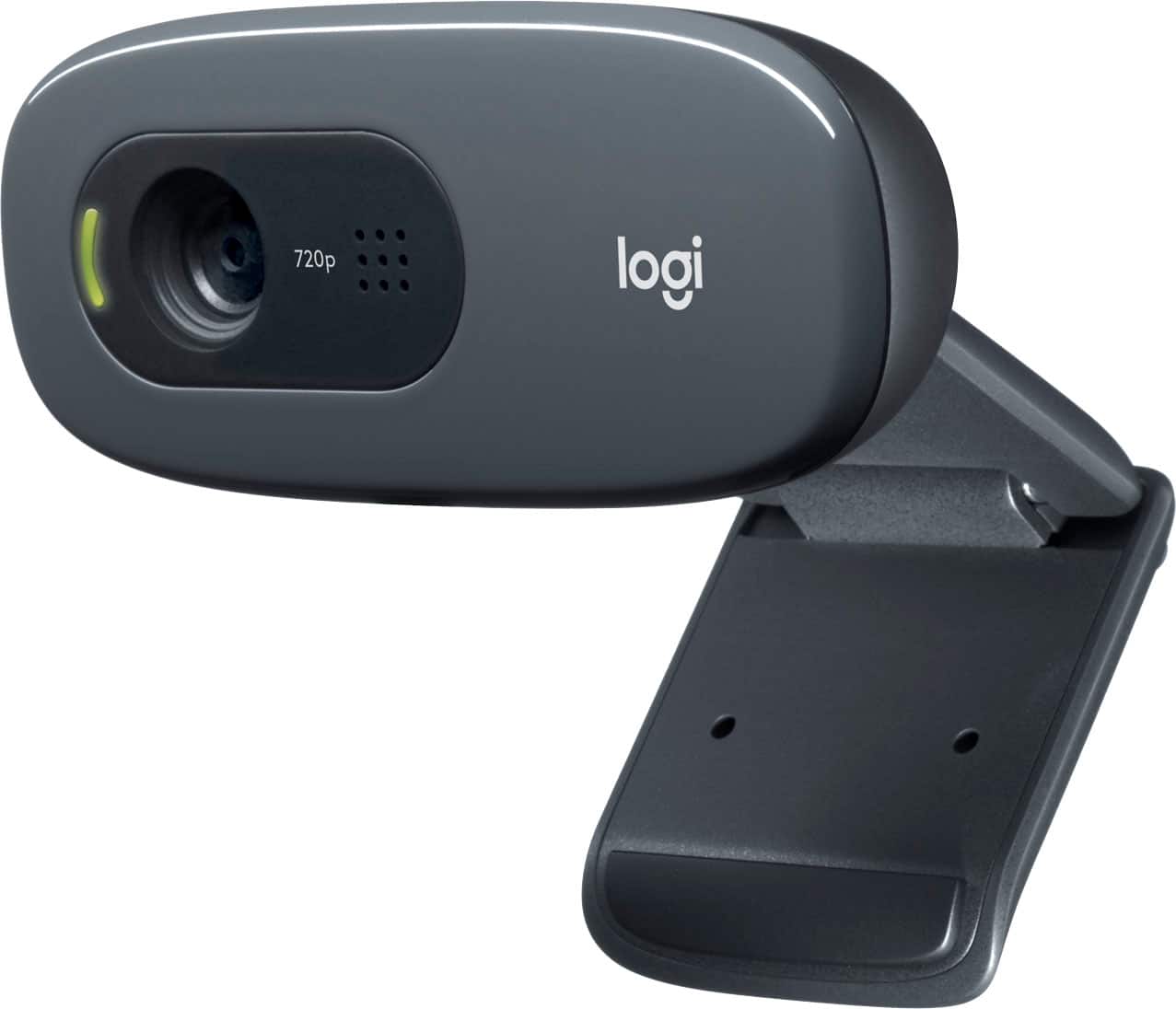
Logitech - C270 720 Webcam with Noise-Reducing Mics - Black
SKU: J7H7ZLV6XRlove this product great for streaming! viewers see me clearly thx best buy!...Great product and price. Would buy again. Love Best Buy...Great product and price
See all WebcamsProduct Description
A black HD 720p webcam with noise-reducing microphone and automatic light adjustment for clear video calls.Your price for this item is $21.99Save $8The previous price was $29.99 -
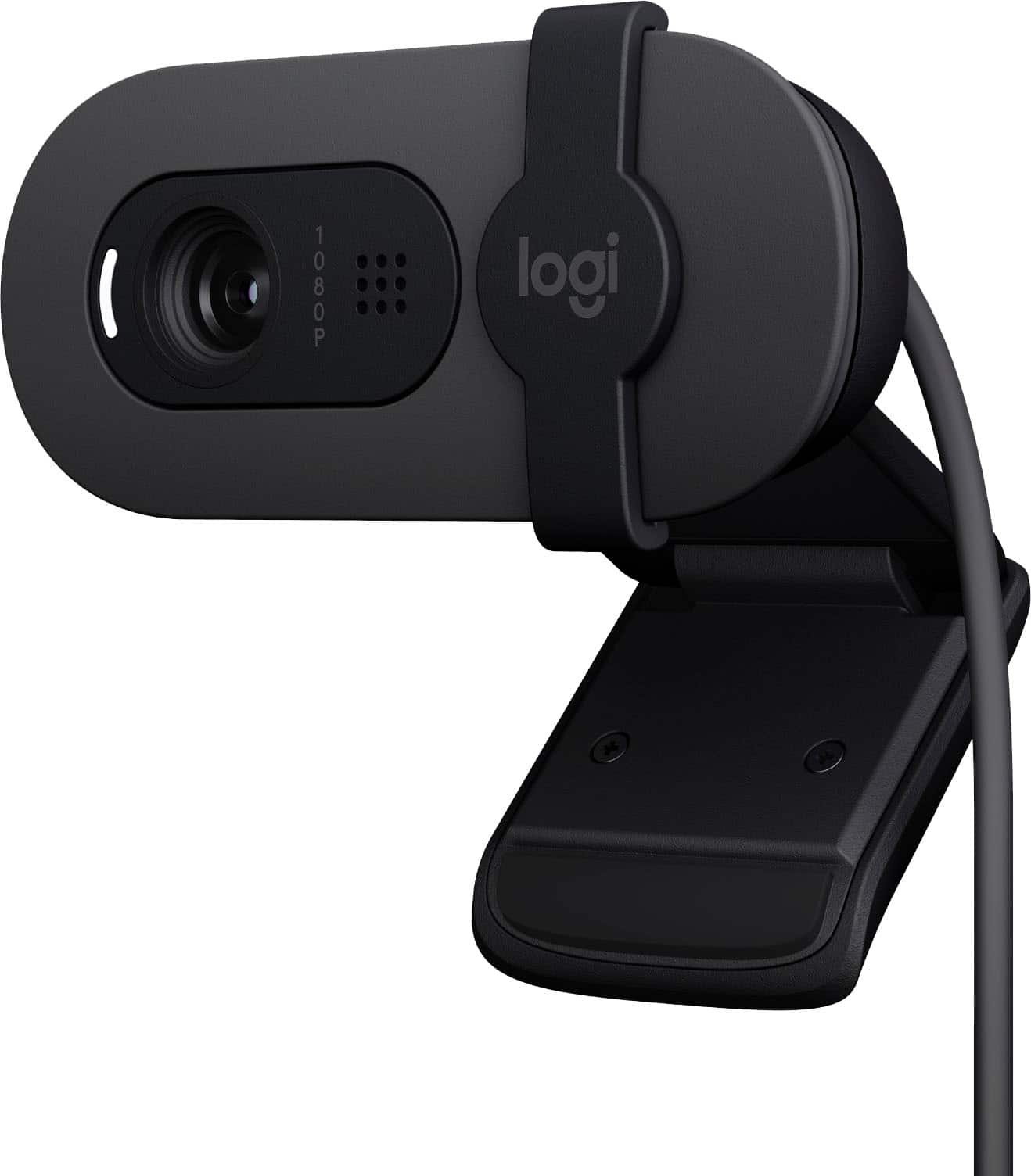
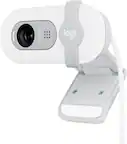
Logitech - Brio 100 1080p Full HD Webcam for Meetings and Streaming - Graphite
SKU: J7H7ZYGJW6Works great for streaming games...I love Best Buy and their sales are amazing....Easy to use and setup love the attached privacy shield for when the device is not in use....Great value for your money...
See all WebcamsProduct Description
A graphite webcam with Full HD 1080p resolution, built-in microphone, auto-light balance, and privacy shutter.Your price for this item is $24.99Save $15The previous price was $39.99 -
Logitech - C270 Webcam-education (960-001380)
SKU: J7H7ZY39SVSee all WebcamsProduct Description
A basic HD webcam with 720p video, noise-reducing microphone, auto light correction, and universal clip.Your price for this item is $24.99 -
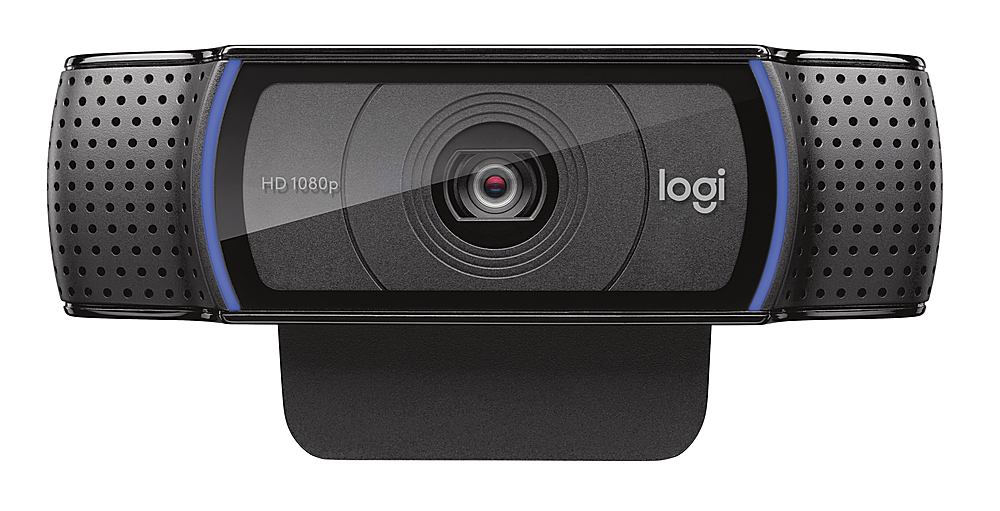
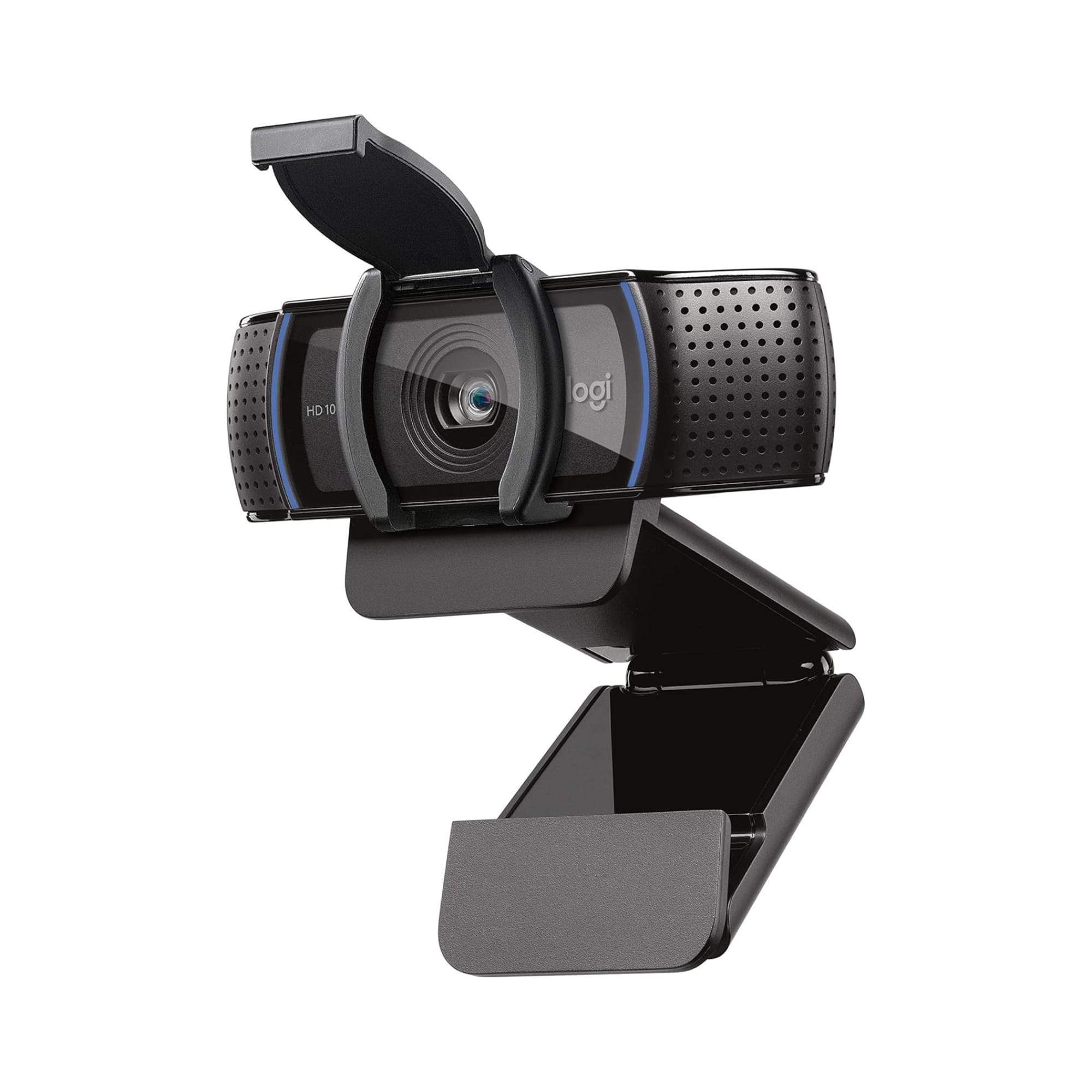
Logitech - C920s Pro 1080 Video Conferencing, Streaming, and Gaming Webcam with Privacy Shutter - Black
SKU: J7H7ZYXLLLGreat camera. Very easy to hook up...Always a good place to shop love best buy...Love IT !!...use it for my zoom class works great HD 1080p not the best but works fine for me
See all WebcamsProduct Description
A black webcam with Full HD 1080p video, dual microphones, autofocus, and a privacy shutter for security.Your price for this item is $59.99Save $10The previous price was $69.99 -
Logitech - C920e Full HD 1080p Business Webcam - Black
SKU: J7H7ZY39PJBest overall webcam...So much better than former web cam I love the privacy door
See all WebcamsProduct Description
A black Full HD 1080p webcam with autofocus, built-in microphone, and easy plug-and-play setup.Your price for this item is $69.99 -
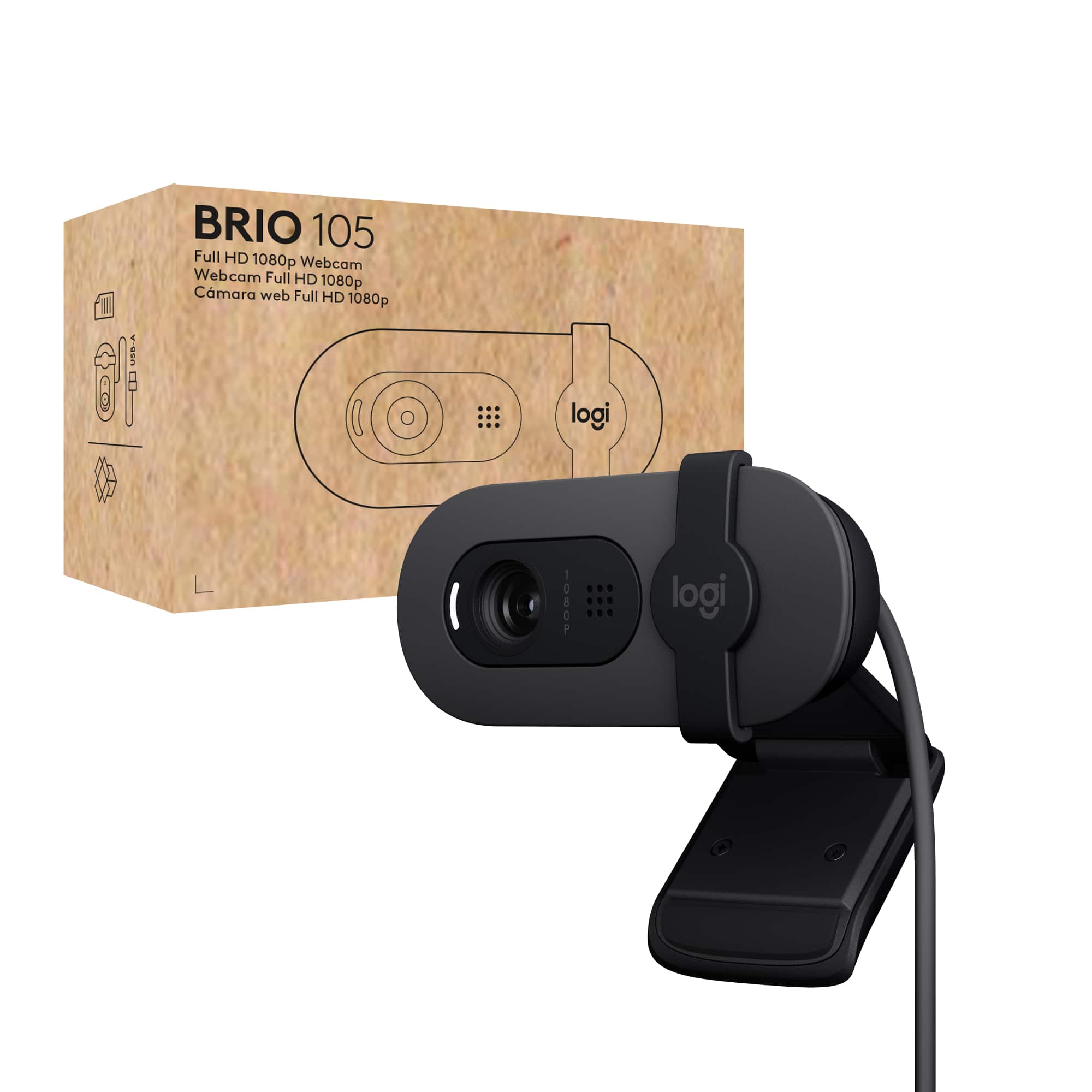
Logitech - Brio 105 1080p Webcam for Laptops with Privacy Shutter & Auto Light Balance - Black
SKU: J7H7ZYGJJWgreat starter camera...While not a high-end camera, it is a great improvement over the Brio 101.
See all WebcamsProduct Description
A black Full HD webcam with privacy shutter, auto light balance, and built-in microphone for clear video calls.Your price for this item is $39.99 -
Logitech - C920e HD 1080p Mic-Enabled Webcam, Certified for Zoom, Microsoft Teams compatible, TAA Compliant - Black
SKU: J7H7ZY8JS2See all WebcamsProduct Description
A black HD webcam with 1080p resolution, autofocus, dual microphones, and compatibility with Zoom and Teams.Your price for this item is $69.99 -
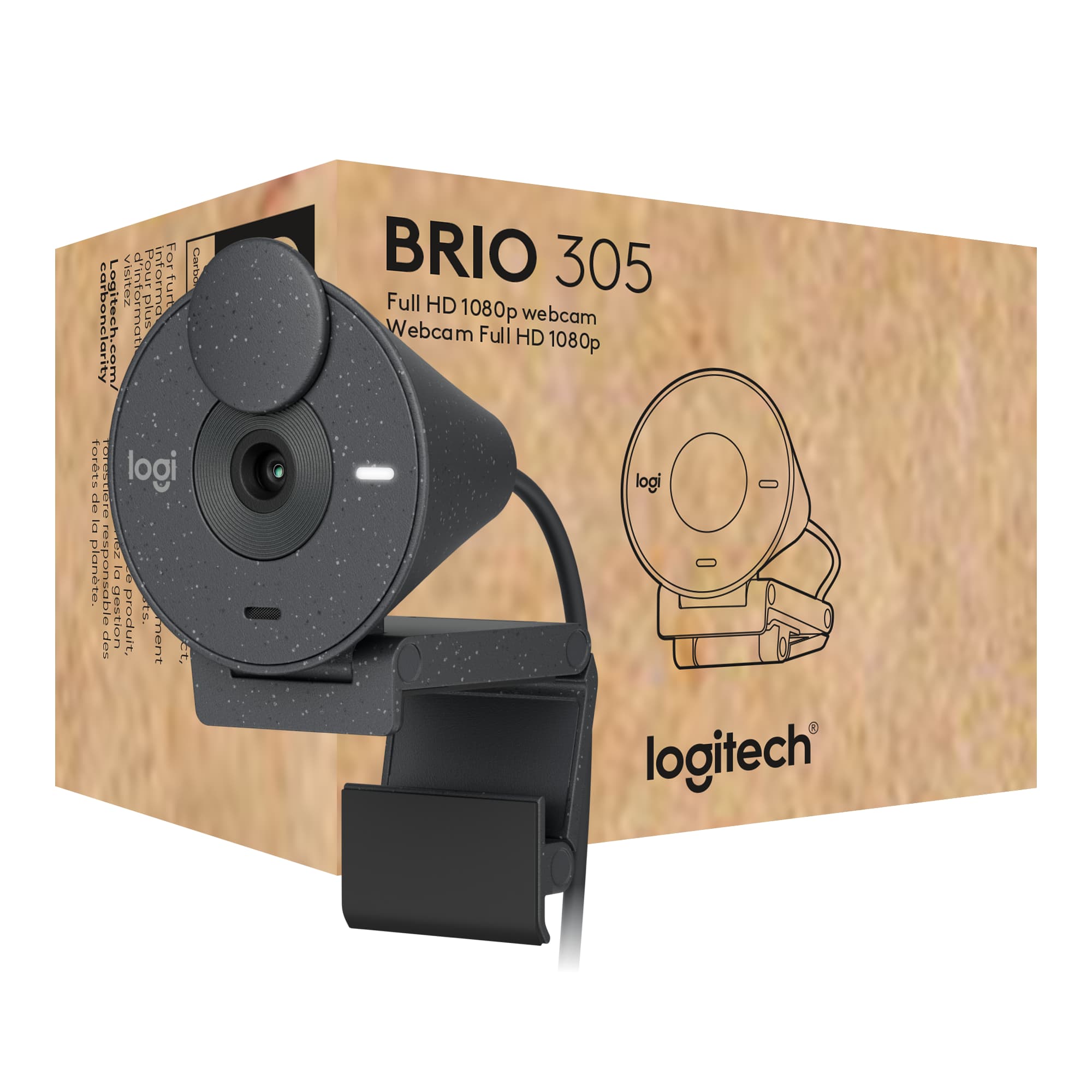
Logitech - Brio 305 Full HD 1080P Webcam with Privacy Shutter, works with Zoom, Microsoft Teams, Google Meet - Graphite
SKU: J7H7ZY8RC8See all WebcamsProduct Description
A graphite webcam with 1080p resolution, privacy shutter, auto light correction, and noise-reducing microphone.Your price for this item is $56.99Save $3The previous price was $59.99

Best Sellers






Related Pages


FAQ
Yes, many Logitech webcams are compatible with smart TVs that support USB webcams and video calling apps. Check your TV's specifications to ensure it supports external webcams and the app you want to use.
To connect a Logitech webcam to your TV, plug the webcam into an available USB port on your TV. Then, access your TV's settings or open a compatible video calling app to configure and use the webcam.
Most smart TVs with USB webcam support do not require extra software. However, some models may need you to install or update specific apps, such as Skype or Zoom, for the webcam to function properly.
If your TV supports streaming or recording apps that recognize external webcams, you can use a Logitech webcam for these purposes. Refer to your TV's app store or user manual for compatible applications.
Many Logitech webcams offer plug-and-play functionality, but compatibility depends on your TV's operating system and available apps. It's best to check your TV's user guide or support website for details on webcam compatibility.