Computer Monitor Reviews
-
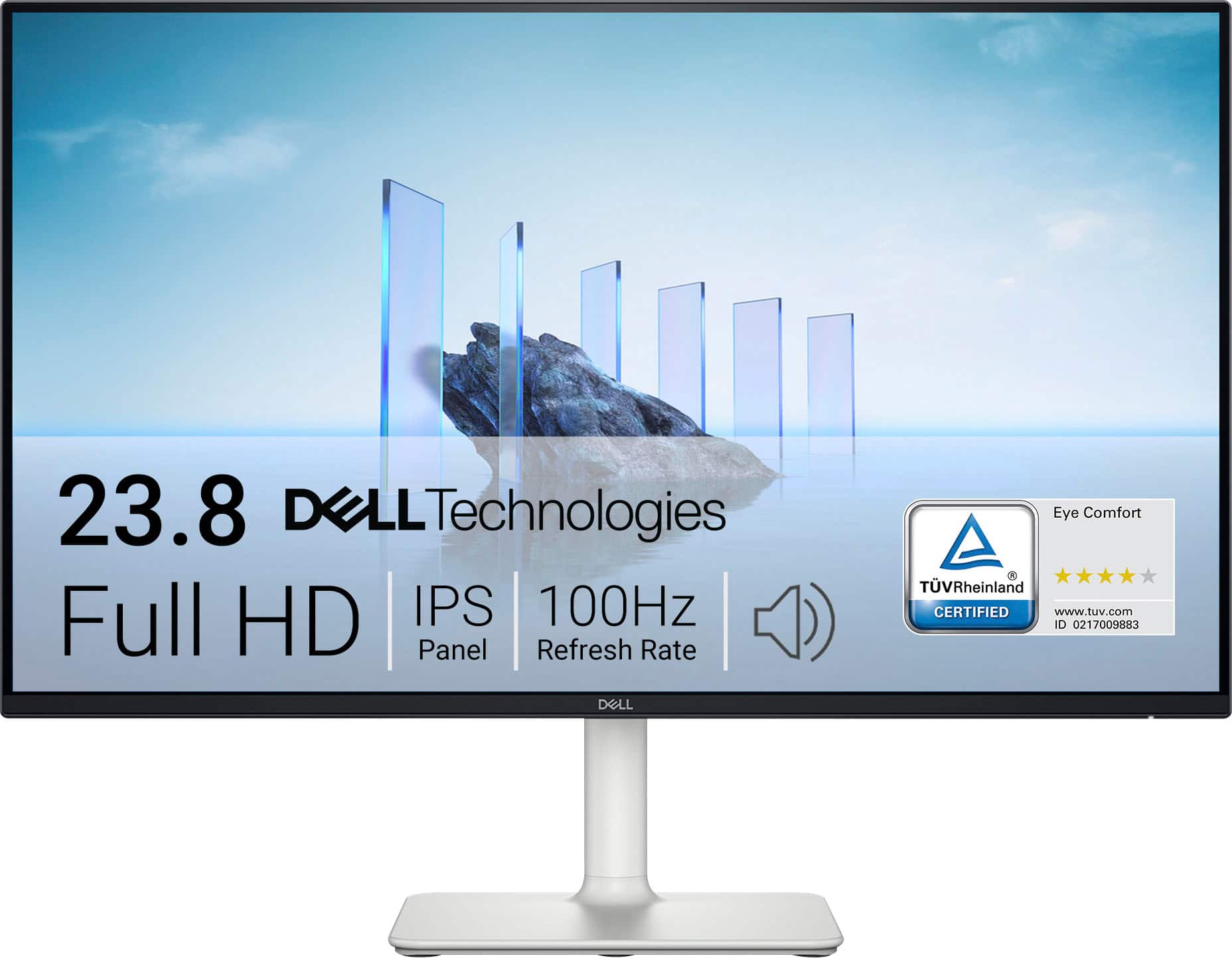
Dell - S2425H 24" IPS LED FHD 100Hz 8ms Monitor (HDMI) - Ash White
SKU: J3K4L62KC5By far 100% the best side monitor and maybe even great for console gaming display I’ve ever used....I love the computer screen that I purchased from Best Buy!...Love the speaker feature with clarity on...
See all All MonitorsProduct Description
An ash white IPS LED monitor with FHD resolution, 100Hz refresh rate, and integrated speakers for immersive viewing.Your price for this item is $289.99 -
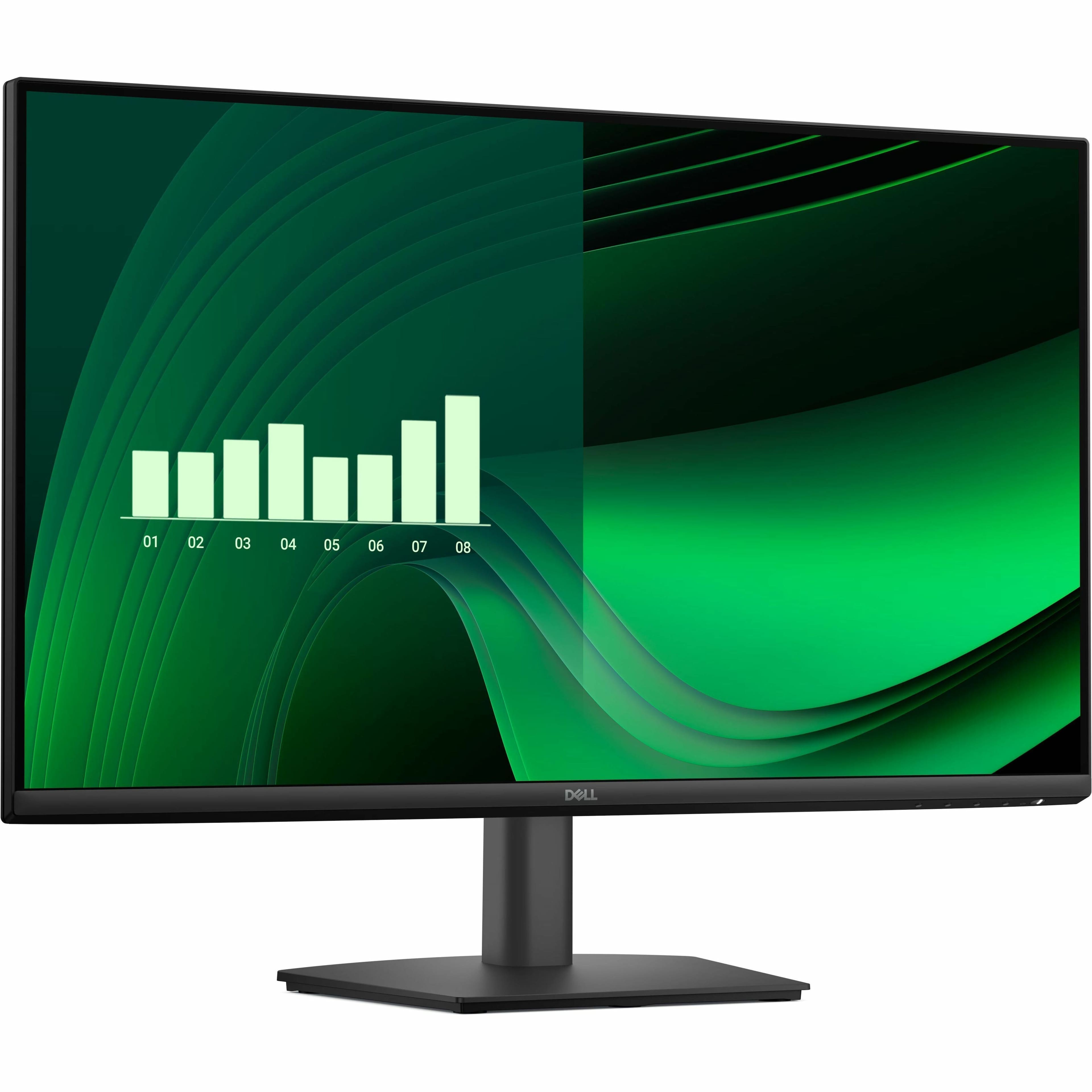
Dell - Pro 27" IPS LED FHD 100Hz Monitor (VGA, HDMI) - Black
SKU: J3K4L63XFZGreat 27" and easy on the eyes...I love Dell displays....I usually get the S Series as they have the best warranty, but this is great for someone that doesn't...Love it...Great buy. Fits more compact...
See all All MonitorsProduct Description
A black IPS LED monitor with 100Hz refresh rate, ultra-thin bezel, and wide 178° viewing angles.Your price for this item is $139.99 -
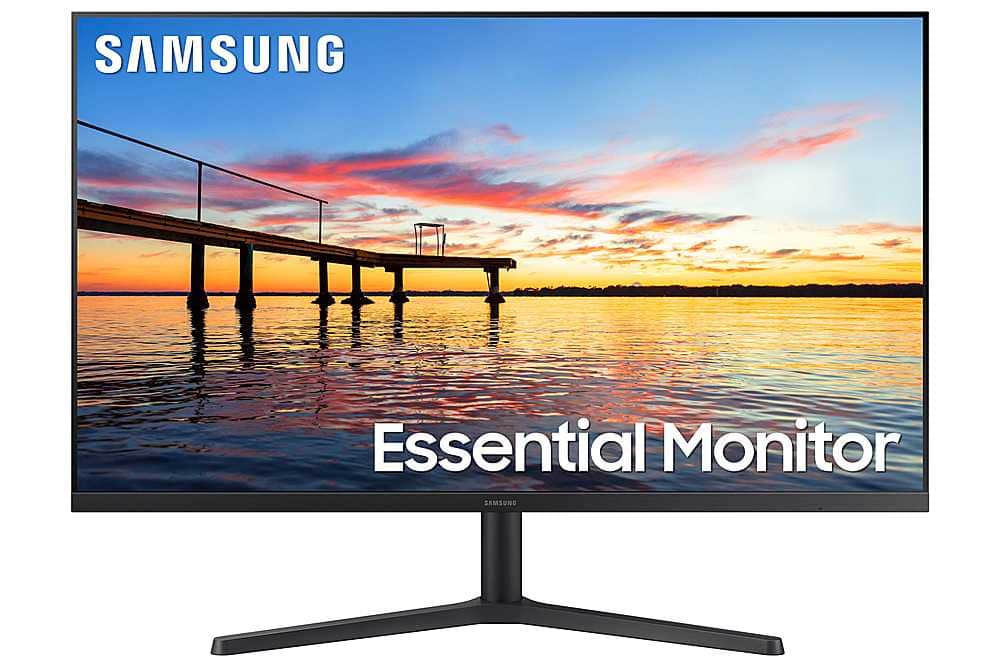
Samsung - S30B 32” LED FHD FreeSync and G-SYNC Compatible Monitor (HDMI, DisplayPort) - Black
SKU: J3ZYG2XWPXWe use this monitor for computer research and social media, also streaming movies and we love it, the...borderless screen gives a great feel for streaming movies or shows.
See all All MonitorsProduct Description
A sleek black LED monitor with FHD resolution, FreeSync and G-SYNC compatibility, and integrated speakers.Your price for this item is $169.99Save $30The previous price was $199.99 -
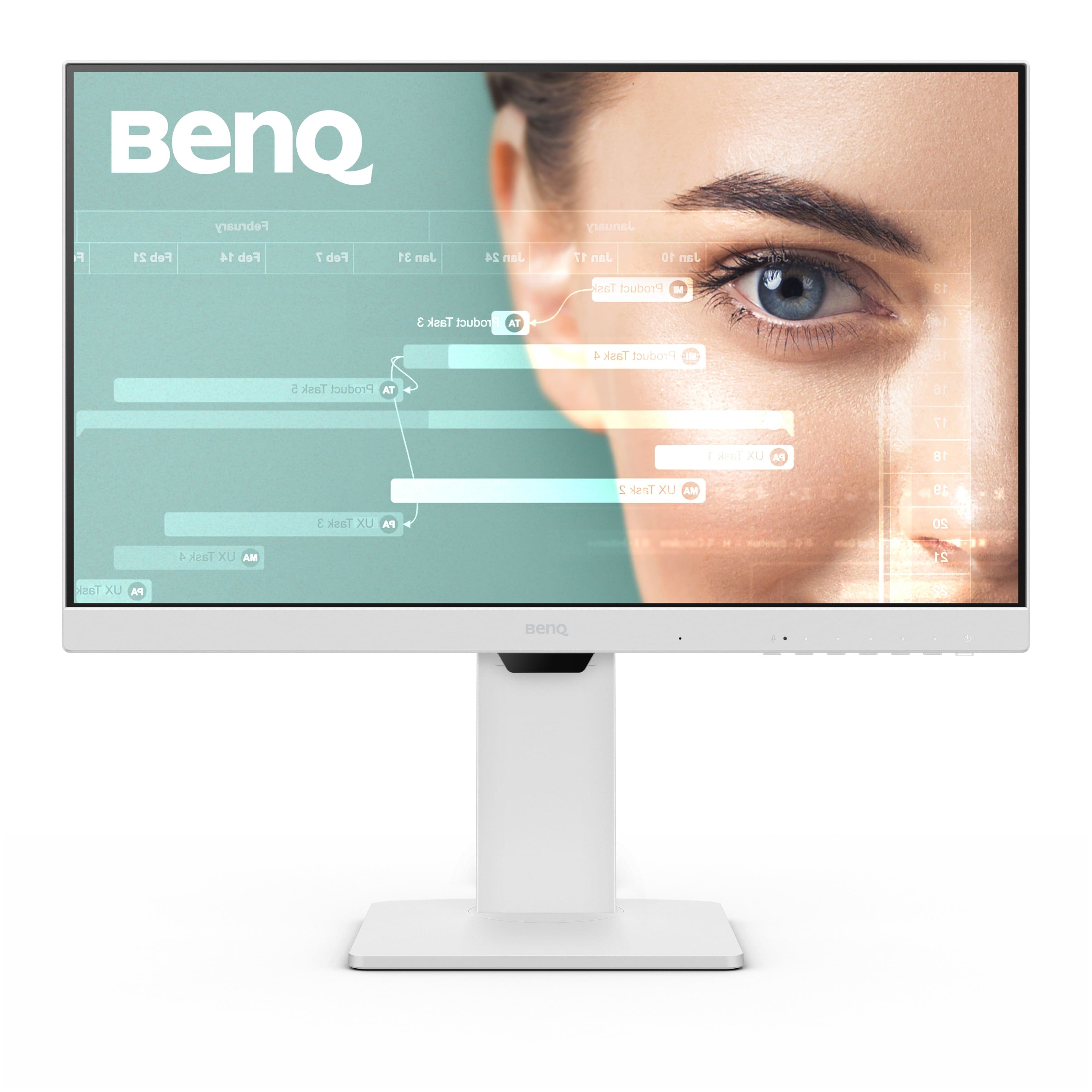
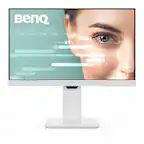
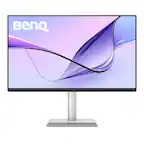
BenQ - GW2486TC 23.8" IPS LED 1080p FHD 100HZ USB-C Monitor (HDMI/DP/USB-C) - White
SKU: J39QZT53WTLooks great, works great
See all All MonitorsProduct Description
A white IPS LED monitor with 1080p resolution, 100Hz refresh rate, USB-C, and ergonomic design.Your price for this item is $169.99Save $30The previous price was $199.99
Best Sellers






Related Pages


FAQ
When selecting a computer monitor, consider features such as resolution, refresh rate, panel type (IPS, TN, or VA), connectivity options (HDMI, DisplayPort, USB-C), and ergonomic adjustments like tilt and height. Also, think about your intended use—gaming, professional work, or general use—to find the best fit.
A good gaming monitor typically has a high refresh rate (120Hz or above), low response time (1ms to 5ms), and support for adaptive sync technologies like NVIDIA G-SYNC or AMD FreeSync. Look for reviews that mention input lag and motion clarity for the best gaming experience.
Curved monitors can offer a more immersive viewing experience by wrapping the display around your field of vision, which is especially beneficial for gaming and multitasking. However, the choice between curved and flat monitors largely depends on personal preference and workspace setup.
IPS panels offer superior color accuracy and wide viewing angles, making them ideal for creative work. TN panels typically have faster response times, which can benefit gamers, but may have poorer color reproduction. VA panels provide high contrast ratios and deep blacks, making them suitable for watching movies and general use.
Many modern monitors come with multiple input ports such as HDMI, DisplayPort, and USB-C. To connect different devices, simply use the appropriate cable for each device and switch between inputs using the monitor’s built-in menu or input button.