Best Computer Monitor For Watching Movies
-
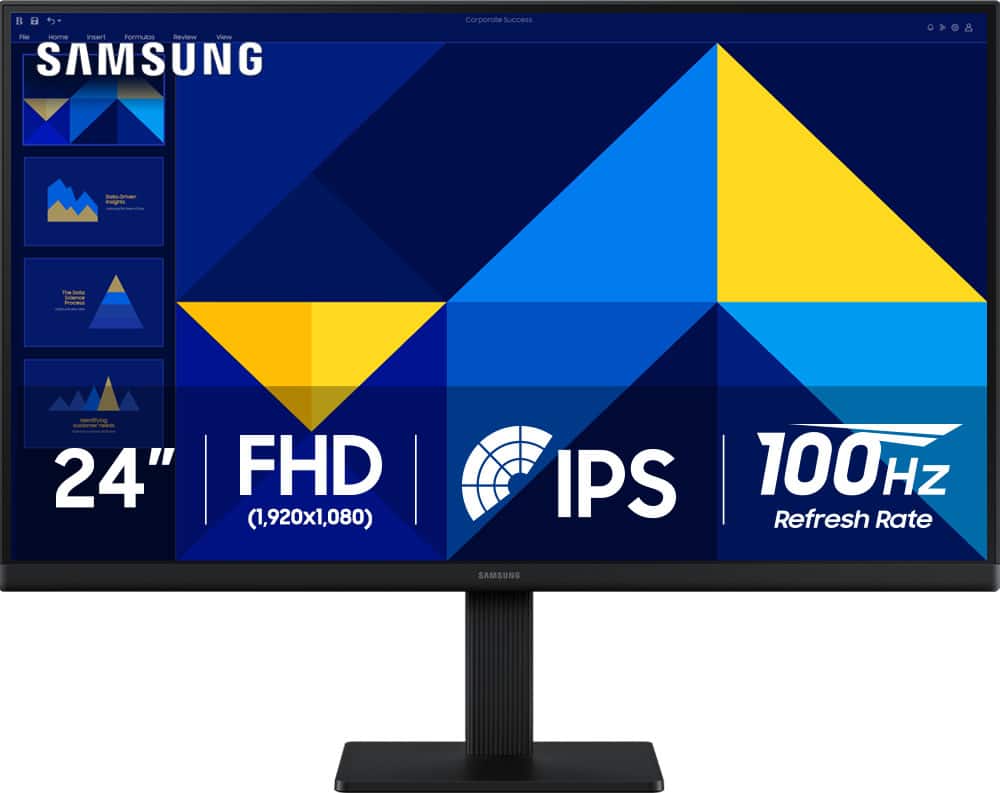
Samsung - 24" S3 (S30GD) IPS LED FHD 100Hz Monitor (HDMI, D-sub) - Black
SKU: J3ZYG24Z7VLove my new Monitor. Thanks to Best But for a great deal/...Love it. Great picture. Easy to hook up, excellent...Great product for the money
See all All MonitorsProduct Description
A black IPS LED monitor with 100Hz refresh rate, FHD resolution, and multiple connectivity options.Your price for this item is $89.99Save $30The previous price was $119.99 -
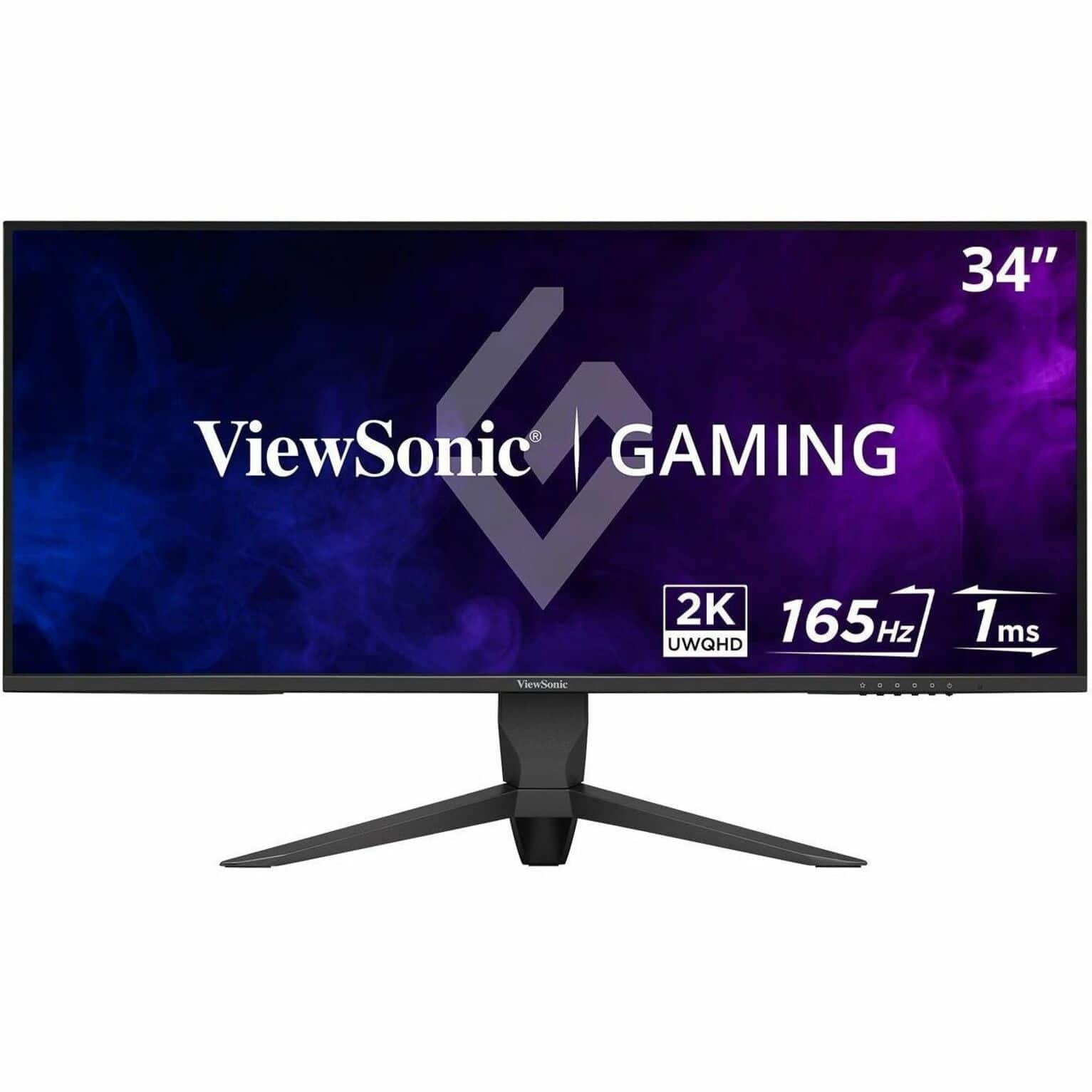
ViewSonic - VX3418-2K 34" LCD QHD 165Hz Gaming Monitor (HDMI, DP, USB) - Black
SKU: J37H88V4C3Best Gaming Monitor Ever...Amazing monintor, every Viewsonic i have own has been great and this one is no exception....Zero lag and the real estate you gain in a screen this big makes the desktop great...
See all All MonitorsProduct Description
An ultrawide black gaming monitor with QHD resolution, 165Hz refresh rate, and AMD FreeSync Premium.Your price for this item is $279.99 -
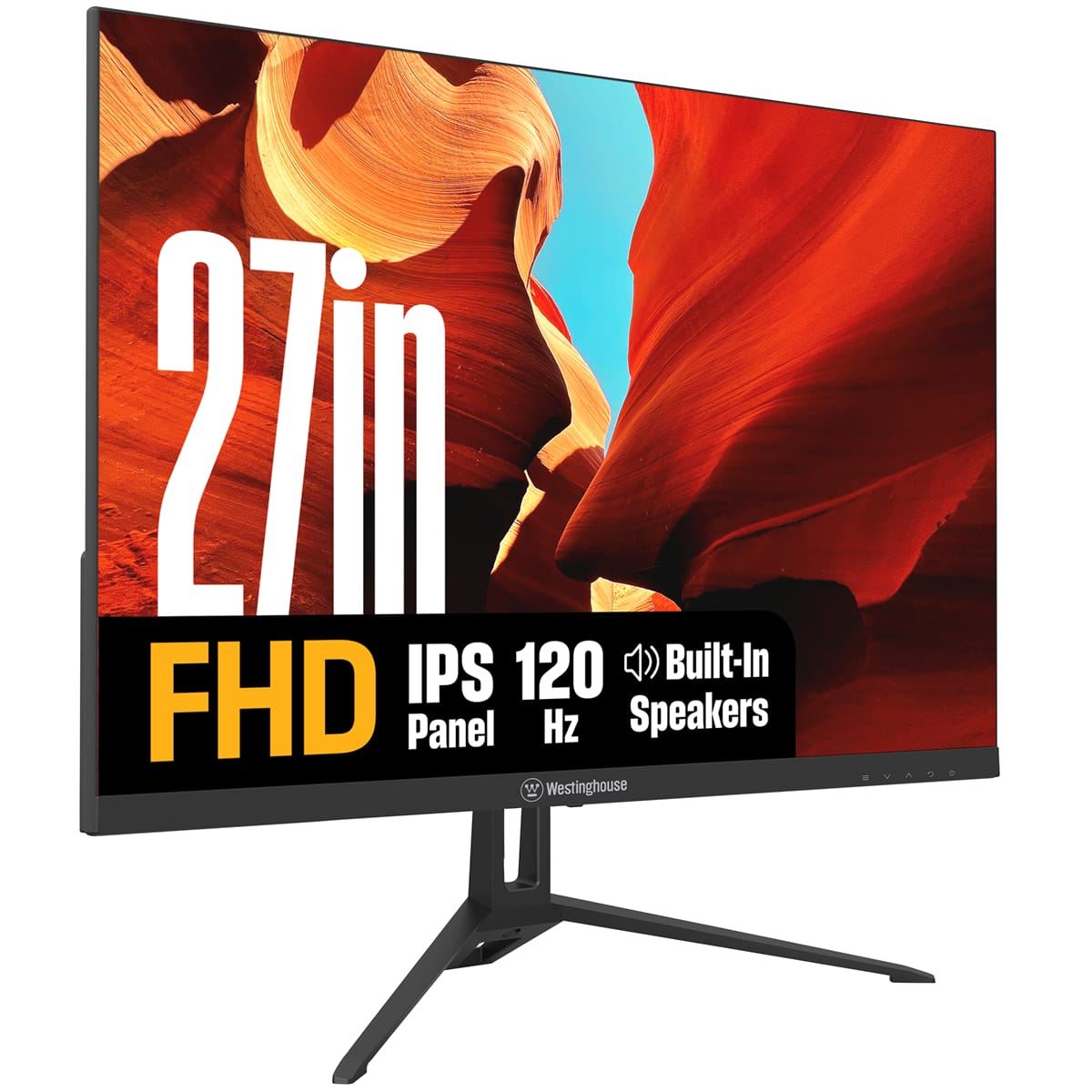
Westinghouse - 27" home office monitor - Black
SKU: J3LL89CRCYSee all All MonitorsProduct Description
A black IPS monitor with 1080p resolution, 120Hz refresh rate, built-in speakers, and Adaptive Sync technology.Your price for this item is $139.99 -
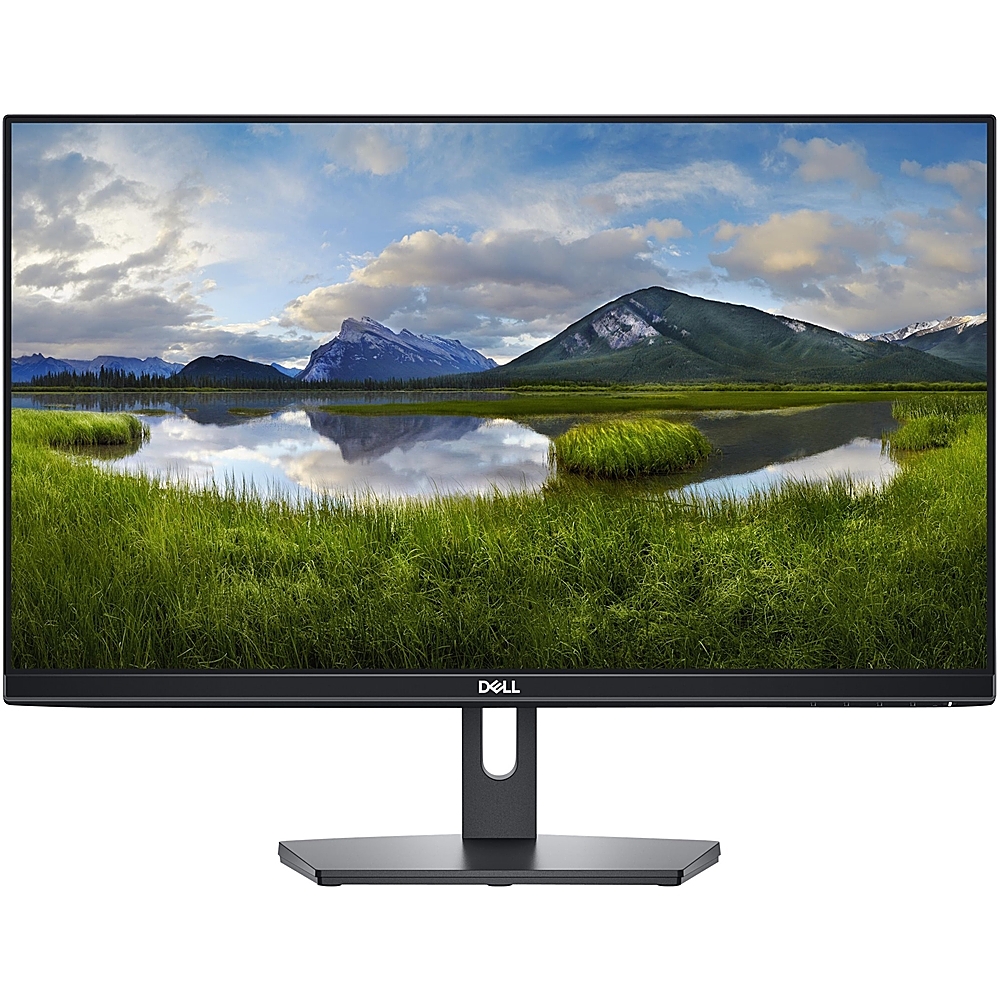
Dell - 24" IPS LED FHD 60Hz 5ms Monitor (HDMI, VGA) - Black
SKU: J3K4L9KRW9I love it! Thank you!
See all All MonitorsProduct Description
A black IPS LED monitor offering Full HD clarity, wide 178° viewing angles, and HDMI/VGA connectivity.Your price for this item is $149.99 -
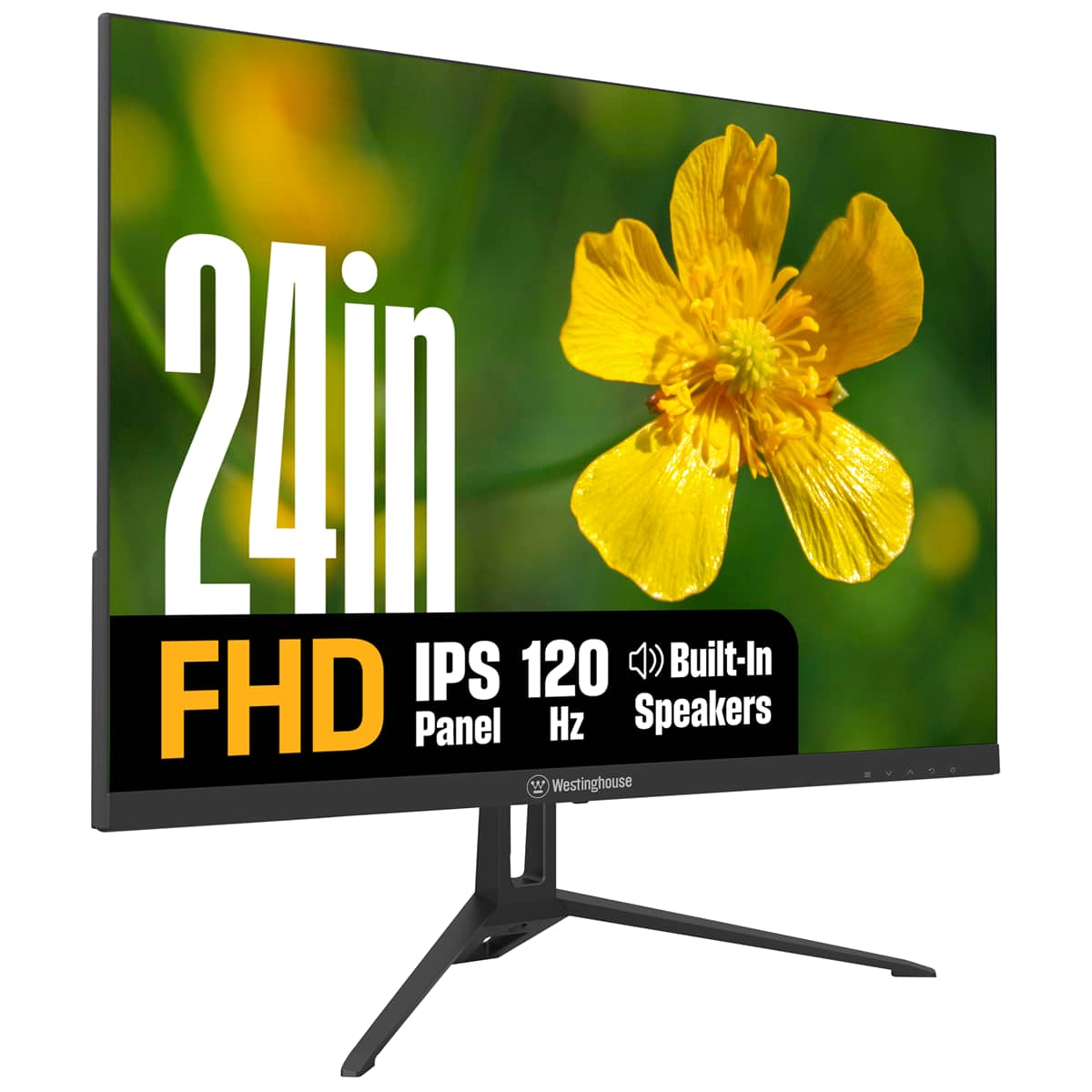
Westinghouse - 24" home office monitor - Black
SKU: J3LL89CRCCSee all All MonitorsProduct Description
A black IPS monitor with 1080p resolution, 120Hz refresh rate, built-in speakers, and eye comfort features.Your price for this item is $119.99 -
ViewSonic - VA2748-MHJ 27 Inch IPS 1080p Monitor with 120Hz, Advanced Ergonomics, Eye Care, HDMI, and VGA Inputs for Home - Black
SKU: J37H8G7XHQSee all All MonitorsProduct Description
A sleek black IPS monitor with 1080p resolution, 120Hz refresh rate, ergonomic stand, and integrated speakers.Your price for this item is $149.99 -
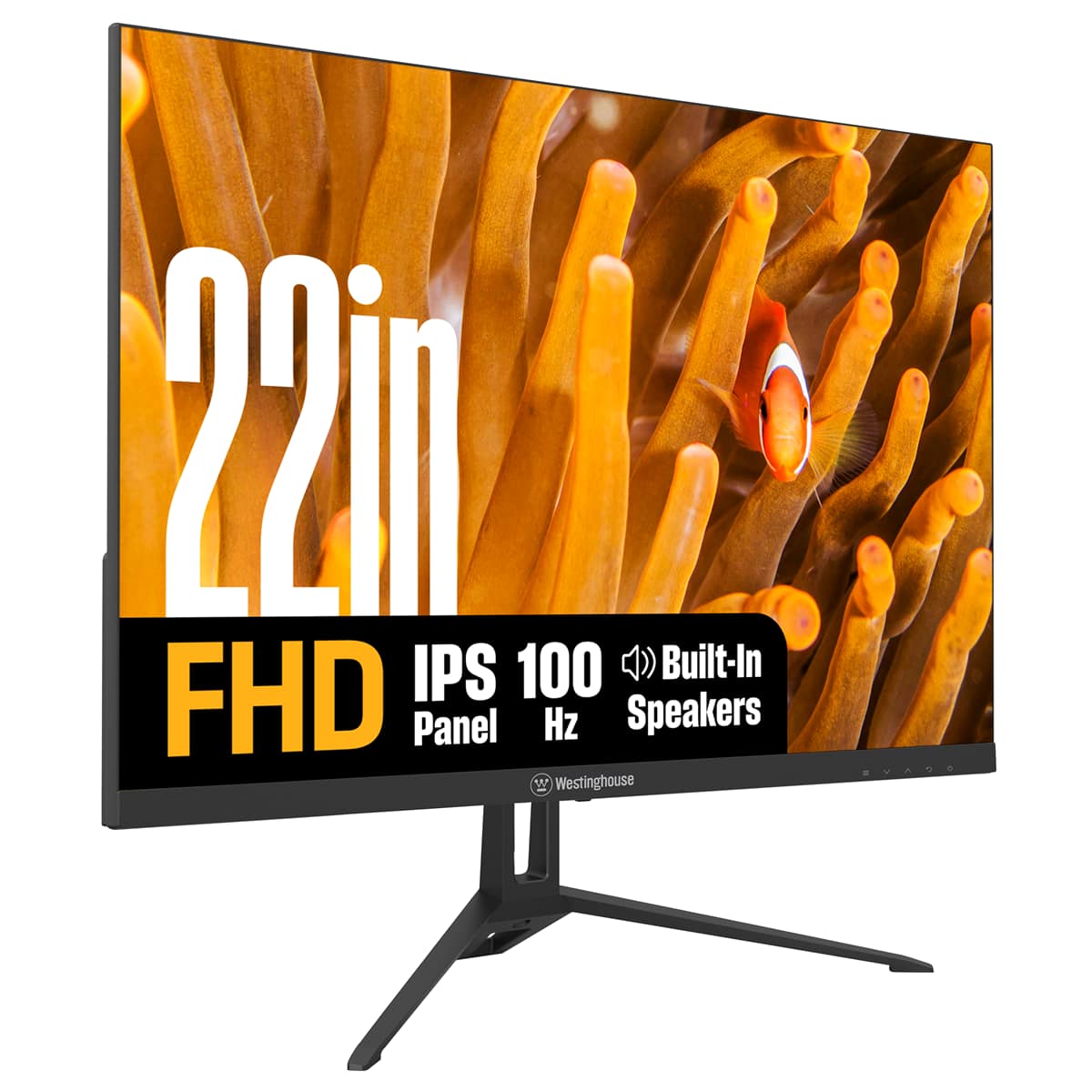
Westinghouse - 22" home office monitor - Black
SKU: J3LL89CRJPSee all All MonitorsProduct Description
A black IPS monitor offering Full HD resolution, 100Hz refresh rate, built-in speakers, and eye comfort features.Your price for this item is $99.99 -
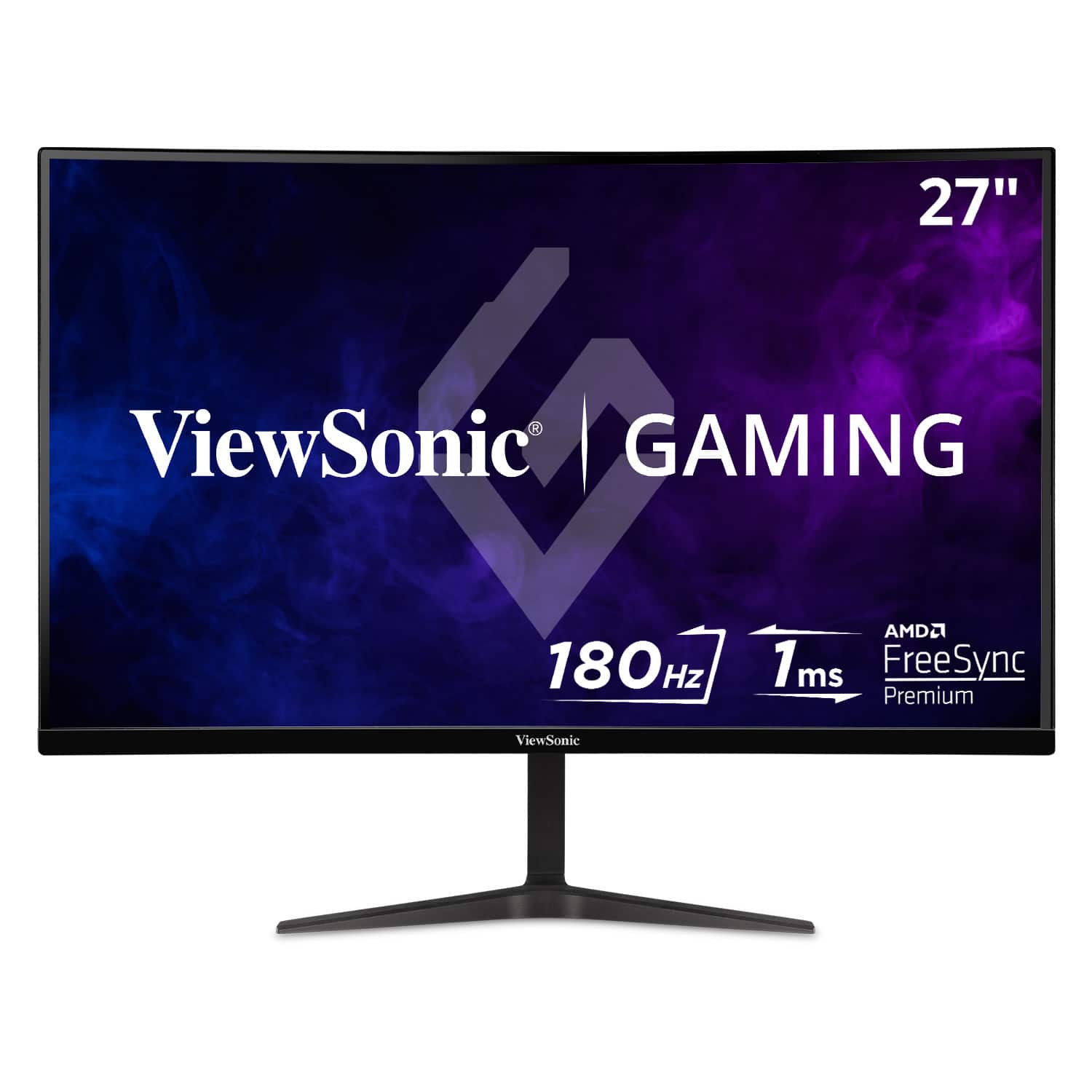
ViewSonic - VX2718-P-MHD 27" LCD FHD Adaptive Sync Gaming Monitor (HDMI and DisplayPort) - Black
SKU: J37H88FW75The only quam i have is the ship time from best buy because they do not keep these monitors in their...Other than this it is a great monitor with high graphic fadelity at 165hz 1ms resp time....Great...
See all All MonitorsProduct Description
A sleek black LCD gaming monitor with 165Hz refresh rate, 1ms response, and adaptive sync technology.Your price for this item is $148.99Save $1The previous price was $149.99 -
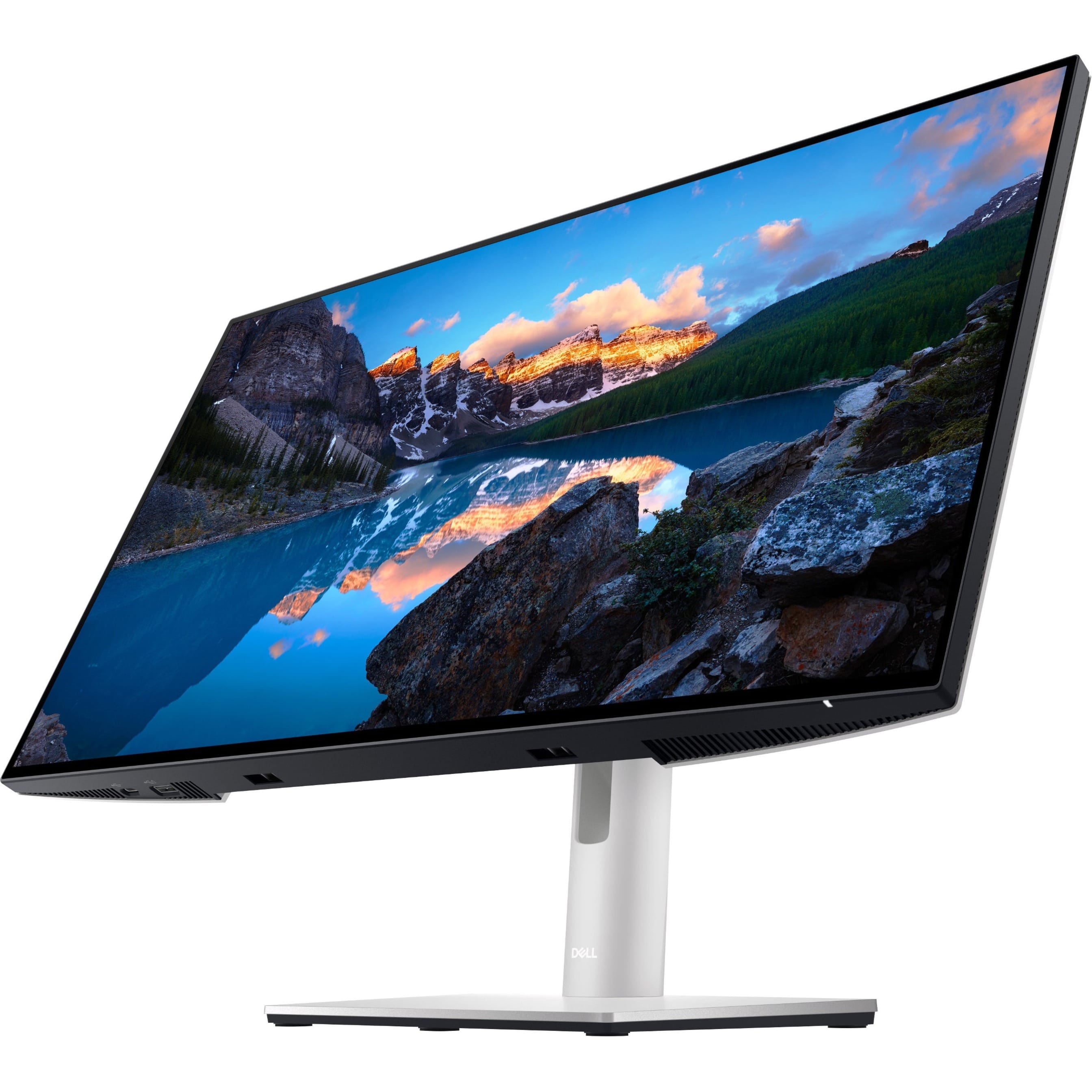
Dell - UltraSharp 23.8" LCD Monitor (DisplayPort, USB, HDMI) - Black
SKU: J3K4L9V72WSee all All MonitorsProduct Description
A black IPS LCD monitor with 1920 x 1080 resolution, 60Hz refresh rate, and adjustable stand height.Your price for this item is $399.99

Best Sellers





Related Pages





FAQ
When choosing a computer monitor for watching movies, consider features like high resolution (such as 4K or Full HD), vibrant color accuracy, wide viewing angles (IPS panels), high contrast ratios, and built-in speakers for immersive audio. HDR support and a fast refresh rate can also enhance your movie-watching experience.
Yes, an ultrawide monitor can provide a more cinematic experience by offering a wider aspect ratio, which is closer to what you see in theaters. This allows for fewer black bars on widescreen films and a more immersive viewing experience.
Most modern monitors come with HDMI and DisplayPort connections, which are compatible with most computers and streaming devices. If you want to connect external speakers or headphones, look for a monitor with an audio-out port.
Panel types like IPS (In-Plane Switching) offer better color reproduction and wider viewing angles, making them ideal for watching movies. VA (Vertical Alignment) panels provide deeper blacks and higher contrast, which can also enhance movie visuals. TN (Twisted Nematic) panels are less suited for movies due to limited color accuracy and viewing angles.
Yes, most computer monitors with HDMI ports can be connected to streaming devices like Roku, Apple TV, or Chromecast. Just ensure your monitor has built-in speakers or connect external speakers for audio playback.