Black Friday Deals start nowEnds Nov. 28.Shop now

Main Content
Skip to contentGo to Product Search

Black Friday Deals start nowEnds Nov. 28.Shop now

Main Content

Affordable Laptops

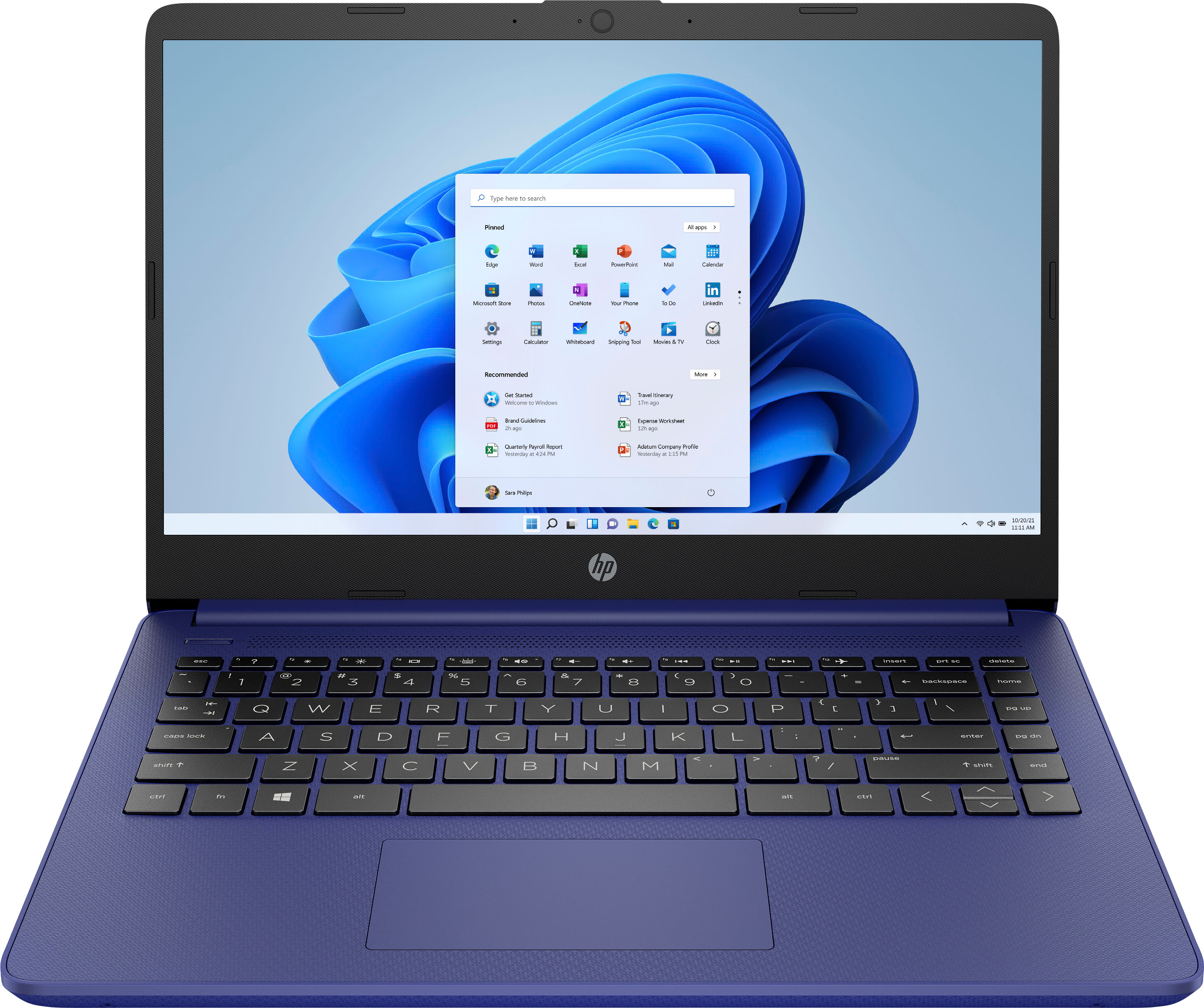
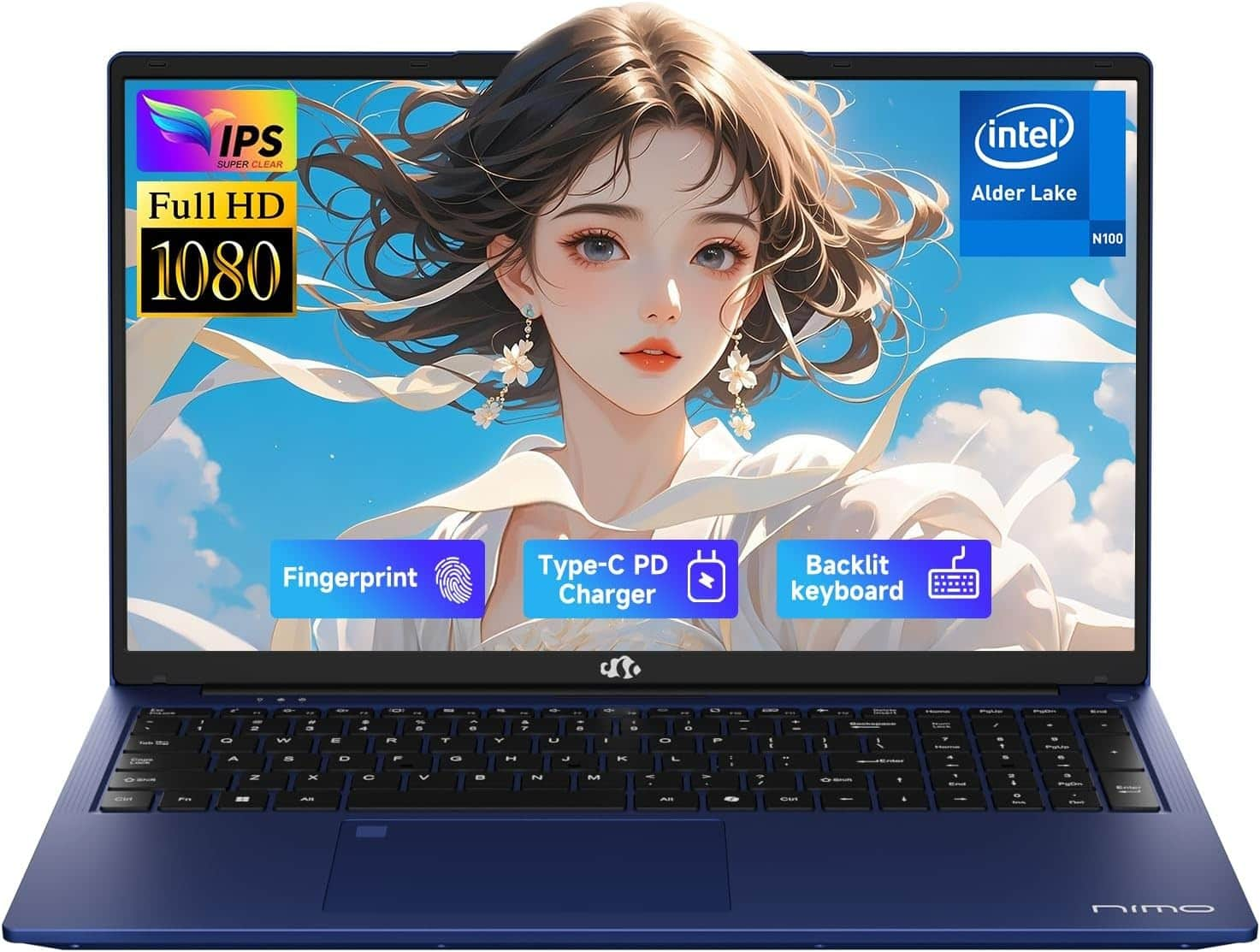
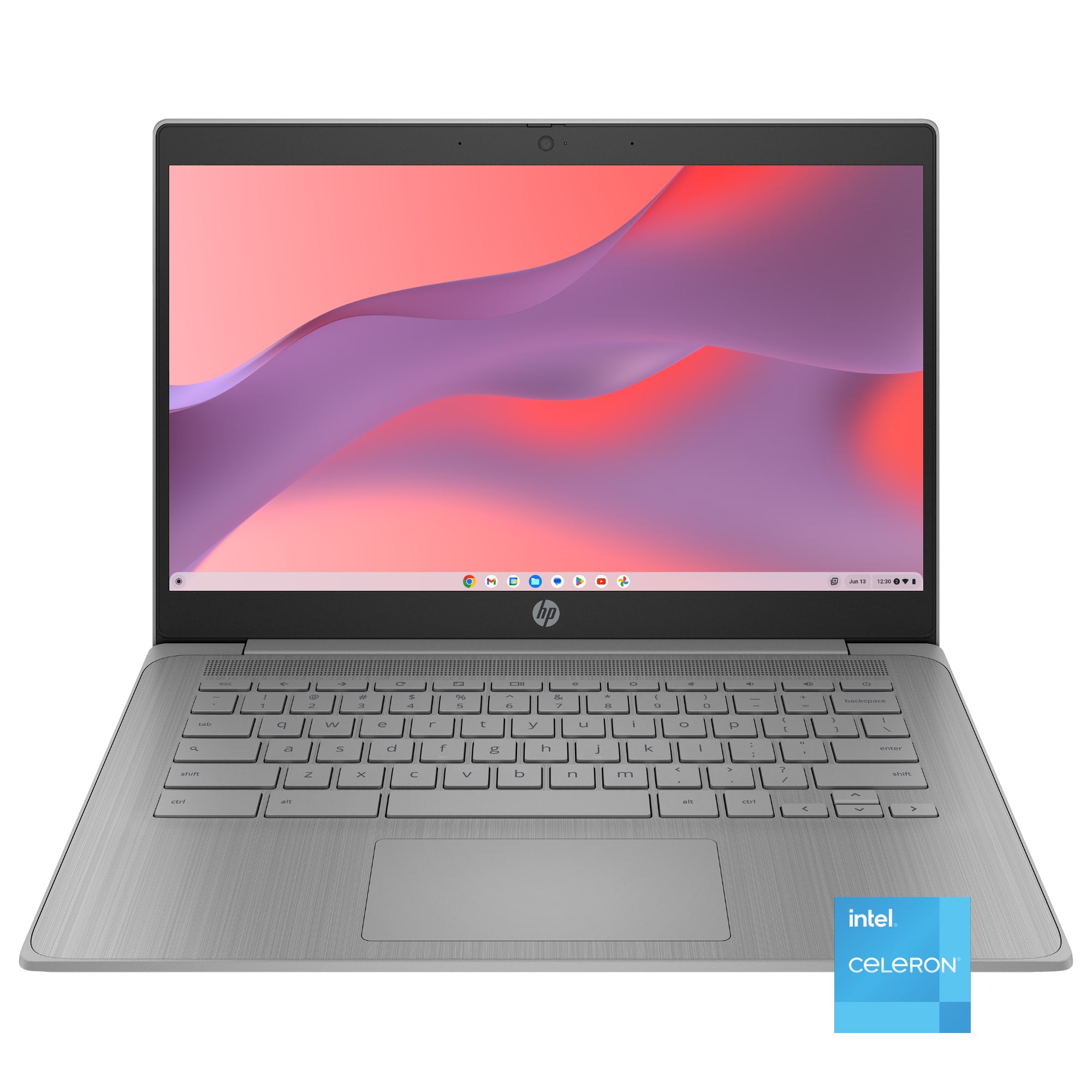
Find affordable laptops for everyday browsing, schoolwork, and basic work tasks. Compare screen size, storage, and performance to choose a budget-friendly computer that fits how you’ll use it, and consider weight and battery life if you plan to take it on the go.
Categories & Filters
Results
Main Results

Affordable Laptops

Affordable laptops can be a practical fit for everyday tasks such as checking email, writing papers, managing household expenses, joining video calls, and streaming entertainment. For students, home users, and anyone shopping with a budget in mind, value comes from matching a computer’s capabilities to the work it will handle most often. Web browsing and basic document editing generally place fewer demands on a laptop than video editing, complex spreadsheets, or running several demanding applications at once. A processor suited to your workload and enough memory for your usual mix of apps and browser tabs can matter more than features you rarely use. Storage deserves a separate look: memory helps with active tasks, while storage holds applications, downloads, photos, and other files. A solid-state drive can help with startup and application loading, while capacity determines how much you can keep locally. Cloud storage may reduce local storage needs, but access to online files can depend on an internet connection.

Screen size, portability, and everyday comfort also shape how well a budget-friendly laptop fits your routine. A smaller display can make a computer easier to carry between classes or on a commute, while a larger screen offers more room for documents, spreadsheets, and side-by-side windows. Resolution, brightness, and glare can affect readability, especially during longer sessions or in brightly lit spaces. Weight and dimensions are useful comparisons for a laptop that will travel often, and advertised battery life should be considered alongside the demands of your apps, screen settings, and video calls. Keyboard layout and touchpad usability matter for frequent typing, while a built-in number pad may appeal to shoppers who regularly enter figures. For remote classes or meetings, camera and microphone capabilities are relevant considerations. Connections are another practical detail: the ports needed for a monitor, mouse, external drive, or headset can influence whether you will also need adapters or a docking accessory.

The right affordable laptop also needs to work with the software and services you rely on. Operating system compatibility is particularly important for school requirements, workplace applications, creative tools, and accessories you already own. Browser-based tasks may have different requirements from software installed directly on the computer, and some applications require a separate purchase or subscription. For a shared household laptop, sufficient storage, separate user accounts, and accessible settings can help accommodate different routines. For students or gift recipients, required programs and portability needs are useful starting points before prioritizing extra features. Looking beyond the initial purchase also means considering the cost of any necessary software, accessories, or additional storage, along with the manufacturer’s support information and warranty terms. Comparing these details keeps the focus on overall usefulness rather than price alone, helping you find a laptop that supports your daily activities without paying for capabilities you do not expect to use.

FAQs