MacBook Docks
-
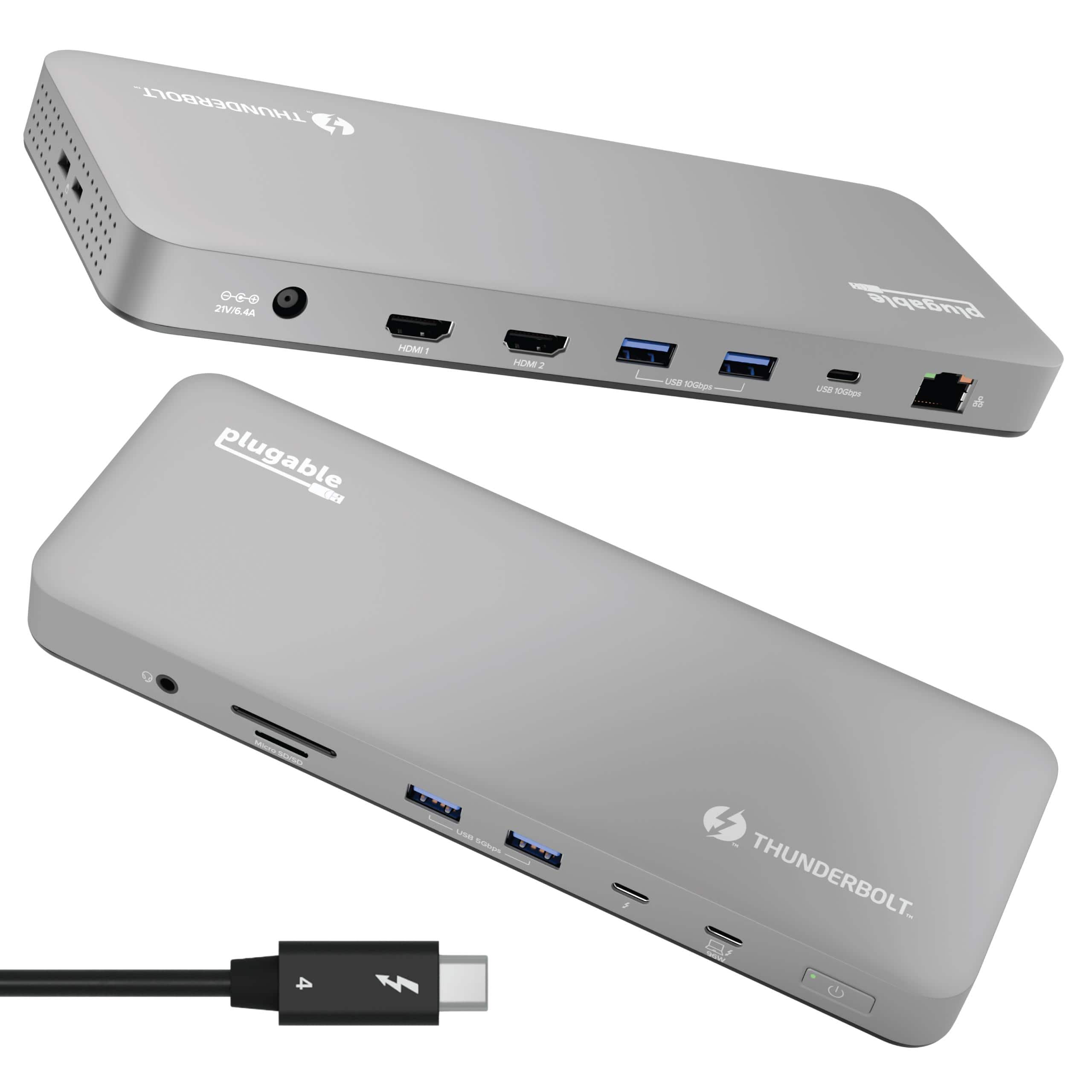
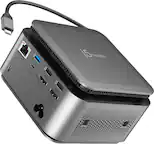
Plugable - Thunderbolt 4 Dock for M4 MacBook Air & Pro: 100W Charging, 4K HDMI Dual Monitor or Single 6K - Space Gray
SKU: J3YLP624W9See all Docking StationsProduct Description
A sleek space gray aluminum dock offering Thunderbolt 4 connectivity, dual 4K HDMI, and 100W charging.Your price for this item is $199.95 -
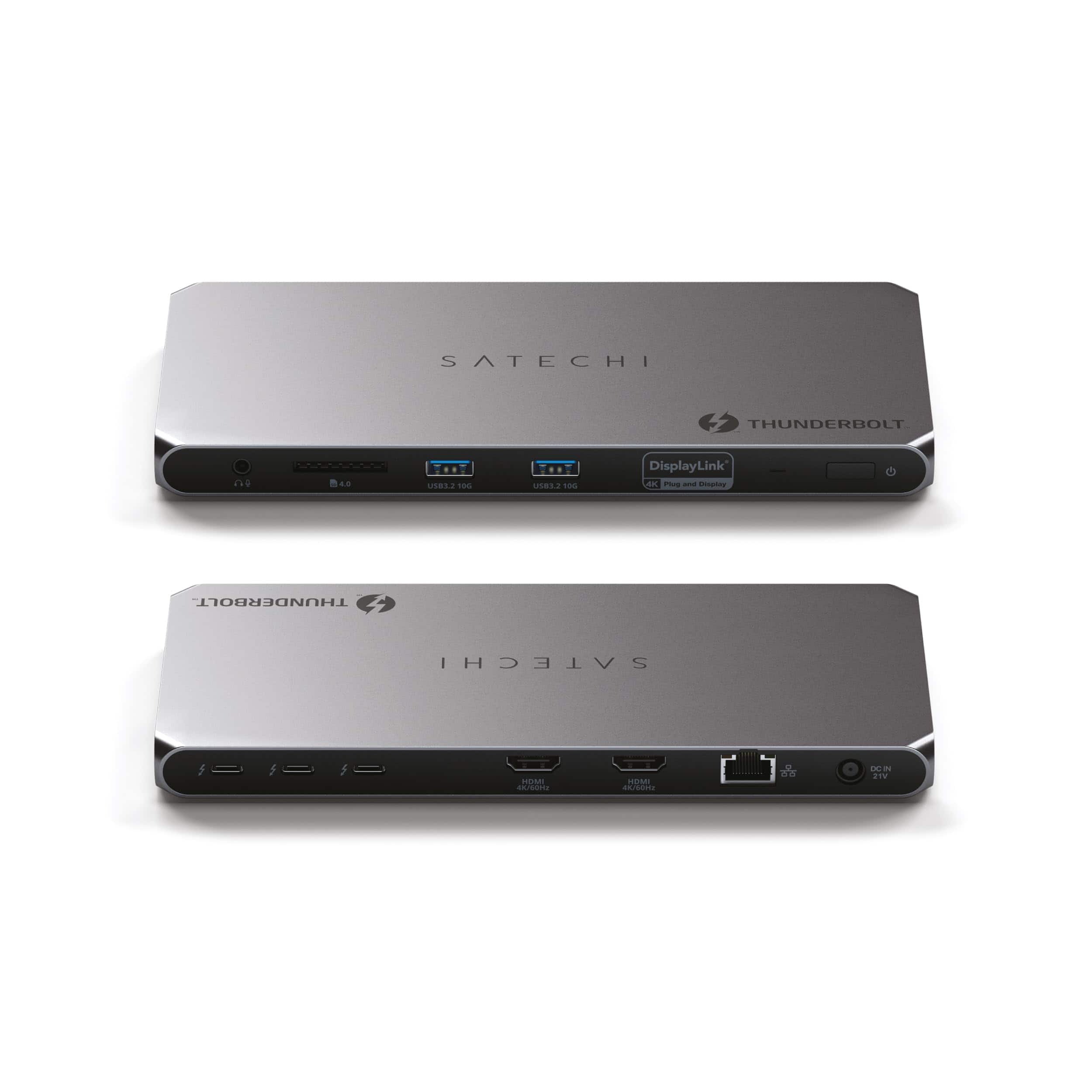
Satechi - Thunderbolt 4 Dock - Dual 4K@60Hz HDMI, 100W Charging, 40Gbps, 2 USB-A 3.2, Ethernet for MacBook Pro/Air - Space Gray
SKU: J3GWC4CC5GSee all Docking StationsProduct Description
A sleek space gray dock enabling dual 4K HDMI, 100W charging, 40Gbps transfer, and Ethernet connectivity.Your price for this item is $299.99 -
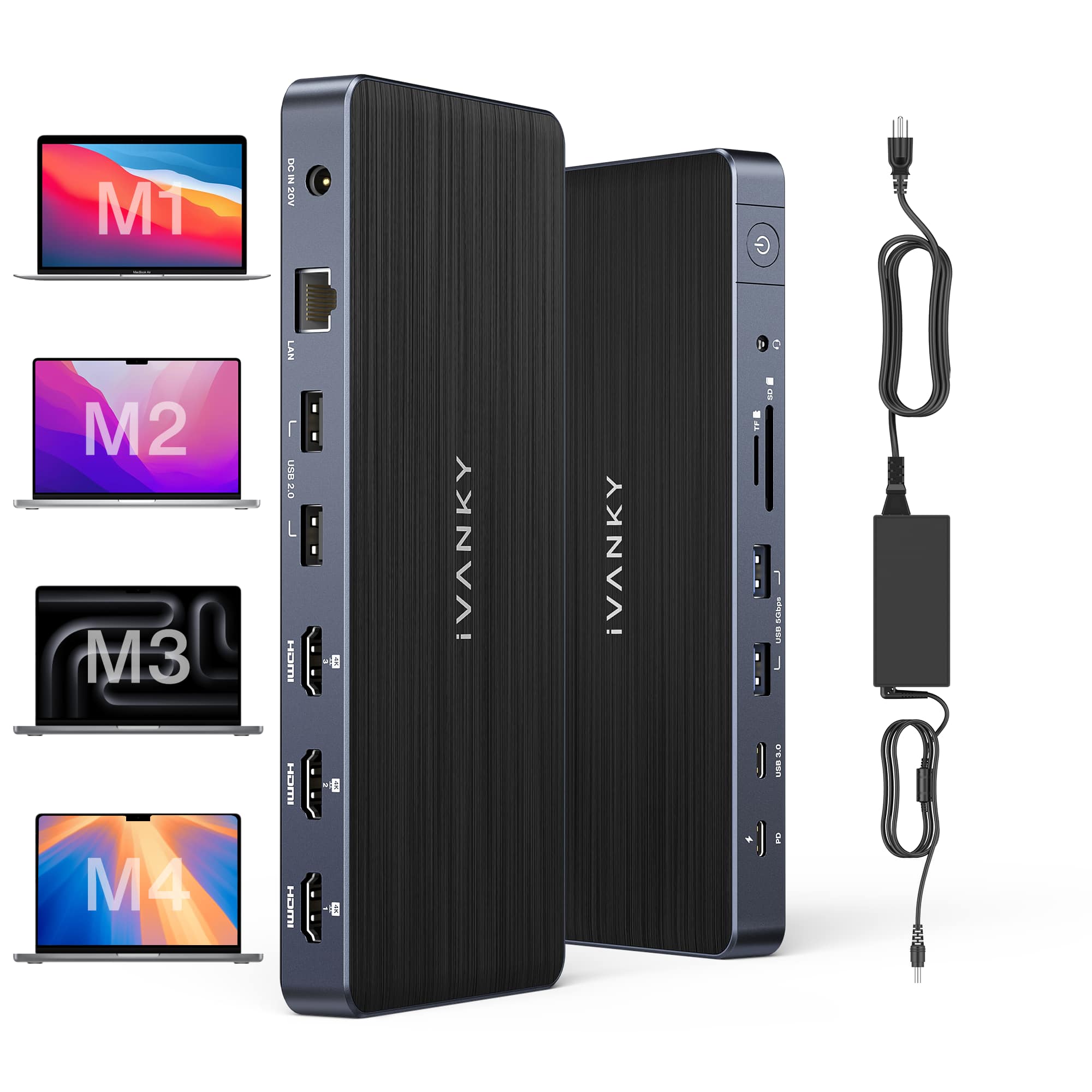
iVANKY - 12-in-2 Dual 4K FusionDock Docking Station for MacBook Pro with 150W Power Adapter - Black
SKU: CZTZ2F27V5See all Docking StationsProduct Description
A black vertical docking station supporting dual 4K displays, 6 USB ports, Ethernet, and 96W power delivery.Your price for this item is $139.99 -
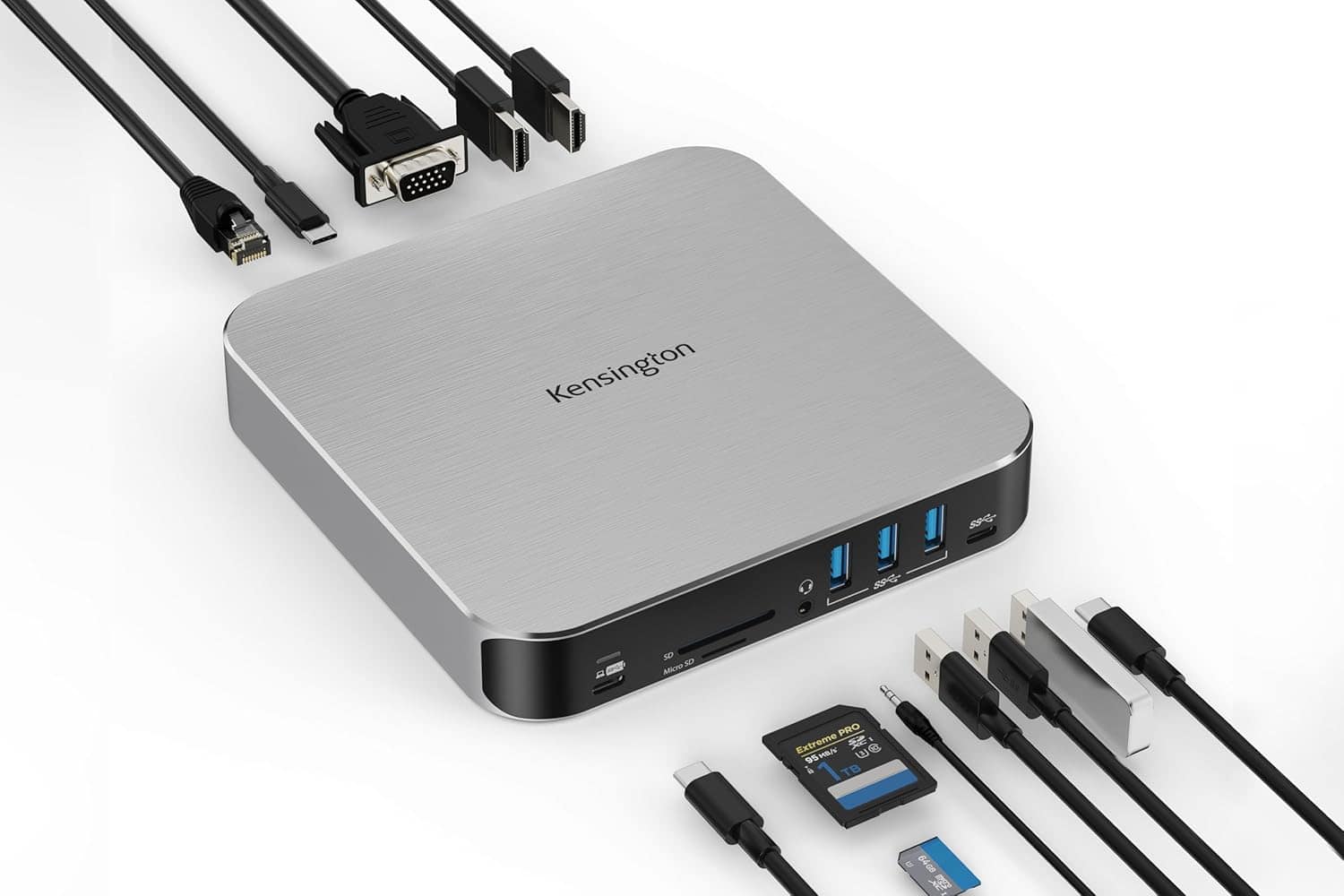
Kensington - AD220S3 Dual Display Dock for MacBook M1/M2/M3/M4, 85W Passthrough Charging
SKU: J7RJZKRJ9YSee all Docking StationsProduct Description
A compact USB-C mobile dock offering dual display support, fast data transfer, Ethernet, and 100W power delivery.Your price for this item is $136.90 -
Kensington - EQ Pro Thunderbolt 5 Dock for MacBook, 19-in-1, Dual 6K at 60Hz, 140W Power, M.2 SSD Slot - K33612NA - Black
SKU: J7RJZWKGYQSee all Docking StationsProduct Description
A black, heat-dissipating Thunderbolt 5 docking station supporting up to four displays for seamless multitasking.Your price for this item is $449.99 -
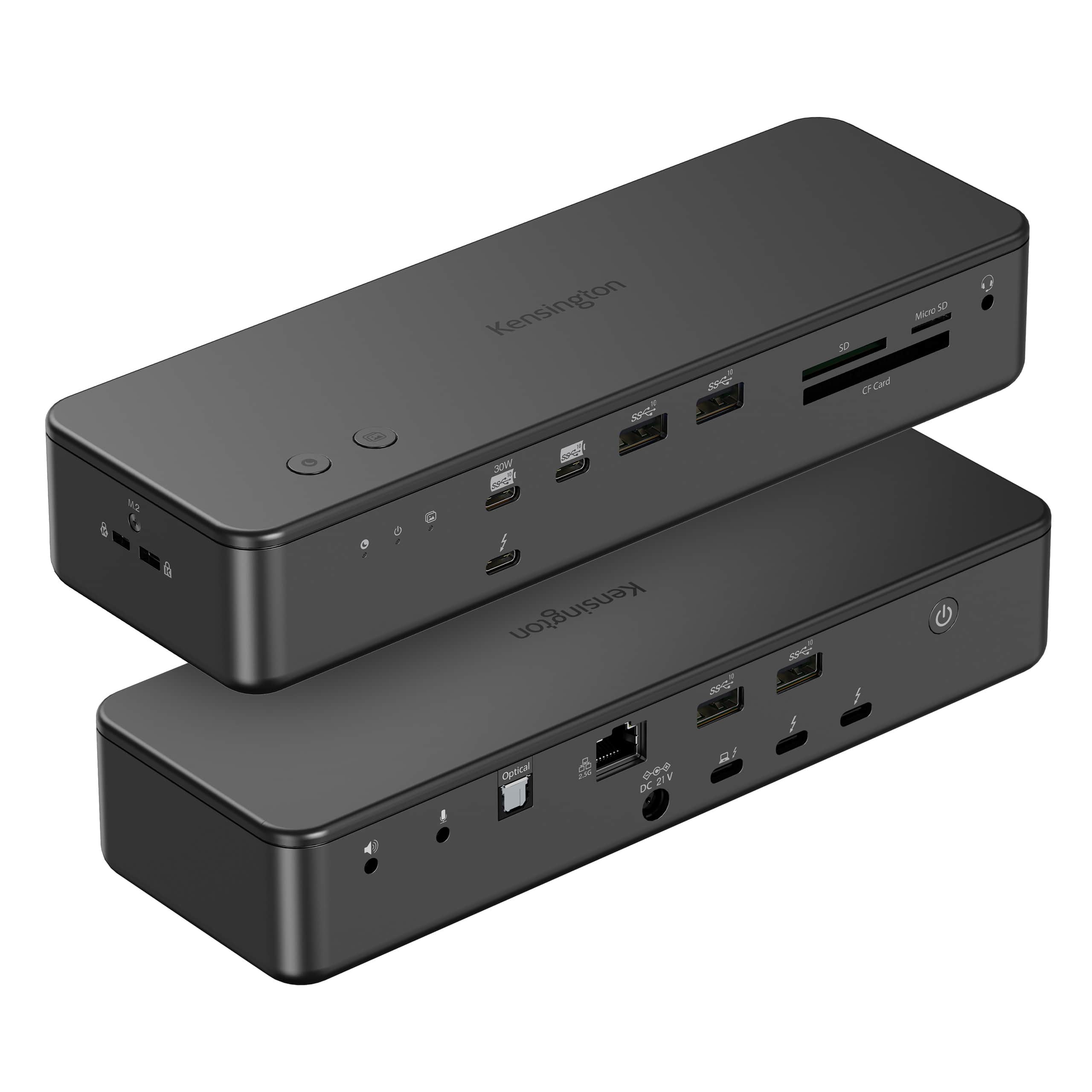
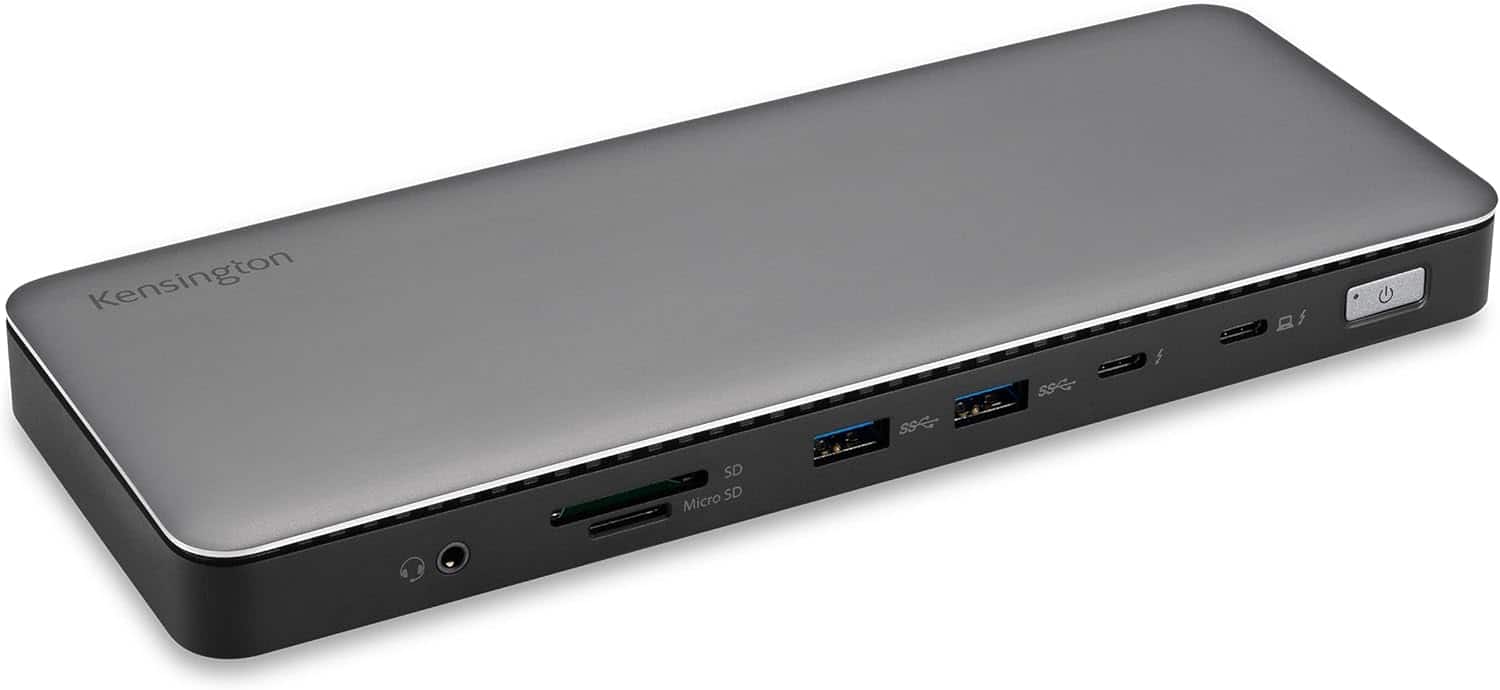
Kensington - SD5760T Thunderbolt 4 Dock, 100W PD, 2 HDMI, SD/Micro SD Slots, for Windows & MacBook Pro - Black
SKU: J7RJZKQZKYSee all Docking StationsProduct Description
A black docking station offering Thunderbolt 4, dual HDMI, 100W power delivery, and SD/Micro SD slots.Your price for this item is $272.71Save $3The previous price was $276.23 -
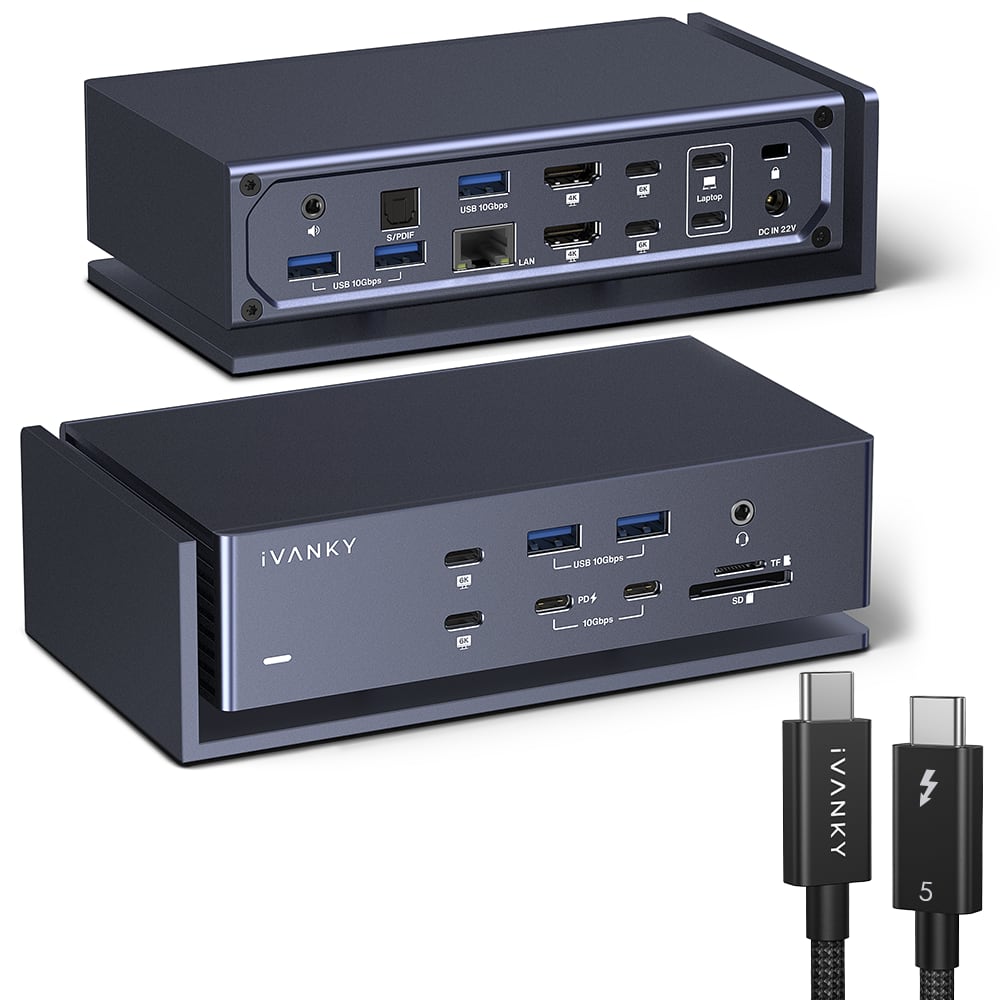
iVANKY - 20-in-1 FusionDock Dual Thunderbolt 4 Chips Docking Station with Thunderbolt 5 Cable for MacBooks M1 to M5 - Midnight Blue
SKU: CZTZ2F2C3LGreat Dock station
See all Docking StationsProduct Description
A midnight blue docking station for MacBooks M1–M5, supporting four displays and 12 USB ports.Your price for this item is $329.99 -
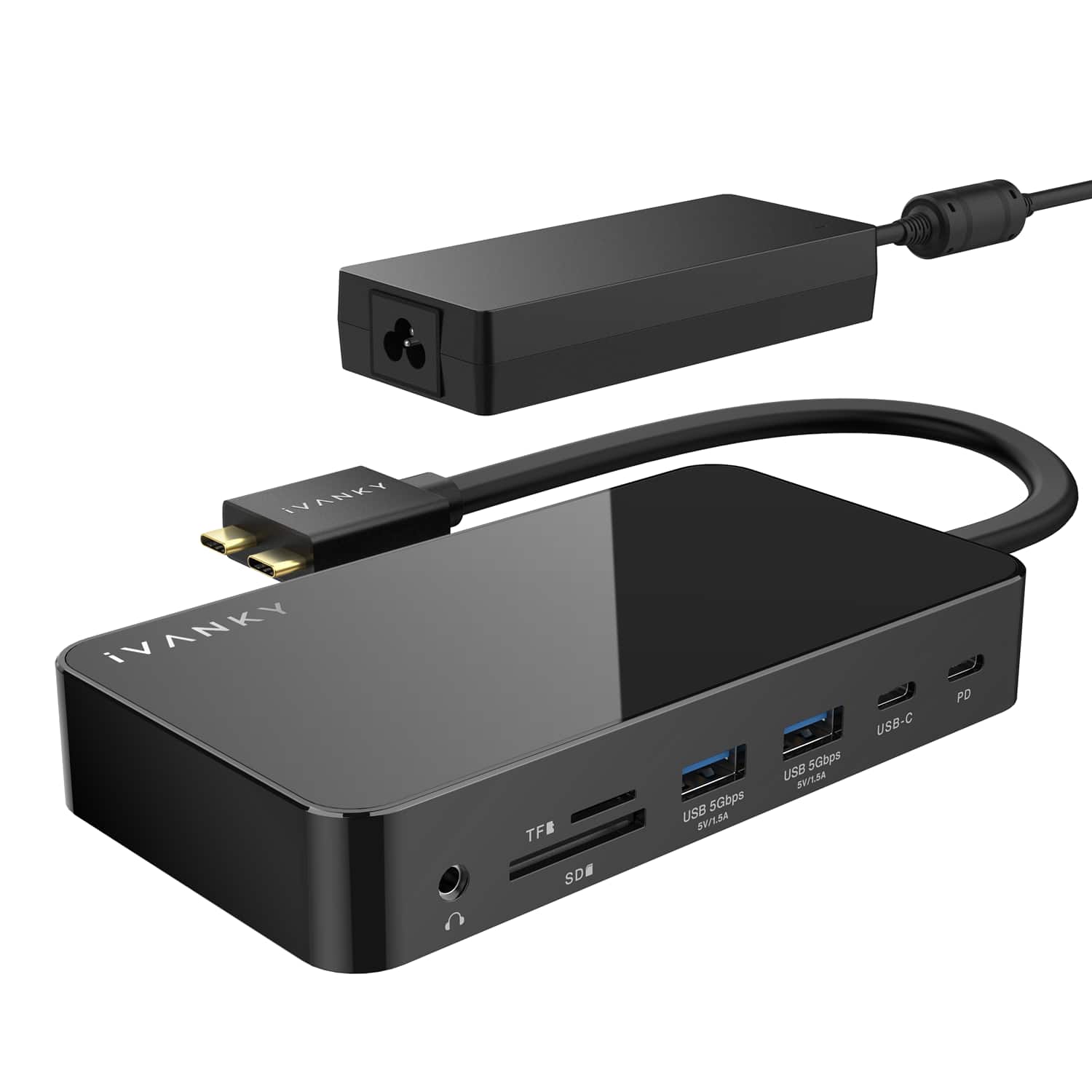
iVANKY - FusionDock 14-in-1 Docking Station with 180W Power Adapter, Triple 4K@60Hz Monitor For Macbook
SKU: CZTZ2F27QJSee all Docking StationsProduct Description
A versatile 14-in-1 docking station supporting triple 4K@60Hz monitors, 96W PD, and 2.5GbE for MacBooks.Your price for this item is $189.99 -
iVANKY - 12-in-2 FusionDock 1 for M1-M5 MacBook Pro Docking Station, Dual 4K@120Hz Monitor, 96W PD Charging, 150W Power Adapter
SKU: CZTZ2FCVT6See all Docking StationsProduct Description
A versatile docking station supporting dual 4K@60Hz displays, 6 USB ports, Ethernet, and 150W power delivery.Your price for this item is $124.99 -
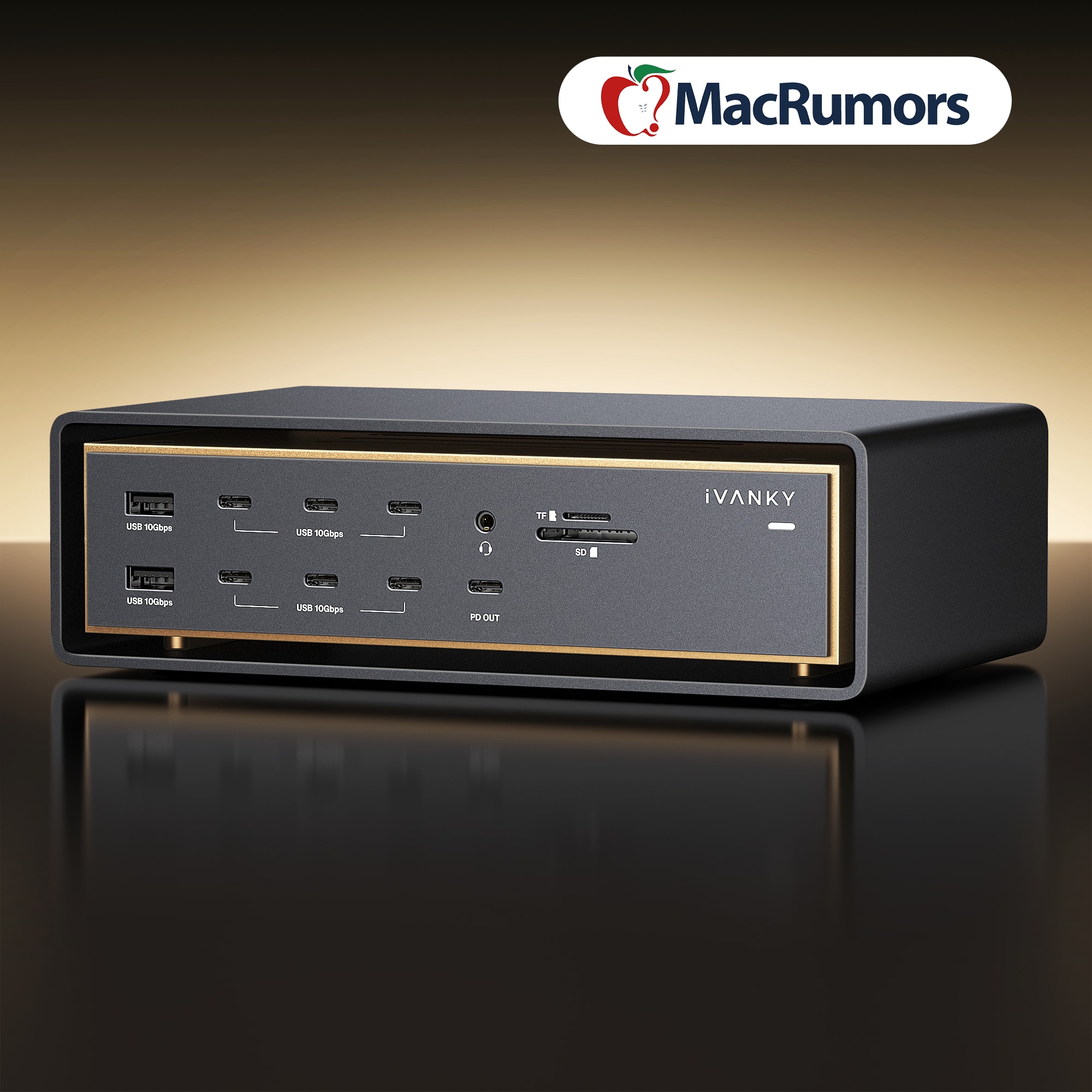
iVANKY - FusionDock Ultra Thunderbolt 5 (TB5) Docking Station, 26-in-1, Quad 6K Display, 10GbE, 140W Charging for MacBook - Black
SKU: CZTZ2F2X3XGreat option for a Four-Monitor MacBook Pro Setup...The build quality feels premium, and everything looks great on my desk.
See all Docking StationsProduct Description
A black aluminum Thunderbolt 5 dock delivers 120Gbps, quad 6K or dual 8K displays, 10GbE, and 240W power delivery.Your price for this item is $649.99

Best Sellers


Related Pages





FAQ
When choosing a MacBook dock, consider features such as the number and types of ports (USB-C, HDMI, Ethernet, SD card reader), power delivery for charging your MacBook, compatibility with your specific MacBook model, and support for multiple displays.
Yes, many MacBook docks support multiple monitor setups. Check the product specifications to see how many external displays the dock can support and what resolutions are available for each display.
Most MacBook docks are designed to work with both MacBook Air and MacBook Pro models, especially those with USB-C or Thunderbolt ports. Always verify compatibility with your specific MacBook model before purchasing.
Most MacBook docks are plug-and-play and do not require additional software or drivers. However, some advanced docks with specific features may require you to install drivers or software for full functionality. Refer to the product documentation for details.
A USB-C dock uses standard USB-C connections and typically offers slower data transfer speeds and fewer features compared to Thunderbolt docks. Thunderbolt docks provide faster data transfer rates, support more displays, and offer greater expandability, making them ideal for power users.