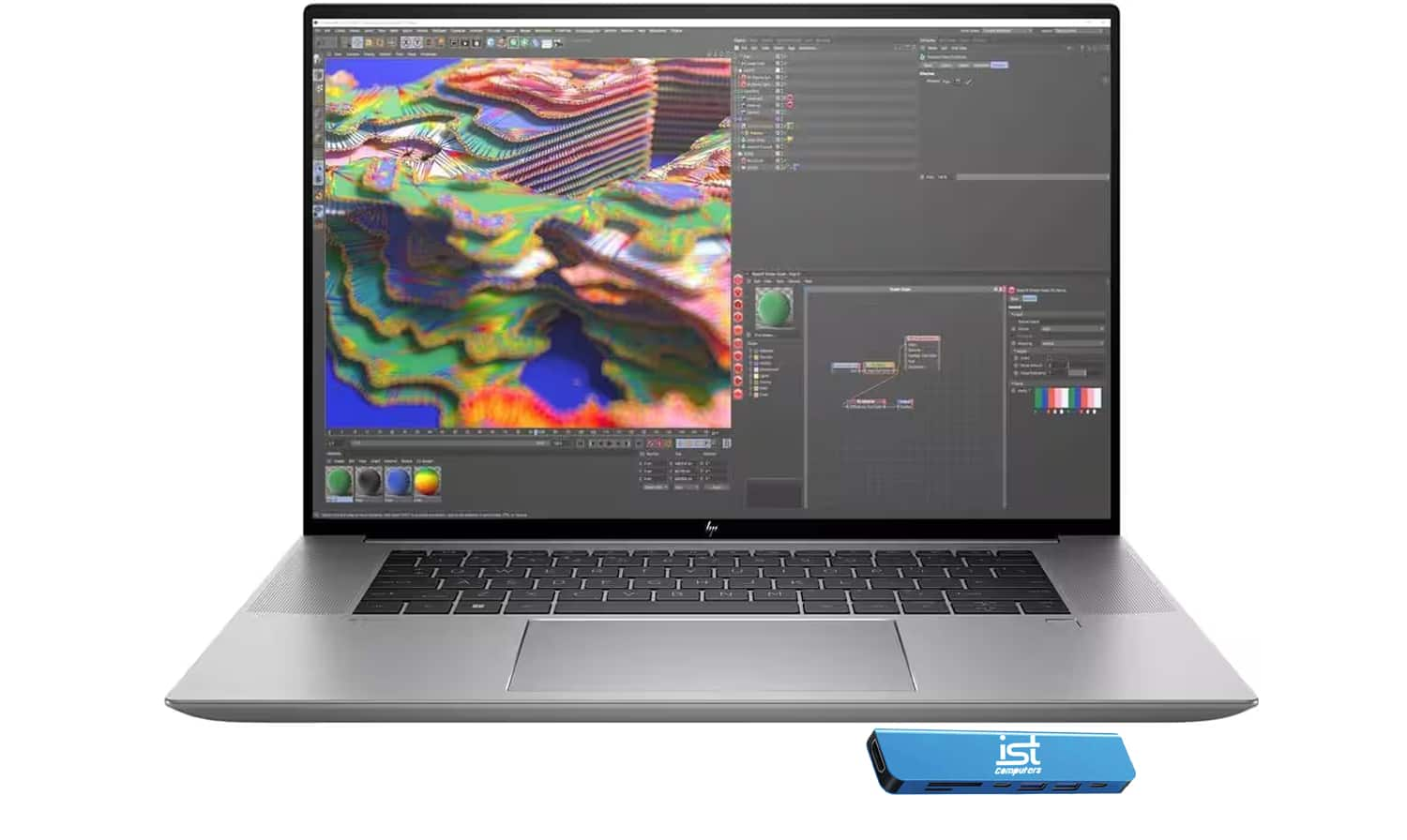
Gaming And Streaming Laptop
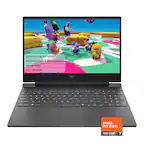
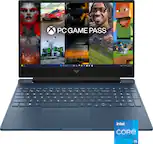
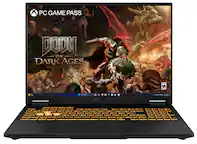
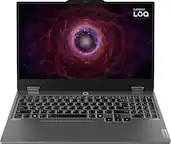
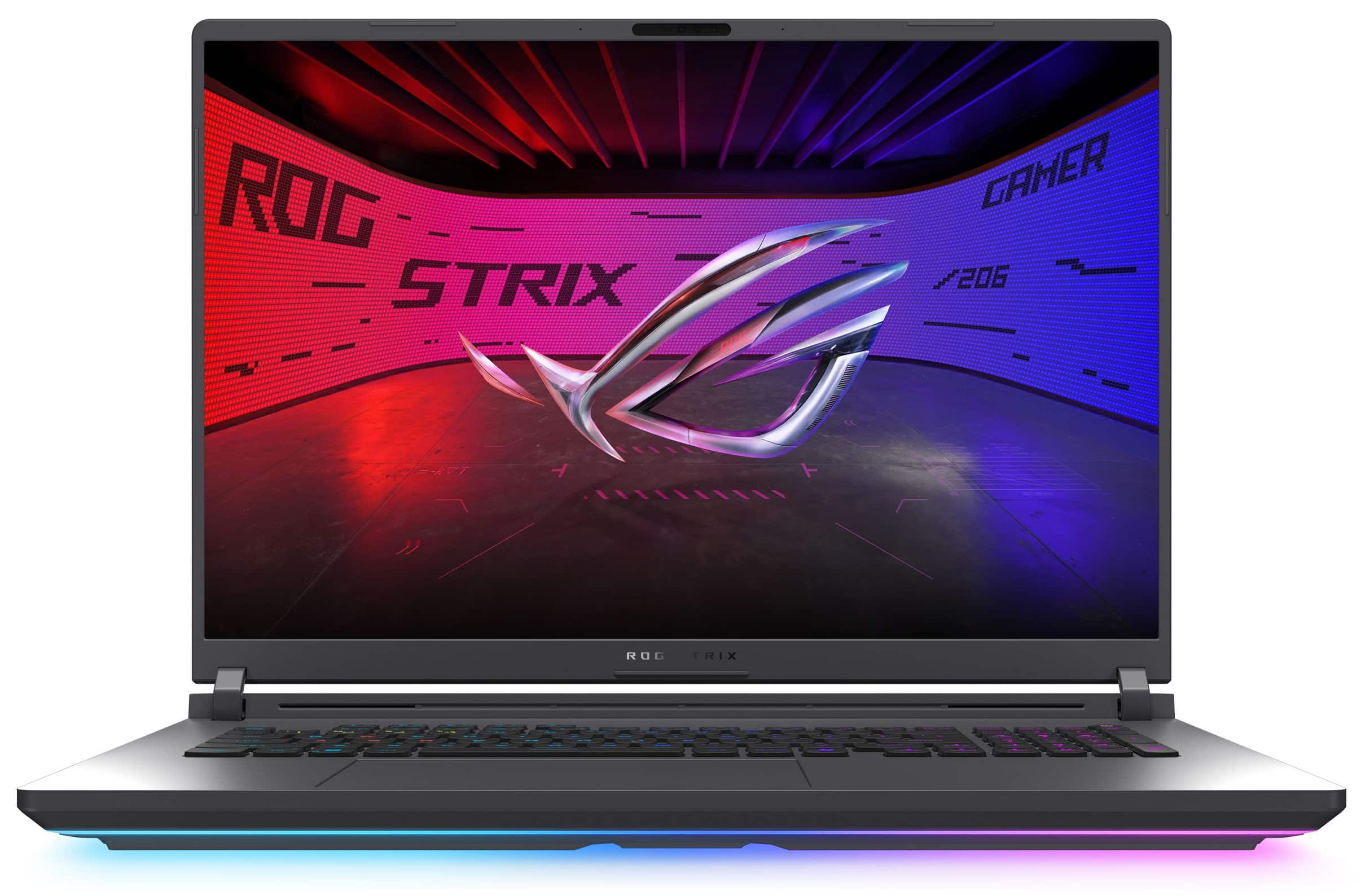
Compare gaming and streaming laptops with your favorite games, live-streaming software, and budget in mind. Look at processor, graphics, and memory specifications to assess how well a laptop can handle gameplay and broadcasting together. Then weigh display resolution, refresh rate, and portability, and check for ports to connect your microphone, webcam, or external monitor.


Gaming And Streaming Laptop
FAQs
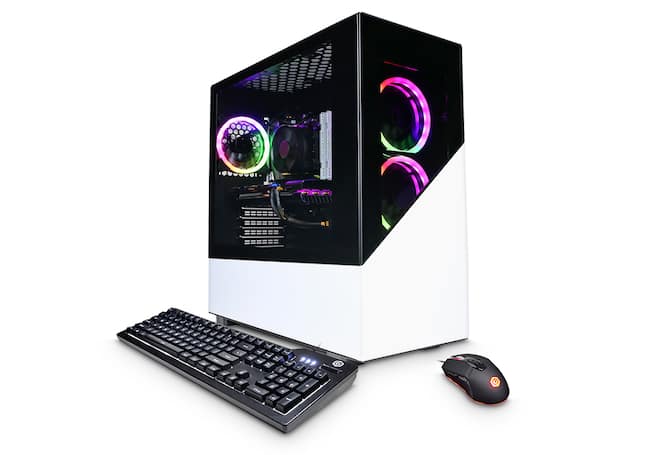
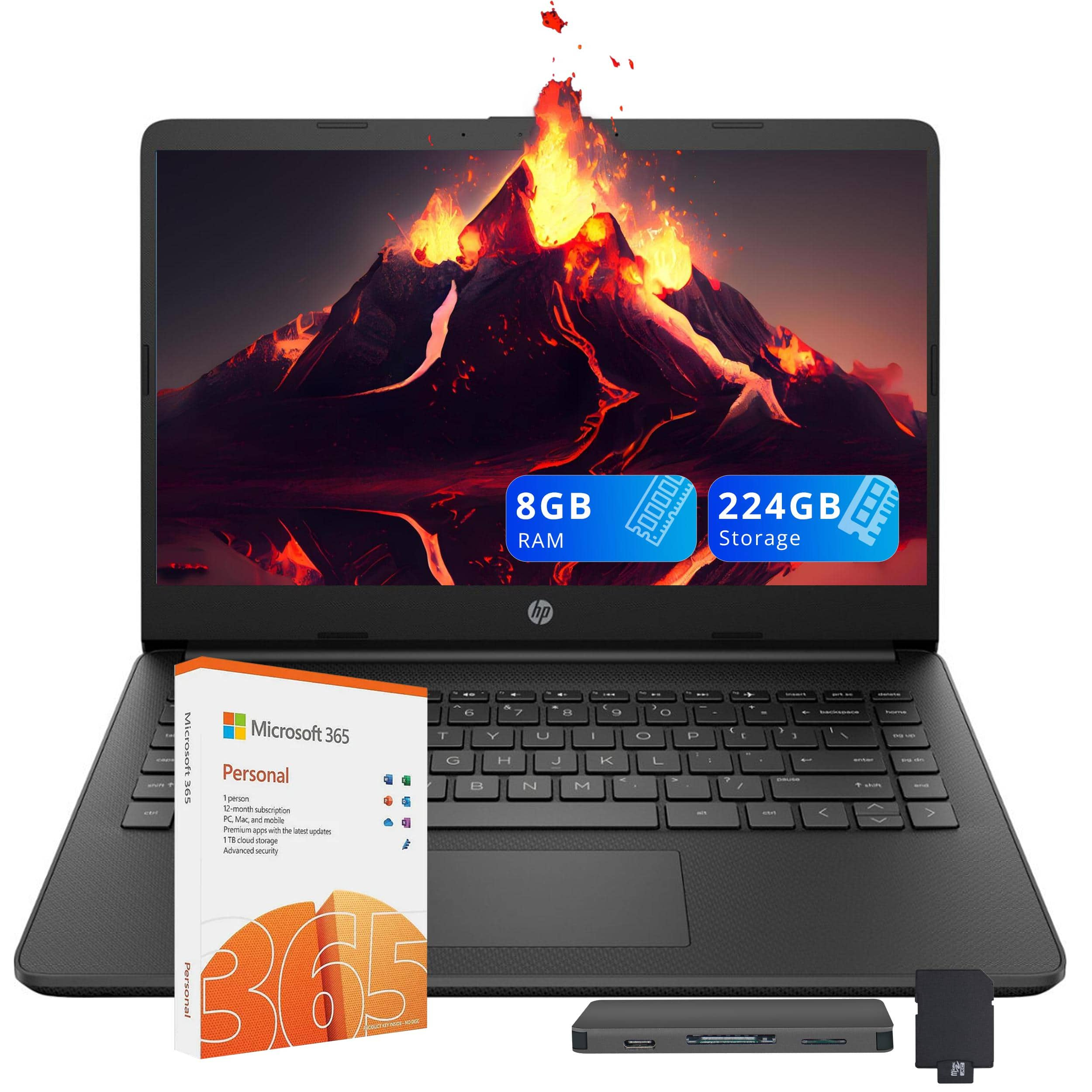
Gaming and streaming laptops commonly include a dedicated graphics processor, a multicore processor, RAM, and solid-state storage. Other features to review include network connectivity, microphone and webcam options, and ports for peripherals. Specifications vary, so check each laptop’s details and the requirements of your games and streaming software.
Broadcasting software combines gameplay footage, microphone audio, webcam video, and overlays into a livestream. Some applications also offer local recording, scene switching, and chat integration. Check that your chosen software supports your laptop’s operating system and the streaming platform you plan to use.
A capture card is generally not required when you play and broadcast a game on the same laptop, because streaming software can capture gameplay directly. A capture card is typically used to bring video from an external source, such as a gaming console or a separate gaming computer, into your streaming laptop.
Consider the connections your setup requires, such as USB ports for a microphone, webcam, or capture card; a compatible video output for an external monitor; and an audio connection for a headset. Ethernet provides a wired network connection, while Wi-Fi supports wireless connectivity. USB-C capabilities vary, so verify support for your intended accessories.
Hardware encoding uses dedicated circuitry in a graphics processor or another supported component to convert video into a format for streaming or recording. Software encoding instead uses the laptop’s main processor. Available encoding options depend on the laptop’s hardware, graphics drivers, and broadcasting software.