Hard Disk Specs
-
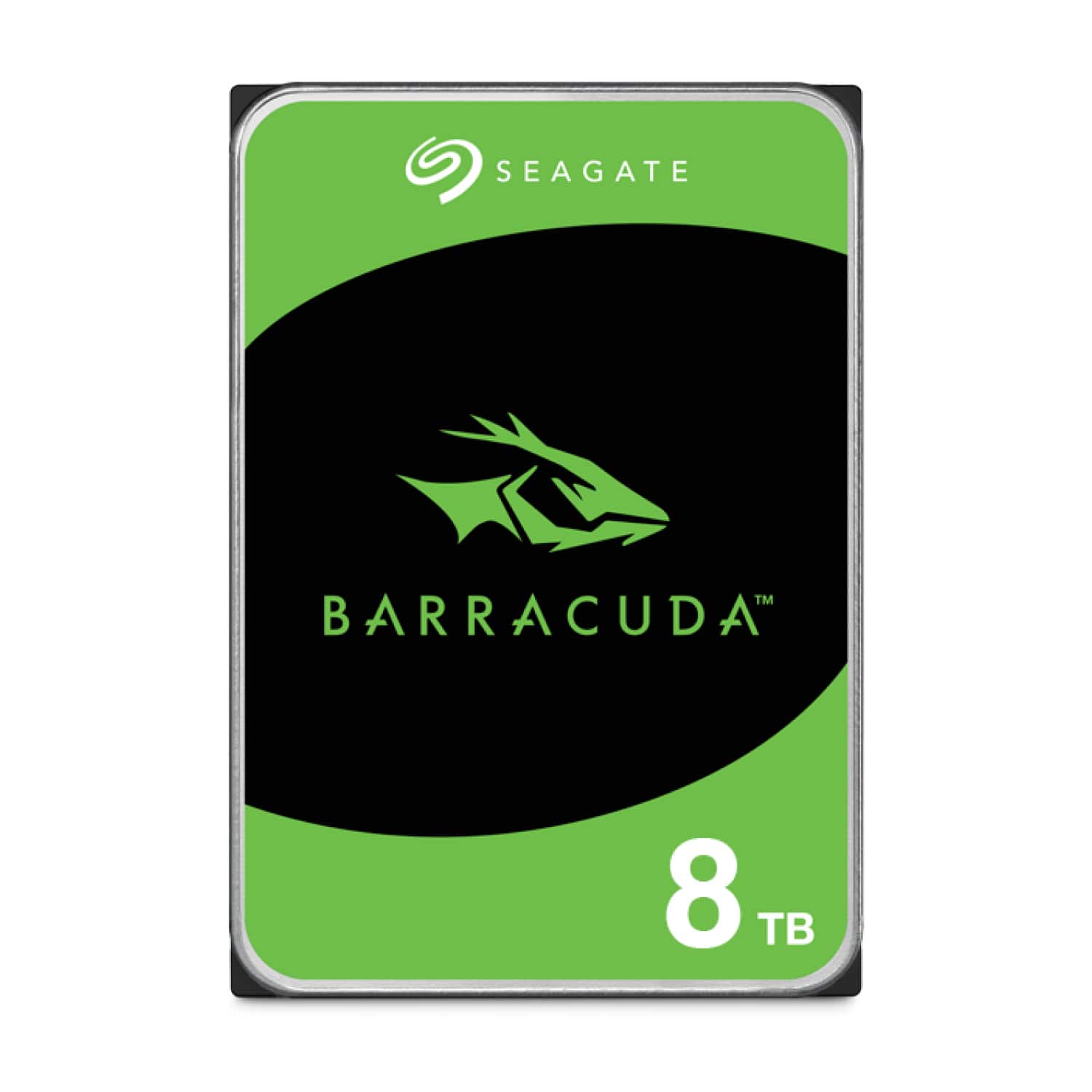
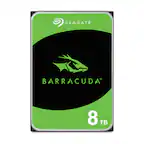
Seagate - Barracuda 8TB Internal Hard Drive for Desktops
SKU: J37C5HKG8FSeagate hdd is best hard drive for long time in this industry recommend it...I love it slways!Price was reasonable....Best 8gb best...Best HDD
See all Internal Hard DrivesProduct Description
A reliable 8TB internal 3.5-inch hard drive with 5400 RPM speed, ideal for desktop storage needs.Your price for this item is $249.99Save $30The previous price was $279.99 -
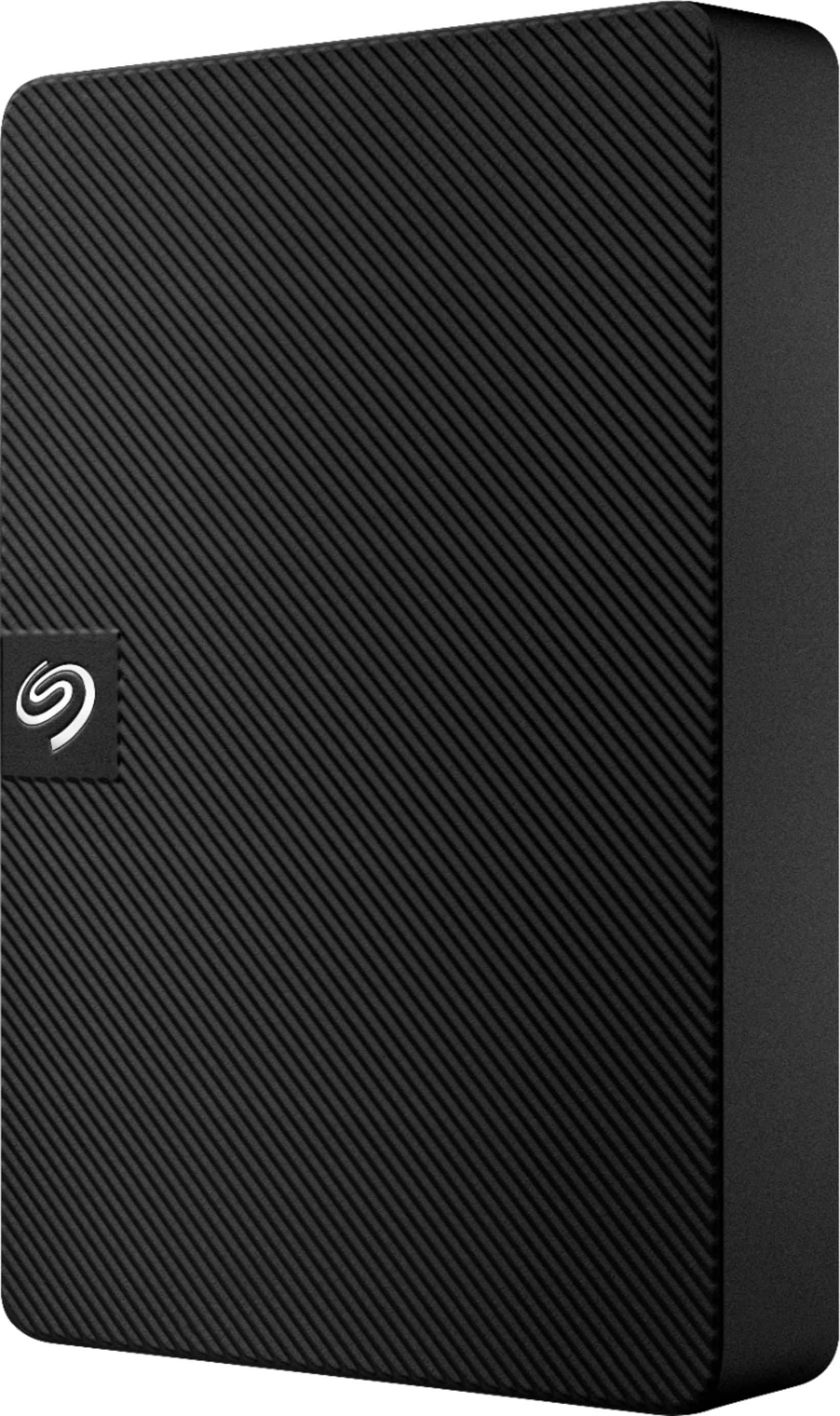
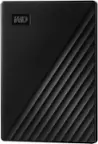
Seagate - Expansion 5TB External USB 3.0 Portable Hard Drive with Rescue Data Recovery Services - Black
SKU: J37C5H48K5Best External HD...Just love it!...Seagate is the best. I love their drives. They are the only ones I use to store my files.
See all External Hard DrivesProduct Description
A portable black external hard drive offering 5TB storage, fast USB 3.0 transfers, and data recovery services.Your price for this item is $219.99 -
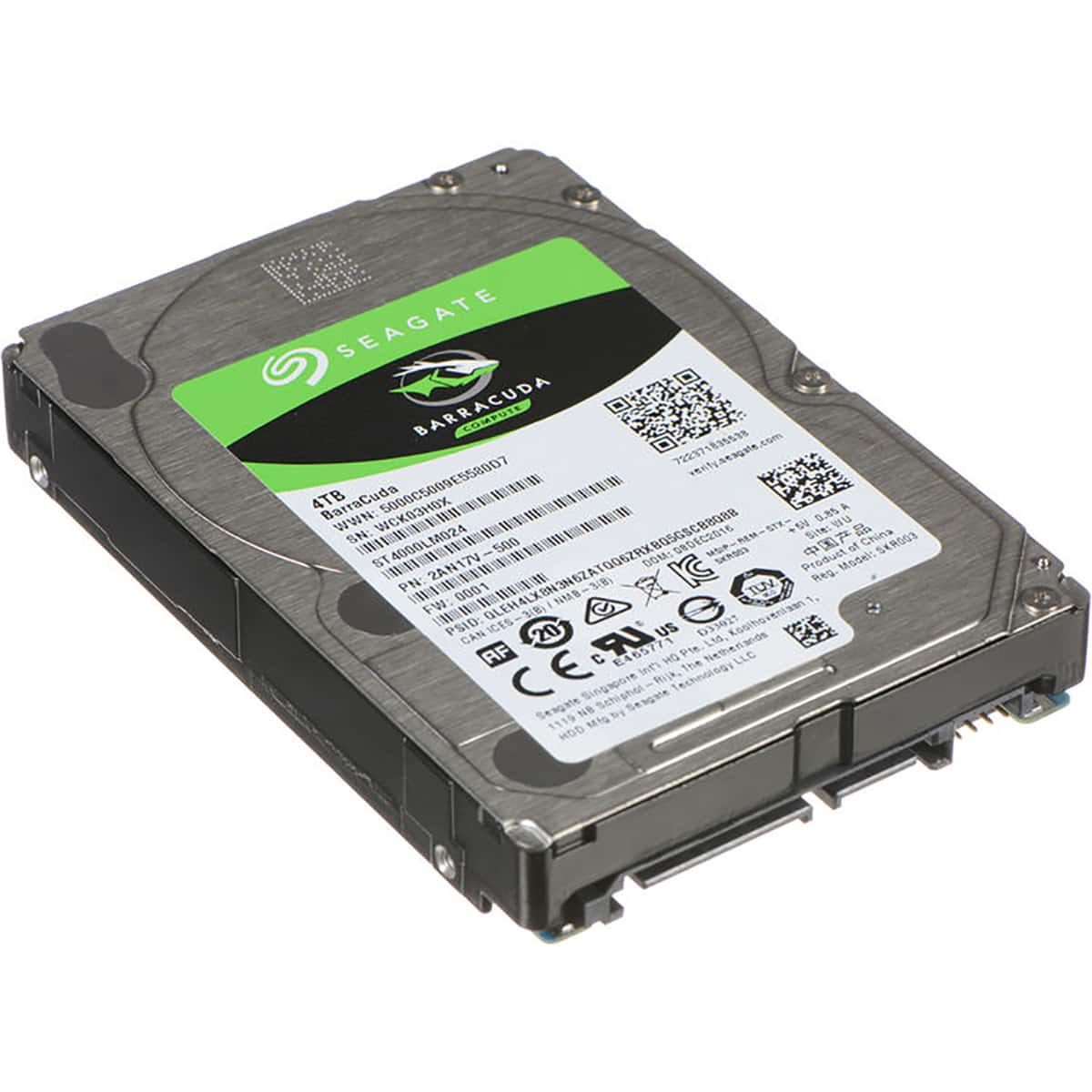
Seagate - BarraCuda 4TB 2.5" Internal Laptop Hard Drive, 5400 RPM, SATA 6Gb/s, Up to 140MB/s Data Transfer Rate
SKU: J37C5HH4HSSee all Internal Hard DrivesProduct Description
A reliable 4TB internal laptop hard drive featuring 5400 RPM speed and 128MB cache for efficient storage.Your price for this item is $232.99Save $17The previous price was $249.99 -
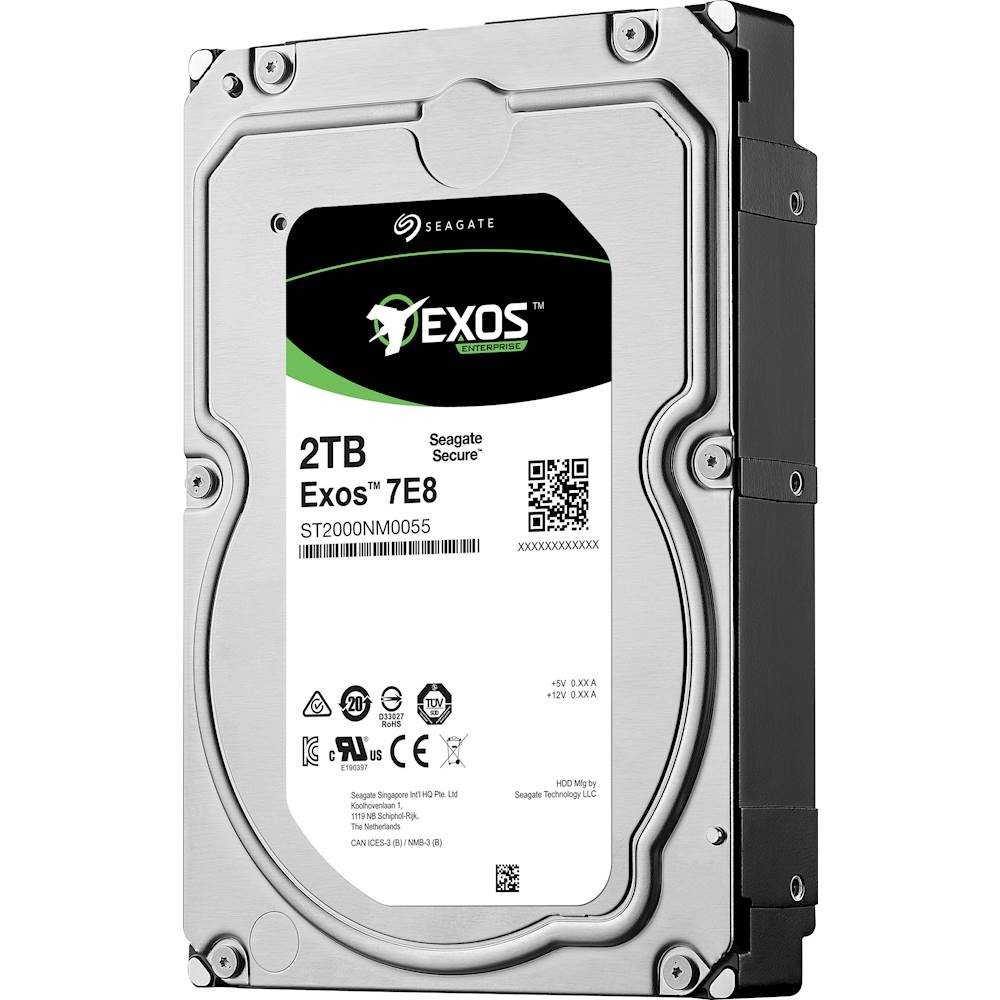
Seagate - Enterprise Capacity 3.5 HDD V.5 2TB Internal SATA Hard Drive for Desktops
SKU: J37C5HQ68RSee all Internal Hard DrivesProduct Description
A high-performance internal SATA hard drive in blue, multi, and silver with 2TB capacity and 7200 rpm speed.Your price for this item is $195.27 -
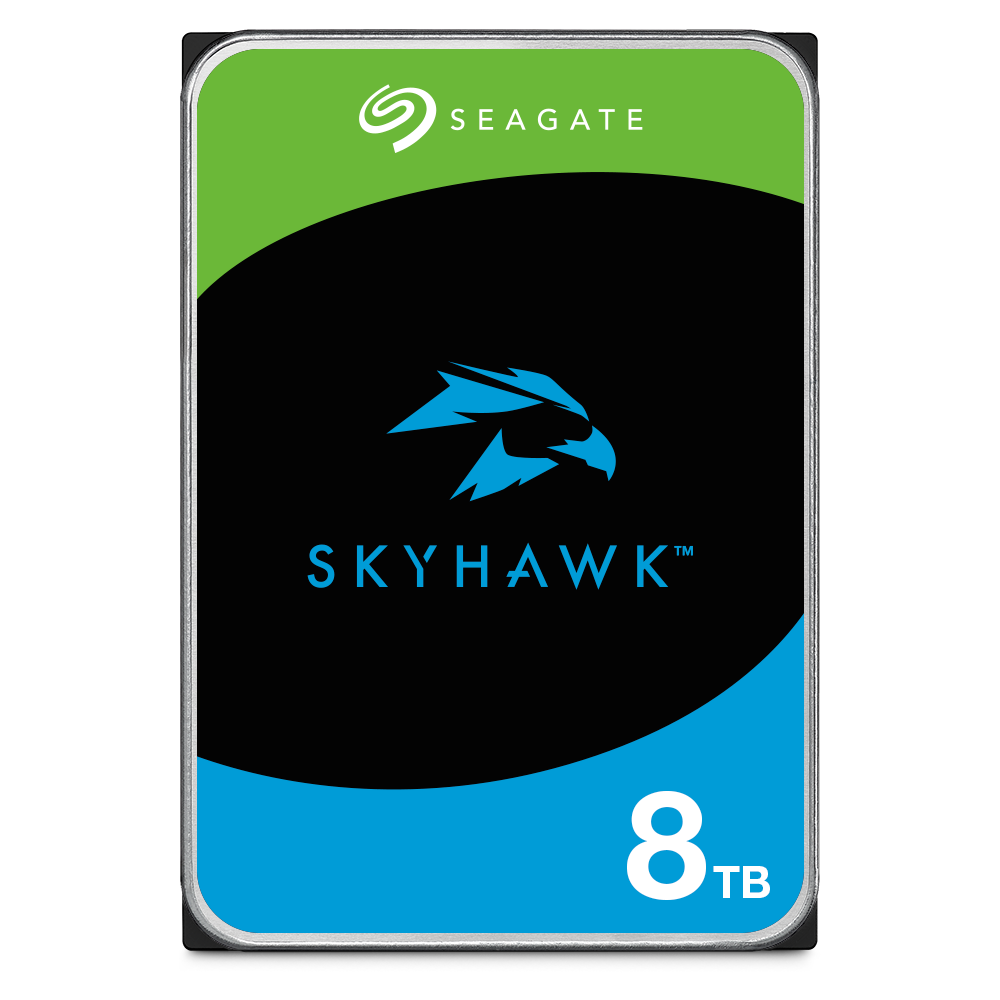
Seagate - Skyhawk Surveillance 8TB Internal Hard Drive
SKU: J37C5HZSV9See all Internal Hard DrivesProduct Description
A high-capacity 8TB internal HDD optimized for 24/7 surveillance with advanced vibration and health management.Your price for this item is $309.99 -
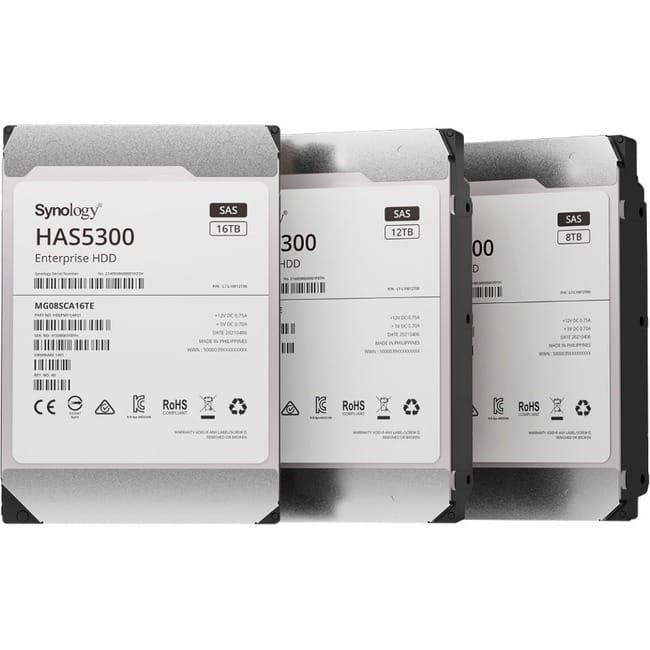
Synology - HAS5300 HAS5300-12T 12 TB Hard Drive - 3.5" Internal - SAS (12Gb/s SAS) - Storage System Device Supported
SKU: J36TG788H4See all Internal Hard DrivesProduct Description
A high-performance 12TB internal HDD with SAS 12Gb/s interface, 7200 RPM, and 256MB cache.Your price for this item is $669.99 -
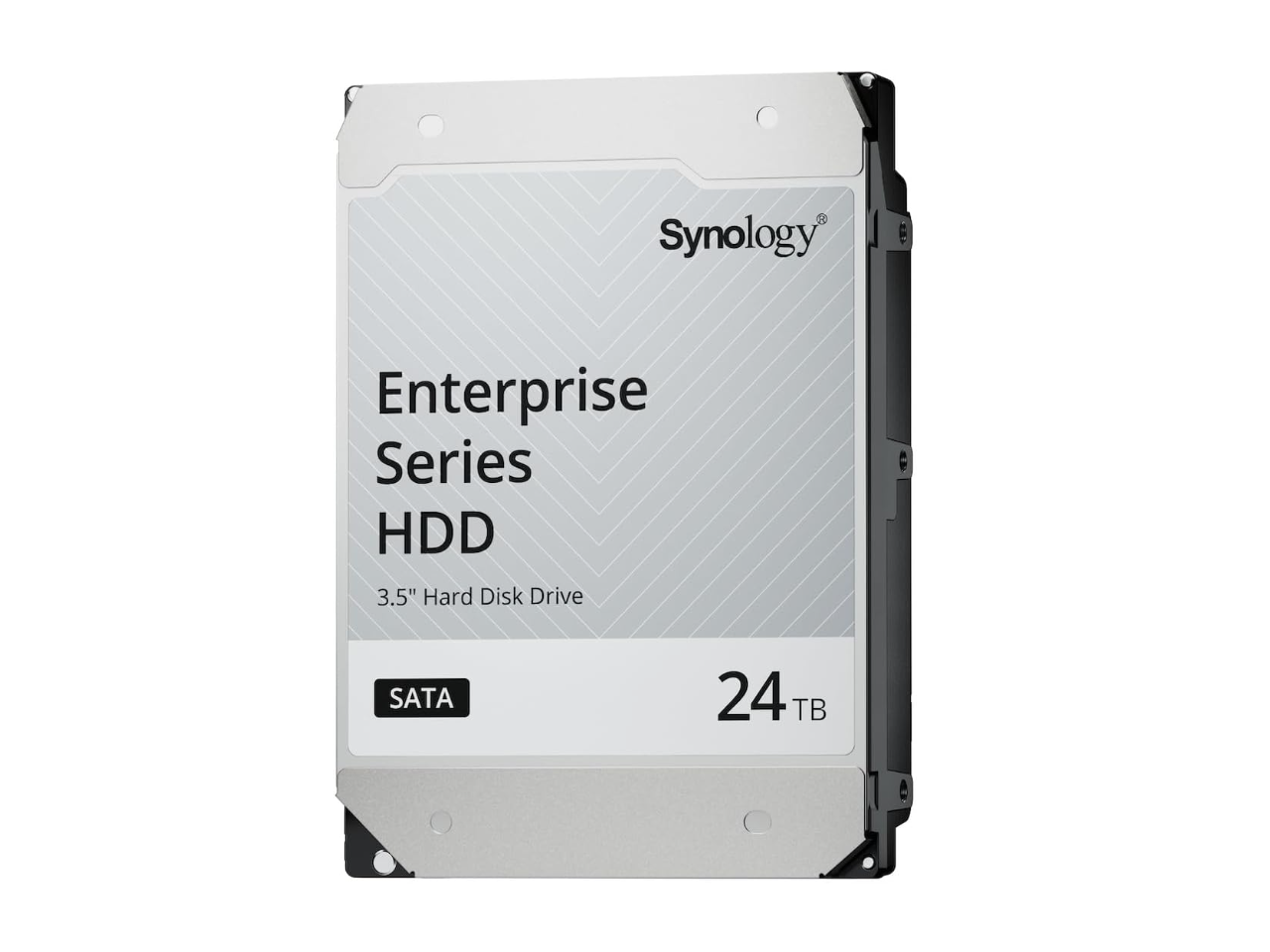
24TB 7200 RPM SAS 12Gb/s 3.5" Synology HAS5320 24TB Enterprise Series SAS HDD 3.5"
SKU: J36TG78PK8See all Internal Hard DrivesProduct Description
A high-performance 24TB internal SAS hard drive with 7200 RPM speed for enterprise data storage needs.Your price for this item is $1,492.23 -
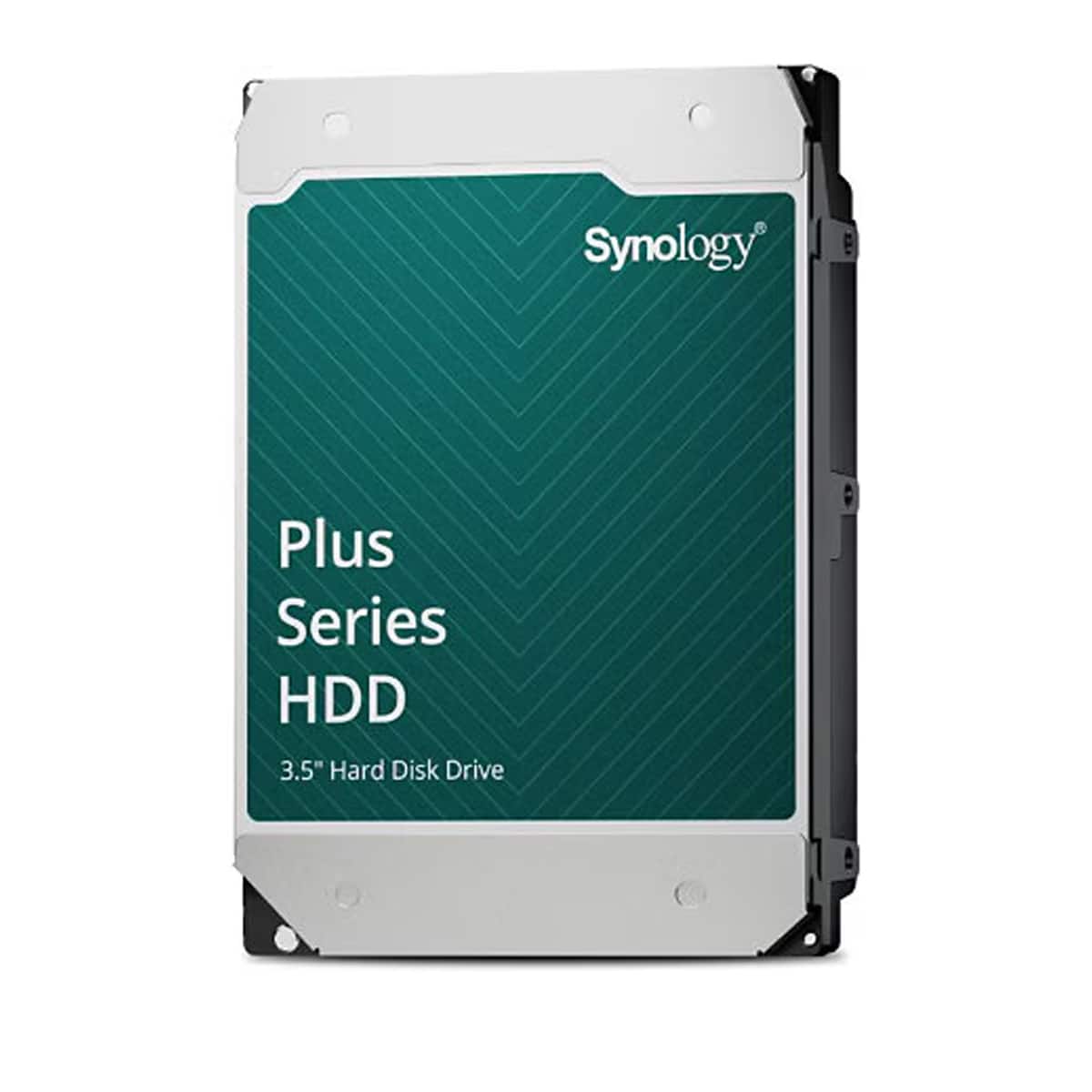
Synology - HAT3320 Plus Series 8TB 3.5" SATA III Internal Hard Drive - Black
SKU: J36TG78P2TSee all Open-Ear HeadphonesProduct Description
A high-capacity 8TB black SATA HDD designed for reliable storage and performance in desktop systems.Your price for this item is $452.99 -
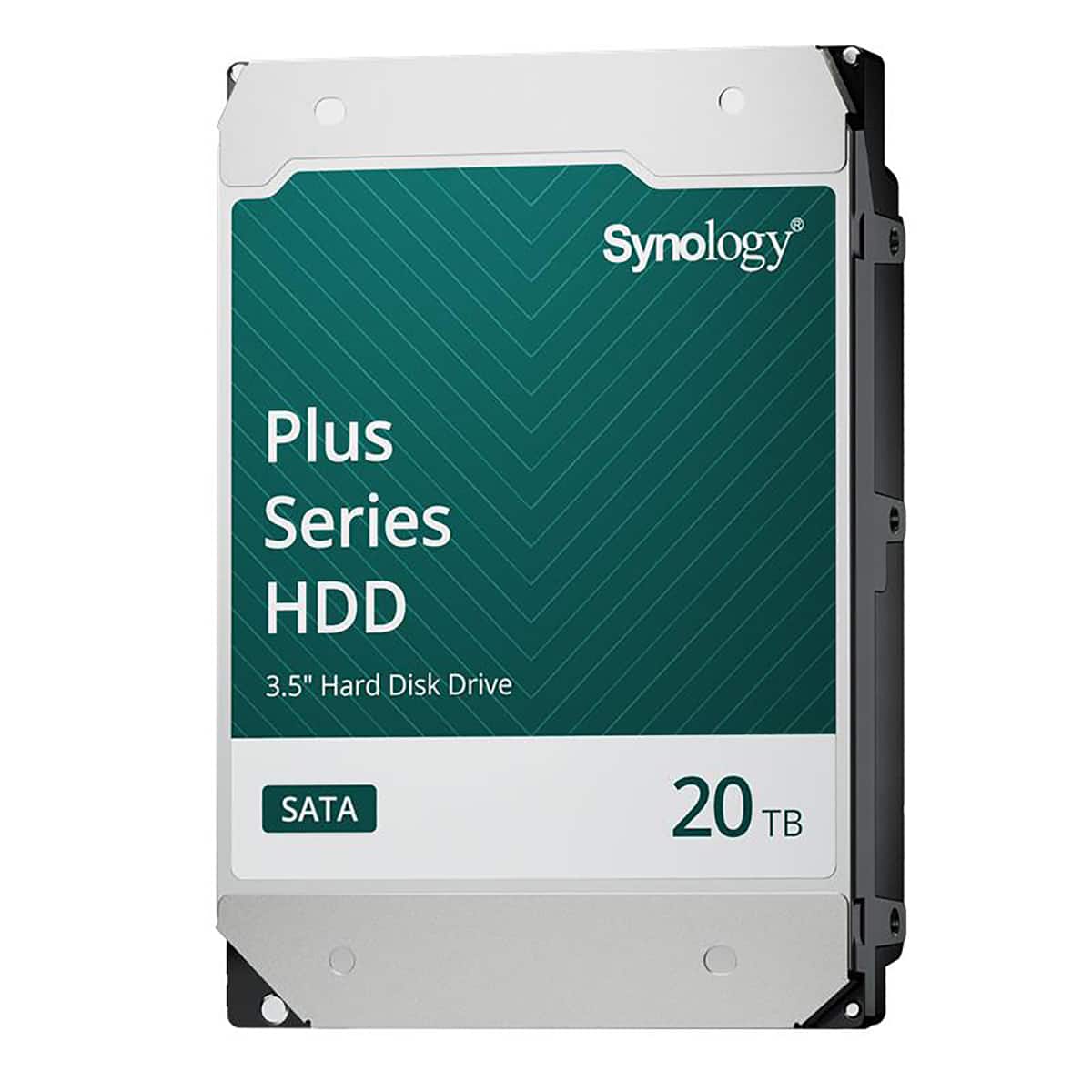
Synology - HAT3320 Plus Series 20TB 3.5" SATA III Internal Hard Drive
SKU: J36TG78P9RSee all Internal Hard DrivesProduct Description
A high-capacity 20TB 3.5" internal SATA HDD with 7200 RPM speed and 1GB cache for reliable storage.Your price for this item is $784.49Save $3The previous price was $787.99 -
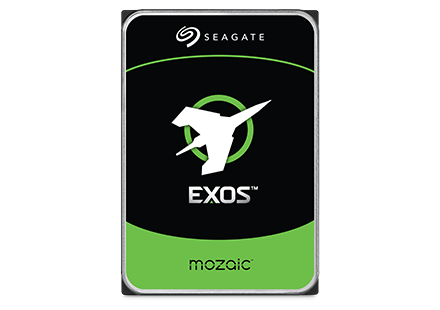
Seagate - Exos M 28TB Internal Hard Drive
SKU: J37C5H5TG3See all Internal Hard DrivesProduct Description
An internal 28TB hard drive featuring 3TB per platter for high-capacity, AI-driven data center efficiency.Your price for this item is $1,119.99
Best Sellers

Related Pages

FAQ
HDDs (Hard Disk Drives) use spinning magnetic disks to store data, while SSDs (Solid State Drives) use flash memory. SSDs are generally faster, more durable, and quieter than HDDs, but HDDs often offer higher storage capacities at a lower cost.
RPM stands for 'Revolutions Per Minute' and indicates how fast the hard disk's platters spin. Higher RPMs typically result in faster data read and write speeds, which can improve overall system performance.
Cache memory in a hard disk is a small amount of high-speed memory that temporarily stores frequently accessed data. This helps speed up data retrieval and improves the overall performance of the hard disk.
Common interface types for hard disks include SATA (Serial ATA), IDE (Integrated Drive Electronics), and NVMe (Non-Volatile Memory Express) for SSDs. The interface type determines how the hard disk connects to your computer and impacts data transfer speeds.
While some hard disks are designed specifically for desktops or laptops, many 2.5-inch drives can be used in both with the appropriate connectors. It's important to check compatibility with your device before purchasing.