Hard Drive Cloning Docks
-
Rosewill - Triple Bay M.2 NVMe/SATA & 2.5/3.5" HDD Dock, USB 3.2 10Gbps, Offline Cloner, Tool-Free
SKU: J39K6Y5KHHSee all Hard Drive Cables & AccessoriesProduct Description
A versatile, tool-free triple bay dock supporting M.2 NVMe/SATA SSDs and 2.5"/3.5" HDDs with USB 3.2.Your price for this item is $79.99 -
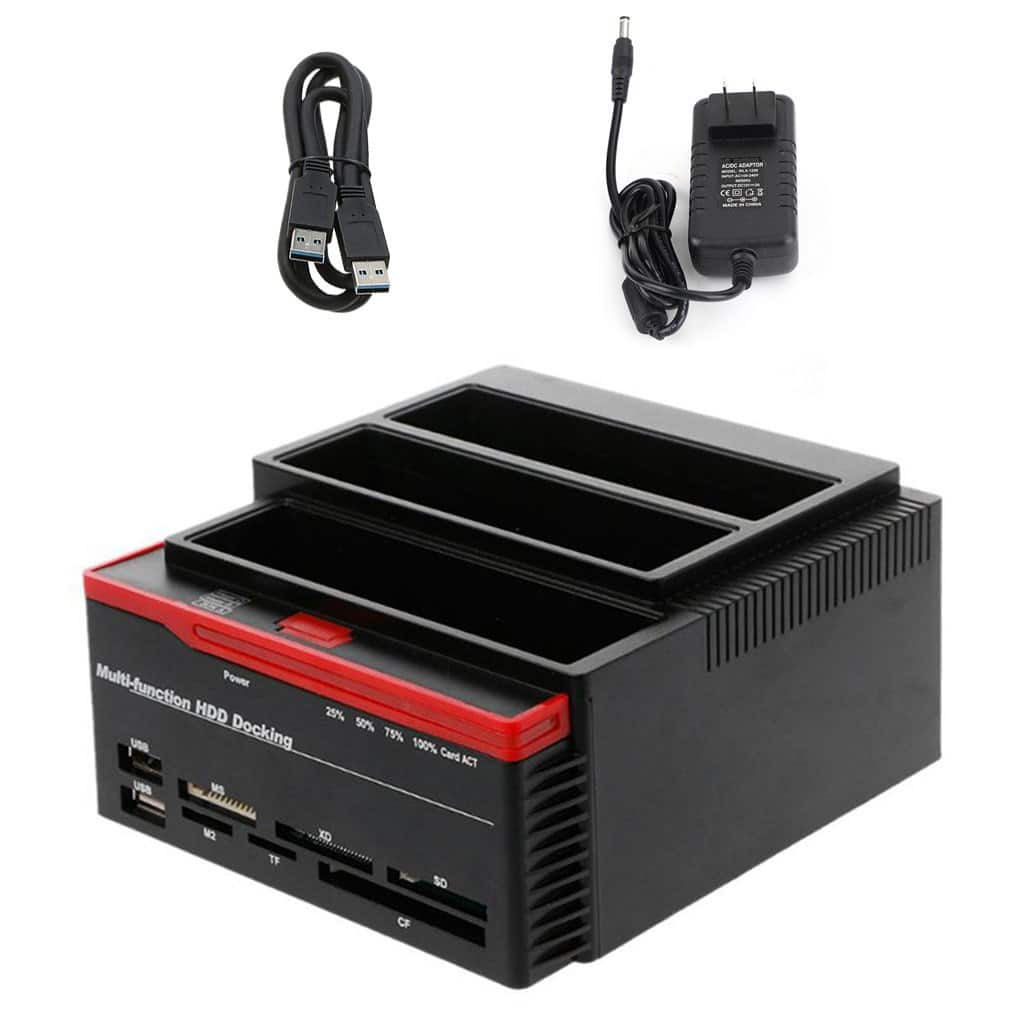
Topteng - 3-Bay Hard Drive Docking Station for IDE & SATA HDD - with Cloner, 7-in-1 Card Reader, 2xUSB Hub, 2.5”/3.5”
SKU: J3R9F7Y9Q8See all Hard Drive Cables & AccessoriesProduct Description
A versatile 3-bay docking station with IDE/SATA support, cloner, 7-in-1 card reader, and USB hub.Your price for this item is $48.99 -
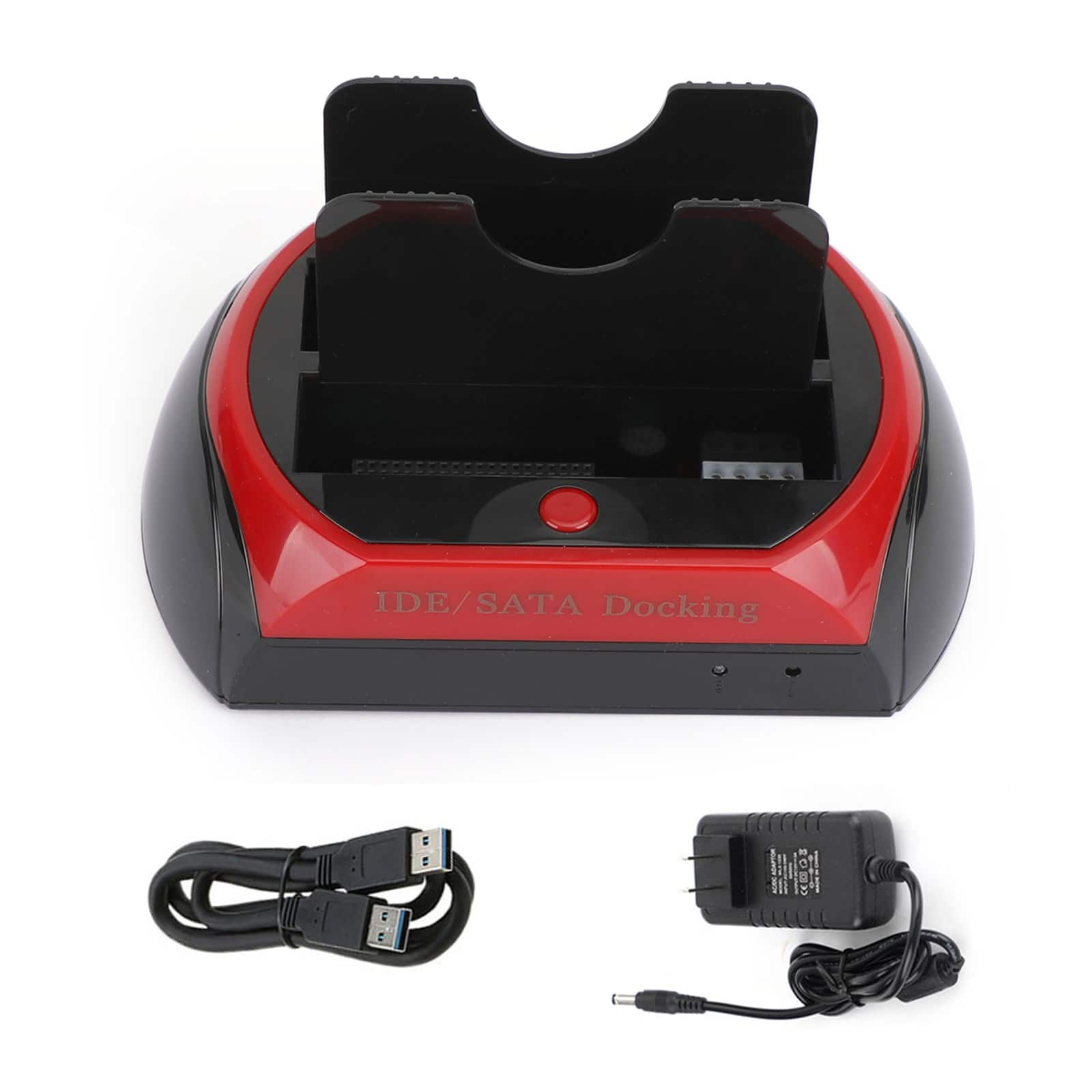
Topteng - Dual-Bay Hard Drive Dock for IDE & SATA - USB 2.0, Reads 2.5”/3.5” HDD/SSD, with One-Touch Backup
SKU: J3R9F7Y9Q6See all Hard Drive Cables & AccessoriesProduct Description
A versatile dual-bay dock enabling USB 2.0 access and one-touch backup for IDE and SATA drives.Your price for this item is $29.99 -
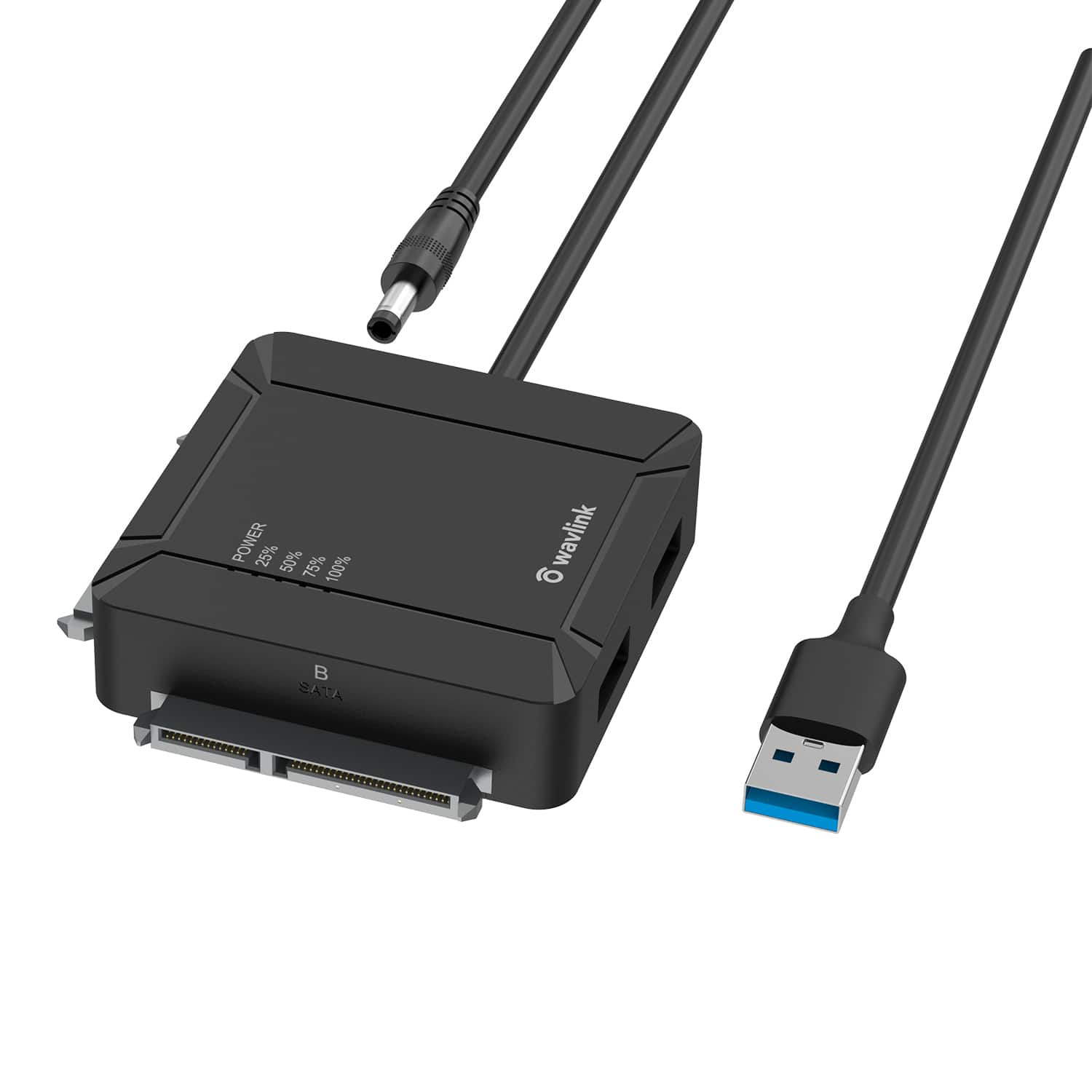
WAVLINK - USB 3.0 to Dual Bay SATA Adapter, External 2.5" 3.5'' SATA Hard Drive Connector with 2 USB3.0 Ports and Offline - Black
SKU: CZRRXJ59WQSee all Hard Drive Cables & AccessoriesProduct Description
A black dual-bay SATA drive adapter with USB 3.0 ports, offline cloning, and 5Gbps transfers.Your price for this item is $17.00Save $6The previous price was $23.00 -
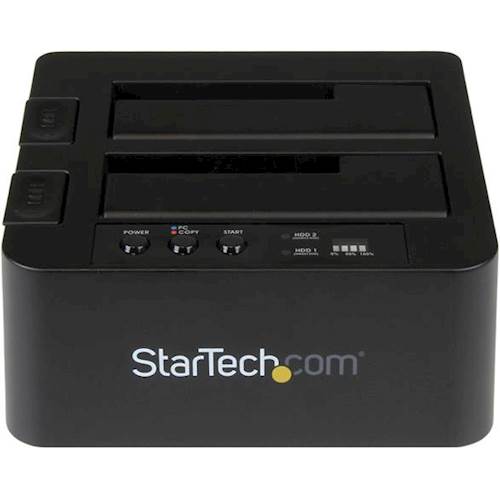
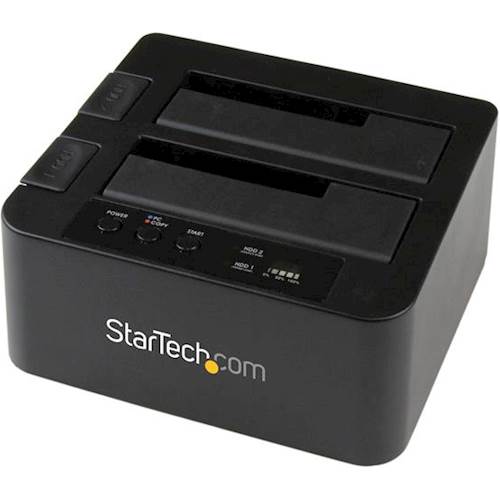
StarTech.com - Dual USB 3.0 Hard Drive Duplicator Dock - Black
SKU: J7PHYX78TJSee all Hard Drive Cables & AccessoriesProduct Description
A black hard drive duplicator dock that clones SATA, 2.5" and 3.5" drives at 10 Gbps.Your price for this item is $135.25Save $6The previous price was $142.08 -
StarTech.com - SATSASDUPE11 2.5" & 3.5" SAS/SATA 1:1 Drive Duplicator & Eraser
SKU: J7PHYX7YZTSee all Hard Drive Cables & AccessoriesProduct Description
A standalone black steel duplicator and eraser for 2.5" and 3.5" SAS/SATA hard drives.Your price for this item is $1,339.49Save $83The previous price was $1,422.49 -
StarTech.com - Dual eSATA/USB 3.0 Hard Drive Duplicator Dock - Black
SKU: J7PHY2VKPYSee all Hard Drive Cables & AccessoriesProduct Description
A black hard drive duplicator dock with dual eSATA/USB 3.0, sector-by-sector copying, and computer-free operation.Your price for this item is $114.99Save $9The previous price was $124.49 -
StarTech.com - Standalone SATA Hard Drive Duplicator - Black
SKU: J7PHY2V5FJSee all Hard Drive Cables & AccessoriesProduct Description
A standalone black duplicator that clones 2.5" and 3.5" SATA hard drives without a computer.Your price for this item is $406.53 -
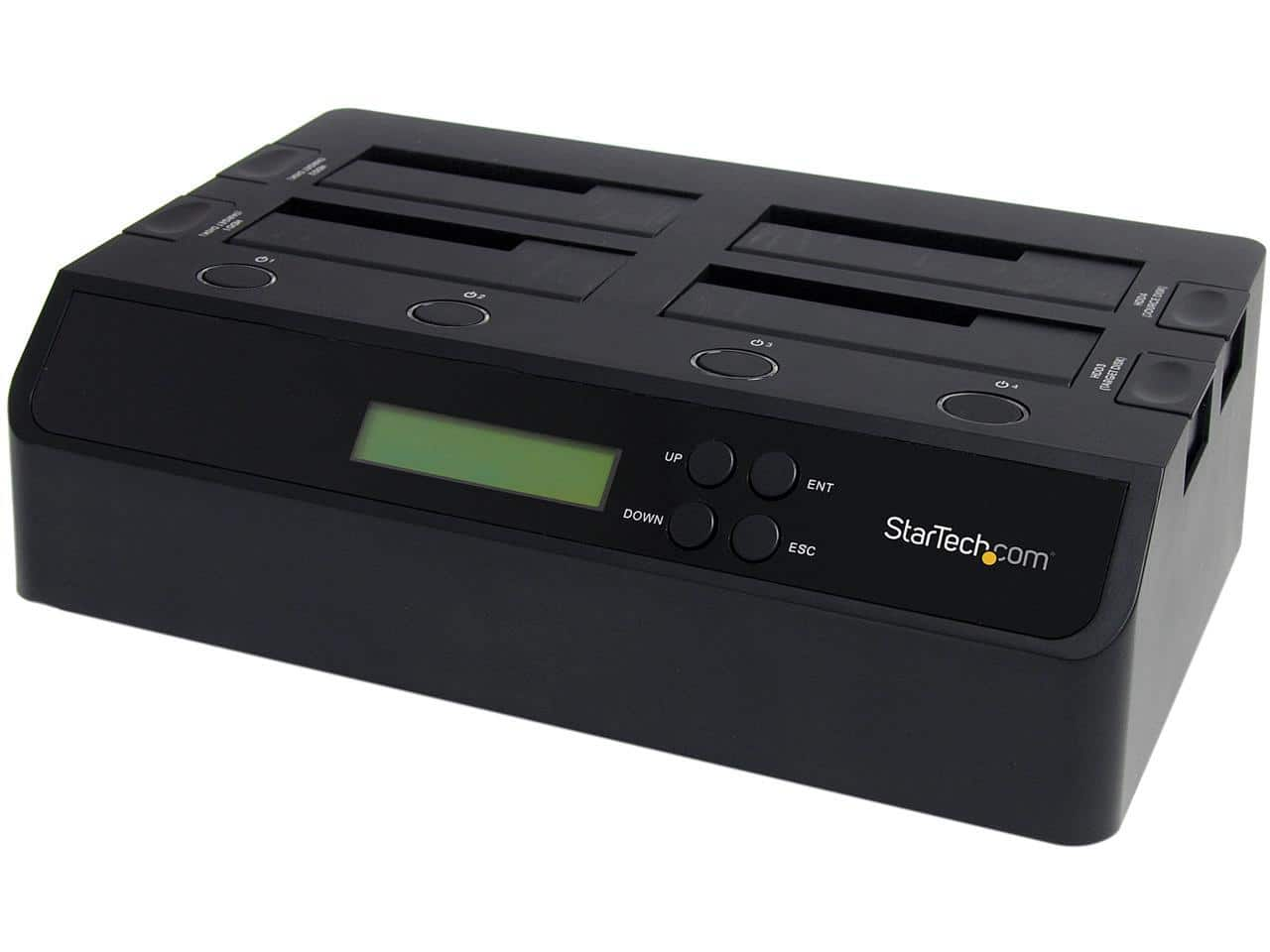
StarTech.com - StarTech SATDOCK4U3RE 4 Bay USB 3.0 eSATA to SATA Standalone 1:3 HDD Hard Drive Duplicator Dock
SKU: J7PHY2V738See all Hard Drive Cables & AccessoriesProduct Description
A four-bay hard drive duplicator dock with USB 3.0, eSATA, SATA support and standalone 1:3 cloning.Your price for this item is $598.49



Best Sellers


Related Pages


FAQ
Copying files transfers selected items, such as photos or documents. Cloning copies a drive's contents and structure according to the device's supported mode, which may include partitions or a sector-by-sector copy. Check the duplicator's documentation to understand what its cloning process includes.
Models with documented standalone or offline cloning can duplicate compatible drives without a host computer. Other workflows may require a computer and software. A USB connection can also provide computer access to drives without being required for the dock's standalone cloning mode.
Some duplicators support both hard disk drives and solid-state drives, but compatibility depends on the model and drive interface. Confirm support for both drives and the intended cloning direction; HDD or SSD support alone does not establish SATA-to-NVMe cloning capability.
These ratios describe the number of source drives and destination drives used for duplication. A 1:1 duplicator copies one source to one destination, while a 1:3 duplicator can copy one source to three destinations. Check the documented cloning mode rather than relying only on the bay count.
A duplicator provides drive-cloning functionality. An enclosure primarily houses a compatible drive for external access through a computer connection. If you want to reuse a drive as external storage rather than make drive-to-drive copies, compare hard drive enclosures.