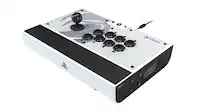
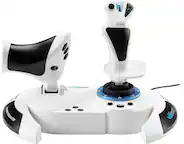
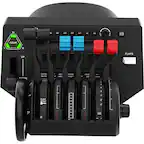
HOTAS Joystick And Throttle Systems
Shop HOTAS joystick and throttle systems for flight simulation controls that pair a flight stick with a dedicated throttle. When comparing setups, check compatibility with your gaming platform and flight simulator, along with button layouts and mounting requirements, to find a system that fits your needs.
Read More-
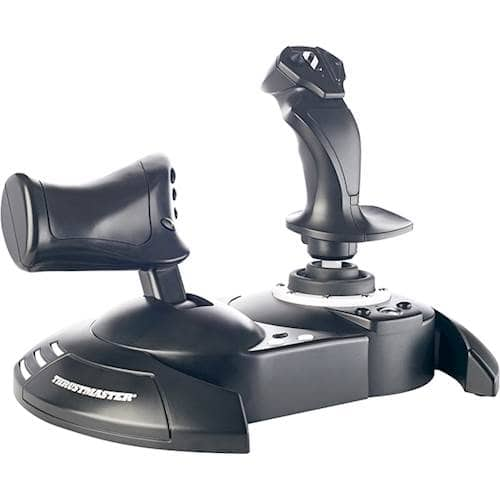
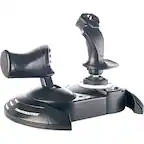
Thrustmaster - T-Flight Hotas One Joystick for Xbox Series X|S, Xbox One, Windows - Black
SKU: JXLH46ZFQ3Best buy is the best...View great buy well worth it my son love it recommend anyone into gaming purchases this...Best...Outstanding best joystick works with pc and xbox, love it
See all JoysticksProduct Description
A black joystick with five axes, fourteen buttons, and detachable throttle for immersive flight simulation gaming.$99.99 Your price for this item is $99.99 -
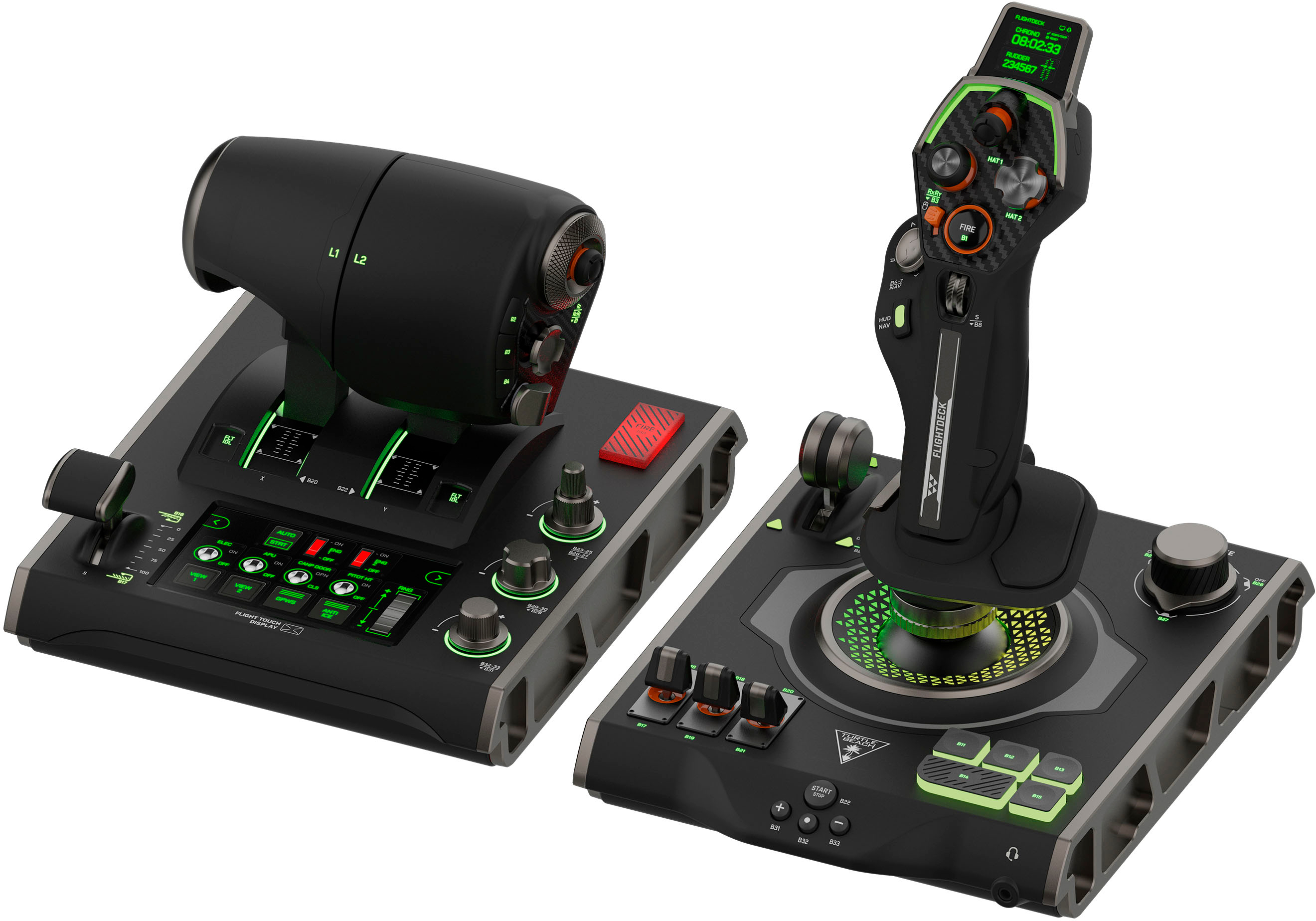
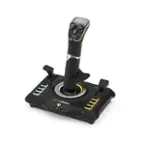
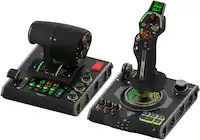
Turtle Beach - VelocityOne Flightdeck Universal HOTAS Simulation System Joystick & Throttle for Windows 10 & 11 PCs - Black
SKU: JXK5HFZSRQBest hotas...Love it...from the windows ME days but after downloading the software and setting it up this flight stick works great...I love the customization features and its comfortable to use.
See all JoysticksProduct Description
A premium black HOTAS system with 15 axes, 139 programmable functions, and customizable OLED touch displays.$429.99 Your price for this item is $429.99 -
Thrustmaster - T.Flight Hotas 5 Microsoft Flight Simulator Controller Joystick & Throttle PS5 PS4 Windows Official MS Flight Sim - White
SKU: JXLH464Y4TGreat...Great item for flight sims on ps5. Works as expected. Nothing fancy but for the price it’s amazing....Great product for the price...This is a great controller for beginner and intermediate players...
See all JoysticksProduct Description
A white joystick and throttle system offering customizable, immersive flight control for PS5, PS4, and Windows.$109.99 Your price for this item is $109.99 -
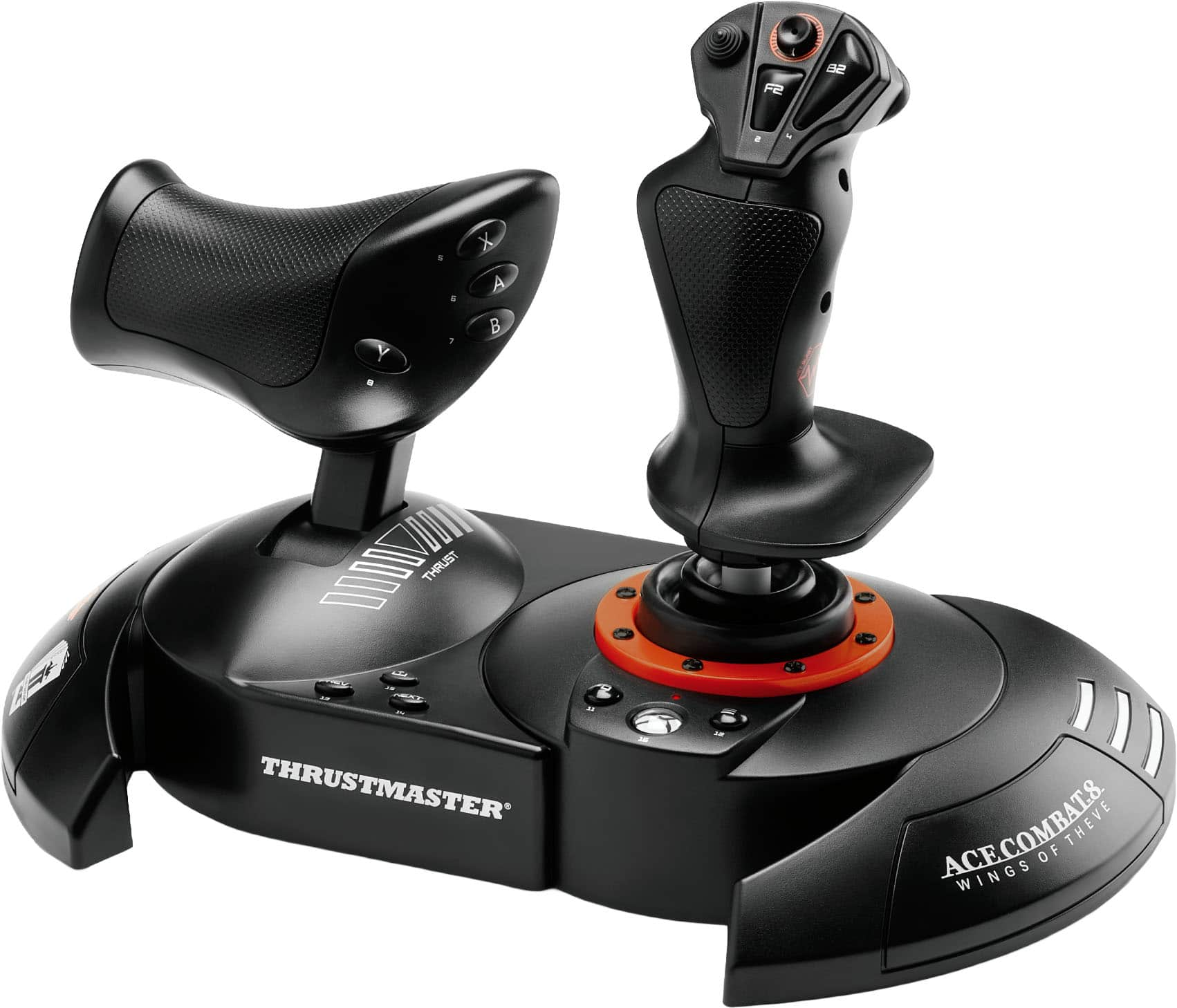
Thrustmaster - T.Flight Hotas NEO Ace Combat 8 Edition for Xbox Series X, Xbox ONE, Windows - Black
SKU: JXLH464L5CSee all Gaming ControllersProduct Description
A black flight controller with built-in vibrations and 16-bit precision for Xbox consoles and Windows.$149.99 Your price for this item is $149.99 -
Thrustmaster - Sol-R4 HOTAS Flight Stick and Throttle, Hall Effect Joystick - Black
SKU: JXLH464828See all JoysticksProduct Description
A black HOTAS flight controller with Hall Effect precision, 58 programmable buttons, and modular PC controls.$349.99 Your price for this item is $349.99 -
Thrustmaster - T.Flight Hotas NEO Ace Combat 8 Edition for PlayStation 5, Playstation 4, Windows - Black
SKU: JXLH464YW2See all Gaming ControllersProduct Description
A black flight controller with vibration and 16-bit precision, compatible with PS5, PS4, and Windows.$149.99 Your price for this item is $149.99 -
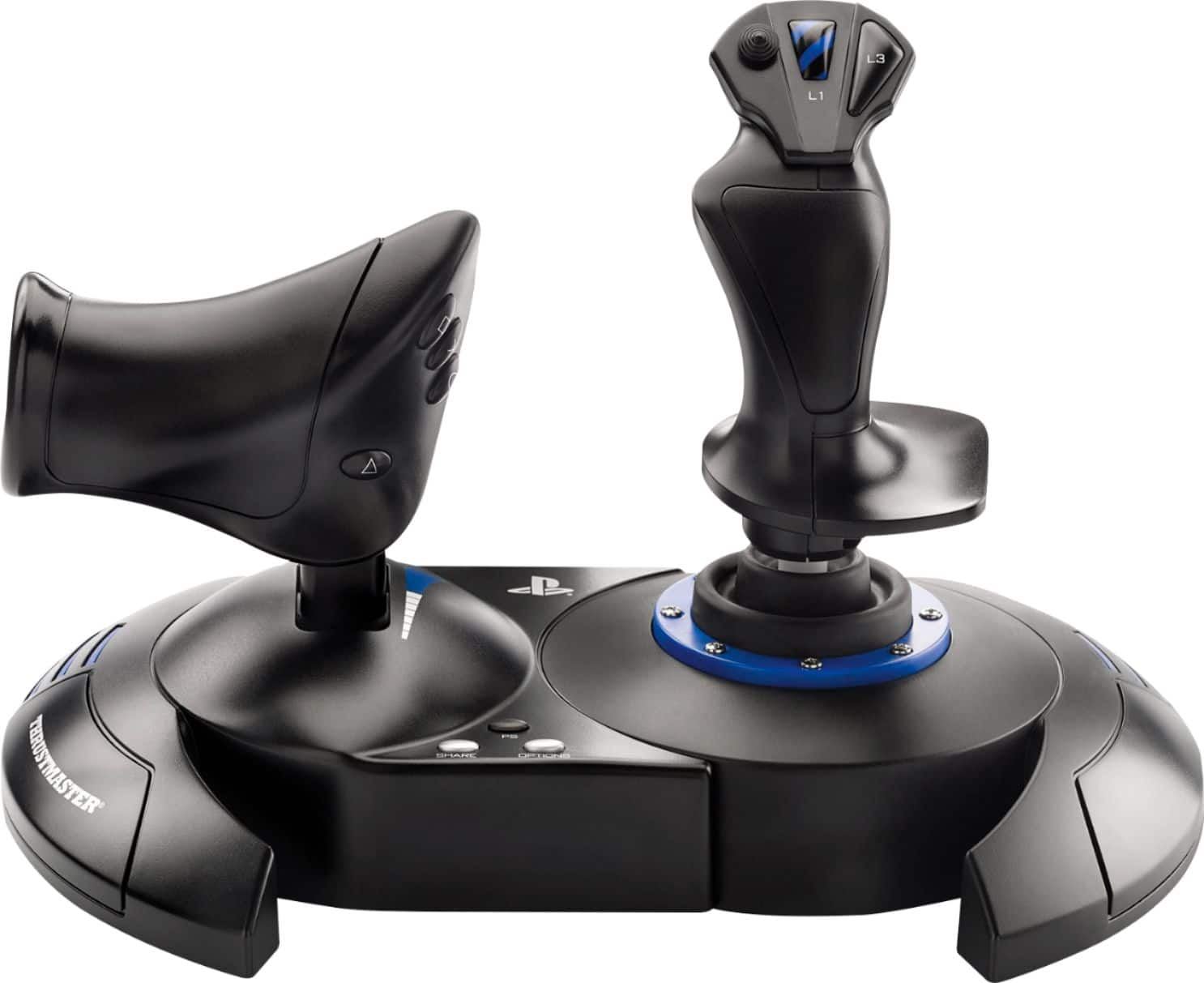
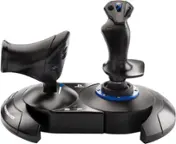
Thrustmaster - T.Flight Hotas 4 Joystick for PlayStation 4, PlayStation 5, Windows - Black
SKU: JXLH46Z555love it...One of the best games I've ever played in my entire life...A great game at a great price , Best Buy always has what you. Are looking for
See all JoysticksProduct Description
A versatile black joystick with detachable throttle and dual rudder system for immersive flight simulation control.$99.99 Your price for this item is $99.99 -
Thrustmaster - Hotas One Microsoft Flight Edition Joy Stick for Xbox One, Xbox X|S, Windows - White
SKU: JXLH4643C5See all JoysticksProduct Description
A white joystick with five axes, fourteen buttons, and detachable throttle for immersive flight simulation.$109.99 Your price for this item is $109.99
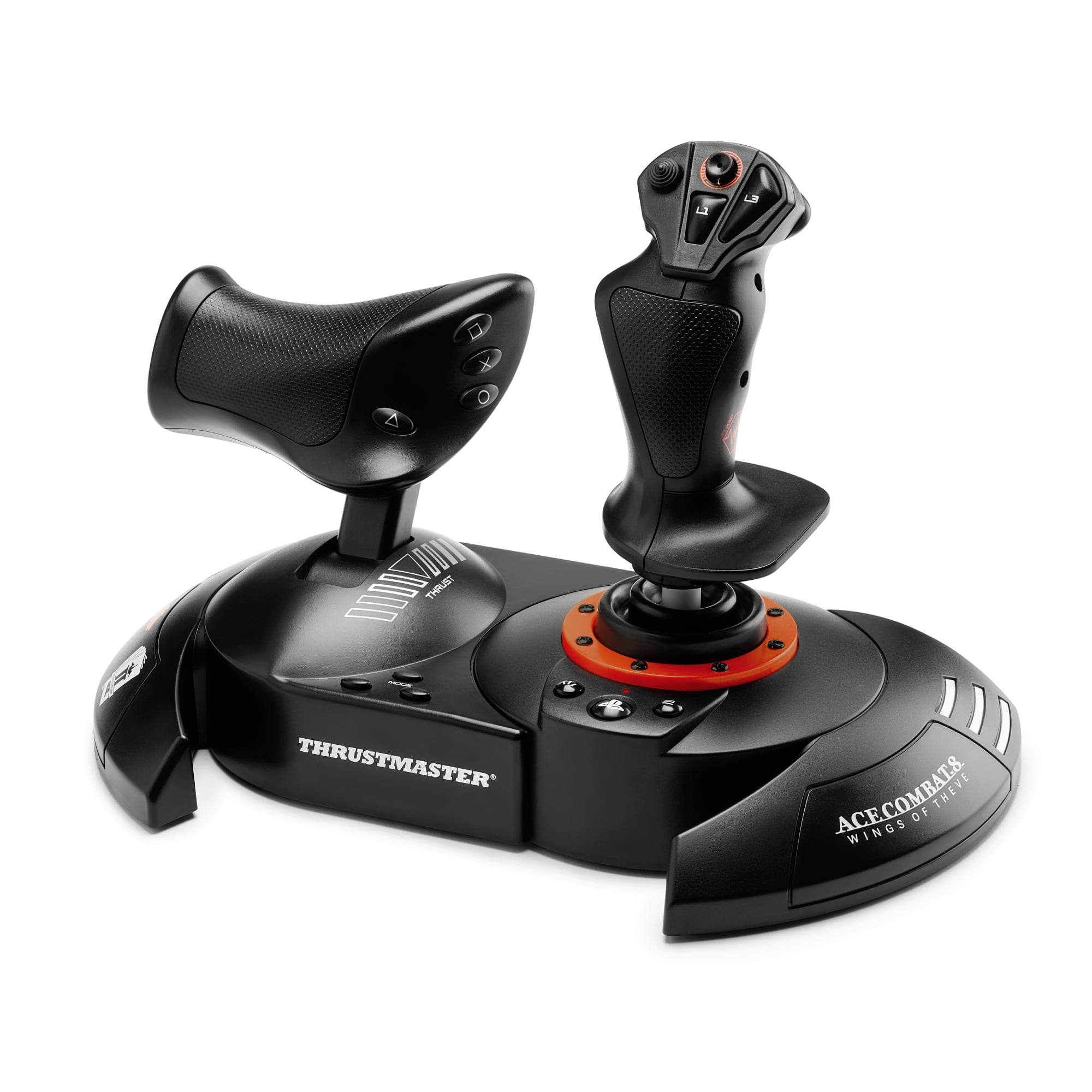
HOTAS joystick and throttle systems bring an aircraft-style control layout to flight simulation, giving each hand a dedicated role instead of relying on a keyboard for every adjustment. HOTAS stands for “hands on throttle and stick”: the joystick typically controls pitch and roll, while the throttle controls engine power or thrust. Some sticks also twist to provide yaw control, and many setups include buttons, triggers, hat switches, and rotary controls for additional functions. With compatible software, those inputs can handle landing gear, flaps, trim, cockpit views, or other frequently used commands without interrupting a maneuver. The appeal extends beyond realistic aircraft cockpits. A joystick and throttle can make a gentle approach to a runway feel more deliberate, give a virtual helicopter pilot finer control over assigned axes, or put a spacecraft’s thrust and targeting commands within easy reach. Different simulations interpret those controls differently, so the number of physical inputs matters less than how well they match the flying experience. A straightforward layout can suit casual sightseeing and introductory flight practice, while additional switches and adjustable controls may appeal to enthusiasts managing more complex aircraft. Compatibility is a defining consideration: a USB connection alone does not establish that a system will work with every computer, console, or simulation. Operating system support, console licensing where applicable, game support, and required configuration software all affect functionality. Some systems connect through a single cable, while others use separate connections for the stick and throttle. Supported games may recognize common controls automatically, but custom assignments can still be necessary. For anyone building a simulation setup, checking both hardware compatibility and in-game controller support helps establish what the controls can actually do. These systems are intended for simulation and entertainment; a convincing cockpit feel does not make them a substitute for certified flight training equipment.
The physical feel of a HOTAS system comes from its grip shape, centering mechanism, throttle travel, base design, and internal sensing technology. Molded plastic housings can keep controls relatively light and comfortable to reposition, while metal components may add rigidity and weight where a setup needs extra stability. Material alone does not determine durability or precision; the quality of pivots, springs, bearings, switches, and assembly matters as well. Some controls use potentiometers to measure movement, while others use contactless magnetic sensors. Magnetic sensing avoids the sliding electrical contact used in a potentiometer, although overall accuracy still depends on the mechanical design, calibration, and software settings. Around the stick’s center, smooth movement is especially noticeable when lining up with a runway or making a small correction during formation flying. Adjustable resistance, where provided, changes how much effort a movement requires, and throttle friction can affect whether a lever stays where it is placed. Detents provide tactile reference points along the throttle’s travel on some designs; their usefulness depends on whether those positions suit the simulated aircraft and can be configured appropriately. Separate throttle levers can support independent engine control in compatible simulations, while additional sliders or rotary inputs may be assigned to other axes. Fit deserves just as much attention as feature count. A tall grip, a wide palm rest, or a distant thumb switch can feel quite different across hand sizes, and some grips are shaped for a particular hand rather than being ambidextrous. Adjustable hand rests and accessible button placement can make extended sessions more comfortable without requiring a tight grip. Desk height and chair position also influence the experience: relaxed shoulders, supported arms, and space to move the stick through its full range are more useful than a crowded arrangement with controls pushed too far forward. A stable base or compatible mount helps prevent the hardware from shifting during larger inputs.
A practical flight simulation setup leaves room for the controls, their cables, and the movements needed to use them comfortably. Desktop bases may rely on weight, nonslip feet, or other securing methods, while compatible desk mounts and cockpit frames can position a stick lower or bring a throttle closer to the seat. Mounting patterns, clamp clearance, desk thickness, and available legroom vary, so those details matter before treating separate components as a single system. Rudder pedals are another consideration, especially when a stick does not offer twist control or when separate foot-operated yaw feels more natural. They are not automatically included with a joystick and throttle, and support depends on the hardware and software combination. For space simulation, extra axes may be useful for lateral or vertical movement, but a conventional HOTAS layout and a dual-stick layout are different arrangements with different control strengths. Related categories such as Thrustmaster Joysticks can help broaden a comparison of flight-control hardware, with the included components and supported platforms remaining important distinctions. Routine care is generally straightforward: keep dust away from moving joints, wipe exterior surfaces with a soft cloth as directed by the manufacturer, and avoid spilling drinks near switches or throttle tracks. Cleaning fluids and lubricants should only be used when the manufacturer specifically permits them, since incompatible substances can affect plastics, finishes, or internal mechanisms. Routing cables with some slack helps protect connectors when controls are repositioned, and storing detachable parts securely reduces accidental strain. For a simulation enthusiast, an aspiring virtual pilot, or someone who enjoys learning detailed control layouts, a HOTAS system can also be a thoughtful gift when the recipient’s platform, preferred simulations, and available space are known. The most satisfying arrangement is one that fits the person as well as the aircraft: controls within comfortable reach, enough useful inputs for familiar maneuvers, and a layout that makes repeated practice feel consistent rather than cumbersome.
Best Sellers
Related Pages
FAQ
HOTAS stands for “hands on throttle and stick.” These flight simulation controls combine a joystick for aircraft movement with a throttle for engine power. Buttons, triggers, and switches let you assign additional commands to the controls.
Compatibility depends on the HOTAS system, gaming platform, and simulator. A USB connection alone does not guarantee support. Check the manufacturer’s platform requirements and the game’s supported controllers, including whether drivers or configuration software are required.
Control axes register movement, such as moving the joystick forward and backward or adjusting the throttle. Hat switches are directional controls commonly assigned to cockpit views, menu navigation, or aircraft functions. The available axes, switches, and assignment options vary by system and simulator.
Start with the simulator’s controller preset if one is available, then assign joystick axes, throttle movement, and buttons in its control settings. Some simulators also let you adjust sensitivity, dead zones, and response curves. Separate control profiles can store different assignments for different aircraft.
Separate rudder pedals are not always required. Some joysticks include a twist axis that can be assigned to rudder control, while other setups use a throttle-mounted control or buttons. Rudder pedals provide a separate foot-operated input, but support depends on the simulator and platform.