Flight Simulator Throttle Quadrants
-
Honeycomb Aeronautical - Bravo Throttle Quadrant for Flight Simulation - Black
SKU: CJS4GXKX4TSo far, so great....I love it, wvery switch works as it should and the build quality is great....Best Throttle system...Best Throttle system well built and can change throttle configuration for Flight...
See all Gaming ControllersProduct Description
A black throttle quadrant offering realistic flight simulation control with programmable switches, annunciator panel, and trim wheel.Your price for this item is $299.99 -
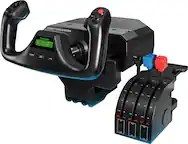
Logitech - Pro Flight Throttle Quadrant Gaming Controller for PC - Black
SKU: J7H7ZY2XKJSee all JoysticksProduct Description
A modular black gaming controller with three programmable levers and switches for realistic multi-engine flight simulation.Your price for this item is $76.98 -
Thrustmaster - Flight - Throttle Control -Thrustmaster Viper TQS Mission Pack - Multicolor
SKU: JXLH4642T8See all Gaming Controller AccessoriesProduct Description
A multicolor metal throttle quadrant system with 64 action buttons, 6 axes, and adjustable backlighting.Your price for this item is $599.95 -
Honeycomb Aeronautical - BRAVO THROTTLE QUADRANT LITE - Black
SKU: CJS4GXK8JQSee all JoysticksProduct Description
A streamlined black throttle quadrant offering essential flight controls for PC home cockpit setups on Mac or Windows.Your price for this item is $199.99 -
Thrustmaster - Sol-R6 Flight Throttle Quadrant, S.M.A.R.T. Slide Rails - Black
SKU: JXLH46482ZSee all JoysticksProduct Description
A black flight throttle quadrant with smooth rails, four detents, rudder axis, and 14 assignable buttons.Your price for this item is $129.99 -
Moza Racing - MTP Flight Sim Stick Throttle for Windows
SKU: J3R84PHWR3A great buy to start bridging into high end
See all JoysticksProduct Description
An authentic fighter jet-inspired throttle with aluminum alloy grip, 27 programmable switches, and immersive vibration feedback.Your price for this item is $299.99 -
Moza Racing - TQA Flight Sim Throttle Module for Windows - Black
SKU: J3R84PHW52See all JoysticksProduct Description
A black throttle module delivering authentic Airbus-style detents and reverse thrust for immersive Windows flight simulation.Your price for this item is $39.99 -
Thrustmaster - Flight - Throttle Control -Thrustmaster HOTAS Warthog Dual Throttles - Official - Multicolor
SKU: JXLH46ZK3QSee all Gaming Controller AccessoriesProduct Description
A multicolor dual throttle controller with metal hand rest, 17 action buttons, and realistic flight simulation features.Your price for this item is $349.99 -
Moza Racing - TQB Flight Sim Throttle Module for Windows - White
SKU: J3R84PHW45See all JoysticksProduct Description
A white Boeing-style throttle module for Windows, delivering realistic flight simulation with precision controls.Your price for this item is $39.99 -
Thrustmaster - Flight - Throttle Control -Thrustmaster Viper TQS - Multicolor
SKU: JXLH464CVLSee all Gaming Controller AccessoriesProduct Description
A multicolor metal throttle quadrant system with 21 action buttons, 5 axes, and iconic chaff/flare controls.Your price for this item is $369.99 -
Thrustmaster - Flight - Throttle Control -Thrustmaster TCA Quadrant Add On - Airbus Edition - Multicolor
SKU: JXLH464JX6See all Gaming Controller AccessoriesProduct Description
An immersive multicolor throttle control add-on featuring 15 Airbus-inspired functions and magnetic sensor axes.Your price for this item is $109.99 -
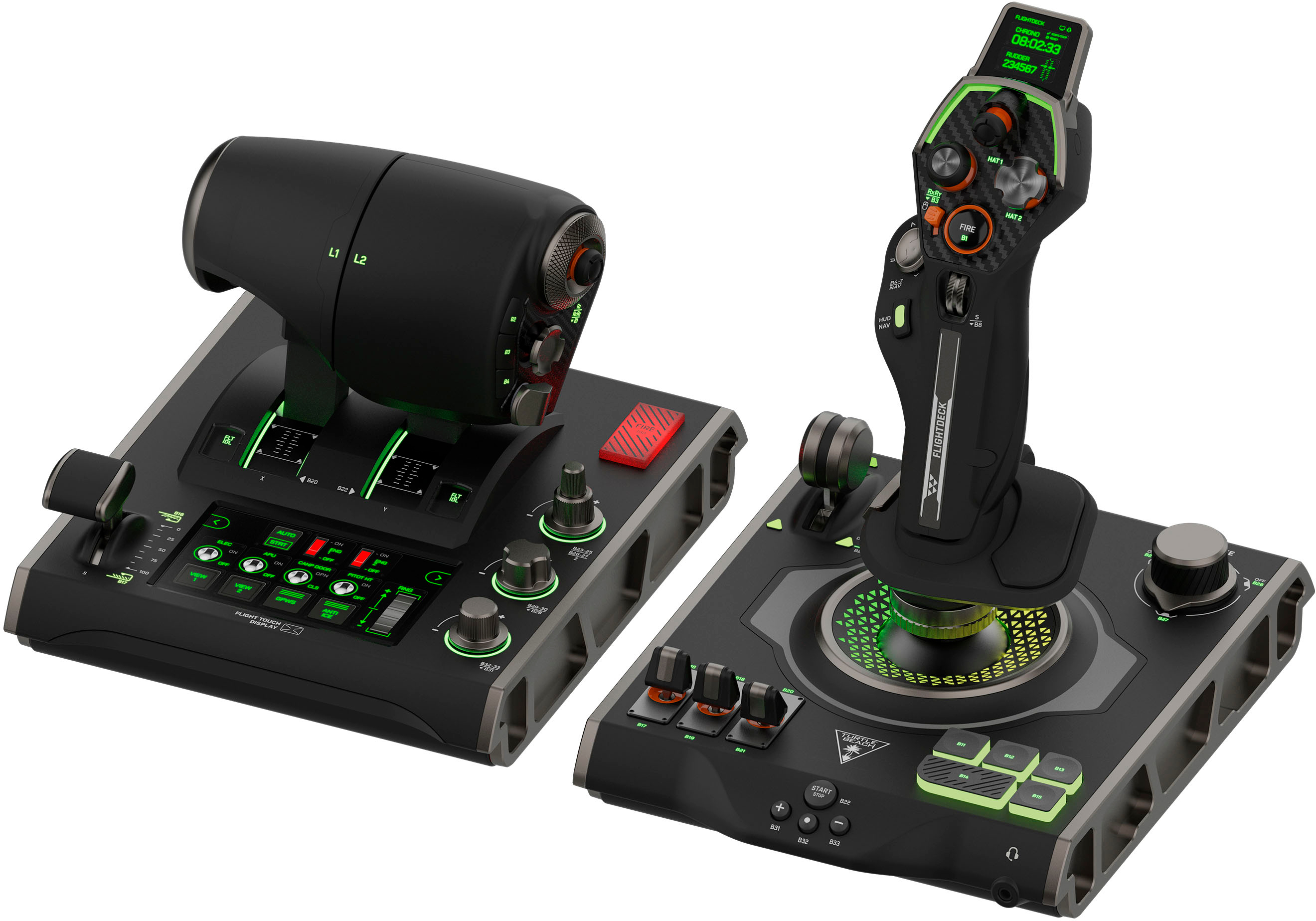
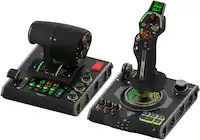
Turtle Beach - VelocityOne Flightdeck Universal HOTAS Simulation System Joystick & Throttle for Windows 10 & 11 PCs - Black
SKU: JXK5HFZSRQfrom the windows ME days but after downloading the software and setting it up this flight stick works great...I love the customization features and its comfortable to use....Best hotas...Love it
See all JoysticksProduct Description
A premium black HOTAS system with 15 axes, 139 programmable functions, and customizable OLED touch displays.Your price for this item is $429.99 -
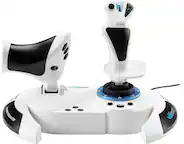
Thrustmaster - T.Flight Hotas 5 Microsoft Flight Simulator Controller Joystick & Throttle PS5 PS4 Windows Official MS Flight Sim - White
SKU: JXLH464Y4TGreat...Great item for flight sims on ps5. Works as expected. Nothing fancy but for the price it’s amazing....Great product for the price...This is a great controller for beginner and intermediate players...
See all JoysticksProduct Description
A white joystick and throttle system offering customizable, immersive flight control for PS5, PS4, and Windows.Your price for this item is $109.99 -
Thrustmaster - Sol-R4 HOTAS Flight Stick and Throttle, Hall Effect Joystick - Black
SKU: JXLH464828See all JoysticksProduct Description
A black HOTAS flight controller with Hall Effect precision, 58 programmable buttons, and modular PC controls.Your price for this item is $349.99




Best Sellers

Related Pages


FAQ
A flight simulator throttle quadrant is a controller with levers for managing virtual aircraft engine settings. It handles functions such as throttle, while a joystick or flight yoke typically controls pitch and roll.
Depending on the model, a throttle quadrant may include throttle, propeller and mixture levers, along with buttons or switches for other aircraft functions. Some models also feature controls that can be assigned to flaps, spoilers or landing gear through compatible simulator software.
Compatibility varies by throttle quadrant, gaming platform and flight simulator software. A USB connection alone does not guarantee support, so check the manufacturer's compatibility information for your platform, simulator and any required companion hardware.
A quadrant with multiple assignable lever axes may let you map separate levers to individual engines. Whether those engines can be controlled independently depends on the controller's inputs, the simulator's settings and the virtual aircraft.
Detents are tactile stops or positions along a lever's travel that mark particular settings. Depending on the hardware and simulator configuration, they may correspond to idle, reverse thrust or other aircraft-specific throttle positions.