Keypads For Android
-
8BitDo - Retro Mechanical Keypad - M Edition
SKU: CZY3JSJY2YBest Keypad money can buy!...[Employee of bestbuy] This numpad works great, keys are tactile (if you like that) and super satisfying
See all Gaming KeyboardsProduct Description
A black mechanical keypad featuring programmable keys, Bluetooth and wired connectivity, and compatibility with Windows and Android.Your price for this item is $44.99 -
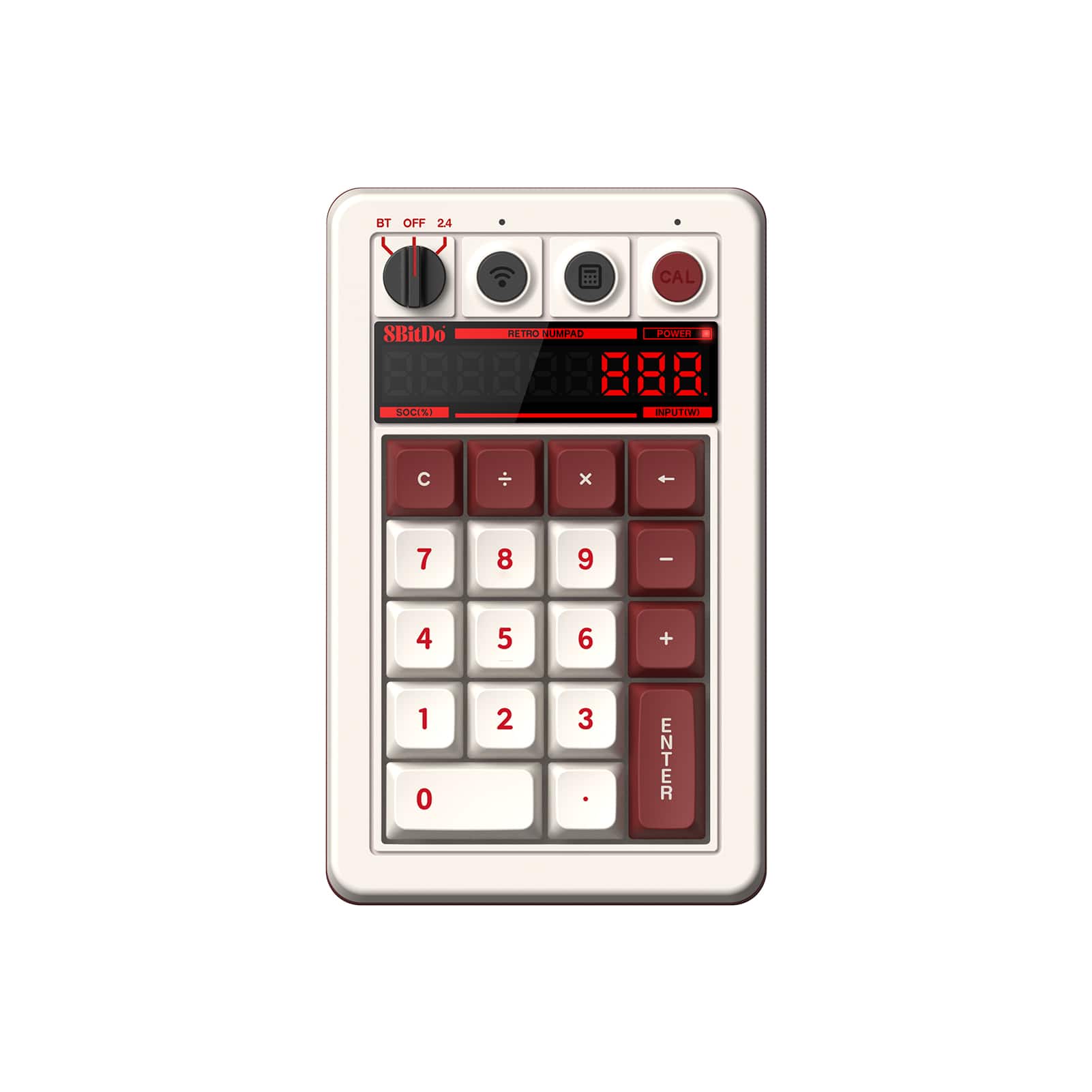
8BitDo - Retro Mechanical Keypad - Fami Edition
SKU: CZY3JSJYCXBest mechanical keyboard...the best mechanical keyboard you could get. you will love this product. the sound was amazing...Great battery life
See all Gaming KeyboardsProduct Description
A retro-inspired mechanical keypad in Fami Edition color with programmable keys, Bluetooth, and wired connectivity.Your price for this item is $44.99 -
8BitDo - Retro Mechanical Keypad - N Edition
SKU: CZY3JSJYCSGreat
See all Gaming KeyboardsProduct Description
A programmable mechanical keypad with Bluetooth and wired connectivity, featuring a rechargeable battery and N Edition design.Your price for this item is $44.99 -
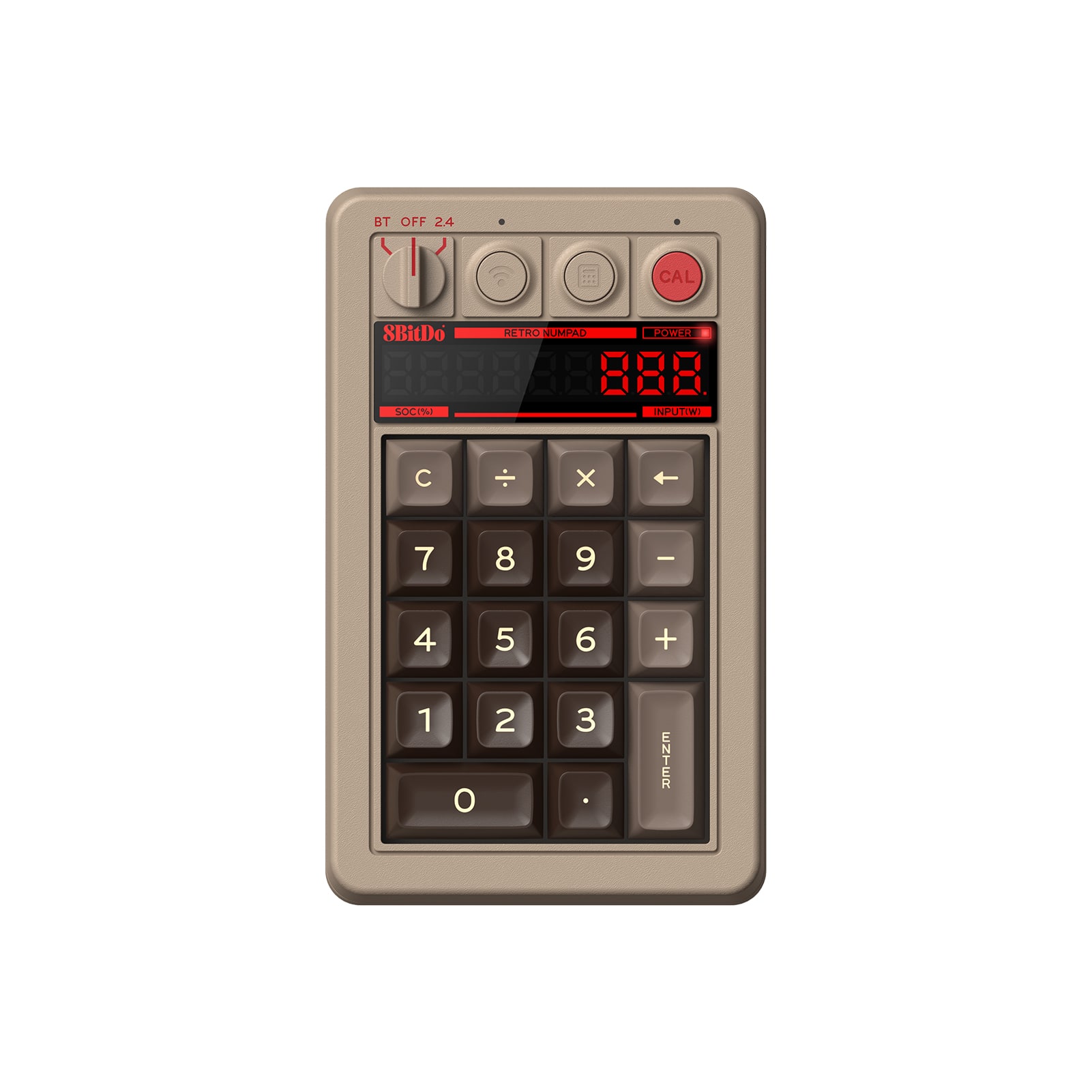
8BitDo - Retro Mechanical Keypad - C64 Edition
SKU: CZY3JSJY2FLove it....I love the sound and the functionality. It's a little big, but I have the space...Great retro number pad + calculator...Great retro style and mechanical feel plus it works as a standalone calculator....
See all Gaming KeyboardsProduct Description
A retro-inspired mechanical keypad in C64 Edition color with programmable keys, Bluetooth, and wired connectivity.Your price for this item is $44.99 -
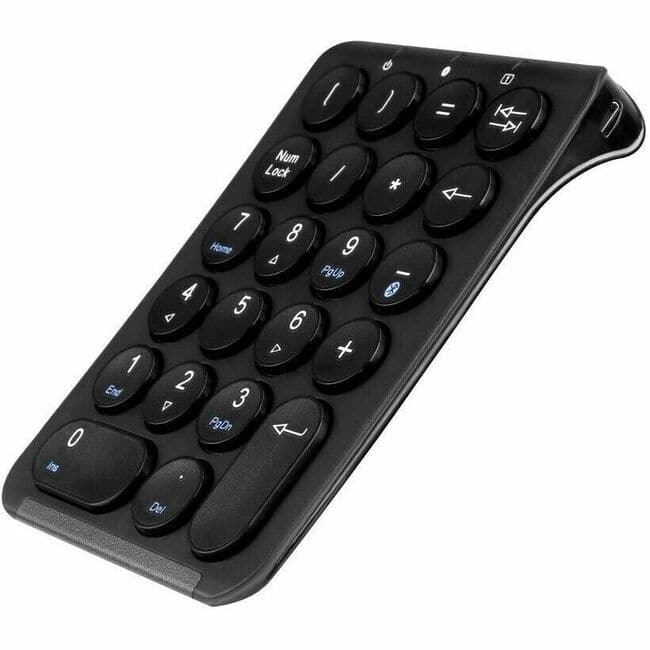
Urban Factory - SLIMEE Keypad - Wireless Connectivity - Bluetooth - 5.1 - Windows, Mac OS, Linux, Android, iOS - PC, Mac - Macaron
SKU: J3Z6X8J6L6See all Wireless & Bluetooth KeyboardsProduct Description
A wireless ergonomic keypad in macaron color featuring Bluetooth 5.1 compatibility with major operating systems.Your price for this item is $44.21Save $2The previous price was $46.42 -
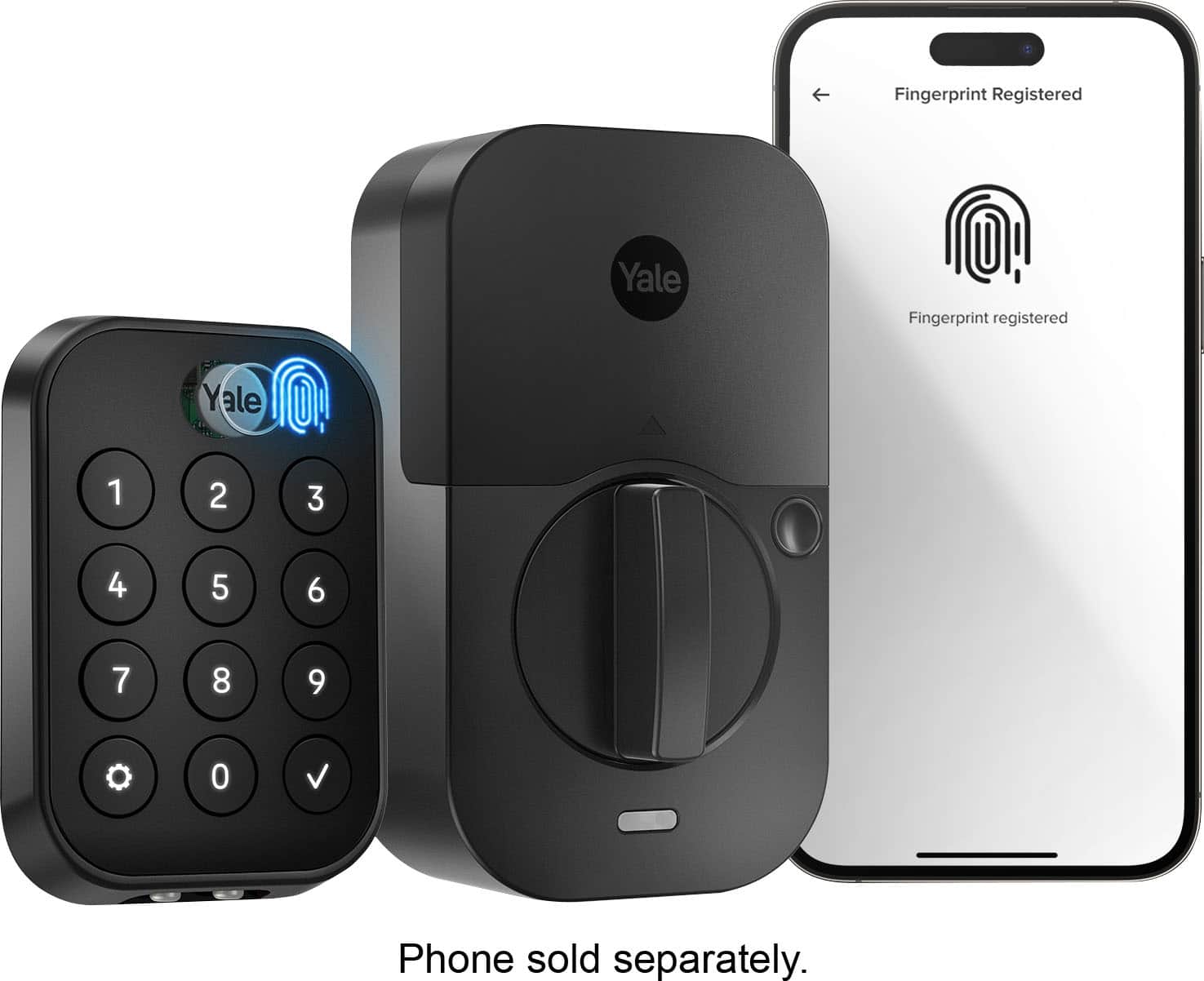
Yale - Assure Lock 2 Smart Lock Touch Key-Free Keypad with Bluetooth - Black Suede
SKU: J7684K36Z5Buying from the Best Buy website was very easy. This company that makes this lock is very good....As someone who’s been locked out, I love this!
See all Smart Door LocksProduct Description
A sleek black suede smart lock offering fingerprint access, Bluetooth connectivity, and advanced auto-lock features.Your price for this item is $150.99Save $39The previous price was $189.99 -
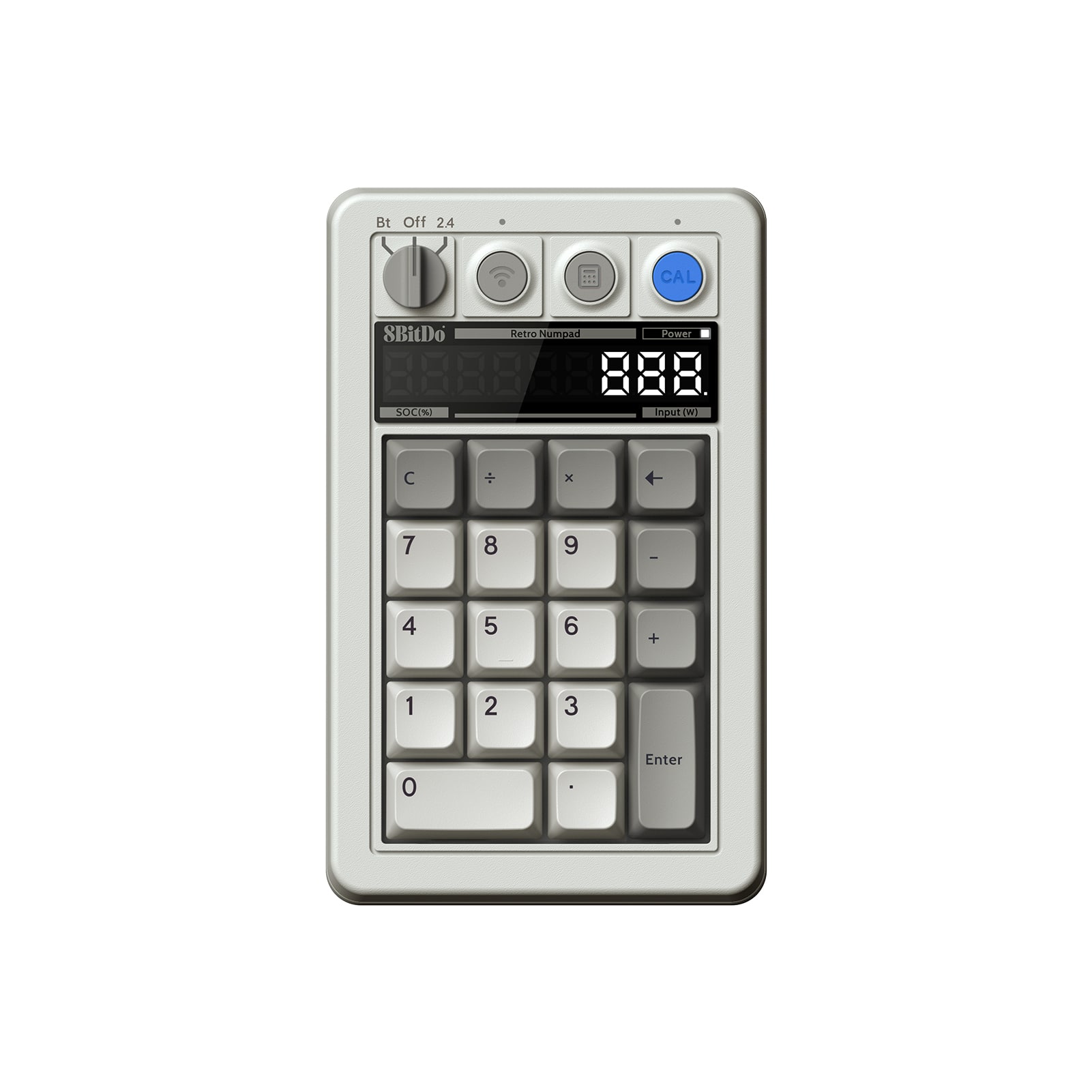
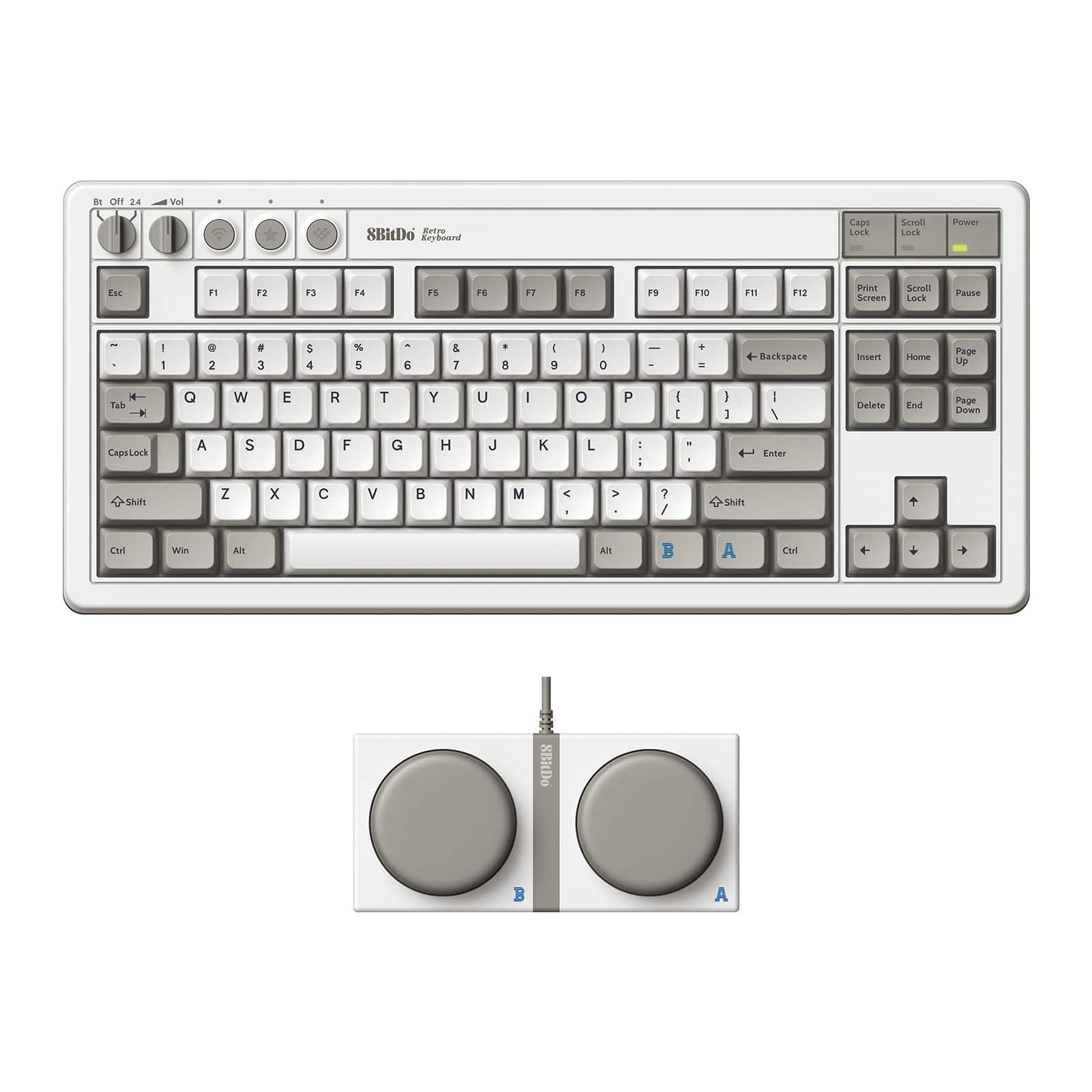
8BitDo - Retro Mechanical Keyboard - M Edition
SKU: CZY3JSJYG5See all Gaming KeyboardsProduct Description
A versatile mechanical keypad in M Edition color, featuring numpad and calculator modes, Bluetooth, and rechargeable battery.Your price for this item is $99.99 -
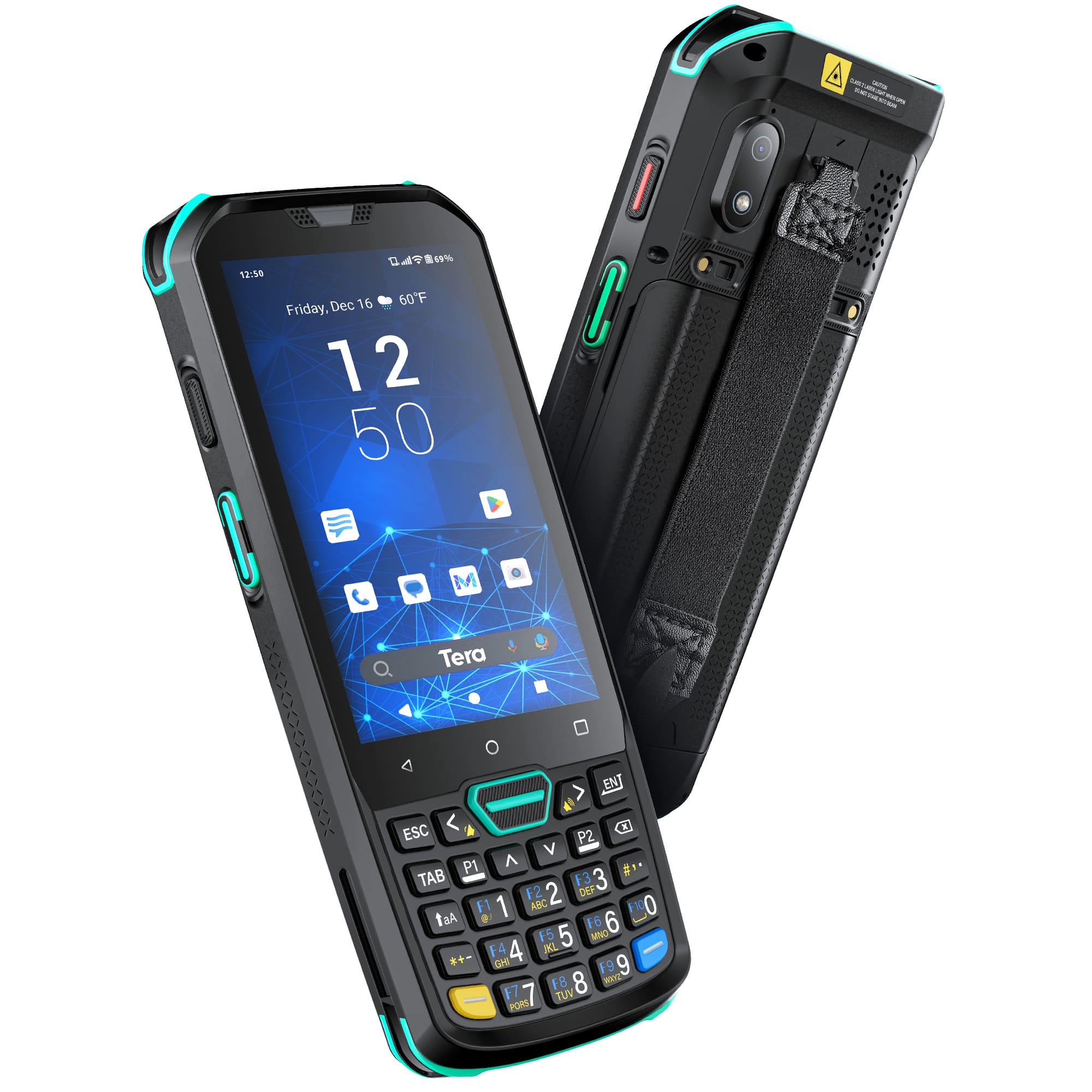
Tera - Android 13 Barcode Scanner PDA P400
SKU: CCFLTK6PC9See all Scanners, Faxes & CopiersProduct Description
A rugged black PDA with Android 11, 8-core CPU, IP67 rating, and long-lasting 5100 mAh battery.Your price for this item is $399.99

Best Sellers



Related Pages


FAQ
Most keypads designed for Android connect via Bluetooth or USB and are compatible with a wide range of Android smartphones and tablets. However, it's always a good idea to check the product specifications for any specific compatibility requirements.
To connect a keypad, enable Bluetooth on your Android device and set the keypad to pairing mode. Select the keypad from the list of available devices on your Android, and follow any on-screen prompts to complete the connection. For USB keypads, simply plug the keypad into your device using an OTG adapter if needed.
Yes, many keypads are compatible with popular Android games, especially those that support external input devices. Make sure to check if your chosen game allows for keypad input and that the keypad is recognized by your device.
Most Android keypads work out of the box without additional software. However, some models may offer companion apps for customizing key functions, macros, or firmware updates. Refer to the product details for information on available apps.
When choosing a keypad for Android, consider features such as wireless connectivity, battery life, customizable keys, ergonomic design, and compatibility with your favorite apps or games. Some keypads also offer backlighting and programmable macros for enhanced functionality.