Main Content

Label Printers For Mailing Envelopes

Label printers for mailing envelopes make organizing and sending mail more efficient, whether you're managing a home office or handling business shipments. With the right label printer, you can create clear, professional-looking address labels that help streamline your mailing process. Explore a variety of options designed to simplify labeling tasks and keep your correspondence looking sharp and organized. Find the perfect label printers for mailing envelopes to match your needs and enjoy a smoother, more productive workflow.

Read More
Results
Main Results
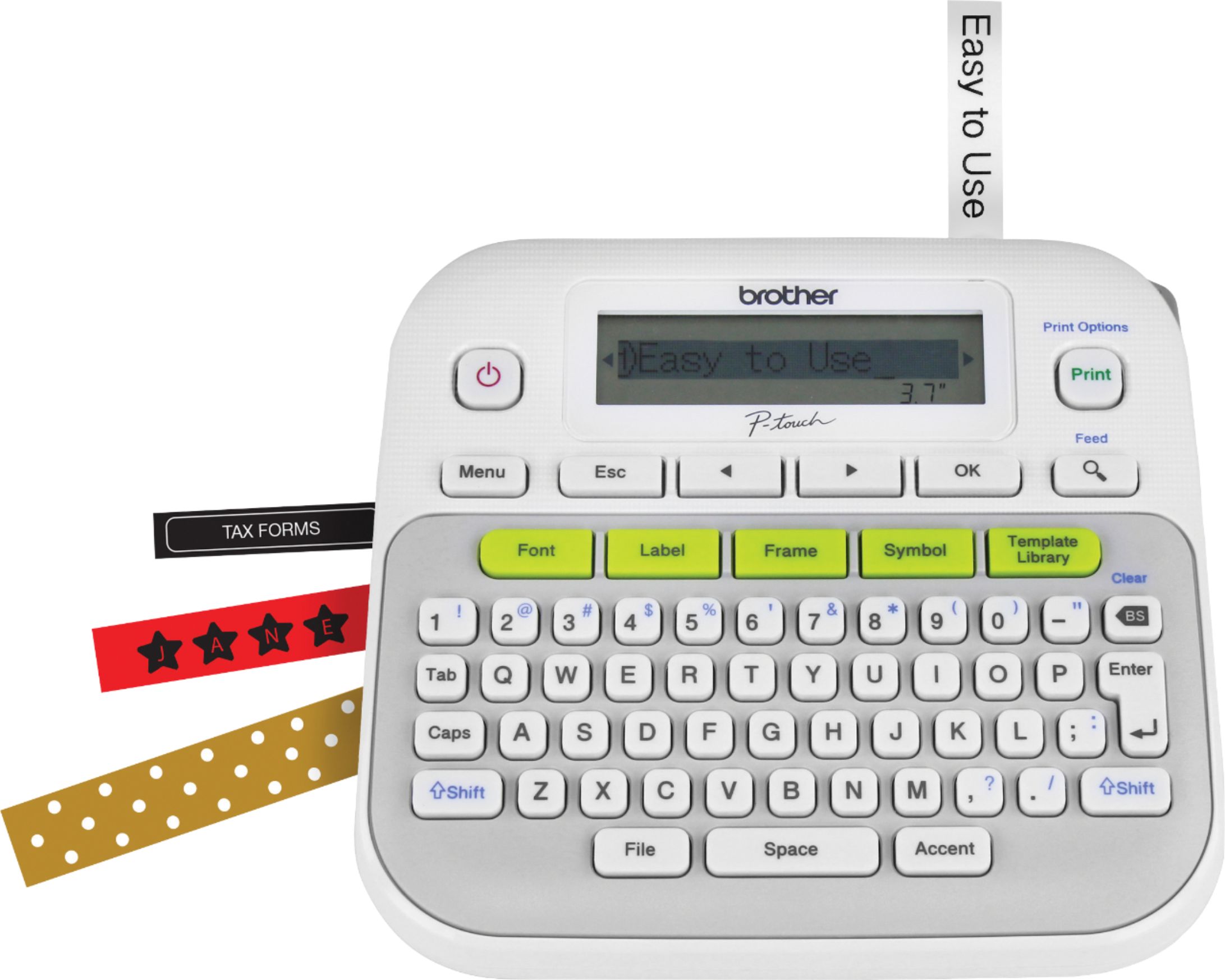
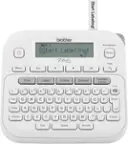
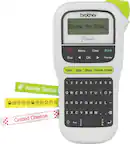
  1. Brother - P-touch, PT-D210, Easy-to-Use Label Maker, One-Touch Keys, Multiple Font Styles, 27 User-Friendly Templates - White/Gray

    SKU: J7CJ38WV6V

    LOVE IT...This is so easy to use and with all the different fonts it makes is one of the best I have used....Great features...Great machine love the features. Is it easy to use.

    Product Description

    A user-friendly white and gray label maker featuring one-touch keys, 14 fonts, and 27 quick templates.
    See all Label Makers
    Your price for this item is $114.50
    Save $4
    The previous price was $118.62
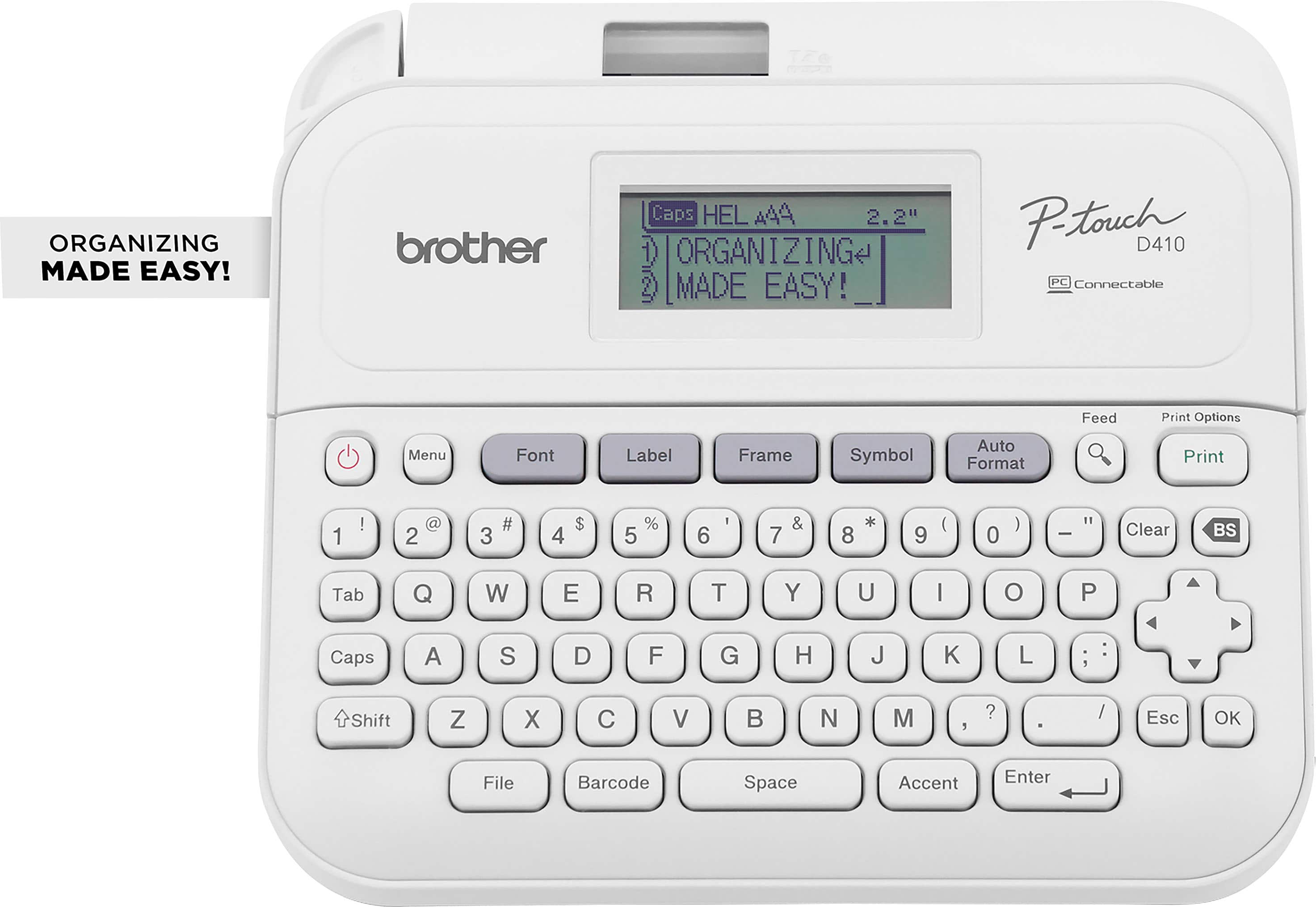
  2. Brother - P-touch PT-D410 Label Printer - White

    SKU: J7CJ38ZHWR

    Love it...I love the ability to print labels from pc. The options and output are outstanding....Great for labeling your stuff

    Product Description

    A versatile white label printer with USB connectivity, 15 fonts, 700 symbols, and a built-in QWERTY keyboard.
    See all Label Printers
    Your price for this item is $69.98
    Save $0
    The previous price was $69.99
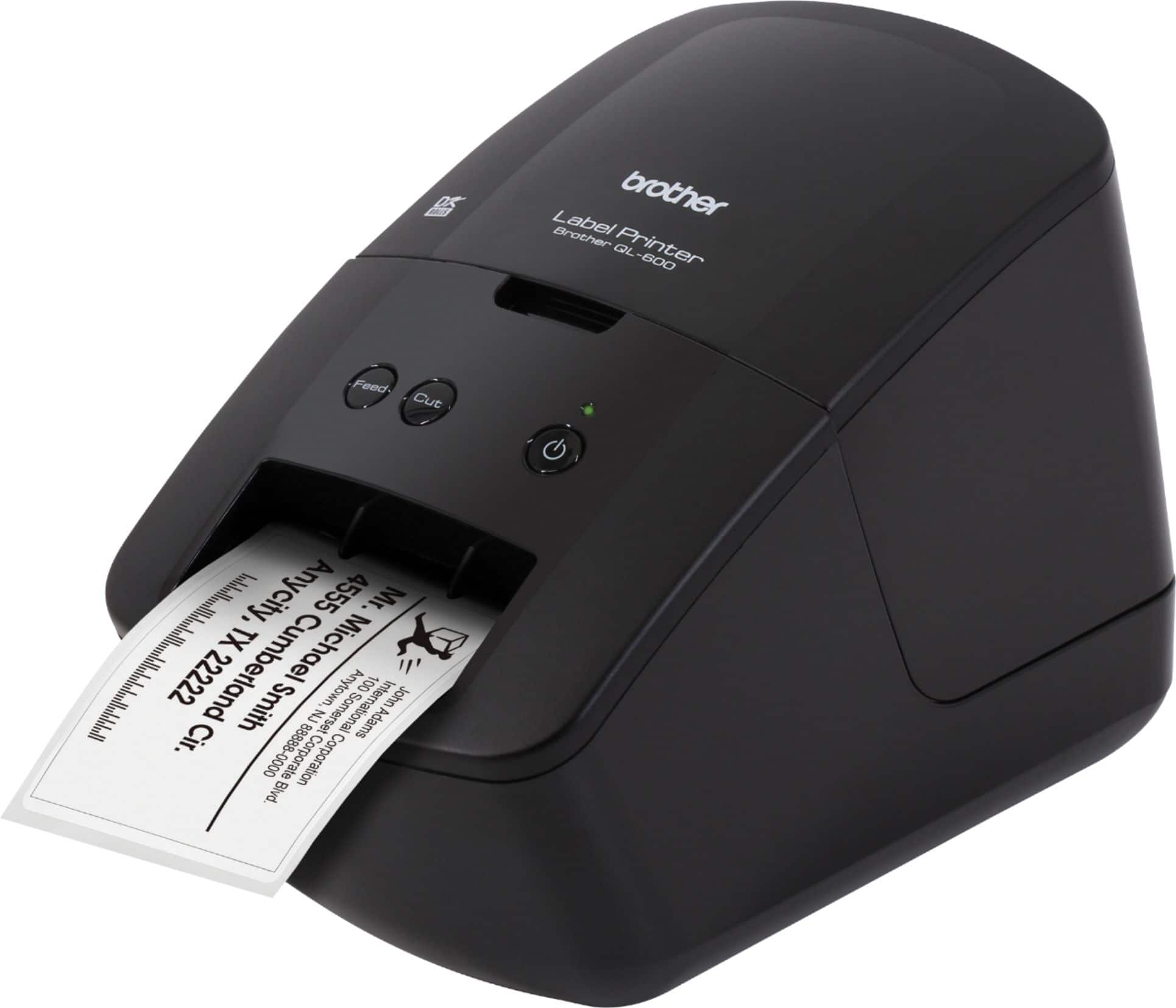
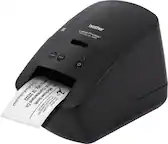
  3. Brother - QL-600 Economic Desktop Label Printer - Black

    SKU: J7CJ38Z2CC

    Great little printer....I hope I convey how great this printer is....To sum it up, this is one of Brothers best products.One last thing.

    Product Description

    A compact black desktop label printer offering high-resolution, fast, ink-free printing for home or office use.
    See all Label Printers
    Your price for this item is $111.72
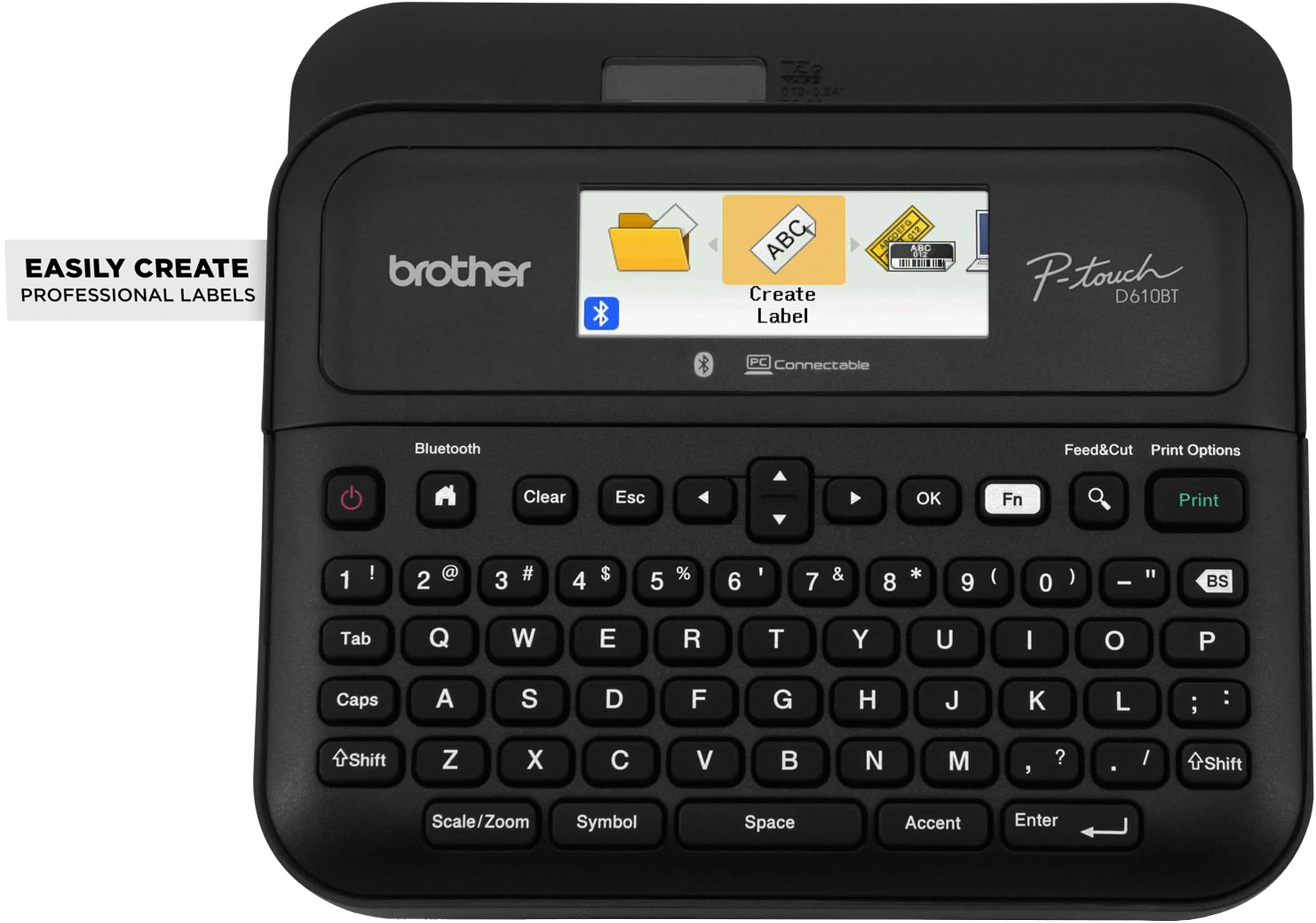
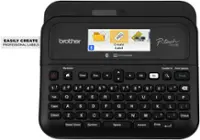
  4. Brother - P-touch PT-D610BT Wireless Label Printer - Black

    SKU: J7CJ38ZZJK

    I do a lot of reprints so I love that it can store 99 labels....I love it and can’t wait to label everything!!

    Product Description

    A wireless black label printer offering high-resolution printing, Bluetooth connectivity, and a built-in automatic label cutter.
    See all Label Printers
    Your price for this item is $114.98
    Save $19
    The previous price was $134.95
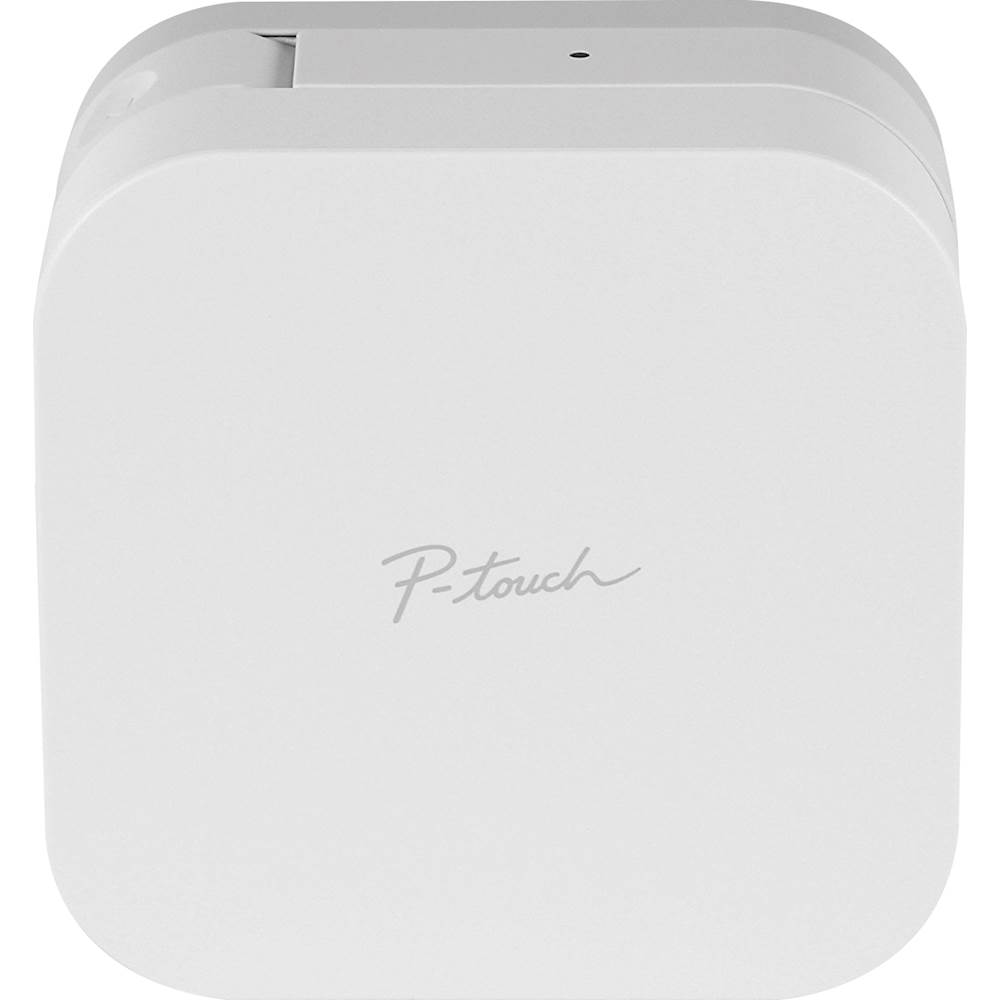
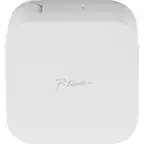
  5. Brother - P-touch CUBE, Smartphone Dedicated Label Maker with Bluetooth Wireless Technology - White

    SKU: J7CJ38K3Y7

    Love it!...I love how easy this is to use and that you can use symbols and emojis!

    Product Description

    A white Bluetooth label maker that prints custom designs from your smartphone using durable laminated tapes.
    See all Label Printers
    Your price for this item is $87.76
    Save $0
    The previous price was $88.07
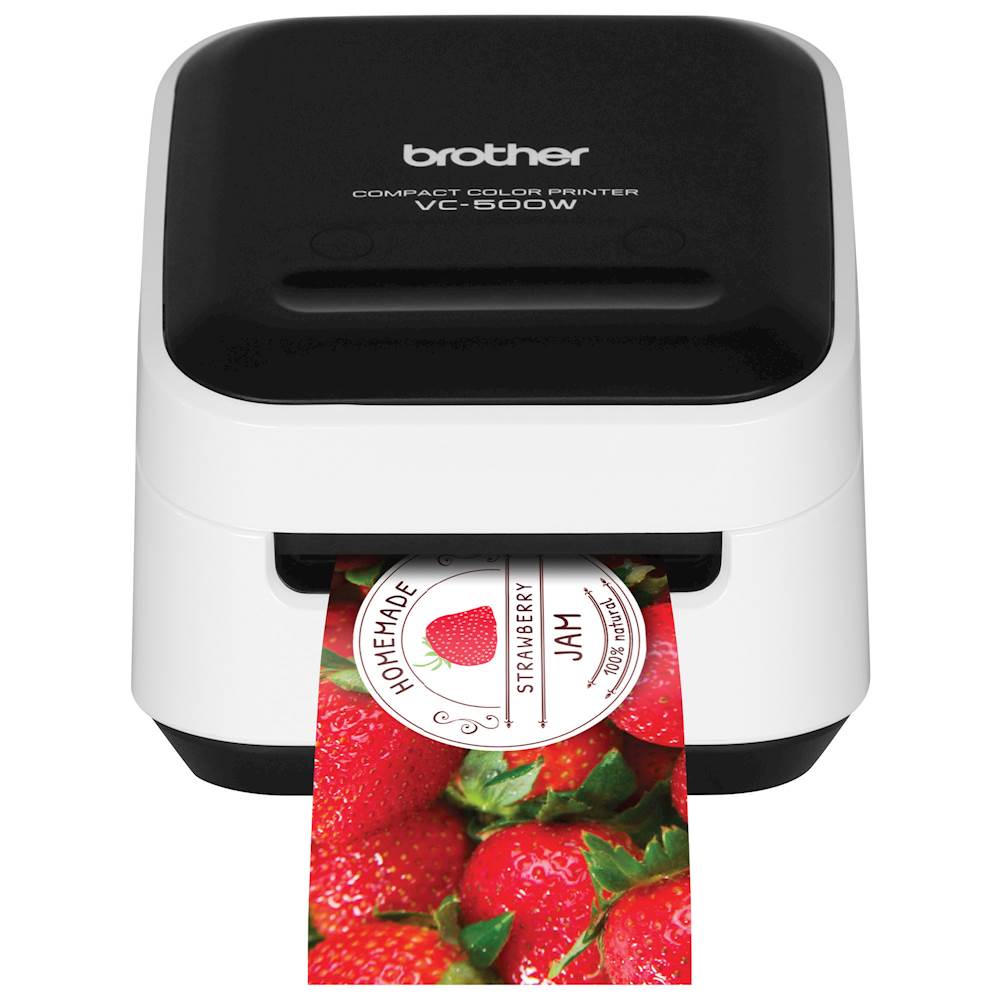
  6. Brother - VC-500W Wireless Label Printer - White

    SKU: J7CJ38K6FT

    The labels are great but two things I noticed I am not completely satisfied on: 1.

    Product Description

    A compact white wireless label printer using ZINK Zero Ink technology for vibrant, smudge-resistant labels and photos.
    See all Label Printers
    Your price for this item is $209.98
    Save $37
    The previous price was $247.36
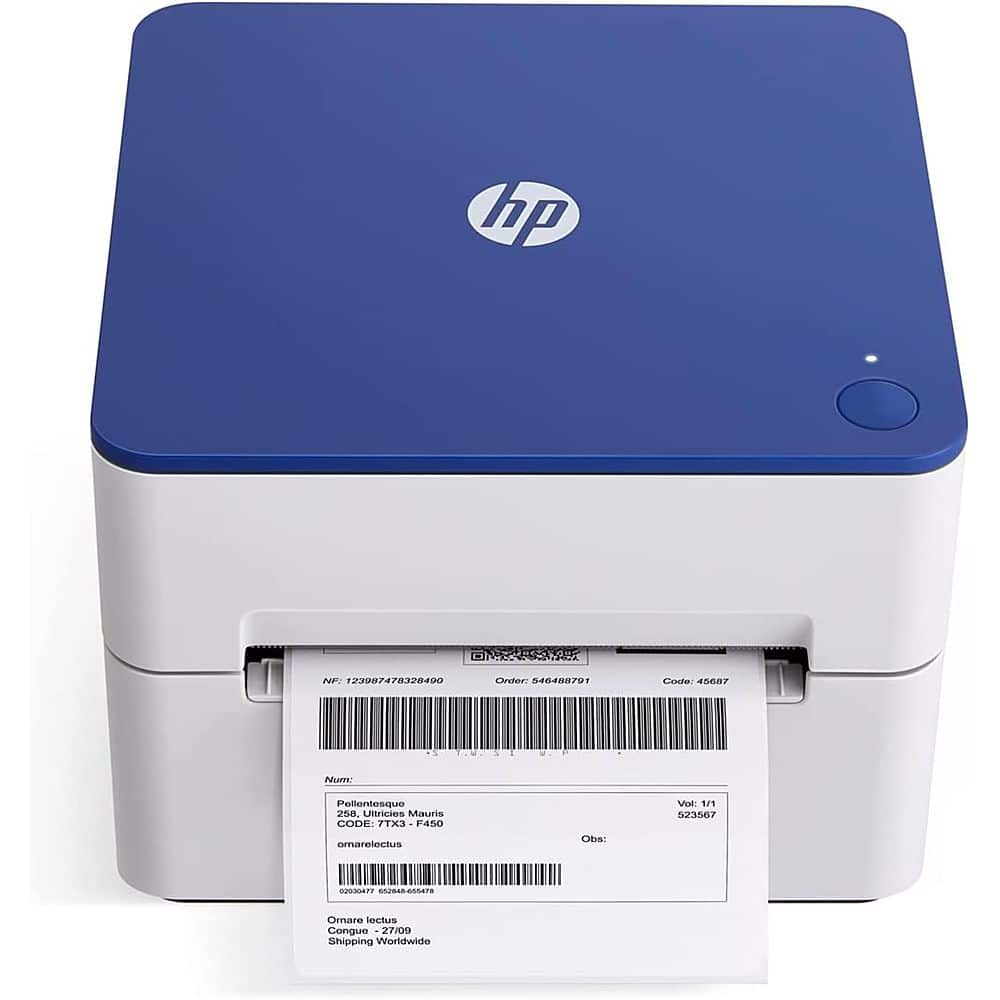
  7. HP - Shipping Label Printer, Internal Tray 4x6 Direct Thermal Printer - 203 DPI

    SKU: J3688YX722

    Product Description

    A direct thermal label printer in black and blue that prints 4x6 shipping labels at 203 DPI.
    See all Label Printers
    Your price for this item is $124.99
    Save $25
    The previous price was $149.99
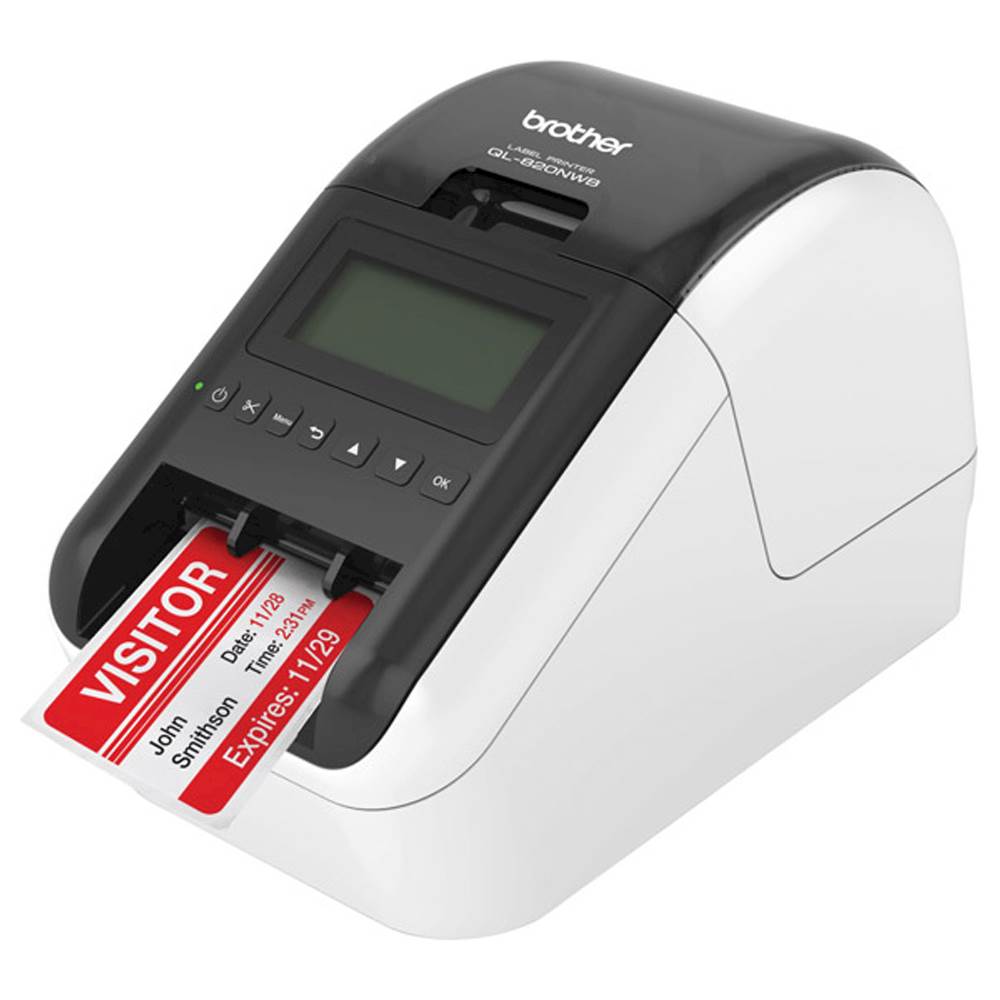
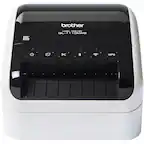
  8. Brother - QL-820NWB Professional Thermal Label Printer with Multiple Connectivity Options - White/Black

    SKU: J7CJ38KY2H

    Great printer...I purchased the battery pack as well it works great for portable operation....Support was GREAT in helping me.

    Product Description

    A versatile white and black thermal label printer offering wireless, Bluetooth, and wired connectivity for efficient labeling.
    See all Label Printers
    Your price for this item is $239.98
    Save $20
    The previous price was $259.99
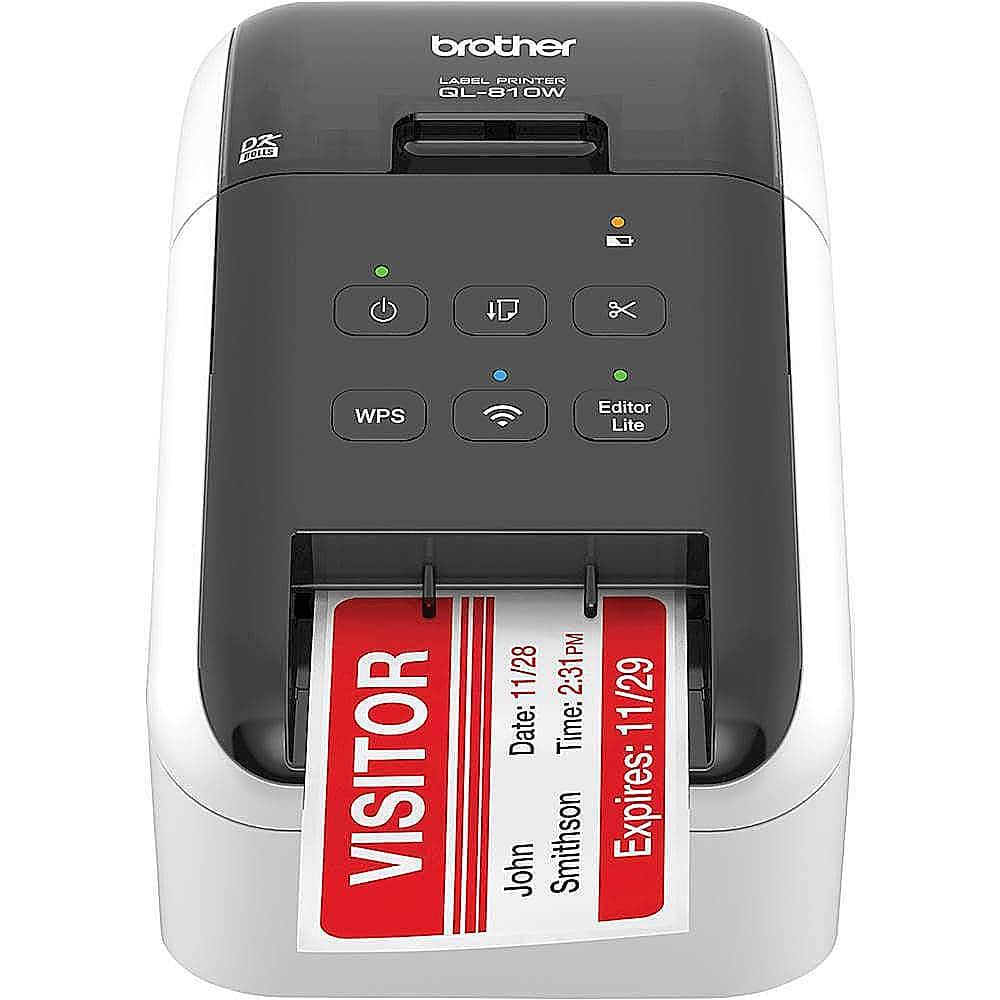
  9. Brother - QL-810W Ultra-Fast Label Printer with Wireless Networking - White/Black

    SKU: J7CJ38KY2Y

    Best of all no ink cartridges. A very dependable unit. Even hooked to my iPhone....This is a great printer for name tags/labels. It works well for our needs....Bought battery and works great, no wires...

    Product Description

    A wireless, ultra-fast label printer in white/black that prints black and red labels at 300 dpi.
    See all Label Printers
    Your price for this item is $169.98
    Save $24
    The previous price was $194.25
  10. Brother - PT-P700 PC-Connectable Label Printer for PC and Mac - Black

    SKU: J7CJ38WTP6

    I love that it doesn't take up a lot of room on my desk....Another great Brother product!...Love it.

    Product Description

    A black, PC- and Mac-compatible label printer offering fast printing, automatic cutting, and versatile tape options.
    See all Label Printers
    Your price for this item is $94.99
Label printers for mailing envelopes make it easier to create clean, readable addresses without the uneven spacing, smudged ink or last-minute handwriting that can slow down a mailing project. They are useful for home offices, small businesses, schools, clubs, community organizations and anyone who regularly sends invitations, invoices, thank-you notes or customer correspondence. A compact desktop printer can sit beside a computer or near a packing station, ready to turn an address list into a neat adhesive label in seconds. This is especially helpful when a stack of envelopes needs to look consistent, whether it is a handful of letters for family and friends or a larger batch for business outreach. During the warmer months, a label printer can help with event invitations, moving announcements and seasonal sales mailings; as the weather cools, it can be equally useful for holiday cards, donation requests, care packages and end-of-year correspondence. These printers can also make thoughtful gifts for a home-based entrepreneur, teacher, crafter, volunteer coordinator or college student who handles frequent mail. Instead of balancing envelopes across a kitchen table and trying to keep a pen flowing, the recipient can prepare polished labels from a laptop, tablet or phone and spend more time on the message inside.

When comparing label printers for mailing envelopes, start with the type and volume of mail you expect to handle. A person who sends only a few envelopes at a time may prefer a small, straightforward model with an uncomplicated setup, while a busy office or online seller may benefit from faster output and a larger roll capacity. Print speed is often listed in labels per minute, but the practical experience also depends on the address layout, connection method and how quickly labels can be peeled and applied. Direct thermal printers are a popular choice because they create text and graphics with heat-sensitive label material rather than liquid ink or toner. That means there are no ink cartridges to replace, making the ongoing setup simpler and helping reduce supply costs over time. Direct thermal labels are best stored in a cool, dry place and protected from prolonged heat or sunlight, since intense conditions can affect their appearance. It is also important to check the supported label dimensions before purchasing. Many mailing tasks call for a compact address label, such as a roughly 4-by-2-inch format or a narrow return-address strip, rather than a large shipping label. Confirm that the printer accepts the size and shape you plan to use, and look for compatible continuous rolls or die-cut labels that match the way you organize envelopes. A label that is too large can cover important postage or return information, while one that is too small may force the type to become difficult to read. Adjustable text, multiple font sizes, barcodes, logos and simple graphics can be valuable for business mail, but a clear address layout with strong contrast is the priority for everyday envelopes.

Connectivity is another major consideration. USB provides a dependable direct connection to a desktop or laptop and can be a good fit for a permanent home-office workstation. Wi-Fi gives more flexibility around the room and can let several computers share one printer, which is convenient for a small team. Bluetooth is particularly useful for printing from compatible phones and tablets, making it easier to address an envelope from a contact list or cloud-based document without opening a computer. Before choosing a wireless model, check whether its companion app works with your preferred mobile operating system and whether the printer supports the devices used by everyone in the household or office. Software features can simplify importing names and addresses, organizing templates, correcting alignment and printing a test label before committing to a full batch. A preview function is worth having: it helps catch a missing apartment number, an accidental line break or a return address placed too close to the edge. For larger mailings, compatibility with spreadsheet files, contact databases and common word-processing programs can save considerable time. Look for easy roll loading, a visible status indicator, automatic label recognition when available and a cutter or tear edge that leaves each label easy to separate. The best setup is one that fits naturally into your routine: load the roll, choose a saved template, verify the preview and print a label that is crisp enough to read at a glance. Those looking beyond envelope addressing and comparing equipment for packing orders or managing a growing mailroom can also explore Label Printers For Small Business Shipping. Whether the printer is used for a family correspondence project, a neighborhood fundraiser or daily customer orders, choosing the right label size, connection and printing method helps keep every envelope organized, professional and ready for delivery.

FAQ

When choosing a label printer for mailing envelopes, consider features such as wireless connectivity, compatibility with your operating system, print speed, ease of setup, and support for various label sizes and types. Some printers also offer software integration for popular mailing and shipping platforms.

Many modern label printers offer Bluetooth or Wi-Fi connectivity, allowing you to print directly from smartphones or tablets using dedicated apps or compatible software. Always check the product specifications to ensure mobile device compatibility.

Thermal label printers are often preferred for mailing envelopes because they use heat to print, eliminating the need for ink or toner. This can result in lower maintenance costs and faster printing speeds compared to inkjet models.

Most label printers come with their own software for designing and printing labels. Additionally, many are compatible with popular programs like Microsoft Word or shipping platforms such as USPS, UPS, and FedEx, making it easy to create professional-looking address labels.

To keep your label printer running smoothly, regularly clean the print head and rollers according to the manufacturer's instructions. Use only recommended labels and supplies, and update the printer's firmware when prompted to ensure compatibility with new devices and software.