Early Black Friday Deals & DoorbustersEnds Nov. 15.Shop now

Main Content
Skip to contentGo to Product Search

Early Black Friday Deals & DoorbustersEnds Nov. 15.Shop now

Main Content
Categories & Filters

Labor Day Sale On Gaming Monitors

Upgrade your gaming setup and explore gaming monitors for the Labor Day sale. Whether you’re a competitive player or enjoy immersive adventures, this seasonal event is a great time to find the ideal monitor to elevate your gameplay. Discover a wide selection of screens designed to bring out the best in every game. Shop the Labor Day sale on gaming monitors and get ready for sharper visuals and smoother action with features you’ll love.

Read More
Results
Main Results
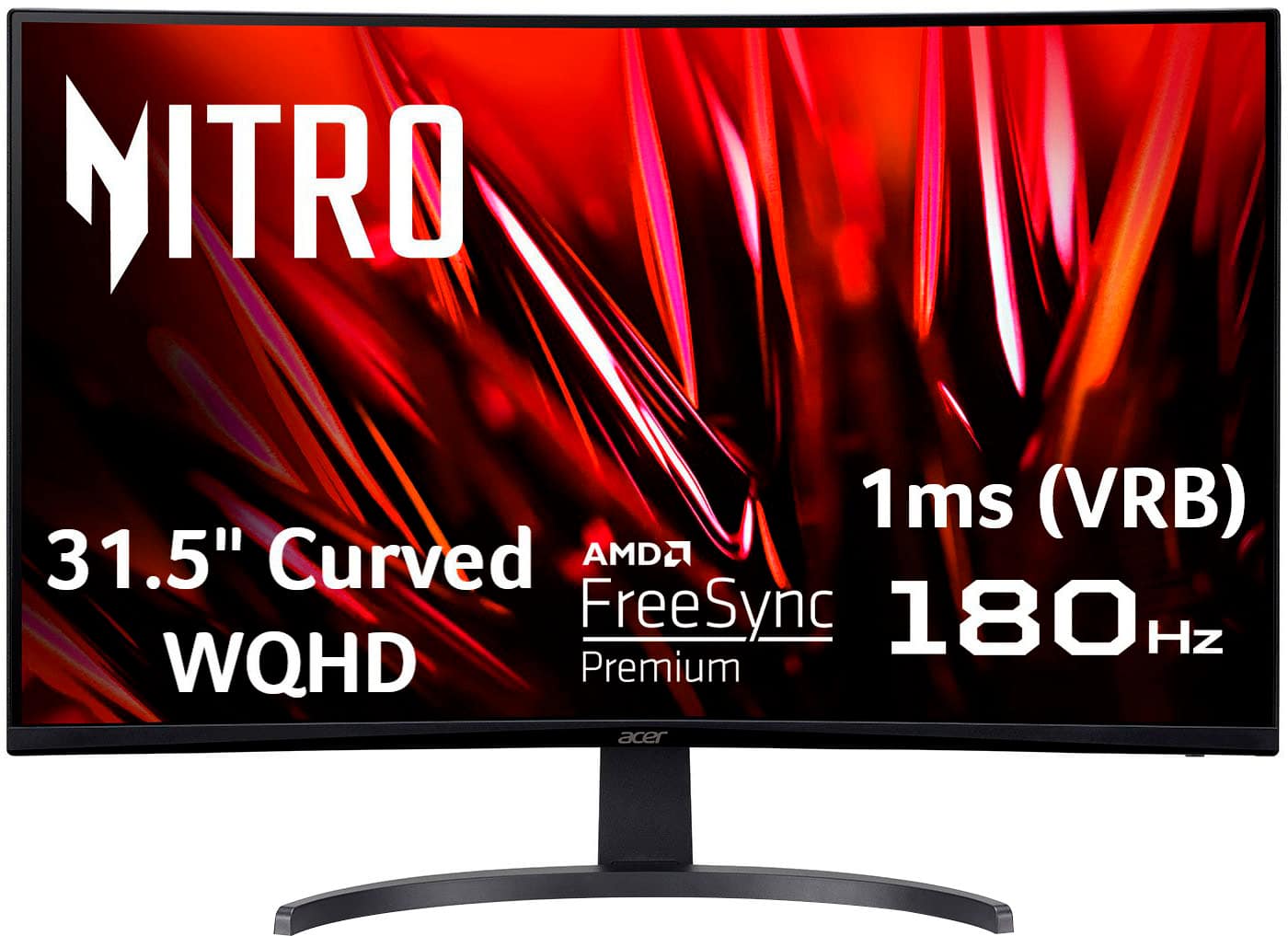
  1. Acer - Nitro Gaming 31.5" Curved WQHD 180Hz 1ms FreeSync Premium Gaming Monitor (DisplayPort, HDMI x2) - Black

    SKU: JJ8V8H2SHV

    Best monitor I've ever had...Great monitor. I love the size. I will never be able to go back to a smaller screen....Run great, image quality, great monitor, the best by price

    Product Description

    A curved black gaming monitor with WQHD resolution, 180Hz refresh rate, 1ms response, and FreeSync Premium.
    See all Gaming Monitors
    Your price for this item is $359.99
    Save $100
    The previous price was $459.99
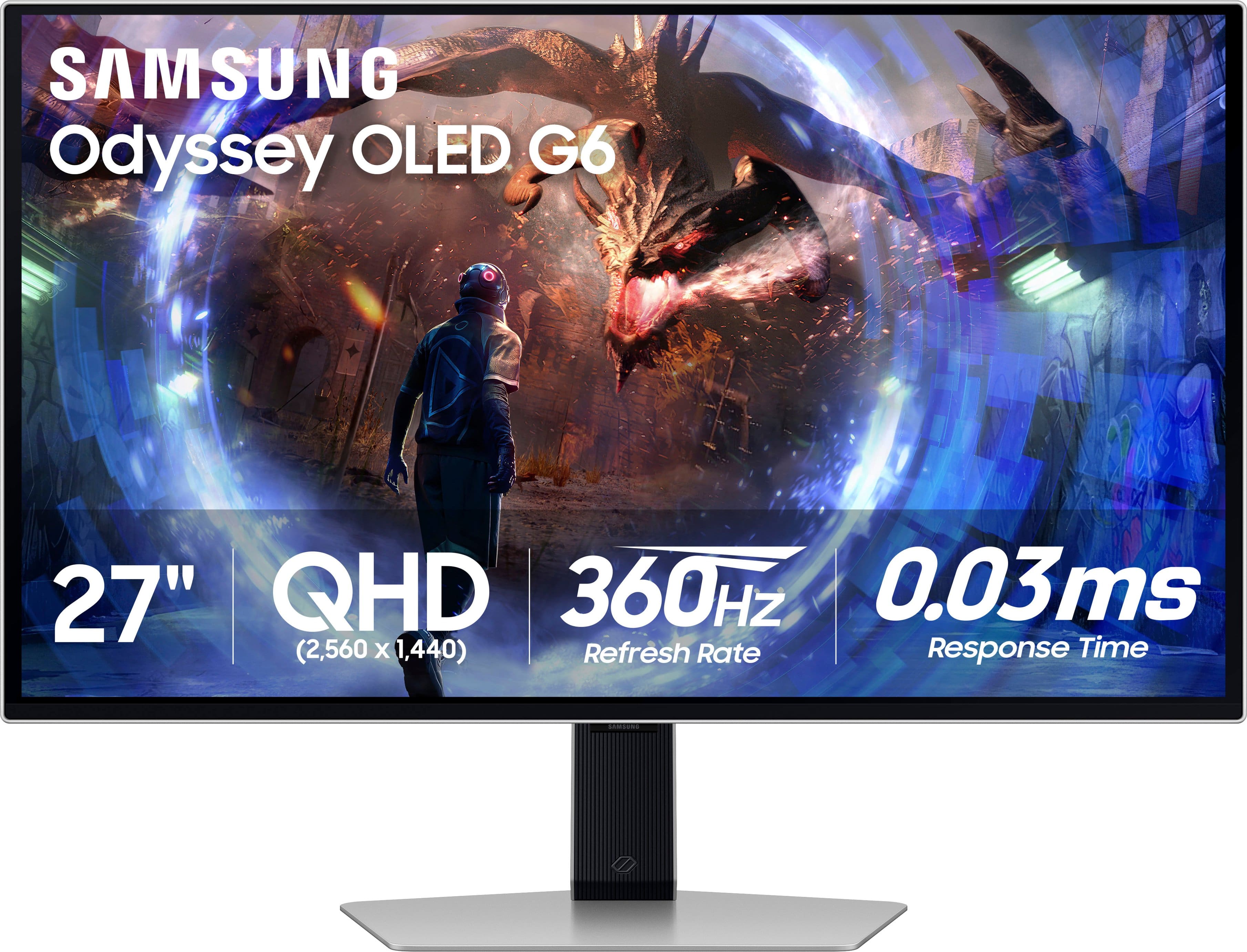
  2. Samsung - 27" Odyssey OLED G6 (G60SD) QHD 360Hz 0.03ms FreeSync Premium Pro Gaming Monitor with HDR - Silver

    SKU: J3ZYG2TG2X

    One of the best monitors i've ever had in my life I love it great for anyone that wants to be competitive...Gaming on this has been a great experience and the 360hz is absolutely stunning....The Best...

    Product Description

    A silver OLED gaming monitor featuring QHD resolution, 360Hz refresh rate, HDR10, and ultra-fast 0.03ms response.
    See all Gaming Monitors
    Your price for this item is $649.99
    Save $250
    The previous price was $899.99
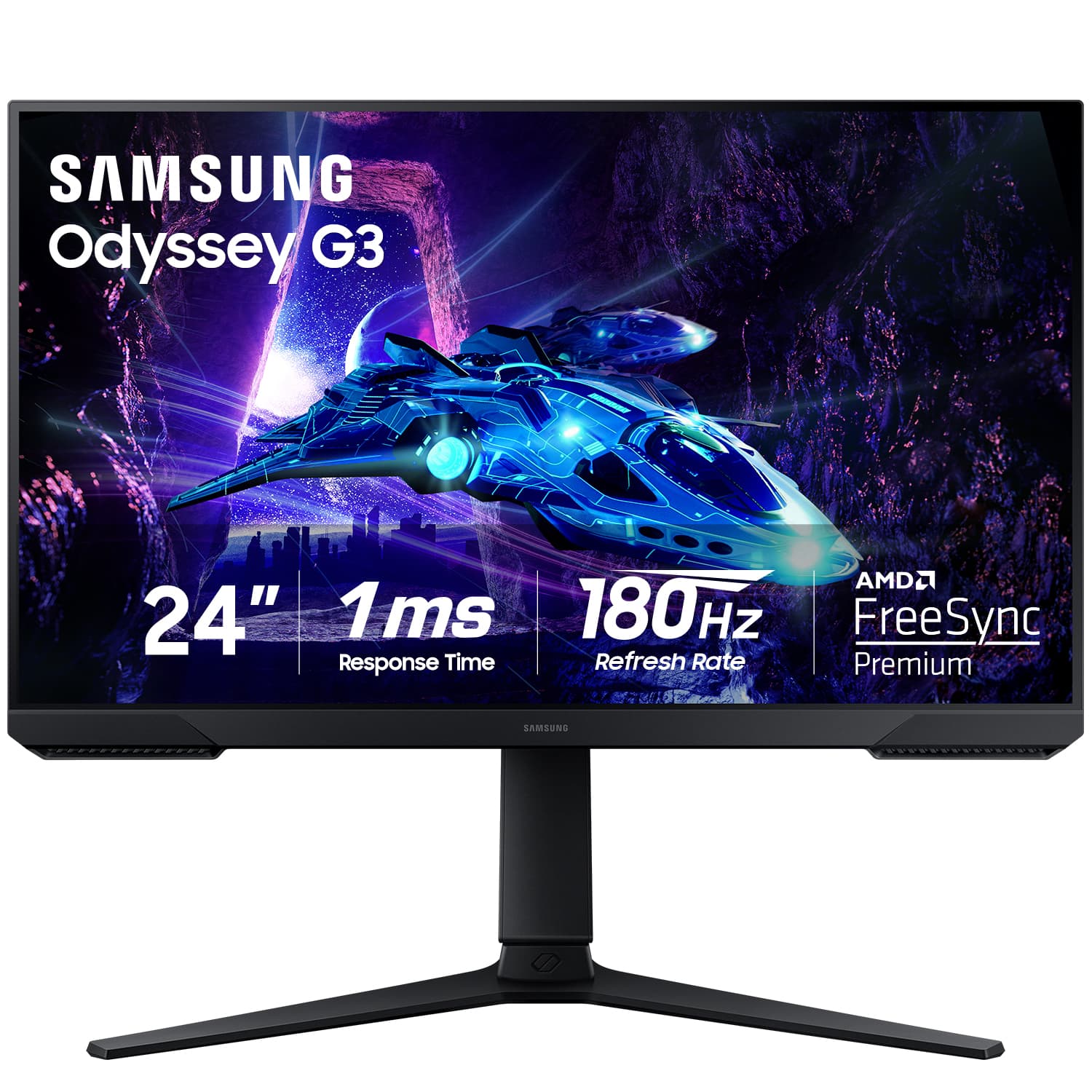
  3. Samsung - Odyssey G30D 24" LED FHD AMD FreeSync Premium 180Hz 1ms Gaming Monitor (DisplayPort, HDMI) - Black

    SKU: J3ZYG2T9FJ

    Amazing monitor, great quality and the best part was the price. Also I love that I can move it!...Best for gaming...Love it it’s great use to play the game every day.

    Product Description

    A black LED gaming monitor with 180Hz refresh rate, 1ms response time, and AMD FreeSync Premium.
    See all Gaming Monitors
    Your price for this item is $99.99
    Save $100
    The previous price was $199.99
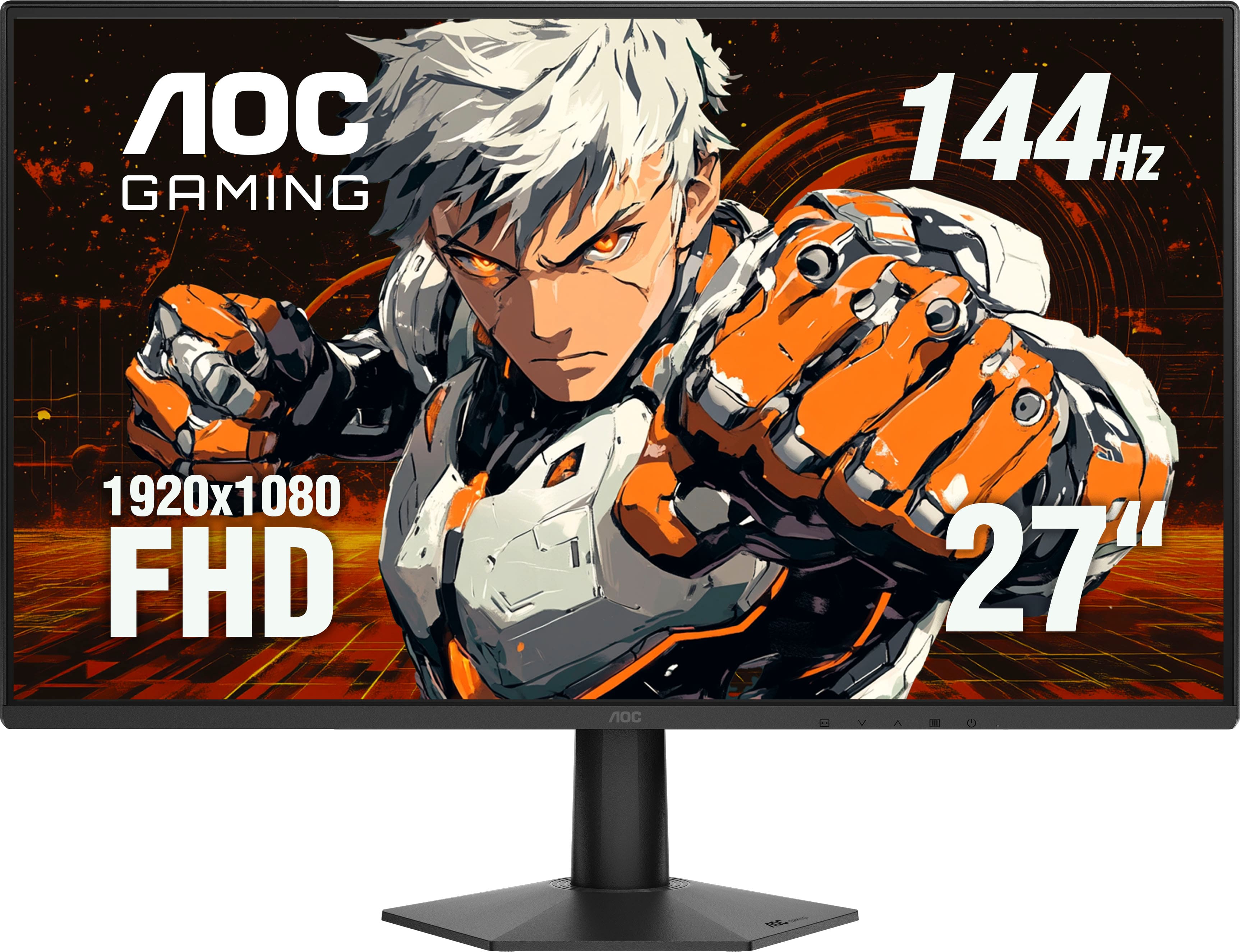
  4. AOC - 27" 27G50F IPS, FHD, 144hz, G-Sync Compatible, Gaming Monitor - Black

    SKU: JX9GSKP97P

    Great monitor...Great value....Super great monitor

    Product Description

    A fast IPS gaming monitor in black with 144Hz refresh rate, 0.5ms response, and AdaptiveSync support.
    See all Gaming Monitors
    Your price for this item is $109.99
  5. MSI - MAG 255XF 25" FHD Rapid IPS 300Hz 0.5ms Gaming Monitor with FreeSync Premium (HDMI, DisplayPort) - Metallic Black

    SKU: J3P7TX98PX

    I LOVE THIS MONITOR...This monitor is really a steal i love the colors, and the images, the hz is the best and for only 150...$ you really can't beat that i looked at a bunch of monitors and this is the...

    Product Description

    A metallic black gaming monitor featuring a 300Hz IPS panel, 0.5ms response, and Adaptive Sync technology.
    See all Gaming Monitors
    Your price for this item is $139.99
    Save $10
    The previous price was $149.99
  6. Samsung - 27" Odyssey OLED G8 (G81SF), 4K UHD, 240Hz, 0.03ms, AMD FreeSync Premium Pro, Glare Free, HDR 400 Gaming Monitor - Silver

    SKU: J3ZYG2FHXG

    It's the best!...I will use this monitor for gaming, productivity, and overall - to have the best possible experience.

    Product Description

    A silver OLED gaming monitor delivering 4K UHD visuals, 240Hz refresh rate, HDR 400, and glare-free performance.
    See all Gaming Monitors
    Your price for this item is $687.99
    Save $612
    The previous price was $1,299.99
  7. MSI - G242L E14 24" FHD 144Hz 1ms Adaptive Sync Gaming Monitor (DisplayPort, HDMI) - Black

    SKU: J3P7TX6899

    Product Description

    A black IPS gaming monitor featuring 144Hz refresh rate, 1ms response time, and AMD FreeSync support.
    See all Gaming Monitors
    Your price for this item is $110.49
    Save $64
    The previous price was $175.29
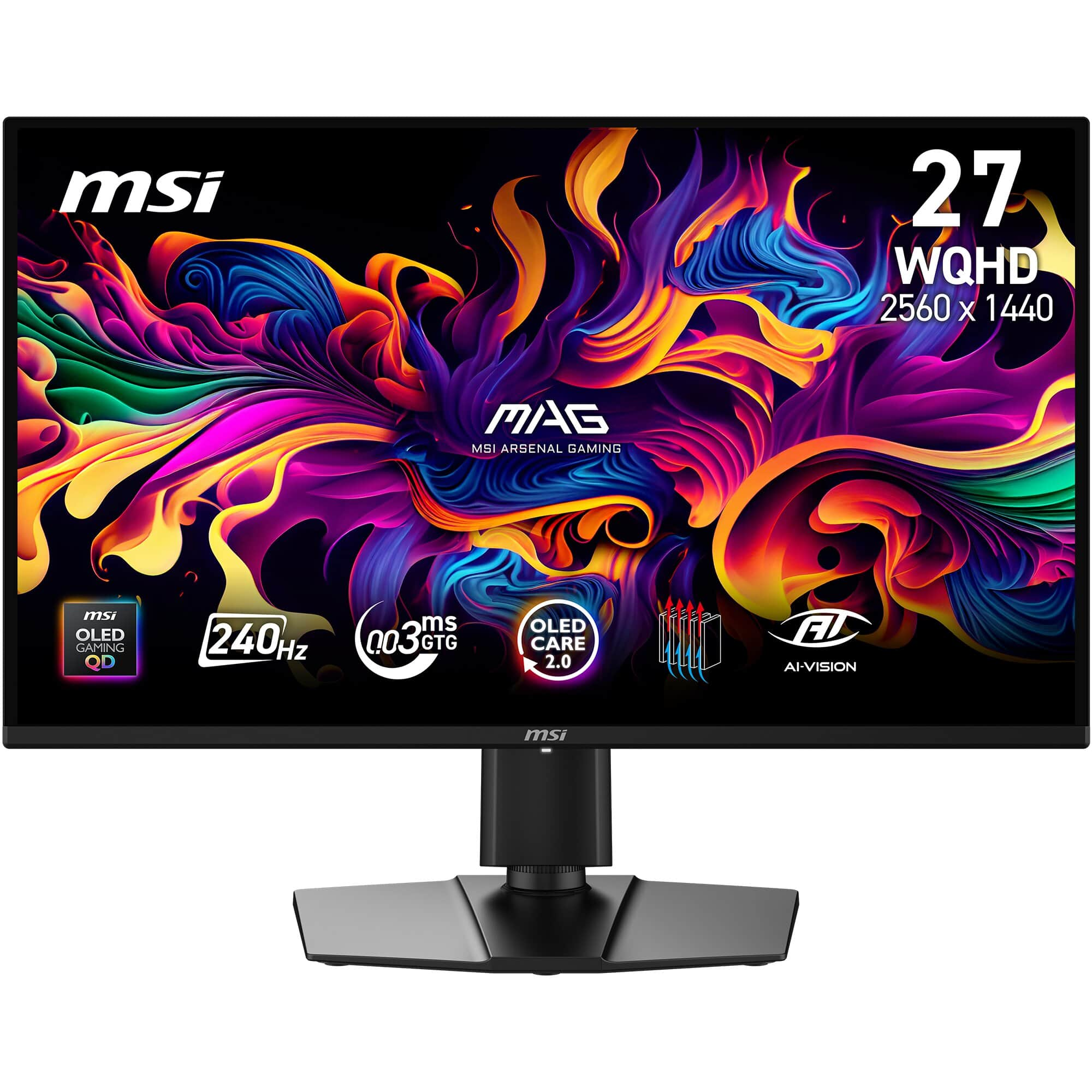
  8. MSI - MAG 274QP QD-OLED X24 27" QHD 240Hz 0.03ms Gaming Monitor with G-SYNC FreeSync Premium Pro HDR Ready (HDMI, DP) - Metallic Black

    SKU: J3P7TXQVKP

    Best purchase I’ve made in a very long time love it 500hrs later and it’s great...27" great size and awesome performance...Love the graphics and oled screen this is a great size(27) and i love everything...

    Product Description

    A metallic black OLED gaming monitor featuring QHD resolution, 240Hz refresh rate, and ultra-fast 0.03ms response.
    See all Gaming Monitors
    Your price for this item is $394.99
    Save $5
    The previous price was $399.99
  9. Samsung - Odyssey G30D 32" LED FHD AMD FreeSync Premium 180Hz 1ms Gaming Monitor (DisplayPort, HDMI) - Black

    SKU: J3ZYG2T678

    Best tv money can ask for. Best Buy got the best deal nationwide....Great product!...I absolutely love the monitor! It has been working great!

    Product Description

    A black LED gaming monitor featuring 180Hz refresh rate, 1ms response time, and AMD FreeSync Premium.
    See all Gaming Monitors
    Your price for this item is $231.99
    Save $48
    The previous price was $279.99
  10. Acer - Nitro 24.5” LCD FHD 1080P 280Hz 1ms FreeSync Premium Gaming Monitor with HDR (DisplayPort, HDMI) - Black

    SKU: JJ8V8H2WL8

    Beautiful graphics for 1080p and works great! Best main monitor for non competitive builds...Great Monitor

    Product Description

    A black LCD gaming monitor featuring FHD 1080p resolution, 280Hz refresh rate, 1ms response, and HDR10.
    See all Gaming Monitors
    Your price for this item is $129.99
    Save $20
    The previous price was $149.99

Gaming monitors bring together motion clarity, image detail, and a comfortable view of the action, whether the screen is used for competitive matches, sprawling adventures, or a little of everything. Labor Day can mark a shift toward more time at a desk, and a gaming display can serve that space well through the cooler months, from an evening race to a weekend spent exploring a richly detailed world. The most useful combination of screen size, resolution, and refresh rate depends on the games being played, the device powering them, and the room around the setup. A 24-inch screen can feel comfortably contained on a shallow desk, keeping the edges of the playing field within an easy glance. A 27-inch display offers more room for game environments and everyday work, while larger screens need enough viewing distance to avoid constant head movement. Resolution determines how many pixels form the image: 1080p is less demanding to render than higher resolutions, 1440p adds detail while keeping graphics demands below 4K, and 4K can reveal fine textures when the source material and hardware support it. Screen size matters here, too, because the same resolution generally looks sharper on a smaller display at the same distance. Refresh rate describes how often the monitor can update its image each second, so a 144Hz screen can show more frequent updates than a 60Hz screen when the connected system supplies enough frames. That difference can make a fast turn or a passing opponent look smoother, but the monitor alone does not raise a computer’s frame rate. A balanced setup matches the display’s capabilities to the performance of the connected computer or console. For a student moving between assignments and multiplayer sessions, readable text and an adjustable stand may matter as much as speed. For someone who spends evenings in story-driven games, contrast, color, and a comfortable screen size may have a stronger influence on the experience.

Panel technology gives gaming monitors distinct strengths beyond the resolution and refresh-rate numbers. IPS panels typically maintain consistent color across wider viewing angles, which can help when a screen also serves for creative projects or shared viewing. VA panels often deliver strong native contrast, giving dark scenes more depth, although motion performance varies and some displays can show trails behind dark moving objects. OLED panels illuminate pixels individually, producing deep blacks and fast pixel transitions; they also require attention to built-in panel-care features, particularly when the same desktop elements remain on-screen for long periods. No panel label tells the entire story. Response-time claims depend on testing methods and settings, and an aggressive overdrive mode can introduce bright or dark halos around moving edges instead of improving the picture. Adaptive sync can reduce visible tearing by coordinating the display’s refresh timing with compatible graphics hardware within a supported operating range. That can be especially useful when a busy scene causes frame rates to fluctuate. HDR performance is another area where the details matter: accepting an HDR signal is not the same as producing bright highlights, deep shadows, and convincing color together. Brightness, color capability, and the way a display controls light all contribute to the result. In a sunlit room, screen finish and placement can be just as noticeable as a specification. A matte surface helps diffuse reflections, while a glossy surface may preserve a crisp-looking image but make nearby lamps and windows more apparent. Curved gaming monitors can draw the outer edges of a wide screen toward the viewer, though the effect depends on the curve and seating distance. Ultrawide displays offer a broad view in supported games and room for multiple windows, but some games and consoles use a standard widescreen image with bars at the sides. These differences shape how a monitor feels during actual play, from tracking a ball across a bright stadium to spotting movement in a dim corridor.

A gaming monitor also needs to fit the physical setup and connect properly to the devices already in use. HDMI and DisplayPort connections can support different combinations of resolution and refresh rate depending on the monitor, source device, port capabilities, and cable. The presence of a connector alone does not guarantee a particular performance level. Console players benefit from checking support for the intended resolution, refresh rate, and variable refresh rate together, while laptop users need a compatible video output. USB-C video and charging are useful where supported, but not every USB-C port carries a display signal, and charging power may not meet a gaming laptop’s needs under load. For a portable computer that can also anchor a desk setup, Labor Day Sale On Gaming Laptops provides a related place to explore that part of the system. Around the screen, practical details make a lasting difference. A deep stand can leave less room for sweeping mouse movements, while height, tilt, and swivel adjustments help position the image without stacking objects underneath it. Compatible mounting points allow an appropriately rated monitor arm to free desk space, provided the arm and desk can support the display. Housings commonly use plastic, sometimes paired with metal stand components; sturdy joints, a stable base, and protected cable routing matter more to everyday durability than a decorative finish. Cleaning should follow the manufacturer’s directions, generally using a clean, soft microfiber cloth without spraying liquid directly onto the panel or applying pressure to its surface. Clear ventilation openings and careful handling during a move help protect the display over time. For a shared family desk, built-in speakers or a headphone connection can simplify the arrangement, though audio features vary. As a gift for a gamer, a monitor is most useful when its dimensions, connections, and performance suit the recipient’s existing equipment. Those practical matches help the screen feel at home through workdays, relaxed evenings, and longer gaming sessions.

FAQ

When shopping for a gaming monitor during the Labor Day sale, consider features like refresh rate, response time, panel type (IPS, TN, or VA), resolution, and adaptive sync technologies such as G-SYNC or FreeSync to enhance your gaming experience.

Yes, some gaming monitors are optimized for PC gaming with higher refresh rates and resolutions, while others are designed with HDMI 2.1 support and low input lag for next-gen consoles. Check the monitor's compatibility with your preferred gaming platform.

A higher refresh rate, such as 120Hz or 144Hz, allows the monitor to display more frames per second, resulting in smoother motion and improved responsiveness during fast-paced games.

Adaptive sync technologies like NVIDIA G-SYNC and AMD FreeSync help eliminate screen tearing and stuttering by synchronizing the monitor's refresh rate with your graphics card's output, providing a smoother gameplay experience.

Absolutely! Gaming monitors often offer excellent color accuracy, fast response times, and high resolutions that make them great for productivity tasks, content creation, and watching movies in addition to gaming.