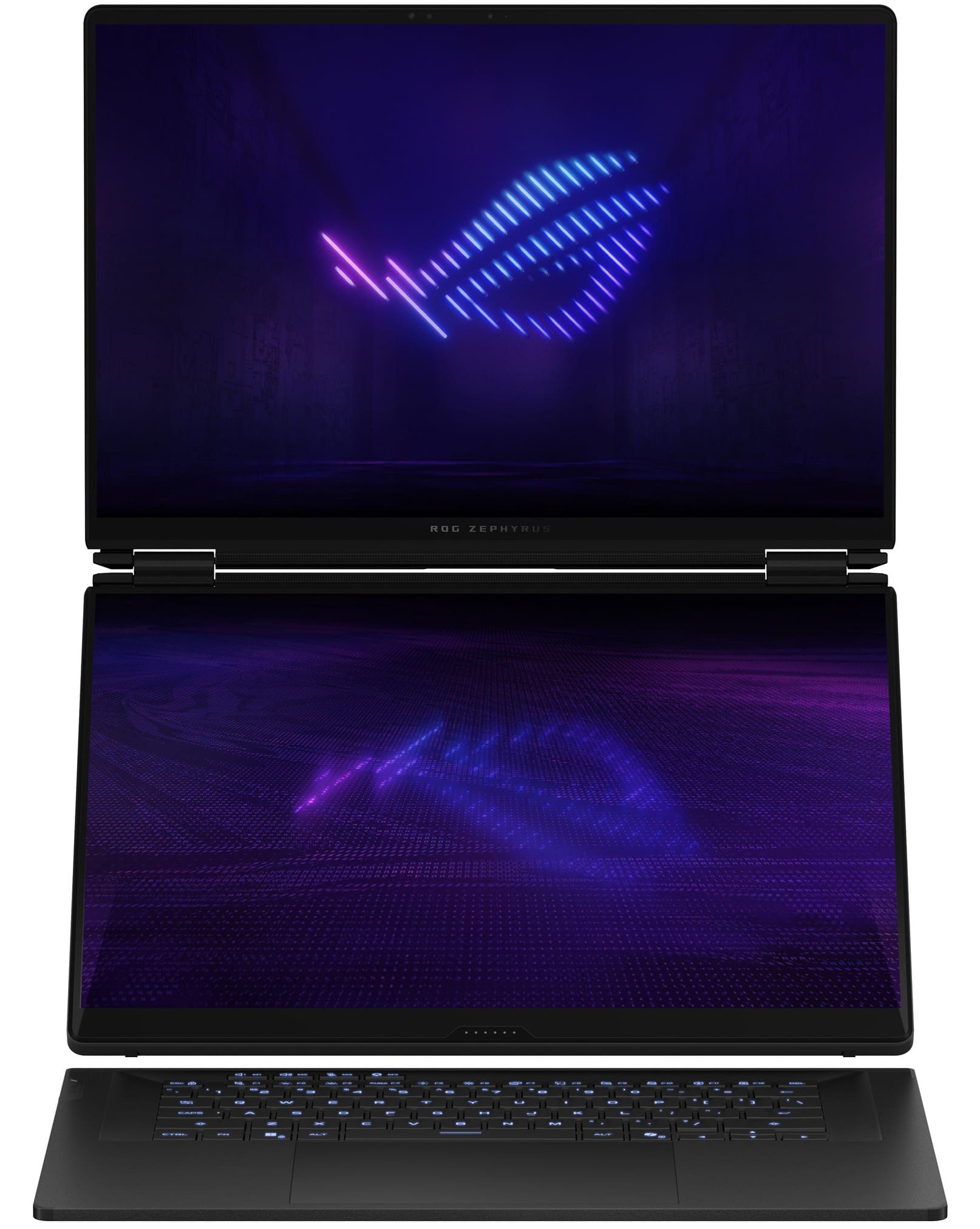
Laptop for Minecraft
Find a laptop for Minecraft that fits your preferred edition, play style, and budget. Compare processor, RAM, and graphics specifications with the game’s system requirements, keeping in mind that mods and shaders can demand more performance. Consider screen size and portability to narrow your options for playing at home or on the go.

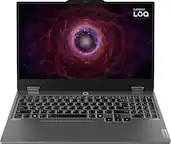
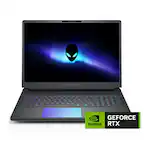



Laptop for Minecraft
FAQs
Minecraft: Java Edition is available for Windows, macOS, and Linux laptops. Minecraft: Bedrock Edition is available for Windows laptops. The editions differ in multiplayer compatibility, customization options, and controller support, so choose based on how you want to play.
Minecraft: Bedrock Edition on Windows supports cross-play with compatible Bedrock versions on consoles and mobile devices. Java Edition supports multiplayer with other Java Edition players on Windows, macOS, and Linux. Java and Bedrock do not connect directly through standard multiplayer.
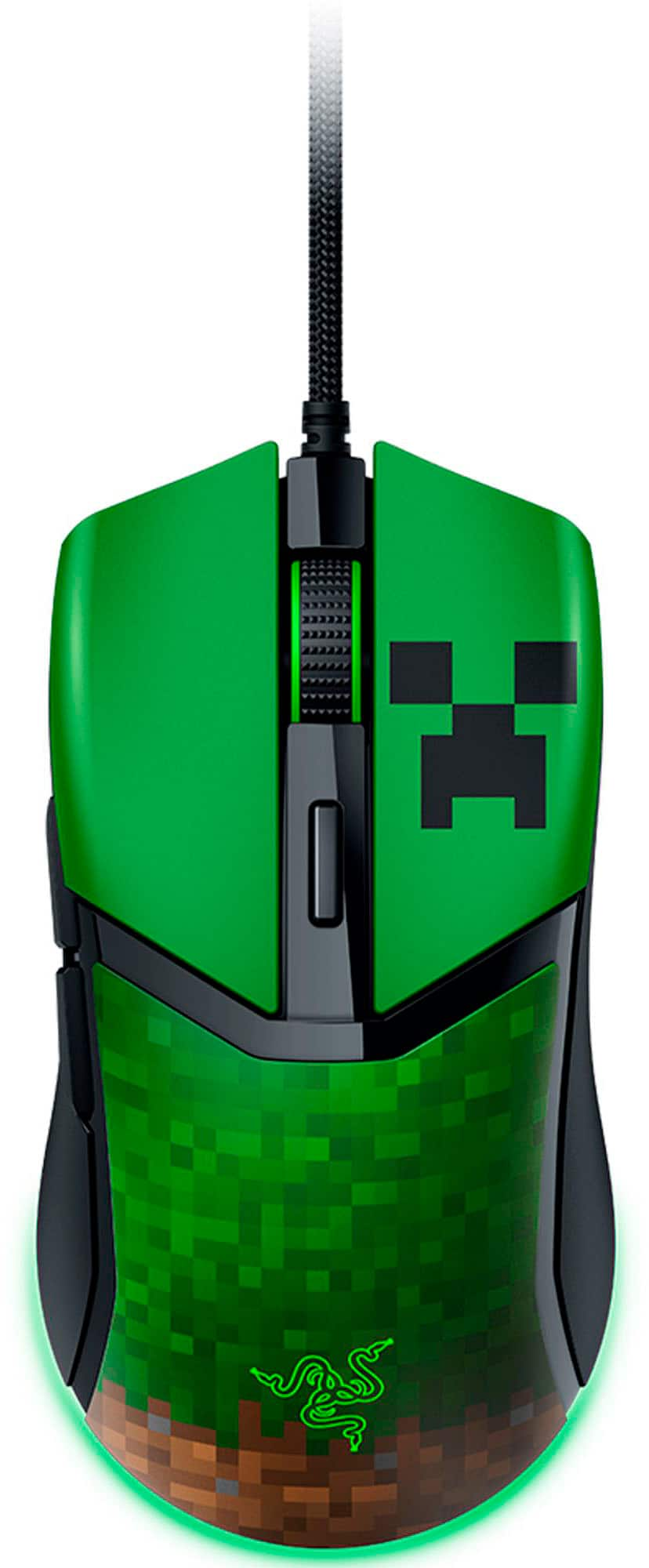
Both Java Edition and Bedrock Edition support a keyboard and mouse. Bedrock Edition also offers built-in support for compatible controllers, while Java Edition generally requires additional software or mods for controller input. An external mouse is an optional alternative to a laptop's touchpad.
Java Edition supports community-created mods, often installed through a compatible mod loader. Bedrock Edition uses add-ons to customize elements such as creatures, items, and gameplay. Check that any mod or add-on matches your Minecraft edition and game version.
A Microsoft account lets you sign in to the Minecraft Launcher and access Minecraft licenses linked to your account. It is also used for online features, including friends lists in Bedrock Edition. Multiplayer access can depend on your edition and account settings.