Largest Compact Flash
-
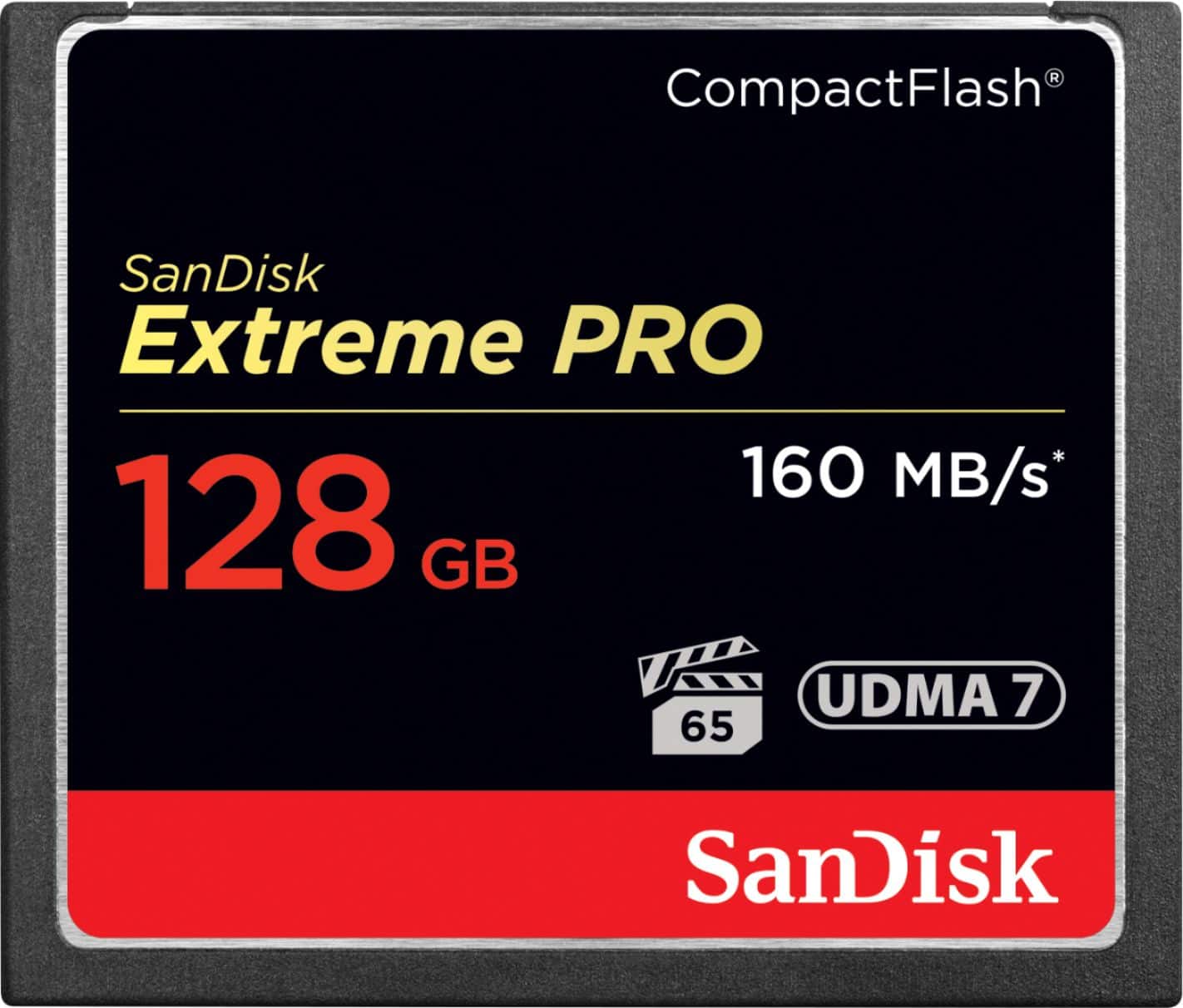
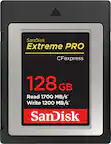
SANDISK - Extreme PRO 128GB CompactFlash (CF) Memory Card
SKU: JXJ62CG6V9See all Memory CardsProduct Description
A durable black CompactFlash card offering 128GB storage and up to 160MB/sec transfer speeds.Your price for this item is $153.69Save $41The previous price was $194.79 -
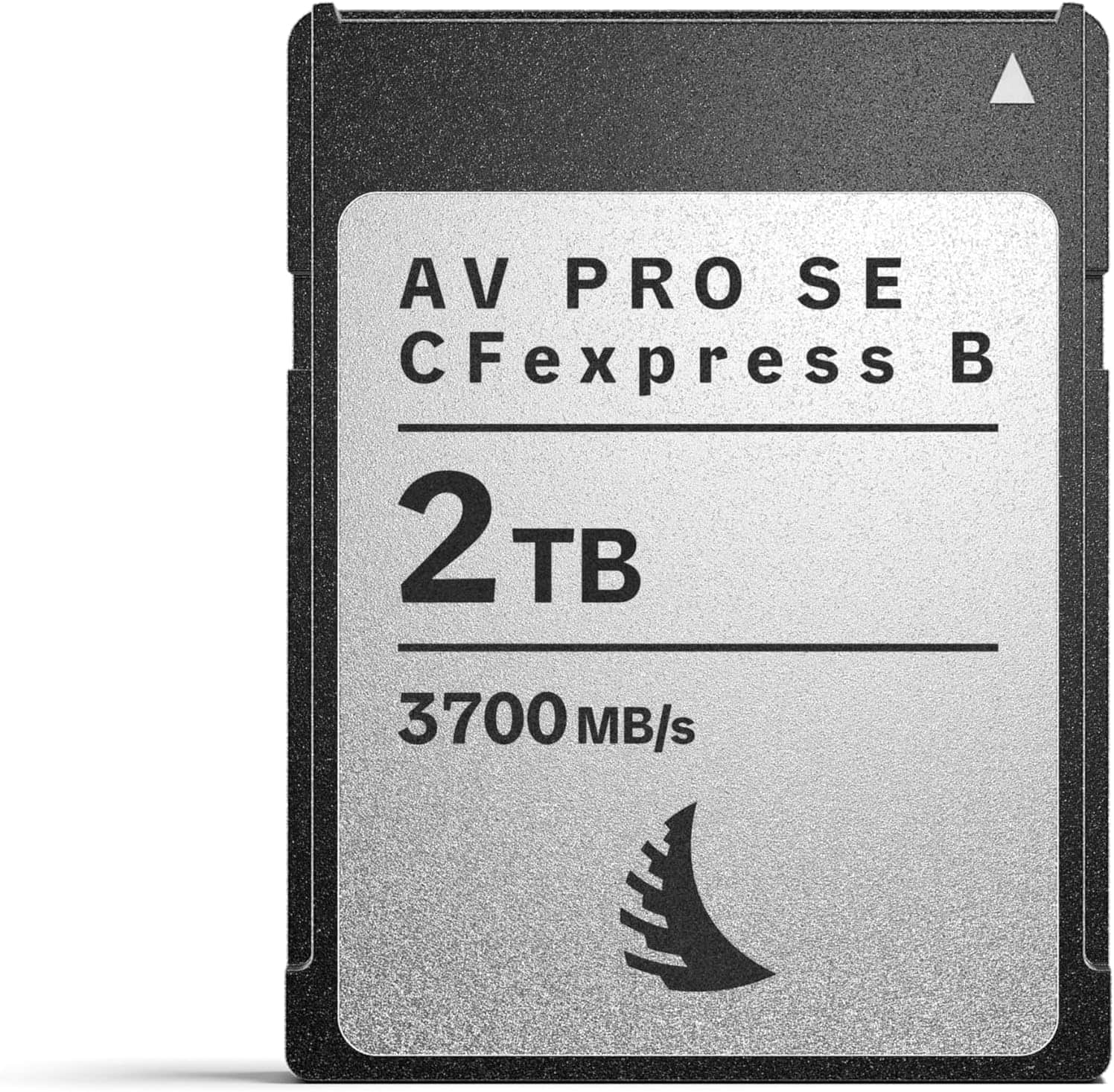
Angelbird - AV PRO SE CFexpress B v4 2 TB - CFexpress 4.0 Type B Memory Card - Largest Capacity and Ultra High-Speed - up to 12K+
SKU: J3LXKWKHZYSee all Memory CardsProduct Description
A high-speed CFexpress Type B memory card offering 2TB capacity and up to 3700MB/s read speeds.Your price for this item is $1,099.99 -
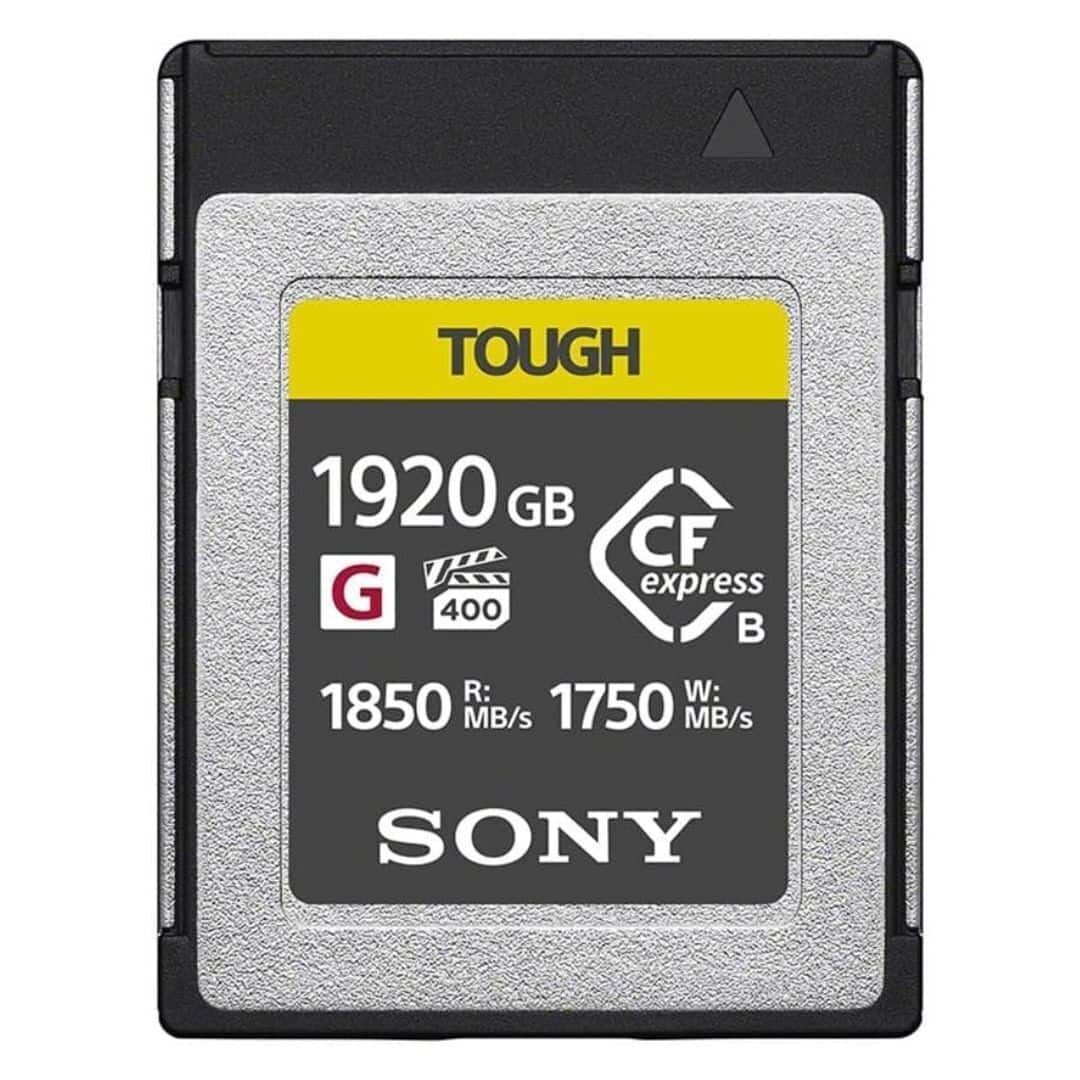
Sony - CFexpress Type B TOUGH 1920GB Memory Card
SKU: J7XSRH5PR3See all Memory CardsProduct Description
A black CFexpress Type B card with 1,920GB storage, optimized for professional 4K recording.Your price for this item is $1,198.00
Best Sellers


Related Pages




FAQ
Compact Flash cards are commonly used in professional digital cameras, camcorders, audio recorders, and some industrial equipment. Always check your device’s specifications to ensure compatibility with Compact Flash cards.
To format a Compact Flash card, insert it into your camera and navigate to the settings menu. Look for the 'Format' or 'Memory Card' option and follow the on-screen instructions. Formatting prepares the card for optimal performance with your device.
Yes, you can use a Compact Flash card with a compatible card reader that connects to your computer via USB or another interface. This allows you to transfer photos, videos, and other files between your card and computer easily.
Compact Flash Type I cards are 3.3 mm thick, while Type II cards are 5 mm thick. Some devices support both types, but it’s important to check your device’s specifications to ensure compatibility with Type II cards.
To maintain your Compact Flash card, handle it carefully, avoid exposing it to extreme temperatures or moisture, and store it in a protective case when not in use. Regularly backing up your data and formatting the card in your device can also help prolong its lifespan.