Black Friday Deals are hereEnds Nov. 28.Shop now

Main Content
Skip to contentGo to Product Search

Black Friday Deals are hereEnds Nov. 28.Shop now

Main Content

Portable Hard Drives For Students

Store coursework and back up class projects with portable hard drives for students. Explore external storage options with your schoolwork and budget in mind, comparing storage capacity, connection type and compatibility with your laptop or desktop before choosing a drive to carry between home and campus.

Read More
Results
Main Results
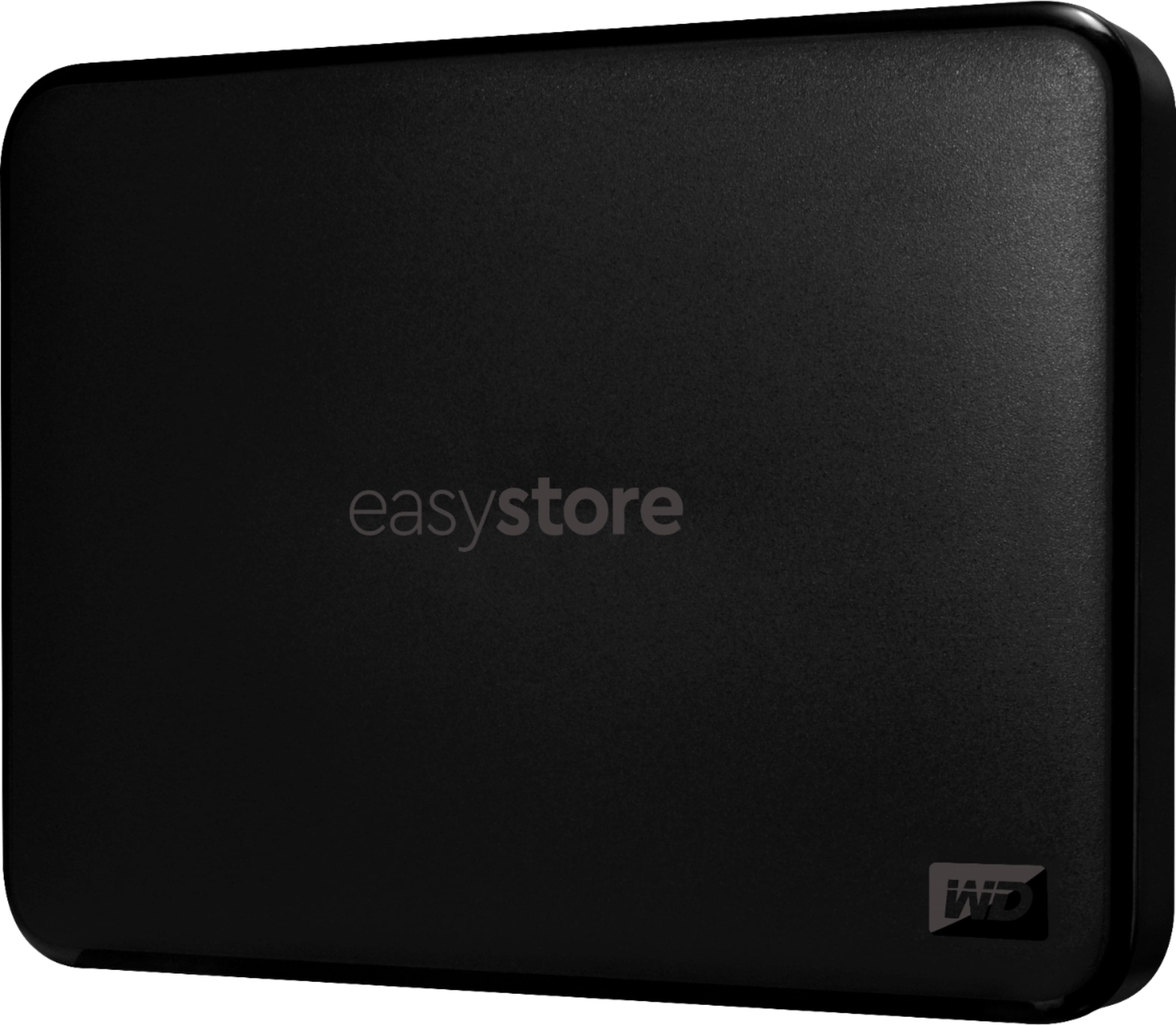
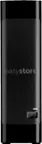
  1. WD - Easystore 1TB External USB 3.2 Gen 1 Portable Hard Drive - Black

    SKU: JXTHCJVL3S

    Best Buy was great in delivering this product. Love the small compact size....Love it. This is the best gift to give yo anyone. !!...Great buy

    Product Description

    A portable black external hard drive offering 1TB storage, fast USB 3.2 Gen 1 connectivity, and backup software.
    See all External Hard Drives
    Your price for this item is $144.99
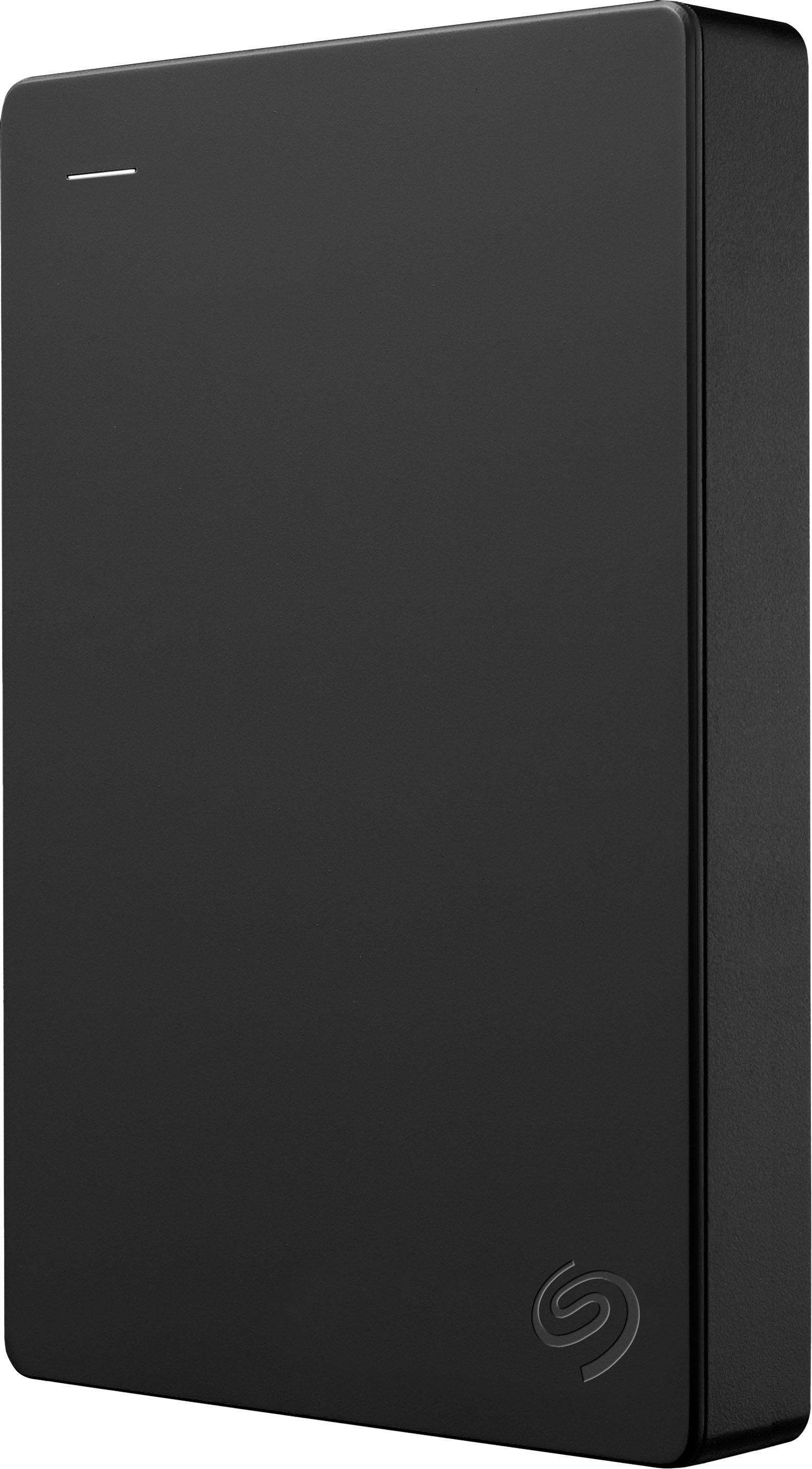
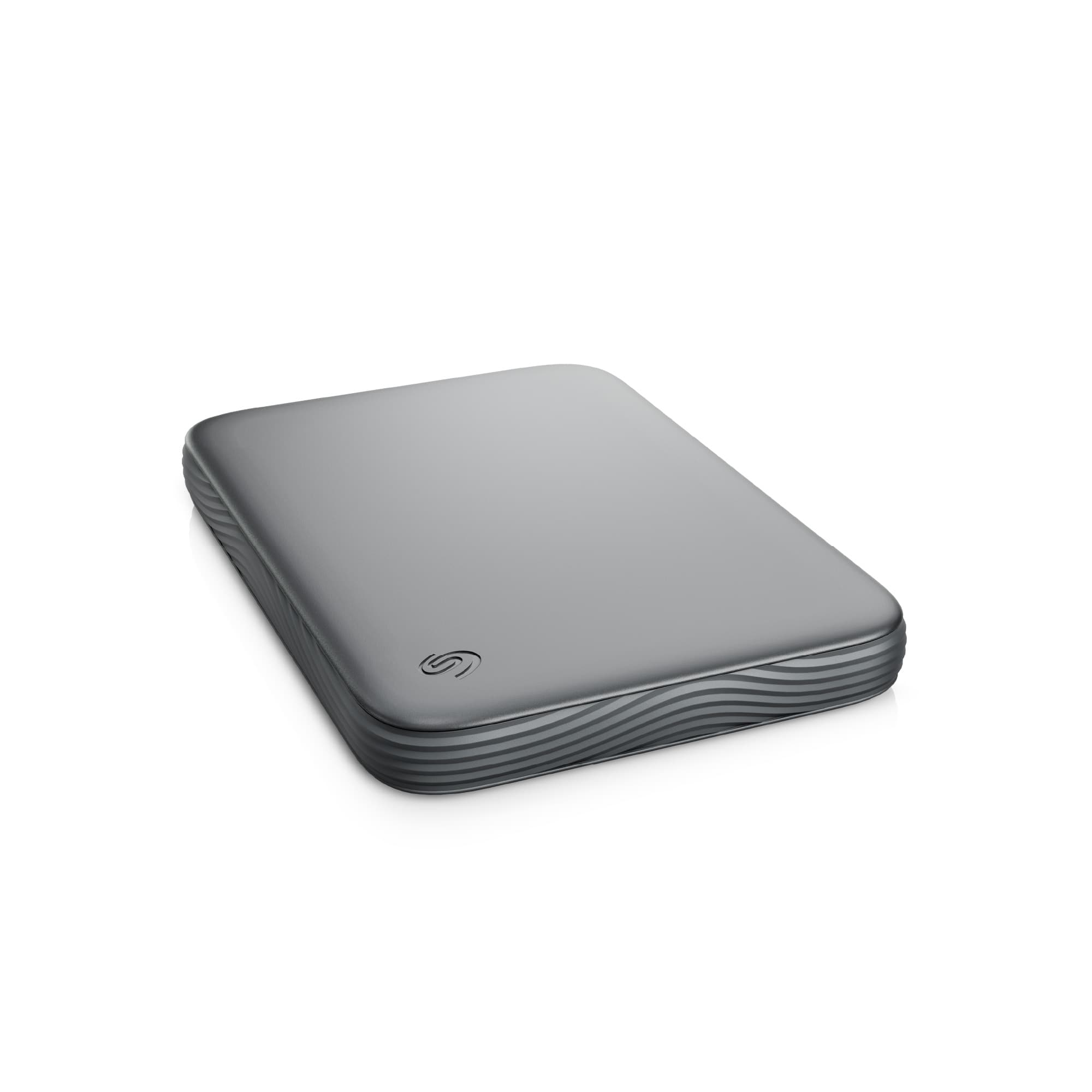
  2. Seagate - 5TB External USB 3.0 Portable Hard Drive with Rescue Data Recovery Services - Black

    SKU: J37C5HK4JW

    Works great! Have been using it for a little over a week now

    Product Description

    A portable black external hard drive offering 5TB storage, fast USB 3.0 transfers, and data recovery services.
    See all External Hard Drives
    Your price for this item is $219.99
    Save $42
    The previous price was $262.07
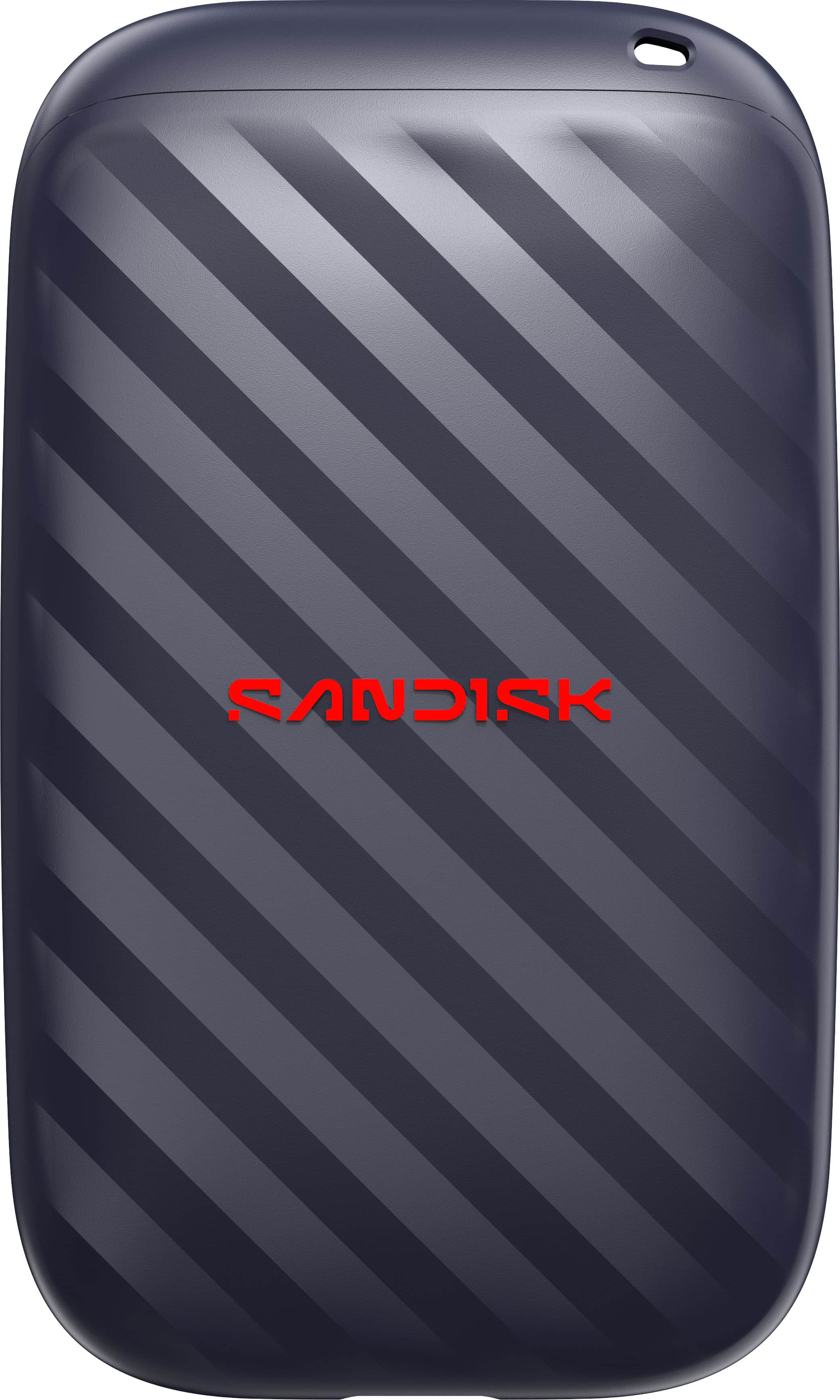
  3. SANDISK - 1TB Portable Drive - Up to 600MB/s Read Speeds, 4x Faster than HDD, Durable, Up to 2M Drop Protection, USB Type-C - Black

    SKU: JXJ62CQY83

    I love it!...Best Buy is definitely one of my top choices to shop online. Keep up the good work

    Product Description

    A durable black external SSD with USB Type-C, 600MB/s read speeds, and 2-meter drop protection.
    See all External SSDs
    Your price for this item is $128.99
    Save $31
    The previous price was $159.99
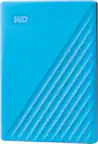
  4. Toshiba - Canvio Advance 1TB  External USB 3.0 Portable Hard Drive - White

    SKU: JXWR4QHJ3K

    Product Description

    A sleek white portable hard drive offering 1TB storage and fast USB 3.0 data transfer speeds.
    See all External Hard Drives
    Your price for this item is $132.75
    Save $3
    The previous price was $136.21
  5. Seagate - 1TB External USB 3.0 Portable Hard Drive with Rescue Data Recovery Services - Black

    SKU: J37C5HK2HT

    Product Description

    A portable black external hard drive offering 1TB storage, fast USB 3.0 transfers, and data recovery services.
    See all External Hard Drives
    Your price for this item is $119.99
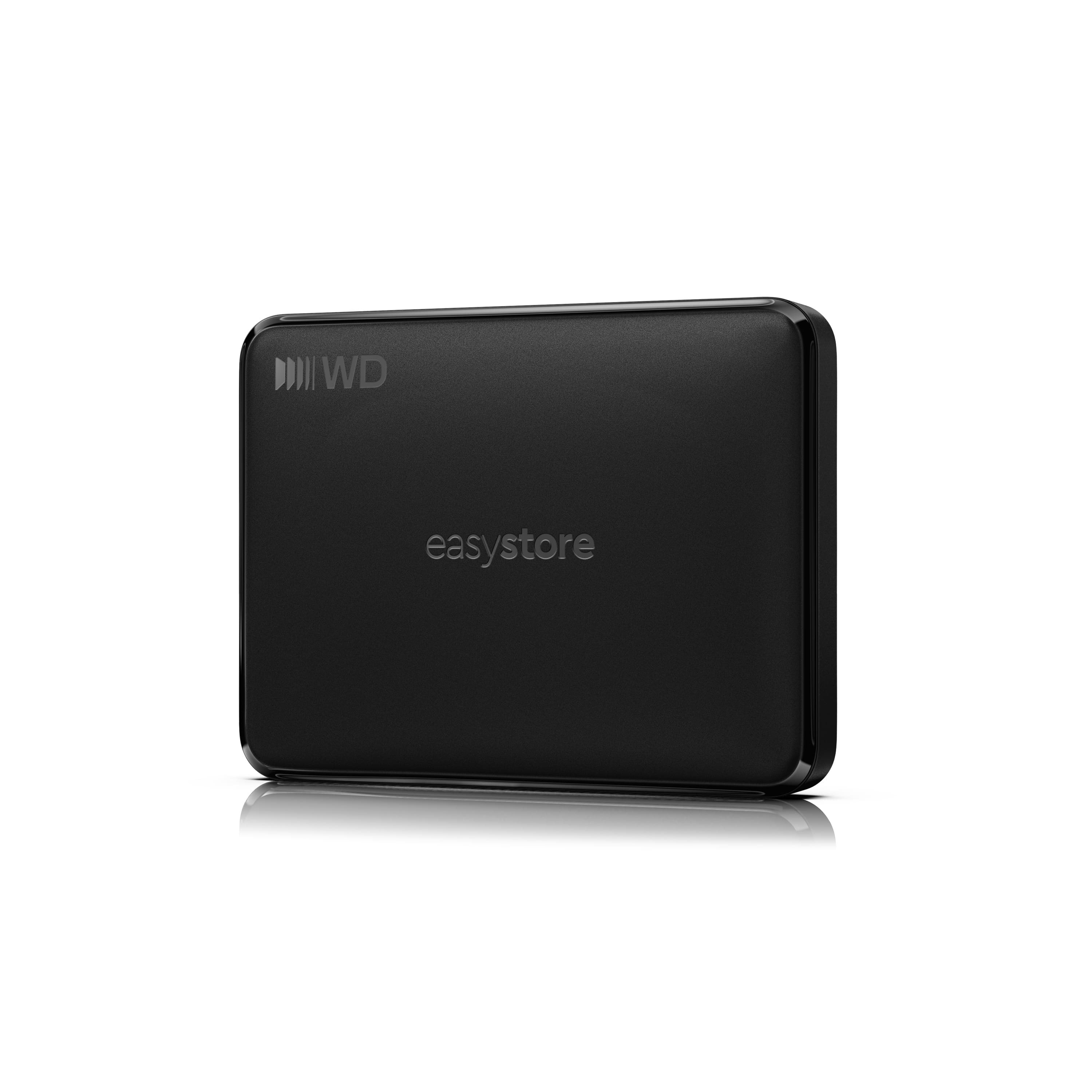
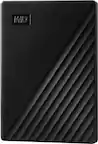
  6. WD - 1TB easystore Portable HDD for Windows, Mac and compatible devices - Black

    SKU: JXTHCCJSWG

    Great data backup device. No issues. Love it! Highly recommended!...This is a great product for what storage is needed

    Product Description

    A black 1TB portable external hard drive with USB-C, plug-and-play Windows, Mac, Android and iOS compatibility.
    See all Internal Hard Drives
    Your price for this item is $149.99
  7. Seagate - Expansion Portable HDD 2TB - Black

    SKU: J37C5HFJWL

    works great Have not had any issues,...works great Have not had any issues, unit is sleek and doesn't make loud noises...Great Back Up

    Product Description

    A portable black external HDD with plug-and-play USB connectivity, secure storage, and Rescue Data Recovery Services.
    See all Internal Hard Drives
    Your price for this item is $149.99
  8. SANDISK - 500GB Portable Drive - Up to 600MB/s Read Speeds, 4x Faster than HDD, Durable, Up to 2M Drop Protection, USB Type-C - Black

    SKU: JXJ62CQYJT

    Great product easy to use

    Product Description

    A durable black external SSD with USB Type-C, 600MB/s read speeds, and 2-meter drop protection.
    See all External SSDs
    Your price for this item is $89.99
    Save $21
    The previous price was $110.99
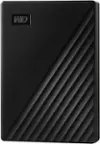
  9. WD - 2TB easystore Portable HDD for Windows, Mac and compatible devices - Black

    SKU: JXTHCCJSK9

    Great value, plenty of extra storage!

    Product Description

    A black 2TB external hard drive with USB-C connectivity and plug-and-play Windows and Mac compatibility.
    See all Internal Hard Drives
    Your price for this item is $169.99
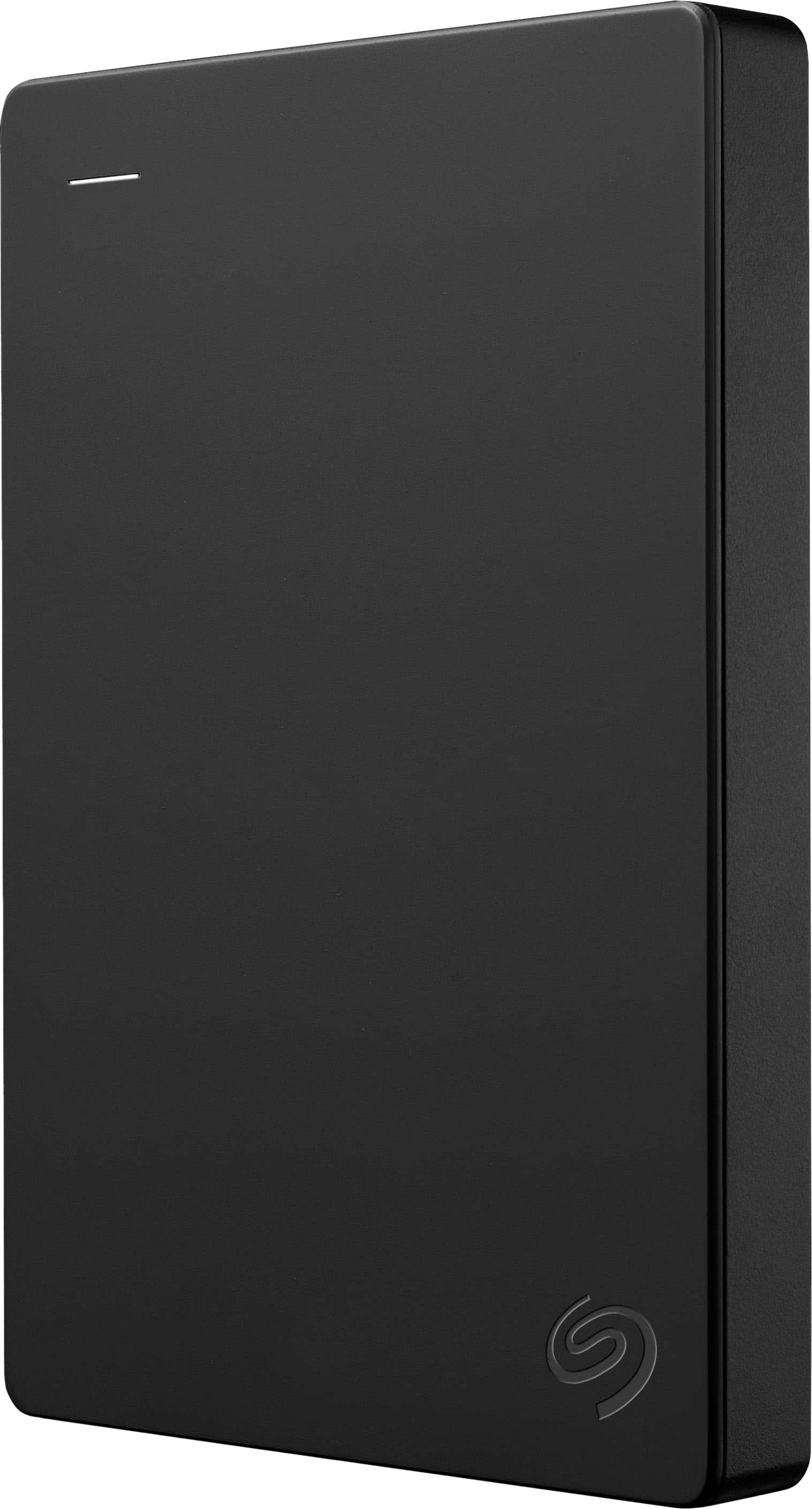
A portable hard drive gives students room for the files that can fill up a laptop long before a project is finished. A film student might keep original footage, audio tracks, and several rounds of edits on an external drive so the laptop has room for the files needed in class that day. A design student can hang on to layered artwork, high-resolution scans, and earlier versions of a portfolio without sorting through a crowded downloads folder. Even for coursework built around readings and papers, a drive can hold an archive of annotated PDFs, presentation recordings, and projects worth keeping after a class ends. Files stored on the drive can be opened without Wi-Fi, as long as the connected computer can read the drive and has the software needed to open them. Capacity depends less on the number of classes than on the kinds of files those classes generate. Years of notes and essays may take up less space than the raw clips for one video assignment. Large photo libraries, multitrack audio sessions, and datasets can also grow fast, particularly when a project calls for keeping both the source files and the finished work. Extra room is useful for group projects, when a student may need to keep a teammate’s files alongside several versions of a shared presentation or video. On the other hand, a student who mainly wants a copy of class notes and completed assignments may care more about a slim drive that fits in a small backpack pocket. The size of a drive’s housing doesn’t tell the whole story about how much it can store, so the capacity and physical dimensions are worth considering separately. Transfer speed matters most when moving large batches of files or working directly from the drive. A drive that works well for archiving a finished video may not be the best place to edit multiple streams of high-resolution footage.

The day-to-day fit of a portable hard drive comes down to details like the cable, the computer’s ports, and where the drive will sit while it’s plugged in. A USB-C connector fits a different port than a rectangular USB-A connector, and the shape of the plug alone doesn’t indicate how fast files will transfer. The drive, cable, and computer connection can all affect speed. Many portable hard drives draw power through the USB connection, which cuts down on what a student needs to carry between a dorm desk and a campus lab. A short cable takes up less room in a bag, but it should still reach far enough for the drive to rest flat beside the computer instead of hanging from the port. For students who switch between a personal laptop and a lab desktop, compatibility also means checking whether both computers can read and write to the drive. Some file systems work across Windows and macOS, while others may allow a drive to be read but not written to without additional software. A campus computer may also restrict external storage. If a drive needs to be reformatted for a different setup, any files already on it need to be copied elsewhere first because reformatting erases them. The outside of the drive matters as much in a busy backpack as it does on a desk. A plastic housing can help keep weight down, while a textured shell or rubberized trim can make a drive easier to grip. A padded sleeve helps keep loose keys and chargers from scratching it, but a sturdy case doesn’t make a mechanical hard drive immune to drops. Because it has moving parts, a traditional hard drive is best left on a stable surface during transfers. Waiting for copies to finish, using the computer’s eject function, and unplugging the cable before packing the drive away help protect both the files and the connection.

A portable hard drive can serve two different purposes: holding files that don’t need to live on a laptop and keeping an extra copy of work that does. The distinction matters. Moving a semester’s projects to a drive frees up laptop space, but it isn’t a backup if those projects exist only on that drive. A student assembling an application portfolio or finishing a capstone can keep another copy on a separate drive or in an approved cloud account so a lost bag or a damaged drive doesn’t take the only copy with it. Clear folder names can be just as useful as extra capacity. Grouping work by course and project makes it easier to find a lab report or presentation later, and keeping original files apart from submitted versions helps avoid sending a draft when someone asks for the final. Students handling research records or other sensitive material may need to follow school storage policies and use encryption where required. For a student setting up a laptop for a new school year, the Back-to-School Hard Drives selection puts storage in the context of a school setup, whether the student is keeping a copy of everyday coursework or making space for a first media project. A portable hard drive can also make a practical graduation gift for someone taking a portfolio to interviews or gathering school projects before moving on to a new computer. Compatibility with the recipient’s computer is a good starting point, followed by what the person expects to carry. A commuter who takes a laptop to class each day may value a lightweight drive and a cable that packs neatly, while a student working mostly at a desk may put more emphasis on space for the original files behind a finished project. In either case, the drive earns its place by keeping useful work close at hand without crowding the computer used to create it.

FAQ

Portable hard drives commonly connect through USB, with cables that may have USB-A or USB-C connectors. Check the drive’s included cable and your computer’s ports to determine whether an adapter is needed.

A portable hard drive’s file system determines how an operating system reads and writes its files. Windows and macOS both support exFAT, while NTFS is primarily associated with Windows and APFS with macOS. Check the drive’s formatting and operating system requirements before use.

Create a folder for each semester, then separate coursework by class and assignment. Consistent file names that include the course, project title and date can distinguish drafts from final submissions.

Students can store documents, presentations, spreadsheets, PDFs, photos, audio recordings and video projects. Opening or editing those files still requires an application that supports the file type.

A portable hard drive stores files on a physical device connected to a computer. Cloud storage keeps files on remote servers accessed through an account and an internet connection, although some services also offer offline copies. Students can use both as part of their file organization routine.