Micro Sd Cards For Tablets
-
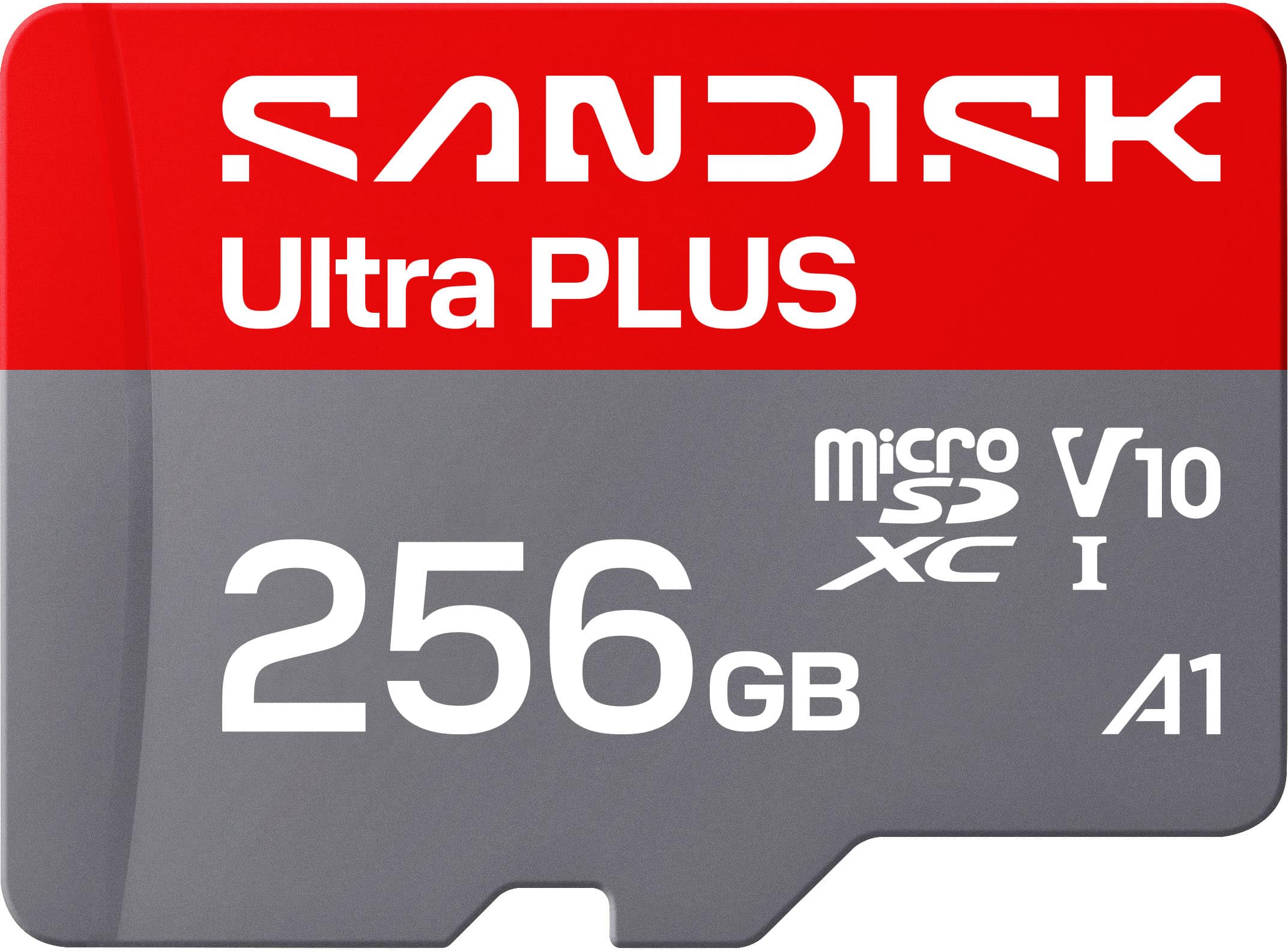
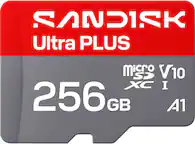
SANDISK - 256GB Ultra PLUS microSD UHS-I Memory Card, Read Speeds up to 200MB/s
SKU: JXJ62CQL8QWorking great with our doorbell camera. No issues make sure its formatted for your device....It works great, and Best Buy had a very good price....Best value the 512 card was not a good value.
See all microSDXCProduct Description
A silver microSDXC card offering 256GB storage, 200MB/s read speed, and rugged, waterproof durability.Your price for this item is $79.99 -
7x Sandisk Ultra 256GB 100MB/s Class 10 Micro SDXC Memory Card with SD Adapter
SKU: JX7QW5VK2VSee all microSDXCProduct Description
A set of seven black Class 10 microSDXC cards with 256GB storage, 100MB/s speed, and SD adapters.Your price for this item is $351.99 -
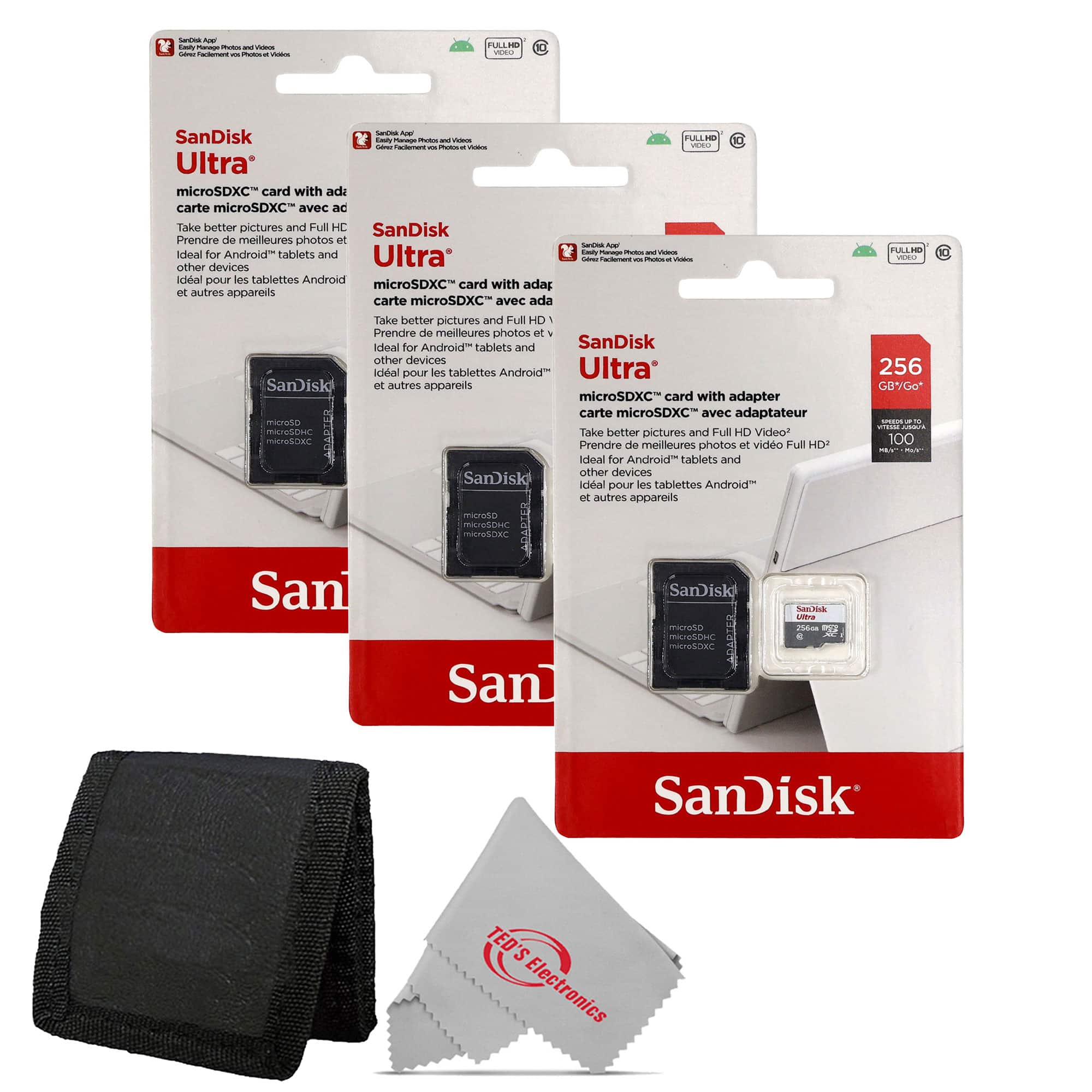
SanDisk Professional - 3x Sandisk Ultra 256GB 100MB/s Class 10 Micro SDXC Memory Card with Card Wallet
SKU: JX7QWF72SVSee all microSDXCProduct Description
A set of three red Class 10 microSDXC cards with 256GB each, 100MB/s speed, and card wallet.Your price for this item is $157.99 -
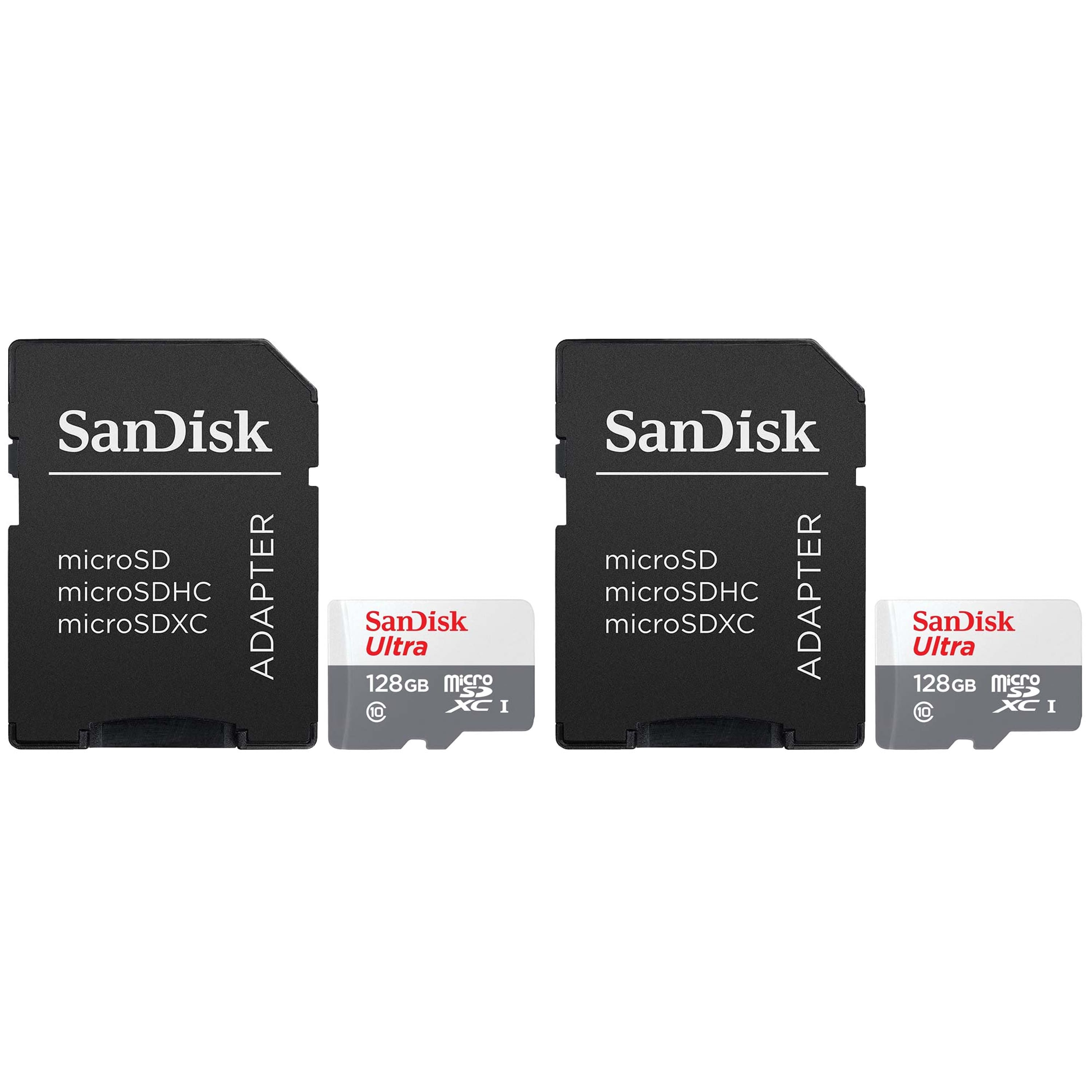
2 Units SanDisk 128GB Ultra UHS-I microSDHC Memory Card with SD Adapter
SKU: JX7QW55H5LSee all Secure Digital (SDHC, SDXC)Product Description
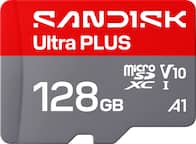
A durable 128GB microSDXC card with SD adapter, 120MB/s transfer speed, and A1/Class 10 performance.Your price for this item is $61.98 -
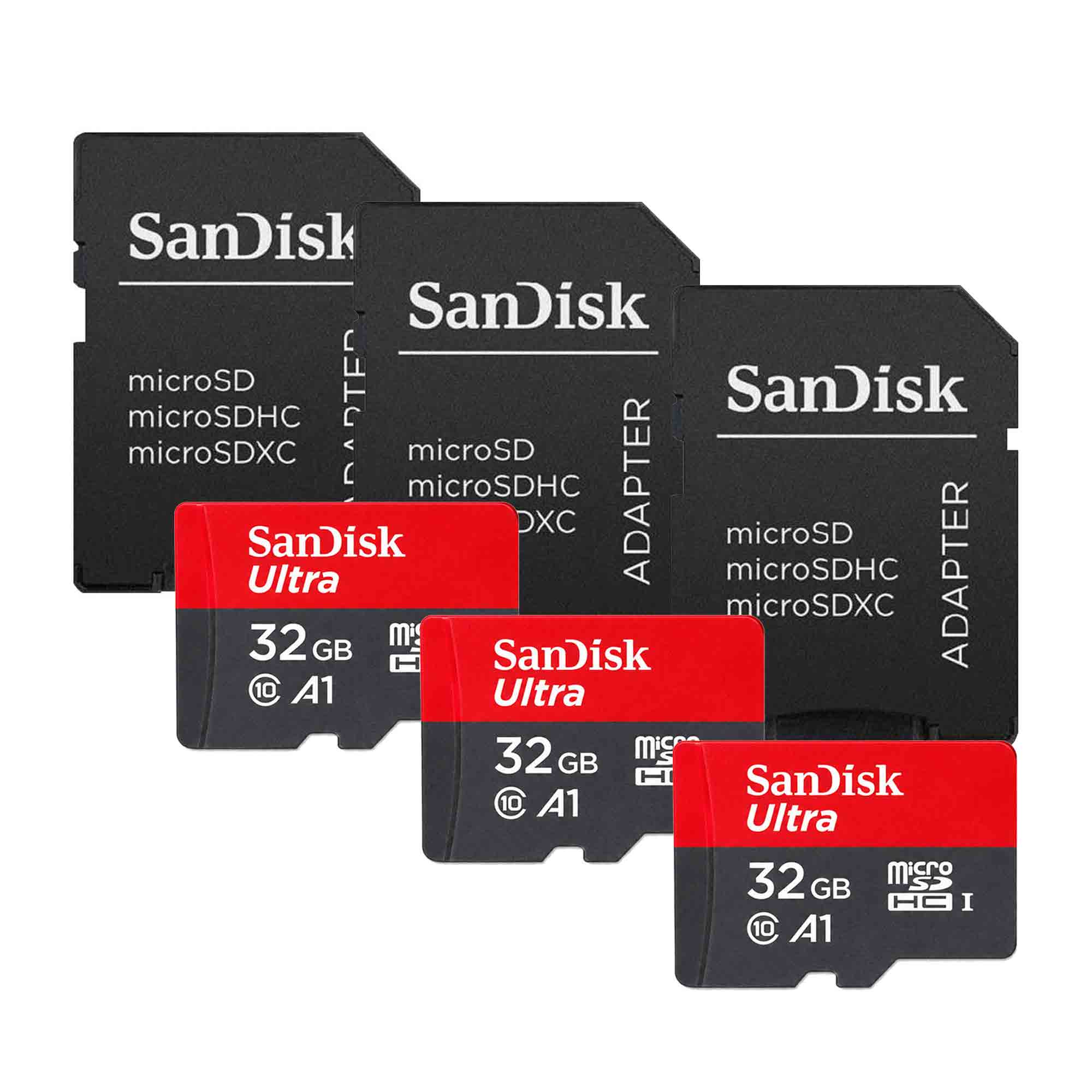
SANDISK - Ultra 32GB microSDHC UHS I Memory Card 3 Pack with 3 SD Adapters
SKU: JXPS28WZ3GSee all microSDHCProduct Description
A triple-pack of UHS-I microSDHC cards with SD adapters, A1/Class 10 performance, Full HD recording, and protection.Your price for this item is $62.99 -
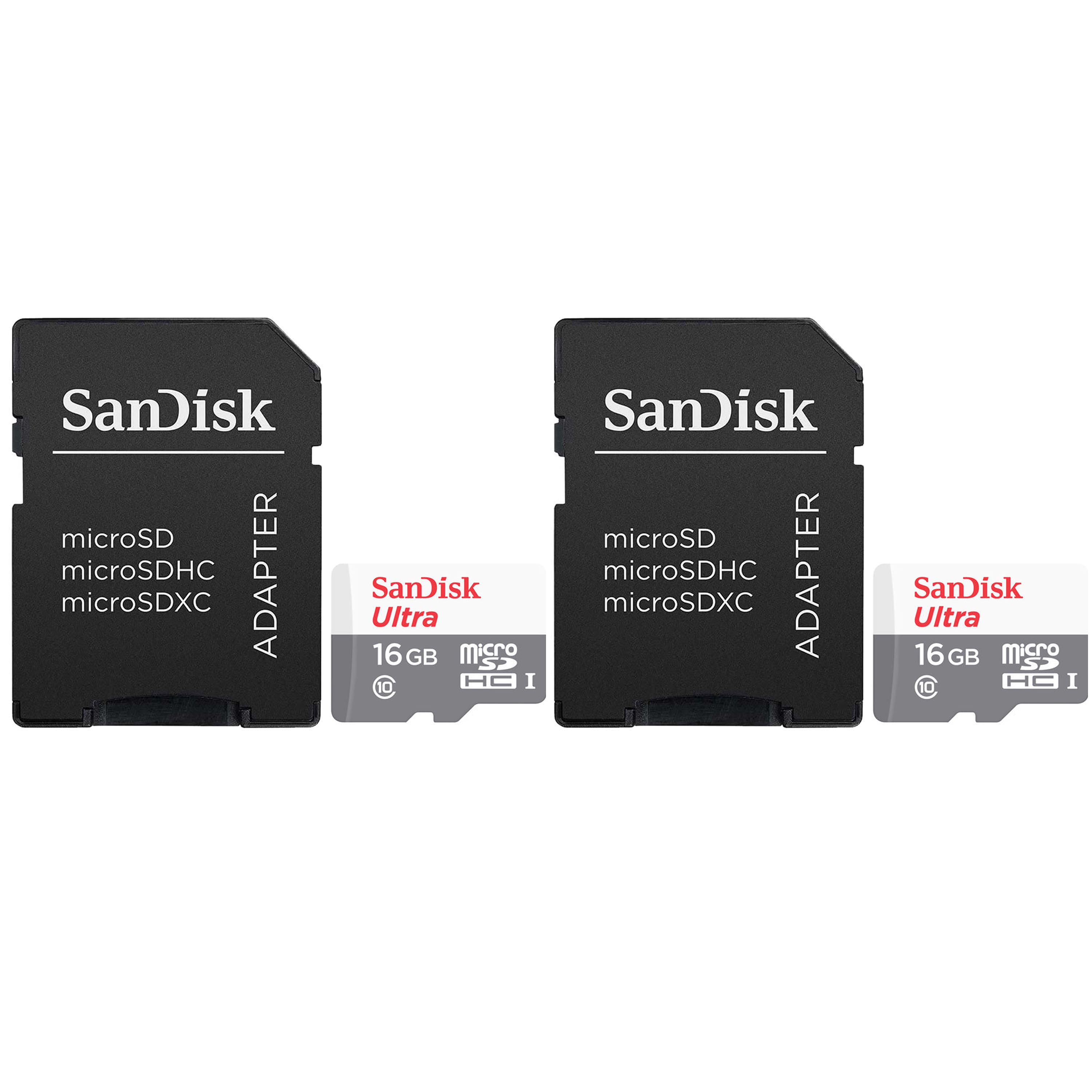
2 Units SanDisk 16GB Ultra UHS-I microSDHC Memory Card with SD Adapter
SKU: JX7QW55HK4See all Secure Digital (SDHC, SDXC)Product Description
A durable 16GB microSDHC card with SD adapter, offering fast transfers and reliable Full HD video recording.Your price for this item is $34.98 -
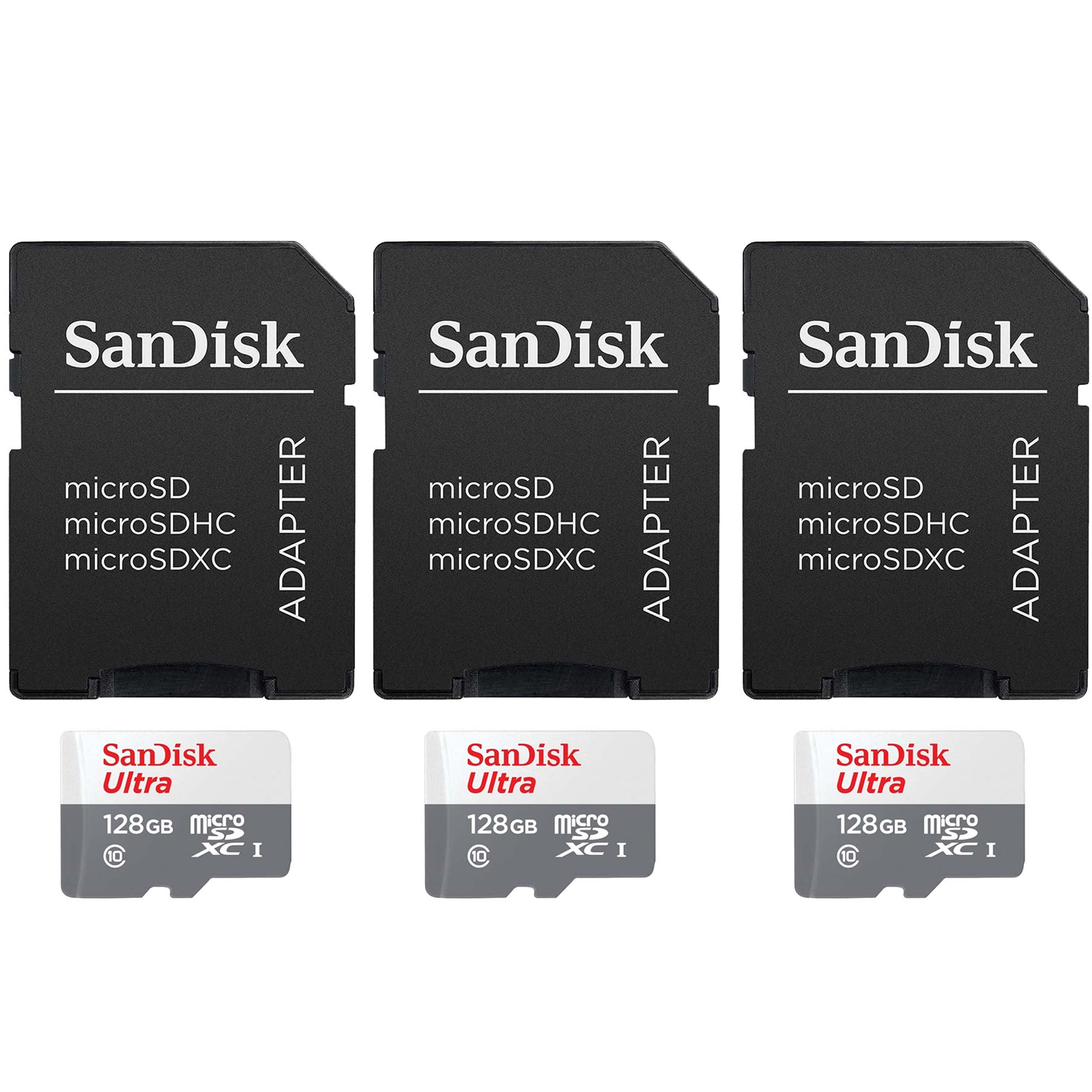
3 Units SanDisk 128GB Ultra UHS-I microSDHC Memory Card with SD Adapter
SKU: JX7QW55H5QSee all Secure Digital (SDHC, SDXC)Product Description
A durable 128GB microSDXC card with SD adapter, offering fast 120MB/s transfers and A1 app performance.Your price for this item is $89.98 -
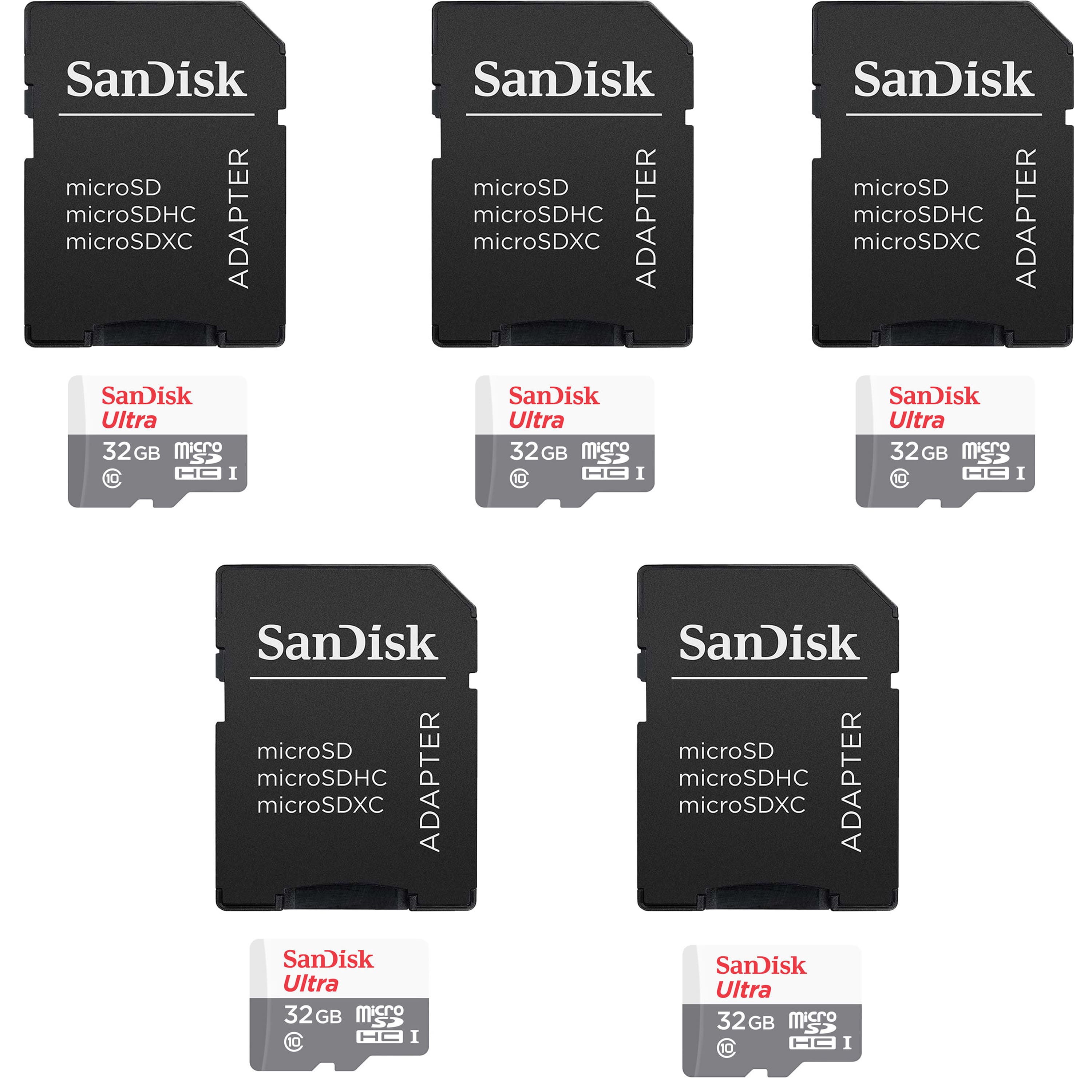
5 Units SanDisk 32GB Ultra UHS-I microSDHC Memory Card with SD Adapter
SKU: JX7QW55H5JSee all Secure Digital (SDHC, SDXC)Product Description
A durable 32GB microSDHC card with SD adapter, offering fast 120MB/s transfer and A1 app performance.Your price for this item is $93.98 -
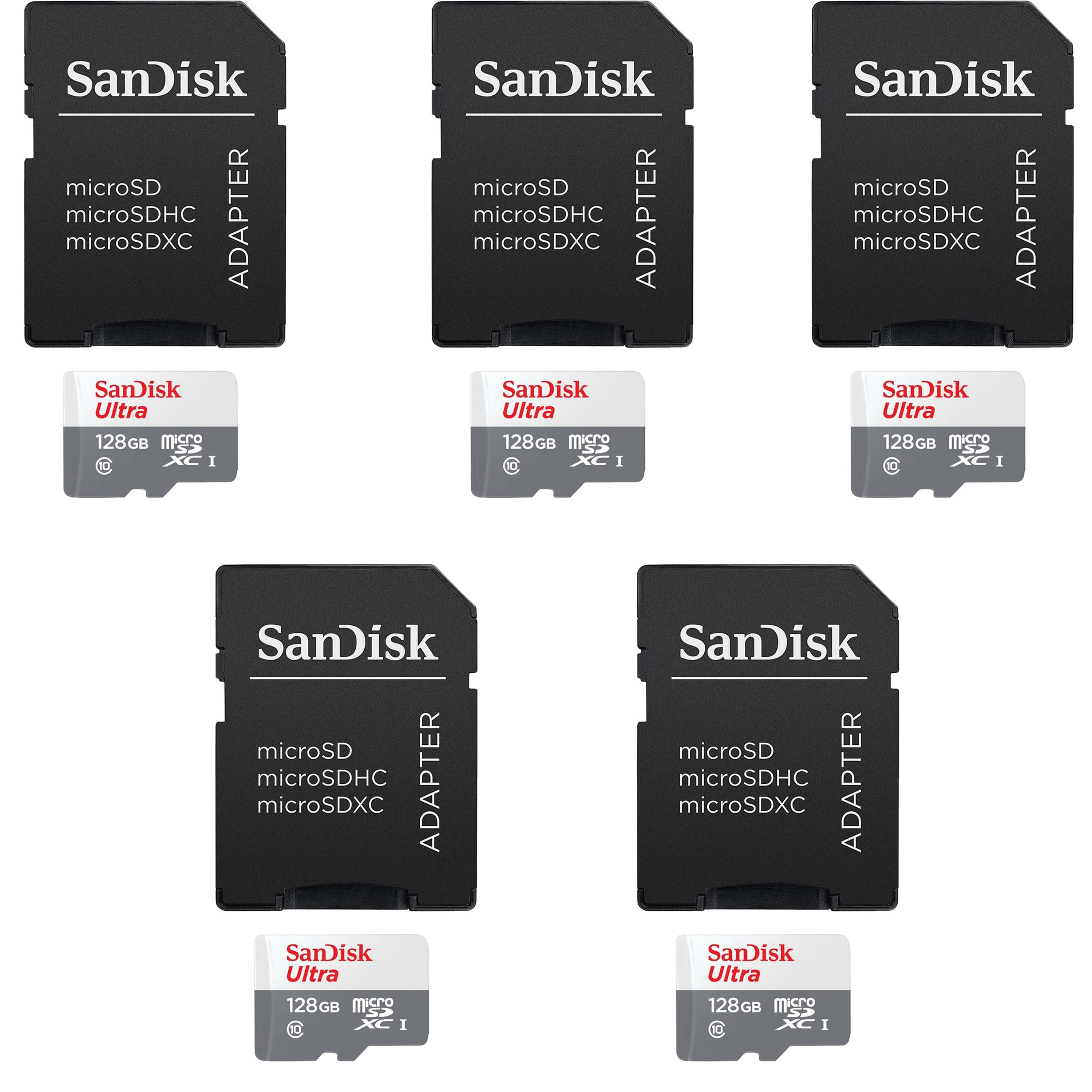
5 Units SanDisk 128GB Ultra UHS-I microSDHC Memory Card with SD Adapter
SKU: JX7QW55HF8See all Secure Digital (SDHC, SDXC)Product Description
A durable 128GB microSDXC card with 120MB/s transfer speed, A1 app performance, and SD adapter included.Your price for this item is $149.98 -
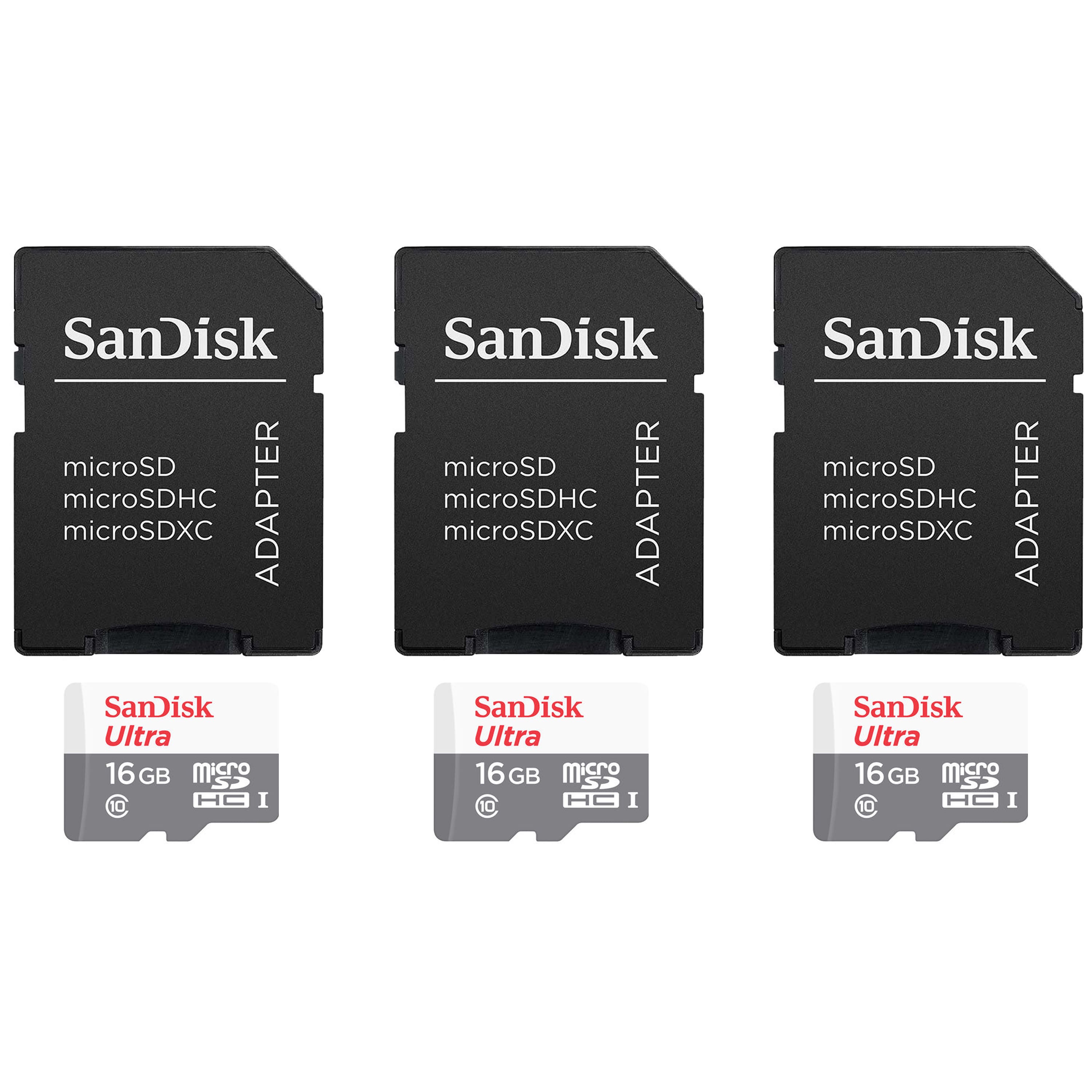
3 Units SanDisk 16GB Ultra UHS-I microSDHC Memory Card with SD Adapter
SKU: JX7QW55HZ6See all Secure Digital (SDHC, SDXC)Product Description
A durable 16GB microSDHC card with SD adapter, offering fast 120MB/s transfer and A1 app performance.Your price for this item is $48.98

Best Sellers




Related Pages



FAQ
Most tablets with a micro SD card slot support micro SD cards, but compatibility can vary by brand and model. It's important to check your tablet's specifications to ensure it supports micro SD cards before purchasing.
Yes, micro SD cards are a convenient way to transfer photos, videos, and other files between your tablet and compatible devices such as smartphones, cameras, and computers.
To install a micro SD card, locate the micro SD card slot on your tablet, gently insert the card with the label facing up (or as directed by your device's manual), and push it in until it clicks into place. Your tablet should recognize the card automatically.
Some tablets running certain operating systems allow you to move apps or app data to a micro SD card, but this feature depends on the tablet's manufacturer and software version. Check your tablet's settings to see if this option is available.
Micro SD cards require minimal maintenance, but it's recommended to safely eject the card before removing it from your tablet and avoid exposing it to extreme temperatures or moisture to ensure optimal performance.