Sd Memory Card For iPad
-
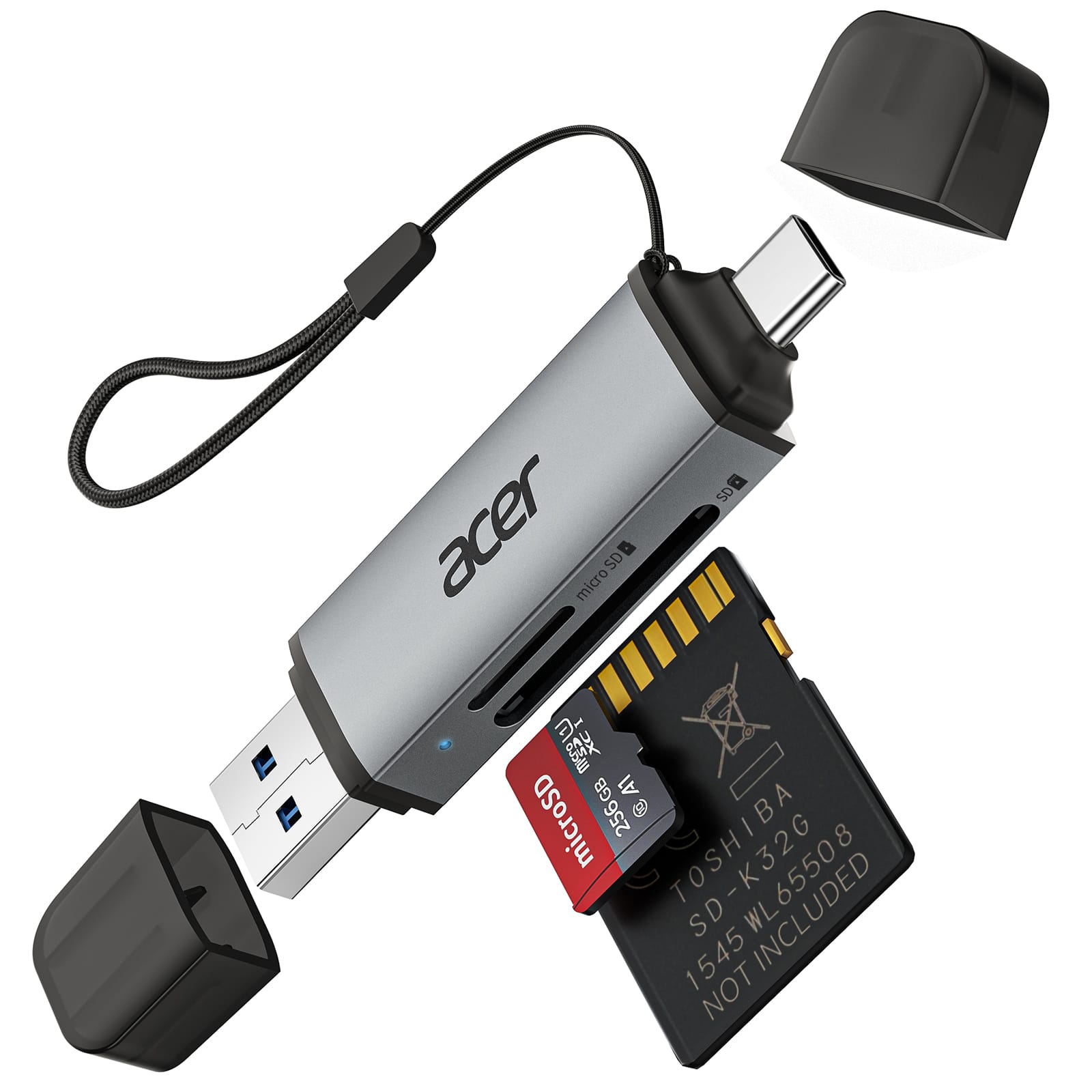
Acer - SD Card Reader USB C, Dual Slots USB 3.0 Type C to Micro SD Card Adapter, Memory Card Reader - Gray
SKU: JJ8V8H3JVGBy far the best and most portable/reliable USBC SD card reader in the universe!...I love this!! Easy to use, easy to bring along, no cords!!...Great Little Gadget
See all Memory Card Readers & AdaptersProduct Description
A gray dual-slot USB-C and USB 3.0 adapter enabling fast, plug-and-play SD and MicroSD transfers.Your price for this item is $12.99Save $1The previous price was $13.99 -
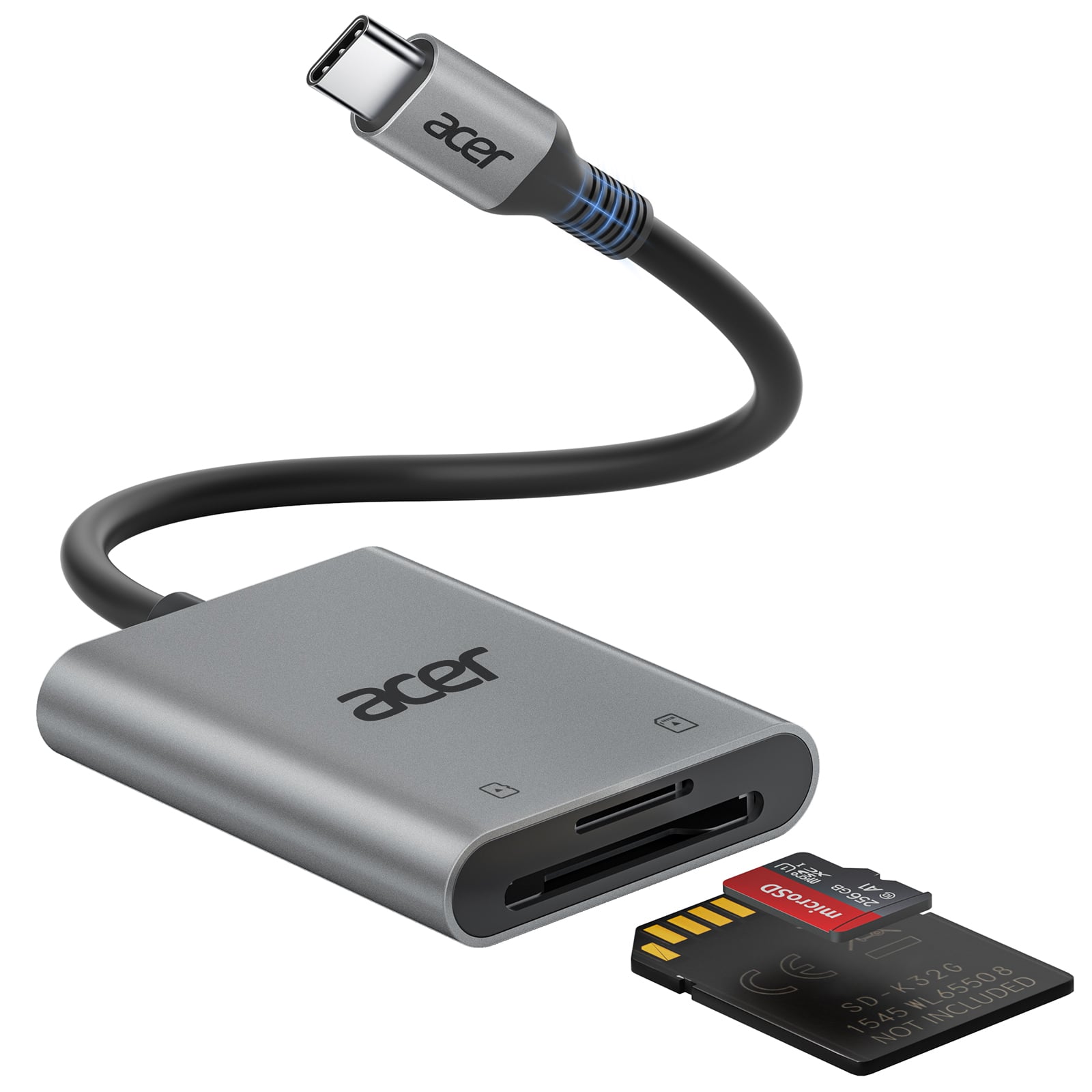
Acer - SD Card Reader USB C, Dual Slots Type C to Memory Card Reader, Aluminum Micro SD Card Camera Adapter - Gray
SKU: JJ8V8H3L38Love this SD card reader!...We run trail cameras year round and this has been a great addition to our backpack!...Acer SD card works great. I love the dual slot....This has been a great product since...
See all Memory Card Readers & AdaptersProduct Description
A gray aluminum USB-C card reader with dual slots, supporting MicroSD, SDHC, and SDXC cards.Your price for this item is $14.99 -
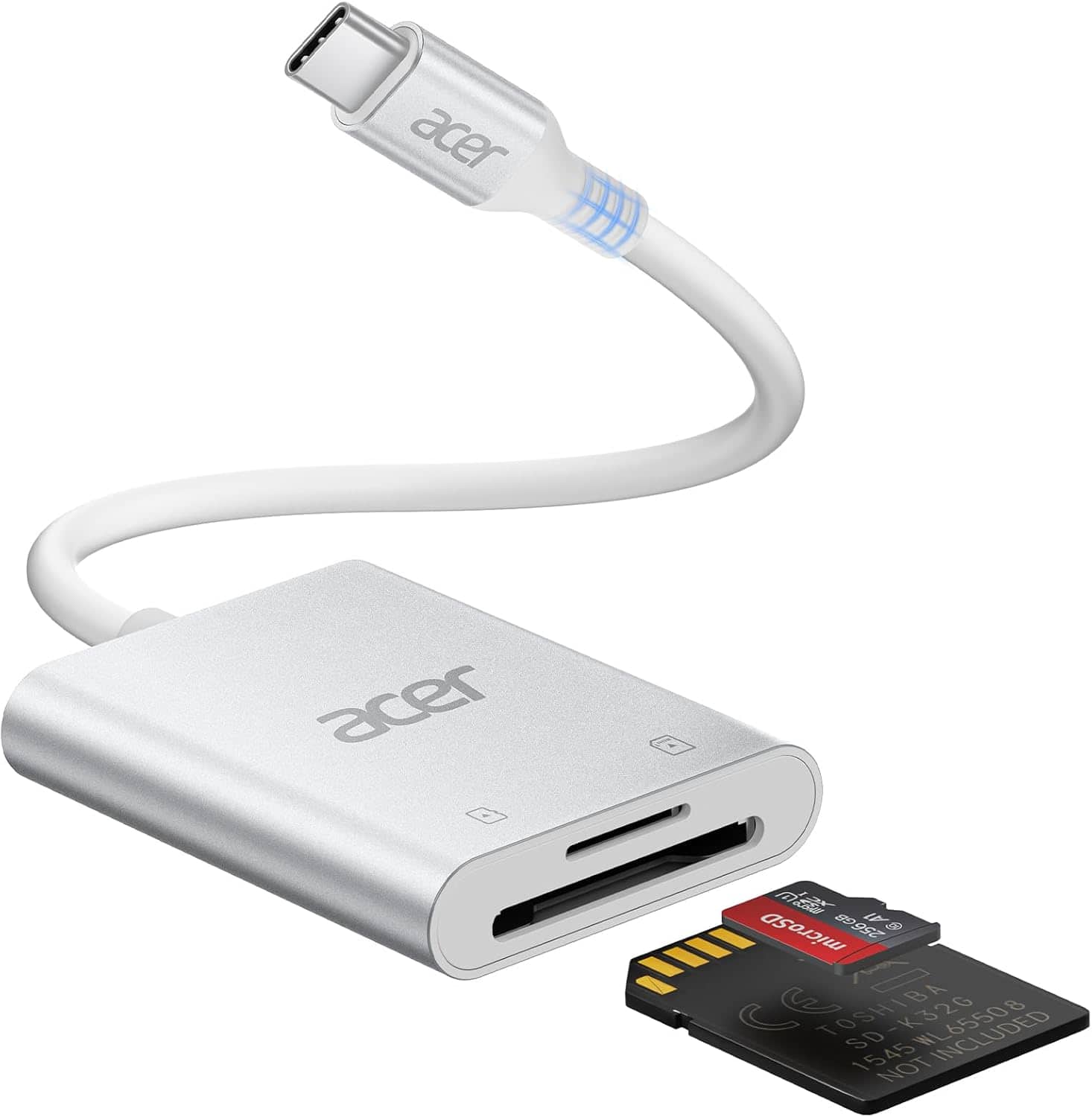
Acer - SD Card Reader USB C, Dual Slots Type C to Memory Card Reader, Aluminum Micro SD Card Camera Adapter - SLIVER
SKU: JJ8V8HLYX6See all Memory Card Readers & AdaptersProduct Description
A silver aluminum USB-C card reader with dual slots, supporting MicroSD, SDHC, and SDXC cards.Your price for this item is $15.99Save $10The previous price was $25.99 -
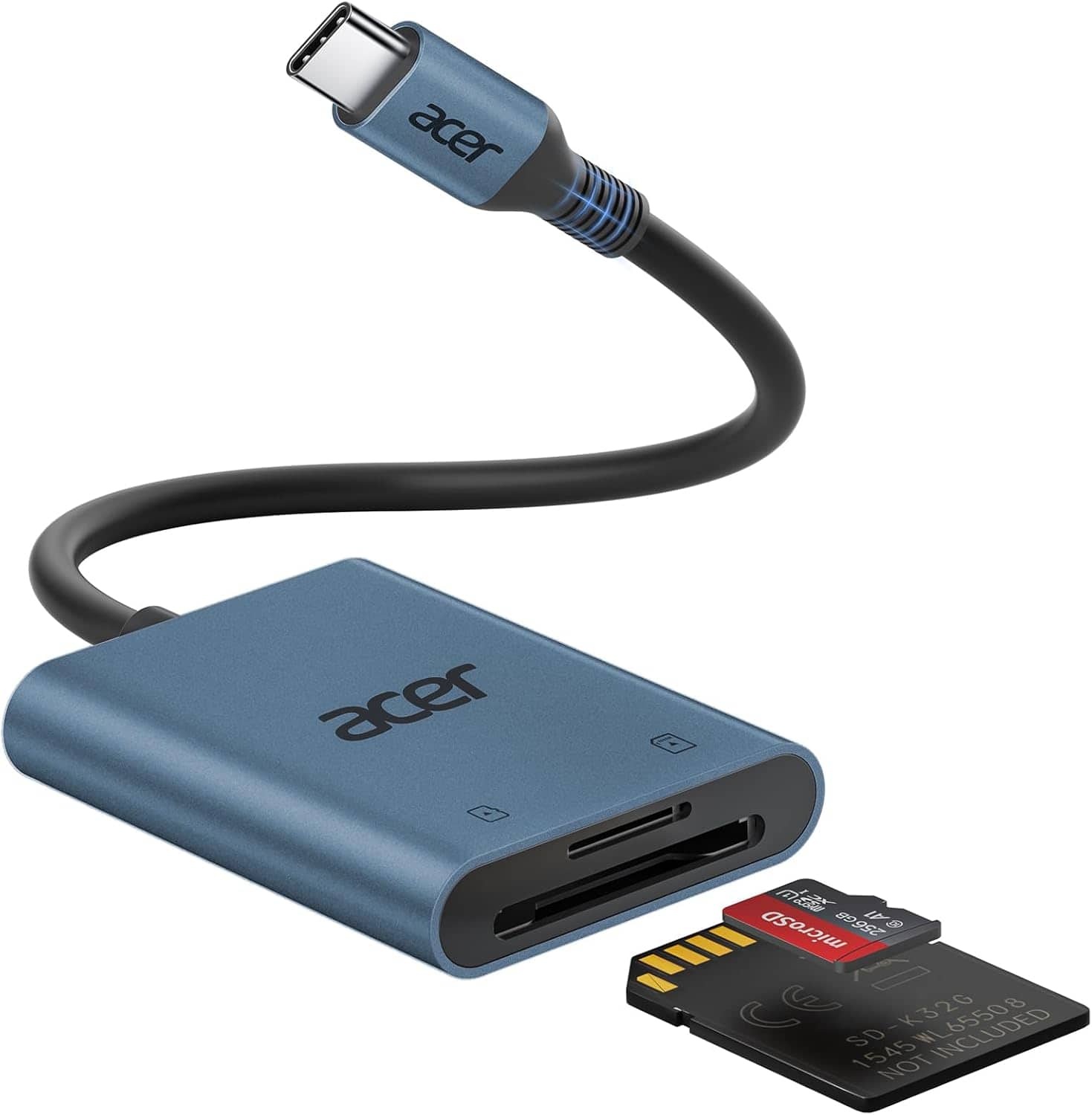
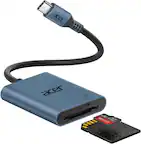
Acer - SD Card Reader USB C, Dual Slots Type C to Memory Card Reader, Aluminum Micro SD Card Camera Adapter - Blue
SKU: JJ8V8QV338Great device
See all Memory Card Readers & AdaptersProduct Description
An aluminum blue USB-C card reader with dual slots, compatible with MicroSD, SDHC, and SDXC cards.Your price for this item is $14.99
Best Sellers


Related Pages


FAQ
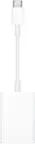
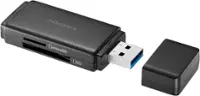
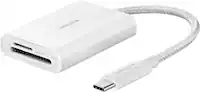
Most iPads do not have a built-in SD card slot. However, you can use an SD memory card with your iPad by connecting it through a compatible SD card reader or a USB-C/Lightning adapter.
You can transfer photos, videos, documents, and other supported file types from an SD card to your iPad using the Files app or the Photos app.
No special app is required for basic file access. The native Files app on your iPad allows you to view, copy, and organize files from an SD card once it is connected.
SD memory cards can be used with most iPad models via compatible adapters. Make sure your adapter matches your iPad’s port type, such as USB-C for newer models or Lightning for older ones.
Yes, after importing photos and videos from your SD card to your iPad, you can use the built-in Photos app or third-party editing apps to edit your media files.