Black Friday Deals are hereEnds Nov. 28.Shop now

Main Content
Skip to contentGo to Product Search

Black Friday Deals are hereEnds Nov. 28.Shop now

Main Content

Streaming Devices For Older Bedroom TVs With HDMI

Streaming devices for older TVs can add access to streaming apps without replacing a compatible bedroom screen. Compare HDMI streaming players and compact sticks based on your TV’s supported resolution, available connections and preferred remote features. For a small bedroom setup, check device placement and power requirements before choosing.

Read More
Results
Main Results
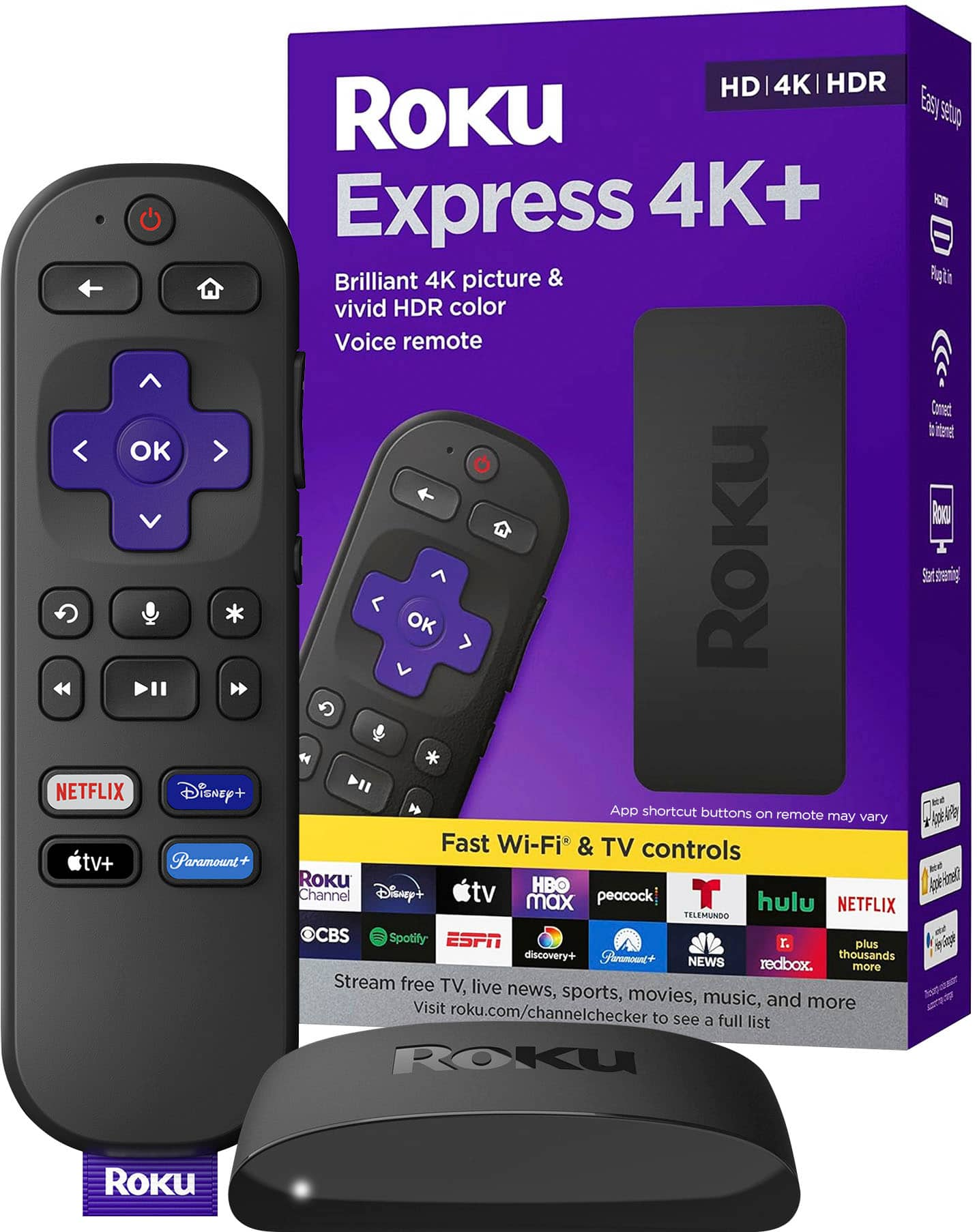
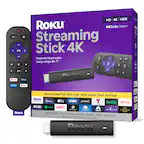
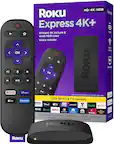
  1. Express 4K+ | Streaming Player HD/4K/HDR with Roku Voice Remote with TV Controls, includes Premium HDMI Cable - Black

    SKU: J3PFCJQGYV

    Great channels...Love it. Works great. Lots of channels,,,,,,,,,,,,,...Great features...One of my best purchases lately as far as electronics

    Product Description

    A black streaming player delivering 4K UHD and HDR with voice remote, HDMI cable, and smart assistant compatibility.
    See all Streaming Devices
    Your price for this item is $84.99
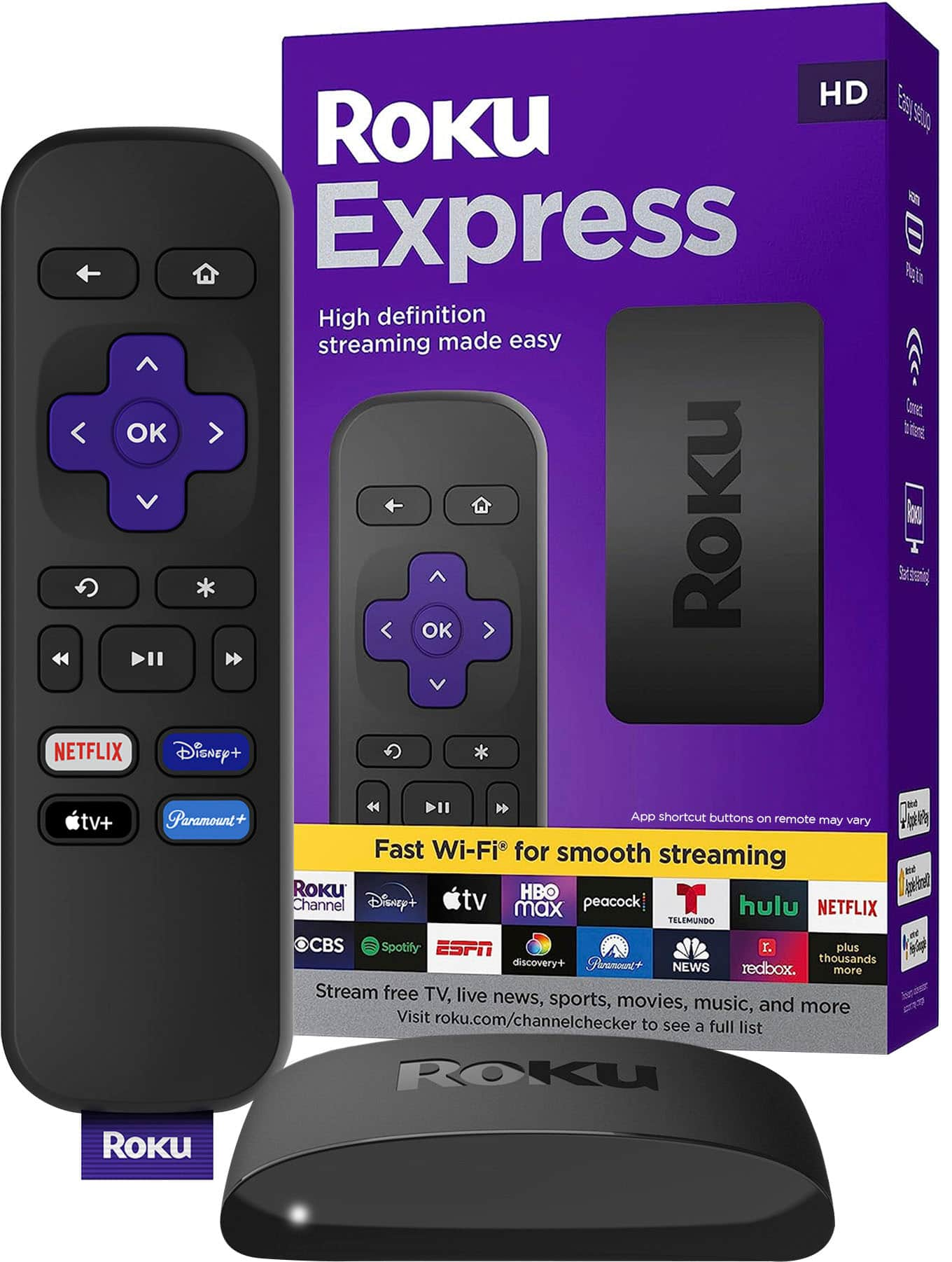
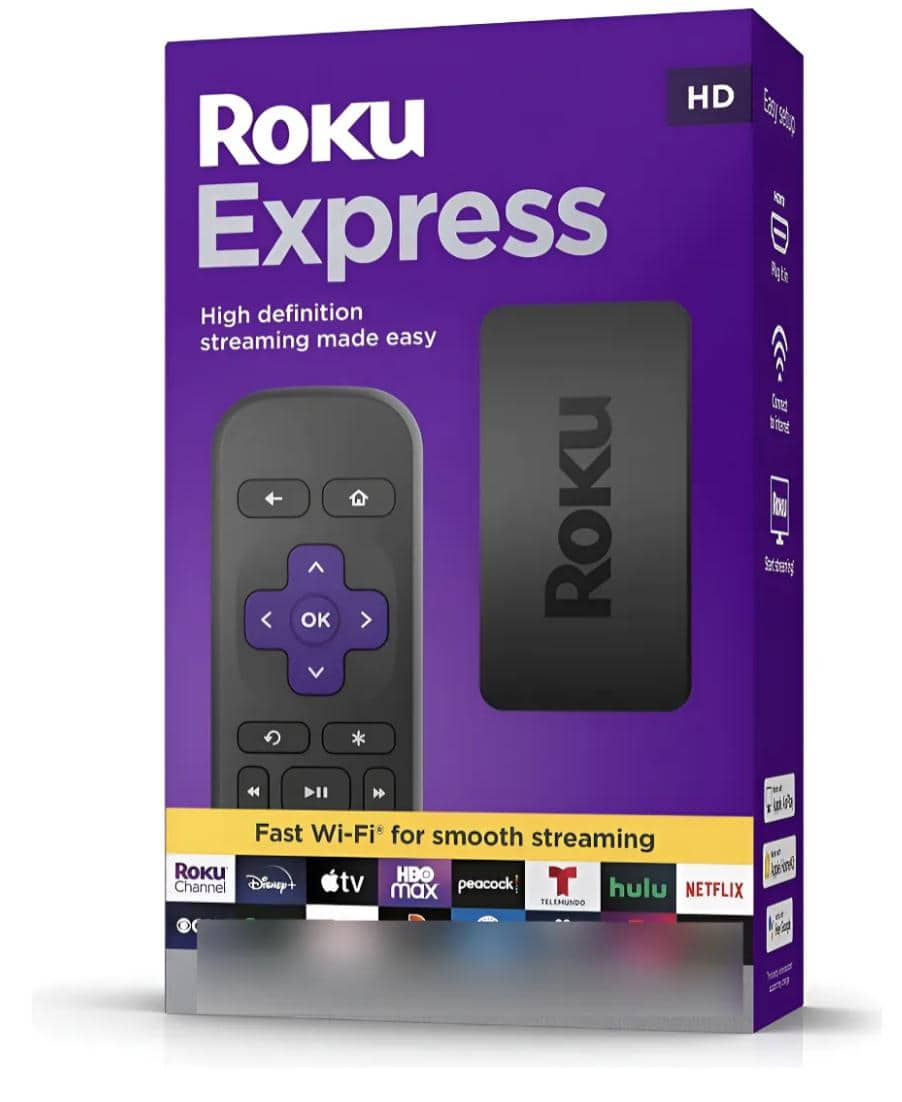
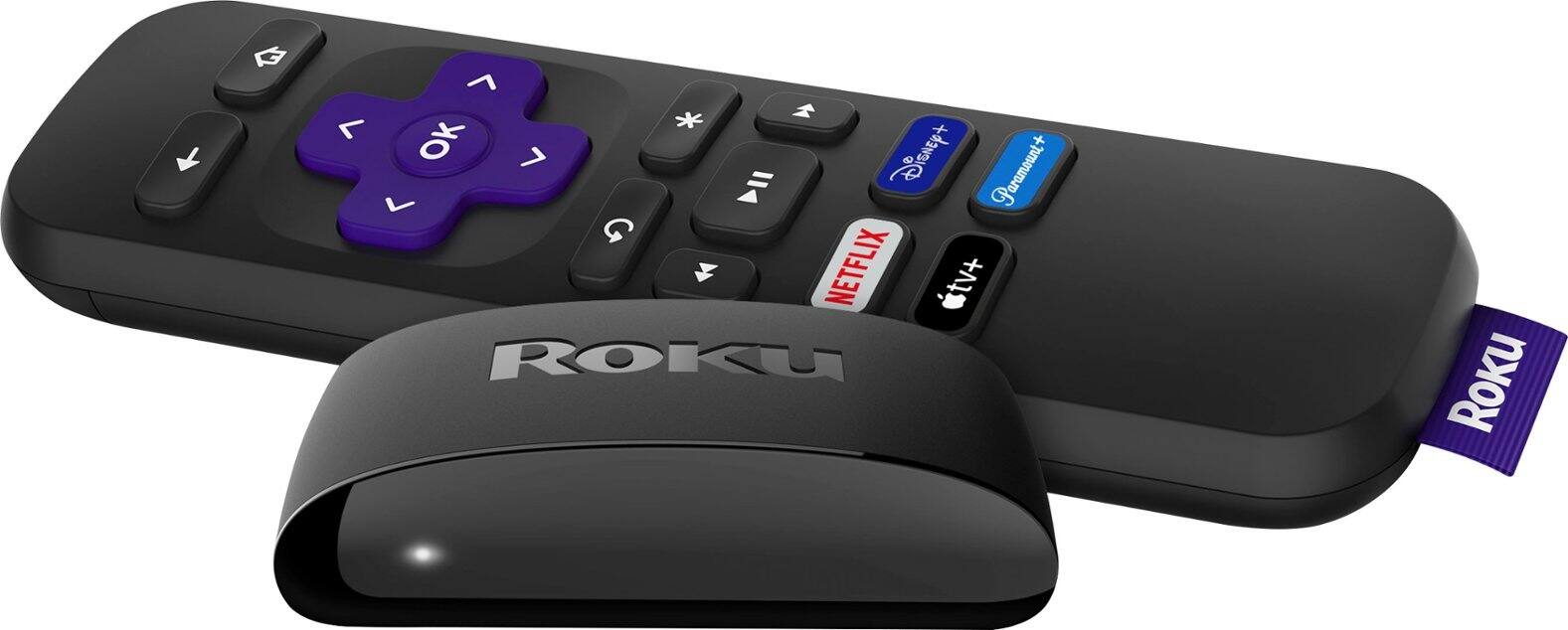
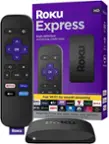
  2. Roku - Express | Streaming Media Player with Standard Remote (no TV controls) - Black

    SKU: J3PFCJQG4R

    I love this streaming device,so much to watch you don't know where to begin....Best money I've spent by far,wishing I had a voice pro remote though,hint hint...Love my Roku

    Product Description

    A compact black streaming device delivering fast HD entertainment with a standard remote and smart home compatibility.
    See all Streaming Devices
    Your price for this item is $64.99
    Save $4
    The previous price was $69.00
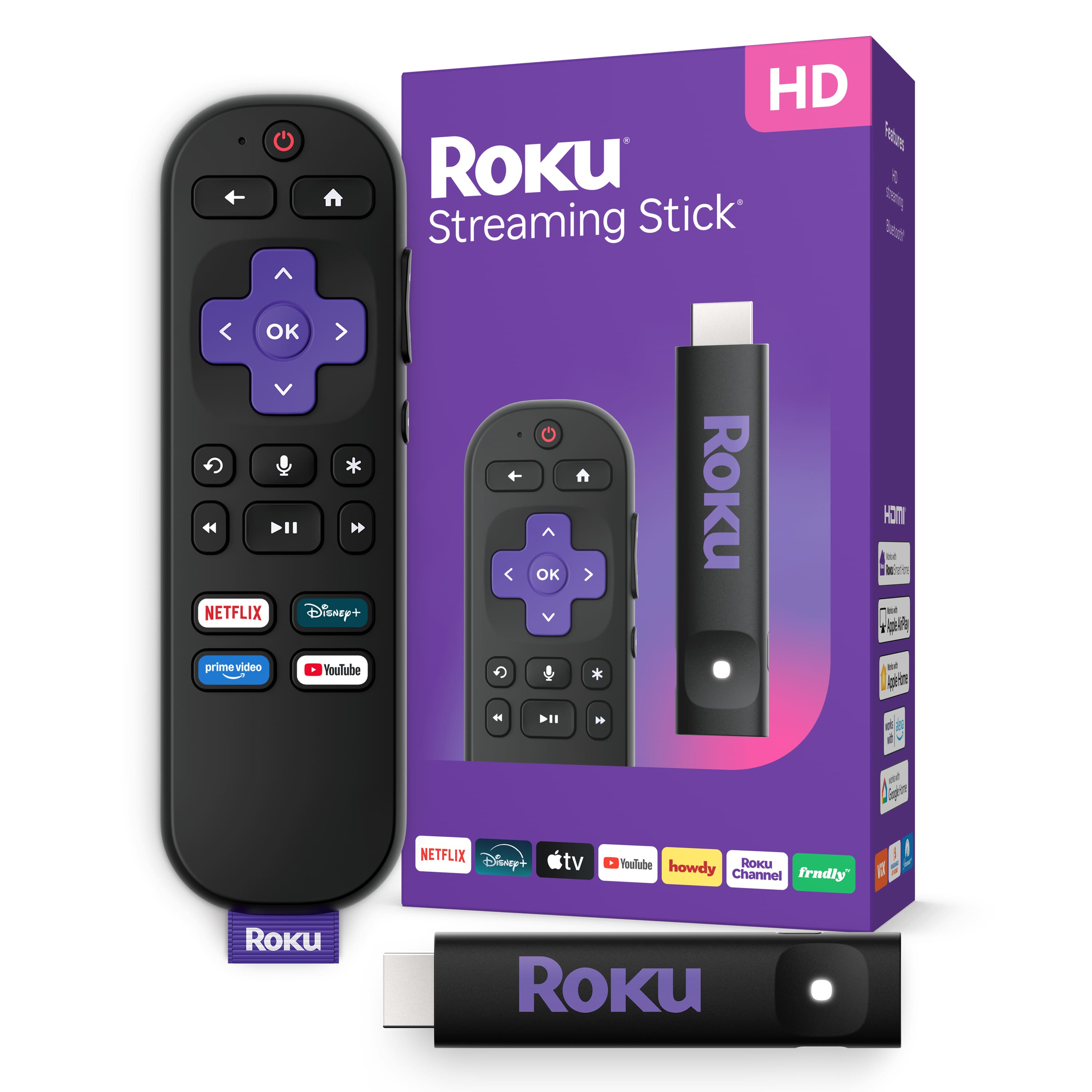
  3. Roku - Streaming Stick - HD Streaming Device for TV with Voice Remote - Black

    SKU: J3PFCJQ6ST

    I love it and the sales person was great in selecting the one that was best for...Great price...Love this product will always shop Best Buy FOREVER

    Product Description

    A sleek black HD streaming media player with voice remote, USB power, and compatibility with major smart assistants.
    See all Streaming Devices
    Your price for this item is $19.99
    Save $20
    The previous price was $39.99
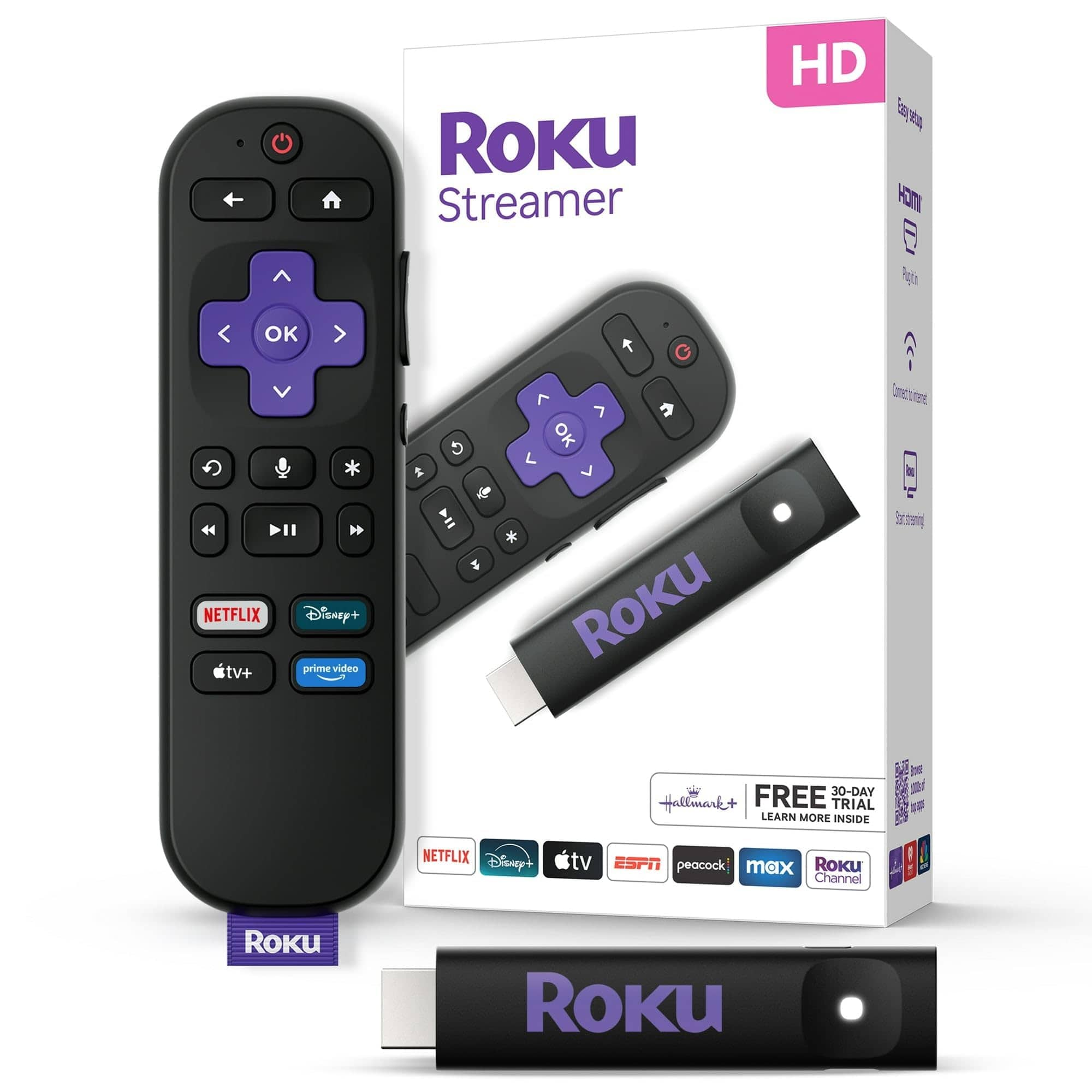
  4. Roku - Streamer Stick HD 2025 - HD Streaming Device with Voice Remote, Free & Live TV - Black

    SKU: J3PFCJQR2K

    Product Description

    A compact black streaming device offering HD content, voice remote control, and access to free live TV.
    See all Streaming Devices
    Your price for this item is $49.99
  5. Roku - Express | HD Streaming Media Player with High Speed HDMI Cab

    SKU: J3PFCJQ38Q

    Product Description

    An easy-to-use HD streaming device offering 1080p resolution and access to over 100,000 movies and shows.
    See all Streaming Devices
    Your price for this item is $79.99
  6. Roku - Express (New) HD Streaming Device (3960RW) - Black

    SKU: J3PFCJQG44

    I love my Roku TV it has all the great channels I love to watch....Best of all it's free no money involved unless you want to to subscribe to a certain channel....But with all the free channels and great...

    Product Description

    A black streaming device delivering 1080p HD entertainment with fast Wi-Fi, HDMI connectivity, and easy navigation.
    See all Streaming Devices
    Your price for this item is $69.00
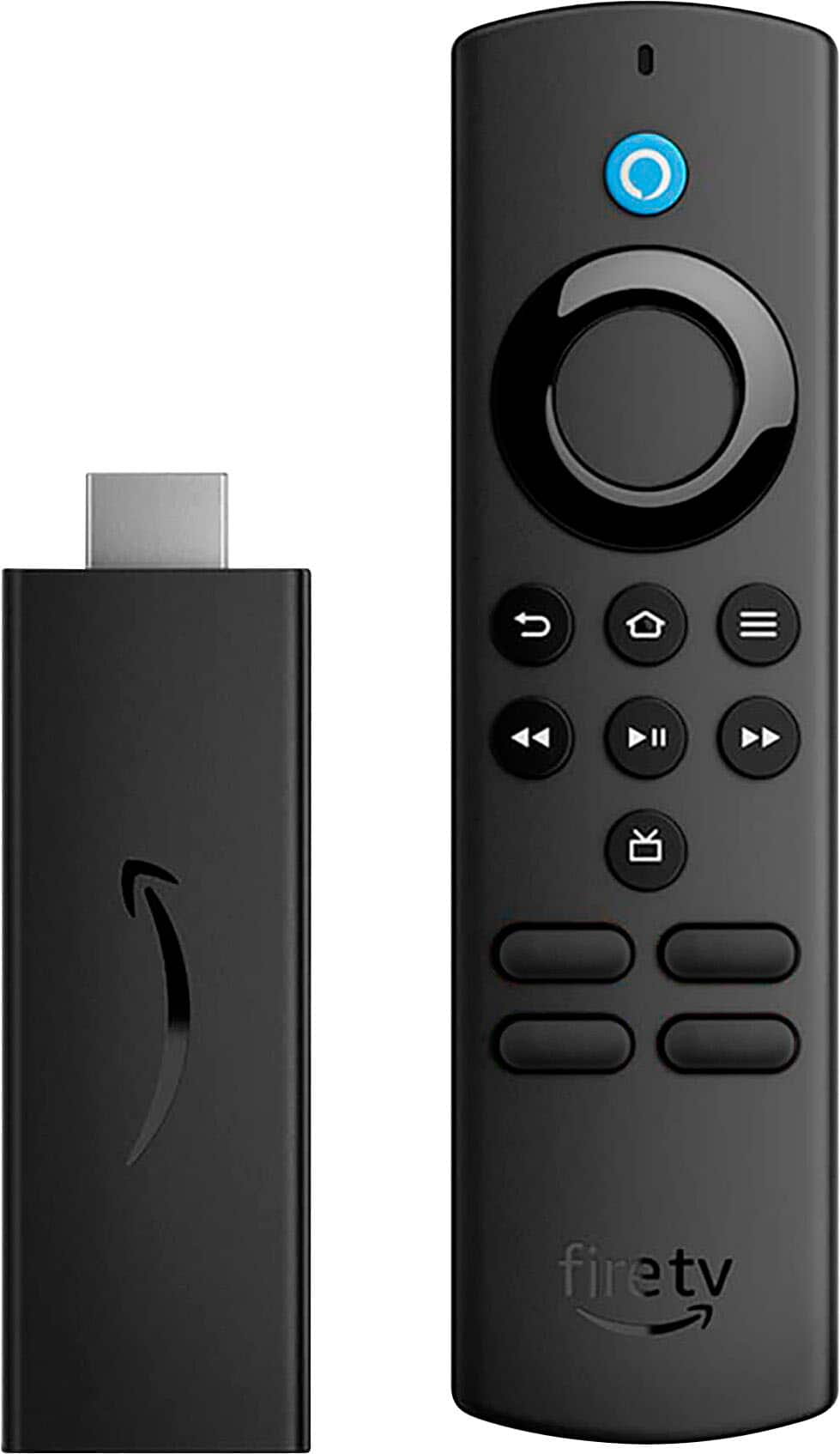
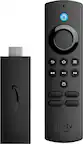
  7. Amazon - Fire TV Stick Lite (no TV controls) | HD streaming device - Black

    SKU: J39QV8GV84

    Product Description

    A black HD streaming device with HDR, Alexa voice assistant, and included remote for easy entertainment access.
    See all Streaming Devices
    Your price for this item is $44.99
    Save $0
    The previous price was $45.38
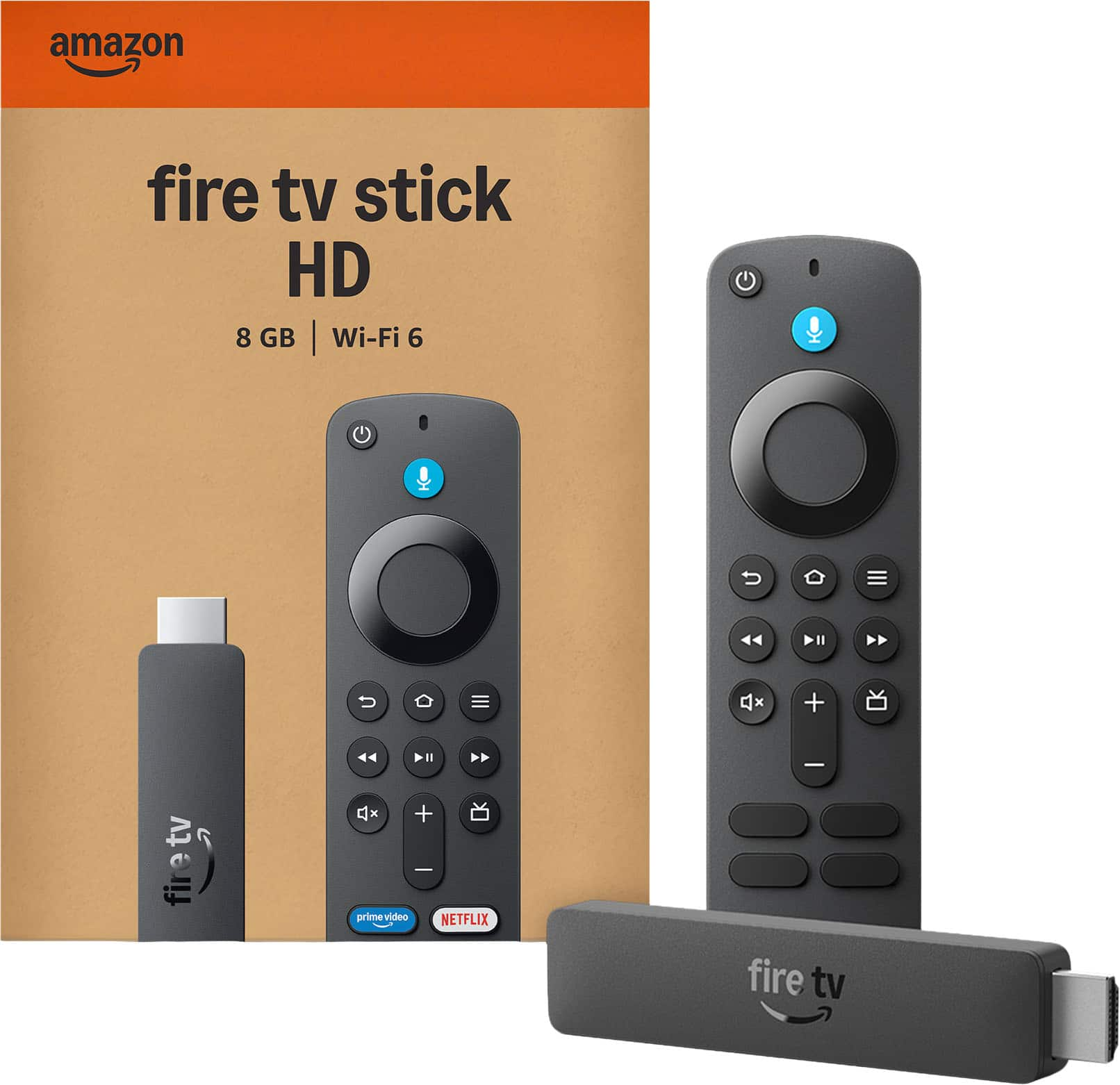
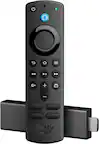
  8. Amazon - Fire TV Stick 2nd Gen HD, free & live TV, Alexa Voice Remote, powered by the TV, effortless setup, 8GB (2026) - Black

    SKU: J39TLSP338

    Works great and solved my issues perfectly. The folks at Best Buy were a great help as usual....Love it the best item i chosed this year i love it...Thanks Best Buy

    Product Description

    A black streaming device delivering Full HD with Wi-Fi 6, Alexa voice control, and Dolby Atmos.
    See all Streaming Devices
    Your price for this item is $15.99
    Save $24
    The previous price was $39.99

Streaming devices for older bedroom TVs with HDMI can bring familiar entertainment apps to a screen that still has plenty of useful life. A television does not need built-in streaming software to play shows, movies, and other supported content from an external streaming device; it needs a compatible HDMI connection, appropriate power for the device, and access to a suitable internet connection. That makes this category especially relevant to a bedroom television with a clear picture but limited smart features, or one whose original apps no longer receive updates. Compact streaming sticks and small streaming boxes handle the app experience separately from the television, allowing the screen to remain part of an everyday viewing setup. Compatibility goes beyond whether the connector fits, though. Supported output resolutions matter on older 720p and 1080p televisions, and the device and display must support the content-protection requirements used by streaming services. A device capable of 4K output cannot turn an HD panel into a 4K screen, although it may offer a compatible lower-resolution output. Similarly, high dynamic range features require a television that supports them; they do not add that capability to an older display. Audio compatibility also deserves attention when the television relies on its own speakers or connects to an existing sound system, since supported formats and audio settings affect playback. For a bedroom used mainly for a favorite sitcom before bed, dependable HD playback and an easy-to-read interface may matter more than advanced picture formats the television cannot display. The distinction between refreshing the streaming experience and replacing the screen is useful when considering Bedroom TVs alongside devices intended to work with an existing set. The screen determines the picture’s size and display capabilities, while the streaming device supplies the apps, navigation, and supported playback features. Together, those parts shape how comfortable and useful the setup feels from the bed rather than from a showroom aisle.

Physical fit is particularly important around bedroom furniture, where a television may sit close to a wall, rest on a narrow dresser, or share space with a lamp and charging cables. A streaming stick plugs directly into an HDMI input, but its body still needs clearance around neighboring ports and the back of the cabinet. Recessed connections and tightly spaced inputs can make a compatible HDMI extension helpful, provided it meets the device’s requirements. A small streaming box takes up more surface space and uses an HDMI cable, but that separate connection can make placement easier when the television’s ports are awkward to reach. Lightweight plastic housings are common in this category, keeping the equipment unobtrusive without requiring heavy mounting hardware. The connectors and cables still benefit from a stable position, with enough slack to avoid pulling sideways on the television’s HDMI port. Power is another practical consideration: an older television’s USB port may not supply enough electricity for reliable operation, so the streaming device’s specified power adapter and a reachable outlet can be important parts of the setup. Television-powered USB ports may also switch off with the screen, which can affect startup behavior. Ventilation matters even for compact hardware, and a device tucked behind a television needs the clearance described by its manufacturer rather than being pressed into bedding or covered by fabric. Routine care is generally simple, with exterior dust removed according to the manufacturer’s directions and liquids kept away from ports and openings. Wireless reception can be just as consequential as physical placement. A bedroom at the far end of a hallway may have a weaker signal than the living room, and a device hidden behind a large screen or enclosed in furniture may encounter additional interference. Support for different Wi-Fi bands, or a compatible wired-network connection on models that offer one, can provide flexibility. Smooth playback ultimately depends on the internet service, home network, device capabilities, and demands of the content being streamed.

In a bedroom, the remote and on-screen experience often make the biggest difference in daily use. Clear button labels, a comfortable grip, and a layout that is easy to recognize in subdued lighting can matter more than a long feature list. Some remotes use wireless communication that does not require a direct line of sight to the streaming device, while television power and volume controls may still depend on infrared signals or compatible HDMI control features. Those functions vary by device and television, so a single-remote experience should not be assumed with every older screen. Voice search can reduce the effort of entering a title letter by letter, although microphone operation, supported searches, and privacy controls differ. Accessibility features such as screen readers, enlarged text, and captions also vary across devices and apps. Captions, dialogue-enhancement options, and private listening can be useful when one person is watching while another is sleeping, but the exact options depend on the streaming hardware, app, headphones, and audio connection. Wireless headphone support is worth distinguishing from basic remote connectivity, since the presence of wireless technology does not guarantee every listening feature. For households with different viewing habits, supported profiles can help separate recommendations and watch histories, while parental controls can add boundaries for shared spaces. A guest-room television may benefit from a setup that makes account sign-out straightforward, and a personal bedroom device may be more comfortable to use when purchase authorization and account access are secured. App support deserves attention as well: access to a streaming platform depends on device compatibility, software support, location, and any required account or subscription. These devices can be thoughtful gifts for a relative who enjoys familiar shows, a student using an existing HDMI television, or anyone who prefers keeping a dependable screen. The most suitable streaming devices for older bedroom TVs balance compatible playback, manageable controls, secure account access, and a physical design that fits naturally into the room.

FAQ

No. The streaming player connects to your home network, while a compatible HDMI connection carries video and audio to the TV. Check the player’s Wi-Fi requirements and your internet service requirements before setup.

Some devices support power from a TV USB port, but the port must meet the player’s specified power requirements. Follow the manufacturer’s instructions; other players require a separate power adapter.

Some streaming remotes include power and volume controls for compatible TVs, while others control only the player. Check the remote’s listed functions and TV compatibility if you want fewer remotes at your bedside.

Confirm that the player supports the streaming services you use and review their sign-in and subscription requirements. A device account may also be required, and buying a player does not automatically include subscriptions to its supported services.

An older smart TV can use an external player if its available HDMI input and supported resolution meet the player’s requirements. You would select that HDMI input to access the player’s interface rather than the TV’s built-in apps.