Trackballs For Mac
-
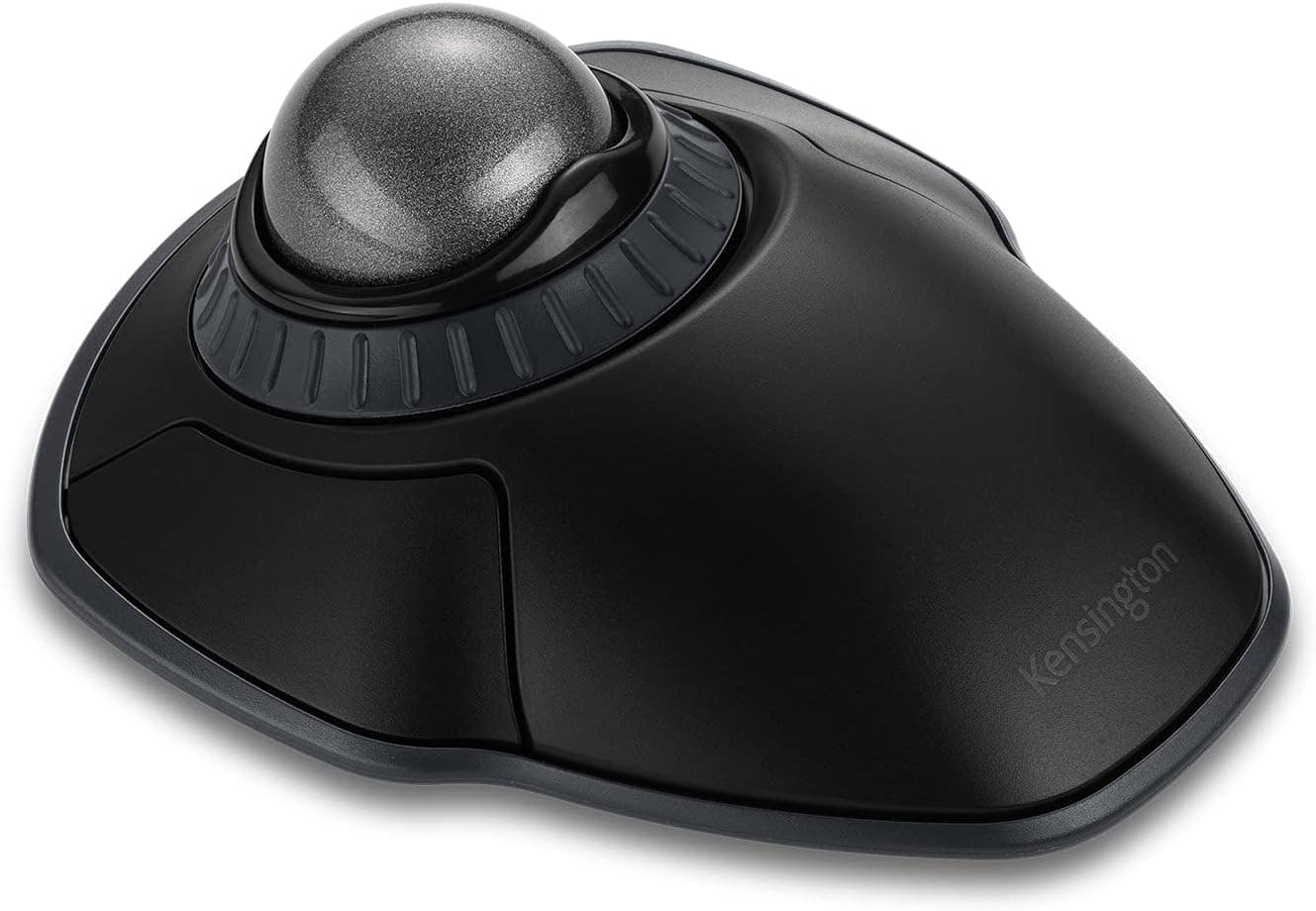
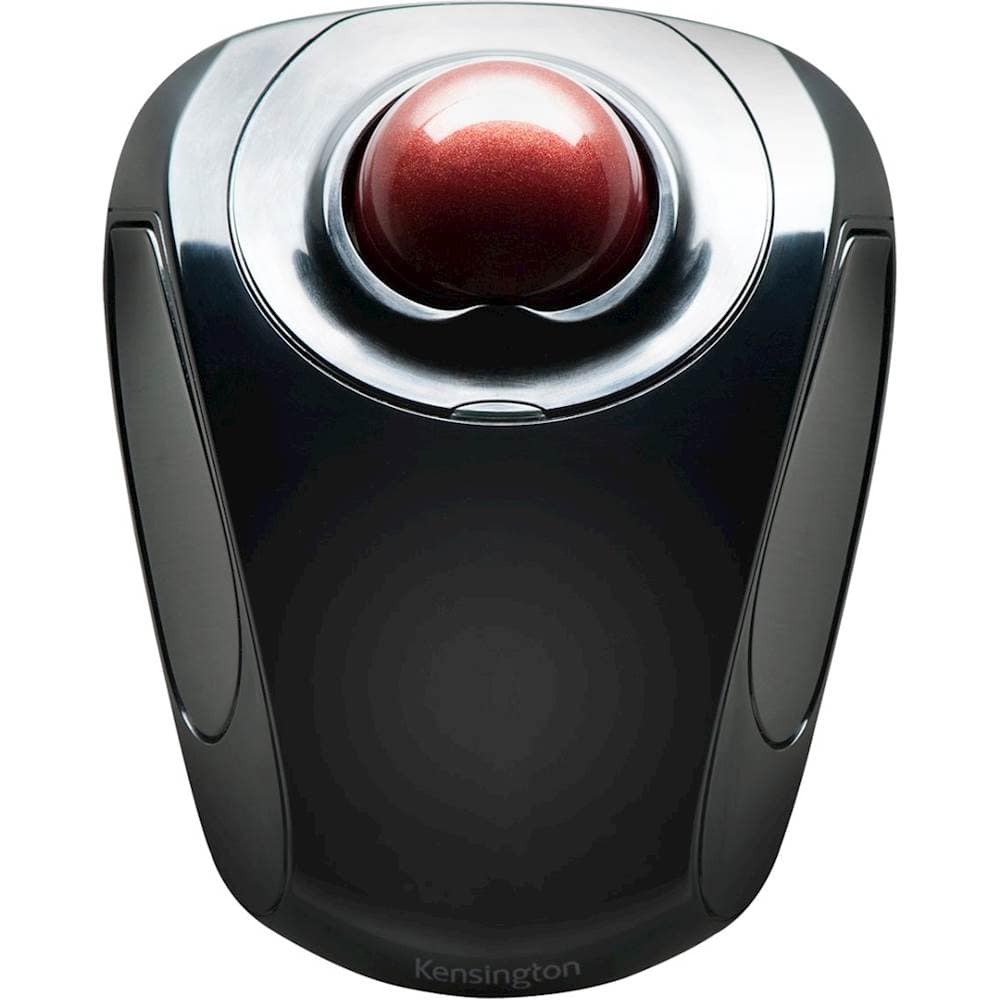
Kensington - Orbit Wireless Trackball with Scroll Ring, 40mm Ball, Adjustable 400 to 1600 dpi, Ambidextrous - K72675WW - Wireless - Black
SKU: J7RJZZQ9Z2See all Wireless & Bluetooth MiceProduct Description
An ergonomic black wireless trackball featuring a scroll ring, ambidextrous design, and customizable buttons for productivity.Your price for this item is $44.99 -
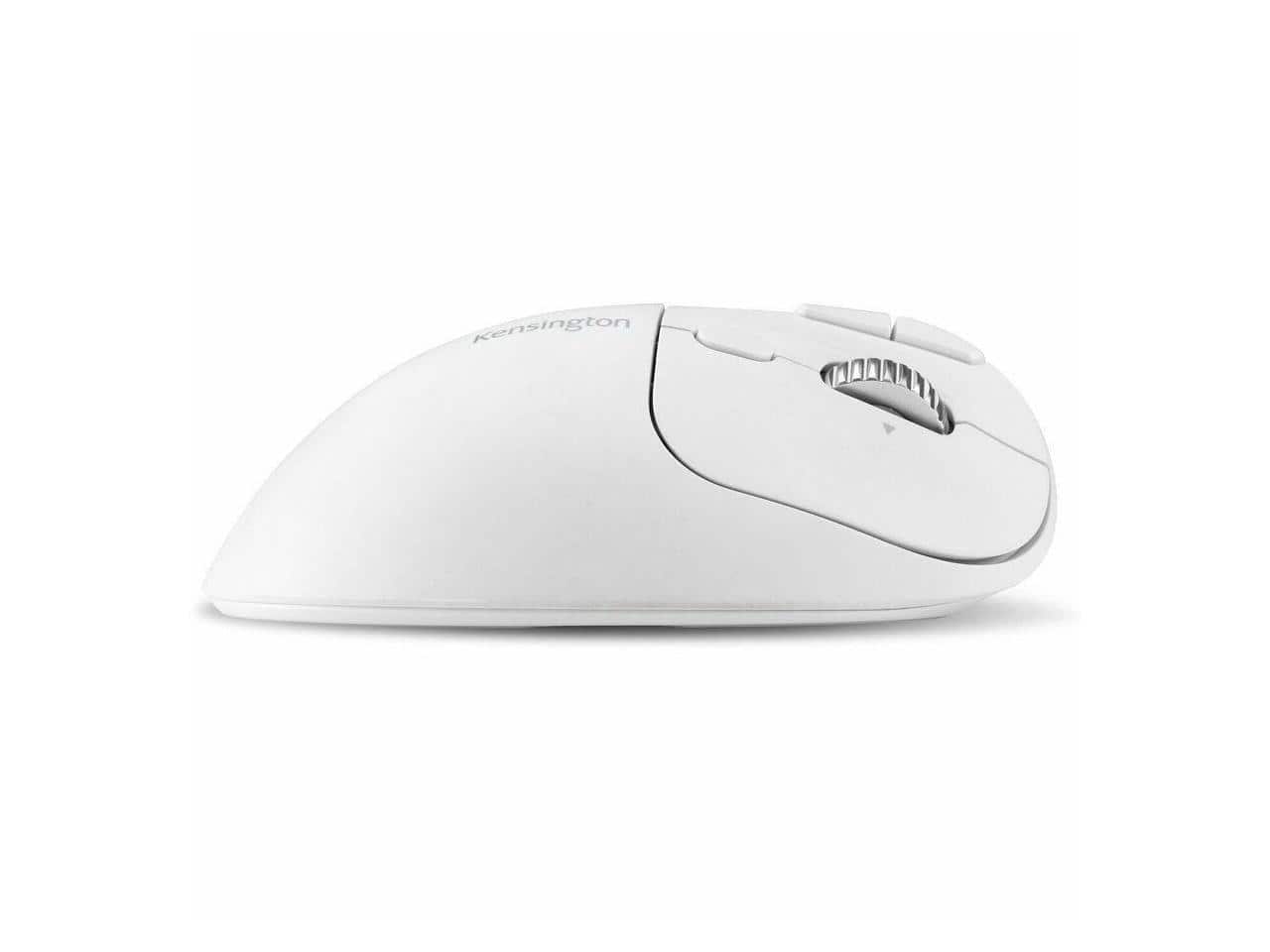
Kensington - Pro Fit™ Ergo TB550 Trackball - Optical - Wireless - Bluetooth/Radio Frequency - 2.40 GHz - Wireless - White
SKU: J7RJZZQX5CSee all Wireless & Bluetooth MiceProduct Description
A white wireless optical trackball featuring Bluetooth, USB-C charging, 1600 dpi, and seven programmable buttons.Your price for this item is $62.99 -
Kensington - SlimBlade Pro Trackball - Optical - Cable/Wireless - Bluetooth/Radio Frequency - 2.40 GHz - Rechargeable - Wired - Black
SKU: J7RJZZQ2G3See all USB & USB C Wired MiceProduct Description
A black ambidextrous trackball mouse featuring optical tracking, eight programmable buttons, and wired or wireless connectivity.Your price for this item is $119.99Save $19The previous price was $139.08 -
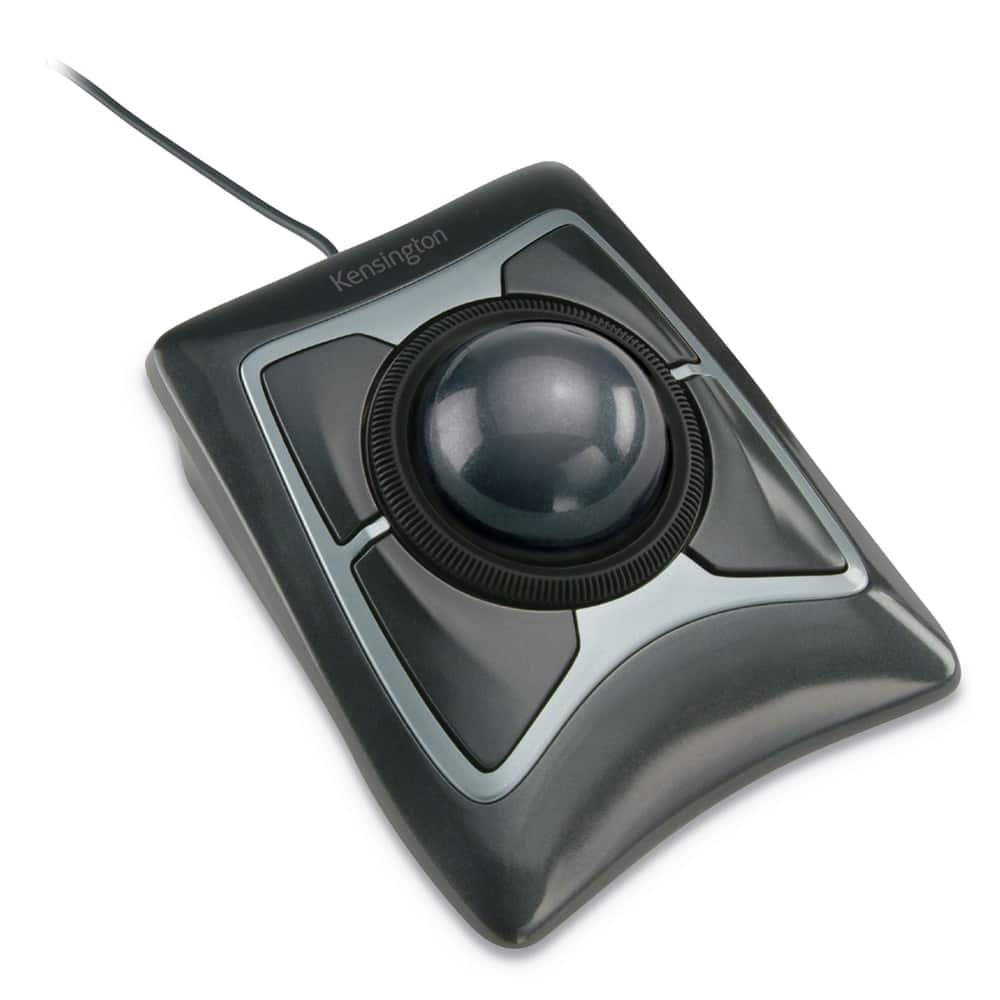
Kensington - K64325 USB 2.0 Expert Mouse Trackball - Wired - Black/Silver
SKU: J7RJZZPX3LI like to be able to swap left and right hands, which makes this great!
See all MiceProduct Description
An ergonomic black wired trackball mouse featuring optical USB connectivity for precise, comfortable control.Your price for this item is $106.21Save $0The previous price was $106.99 -
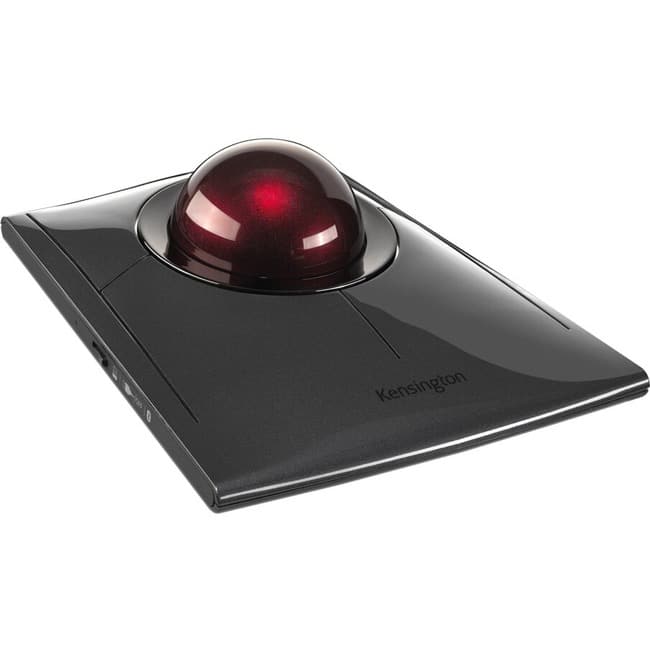
Kensington - SlimBlade Wired Trackball Ambidextrous Mouse with 4-button design - Graphite/Ruby Red
SKU: J7RJZZQG34See all USB & USB C Wired MiceProduct Description
An ambidextrous wired trackball mouse in graphite and ruby red with four-button navigation and media modes.Your price for this item is $109.99Save $40The previous price was $150.09 -
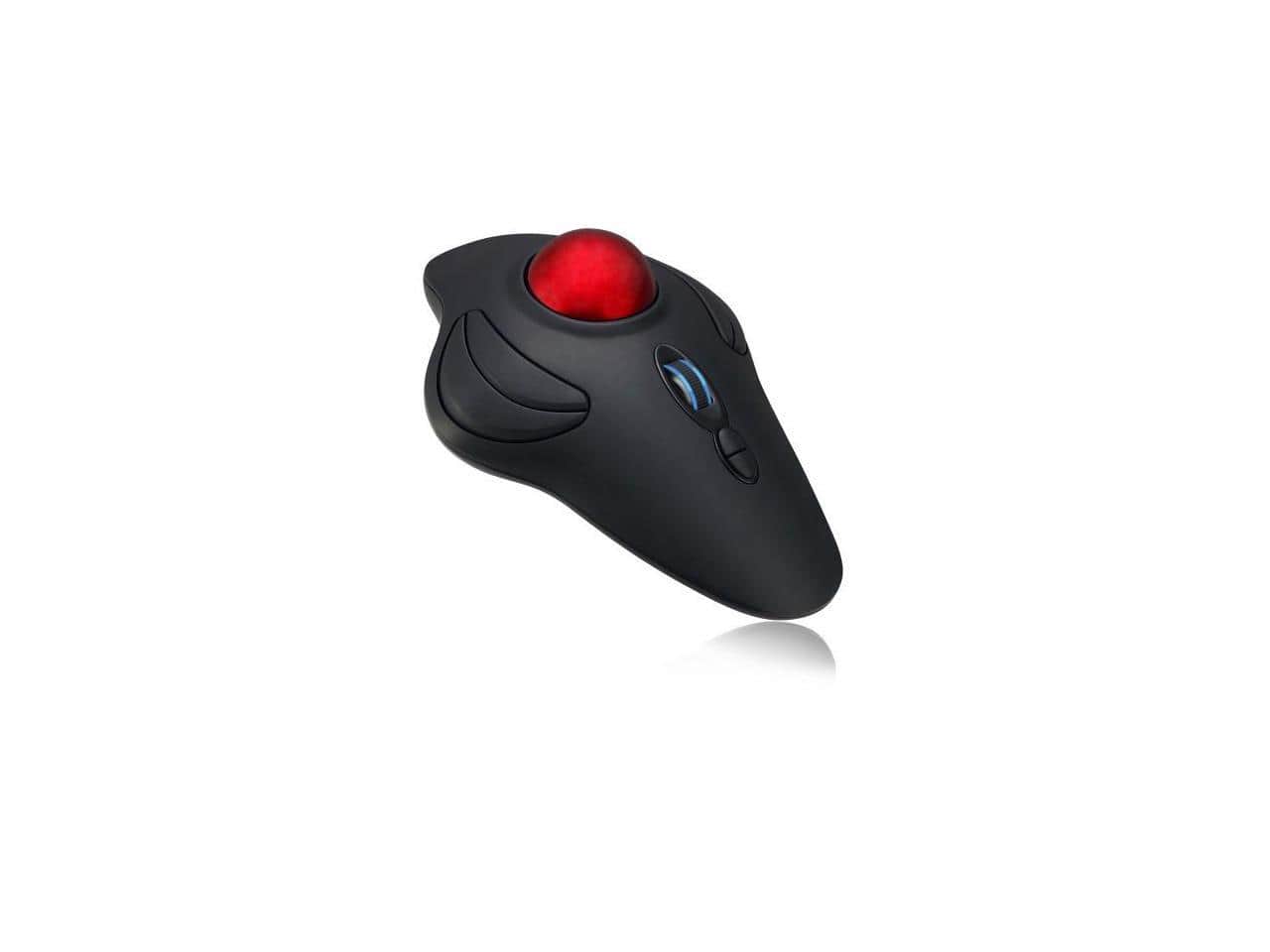
Adesso - iMouse T40 - Wireless Programmable Ergonomic Trackball Mouse - Wireless - Black
SKU: J32P877Q9JSee all Wireless & Bluetooth MiceProduct Description
A wireless ergonomic trackball mouse in black with programmable buttons for comfortable, customizable control.Your price for this item is $43.49Save $8The previous price was $52.19 -
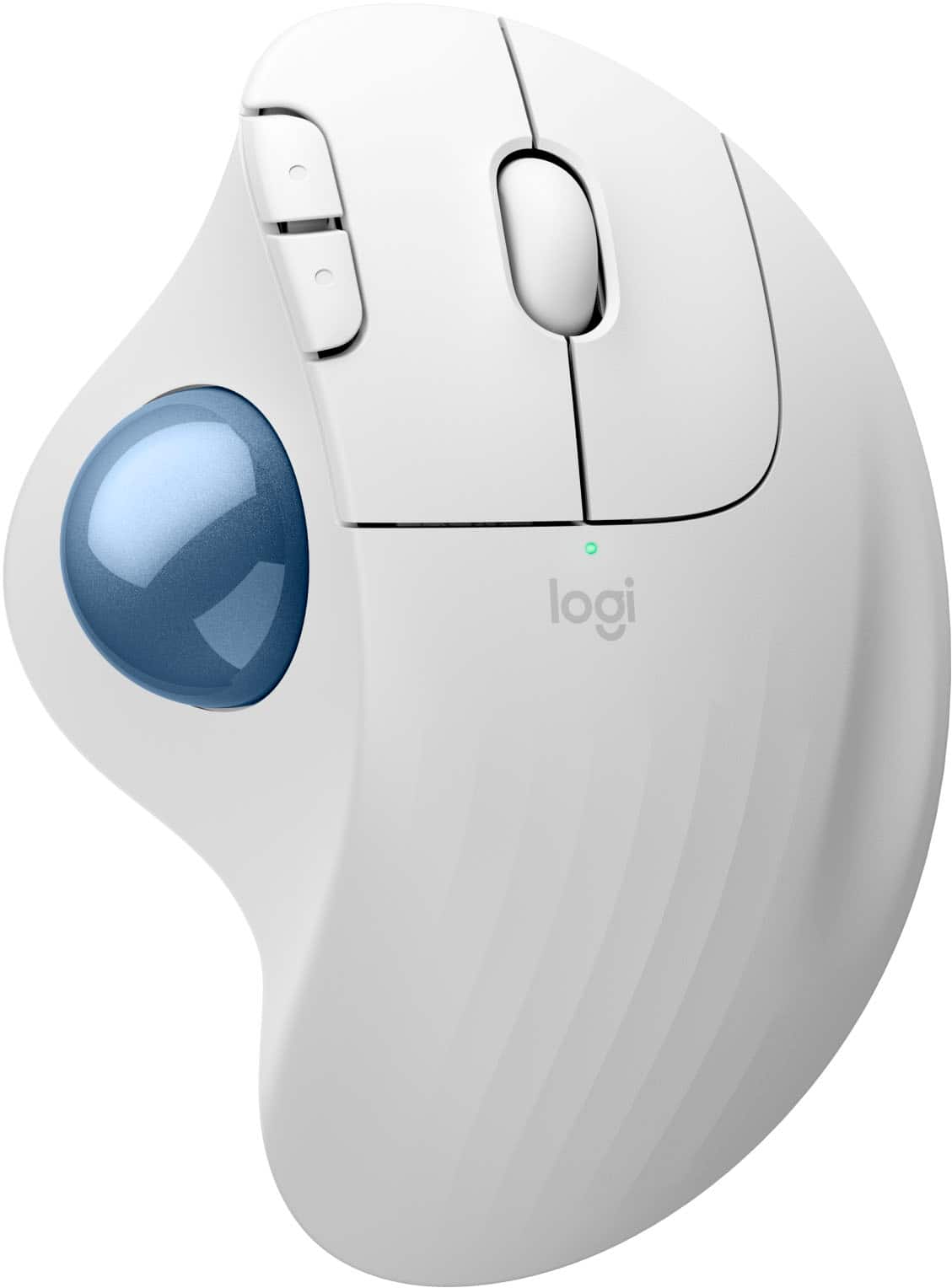
Logitech - ERGO M575 S Wireless Ergonomic Trackball Mouse - Wireless - White
SKU: J7H7ZY8FZJThe Best Mouse...best mouse I ever had it is easy to go from one place to another no moving of your wrist just roll along
See all MiceProduct Description
An ergonomic white wireless trackball mouse offering thumb control, Bluetooth connectivity, and reduced forearm strain.Your price for this item is $49.99 -
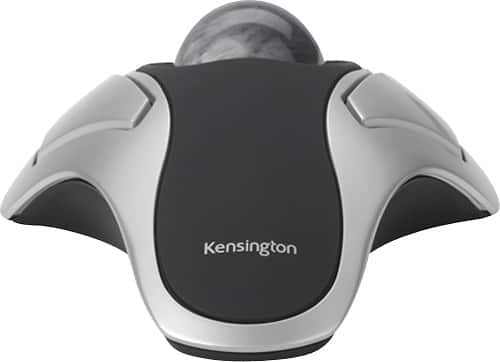
Kensington - Orbit Trackball Mouse - Silver/Graphite/Black
SKU: J7RJZZPX35Her response is " I Love It"
See all MiceProduct Description
An ergonomic, ambidextrous trackball mouse in silver, graphite, and black for comfortable, precise control.Your price for this item is $29.99 -
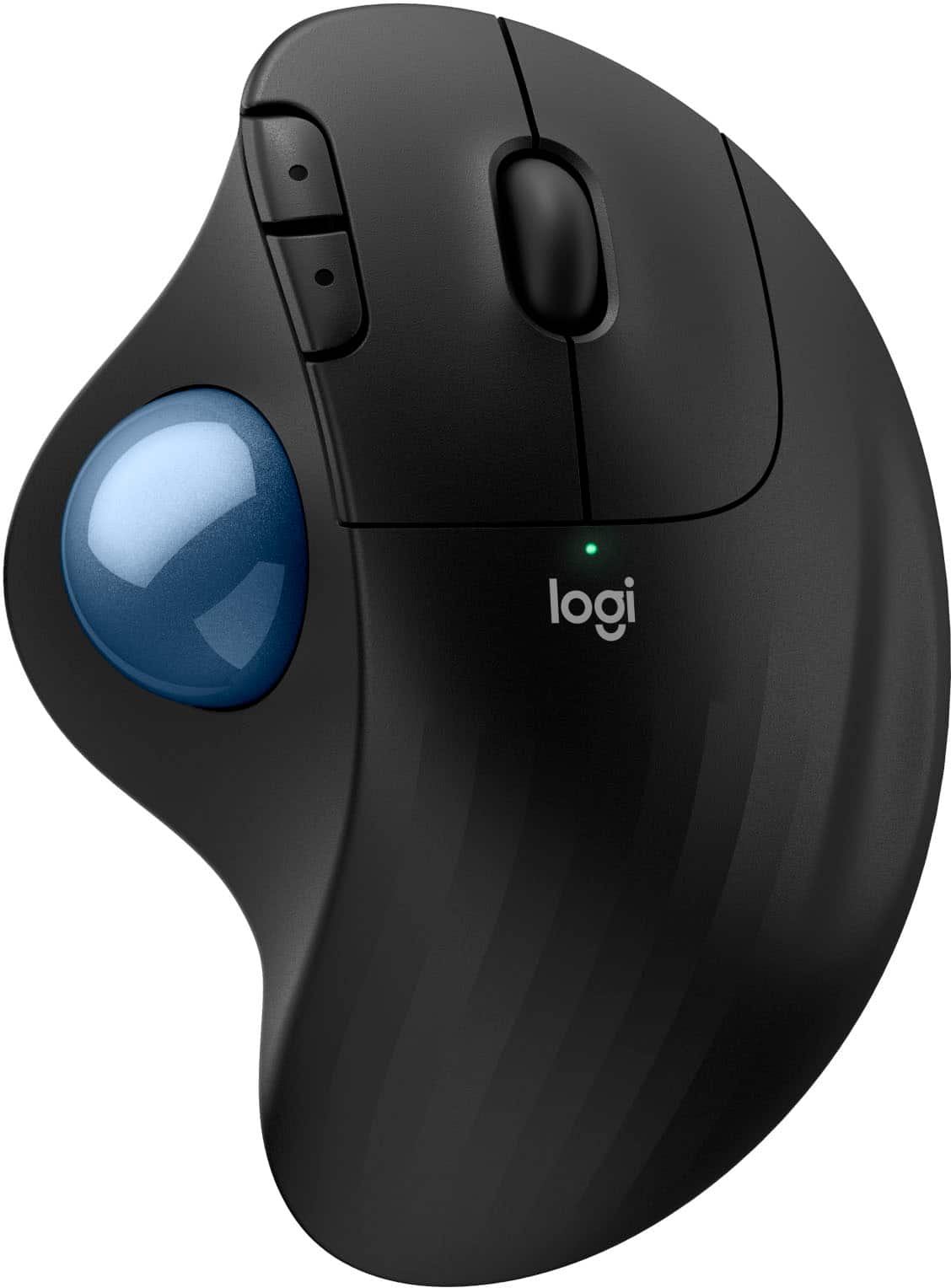
Logitech - ERGO M575 S Wireless Ergonomic Trackball Mouse - Wireless - Black
SKU: J7H7ZY8FK9Best mouse!...I enjoy trackballs for computers and I rate this the best value for a trackball.
See all MiceProduct Description
An ergonomic black wireless trackball mouse offering smooth thumb control, Bluetooth connectivity, and reduced muscle strain.Your price for this item is $39.47Save $10The previous price was $49.99 -
Kensington - Orbit Wireless Laser Trackball Mouse - Black
SKU: J7RJZZQGQFSee all Wireless & Bluetooth MiceProduct Description
An ergonomic black wireless trackball mouse with ambidextrous design, programmable buttons, and precise touch scrolling.Your price for this item is $49.99

Best Sellers

Related Pages



FAQ
Yes, most modern trackballs are compatible with macOS. Many models offer plug-and-play functionality, while some also provide additional features through downloadable Mac drivers or software.
Many trackballs allow button customization on a Mac, either through the manufacturer's software or macOS accessibility settings. Check the product details to see if customization is supported for your preferred model.
Trackballs connect independently via USB or Bluetooth and are fully compatible with Apple’s Magic Keyboard and other Mac accessories, allowing seamless use alongside your existing setup.
Yes, trackballs can be used for creative tasks such as graphic design, photo editing, and video production on a Mac. Some users find the precise control of a trackball beneficial for detailed work.
Most trackballs work with Mac computers right out of the box without requiring additional drivers. However, installing the manufacturer’s software can unlock advanced features and customization options.