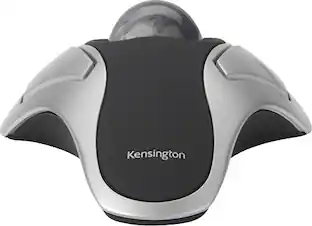
Kensington - K64325 USB 2.0 Expert Mouse Trackball - Wired - Black/Silver
About this product
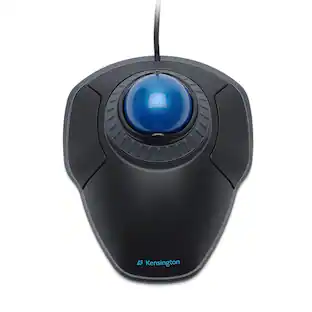
The Expert Mouse® Wired Trackball is the productivity enhancer professionals use to get more work done in less time. It offers highly accurate cursor control and great comfort for your hand and wrist. TrackballWorks™ software can customize the four buttons, and the Scroll Ring lets you quickly scan up and down your screen. KensingtonWorks™ lets you customize all four buttons, set cursor speed. DiamondEye™ optical tracking technology for premium cursor control and accuracy. Award-winning Scroll Ring lets you scan up and down pages with ease. Large 55 mm ball is designed as a perfect sphere to provide exceptional precision. Detachable wrist rest supports hand and wrist for ergonomic comfort. Reliable wired USB connection. Kensington worked directly with Microsoft to provide professional-level solutions that look as good as they function, so you can work like a pro.
Features
Features | Designed for Surface
The Expert Mouse® Wired Trackball is the productivity enhancer professionals use to get more work done in less time.
KensingtonWorks Customization
It offers highly accurate cursor control and great comfort for your hand and wrist.
DiamondEye Optical Tracking
TrackballWorks™ software can customize the four buttons, and the Scroll Ring lets you quickly scan up and down your screen.
Scroll Ring and Large Ball
KensingtonWorks™ lets you customize all four buttons, set cursor speed.
Ambidextrous Design
DiamondEye™ optical tracking technology for premium cursor control and accuracy.
Specifications
- Connection TypeWired
Reviews
Rating 4.5 out of 5 stars with 2 reviews
The vast majority of our reviews come from verified purchases. Reviews from customers may include My Best Buy members, employees, and Tech Insider Network members (as tagged). Select reviewers may receive discounted products, promotional considerations or entries into drawings for honest, helpful reviews.


Compare similar products
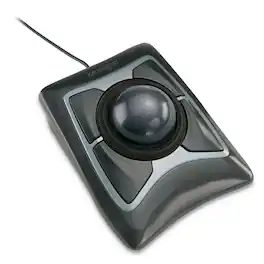
The Expert Mouse® Wired Trackball is the productivity enhancer professionals use to get more work done in less time. It offers highly accurate cursor control and great comfort for your hand and wrist. TrackballWorks™ software can customize the four buttons, and the Scroll Ring lets you quickly scan up and down your screen. KensingtonWorks™ lets you customize all four buttons, set cursor speed. DiamondEye™ optical tracking technology for premium cursor control and accuracy. Award-winning Scroll Ring lets you scan up and down pages with ease. Large 55 mm ball is designed as a perfect sphere to provide exceptional precision. Detachable wrist rest supports hand and wrist for ergonomic comfort. Reliable wired USB connection. Kensington worked directly with Microsoft to provide professional-level solutions that look as good as they function, so you can work like a pro.
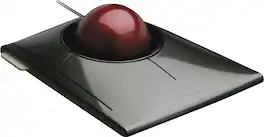
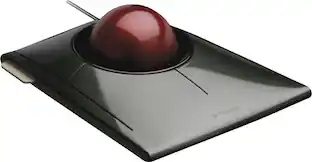
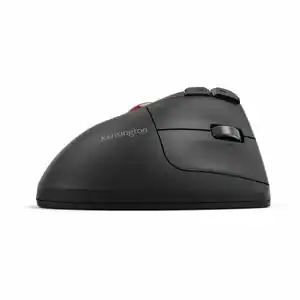
Kensington SlimBlade Trackball Mouse: Comfortably navigate features on your PC or Mac with this ambidextrous trackball mouse, which keeps wrist movement to a minimum to reduce stress. Navigation, media and view modes allow flexible use.
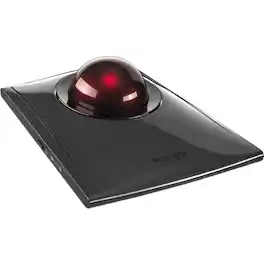
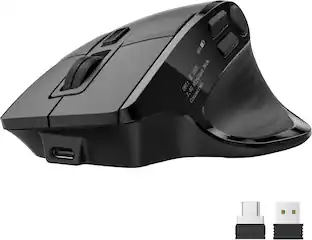
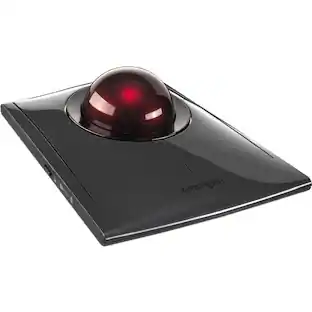
Kensington SlimBlade Pro Trackball - Optical - Cable/Wireless - Bluetooth/Radio Frequency - 2.40 GHz - Rechargeable - USB Type C, USB Type A - Trackball - 8 Programmable Button(s) - Symmetrical

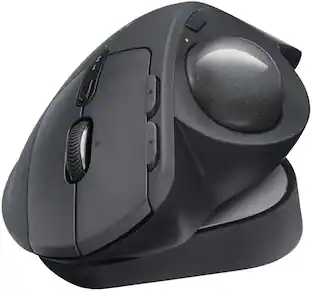
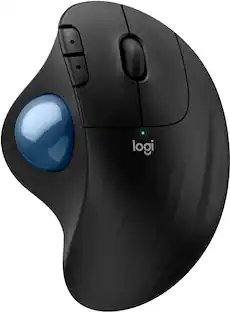
The MX Ergo S Plus is Logitech’s most advanced ergonomic trackball mouse yet, with a 20-degree tilt angle and a 10-degree detachable wedge, and precise thumb control - user-tested and certified by United States Ergonomics. The MX Ergo S wireless ergonomic mouse is sculpted to fit the palm of your hand while keeping it relaxed, and it tilts 20 to 30 degrees for 27% less muscle activity in the forearm, providing elevated comfort throughout your day. Work faster with 6 customizable buttons and a DPI button to effortlessly switch between speed and high-precision tracking. Now with 80% quieter clicks. For even more control that's tailored to your needs, assign time-saving shortcuts and Smart Actions using the Logi Options+ App. Connect your wireless mouse to 2 devices via Bluetooth or the included Logi Bolt receiver and switch between devices with a click of the Easy-Switch button.
| Pros for Kensington - K64325 USB 2.0 Expert Mouse Trackball - Wired - Black/Silver | |||
|---|---|---|---|
| There were no pros for this product— | There were no pros for this product— | There were no pros for this product— | Ergonomics, Overall Performance, Battery Life, Ease of Use, Connectivity |
| Cons for Kensington - K64325 USB 2.0 Expert Mouse Trackball - Wired - Black/Silver | |||
| There were no cons for this product— | There were no cons for this product— | There were no cons for this product— | Weight |
Specs
Customers often buy these together
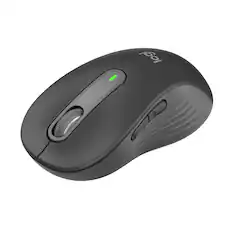
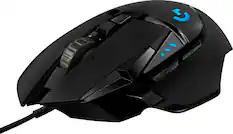
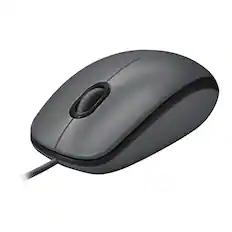
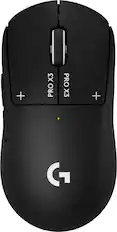
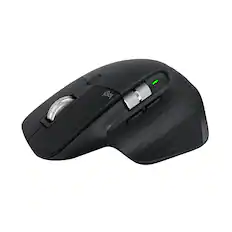
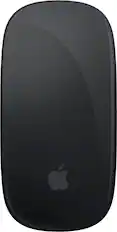
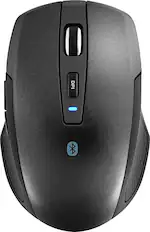
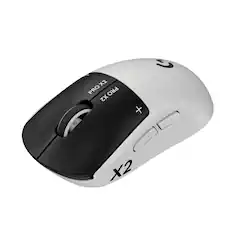
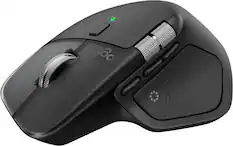
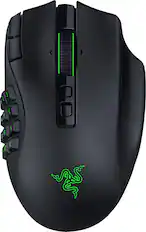
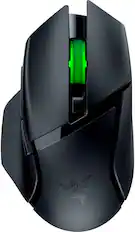
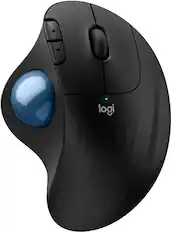
More to consider
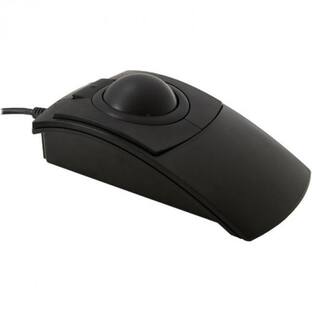
Kensington SlimBlade Wired Trackball Ambidextrous Mouse with 4-button design
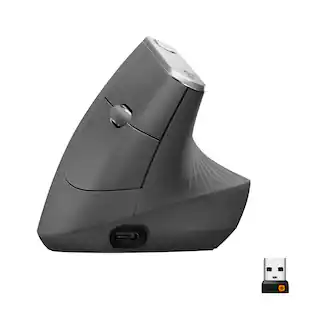
$109.99The price was $150.09Logitech MX Vertical Advanced Wireless Optical Ergonomic Mouse with USB and Bluetooth Connection
$74.99The price was $119.99
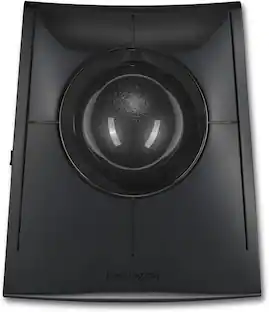

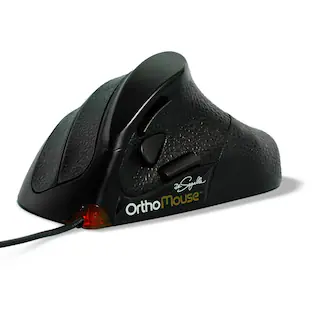

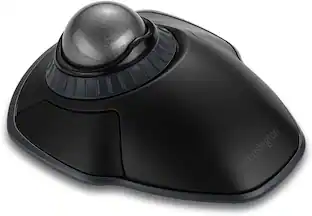
Explore tech essentials Sponsored
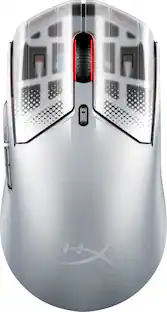
HyperX Pulsefire Haste 2 S Lightweight Wireless Optical Gaming Mouse with RGB Lighting
$83.99The price was $149.99


Discover related products
Acer USB C Docking Station With 2 HDMI, 9-IN-1 Docking Hub with USB A&C 3.0, SD/Micro SD, 100W Charging
$42.99The price was $47.99Acer USB C to HDMI Cable for Home Office 6.6FT (4K@60Hz), High-Speed Type C to HDMI 2.0 Braided Cord
$12.99The price was $13.99Logitech X56 HOTAS Microsoft Flight Simulator RGB Dual-Throttle and Joystick
$247.00The price was $275.00Intel Core i5-14400F 14th Gen 10-Core 16-Thread - 4.7GHz Turbo Socket LGA1700 Unlocked Desktop Processor
$167.54The price was $191.99














Keep exploring
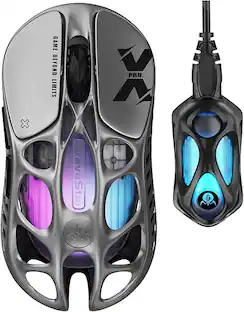
GravaStar Mercury X Pro Wireless 8K Hz Gaming Mouse with 32000 DPI and 49g Magnesium Alloy Frame
$139.95The price was $187.95Logitech Design Mouse Limited Edition Wireless Optical 3-button Mouse with Broad Compatibility
$29.46The price was $55.07Logitech B100 Corded Mouse – Wired USB Mouse for Computers and laptops, for Right or Left Hand Use
$13.29The price was $20.06