Logitech - ERGO M575 S Wireless Ergonomic Trackball Mouse - Wireless - White
Customers are saying
Customers are pleased with the exceptional ergonomics and overall performance of this mouse, which many users find highly effective for daily tasks. The device is frequently praised for its ease of use, reliable connectivity, and impressive battery life. While most feedback is positive regarding its quiet operation and precision, a few users have noted concerns regarding button sensitivity.
Color
WhiteThe sculpted shape of the ERGO M575S wireless trackball mouse keeps your hand relaxed for hours of smooth, precise tracking with thumb control - now with quiet clicks.
25% less muscle strain in your forearm
This wireless ergonomic mouse has been developed with Logi Ergo Lab experts, user-tested and certified by ergonomists for all-day comfort.¹
Improved forearm posture
The ergonomic shape of the ERGO M575S supports your hand and realigns your forearm into a better posture throughout the day; a good fit for most hand sizes.¹
Work it your way
Experience enhanced control with 3 customizable buttons, time-saving shortcuts, and Smart Actions; adjust the cursor speed to your preference with the Logi Options+ App.²
Save space with thumb control
With the ERGO M575S, you can move your cursor without moving your hand, making it ideal for small or space-saving setups and for use on any surface.
Easy to Connect, Long Battery Life
Connect your ergonomic wireless mouse using Bluetooth or the included Logi Bolt USB receiver; enjoy up to 18 months of battery life (AA battery included).³
Made with recycled plastic
The plastic parts in the ERGO M575S Bluetooth trackball mouse are made of certified post-consumer recycled plastic (Graphite: 52%, Off-White: 21%).⁴
Complete your setup
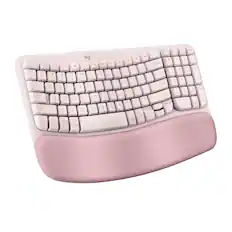
Pair the ERGO M575S with the Wave Keys ergonomic keyboard, featuring a cushioned palm rest that places your hands, wrists, and forearms in a natural typing position.
- Lighting TypeNoneMaximum Sensitivity2000 dots per inchNumber of Buttons (Total)5Connection TypeWireless
Reviews
Rating 4.7 out of 5 stars with 336 reviews
- Ergonomics (95)
- Overall Performance (79)
- Ease of Use (55)
- Connectivity (16)
- Battery Life (10)
- Button Sensitivity (5)
Customer Images
The vast majority of our reviews come from verified purchases. Reviews from customers may include My Best Buy members, employees, and Tech Insider Network members (as tagged). Select reviewers may receive discounted products, promotional considerations or entries into drawings for honest, helpful reviews.

Compare similar products

Minimize movement and maximize comfort with the Logitech ERGO M575S wireless trackball mouse. Thumb control lets you move the cursor without moving your arm, while the sculpted ergonomic design fully supports your hand and keeps your forearm in a more natural position. This wireless ergonomic mouse has been developed by Logi Ergo Lab experts, user-tested and certified by ergonomists to give you 25% less muscle strain in your forearm . The smooth and responsive thumb control can be used anywhere – and since it doesn’t need to be moved, the ERGO M575S is perfect for tight setups and busy desks.

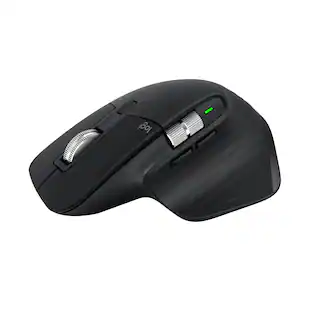
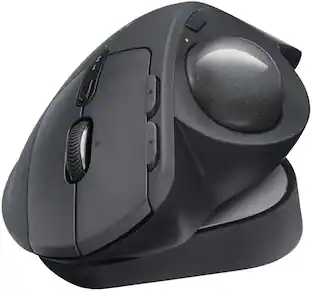
The MX Ergo S Plus is Logitech’s most advanced ergonomic trackball mouse yet, with a 20-degree tilt angle and a 10-degree detachable wedge, and precise thumb control - user-tested and certified by United States Ergonomics. The MX Ergo S wireless ergonomic mouse is sculpted to fit the palm of your hand while keeping it relaxed, and it tilts 20 to 30 degrees for 27% less muscle activity in the forearm, providing elevated comfort throughout your day. Work faster with 6 customizable buttons and a DPI button to effortlessly switch between speed and high-precision tracking. Now with 80% quieter clicks. For even more control that's tailored to your needs, assign time-saving shortcuts and Smart Actions using the Logi Options+ App. Connect your wireless mouse to 2 devices via Bluetooth or the included Logi Bolt receiver and switch between devices with a click of the Easy-Switch button.

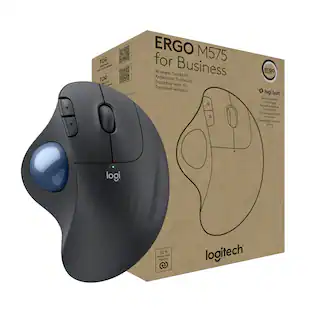
ERGO M575 Trackball features a sculpted shape and smooth thumb control. Certified by US Ergonomics, it is designed to keep hands relaxed and improve forearm posture. Get precise tracking on any surface and adjust cursor speed to your preference. Plus, customizable buttons and quiet clicks improve the work experience.
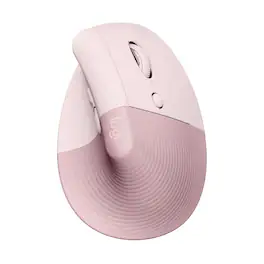
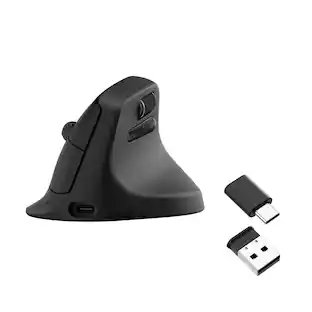
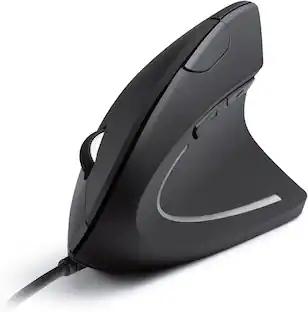
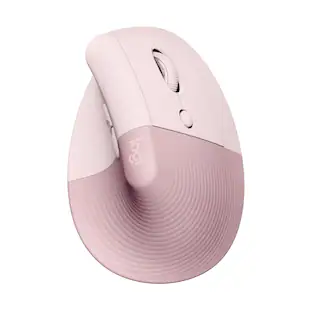
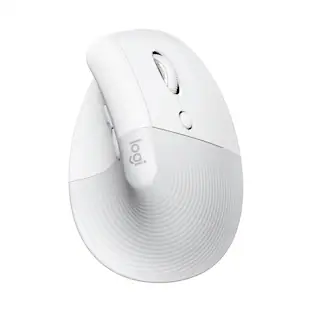
Desk life getting you down? Lift yourself up with Lift Vertical Ergonomic Mouse – a comfy and intuitive wireless mouse with quiet clicks crafted specially for small-to-medium hands. Available in right and left. Lift’s unique 57-degree angle elevates your wrist to give a feeling of relief — and sends a wave of comfort through the forearm and upper body. Scrolling feels second nature with SmartWheel, which easily shifts from precision to speed-scroll. Customize Lift ergo mouse using intuitive Logi Options+ Software.
| Pros for Logitech - ERGO M575 S Wireless Ergonomic Trackball Mouse - Wireless - White | |||
|---|---|---|---|
| Ergonomics, Overall Performance, Ease of Use, Connectivity, Battery Life | Ergonomics, Overall Performance, Battery Life, Ease of Use, Connectivity | There were no pros for this product— | Ergonomics, Overall Performance, Battery Life, Ease of use, Size |
| Cons for Logitech - ERGO M575 S Wireless Ergonomic Trackball Mouse - Wireless - White | |||
| Button Sensitivity | Weight | There were no cons for this product— | Weight, Wrist Pain, Price |
Specs
Customers often buy these together
Computer Keyboards
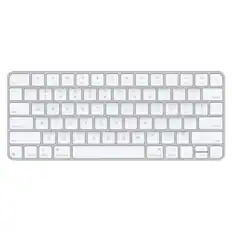
![esc ! - 1 tab caps lock shift ctrl F2 F3 # 2 3 Q W E R T Y U I O P A S D F G H J K L Z X C V B N M start opt alt cmd logi 44 HI . F10 F8 F7 F6 * ( ) - - & 0 8 9 7 O P U I Y K L H J > < N M B F + = { [ : I : ? I alt cmd 2 30 3 1 FQ page insert home up backspace page 1 delete end down ) ] / I I & shift ctrl fn opt 6 / + / clear 8 9 + 7 & P9 up home 5 6 4 a 4 2 3 enter 1 dn pg end = 0 del ins](https://pisces.bbystatic.com/image2/BestBuy_US/images/products/6539/6539508_sd.jpg;maxHeight=232;maxWidth=233?format=webp)

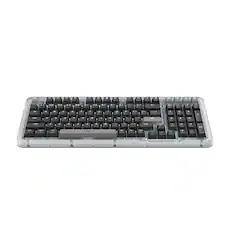
![The text on the image reads:
888 DD DI DD 4 DSC i F2 F3 4 FS T6 ET 1. 1N IN F.. 11 1.. 114 1n F1 F12 118 in9 - a ee 1 8F 2 3 $ 4 % 5 A 6 & 7 . 8 I 9 I 0 ee I + = delete fn home page up clear - / + tab Q W E R T Y U I 0 P { [ ] ] | I delete end page down 7 8 9 ee caps lock A S D F G H J K L : I - return 4 5 6 + shift Z X C V N M < F > ? / shift a 1 2 3 control option 2 command 3 command option control Y - 0 enter
After grouping and correcting the text, it reads:
888 DD DI DD 4 DSC i F2 F3 4 FS T6 ET 1. 1N IN F.. 11 1.. 114 1n F1 F12 118 in9 - a ee 1 8F 2 3 $ 4 % 5 A 6 & 7 . 8 I 9 I 0 ee I + = delete fn home page up clear - / + tab Q W E R T Y U I 0 P { [ ] ] | I delete end page down 7 8 9 ee caps lock A S D F G H J K L : I - return 4 5 6 + shift Z X C V N M < F > ? / shift a 1 2 3 control option 2 command 3 command option control Y - 0 enter](https://pisces.bbystatic.com/image2/BestBuy_US/images/products/f4059d3a-0c2a-46ef-bcfd-4e11b9b26d5d.jpg;maxHeight=232;maxWidth=233?format=webp)






Customers ultimately bought
 $74.99The price was $79.99
 $79.99The price was $84.99
 $53.32The price was $55.99
 Top Deal$89.99The price was $99.99
Explore tech essentials Sponsored
 $129.99The price was $159.99


Discover related products
 $12.99The price was $13.99











Keep exploring
 $149.95The price was $215.95
Logitech - B100 Corded Mouse – Wired USB Mouse for Computers and laptops, for Right or Left Hand Use
$14.61The price was $20.06 $119.95The price was $199.95