TV Mouse
-
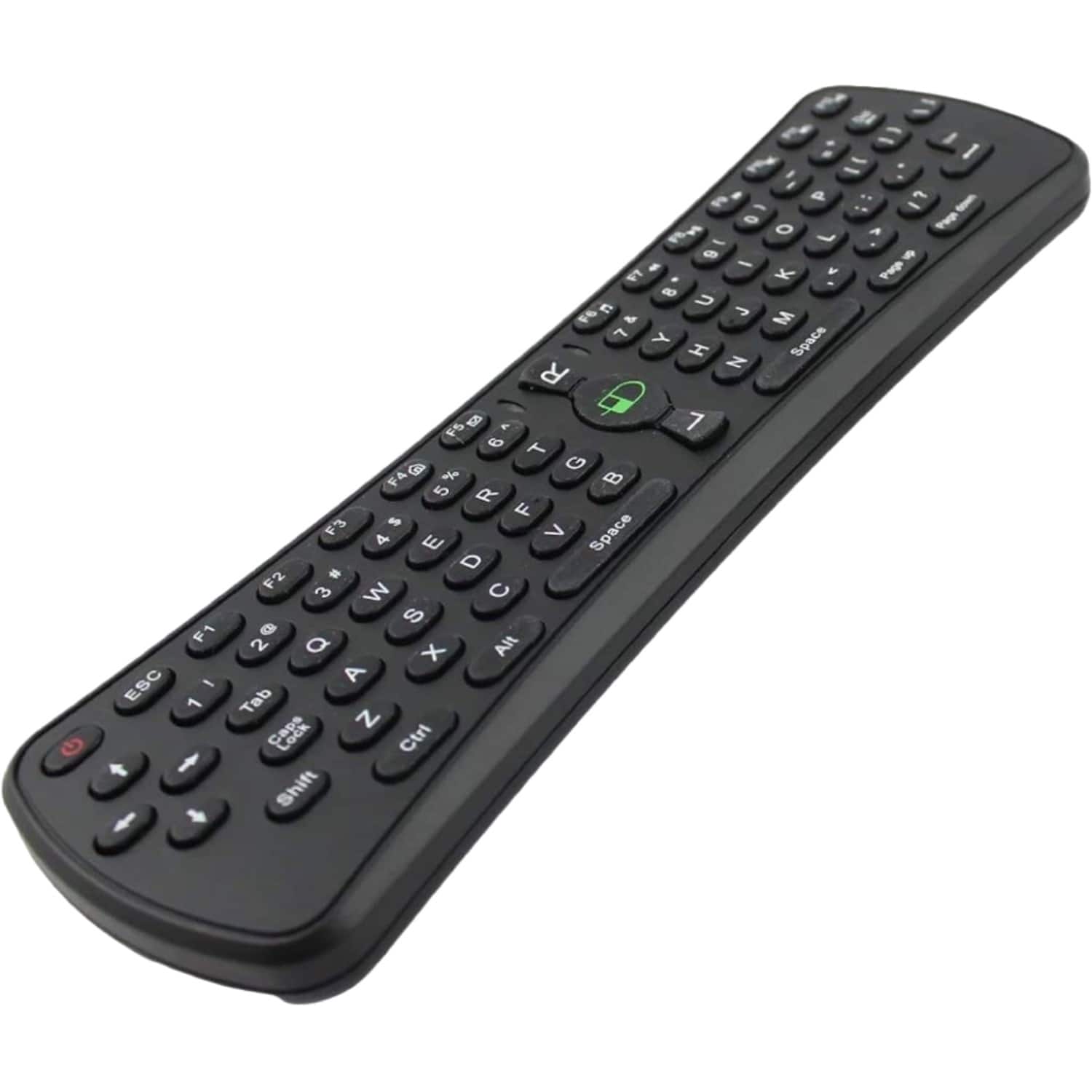
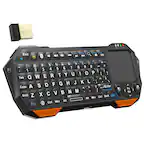
Sanoxy - 2.4GHz Wireless Air Mouse Keyboard with Gaming Support - Black
SKU: B8SKTH3RZLSee all Universal TV Remote ControlsProduct Description
A compact black wireless air mouse and keyboard combo with gaming support, compatible with multiple operating systems.Your price for this item is $19.99 -
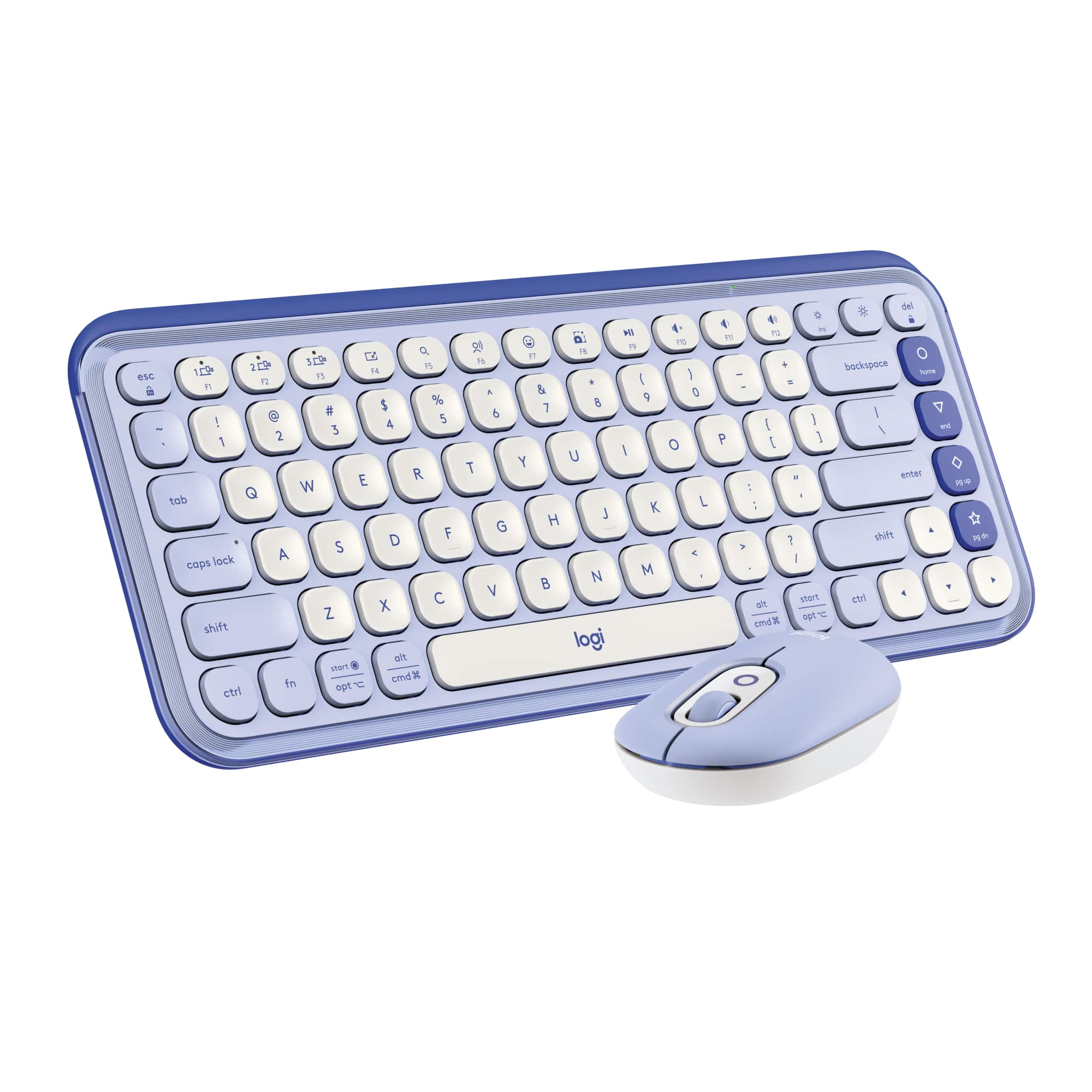
Logitech - POP ICON COMBO Compact TKL Wireless Bluetooth Keyboard and Mouse Bundle with Programmable Quiet Keys and Buttons - Lilac & Off-White
SKU: J7H7ZYGK5TLove love love. This keyboard is great. It was affordable and the quality was excellent...The best part about the keyboard and mouse is that they do not take up a usb slot because they both bluetooth...I...
See all Keyboard & Mouse CombosProduct Description
A compact lilac and off-white wireless keyboard and mouse set with quiet, programmable keys and Bluetooth connectivity.Your price for this item is $59.99Save $10The previous price was $69.99
Best Sellers




Related Pages




FAQ
A TV mouse is a wireless or wired pointing device designed to make navigating your smart TV interface easier. It works similarly to a computer mouse, allowing you to move a cursor on the TV screen and select apps, settings, or content with ease.
Most TV mice are compatible with a wide range of smart TV brands that support USB or Bluetooth peripherals. Always check your TV’s user manual or specifications to ensure compatibility with external pointing devices.
A TV mouse offers more precise control and faster navigation, especially when browsing the web, typing searches, or using apps on your smart TV. It can make tasks like entering passwords or searching for shows much more convenient.
Wireless TV mice typically require batteries or have a rechargeable battery built in. Wired TV mice are powered through the USB connection and do not require separate batteries or charging.
Setting up a TV mouse is usually simple. For USB models, just plug the receiver into your TV’s USB port and start using it. For Bluetooth models, you may need to pair the mouse through your TV’s settings menu, following the on-screen instructions.