Mouse For Smart TV
-
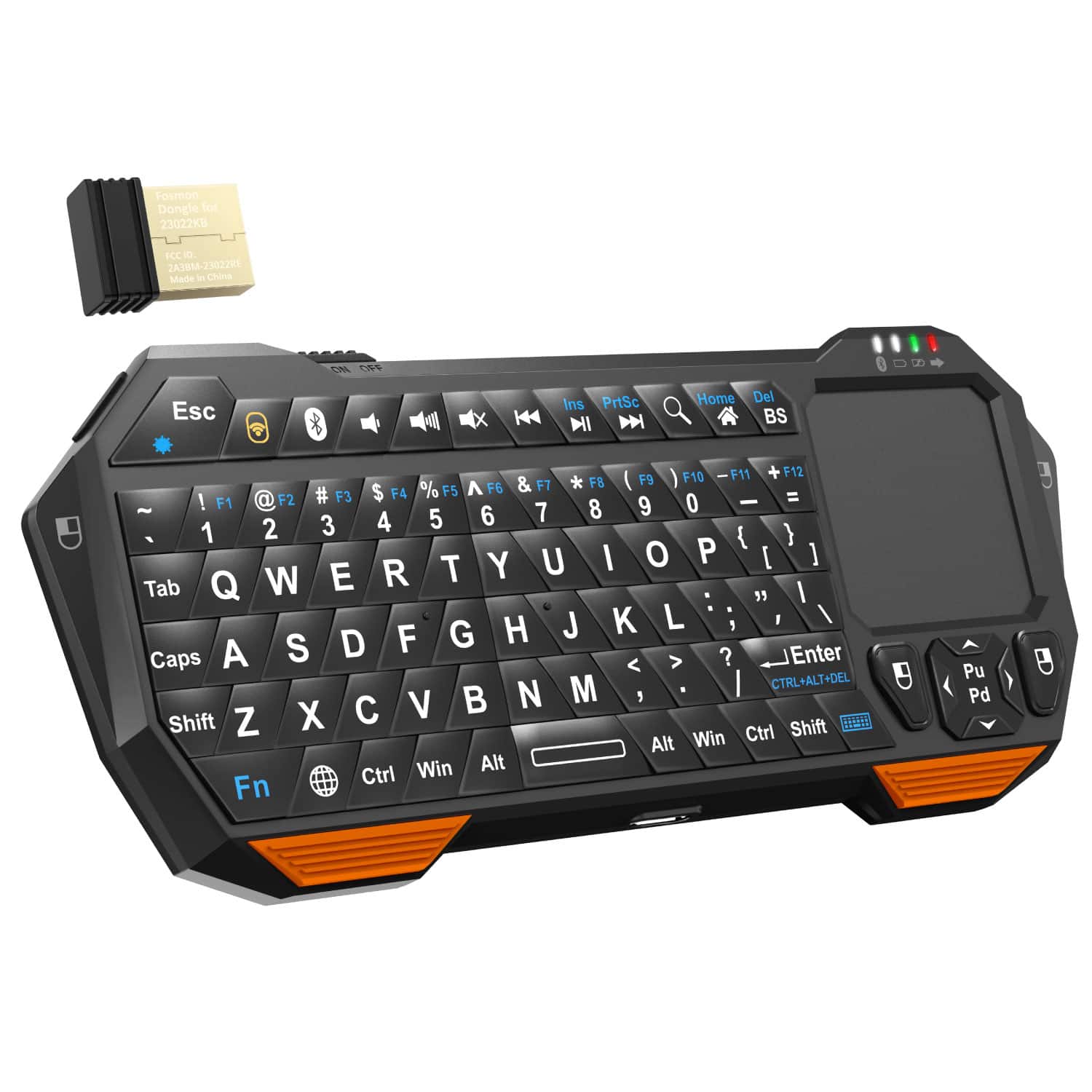
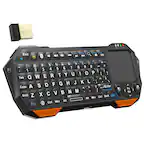
Fosmon - Mini Bluetooth Keyboard, Wireless Portable with Touchpad, Rechargeable QWERTY Keypad - Black
SKU: J3KCTSVWYCConnects easily and love how easy it is to operate....High quality performance which I love. I would definitely recommend...Got it yesterday,great quality and comfortable to use.
See all Tablet KeyboardsProduct Description
A compact black plastic wireless QWERTY keyboard with touchpad, Bluetooth 3.0, and convenient backlit keys.Your price for this item is $29.99Save $0The previous price was $30.49 -
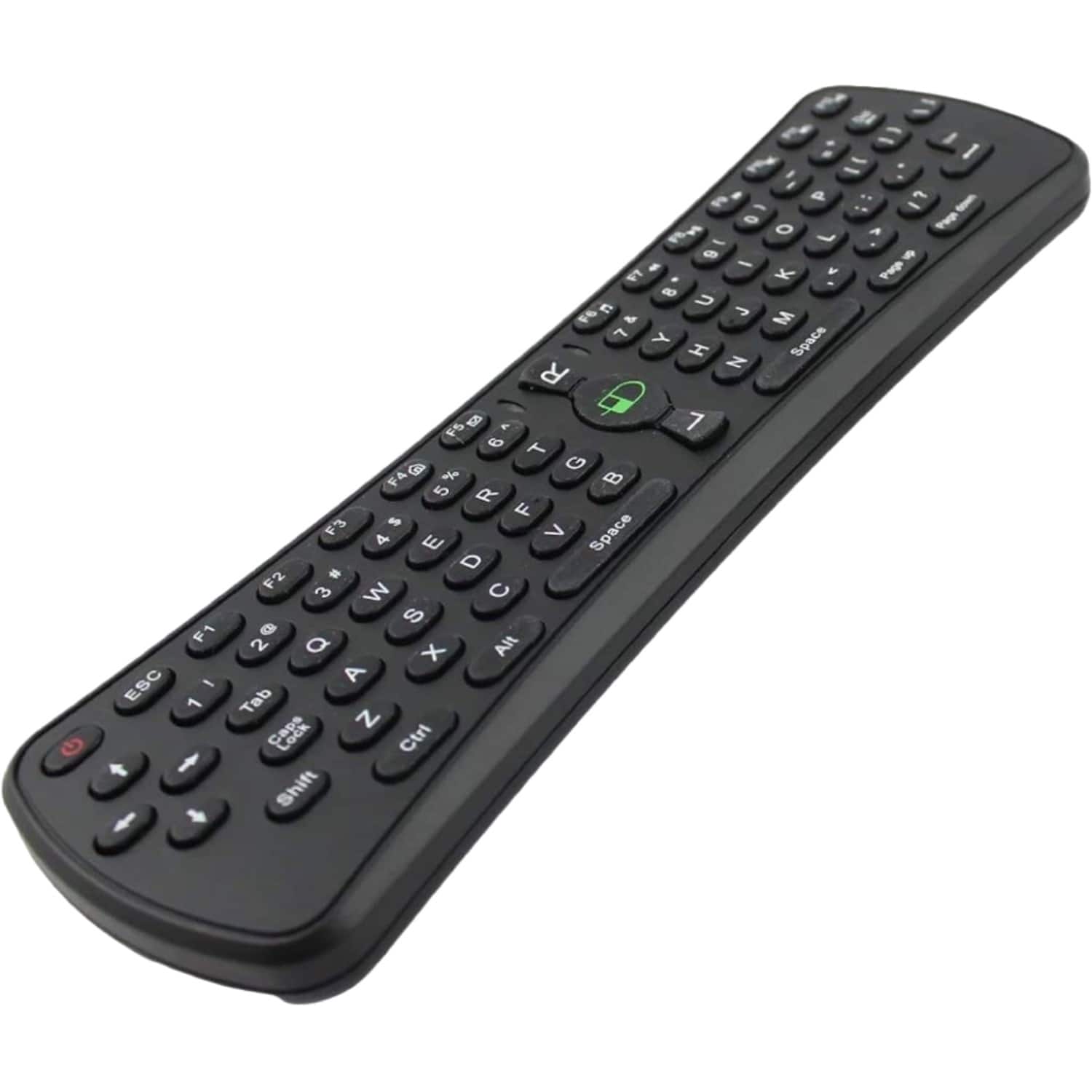
Sanoxy - 2.4GHz Wireless Air Mouse Keyboard with Gaming Support - Black
SKU: B8SKTH3RZLSee all Universal TV Remote ControlsProduct Description
A compact black wireless air mouse and keyboard combo with gaming support, compatible with multiple operating systems.Your price for this item is $19.99 -
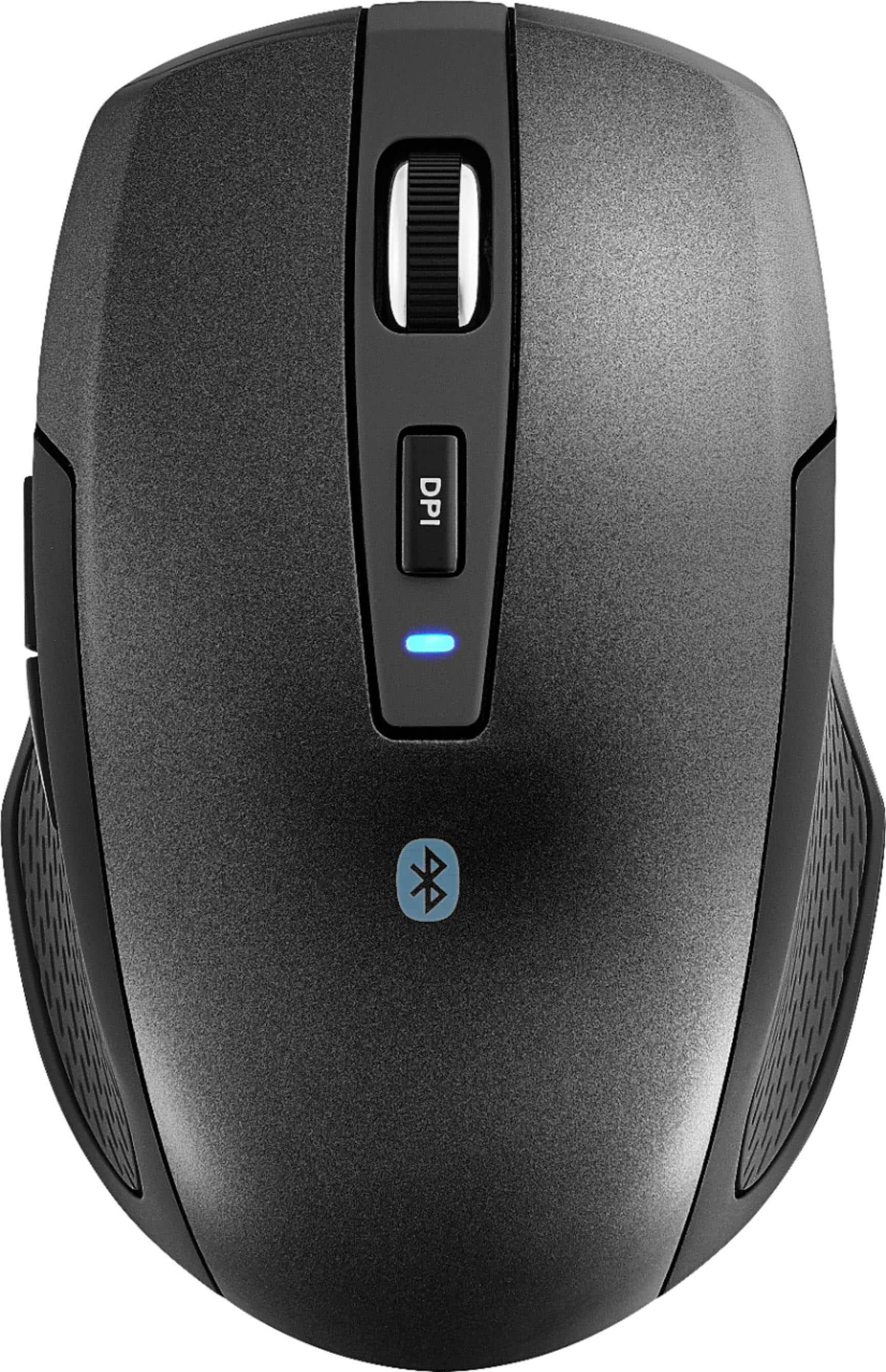
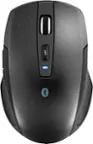
Best Buy essentials™ - Lightweight Bluetooth Optical Standard Ambidextrous Mouse with 6-Button - Wireless - Black
SKU: J2FPJKSK2JLove it. Lightweight and very responsive....Love it. Lightweight and very responsive. Best purchase of the year....Love it...Love it,It connects to two devices.The best purchase I made
See all All Best Buy EssentialsProduct Description
A wireless black Bluetooth mouse with six buttons, ambidextrous design, and precise 1600 DPI optical tracking.Your price for this item is $16.99 -
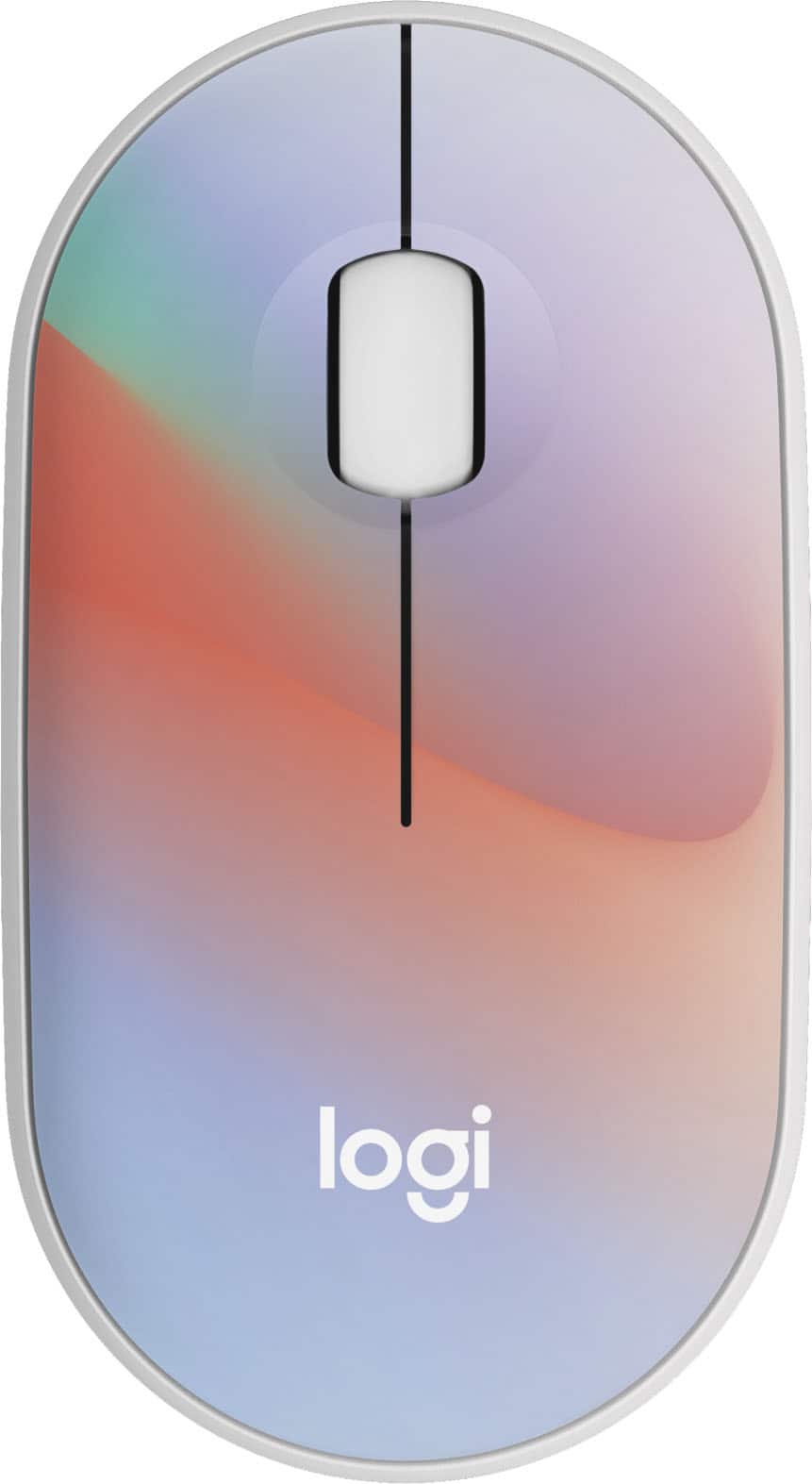
Logitech - M340 Limited Edition Wireless Optical Ambidextrous Mouse with Silent Clicks - Wireless - Sheer Dream
SKU: J7H7ZYG6G4I love it. It works great and easy to use
See all MiceProduct Description
A stylish, ambidextrous wireless mouse in Sheer Dream color with silent clicks and recycled plastic design.Your price for this item is $32.05 -
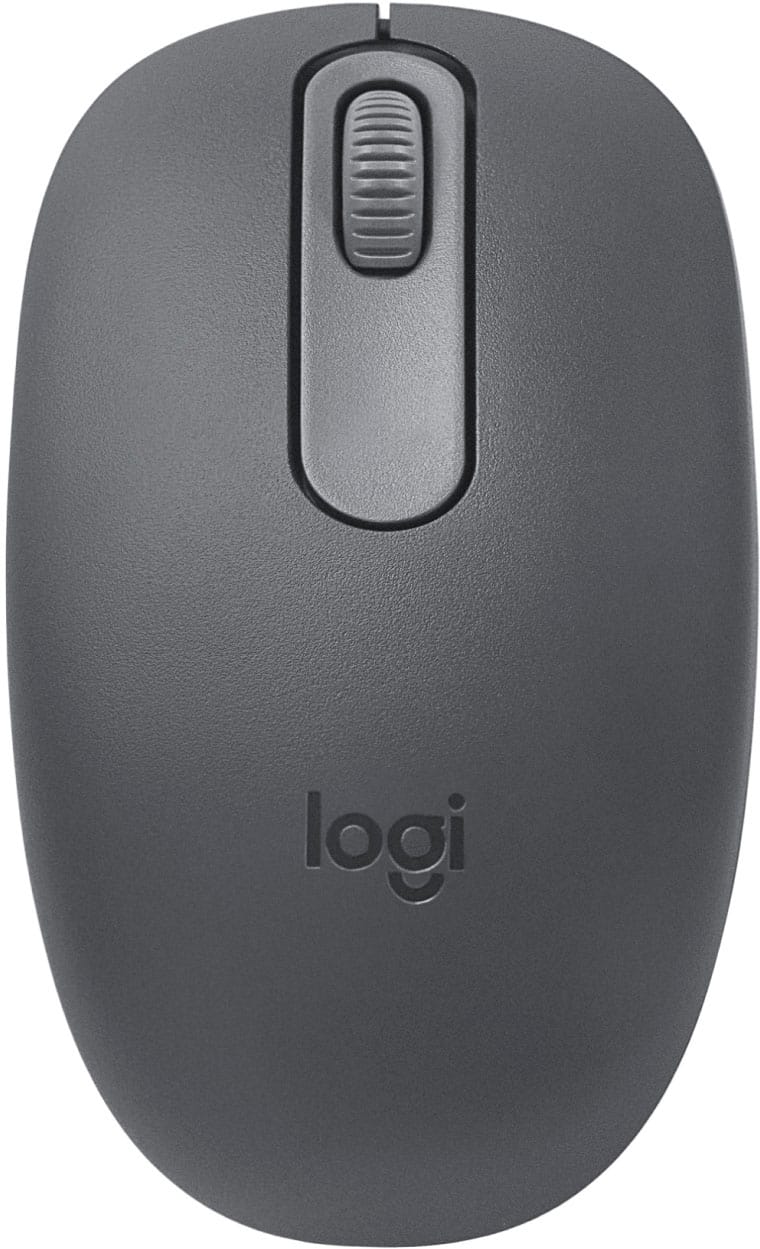
Logitech - M196 Lightweight Bluetooth Wireless Optical Mouse Compact 3-Button Ambidextrous Mouse with Smooth Tracking - Wireless - Graphite
SKU: J7H7ZYG47FI also love shopping with best buy for the great deals! this mouse is inexpensive but is amazing!...I needed a mouse that worked with Bluetooth, and this is the best one. Love it...Best mouse out there...
See all MiceProduct Description
A compact graphite wireless mouse featuring Bluetooth connectivity, ambidextrous design, and smooth optical tracking.Your price for this item is $12.99 -
Logitech - ERGO M575 S Wireless Ergonomic Trackball Mouse - Wireless - White
SKU: J7H7ZY8FZJThe Best Mouse...I used to love trackballs back when they were larger and the ball was controlled by multiple fingers....I got a great high quality mouse now and am happy with that.
See all MiceProduct Description
An ergonomic white wireless trackball mouse offering thumb control, Bluetooth connectivity, and reduced forearm strain.Your price for this item is $40.99Save $9The previous price was $49.99 -
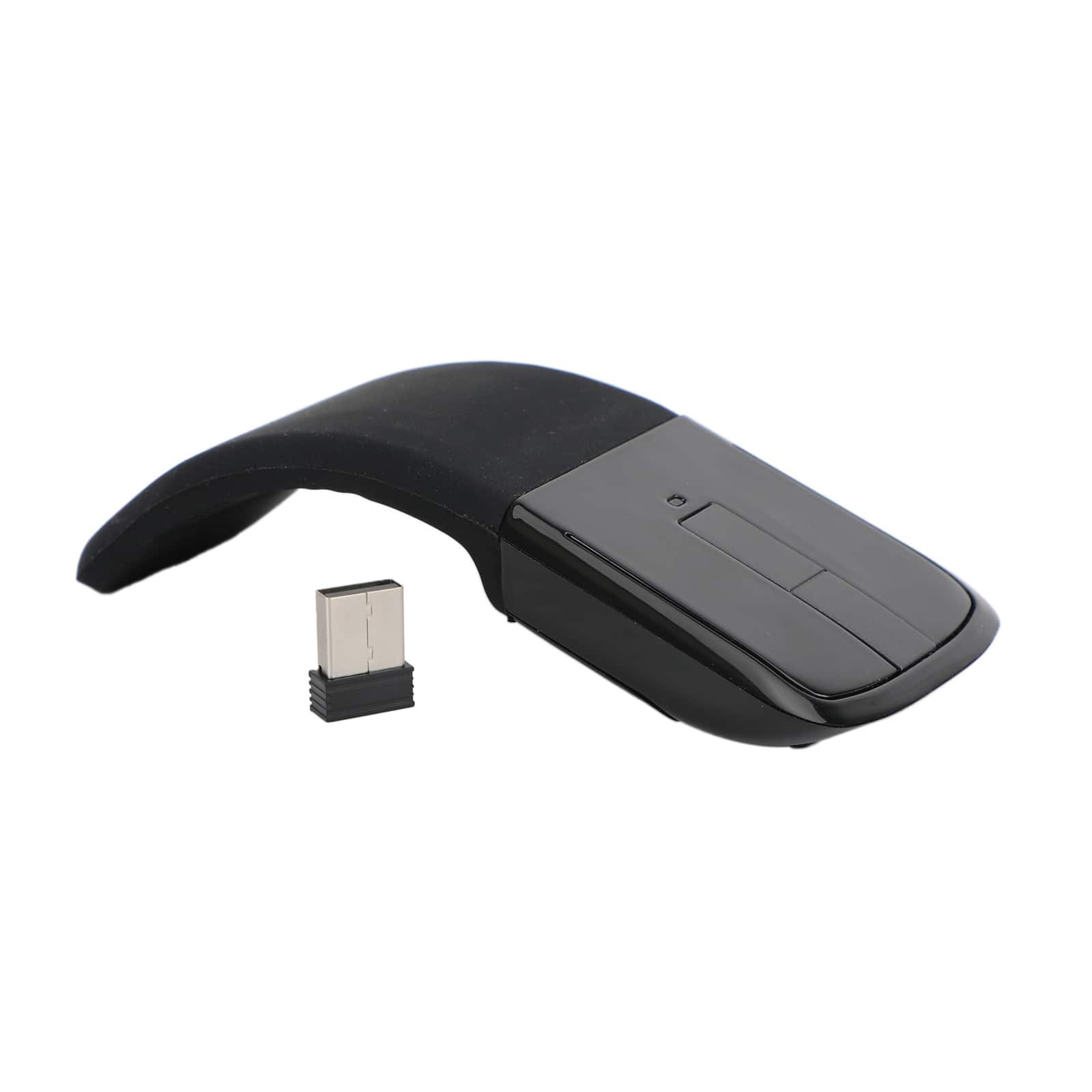
Topteng - Foldable Arc Touch Wireless Mouse - 2.4GHz USB, Curves to Turn On/Off, Portable for Travel & Laptop - Wireless - Black
SKU: J3R9F7YSK3Works great Good value for the money Better than my old one
See all Wireless & Bluetooth MiceProduct Description
A sleek black wireless mouse with a foldable arc design, touch-scroll surface, and USB nano receiver.Your price for this item is $18.99 -
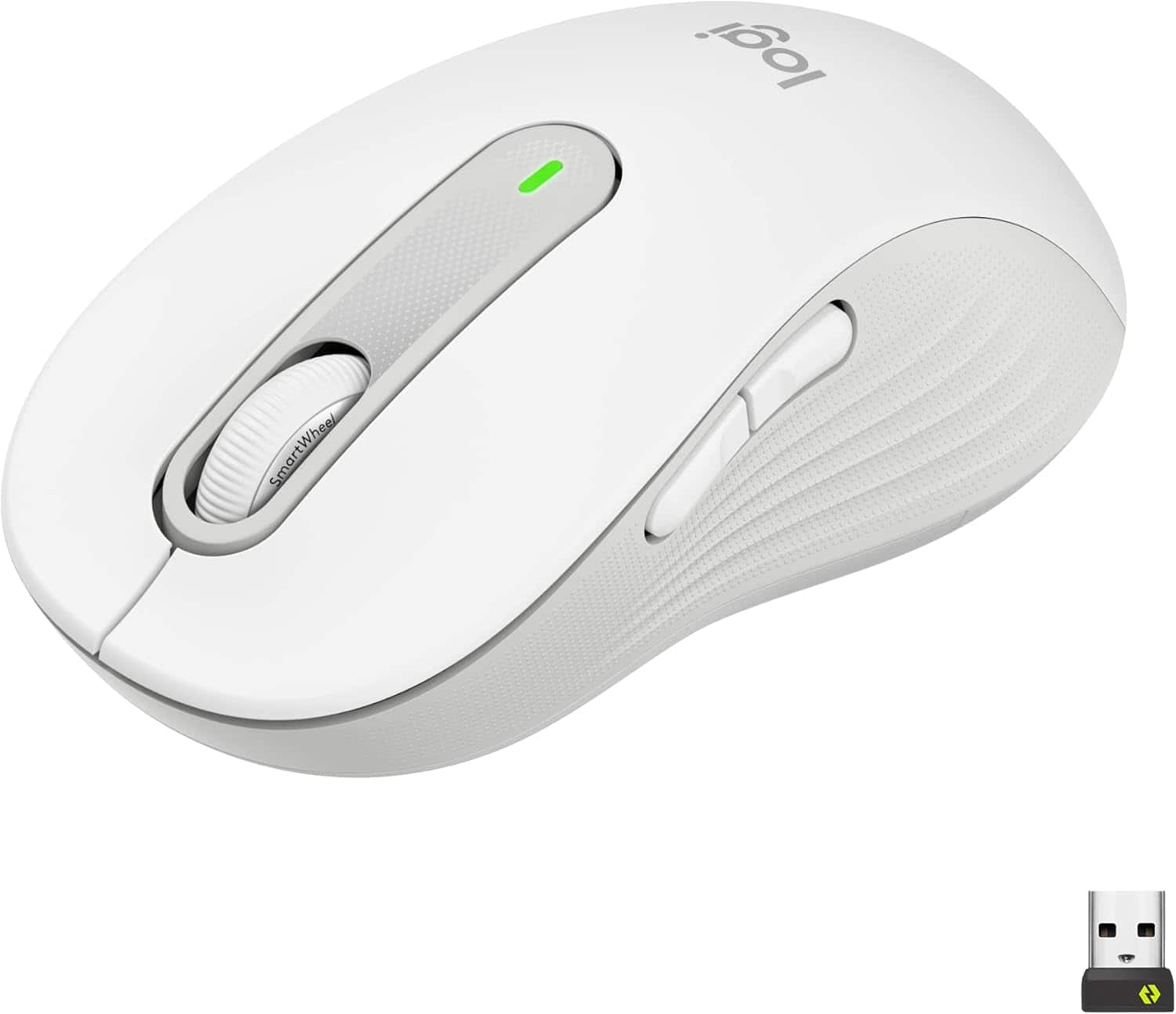
Logitech - Signature M650L Wireless Mouse - Wireless - White
SKU: J7H7ZY3WX8See all Wireless & Bluetooth MiceProduct Description
A wireless right-handed mouse in raw white featuring Bluetooth connectivity, 2000 dpi optical sensor, and five programmable buttons.Your price for this item is $53.99Save $10The previous price was $64.57

Best Sellers




Related Pages



FAQ
Yes, most Smart TVs support wireless mice via USB receivers or Bluetooth. Simply plug the receiver into a USB port or pair the mouse via Bluetooth settings on your TV.
Generally, no additional software is needed. Most Smart TVs automatically recognize and support basic mouse functions once connected.
Basic functions like left and right click, as well as scrolling, are typically supported. Advanced features or programmable buttons may not be compatible, depending on your TV's operating system.
To connect a Bluetooth mouse, go to your TV’s Bluetooth settings, set the mouse to pairing mode, and select it from the list of available devices. Follow on-screen prompts to complete pairing.
Most built-in apps support mouse navigation, but some third-party apps may have limited mouse compatibility. Check your TV’s app store or app documentation for specific details.