Best Motherboards
-
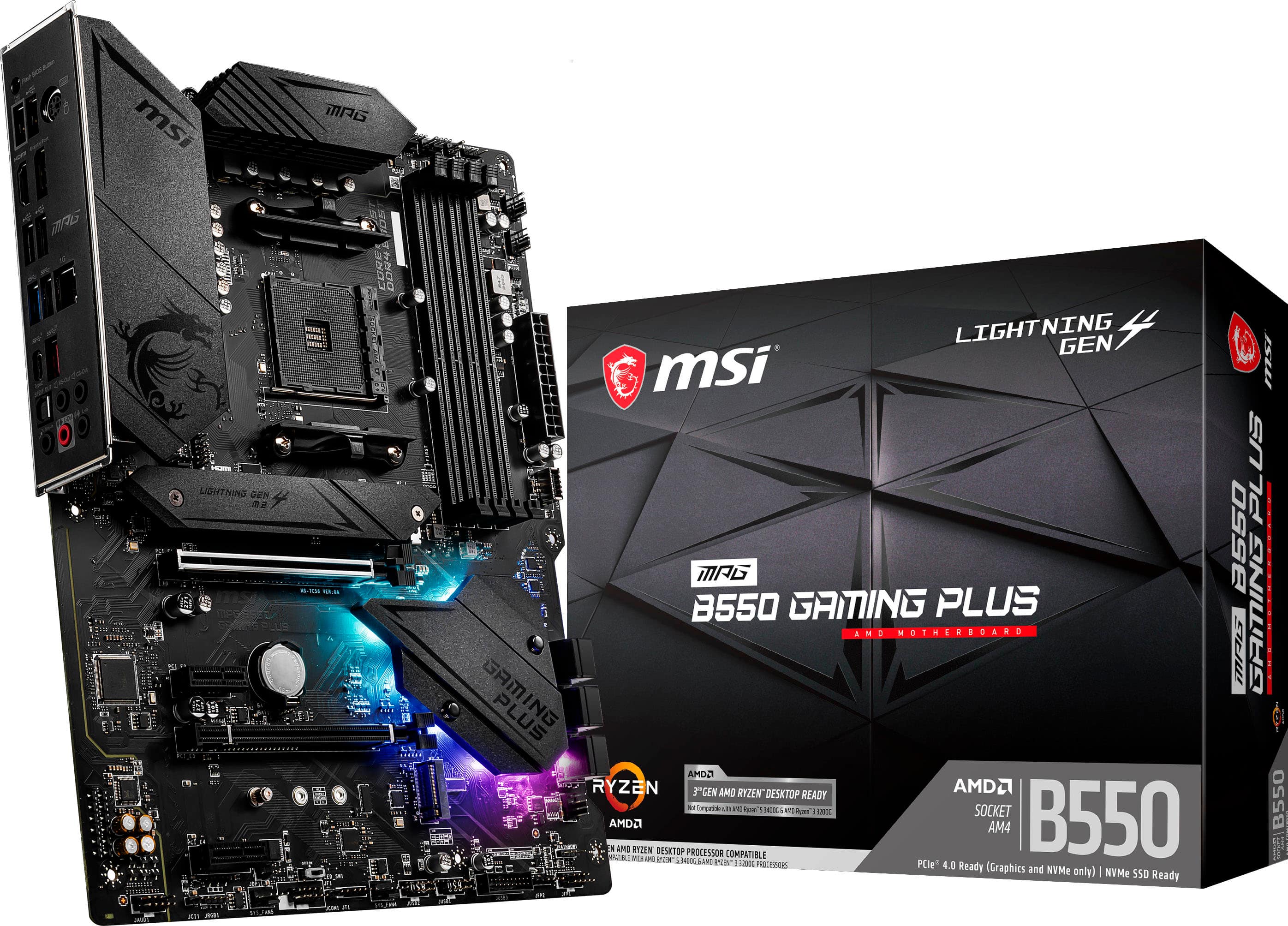
MSI - B550 GAMING PLUS (Socket AM4) AMD B550 ATX DDR4 Motherboard - Black
SKU: J3P7TXJVK7See all MotherboardsProduct Description
A black ATX motherboard with AMD B550 chipset, DDR4 support, and high-speed 2.5G LAN connectivity.Your price for this item is $139.99Save $56The previous price was $195.99 -
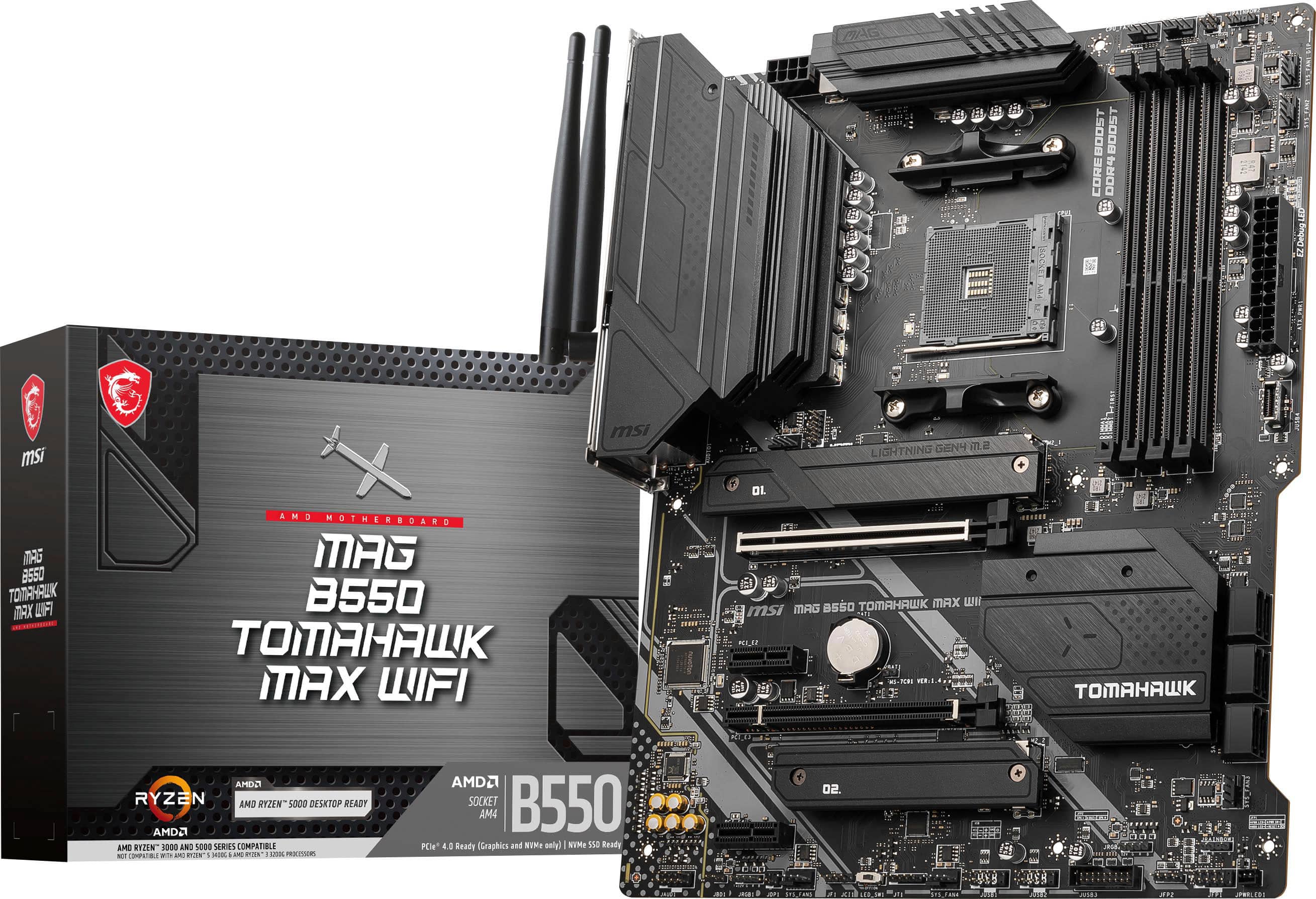
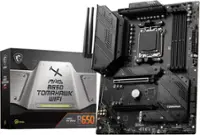
MSI - B550 TOMAHAWK MAX WIFI (Socket AM4) AMD B550 ATX DDR4 Wi-Fi 6E Motherboard - Black
SKU: J3P7TX8LTPSee all MotherboardsProduct Description
A black ATX motherboard with Wi-Fi 6E, Bluetooth, 2.5G LAN, and support for AMD Socket AM4.Your price for this item is $159.99 -
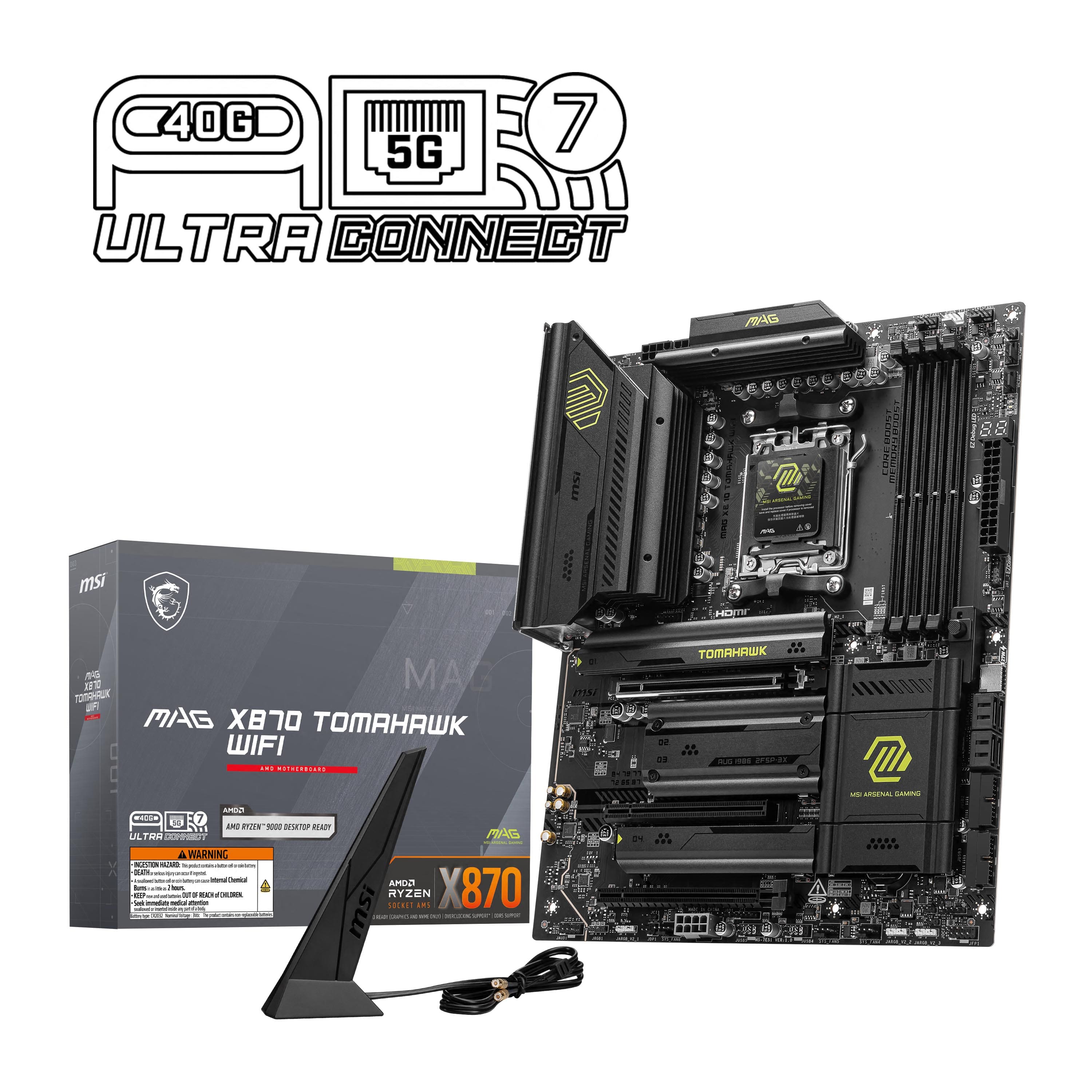
MSI - MAG X870 TOMAHAWK WIFI (Socket AM5) AMD X870 ATX DDR5 Wi-Fi 7 Motherboard - Black
SKU: J3P7TX9LKVSee all MotherboardsProduct Description
A black ATX motherboard supporting AMD Ryzen processors, DDR5 memory, Wi-Fi 7, Bluetooth, and M.2 slots.Your price for this item is $259.99 -
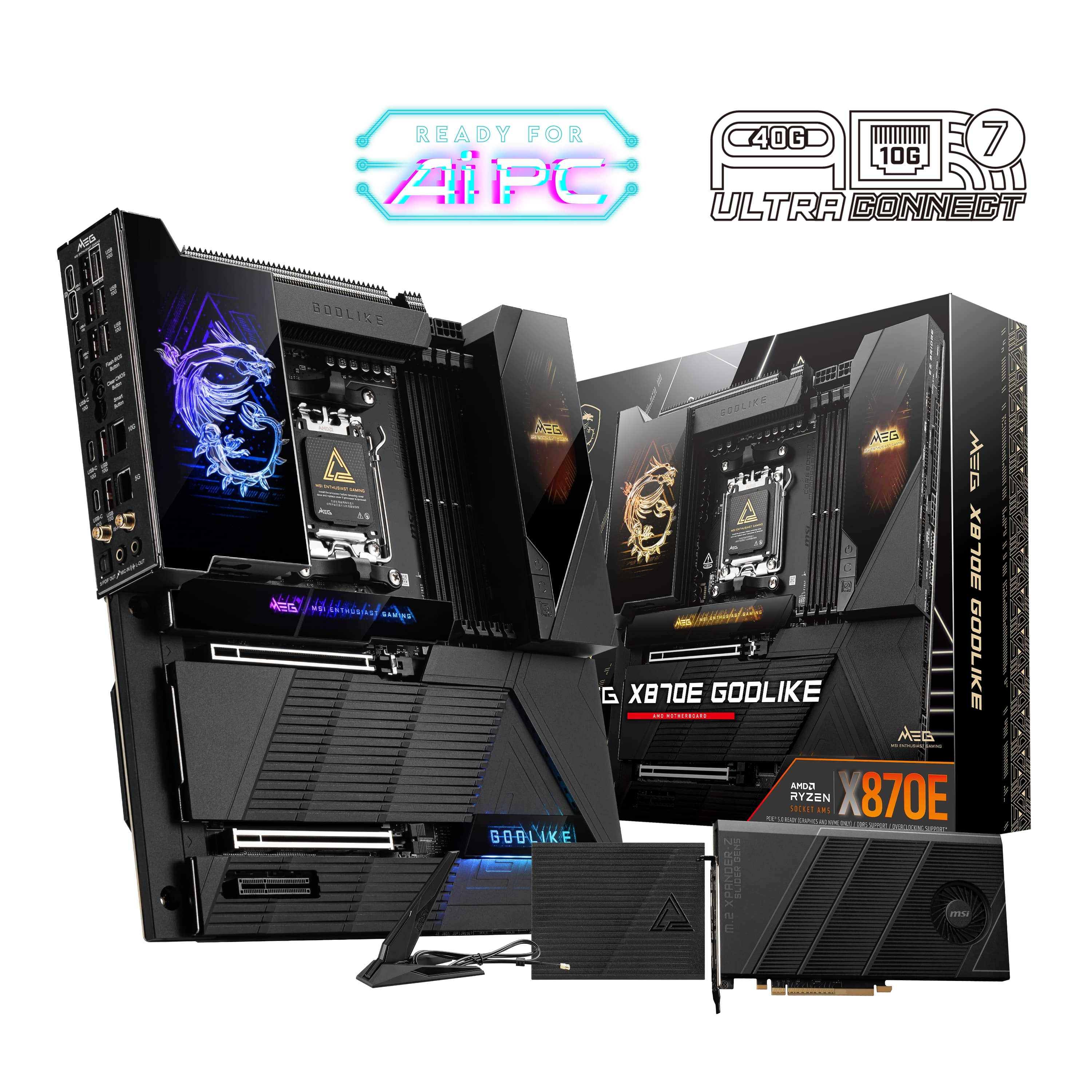
MSI - MEG X870E GODLIKE (Socket AM5) AMD X870E EATX DDR5 Wi-Fi 7 Motherboard - Black
SKU: J3P7TX94V5See all MotherboardsProduct Description
A black EATX motherboard featuring DDR5 support, Wi-Fi 7, Bluetooth, and compatibility with AMD Ryzen processors.Your price for this item is $999.99Save $100The previous price was $1,099.99 -
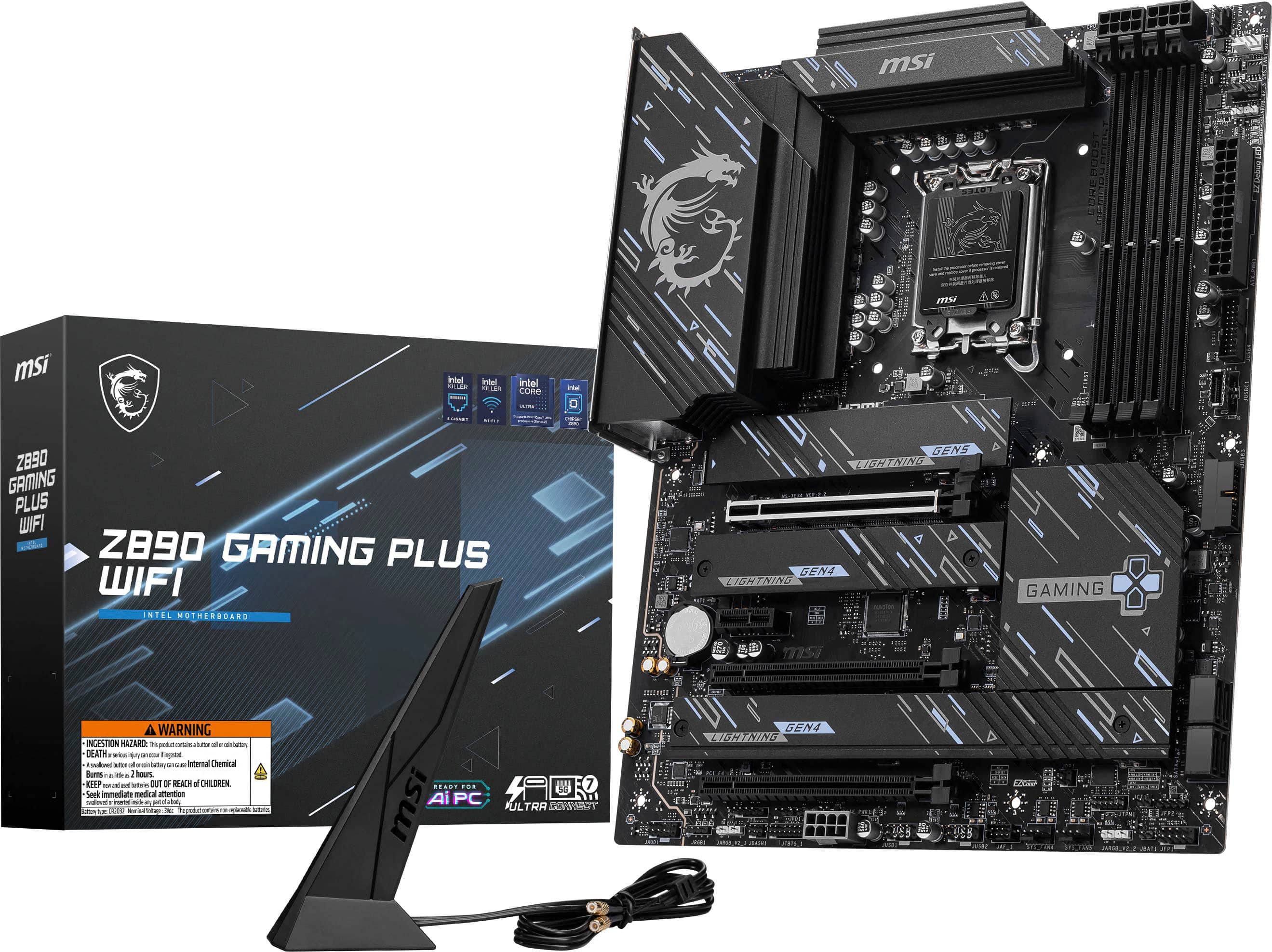
MSI - Z890 GAMING PLUS WIFI (Socket LGA 1851) Intel Z890 ATX DDR5 Wi-Fi 7 Motherboard - Black
SKU: J3P7TX9PLQSee all MotherboardsProduct Description
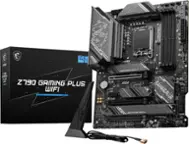
A black ATX motherboard featuring DDR5 support, Wi-Fi 7, Bluetooth, and compatibility with Intel LGA 1851.Your price for this item is $209.99 -
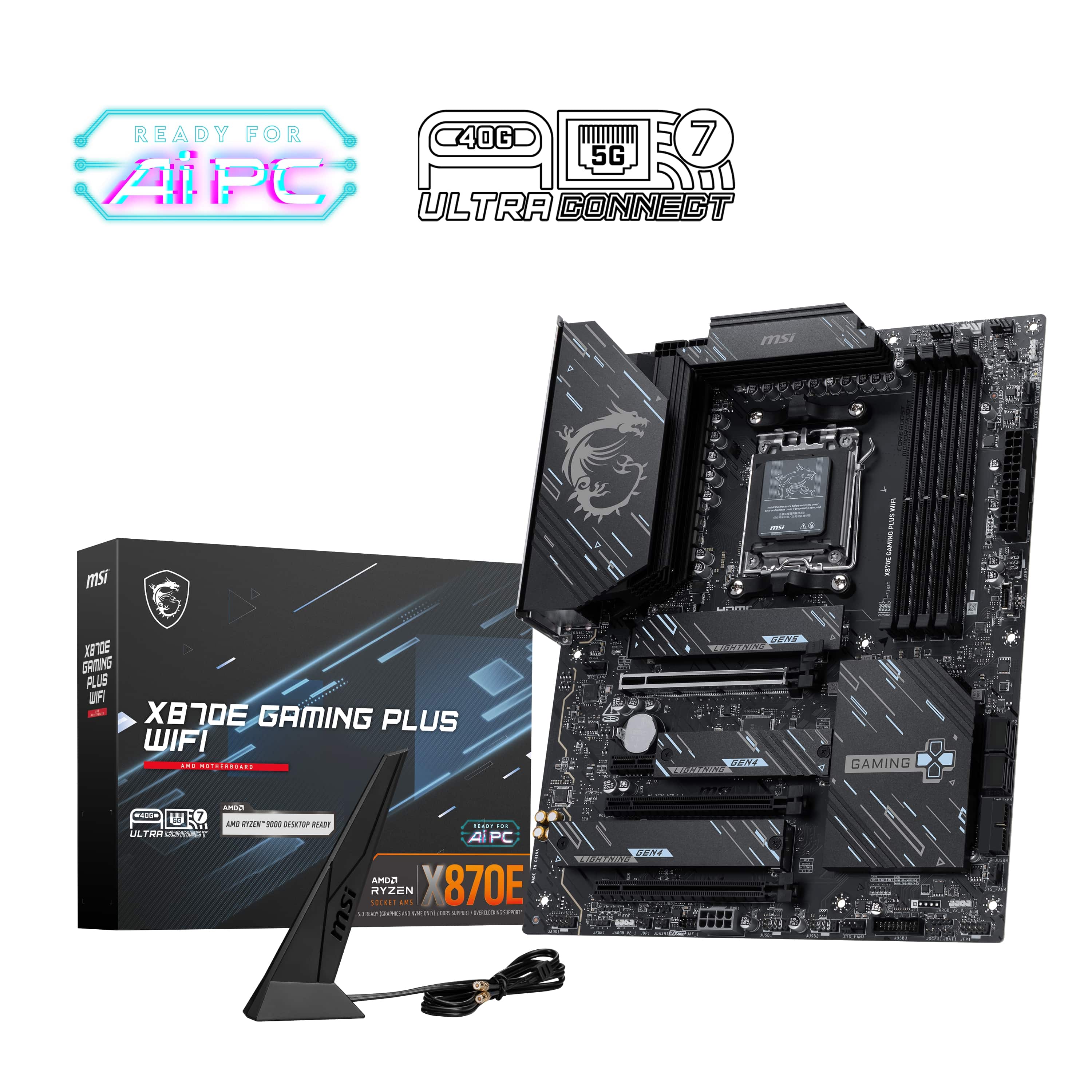
MSI - X870E GAMING PLUS WIFI (Socket AM5) AMD X870E ATX DDR5 Wi-Fi 7 Motherboard - Black
SKU: J3P7TXQ3WFSee all MotherboardsProduct Description
A black ATX motherboard featuring DDR5 support, Wi-Fi 7, Bluetooth, and Socket AM5 compatibility.Your price for this item is $239.99 -
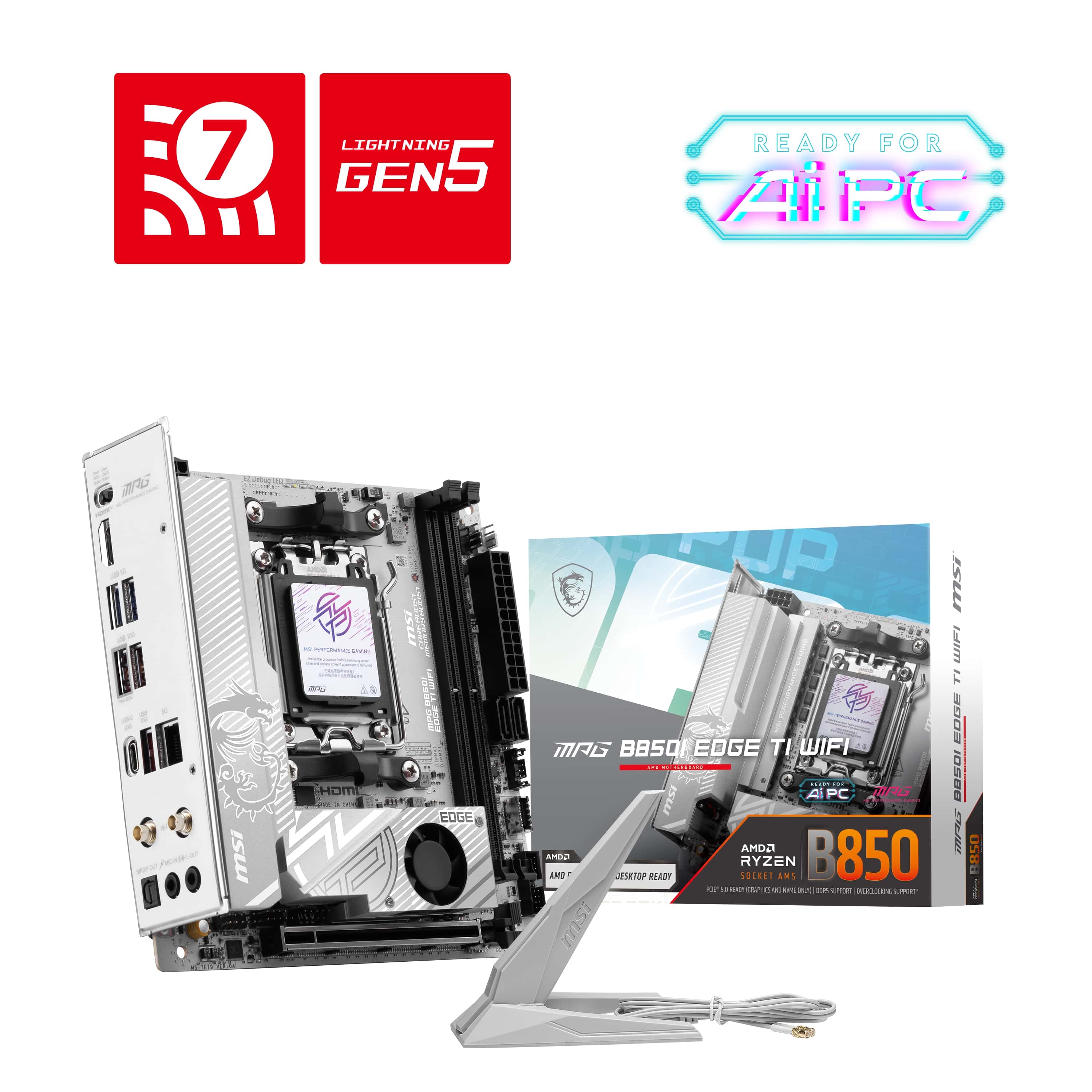
MSI - MPG B850I EDGE TI WIFI (Socket AM5) AMD B850 IATX DDR5 Wi-Fi 7 Motherboard - Gray White/Matt
SKU: J3P7TXQRTSSee all MotherboardsProduct Description
A gray and white mini-ITX motherboard featuring Wi-Fi 7, Bluetooth, DDR5 support, and AMD AM5 compatibility.Your price for this item is $262.99Save $27The previous price was $289.99 -
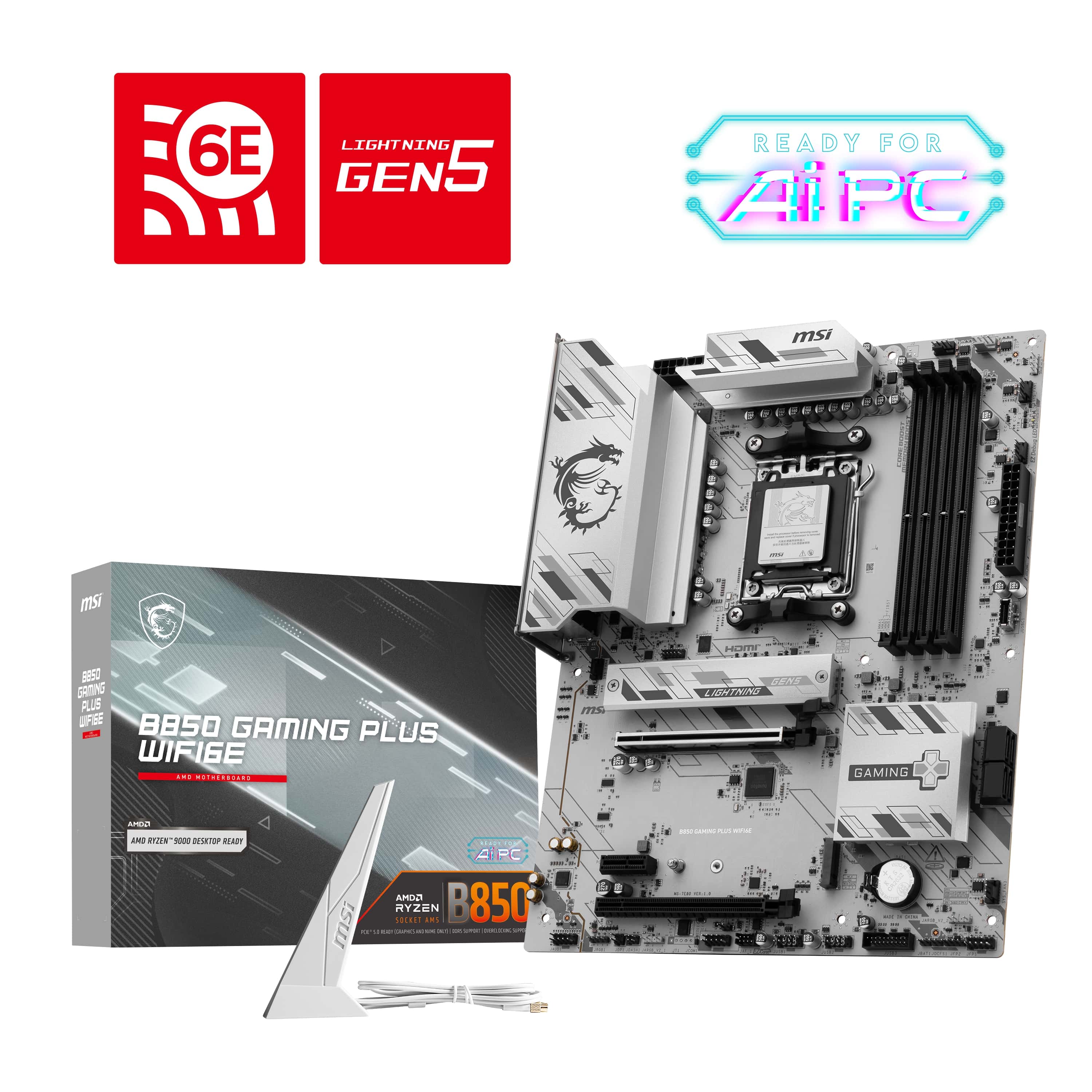
MSI - B850 GAMING PLUS WIFI6E (Socket AM5) AMD B850 ATX DDR5 Wi-Fi 6E Motherboard - Gray
SKU: J3P7TXQWTPSee all MotherboardsProduct Description
A gray ATX motherboard featuring DDR5 support, Wi-Fi 6E, Bluetooth, and AMD Socket AM5 compatibility.Your price for this item is $149.99Save $30The previous price was $179.99 -
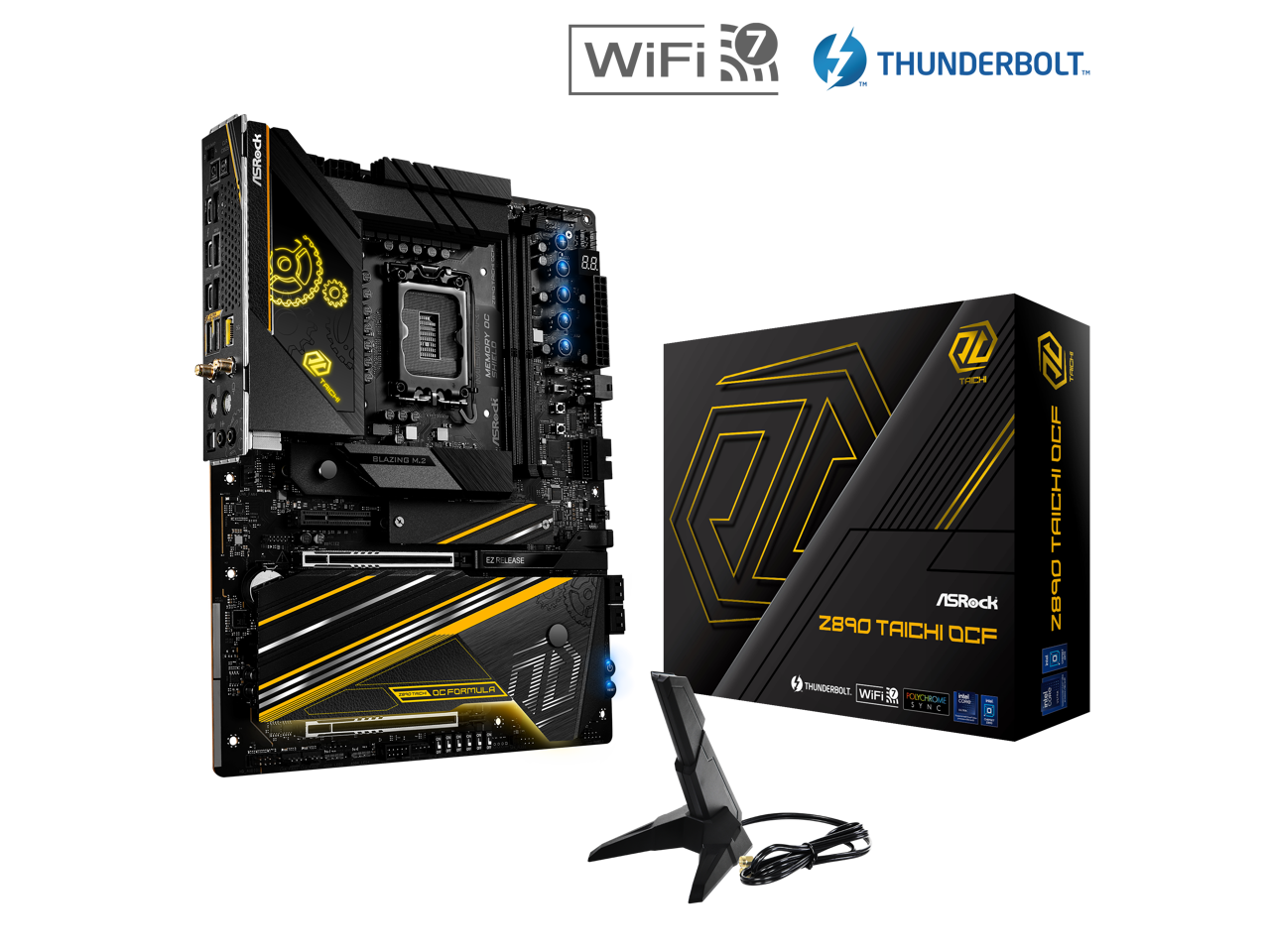
ASRock - Z890 Taichi OCF LGA 1851 Intel Z890 SATA 6Gb/s ATX Motherboard
SKU: C34K265K92See all MotherboardsProduct Description
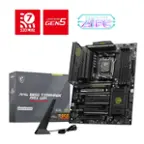
An ATX motherboard with Intel Z890 chipset, Wi-Fi 7 support, DDR5 compatibility, and four RAM slots.Your price for this item is $572.09 -
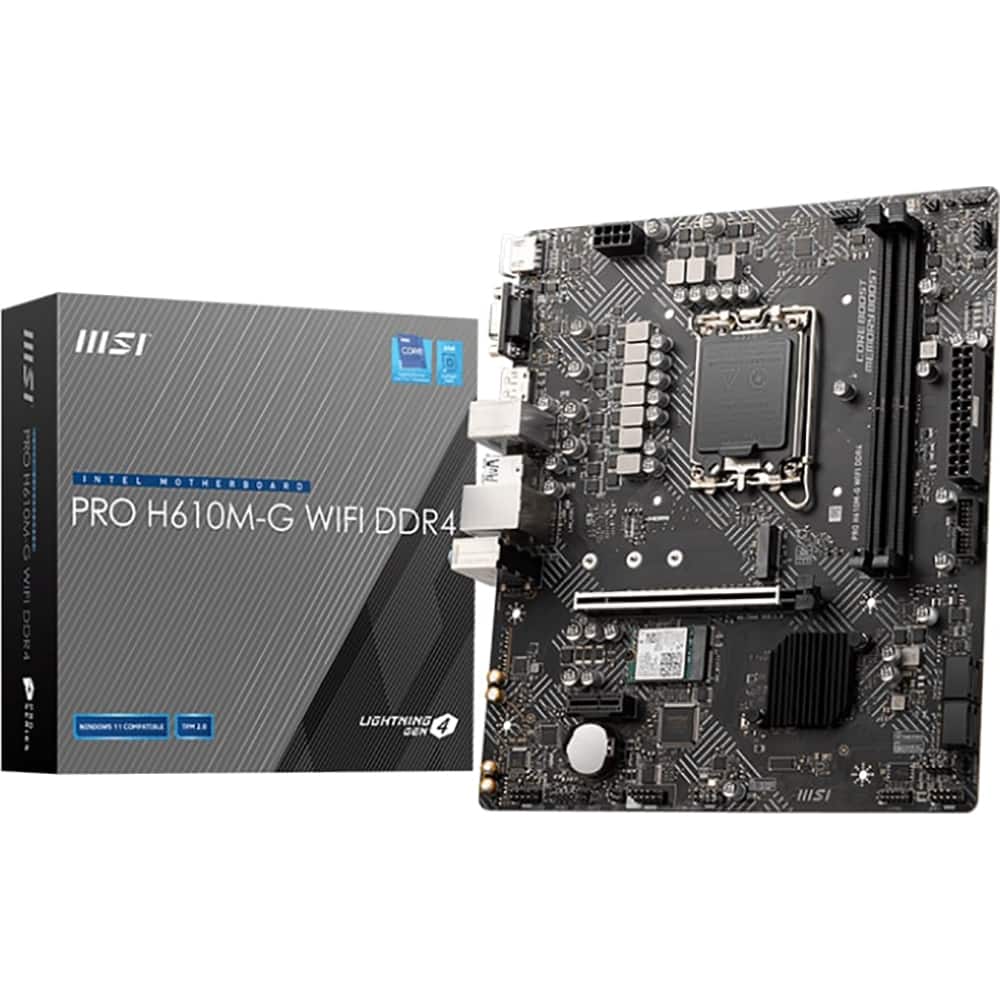
MSI - Intel H610 DDR4 64GB Motherboard PROH610MGD4WIFI
SKU: J3P7TXG268See all MotherboardsProduct Description
A Micro ATX motherboard with Wi-Fi 5, DDR4 support, LGA 1700 socket, and Intel H610 chipset.Your price for this item is $123.99Save $10The previous price was $133.99
Best Sellers


Related Pages

FAQ
When selecting a motherboard, consider the compatible processor socket, chipset, RAM support, number of expansion slots, connectivity options like USB and Wi-Fi, and support for storage devices such as SSDs and HDDs. Also, check for features like RGB lighting and overclocking capabilities if you plan to customize your build.
Yes, gaming motherboards typically offer enhanced power delivery, support for faster RAM, advanced cooling solutions, multiple PCIe slots for graphics cards, and features like built-in Wi-Fi and high-quality audio. Look for motherboards labeled as 'gaming' or those with chipsets designed for gaming performance.
Check the motherboard’s CPU socket type and supported chipsets to ensure compatibility with your processor. Each motherboard lists the CPUs it supports, so verify your CPU model against the manufacturer’s compatibility list before purchasing.
ATX, Micro-ATX, and Mini-ITX refer to motherboard form factors. ATX boards are standard size with more expansion slots, Micro-ATX are slightly smaller with fewer slots, and Mini-ITX are compact for small builds. Choose based on your case size and expansion needs.
BIOS or UEFI is the firmware that initializes your computer’s hardware before the operating system loads. Modern UEFI offers a user-friendly interface, faster boot times, and advanced features like secure boot and overclocking controls, making it important for system stability and performance.