Wi-Fi Mobile Mouse
-
Topteng - 2.4G Wireless Pen Mouse with OTG Adapter - Portable Trackball Design, Adjustable DPI, for Laptop/PC/Phone/Tablet - Wireless - Red
SKU: J3R9F7YSWFSee all Wireless & Bluetooth MiceProduct Description
A portable red wireless pen mouse with adjustable DPI, trackball design, and OTG adapter for versatile use.Your price for this item is $16.99 -
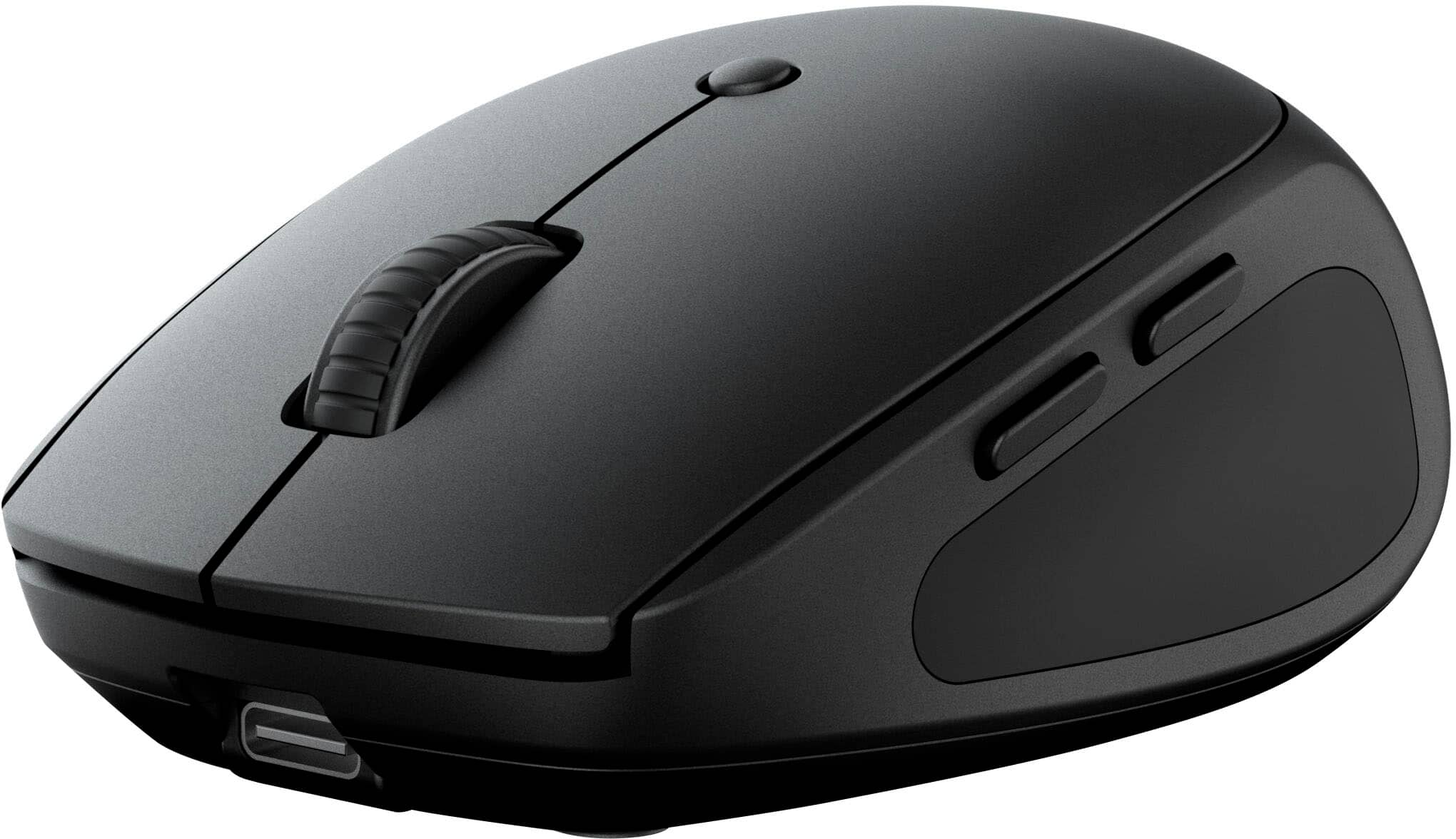
JLab - Go Charge Wireless Scroll Mouse - Wireless - Black
SKU: J3LXRQK22Rworks great with my sons laptop. its not the best of the best. we liked that you can recharge it so he...Hand down has been the BEST mouse i have used thus far. Feels great, and feels very durable....The...
See all MiceProduct Description
A compact black wireless mouse featuring Bluetooth connectivity, silent operation, and a comfortable, rechargeable design.Your price for this item is $17.99Save $2The previous price was $19.99 -
Adesso - iMouse S50 - 2.4GHz Wireless Mini Mouse - Travel Mouse - Optical - Wireless - 30 ft - Radio Frequency - 2.40 GHz - Wireless - Black
SKU: J32P8779QKSee all Wireless & Bluetooth MiceProduct Description
A compact black wireless mini mouse with 2.4GHz connectivity, 1200 dpi optical sensor, and ambidextrous design.Your price for this item is $11.49Save $3The previous price was $14.74 -
Sanoxy - 2.4GHz Wireless Car Shape Optical Mouse USB Receiver - Wireless - Black
SKU: B8SKTH3RWPSee all Wireless & Bluetooth MiceProduct Description
A wireless black optical mouse featuring a sporty car shape, ergonomic design, and convenient USB receiver.Your price for this item is $18.99



Best Sellers




Related Pages




FAQ
Wi-Fi mobile mice are typically compatible with a wide range of devices, including Windows and Mac computers, laptops, and some tablets that support external mouse connections via Wi-Fi. Always check the specific compatibility details in the product description.
Many Wi-Fi mobile mice offer plug-and-play functionality, meaning they work immediately when connected. However, some models may require you to install drivers or companion software to access advanced features or customization options.
Some Wi-Fi mobile mice support multi-device connectivity, allowing you to switch between different computers or tablets seamlessly. Look for models that feature easy-switch buttons or companion apps for managing multiple device connections.
To connect a Wi-Fi mobile mouse, typically you need to activate pairing mode on the mouse and connect to it through your device’s Wi-Fi settings. Detailed setup instructions are usually provided in the user manual or quick-start guide.
Many Wi-Fi mobile mice come with extra features such as customizable buttons, ergonomic designs, adjustable DPI settings, and long-lasting rechargeable batteries. Some models also offer gesture controls or silent clicking for enhanced productivity.